
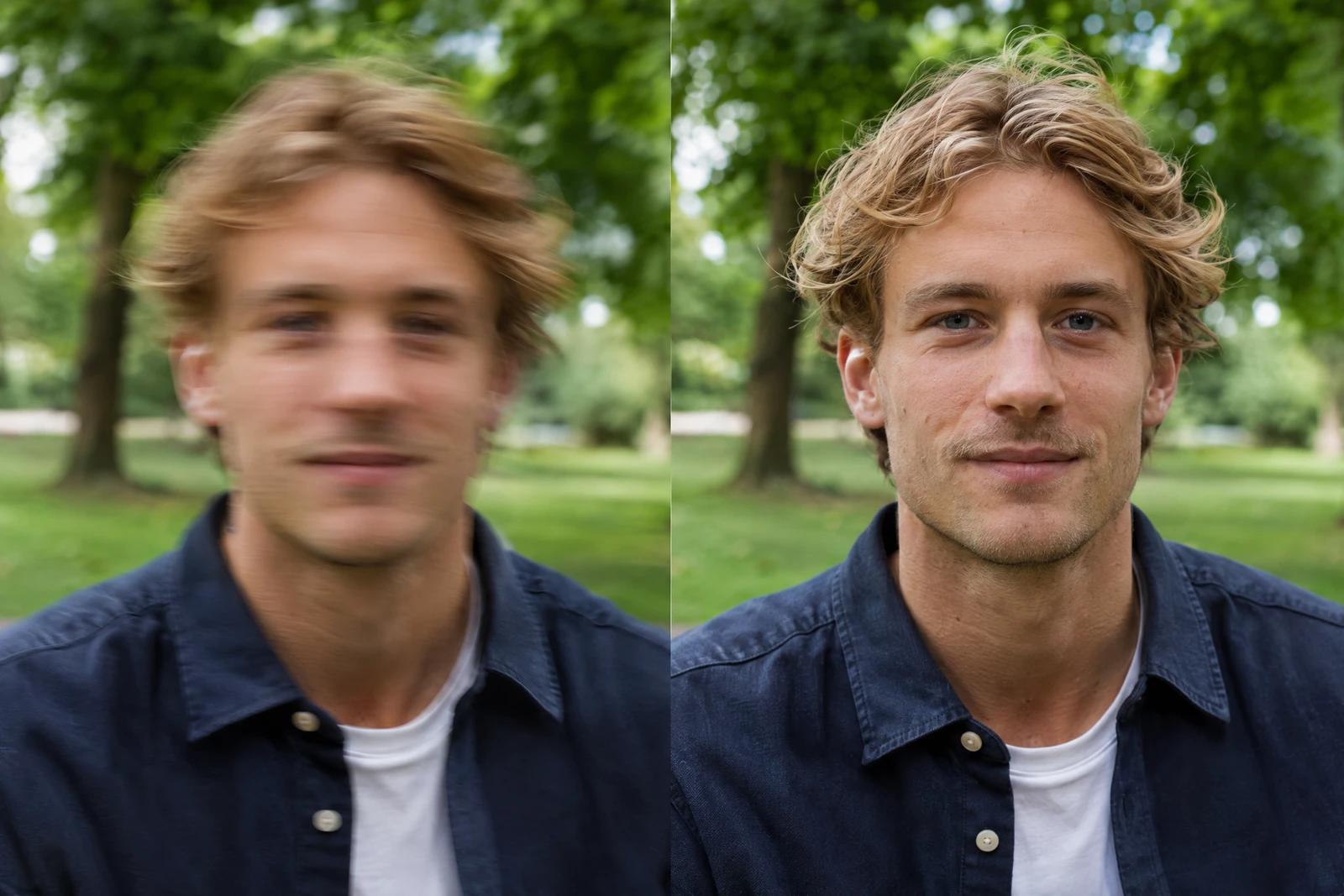
Start with a sharp photo
Choose an original photo with clear eyes, nose and mouth. Motion blur and tiny screenshots hide the details that keep your face recognizable.
Black Friday: Up to 66% off most AI models.
Explore the dealsSheru Bhai Photo Generator puts you in a realistic photo next to the white lion boss in a white suit, black aviators and a gold chain. Upload one clear photo of yourself and describe the scene, or leave the scene blank to add him to the photo you already have.
Examples
A sharp, evenly lit photo of one person with an uncovered face gives the template the most detail to keep you recognizable.
Choose an original photo with clear eyes, nose and mouth. Motion blur and tiny screenshots hide the details that keep your face recognizable.
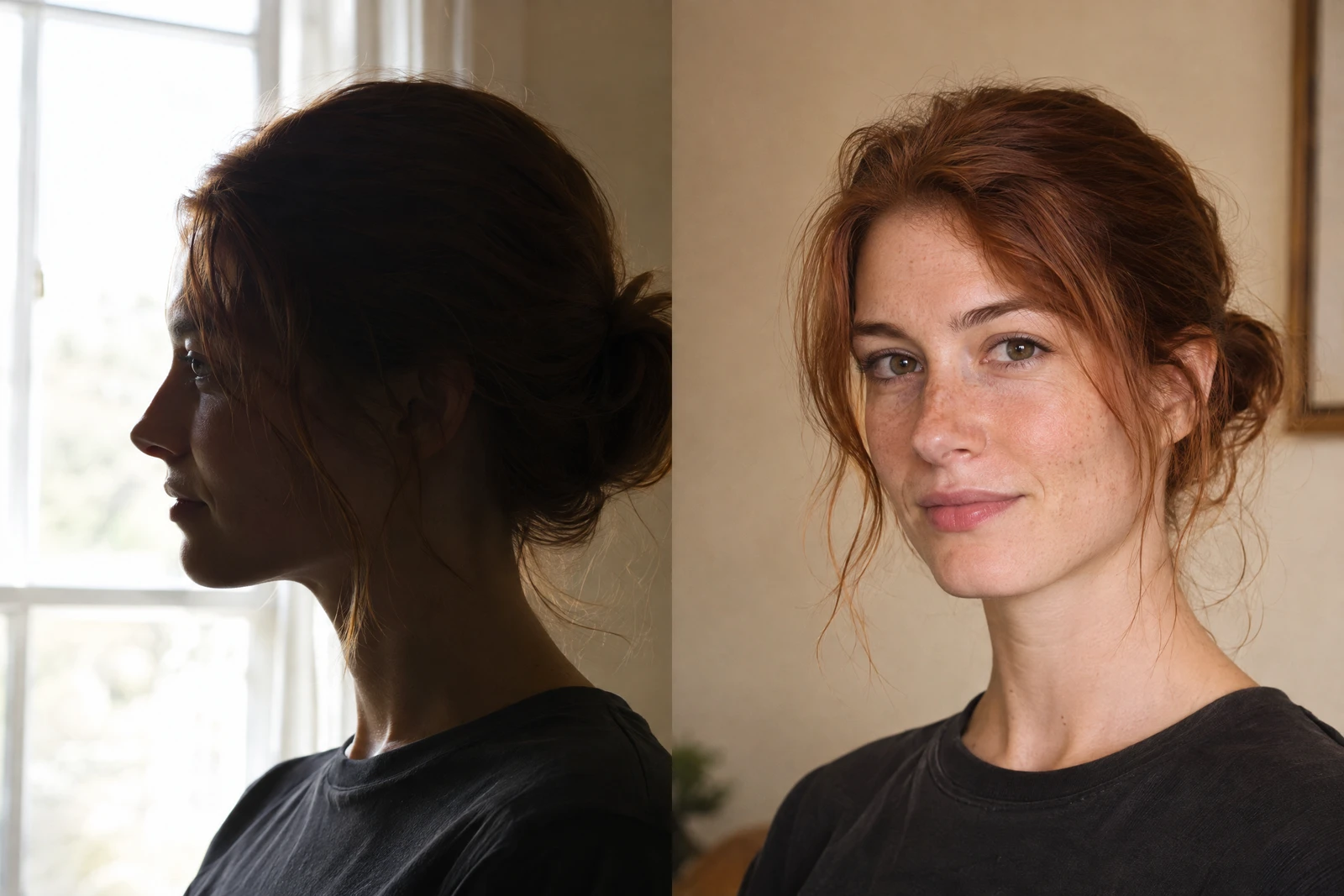
Pick a front-facing photo with soft, even light. Deep shadows, backlight and a side profile leave less of your face to carry over.
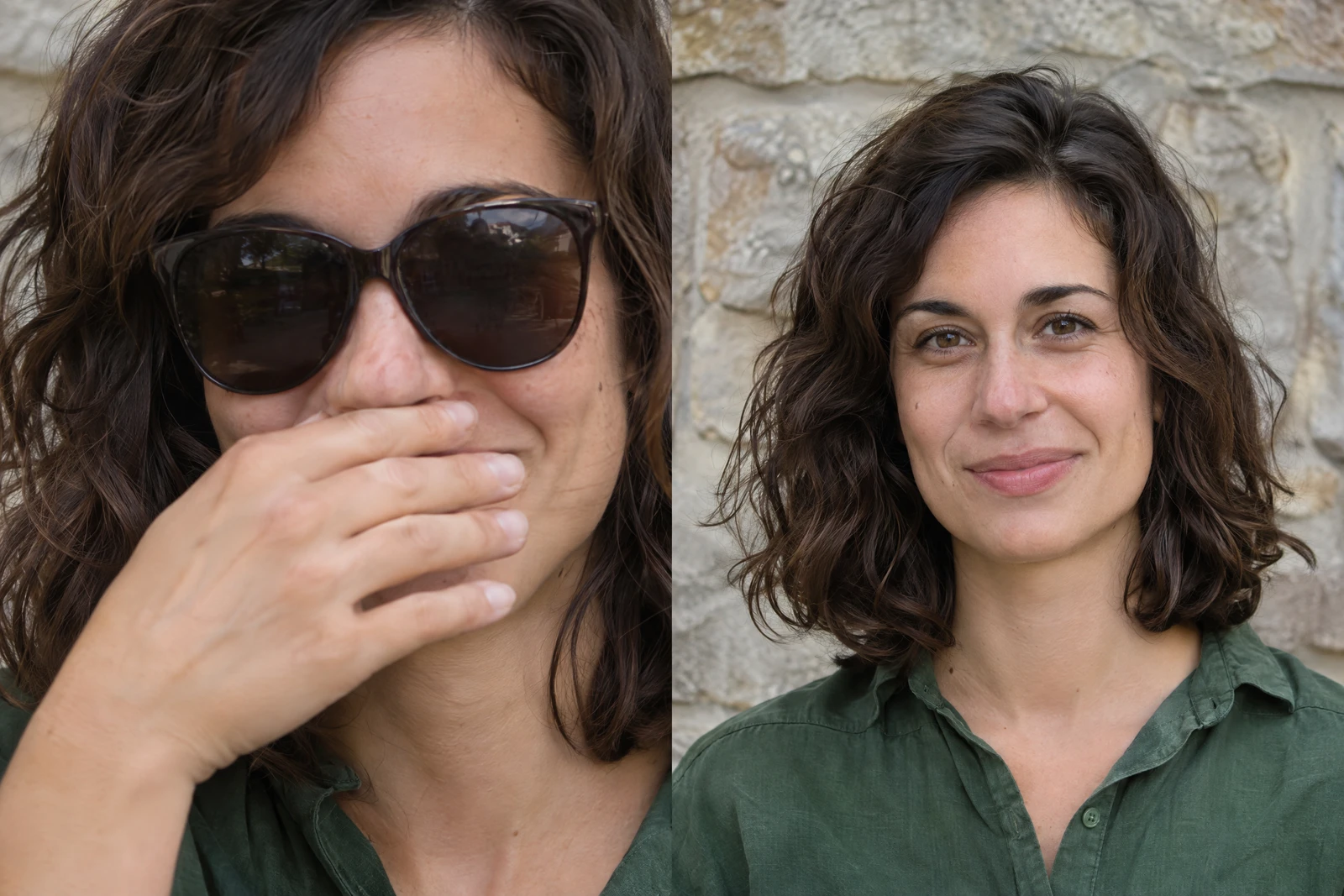
Take off sunglasses and keep hands and objects away from your face. The lion wears the sunglasses in the picture, and you stay easy to recognize.
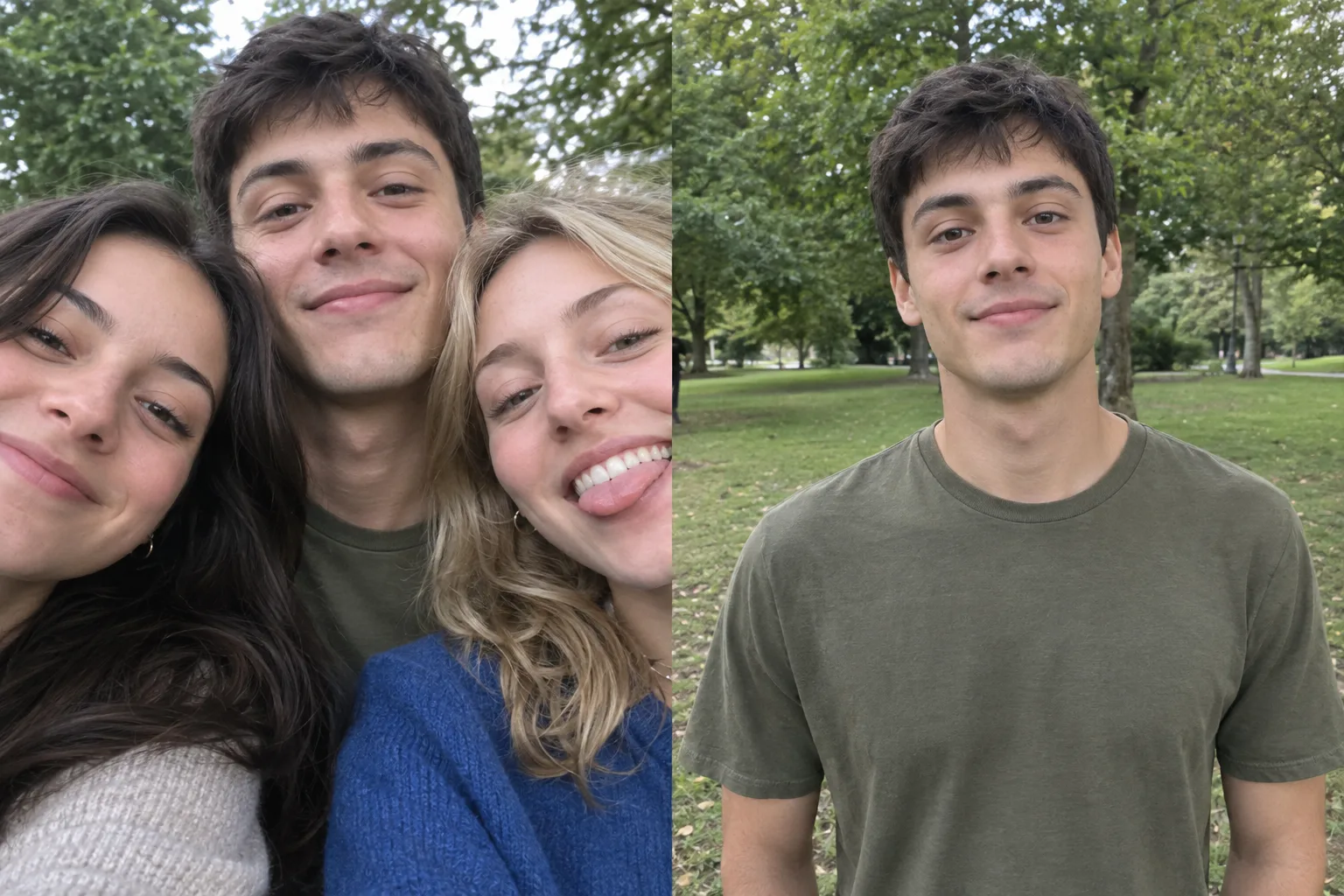
Upload a photo that shows one person. Crop a group shot down to yourself before uploading.
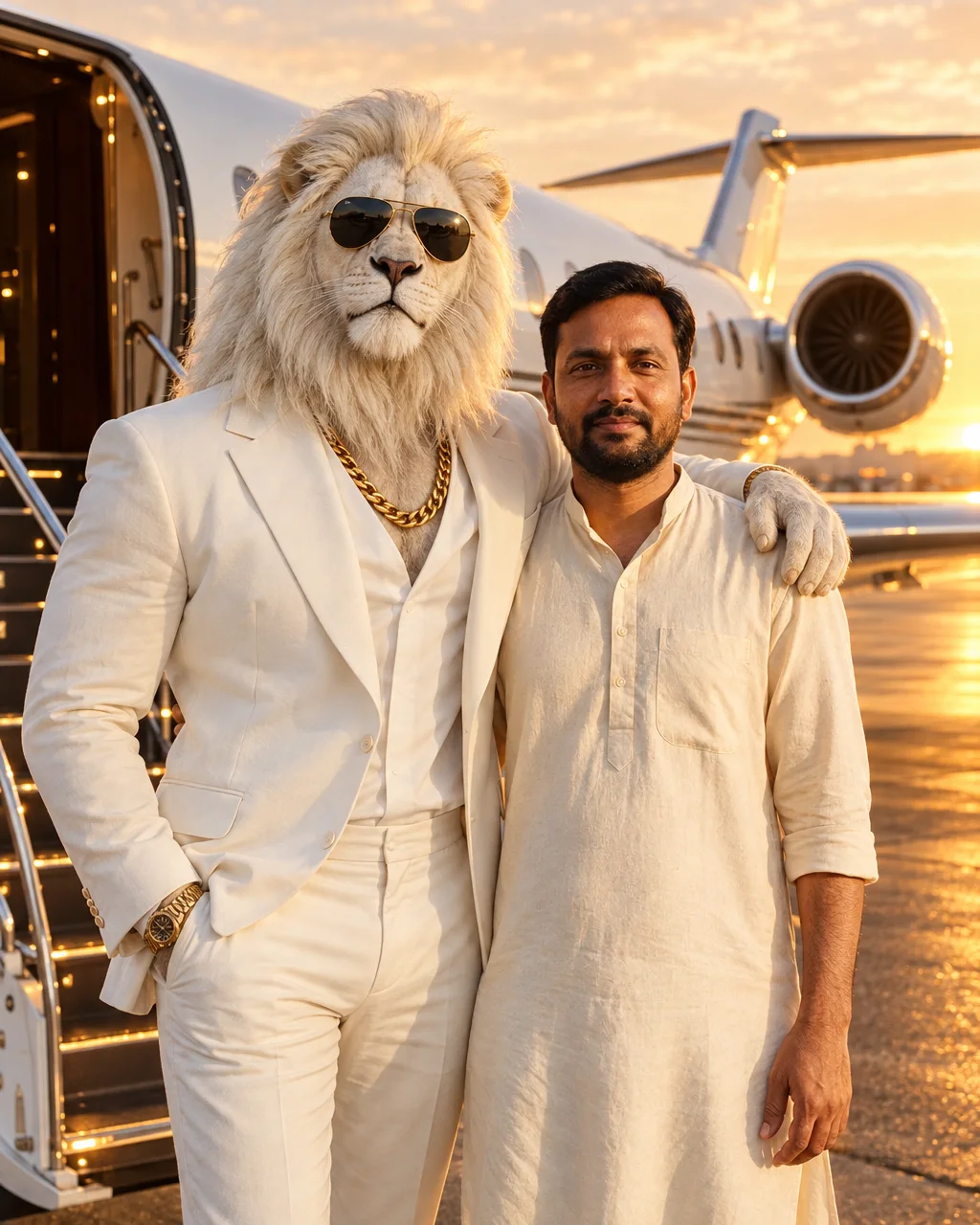
The template asks the model to keep your face, skin tone, hairstyle and build from the upload and to keep you fully human. Compare the result with your original photo, and generate again if a detail has drifted.
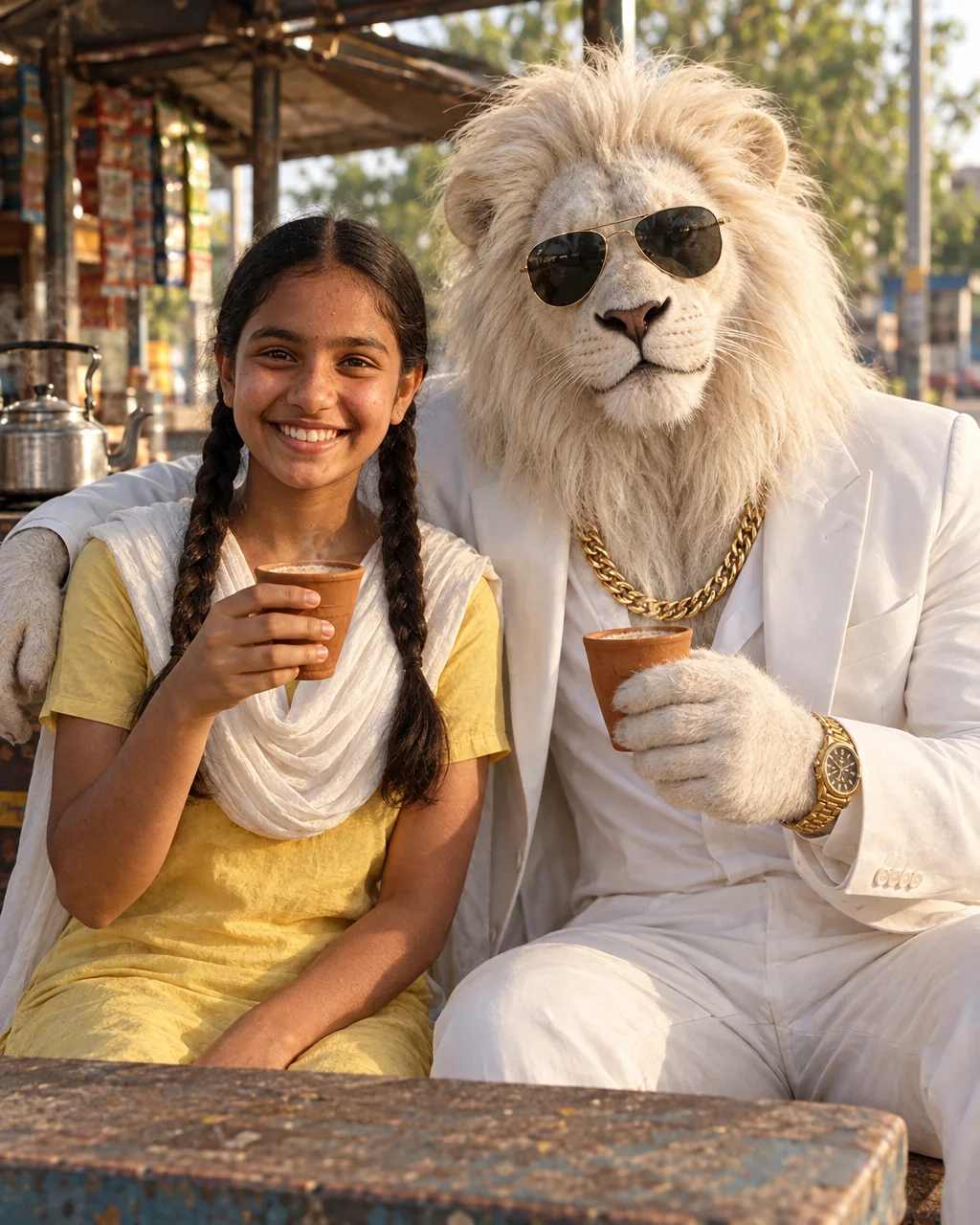
Write a place and an activity, such as sharing chai at a street stall or boarding a private jet. In our test pictures the lion joined in, holding his own cup or riding the motorcycle.
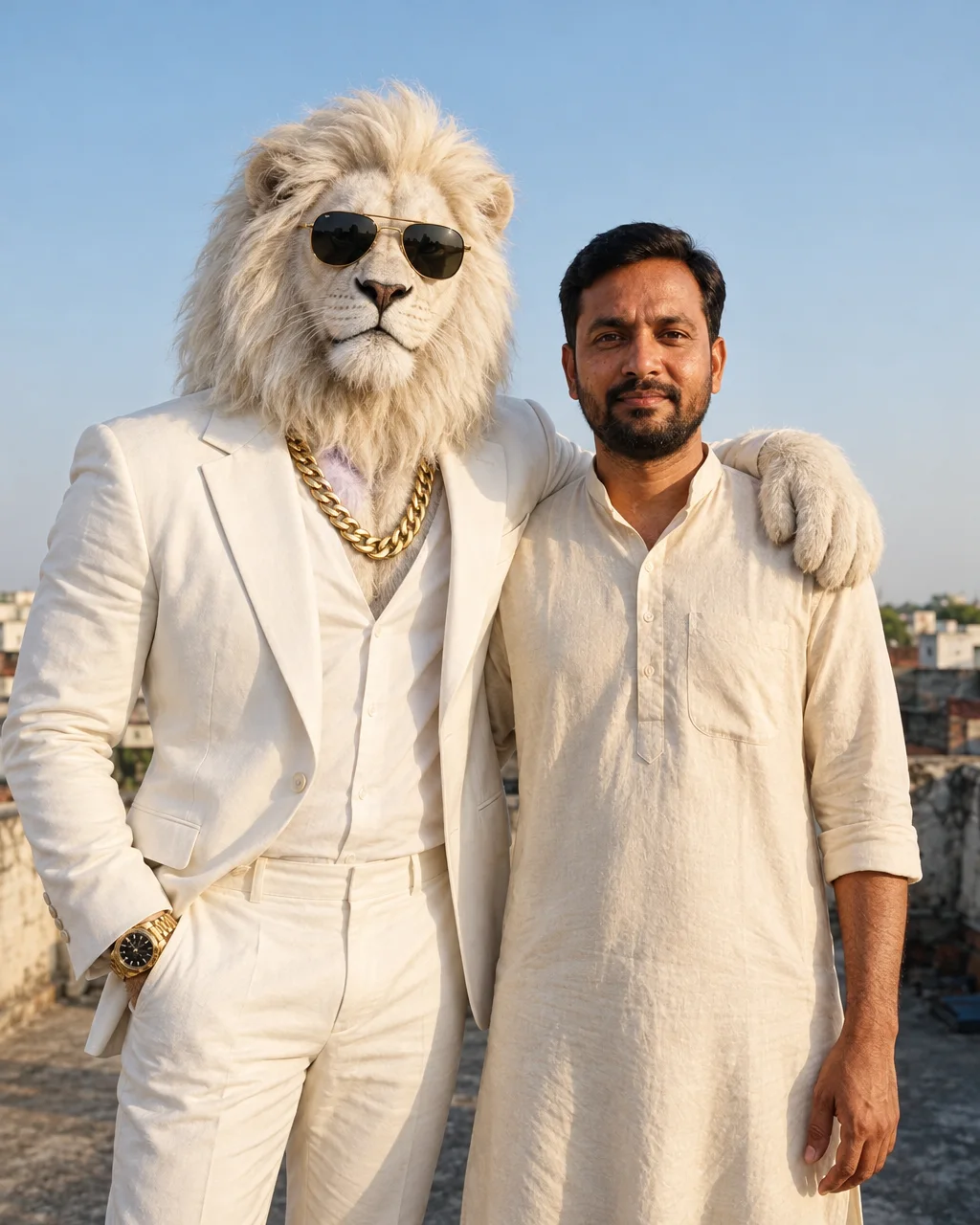
With no scene written, the lion is added to the setting of the photo you uploaded. A picture taken outside your home or shop becomes a picture with him standing there.
Sheru Bhai is a fictional AI-made lion character that spread through short videos: a lion with an upright human body, usually in a white suit, dark sunglasses and gold jewellery. Sher means lion and bhai means brother in Hindi. Fans post photos of themselves next to him at weddings, tea stalls and beside luxury cars.
The template builds a new picture around the photo you upload. Your face, hairstyle and clothes come from your photo, and the lion’s suit, sunglasses and chain are already written into the template, so you only describe the scene.
Turn your picture into a short videoStand beside a black supercar outside a lit hotel entrance, the look most people know from the trend.
Walk into a decorated wedding hall together, and name the outfit you want to wear, such as a red lehenga.
Share clay cups of chai at a street tea stall for a casual best-friend picture.
Pose by the stairs of a private jet at golden hour.
Sit behind him on a classic motorcycle on a mountain road.
Skip the scene and he joins you where your photo was taken.
Make your own version of the picture your feed is full of and post it while the trend is running.
Create one picture per person from each person’s own photo, then share the set in your group chat.
Prepare a playful entry picture for an invitation reply, a status update or a celebration post.
The result is a portrait image you can crop for a display picture or set as a phone wallpaper.
Pick a well-lit, front-facing photo with only you in the frame and your face uncovered. Waist-up or closer works well.
Write where the two of you are and what you are doing, plus any outfit you want. Check the credit estimate, then select Create photo.
Look over the whole image: your face, both of your hands and the lion’s paw on your shoulder. Generate again if something looks off, then download the picture.
Use a photo with one person and an uncovered face; sunglasses, heavy filters and group shots hide the details the model matches.
Name the place and the action in one sentence, for example sitting behind him on a motorcycle on a mountain road.
To change your clothes, say what you wear; otherwise the outfit from your photo is kept.
Upload one clear photo of yourself, describe the scene and select Create photo. The lion’s white suit, sunglasses and gold chain are added by the template.
The scene description is optional. Leave it blank and he is added to the background of the photo you uploaded.
The template asks the model to keep your face, skin tone, hairstyle and build from your upload. Use a sharp, front-facing photo in even light, compare the result with it and generate again if needed.
One person, face uncovered, looking at the camera in even light. Waist-up photos gave clear results in our test pictures.
Download the picture, then upload it to Image to Video and describe the movement you want.
Upload your photo above, describe a scene and create your picture with the lion boss.
Try it now