The date is announced at launch, and generation opens on this page. Until then, you can create with Seedream 5.0 Pro.
我们注意到您可能偏好使用 简体中文. 要切换语言吗?
Il semble que vous préfériez Français. Souhaitez-vous changer de langue ?
Es scheint, Sie bevorzugen Deutsch. Möchten Sie die Sprache wechseln?
Parece que prefieres Español. ¿Te gustaría cambiar de idioma?
Sembra che tu preferisca Italiano. Vuoi cambiare lingua?
優先言語は次のようです 日本語. 言語を切り替えますか?
선호하시는 언어는 다음과 같습니다 한국어. 언어를 변경하시겠습니까?
Похоже, вы предпочитаете Русский. Хотите сменить язык?
Tercih ettiğiniz dil Türkçe. Dili değiştirmek ister misiniz?
Wygląda na to, że wolisz Polski. Czy chcesz zmienić język?


Seedream 5.5
Seedream 5.5 is ByteDance's next image model, previewed with steadier repeat edits and sharper multilingual text than Seedream 5.0 Pro — generation opens on this page at launch.
Create with Seedream 5.5
Coming Soon
Seedream 5.5 is not open for generation yet
This page is live ahead of launch. Creation controls, parameter tiers, and pricing appear here the moment Seedream 5.5 opens on APIXO — no other page to bookmark.
Preview
Built to keep your image stable through every revision
In BytePlus internal testing, Seedream 5.5 held up through more than 30 rounds of local editing, with untouched areas staying stable. Its multilingual text score rose to 4.53 from 3.34 for Seedream 5.0 Pro, measured across 15 languages. These are preview figures; APIXO specifications and pricing arrive at launch.
Capabilities
What the preview aims to improve
Areas BytePlus highlights in the Seedream 5.5 preview, compared with Seedream 5.0 Pro.
Repeat local edits
Change one part of an image, then the next, while the rest stays put. BytePlus reports more than 30 clean edit rounds in internal testing.
Multilingual text
Headlines, labels and small print render more legibly across 15 languages. Proofread names and key copy before you publish.
Text-rich layouts
Posters, menus and infographics keep text and layout together in a single brief. Spell out the exact words and their order in your prompt.
Lighting
Light direction and shadows follow the scene more convincingly. Describe where the light comes from to set the mood.
Materials and skin
Glass, metal, fabric and skin show finer surface detail. Check reflections and close-up texture at full size.
Transparent assets
The preview describes fully and partly transparent output for stickers, logos and cut-outs. Place the file over a contrasting color to check the edges.
Use cases
Better images, with consistency that lasts
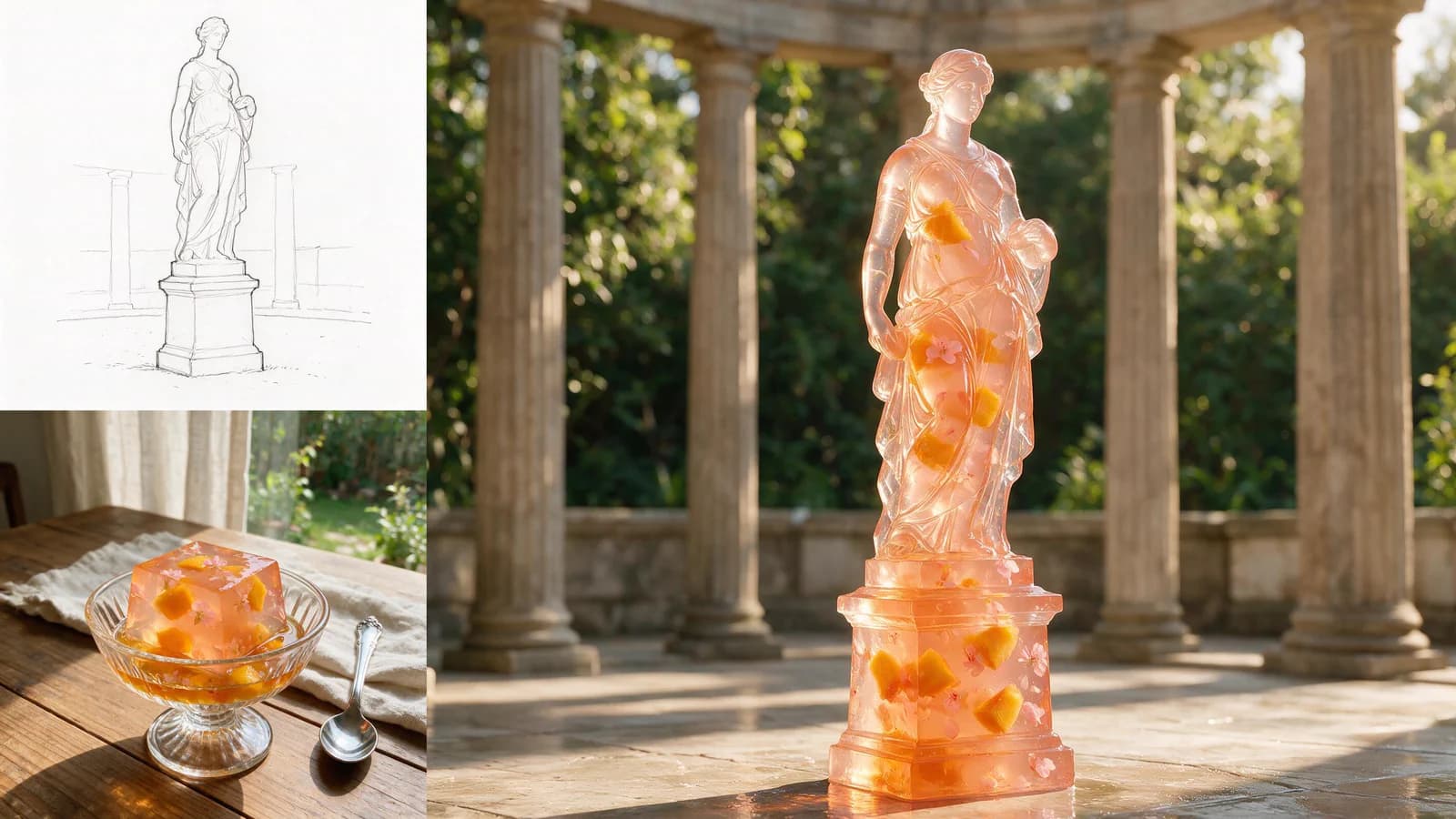
A step up from Seedream 5.0 Pro in image quality
The Seedream 5.5 preview builds on Seedream 5.0 Pro with more natural lighting, finer material detail and more lifelike skin. Reflections on a product, the weave of a garment and the shadows in a portrait help the whole image feel more convincing. For campaign visuals and product images, that means a more polished starting point for your final design.
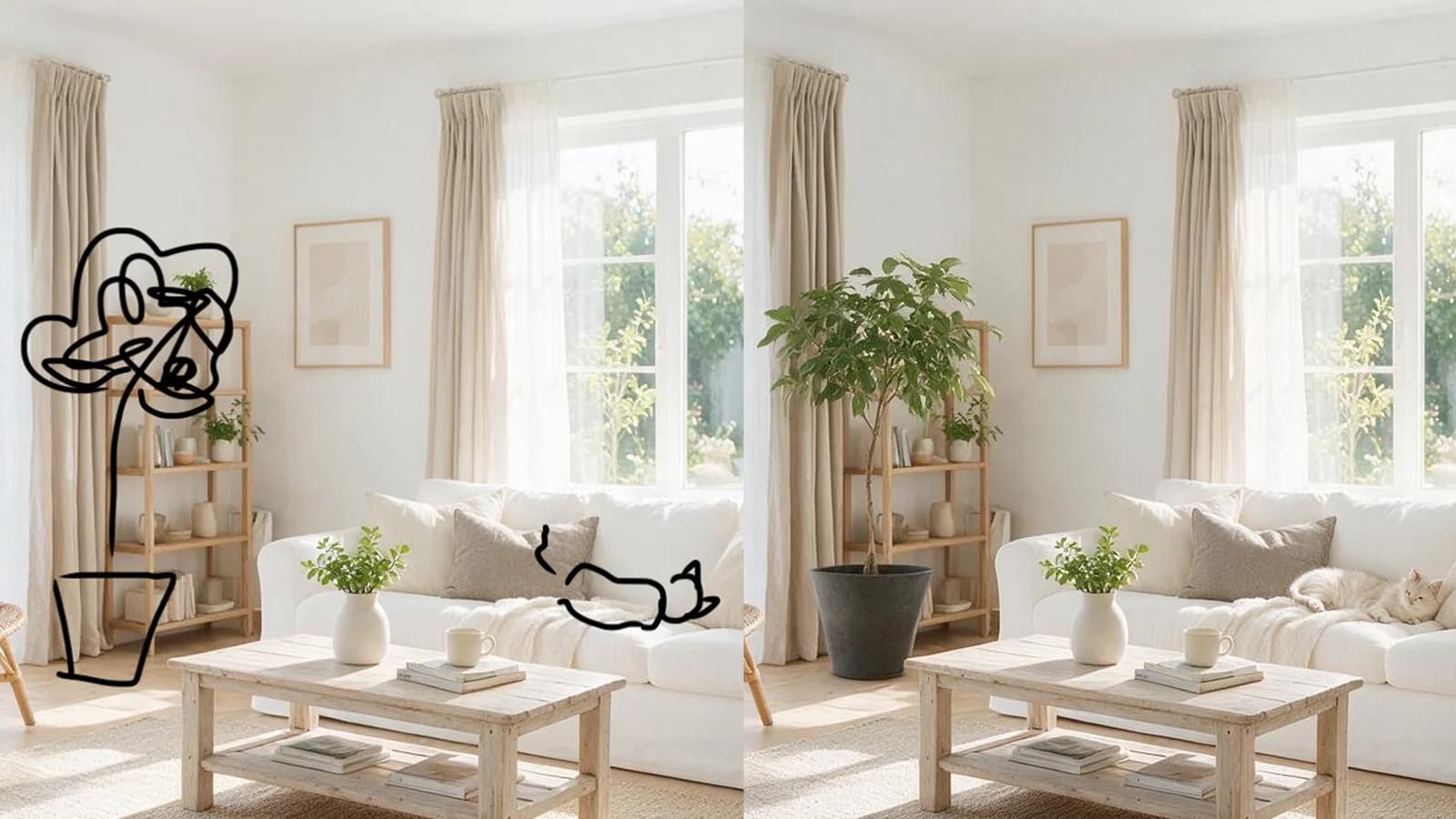
30 edits to one image, with untouched areas staying consistent
Change a color, then a material, then an accessory: the Seedream 5.5 preview highlights consistency across 30 successive edits to the same image. Areas you do not ask to change retain their appearance, so refining one detail does not mean rebuilding the rest. Keep the face, product shape and composition you already like while working toward the final version.

Product campaigns
Start from a product shot and revise the background, props and headline in separate edits. The product itself stays the same from round to round.
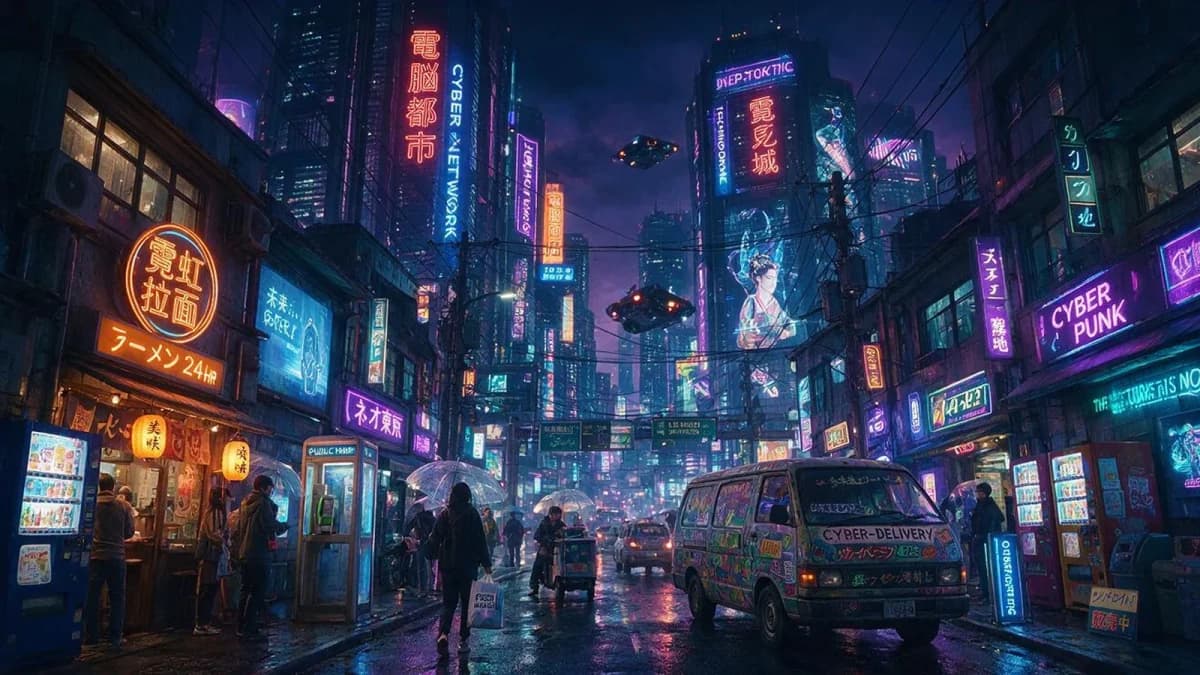
Posters and infographics
Brief the headline, sections and language, and get a layout where the text is part of the design. Proofread every line before it goes out.
Scene changes
Upload a reference and change the setting, season or lighting. The subject keeps its look while the scene around it changes.
Prepare your comparison
Get ready to compare on launch day
Seedream 5.0 Pro is available now.
Save your test images
Generate with Seedream 5.0 Pro today and keep the prompts and results. They become your baseline.
Note what each edit should change
Write down the requested change and what must stay the same, so you can check both after every round.
Rerun the same brief at launch
When Seedream 5.5 opens here, rerun your briefs and compare text, edges and untouched areas side by side.
FAQ
Seedream 5.5 launch questions
Before you plan around the preview
01
Figures on this page come from the BytePlus preview and internal evaluation, not final benchmarks.
02
Images on this page are illustrations, not Seedream 5.5 outputs; real samples replace them at launch.
03
Release date, price, resolution and reference-image limits are announced at launch.
04
Seedream 5.0 Pro prices and settings apply to Seedream 5.0 Pro only.
05
Keep your current Seedream 5.0 Pro workflow running until you have reviewed Seedream 5.5 results.
06
Proofread generated text and check every edit at full size before you publish.
Frequently asked questions
The preview reports steadier repeat edits, with more than 30 clean rounds in internal tests, and a multilingual text score of 4.53 versus 3.34. It also highlights better lighting, materials and transparent output.
Endpoint, parameters and pricing are published on this page at launch. Seedream 5.0 Pro is available through the APIXO API today.
Seedream 5.0 Pro, from the button in the workspace above. It supports text-to-image and image-to-image with reference images.
Explore Other Models
Discover more AI models for your next creative workflow
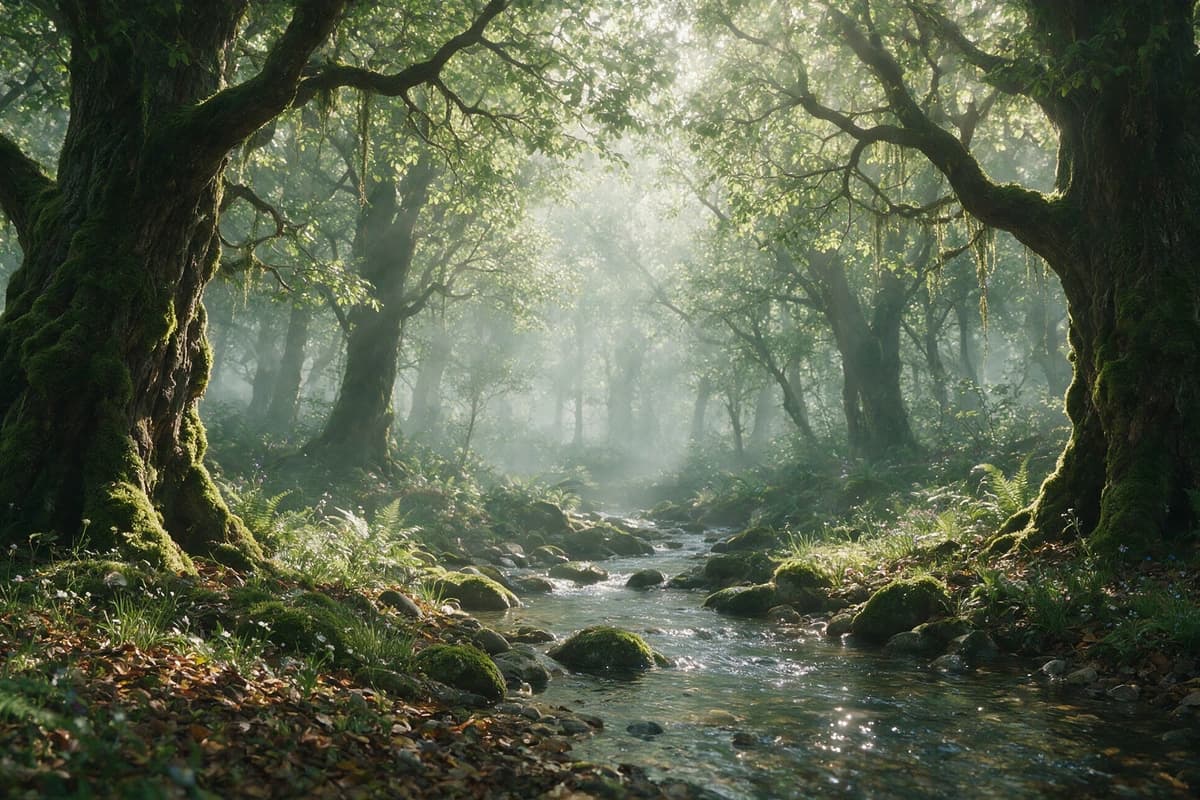
ByteDance


Seedream 5.0 Pro
Use the Seedream 5.0 Pro API on APIXO for premium single-image text-to-image and image-to-image generation with 1K/2K output, eight aspect ratios, custom sizes, pricing, and async API examples.
ImageNew
45 Credits/pic Image

ByteDance

Seedream 5.0
Generate and edit 2K or 3K images with Seedream 5.0 Lite through APIXO using web search, up to 14 inputs, and ten-image sequences.
ImageNew
35 Credits/pic
ByteDance
Seedream 4.5
Generate, edit, and compose 2K or 4K images with Seedream 4.5 on APIXO using up to 14 inputs, custom sizing, and batches of ten outputs.
Image
40 Credits/pic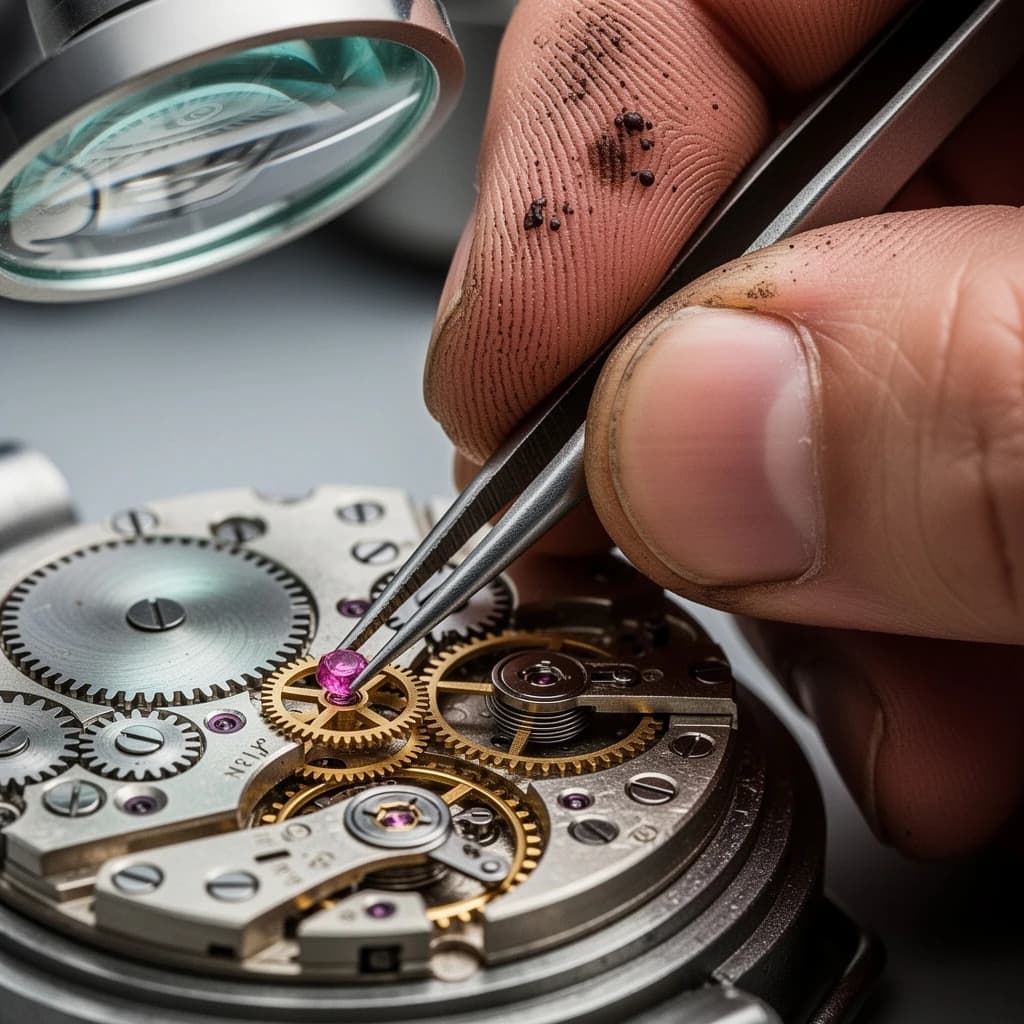
Black Forest Labs

Flux 2
Use FLUX.2 [pro] and [flex] on APIXO for text-to-image generation, multi-reference editing, typography, and consistent 1K or 2K creative assets.
ImageNew
40 Credits/pic
OpenAI

GPT-Image-2
Use OpenAI’s GPT Image 2 API through APIXO for image generation and reference-guided editing with 1K, 2K, 4K, quality, and ratio controls.
ImageNew
30 Credits/pic
Google

Nano Banana Pro
Generate and edit 1K–4K images with Nano Banana Pro on APIXO using detailed prompts, up to ten references, multilingual text, and flexible ratios.
Image
80 Credits/pic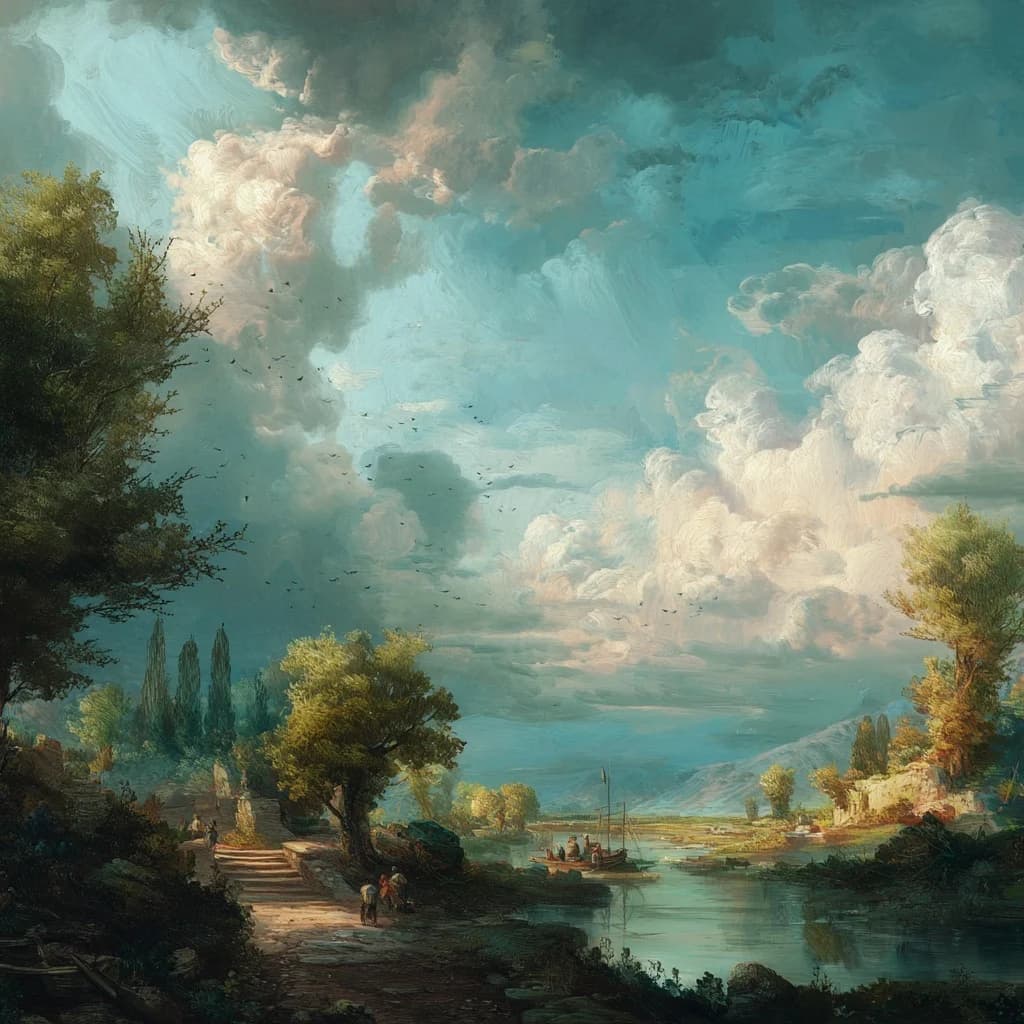
Midjourney

Midjourney
Generate and refine Midjourney images through APIXO with V8.1 HD, image guidance, reference controls, four variations, Vary, and Upscale.
Image
100 Credits/request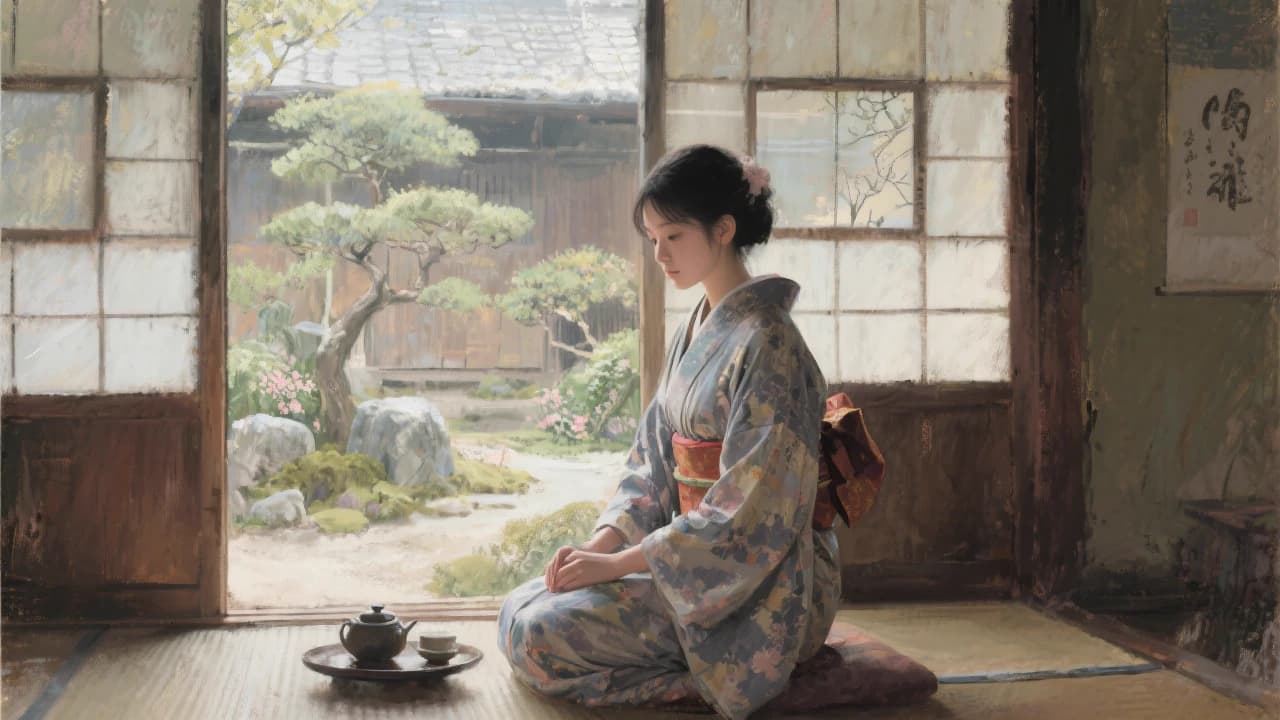
Black Forest Labs
Flux Kontext
Use FLUX.1 Kontext [pro] and [max] on APIXO for prompt-based generation, targeted image editing, character consistency, and iterative visual refinement.
Image
40 Credits/pic