APIXO exposes FLUX.2 [pro] and FLUX.2 [flex]. Each variant has separate text-to-image and image-to-image modes. The endpoint does not represent FLUX.2 [max], [dev], or [klein], and it should not be treated as a FLUX.1 or FLUX Kontext route.


Image GenerationImage EditingPro and Flex
FLUX.2 by Black Forest Labs is a production-focused image generation and editing model. APIXO exposes the FLUX.2 [pro] and [flex] variants for text-to-image and reference-guided workflows, with up to eight input images, 1K or 2K output tiers, strong prompt adherence, detailed typography, and consistent subjects or styles across complex compositions.
Inputs
Text + Up to 8 Images
APIXO Price
$0.04–$0.16 / ImageVaries by mode and resolution
APIXO Output
1K / 2K
Aspect Ratios
7 Presets + Auto
Released
Nov 25, 2025
Create with Flux 2
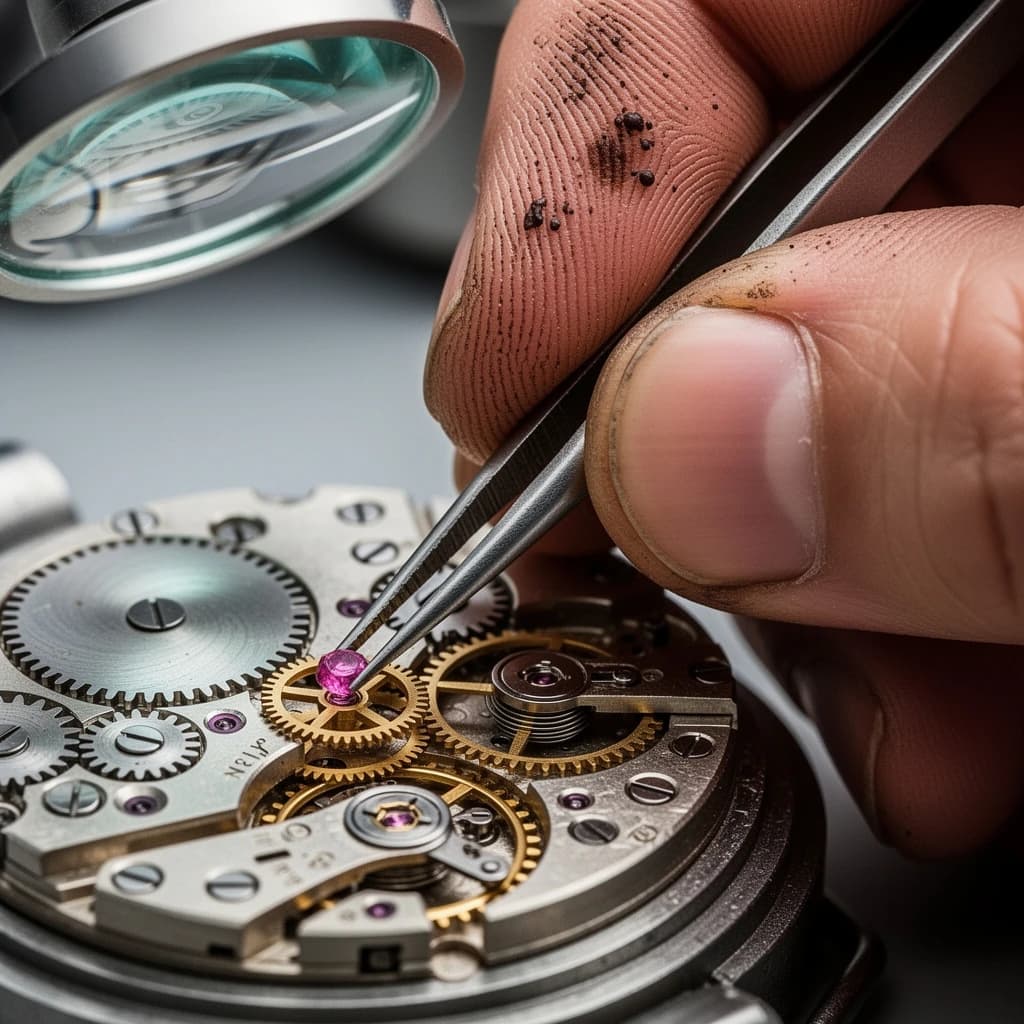
Available Variants
Choose FLUX.2 [pro] or [flex] for Each Production Task
FLUX.2 [pro] for Scalable Visual Production
APIXO exposes [pro] for both text-to-image generation and reference-guided editing. Black Forest Labs positions this variant for production at scale, balancing visual quality and speed across photorealistic scenes, campaign assets, product imagery, and other repeatable workflows. APIXO offers [pro] output in 1K and 2K tiers.
FLUX.2 [pro]
FLUX.2 [flex] for Typography and Fine Detail
APIXO also exposes [flex] for text-to-image and image-to-image tasks. Black Forest Labs positions this variant for detailed creative control, especially text rendering and preservation of small visual elements. Select it for posters, labels, interface concepts, infographics, or compositions where typography and intricate details carry the design.
FLUX.2 [flex]
Capabilities
Build Controlled Visuals from Prompts and References
Multi-Reference Composition
Combine up to eight reference images through APIXO’s image-to-image modes. FLUX.2 can draw separate subjects, products, wardrobe, or stylistic cues into one composition while maintaining stronger identity and style continuity across the assembled scene.
Consistent Campaign Assets
Preserve recognizable characters, products, and visual styles while changing context, composition, or presentation. This supports related campaign images that share a coherent identity without rebuilding every scene from an independent prompt.
Detailed Text Rendering
FLUX.2 improves the rendering of complex typography, fine text, interfaces, and infographic elements. The [flex] variant is specifically positioned for typography and small-detail preservation, making it the more suitable APIXO mode when written content is central to the image.
Photorealistic Detail
Generate or edit photography-like imagery with detailed textures, materials, lighting, and spatially coherent objects. These strengths support product visualization, architectural concepts, lifestyle scenes, and marketing compositions that need to blend naturally with photographic assets.
Structured Prompt Following
FLUX.2 follows complex, multi-part instructions covering subject, background, style, lighting, viewpoint, and composition. Structured prompts help production systems separate creative requirements into repeatable fields instead of relying on a single loosely written description.
Brand Color Direction
Include hexadecimal color values in prompts to direct brand palettes and product colors more precisely. This is useful for campaign concepts, packaging, and design exploration, although teams should still review generated assets against formal brand specifications before publication.
API Details
FLUX.2 Configuration on APIXO
Verified modes, reference requirements, framing options, and input limits for the APIXO implementation.
[pro] / [flex]
Variants
Text-to-Image / Image-to-Image
Workflows
1–8 Images
References
JPG / PNG / WebP
Input Formats
64–2048 px per Side
Custom Size
3–5,000 Characters
Prompt Length
Production Uses
Put FLUX.2 into Repeatable Creative Workflows
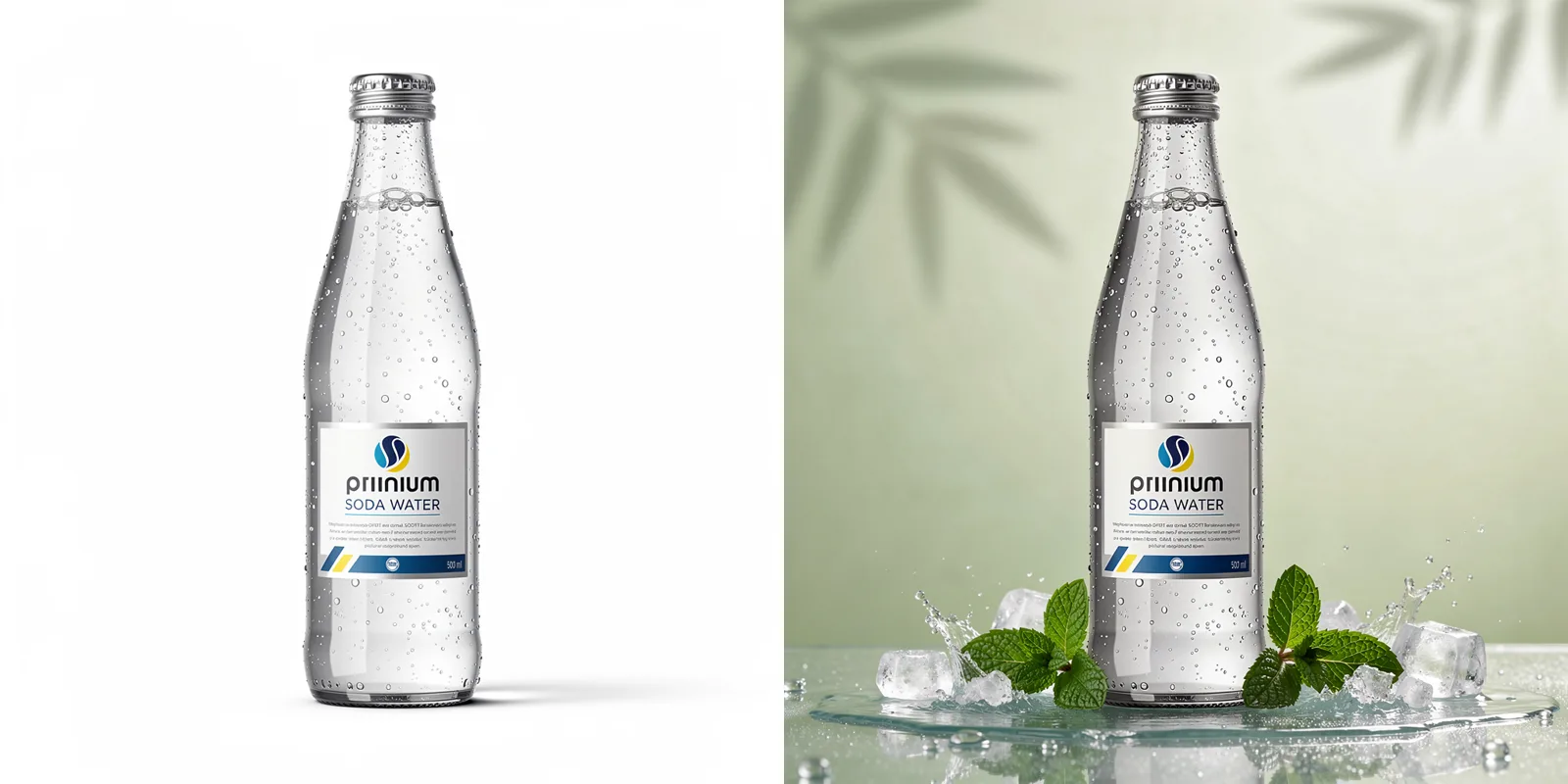
Campaign Systems
Character-Consistent Asset Sets
Use multiple character, wardrobe, and style references to create related campaign visuals across new settings and compositions. Marketing and entertainment teams can develop cohesive asset families while reducing visual drift between individual concepts.
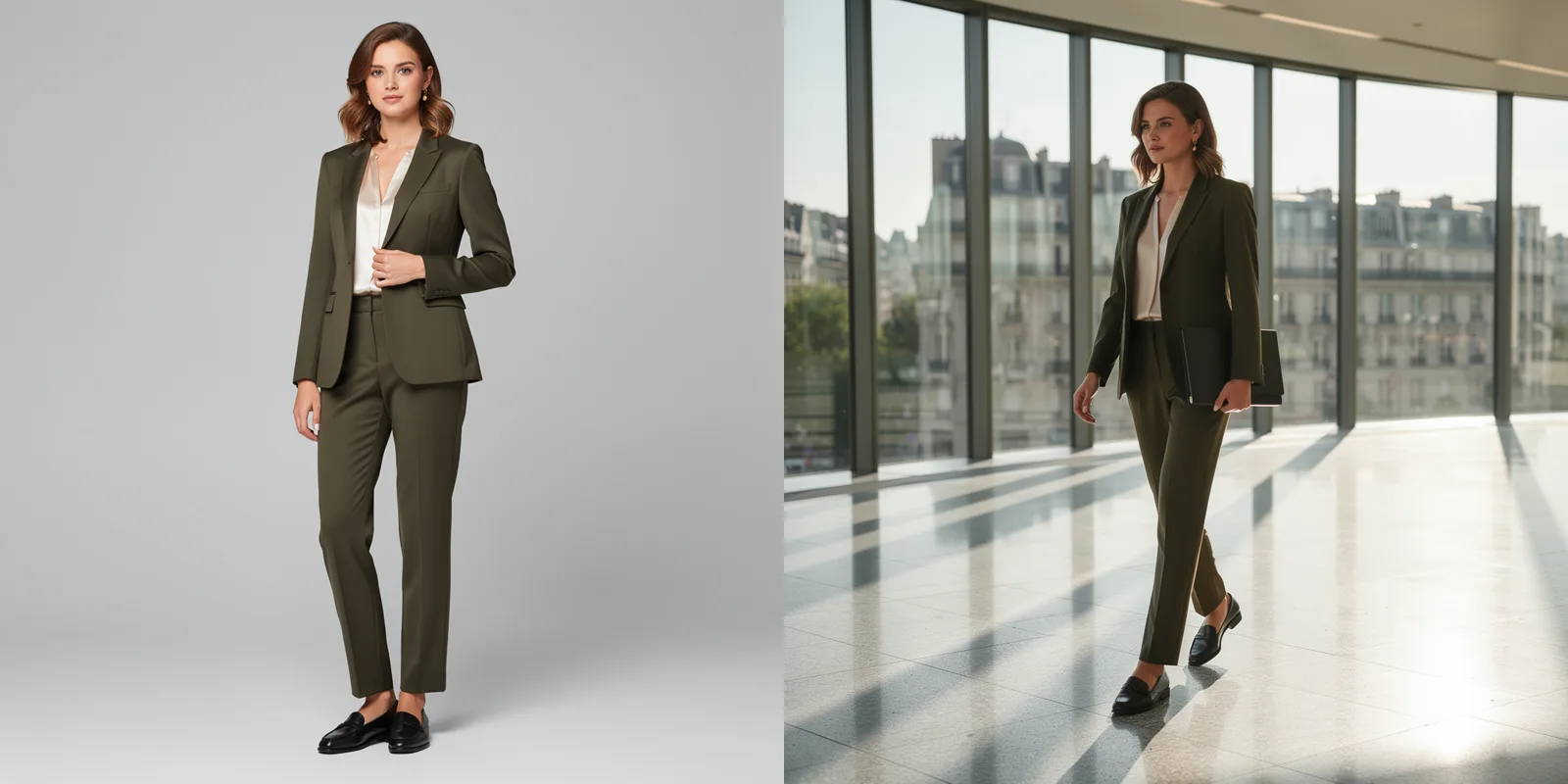
Product Marketing
Contextual Product Composites
Place referenced products into studio, lifestyle, or advertising environments while directing lighting, material appearance, perspective, and surrounding objects. This supports early campaign development, merchandising concepts, and e-commerce visualization before arranging conventional photography.

Graphic Communication
Posters and Interface Concepts
Choose FLUX.2 [flex] for concepts where headlines, labels, interface elements, or infographic details are integral to the composition. Generate visual directions quickly, then review all text carefully before transferring selected ideas into production design files.
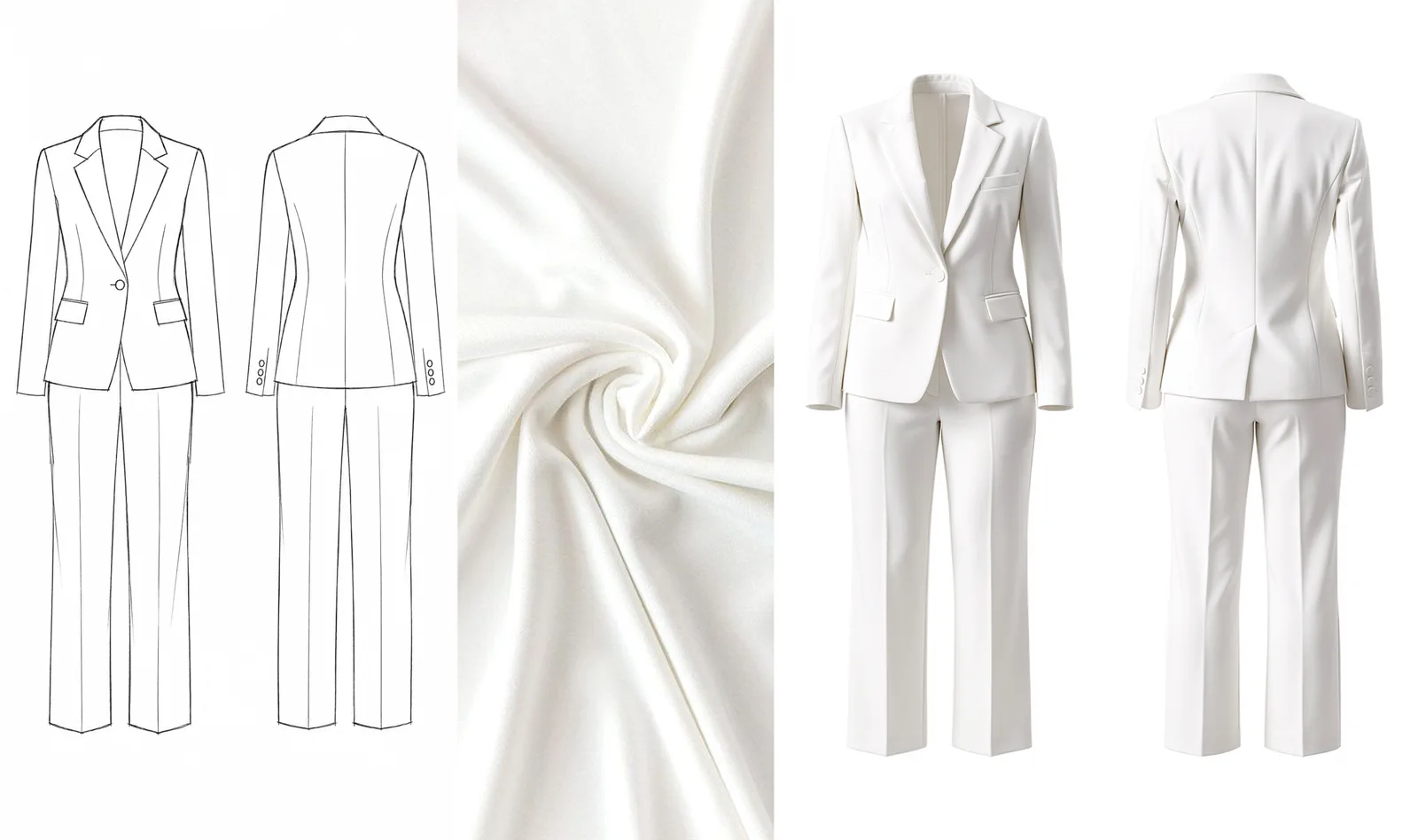
Creative Development
Reference-Led Design Exploration
Combine sketches, photographs, material samples, and style references to explore a unified visual direction. Design teams can test compositions, color relationships, environments, and presentation styles before committing time to detailed illustration, rendering, or photography.
Notes & FAQ
FLUX.2 APIXO Requirements and Limits
Operational Notes
01
APIXO’s flux-2 implementation includes FLUX.2 [pro] and [flex], not [max], [dev], [klein], FLUX.1, or FLUX Kontext.
02
Image-to-image modes require 1–8 public, directly reachable JPG, PNG, or WebP URLs of no more than 10 MB each.
03
The auto aspect ratio is limited to image-to-image requests and follows the first reference image’s ratio.
04
Custom dimensions must place each side between 64 and 2048 pixels; resolution and aspect-ratio fields take precedence when supplied together.
05
Reference-guided editing may not preserve every identity, product detail, logo, or line of text exactly; review production assets before release.
06
Prompts, references, and generated outputs remain subject to provider moderation and account or route availability.
Frequently Asked Questions
APIXO bills each generated image according to the selected variant and resolution tier. [pro] costs $0.04 at 1K or $0.05 at 2K; [flex] costs $0.10 at 1K or $0.16 at 2K.
Yes. APIXO’s [pro] and [flex] image-to-image modes accept between one and eight reference images. Use the prompt to explain the intended role of each source, such as identity, product, garment, composition, or style.
APIXO publicly exposes 1K and 2K resolution tiers for this endpoint, plus explicit dimensions with each side up to 2048 pixels. Do not substitute the broader upstream FLUX.2 family’s 4-megapixel capability for APIXO’s published output controls.
APIXO lists a typical generation time of roughly 20–30 seconds, but this is not guaranteed. Actual latency can vary with prompt complexity, reference count, selected route, and queue load. Callback delivery is preferable to frequent polling for larger production workloads.
Explore Other Models
Discover more AI models for your next creative workflow
Black Forest Labs


Flux Kontext
Flux Kontext is available on APIXO for Image. The model page brings examples, creation controls, pricing, and results into one focused workspace.
Image
$0.04/pic Image
Image
Black Forest Labs

FLUX 3 Image
FLUX 3 Image is available on APIXO for Image. The model page brings examples, creation controls, pricing, and results into one focused workspace.
ImageNew
$0.05/pic
OpenAI

GPT-Image-1
GPT-Image-1 is available on APIXO for Image. The model page brings examples, creation controls, pricing, and results into one focused workspace.
Image
$0.35/pic
Midjourney

Midjourney
Midjourney is available on APIXO for Image. The model page brings examples, creation controls, pricing, and results into one focused workspace.
Image
$0.1/request
ByteDance

Seedream 5.0
Seedream 5.0 is available on APIXO for Image. The model page brings examples, creation controls, pricing, and results into one focused workspace.
ImageNew
$0.035/pic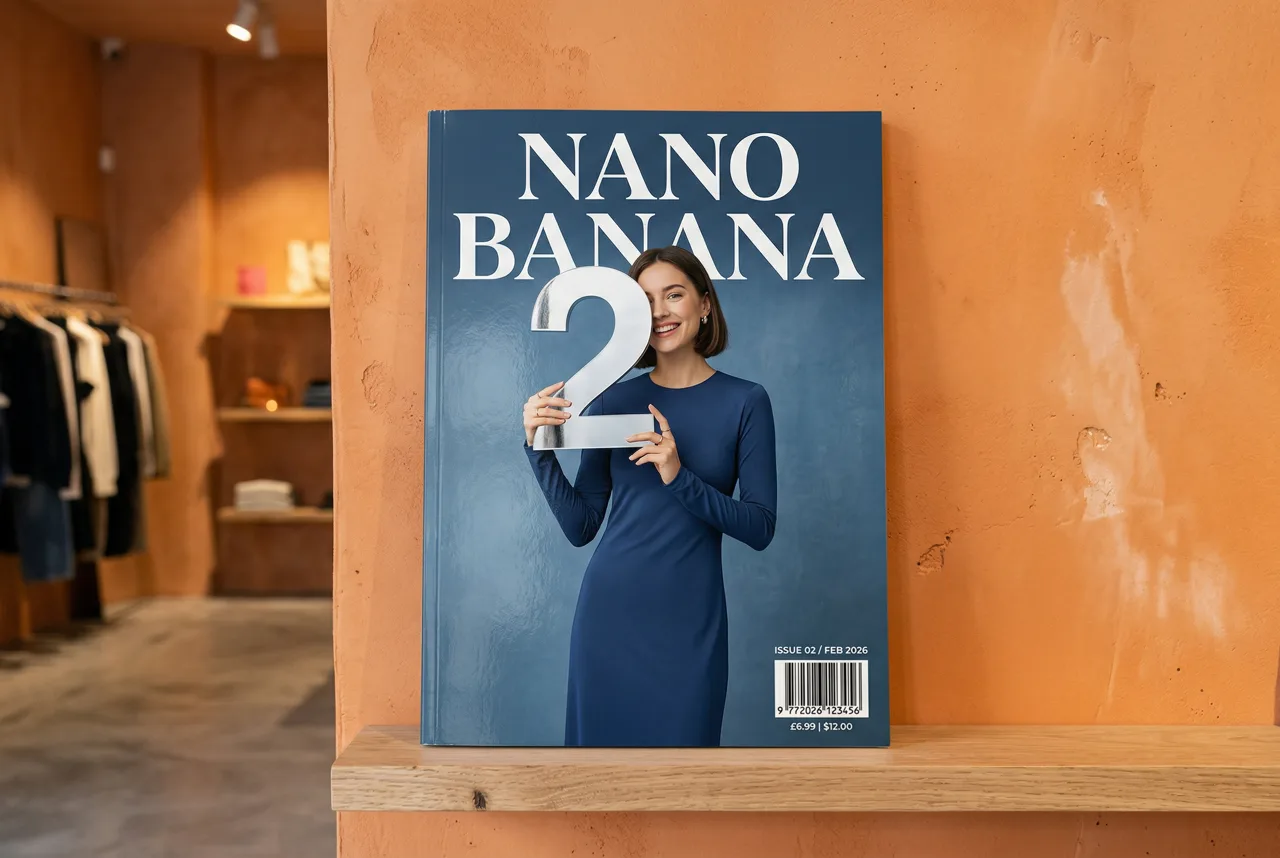
Google

Nano Banana 2
Nano Banana 2 is available on APIXO for Image. The model page brings examples, creation controls, pricing, and results into one focused workspace.
ImageNew
$0.05/pic