GPT Image 2.5 is OpenAI's image generation and editing model family, released on September 8, 2026. Its API variants are Flare and Sunburst. ChatGPT Images 2.5 is the related image creation experience in ChatGPT.
我们注意到您可能偏好使用 简体中文. 要切换语言吗?
Il semble que vous préfériez Français. Souhaitez-vous changer de langue ?
Es scheint, Sie bevorzugen Deutsch. Möchten Sie die Sprache wechseln?
Parece que prefieres Español. ¿Te gustaría cambiar de idioma?
Sembra che tu preferisca Italiano. Vuoi cambiare lingua?
優先言語は次のようです 日本語. 言語を切り替えますか?
선호하시는 언어는 다음과 같습니다 한국어. 언어를 변경하시겠습니까?
Похоже, вы предпочитаете Русский. Хотите сменить язык?
Tercih ettiğiniz dil Türkçe. Dili değiştirmek ister misiniz?
Wygląda na to, że wolisz Polski. Czy chcesz zmienić język?


GPT-Image-2.5
Create and refine images with GPT Image 2.5. Turn a written brief or reference photo into product visuals, portraits, and illustrations, then fine-tune the details that matter.
Create with GPT-Image-2.5

creative capabilities
More Control over the Image You Have in Mind
Text-to-Image Creation
Describe your subject, setting, and visual direction to develop a new image from a written brief.
Reference Photo Fidelity
Explore a different setting or style while keeping the person, pet, or product in your reference more recognizable.
Focused Image Editing
Request a specific change to a background, object, or line of text, with better preservation of surrounding details.
Consistent Revisions
Refine an image through successive edits with improved continuity, so earlier creative decisions are less likely to drift.
Detailed Visual Briefs
Bring composition, lettering, and style instructions together for posters, illustrations, and other structured visual concepts.
Flexible Output Quality
Choose from five explicit quality levels, or use auto, to balance image detail with generation time and cost.
compare models
GPT Image 2.5 Flare vs. Sunburst
GPT Image 2.5 Flare
Start with Flare for everyday image creation, social content, and rapid concept iteration. OpenAI positions it as the default API choice for most applications, combining improved image quality with faster generation than GPT Image 2.
everyday creation
GPT Image 2.5 Sunburst
Choose Sunburst when careful editing matters more than turnaround time. It is designed for demanding creative work, such as campaign artwork and polished product images, with greater precision and longer generation times.
precision editing
model details
GPT Image 2.5 Specifications
Official model capabilities for Flare and Sunburst. Available controls may vary by platform.
Text + Images
input types
Generation + Editing
image tasks
Flare / Sunburst
model variants
1024 × 1024 / 1536 × 1024 / 1024 × 1536
recommended sizes
low / medium / high / xhigh / max / auto
quality settings
PNG / JPEG / WebP
output formats
creative possibilities
What Can You Create with GPT Image 2.5?
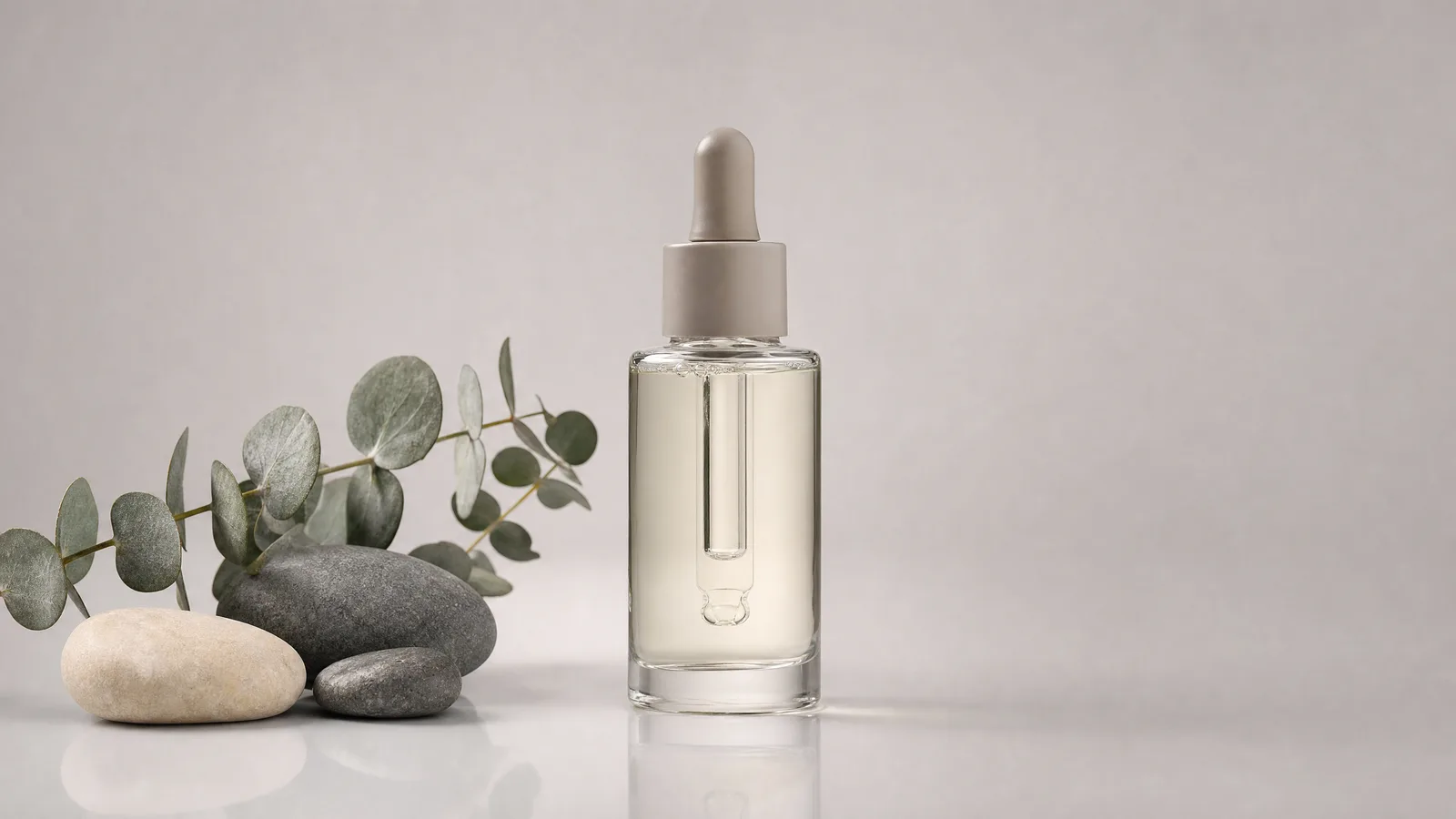
ecommerce
Product Images for Your Next Launch
Start with a product reference and explore a studio backdrop, seasonal setting, or new material concept. Specify which packaging details should remain unchanged, then inspect the result before using it in a listing.
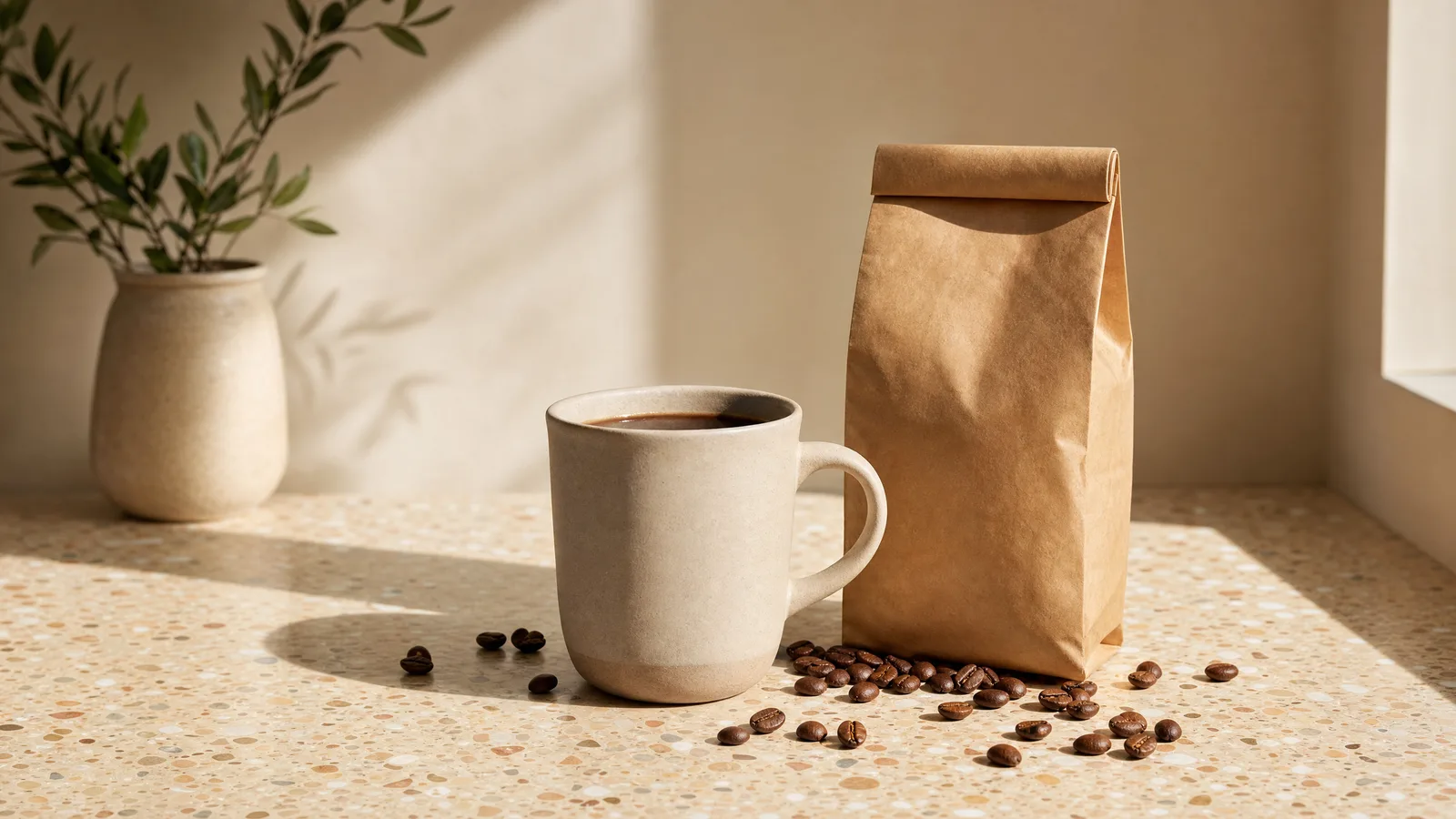
marketing
Campaign Visuals Built around Your Message
Develop a launch poster or social graphic from a focused brief. Supply the exact headline, brand colors, and layout priorities, then revise individual elements as the campaign takes shape.
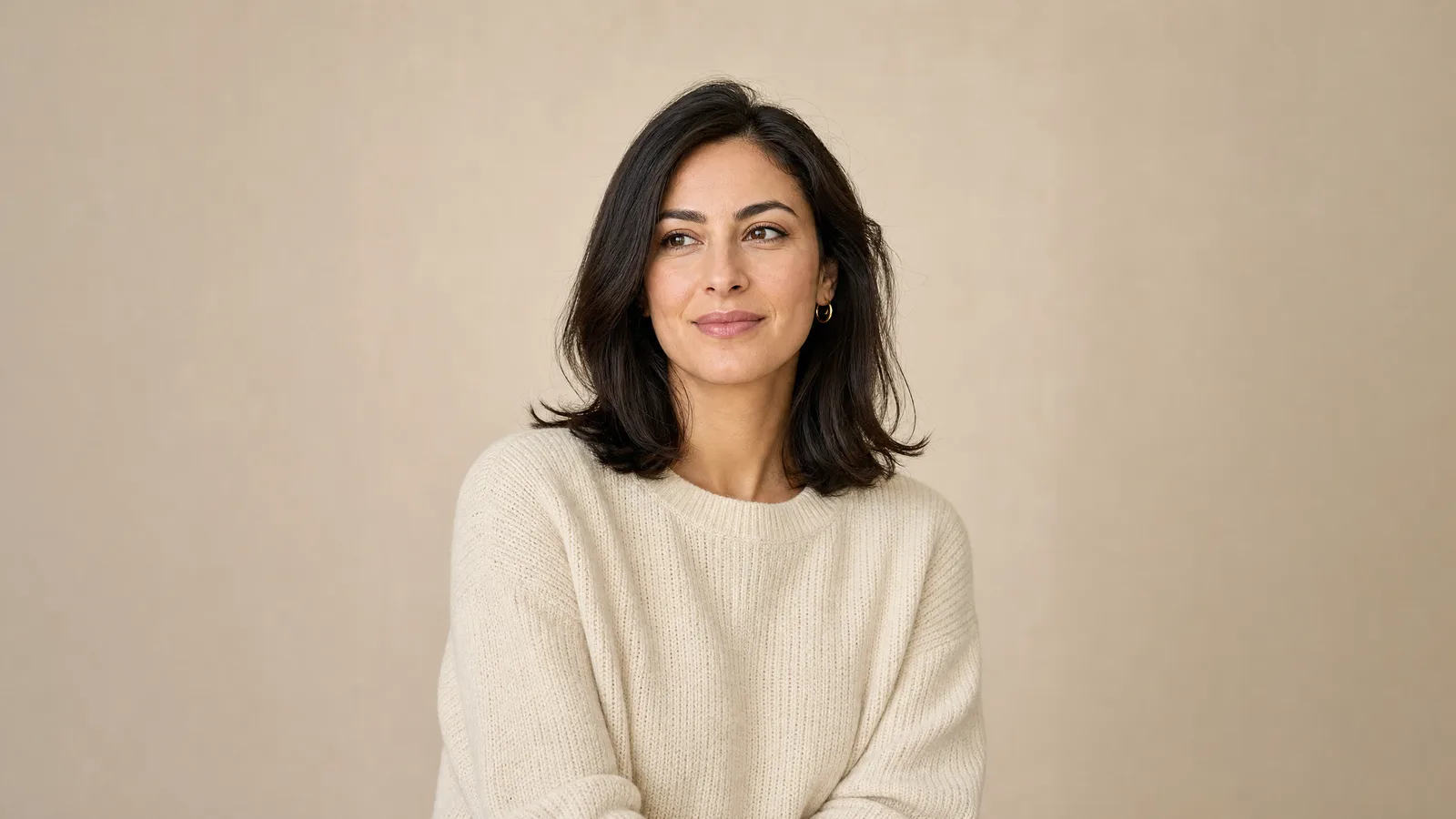
portraits
New Looks for Familiar Faces
Explore a portrait in a different photographic style, outfit, or setting. Use an authorized reference photo and describe the facial features, pose, and expression you want to preserve.

illustration
Visual Stories with a Distinctive Style
Turn an idea into an editorial illustration, storybook scene, or concept image. Define the medium, palette, and character details, then use the result as a reference for your next revision.
before you create
GPT Image 2.5 Notes and FAQ
Practical Creation Notes
01
Begin with the subject, intended use, layout, and style. Put any exact wording in quotation marks.
02
For image edits, state both what should change and what should stay. Review each revision before continuing.
03
Check lettering, faces, fine textures, and factual details before publishing. Generated images can still contain errors.
04
Choose a recommended size first. OpenAI supports custom dimensions, but resolutions above 2560 × 1440 are experimental.
05
Transparent output requires PNG or WebP and a supported transparency setting. JPEG cannot preserve transparency.
06
Check the selected model, available controls, and displayed price before generating. A provider announcement does not confirm availability on every platform.
Frequently Asked Questions
Flare is a practical starting point for frequent image generation and quick iterations. Sunburst suits projects that prioritize precise edits and refined visuals. Compare both on your own brief when the choice matters; Sunburst takes longer to generate.
Yes. Both models accept image inputs for editing. Provide a reference and describe the change you want. For iterative API workflows, preserve the relevant image or conversation context instead of assuming a new request remembers earlier edits.
Sketch, templates, on-image comments, and prompt sharing are ChatGPT interface features. They are not automatically included in a third-party interface or API integration. Use the tools available in your chosen application.
OpenAI API charges depend on input and image output tokens, with image size and quality affecting the total. On APIXO, check the selected model's displayed price and billing rules. A ChatGPT plan does not include APIXO usage.
Explore Other Models
Discover more AI models for your next creative workflow
OpenAI


GPT-Image-2
GPT-Image-2 is available on APIXO for Image. The model page brings examples, creation controls, pricing, and results into one focused workspace.
ImageNew
30 Credits/pic Image
Image
OpenAI

GPT-Image-1
GPT-Image-1 is available on APIXO for Image. The model page brings examples, creation controls, pricing, and results into one focused workspace.
Image
350 Credits/pic
Google

Nano Banana Pro
Nano Banana Pro is available on APIXO for Image. The model page brings examples, creation controls, pricing, and results into one focused workspace.
Image
80 Credits/pic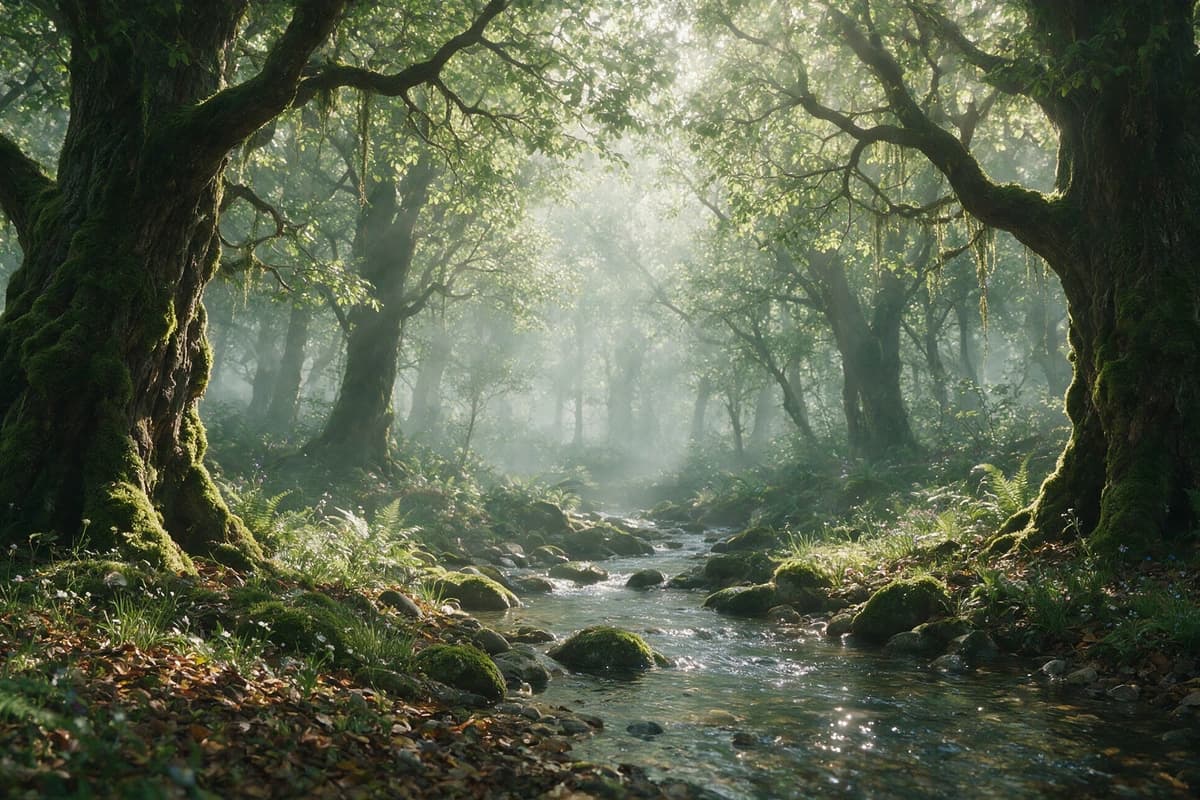
ByteDance

Seedream 5.0 Pro
Seedream 5.0 Pro is available on APIXO for Image. The model page brings examples, creation controls, pricing, and results into one focused workspace.
ImageNew
45 Credits/pic
Black Forest Labs

Flux 2
Flux 2 is available on APIXO for Image. The model page brings examples, creation controls, pricing, and results into one focused workspace.
ImageNew
40 Credits/pic