It is a ready-made style for a specific kind of image, such as a Halloween poster. You add your own details and the template keeps the look consistent.


AI Templates
AI Image Templates
Pick a ready-made image style, describe what it is for, and generate your own version in the browser.
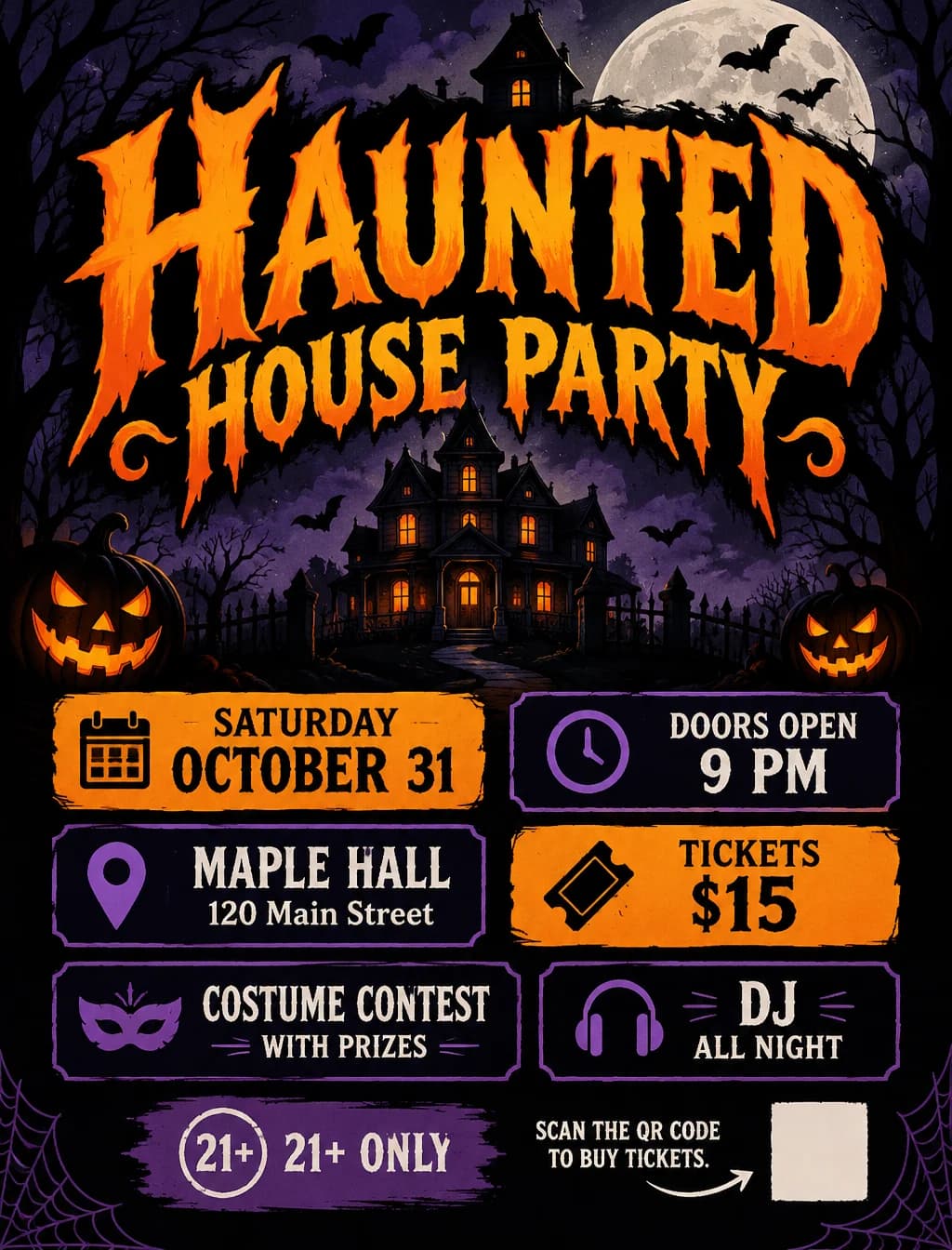
AI Halloween Poster Generator
Create a Halloween poster from your party, event or promotion details. Describe a cute, vintage, spooky or elegant style.
Text only, no uploadUse template →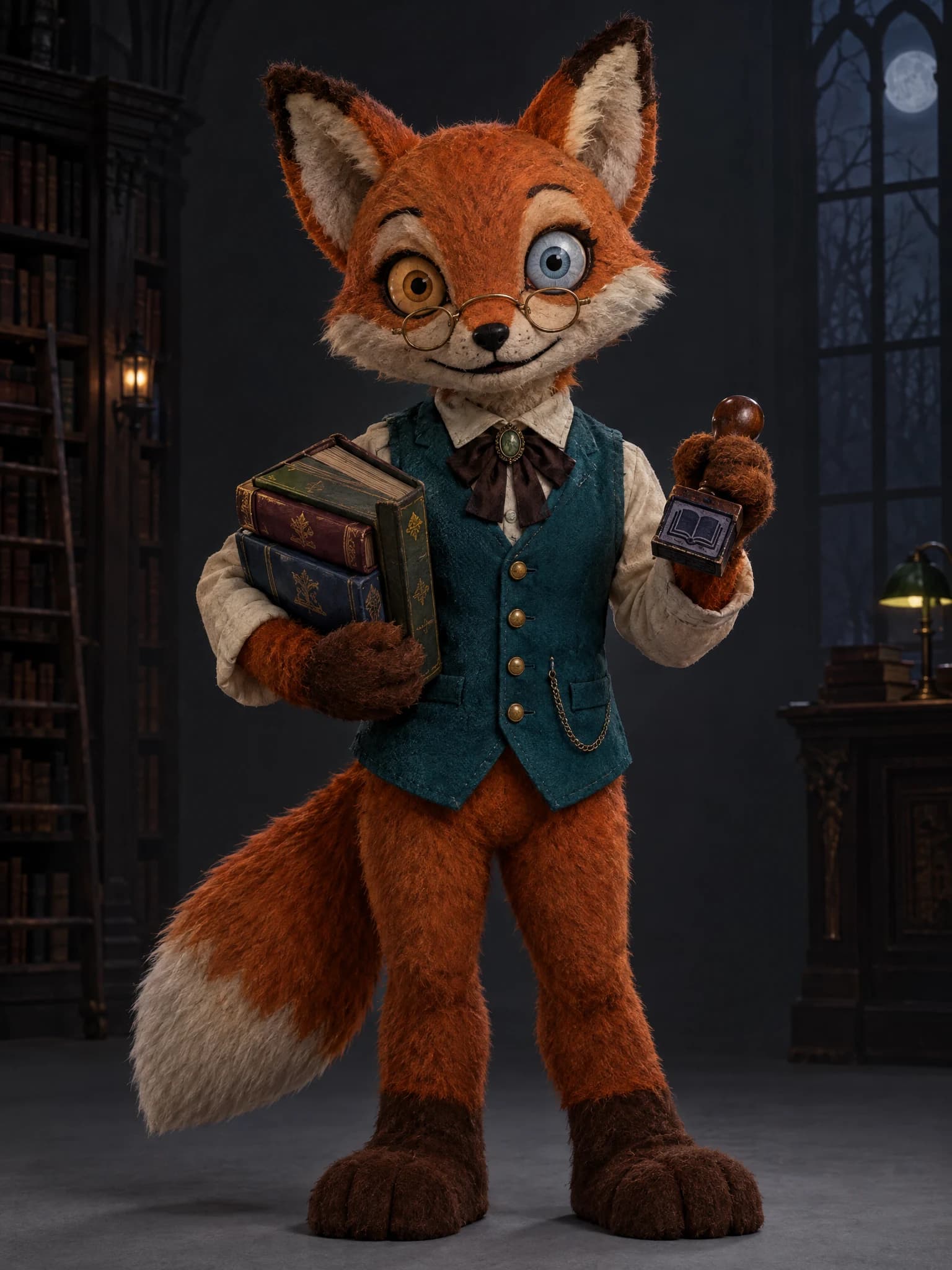
Mascot Horror Character Generator
Describe an animal and its job to create an original creepy mascot character. Add a friendly look, eerie details, or your own sketch.
Text only, no uploadUse template →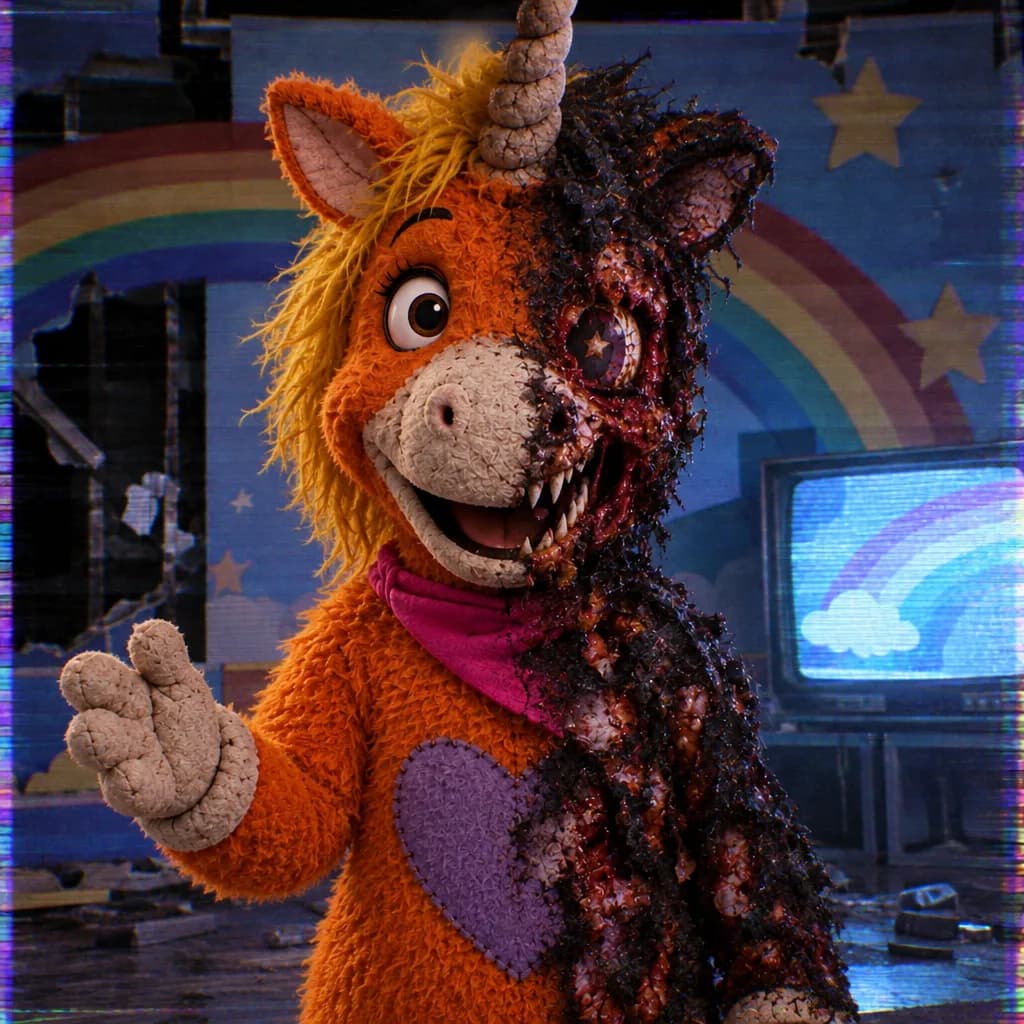
Dark Buddy AI Image Generator
Describe an original dark unicorn mascot with a twisted grin, fangs and a ruined TV studio. Create a VHS-lit horror illustration from text.
Text only, no uploadUse template →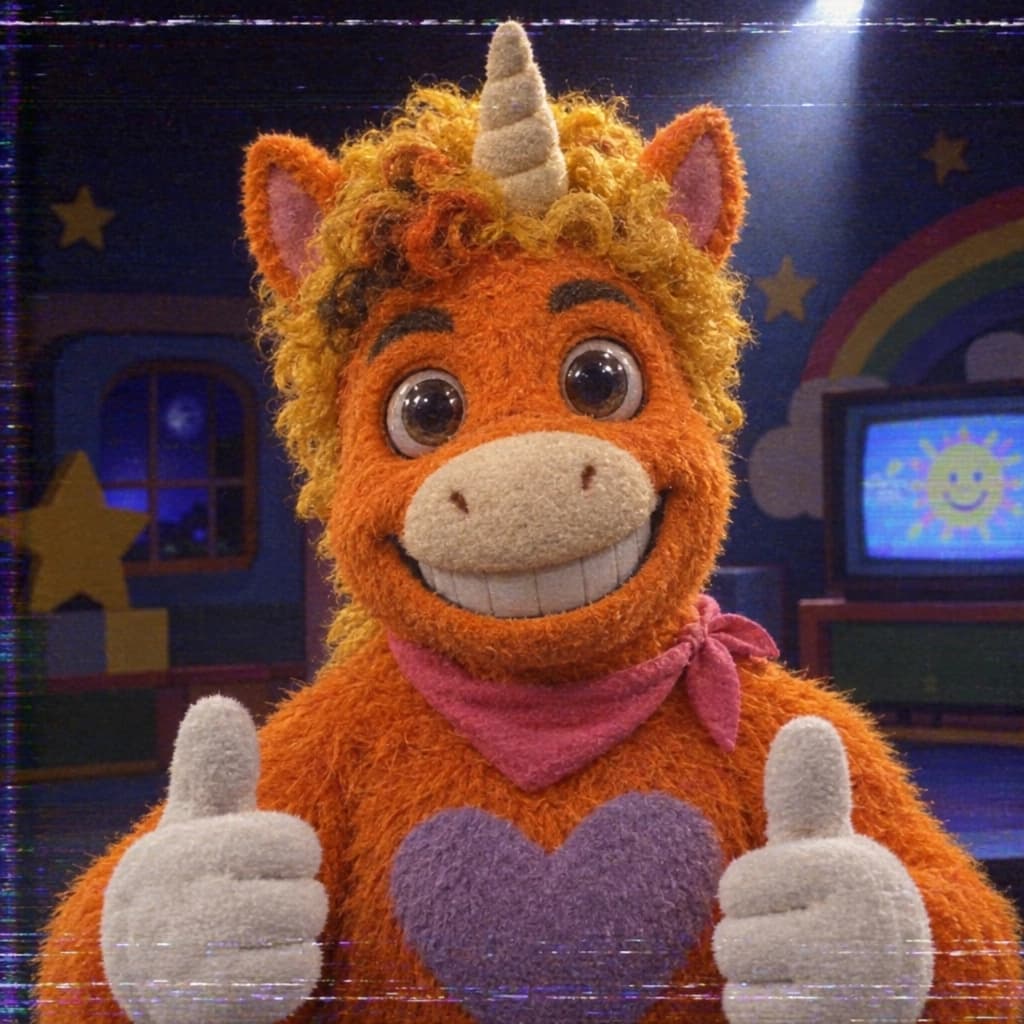
Buddy the Unicorn PFP Maker
Turn a selfie or pet photo into an eerie orange plush unicorn mascot PFP. Get a square portrait with a centered face and room for a round crop.
Text only, no uploadUse template →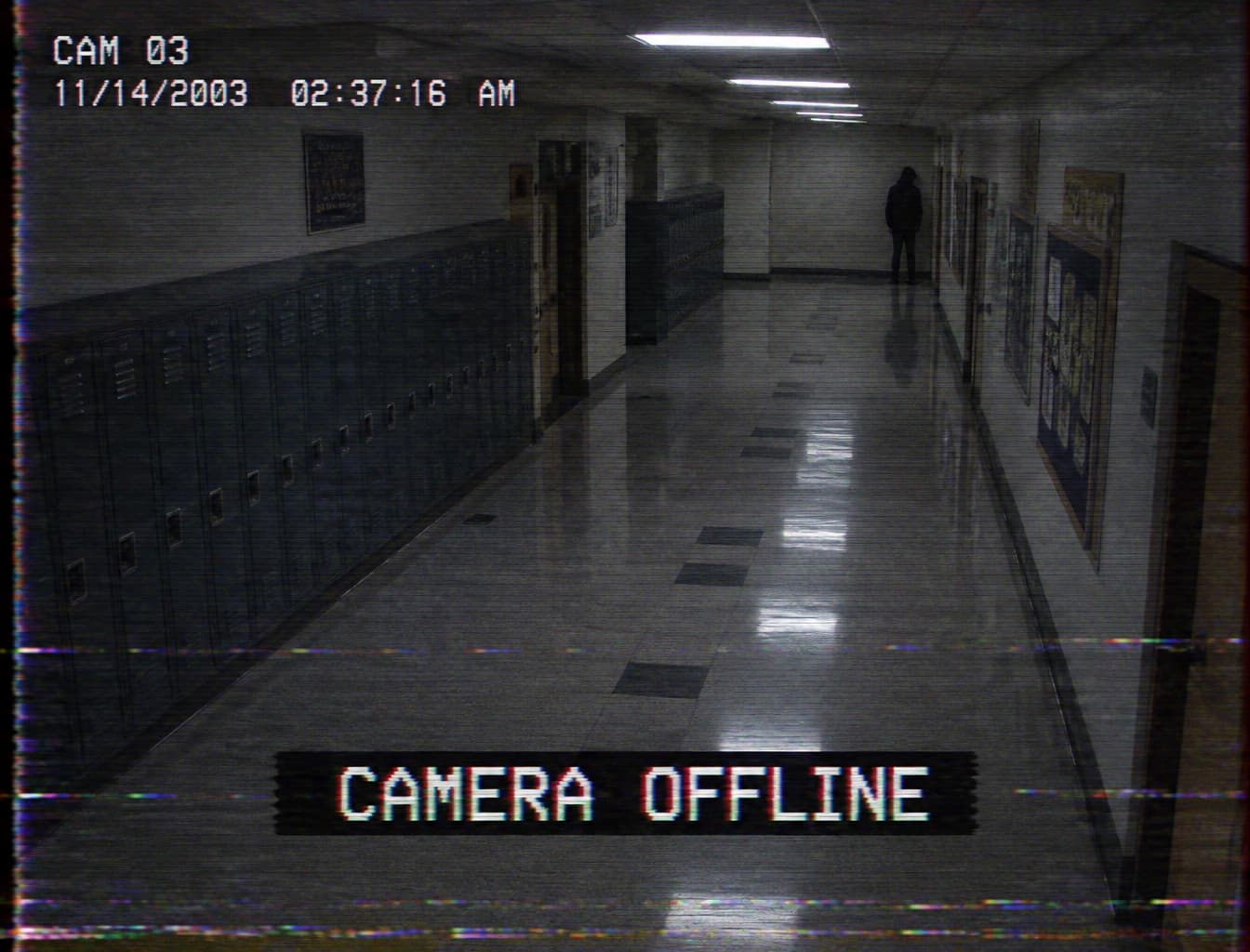
Analog Horror AI Generator
Create still images with worn videotape, fictional broadcast or surveillance styling from a description or your own photo.
Text only, no uploadUse template →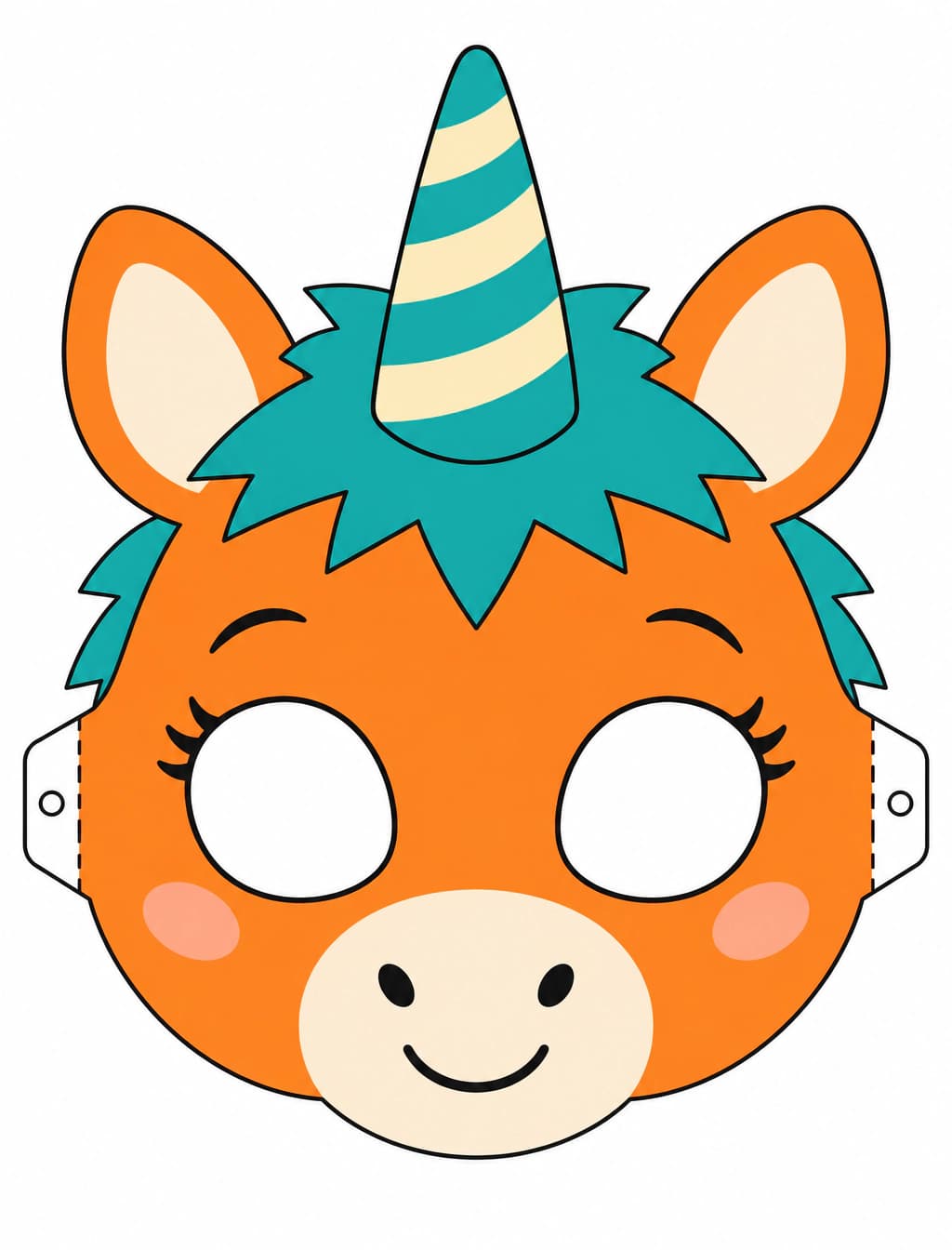
Buddy the Unicorn Mask Generator
Design an original unicorn mascot mask image, then download, print, cut and wear it for Halloween crafts.
Text only, no uploadUse template →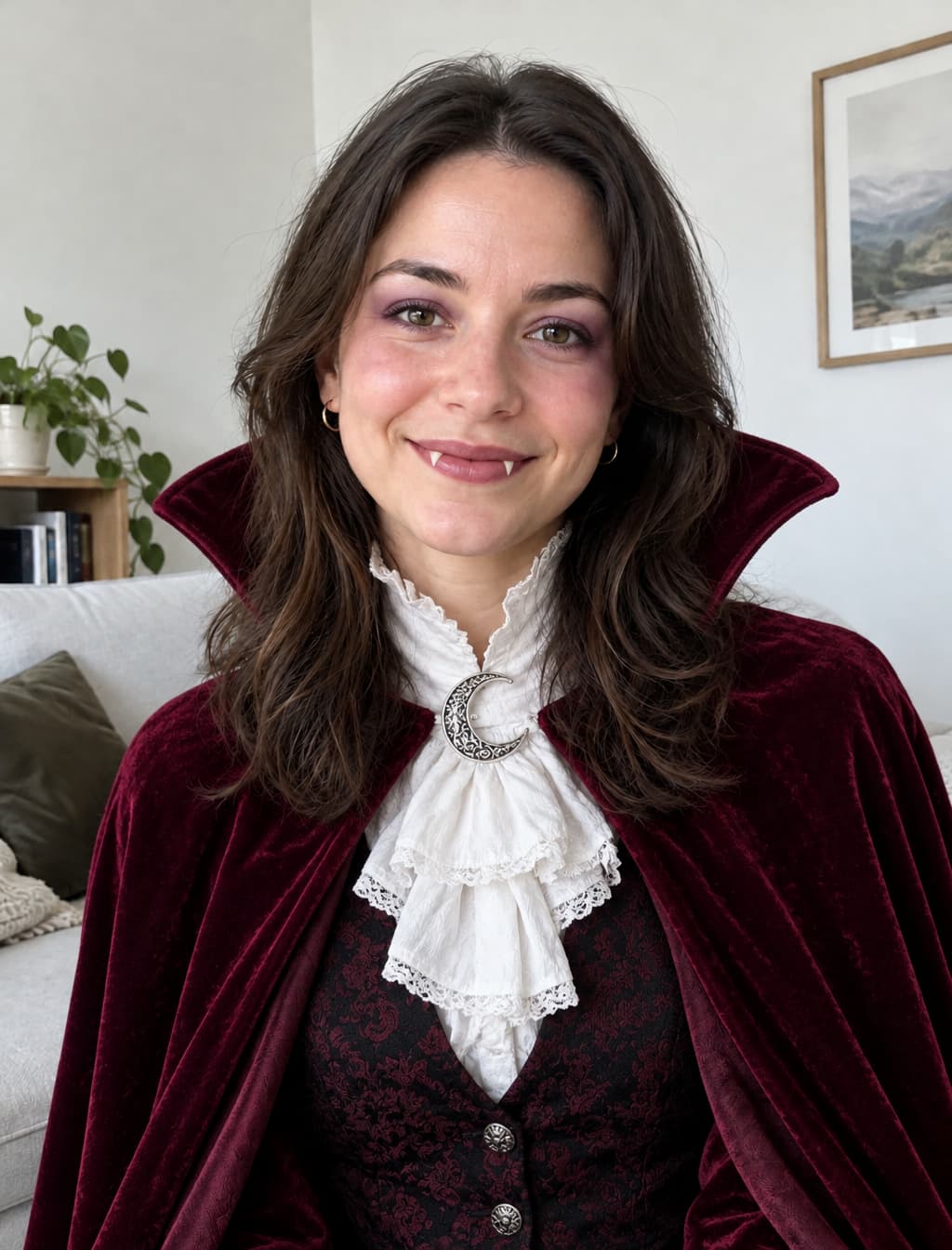
AI Halloween Costume Generator
Create a witch, vampire, zombie or original unicorn mascot costume from text, or try it on your photo.
Text only, no uploadUse template →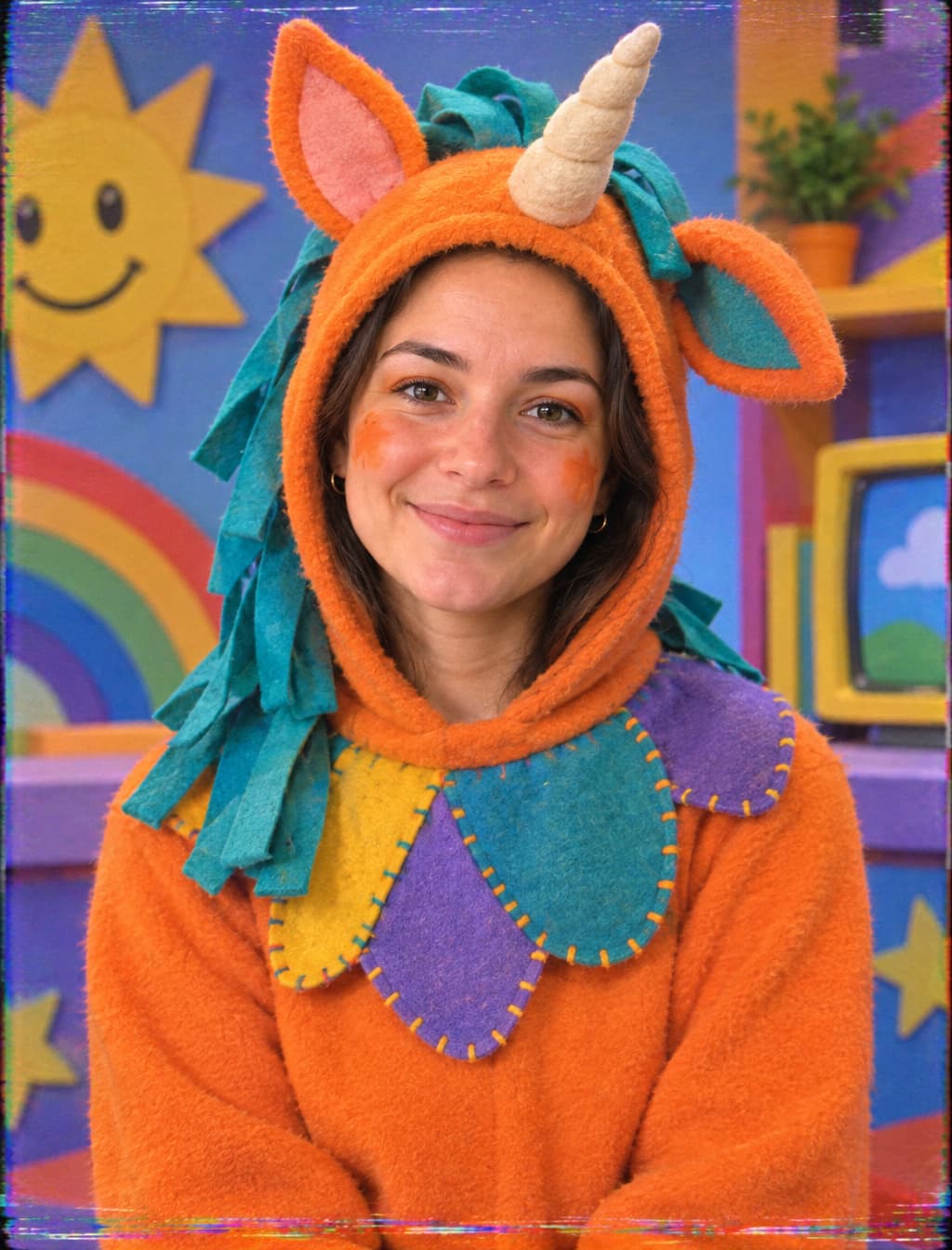
Buddy the Unicorn Face Filter
Turn your photo into an original orange unicorn mascot host portrait with VHS texture.
Text only, no uploadUse template →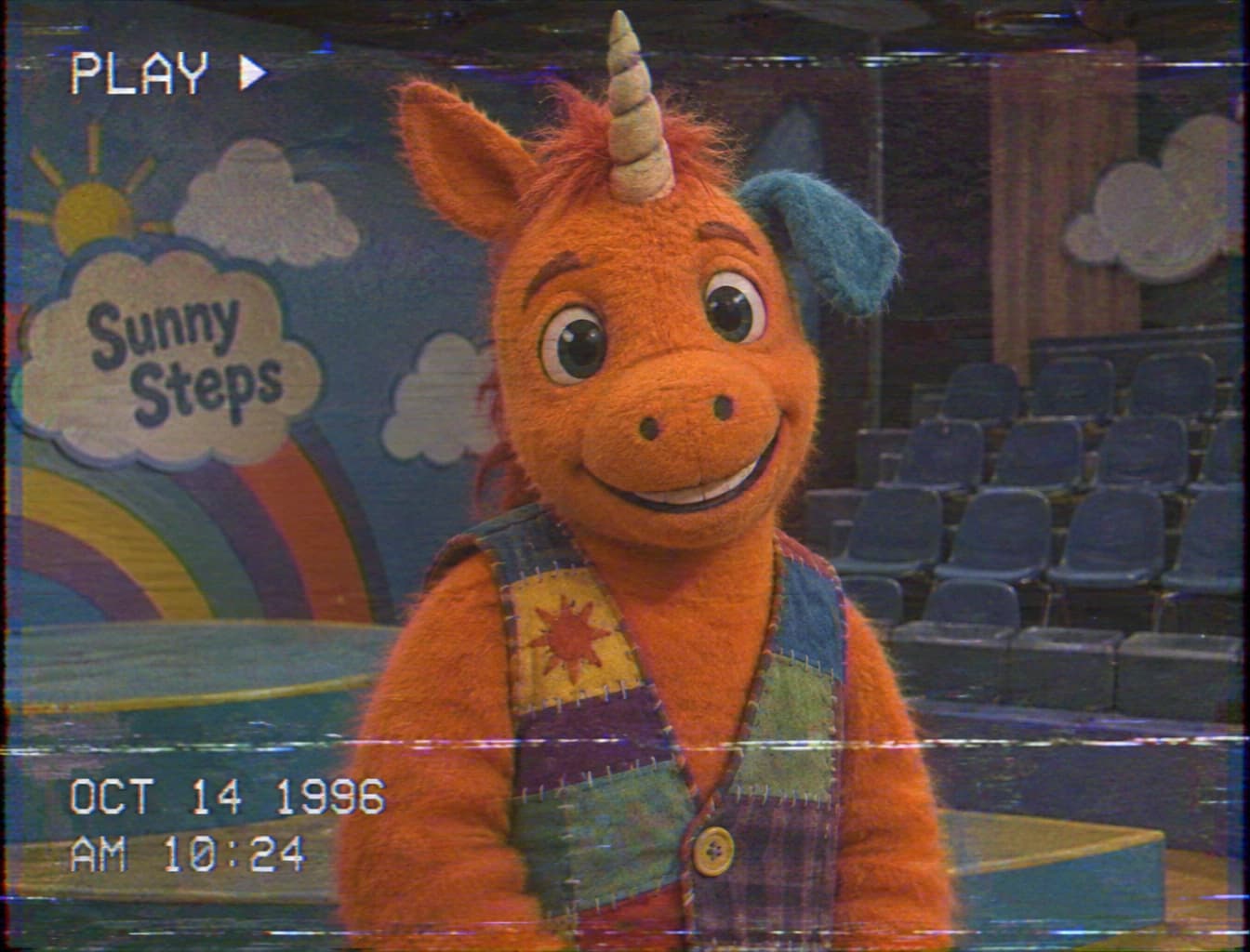
90s VHS Horror Filter Online
Turn a photo into a creepy children’s TV tape still with faded colors, scanlines and tracking noise.
Text only, no uploadUse template →