
Switch to image to image and upload your own sketch. Name the outline, accessories and colors you want the generated interpretation to carry forward.


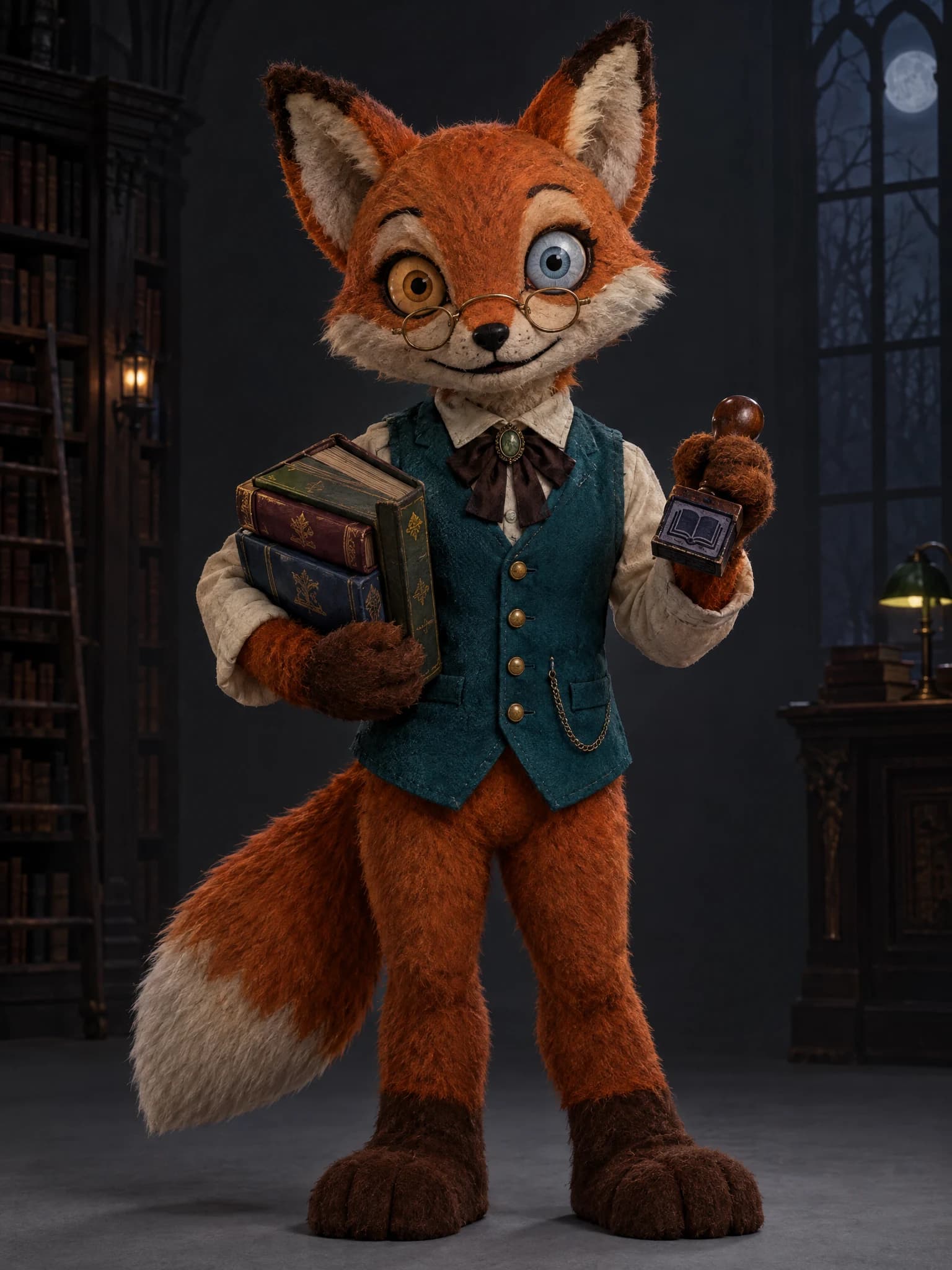
Mascot Horror Character Generator turns an animal and a job into an original children’s-show mascot concept. Describe a friendly personality with an unsettling detail, or switch to image to image and upload your own sketch.
Examples
Give your mascot a job such as librarian, baker or weather presenter. Clothing, props and posture can make the character’s friendly purpose readable before the eerie details emerge.
Ask for plush fabric, rounded paws and warm colors, then introduce a frozen grin or off-center stare. Describe the balance you want so the result has a clear personality.
Switch to image to image to upload your own drawing. List the silhouette, costume and colors you want carried into the new interpretation, then inspect the generated image against your sketch.
Mascot horror gives a familiar entertainer an unsettling side: a friendly costume, a useful job and a detail that feels wrong on a second look.
Explore the Halloween AI collectionThe 2026 film Buddy puts an orange unicorn children’s-show host in a horror setting. That contrast makes retro TV mascots a timely Halloween starting point; build your own character through its animal, occupation and silhouette.
Make an original unicorn profile pictureRequest visible stitching, soft fur and oversized gloves for a handmade studio entertainer.
Use painted joints, carved faces and stiff poses to give a familiar animal an uneasy stage presence.
Describe a glossy glaze, tiny cracks and a distinctive uniform for a fragile-looking character concept.
Combine rounded vinyl shapes, bright seams and an oddly still expression for a carnival-style illustration.
Explore the look of a seemingly helpful character before writing its unsettling role in a Halloween story.
Develop a visual reference for a mascot’s costume, materials and silhouette to guide later asset production.
Sketch an original guide or ticket taker as a visual direction for seasonal artwork and handmade props.
Create a recognizable club character with a chosen animal, occupation and color scheme for seasonal posts.
Enter your animal, occupation, colors and one eerie detail. To develop your own sketch, switch to image to image and upload it.
Use a tall frame for a full-body design or square for a closer portrait. Review quality settings and the credit estimate before submitting.
Check the limbs, face, costume and props against your brief. Refine the prompt and generate again as needed, then download the image you choose.
Pair an animal with a specific job so the costume has a reason to exist.
Ask for a full-body view and a simple backdrop when you need to inspect the silhouette.
Use one unsettling feature first, then adjust the expression after reviewing the result.
Switch to image to image and upload your own sketch. Name the outline, accessories and colors you want the generated interpretation to carry forward.
Start with friendly proportions and a believable job, then add a frozen expression, worn fabric or unusual eyes. Inspect the result and adjust the balance in your next prompt.
It produces a character concept image that can guide later artwork. Use that visual reference when you build your game assets in your own production workflow.
Describe the head, expression and costume details, then choose square framing for a portrait. For a unicorn profile image, continue with the related PFP template.
Describe an animal and its job above, choose a friendly shape with an eerie twist, and generate your original character concept.
Try it now