

Choose among the available task cards for seasonal images, video and voice workflows. Each card opens a dedicated page with the materials and controls needed for that task.


Halloween AI brings together templates and tools for party posters, costume ideas, eerie pictures, short videos and character narration. Choose the result you want, then open its page to add your own text or materials.
Explore original mascot horror with bright costume colors, a memorable silhouette and a retro television setting. Give your character a distinct identity and adjust the mood for your audience.
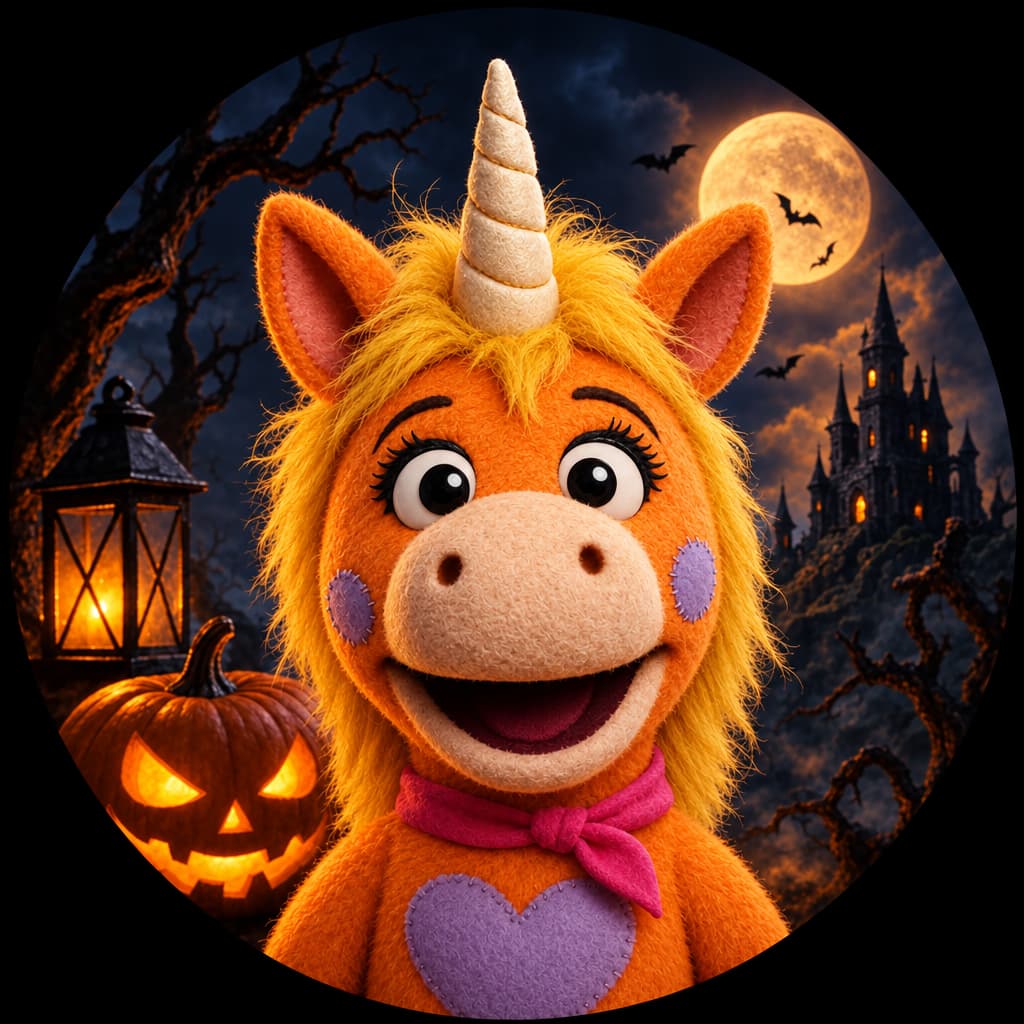
Turn a selfie or pet photo into an eerie orange plush unicorn mascot PFP. Get a square portrait with a centered face and room for a round crop.
Try it now →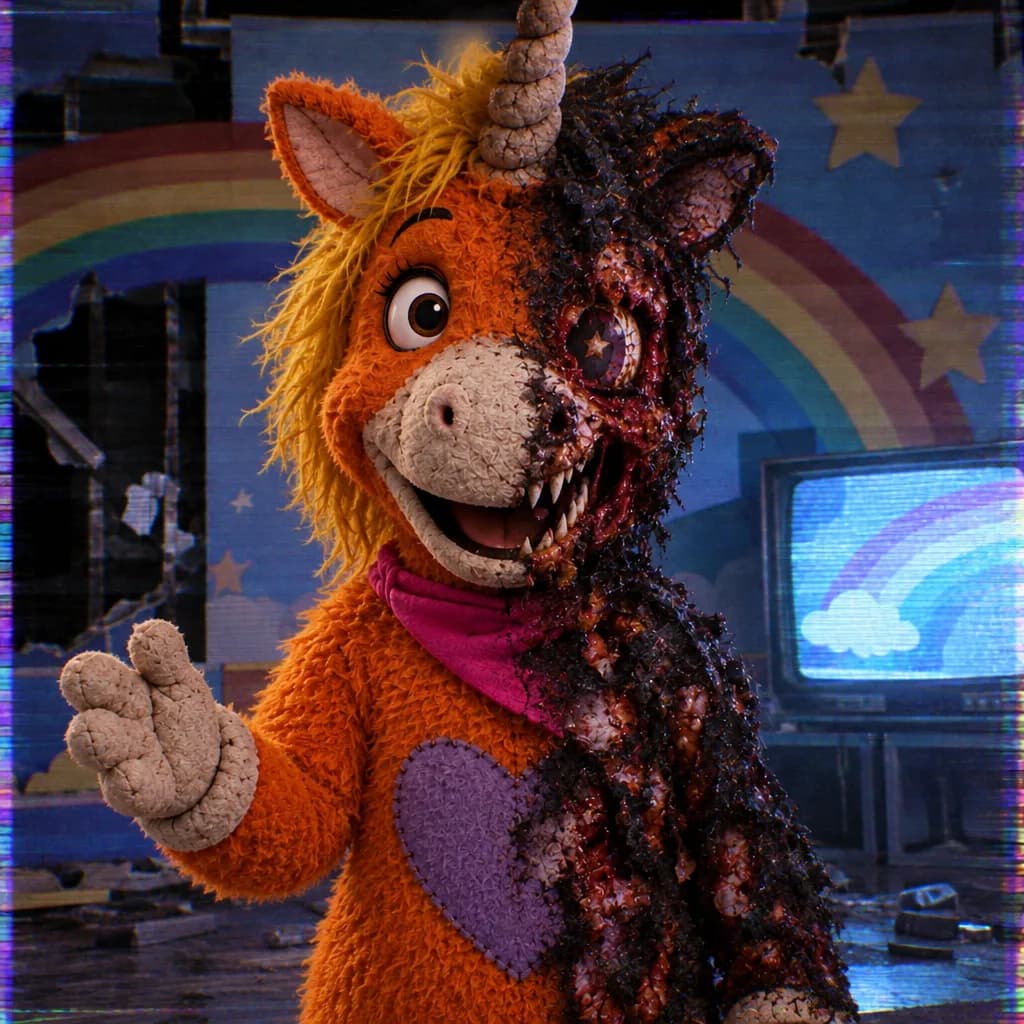
Describe an original dark unicorn mascot with a twisted grin, fangs and a ruined TV studio. Create a VHS-lit horror illustration from text.
Try it now →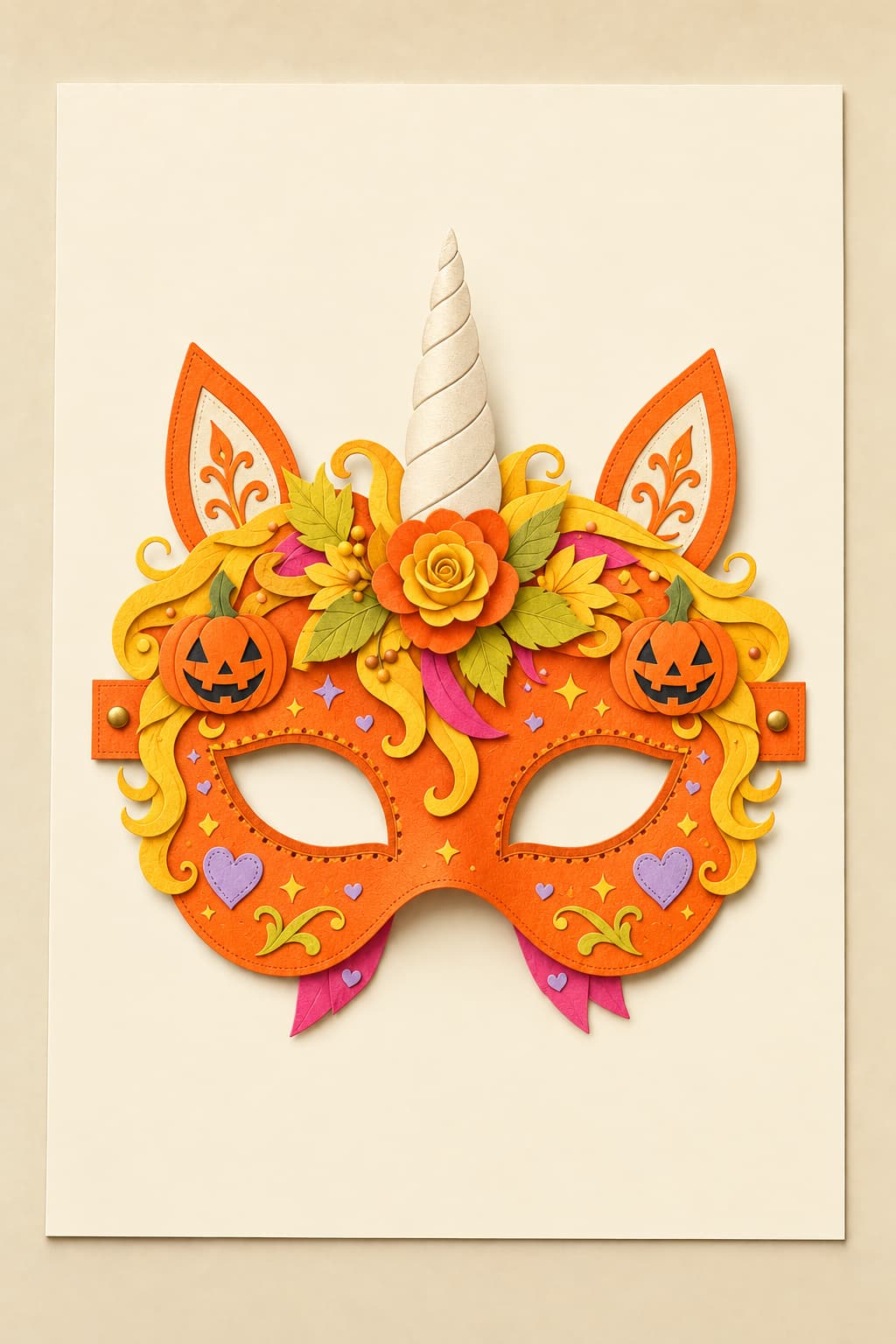
Design an original unicorn mascot mask image, then download, print, cut and wear it for Halloween crafts.
Try it now →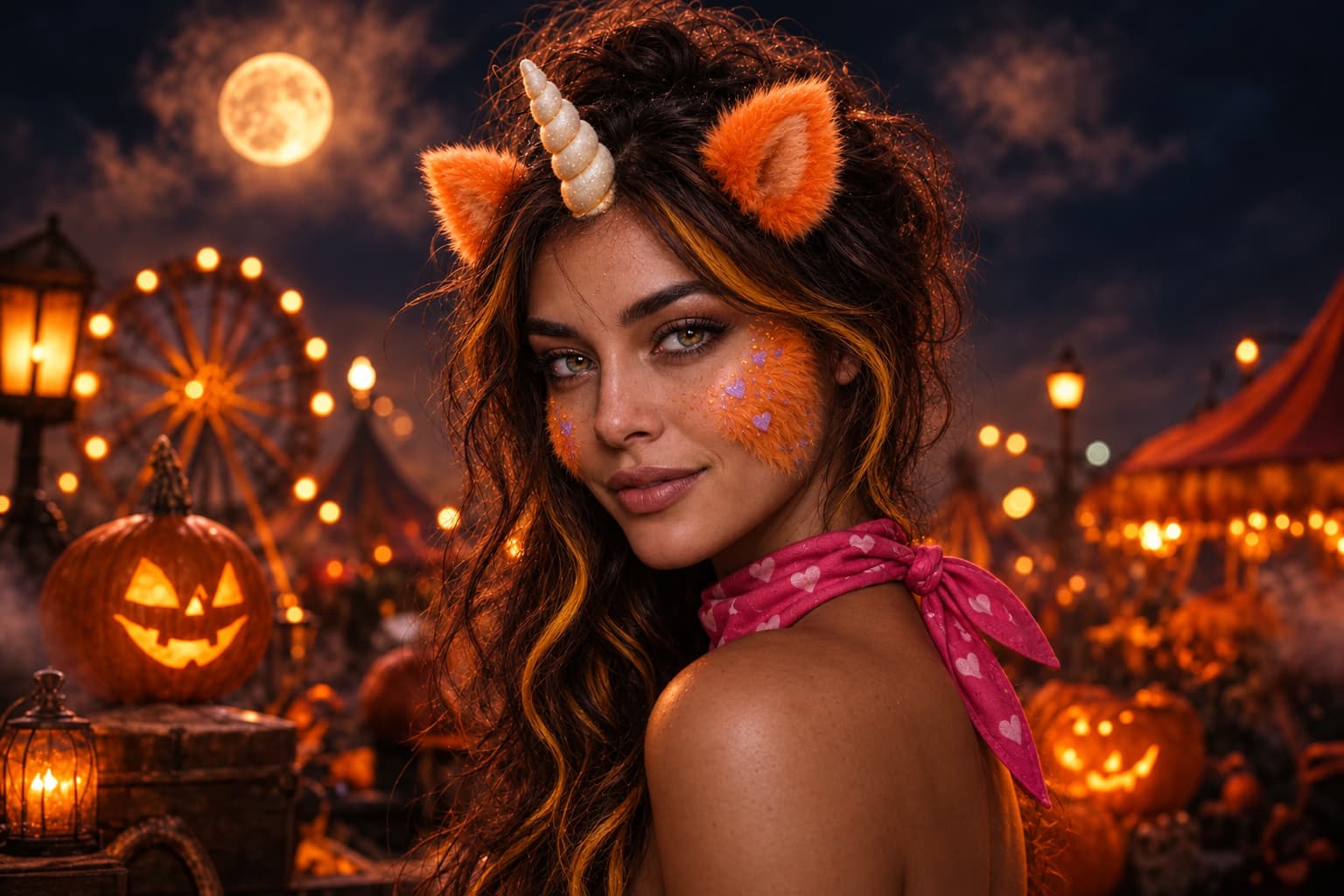
Turn your photo into an original orange unicorn mascot host portrait with VHS texture.
Try it now →Create a party announcement or explore an original costume and character concept. Put the subject, setting, colors and any required words into your brief.
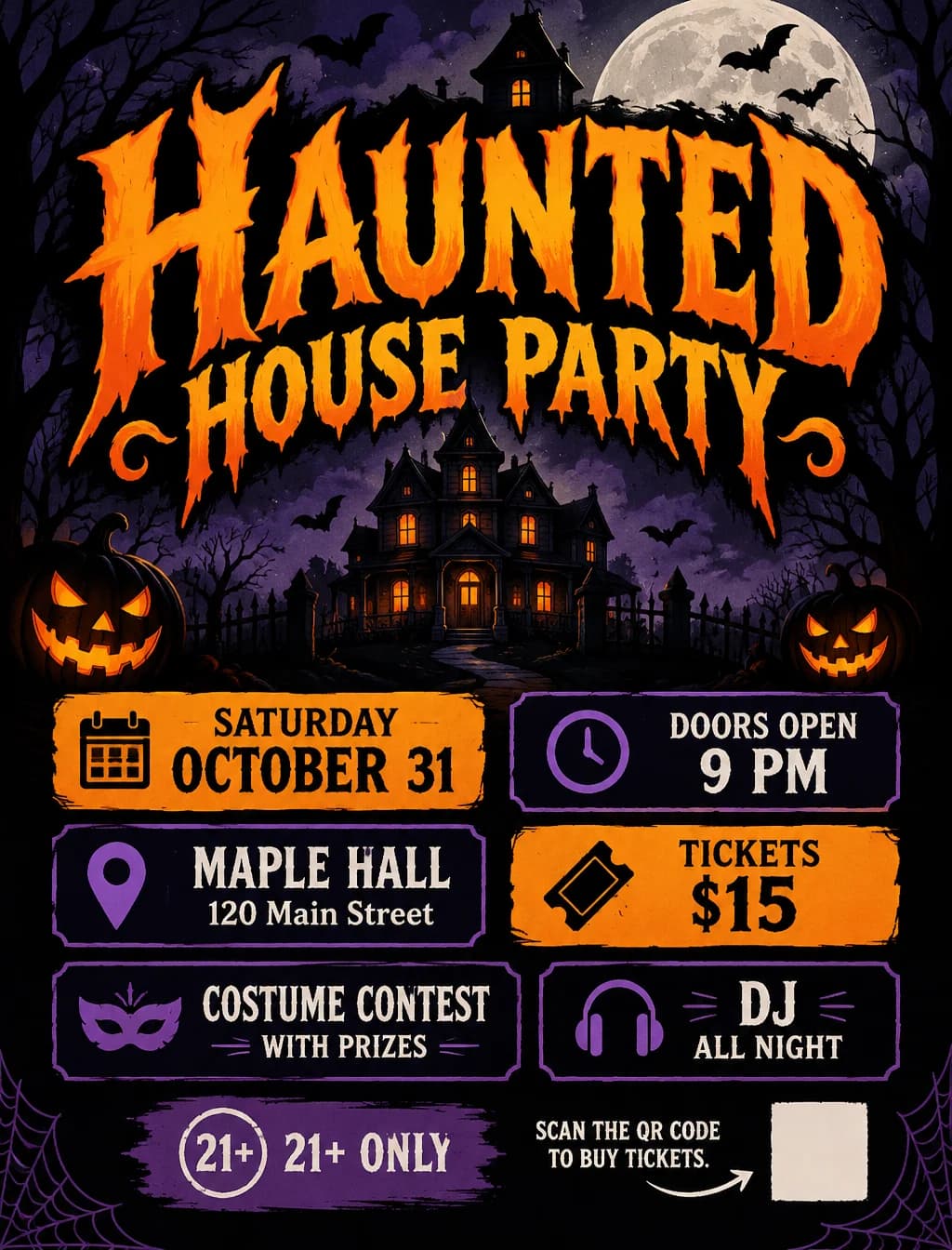
Create a Halloween poster from your party, event or promotion details. Describe a cute, vintage, spooky or elegant style.
Try it now →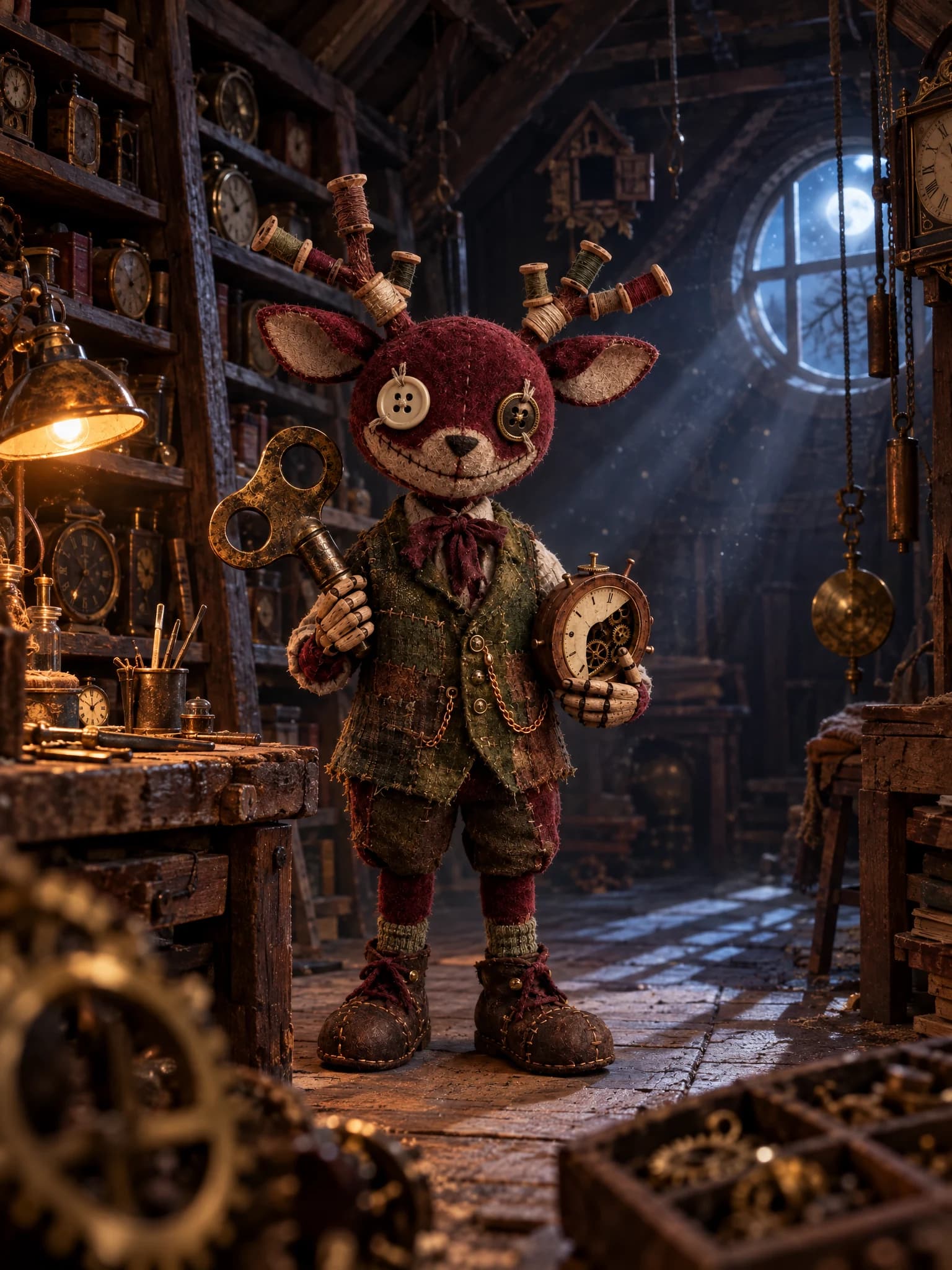
Describe an animal and its job to create an original creepy mascot character. Add a friendly look, eerie details, or your own sketch.
Try it now →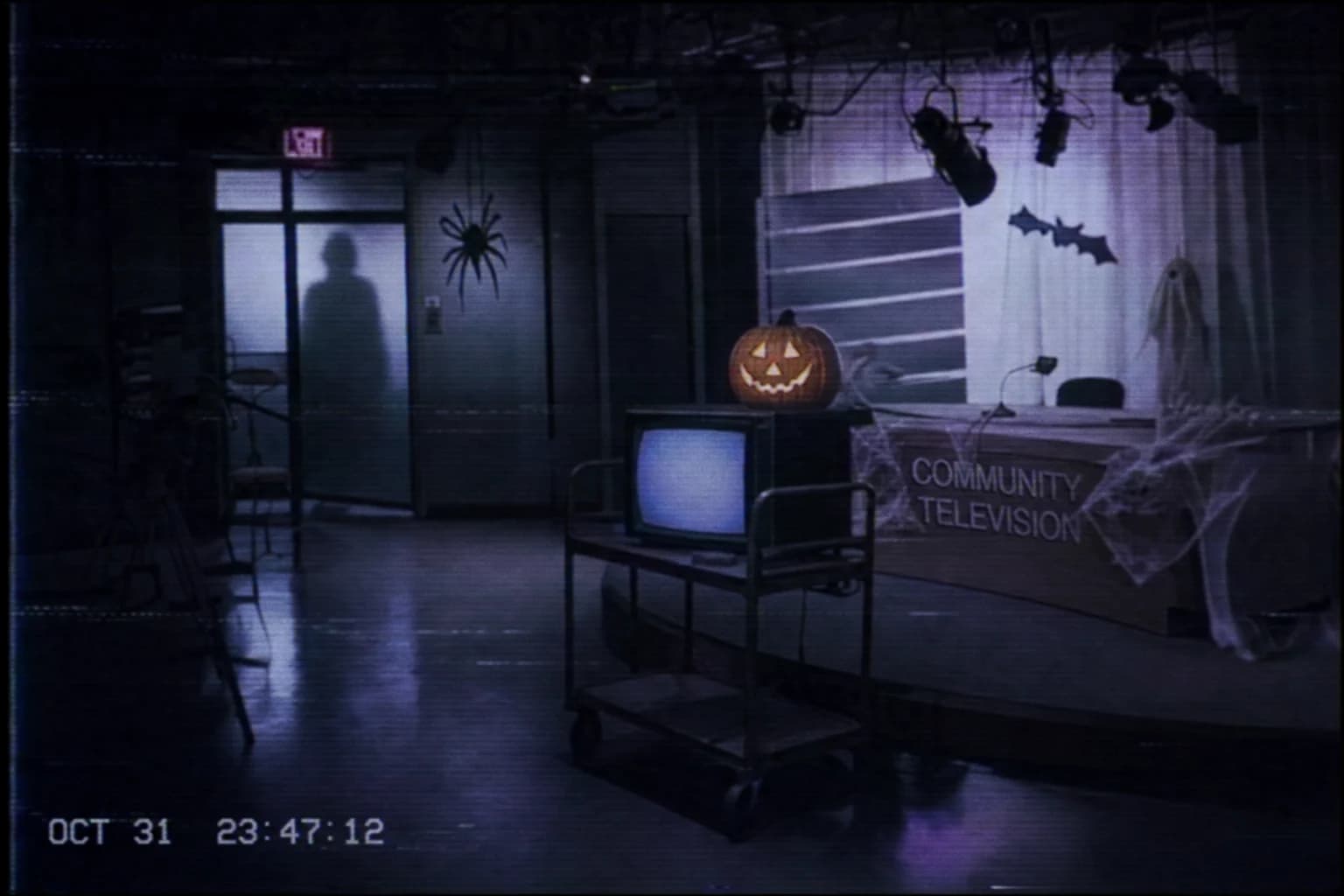
Create still images with worn videotape, fictional broadcast or surveillance styling from a description or your own photo.
Try it now →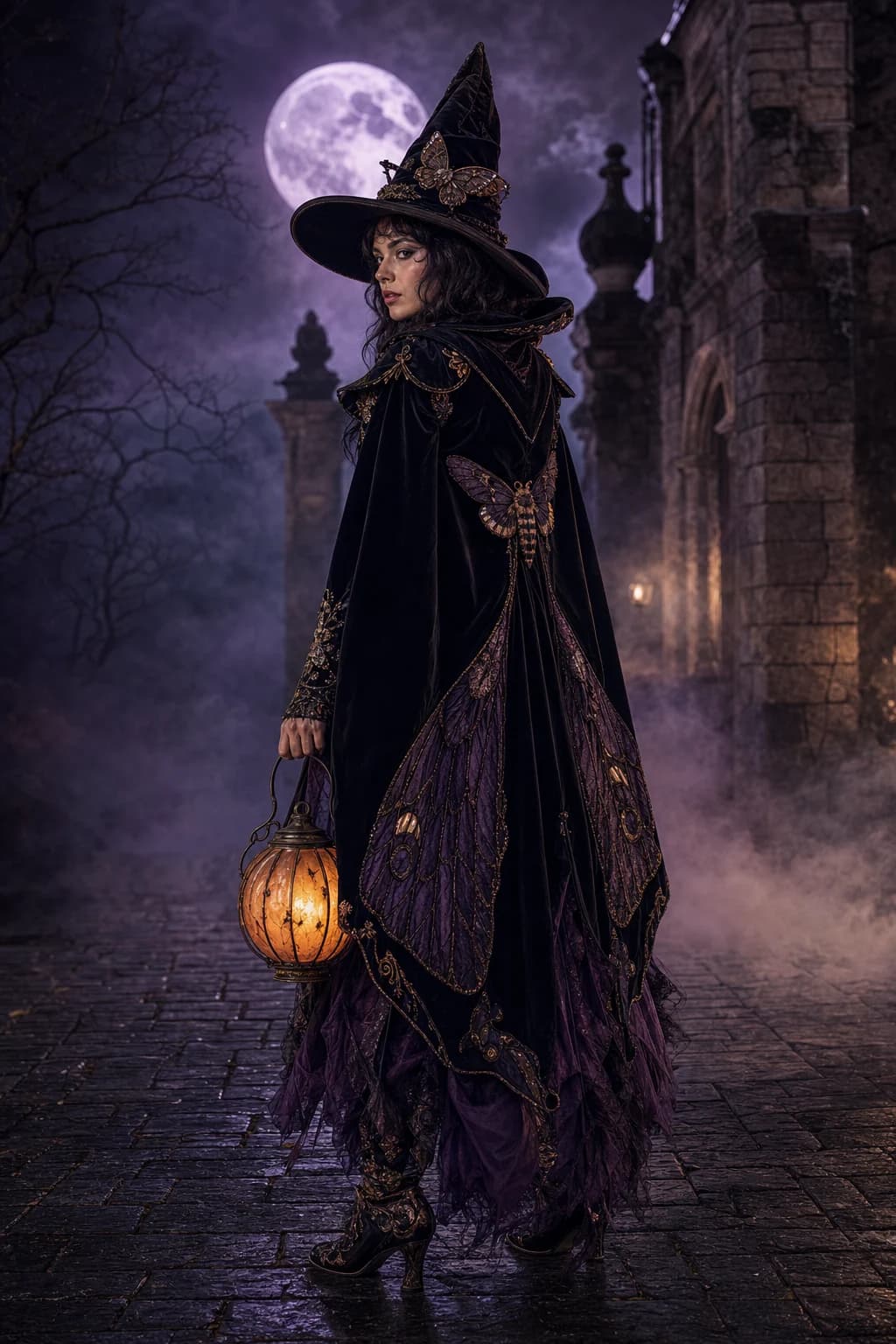
Create a witch, vampire, zombie or original unicorn mascot costume from text, or try it on your photo.
Try it now →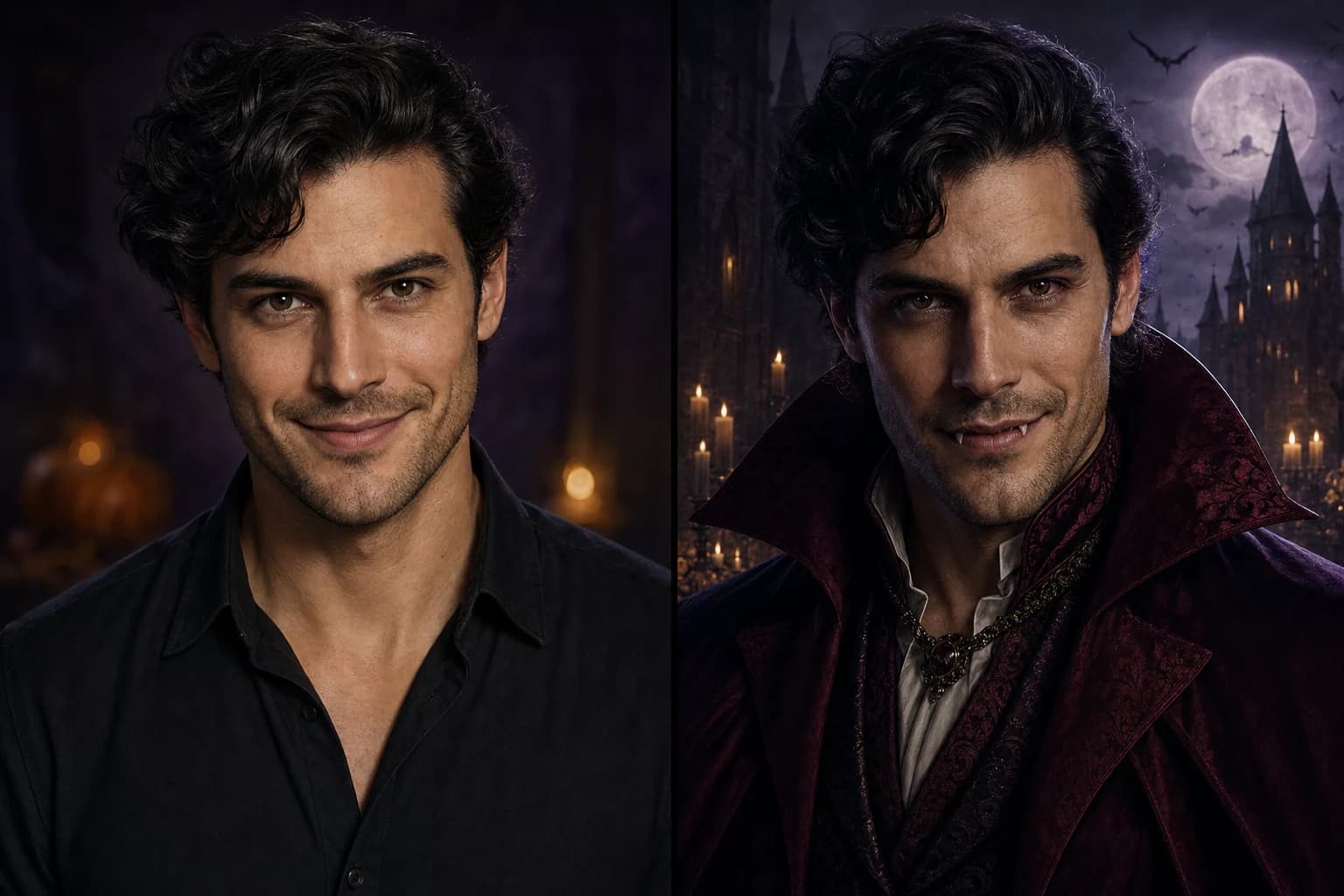
Use Halloween Face Swap AI to put your face in a costume portrait. Upload your photo and a target image, generate, inspect the result, and download.
Try it now →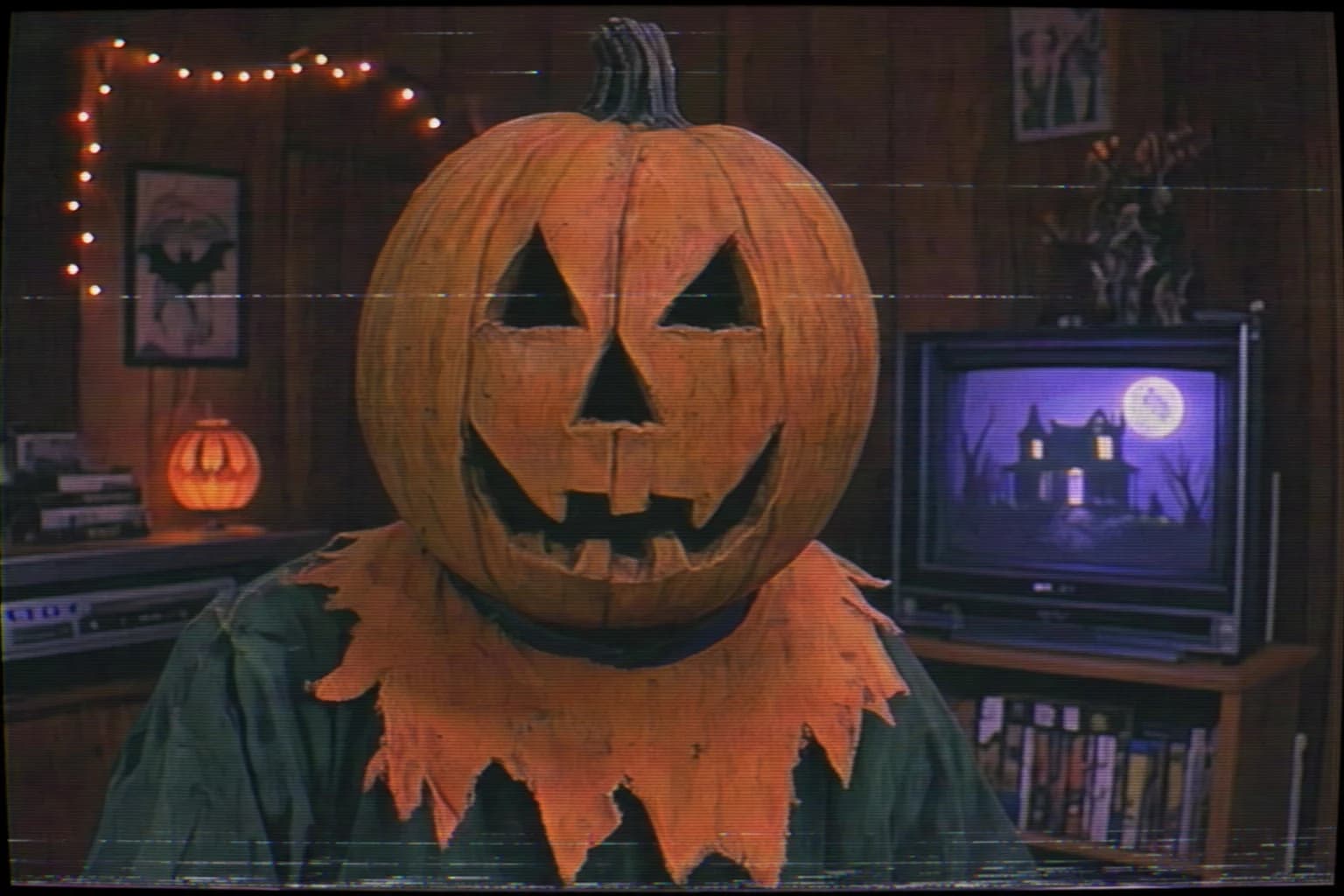
Turn a photo into a creepy children’s TV tape still with faded colors, scanlines and tracking noise.
Try it now →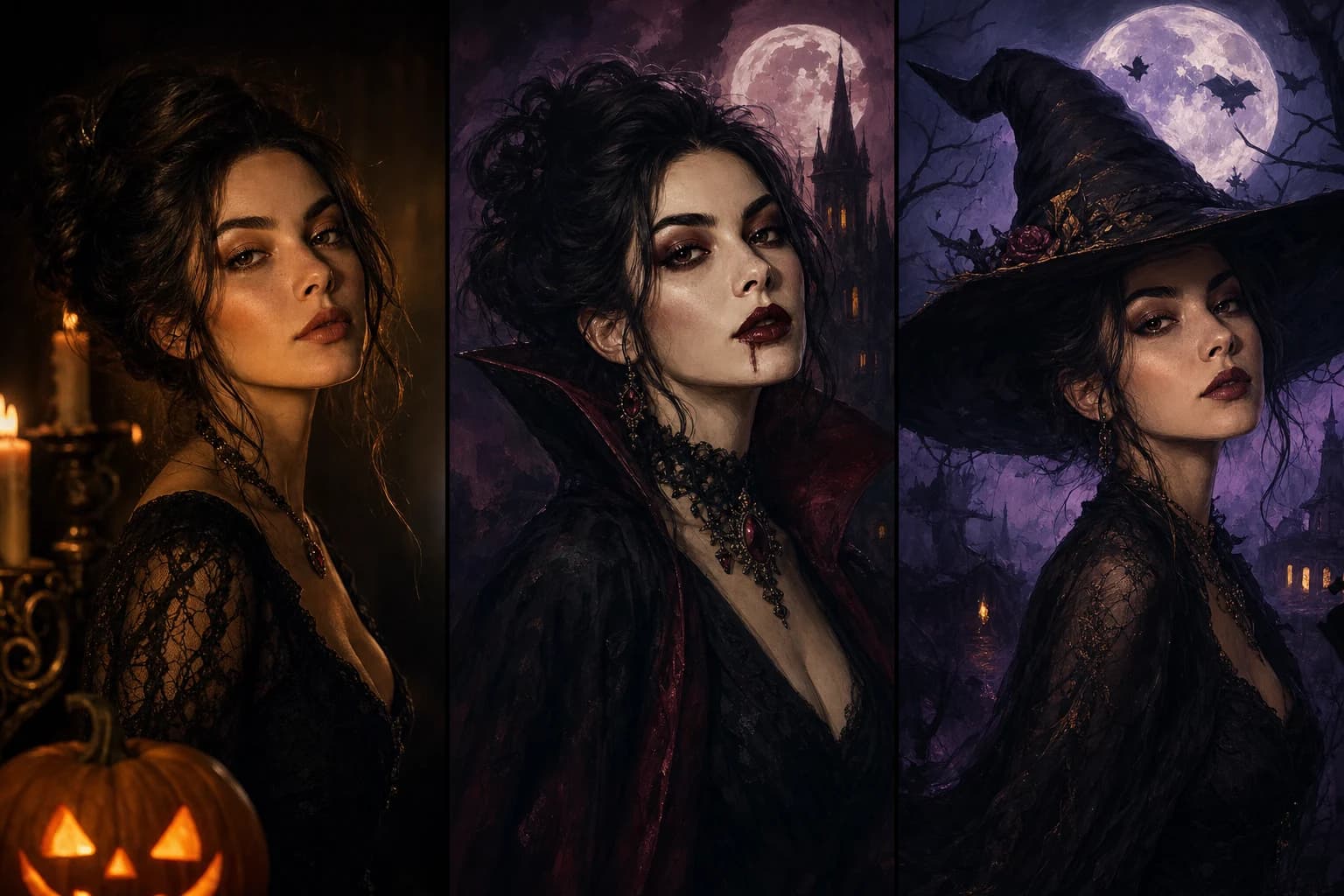
Apply trending AI filters and styles to any photo.
Try it now →
Make a cartoon profile picture from your photo.
Try it now →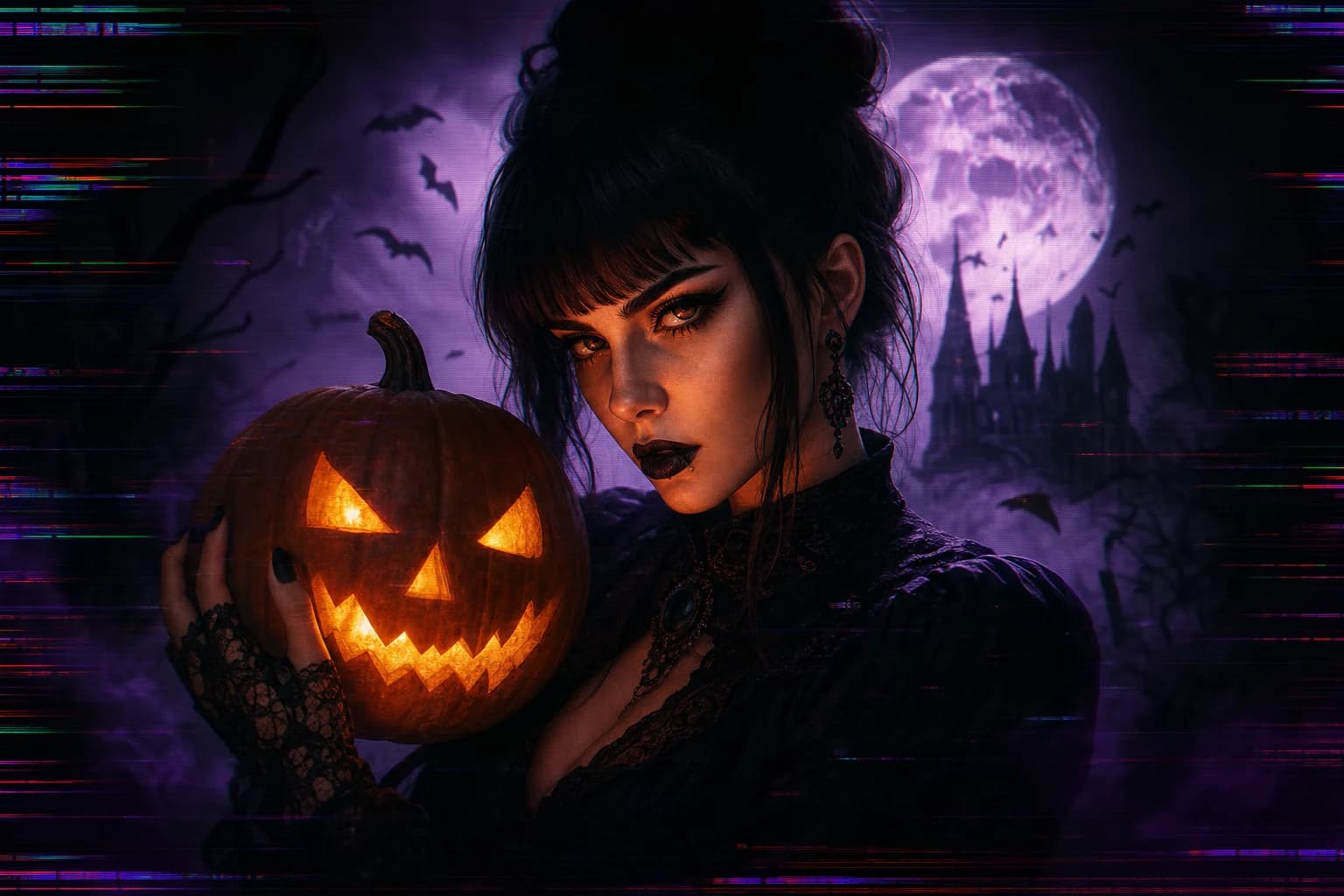
Add a bold digital glitch look to any photo.
Try it now →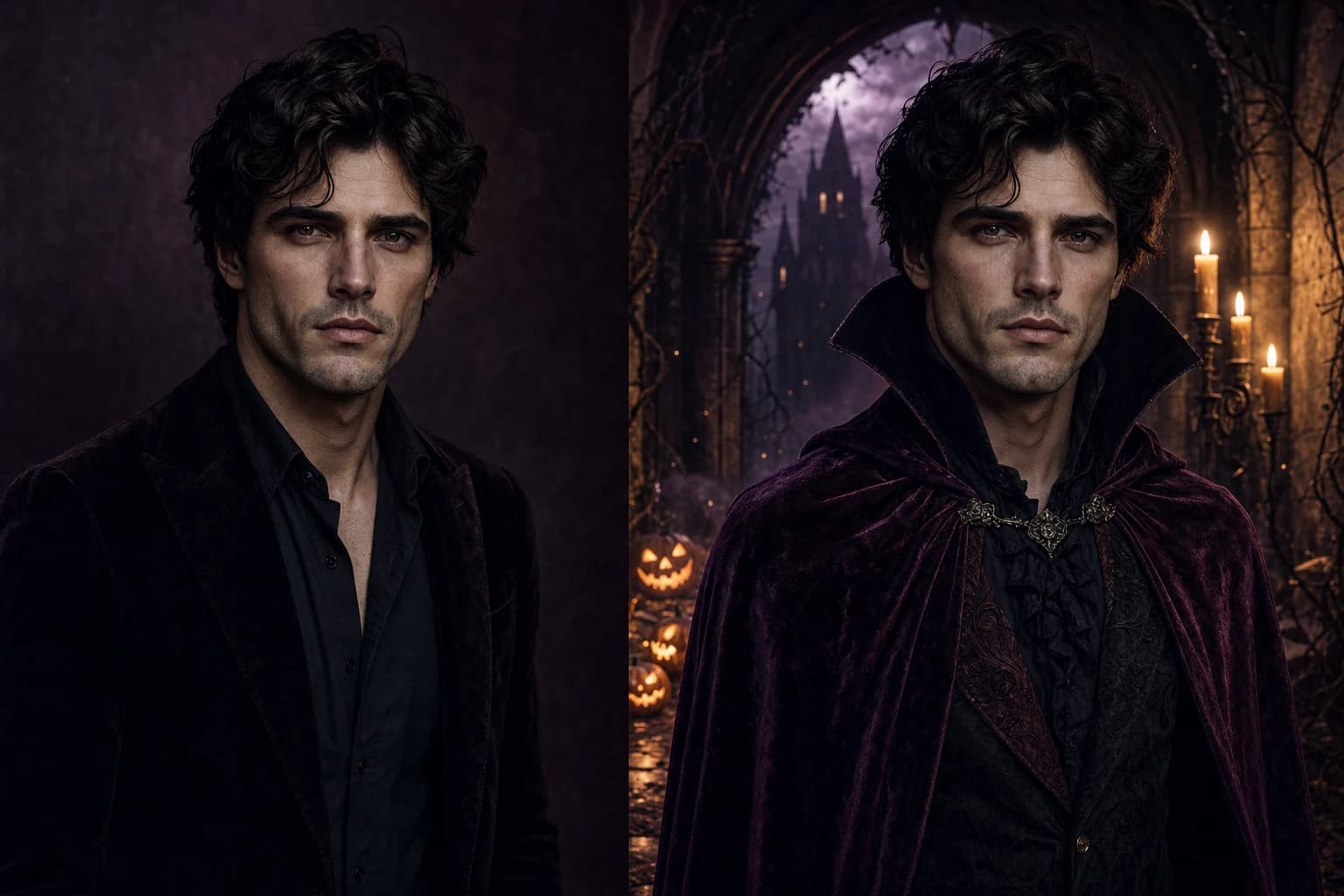
Upload a target portrait and a face reference to create a face swap.
Try it now →Develop a moving scene from a prepared image. Describe the subject’s movement and camera direction, then review the complete clip for changes in faces, props and lettering.
Prepare a short narration or an original mascot’s dialogue. Choose a suitable voice in the speech workflow and listen for pronunciation, pacing and the intended atmosphere.
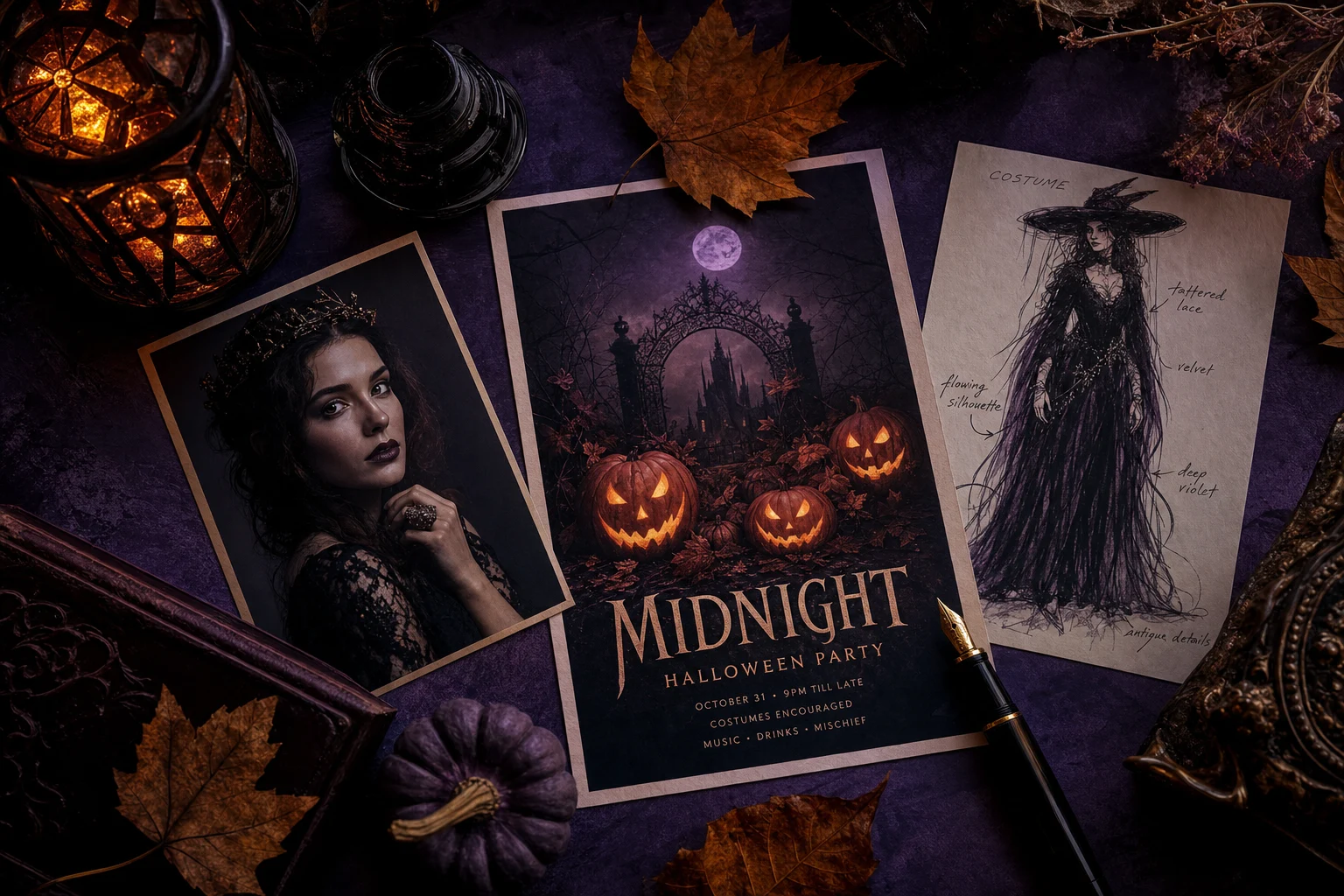
Have an event brief? Start with a poster. Have a portrait? Choose a photo workflow and prepare a clear image with the subject fully visible. The destination page explains the inputs and settings before you submit a generation.
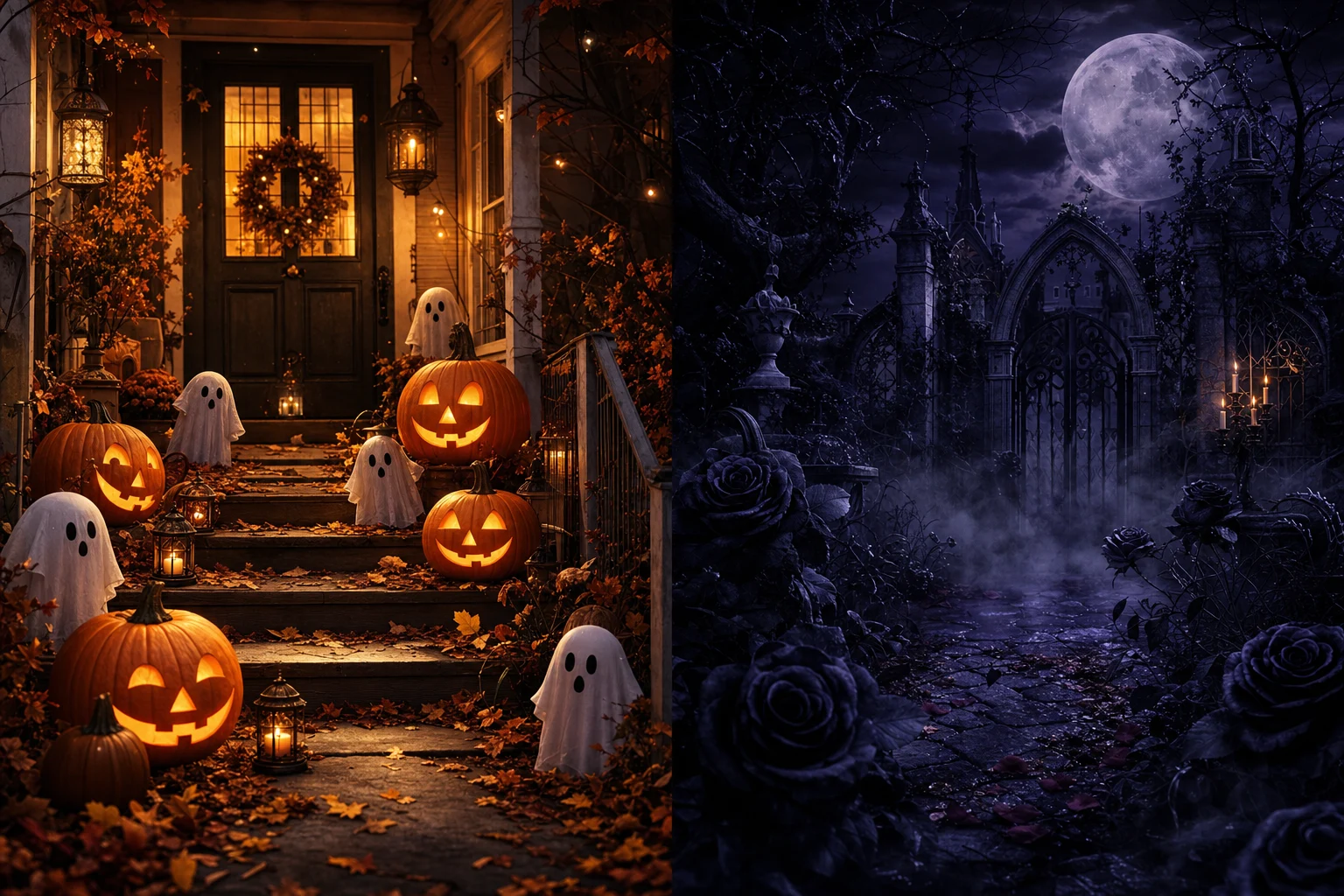
Use warm pumpkins and playful costumes for a community event, or dim studio lighting and worn tape textures for a horror project. Describe a specific setting and mood so the result serves your party, profile or story.
Halloween AI is a collection of creative starting points for seasonal images, video and audio. A poster begins with event details, a photo effect begins with a picture, and narration begins with a script; each card leads to the workflow that fits those materials.
For Halloween in 2026, retro children’s television and videotape horror offer a useful contrast: cheerful studio colors, handmade mascot costumes and an unsettling broadcast atmosphere. The Buddy film is a timely reference for that visual conversation; here, character ideas focus on original mascot designs with their own names, silhouettes and personalities.
Create a party announcement or explore an original costume and character concept. Put the subject, setting, colors and any required words into your brief.
Develop a moving scene from a prepared image. Describe the subject’s movement and camera direction, then review the complete clip for changes in faces, props and lettering.
Prepare a short narration or an original mascot’s dialogue. Choose a suitable voice in the speech workflow and listen for pronunciation, pacing and the intended atmosphere.
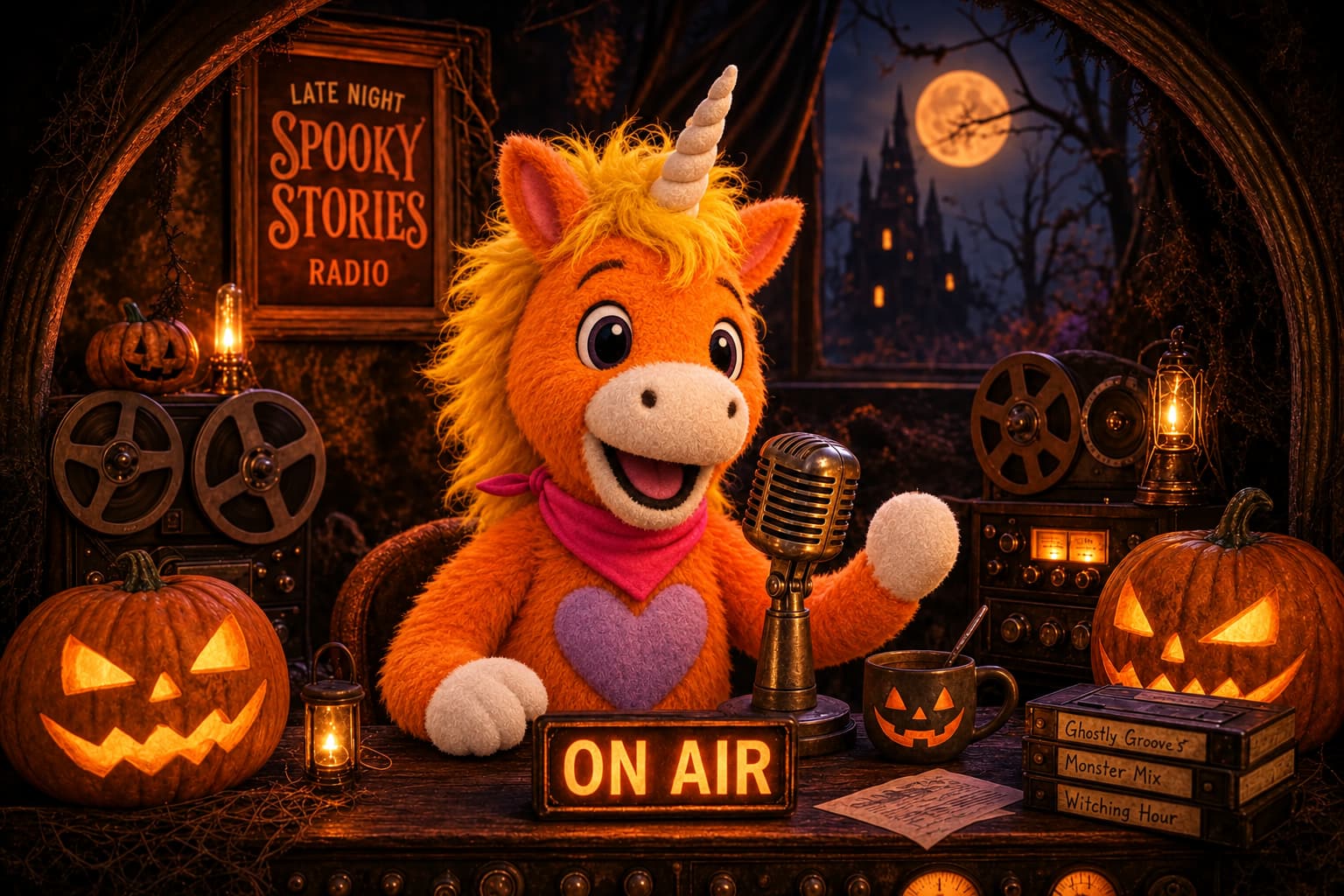
Explore original mascot horror with bright costume colors, a memorable silhouette and a retro television setting. Give your character a distinct identity and adjust the mood for your audience.
Keep the event title, location and schedule together before opening the poster template. Review every word and leave room for any details you plan to add after downloading.
Write down the mascot’s personality, costume and setting first. Use that brief across pictures and dialogue so each new piece supports the same original character idea.
Pick a card for your intended result and check its input guidance. Open the template or tool that matches the text, photo or audio you have prepared.
Enter your brief or upload the requested materials on the selected page. Review the available settings and displayed estimate, then submit your generation.
Check the whole image, watch the full clip or listen to the complete recording. Revise the input when needed and download the version you want to use.
Keep one clear creative goal in each brief, and compare your result with the materials and details you supplied.
Choose among the available task cards for seasonal images, video and voice workflows. Each card opens a dedicated page with the materials and controls needed for that task.
Open a photo-based workflow and upload a clear image, then describe the costume, setting or atmosphere you want. Check the complete result, including faces and small details, before sharing.
Open Image to Video with a prepared image and describe the movement you want. Small, specific actions such as flickering candlelight or drifting fog give you a focused starting brief.
Describe its shape, costume, personality and television set, then choose a playful or unsettling mood. Give the mascot its own identity and write original dialogue for its narration.
Choose an available task above and bring your own event, character or story to the next page.
Try it now