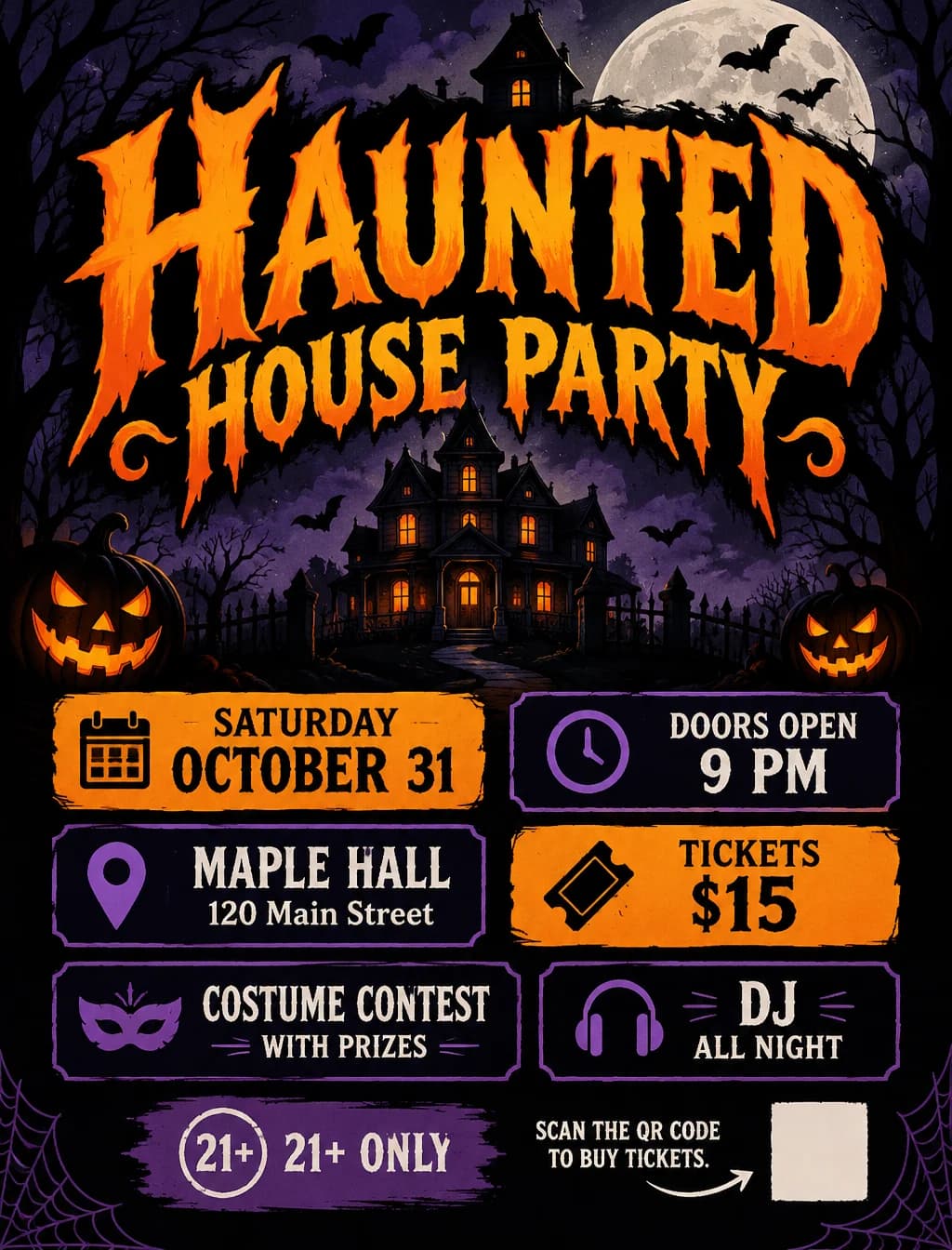



No. The template creates the whole poster from your text, but you can switch to image to image and upload a photo of your shop, product or venue to make it the main visual.


Create a Halloween poster with your event title, date, time, venue and ticket price. Describe your preferred style, review the entire poster, and regenerate if needed before downloading it to print or share.
Examples
Explore a scene, then use its example as a starting point for your own event.
Put the prize, judging time and award categories in the spotlight with a bold fashion-poster style.
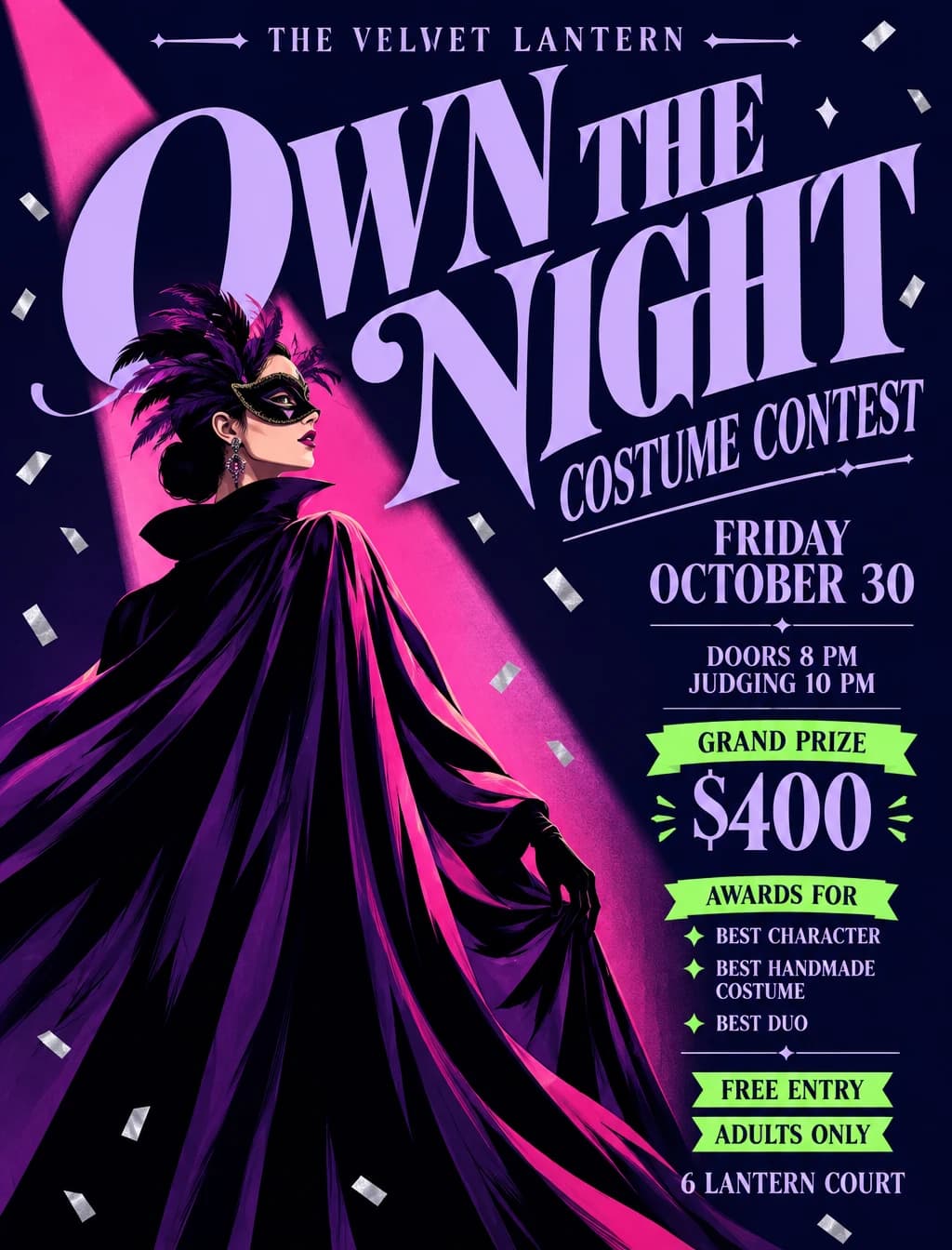
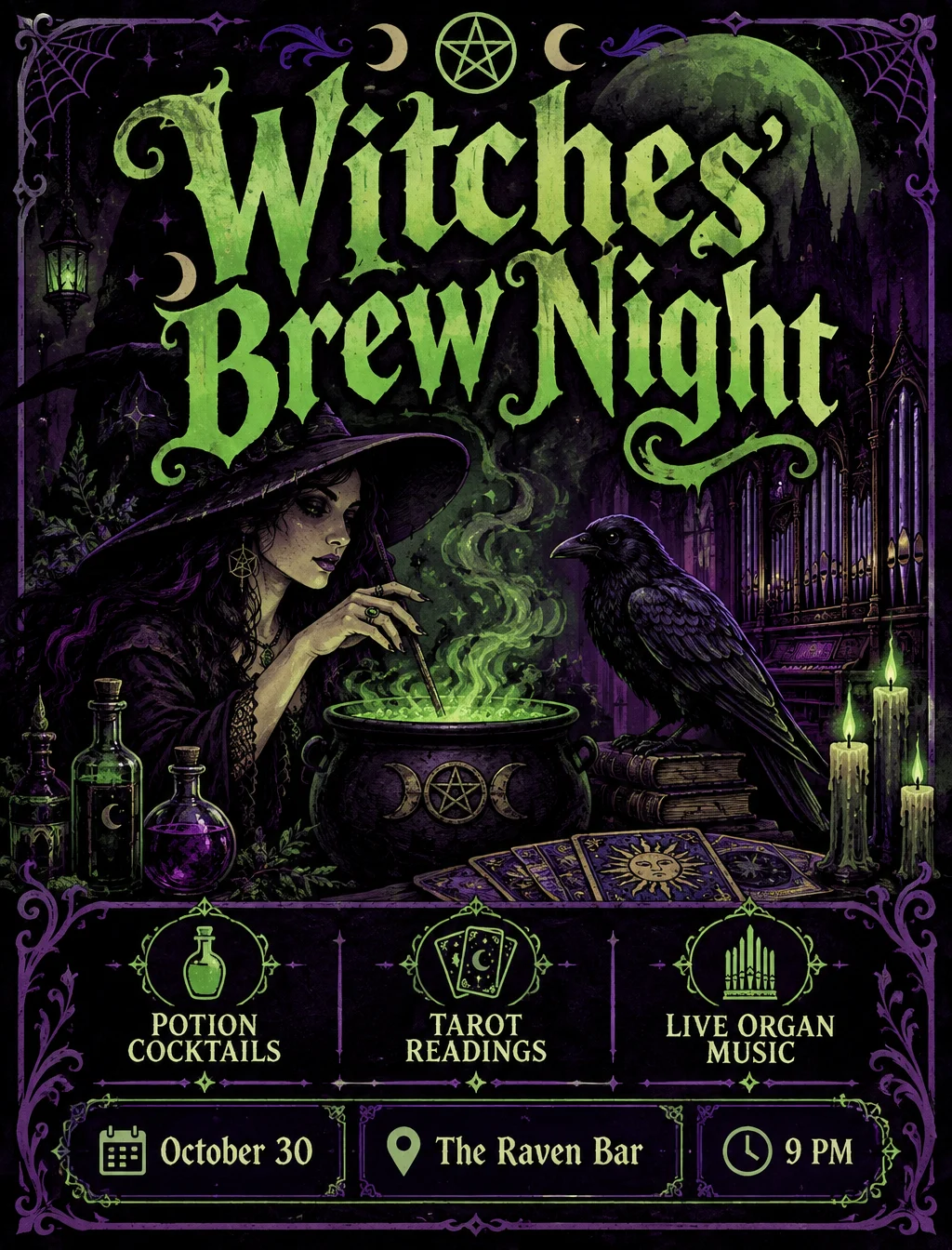
Include your event title, date, time, venue, ticket price and any entry requirements in your prompt. The template guides the layout with a prominent headline and clear blocks for the details you provide. Check the result and regenerate if anything is missing or incorrect.
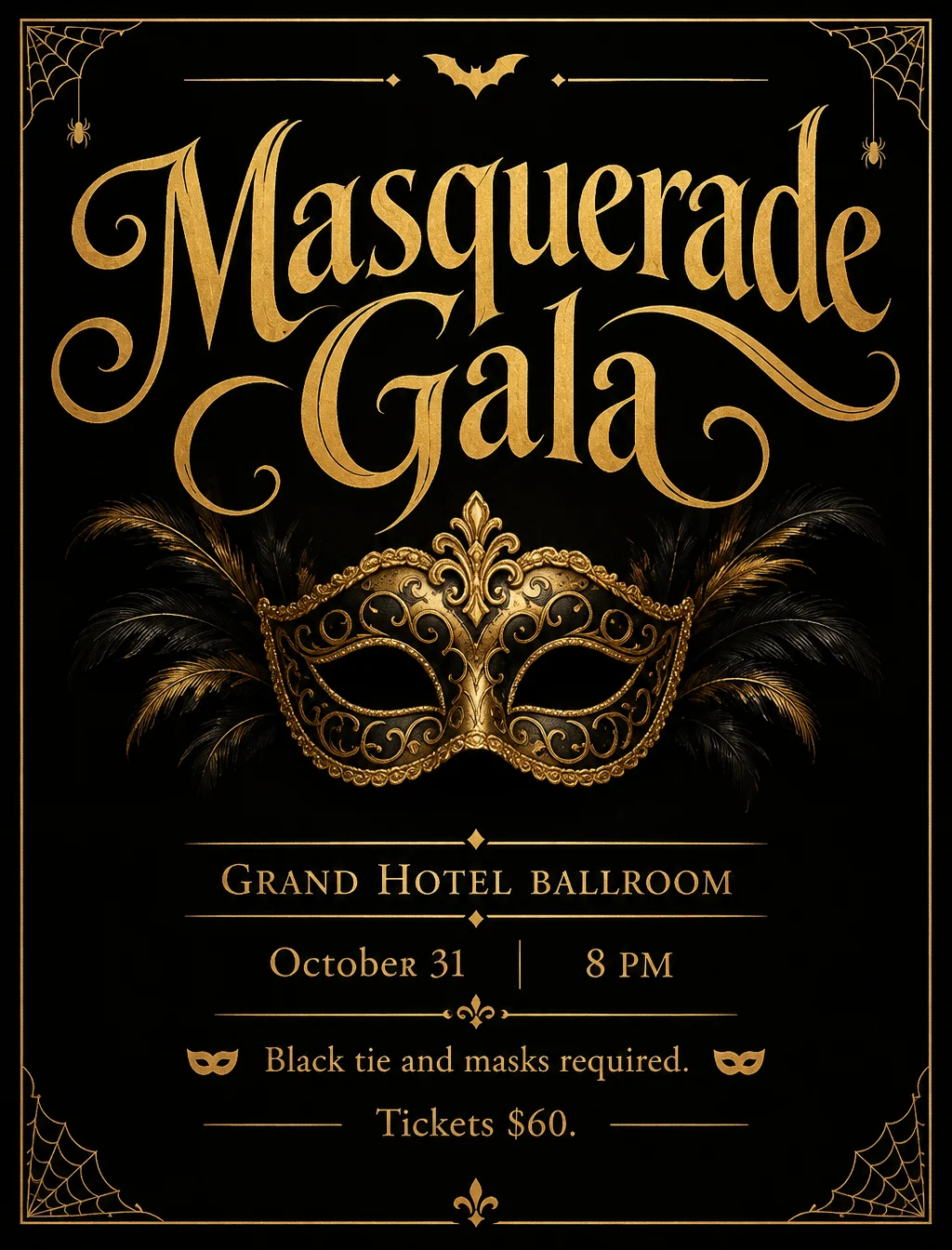
Name a style and the poster follows it: cute and bright for kids, vintage horror for a movie night, black and gold for a gala. Without one, you get a classic spooky look.
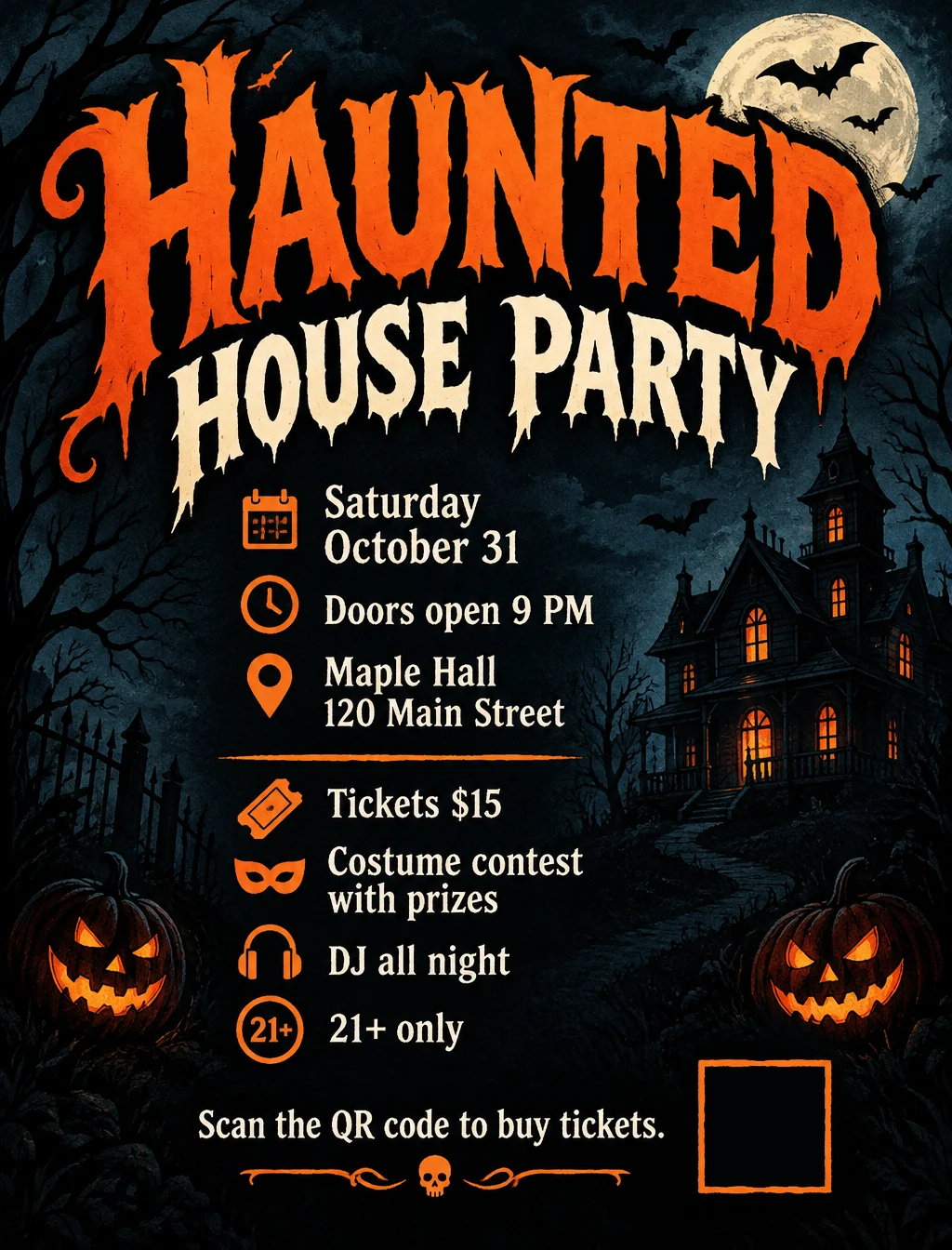
Mention a QR code and the poster keeps an empty square for it instead of drawing a fake one. Paste your real ticket or RSVP code into that space after you download.
The template always adds the Halloween look. For another season or a fully custom layout, write the whole visual direction yourself in the text-to-image generator.
Open the Text to Image generatorDownload the poster you like, then upload it to the image-to-video generator and describe the motion, such as drifting fog or flickering candles.
Animate it with Image to VideoAnnounce a costume party, masquerade ball or Halloween club night. Include the start time, venue, ticket price and entry requirements.
Announce upcoming Halloween deals or special offers for the day itself. Include the offer, promotion dates, any conditions and your shop details.
Create a poster for a school celebration, club activity or pumpkin workshop. Include the schedule, location, who can join and how to take part.
Invite neighbors to a trick-or-treat event, family gathering or community celebration. Include the meeting point, date, time and participation details.
Promote a Halloween screening at a cinema, school or film club. Include the film title, showtime, venue and admission details.
Explore more ideas, from haunted attractions and costume contests to pumpkin-carving competitions, seasonal markets, fundraisers and decorative posters. Describe the occasion and the details you want on the poster.
Make an invitation with your own details instead of searching for a stock design and editing its text.
Announce a seasonal offer in your window or feed with a poster that matches the holiday.
Create a friendly notice for a class, club or neighborhood with the time and place easy to read.
Promote a themed night with the lineup, door time, ticket price and age limit on one poster.
Put the title in quotes, then list the date, time, place, price and any rules, such as an age limit or dress code.
Describe the look you want and choose an aspect ratio for print or social media, then set the resolution and quality and check the estimate before generating.
Read the title, dates, times and prices on the result, generate again if anything is off, then download and add your QR code.
Put the title in quotes so the model knows exactly which words to set as the headline.
Keep each detail to a short phrase; long sentences are more likely to come out misspelled or dropped.
Double-check dates, times and prices on the result before you print or share it.
Mention a QR code to get an empty square for it, then place your real code there in any image editor.
No. The template creates the whole poster from your text, but you can switch to image to image and upload a photo of your shop, product or venue to make it the main visual.
Short titles and details usually come out right, but no model guarantees every letter or number. Read the result before you print, and generate again if something is wrong.
If your brief mentions a QR code, the template leaves an empty square so you can add your own real QR code after downloading. Scan it to check the link before you print or share.
Classic spooky is the default, and you can ask for cute, vintage, minimal, elegant or any other look. The examples on this page show several of them.
Generation uses pay-as-you-go credits. The cost depends on the resolution and quality you choose, and the workbench shows the estimate before you submit.
Type your event details at the top of the page, name a style, and generate your first poster.
Try it now