ByteDance documents improvements in prompt adherence, alignment, aesthetics, reference-detail retention, multi-image targeting, typography, and dense-text rendering. Seedream 5.x remains a separate later model family and should not be treated as part of this route.


Image GenerationMulti-Image EditingUp to 4K
Seedream 4.5 on APIXO maps to ByteDance’s refinement-focused image model for generation, natural-language editing, and multi-image composition. It emphasizes reference fidelity, subject identification, dense typography, and structured layouts. APIXO exposes 2K or 4K output, custom dimensions, up to 14 image inputs, and batches of one to ten results.
APIXO Price
40 Credits / Image
Resolution
2K / 4K
Image Inputs
Up to 14
Batch Output
1–10 Images
Released
December 3, 2025
Create with Seedream 4.5

Capabilities
Preserve visual intent across detailed generation and editing tasks
Reference Detail Retention
Carry facial features, pose, lighting, color treatment, and other recognizable source details into an edited composition while allowing for normal generative variation.
Multi-Image Targeting
Identify relevant subjects across several supplied images and combine or modify them according to one instruction without requiring separate reference-role fields.
Natural-Language Editing
Remove subjects, replace backgrounds, change materials, revise colors, or restyle visual elements through written directions. APIXO exposes no mask or region-selection field.
Dense Text Rendering
Create posters, invitations, promotional layouts, and ecommerce graphics with clearer headlines and small supporting text than earlier Seedream releases. Exact copy still requires review.
Layout and Logo Concepts
Arrange typography, products, graphic elements, and visual hierarchy for brand concepts and designed assets without promising exact logo reproduction or production-ready vector output.
Related Image Sequences
APIXO’s automatic sequential-generation option requests multiple connected images when a coherent series is more useful than independent variations.
APIXO Workflows
Generate new images or reshape supplied visual material
Text-to-Image Generation
Submit a prompt of up to 5,000 characters, request one to ten images, and choose a 2K or 4K preset, aspect ratio, or supported custom size. Use this workflow for new illustrations, photographs, layouts, product concepts, and visual sequences.
Create from text
Image-to-Image Editing
Provide one to 14 public image URLs with a required instruction to edit, combine, or reinterpret their contents. APIXO treats the files as editable images and general visual context rather than formal character-, product-, or style-reference categories.
Edit or compose
APIXO Configuration
Flexible batch and canvas controls
Verified options for sizing and organizing Seedream 4.5 outputs.
1–5,000 Characters
Prompt Length
8 Presets
Aspect Ratios
1-10
Images per Task
Async / Callback
Delivery
15 Days
Result URL Retention
Disabled / Auto
Sequential Mode
Production Uses
Build detailed visual systems from briefs and references

Brand Design
Develop Poster Concepts
Generate campaign posters, invitations, promotional key visuals, and editorial layouts with integrated headlines and supporting copy. Review typography, logos, spacing, and legal text before moving a concept into final design production.

Ecommerce
Recompose Product Creative
Combine product photographs, environments, props, and written art direction into merchandising or advertising concepts. Reference-aware editing helps retain product cues, but packaging, labels, proportions, and geometry must be checked against approved assets.

Creative Editing
Make Controlled Visual Changes
Replace backgrounds, remove unwanted subjects, alter materials, translate visible copy, or adjust lighting and color through natural-language instructions without preparing a separate edit mask.

Story Development
Generate Coordinated Image Series
Request several related images for storyboards, campaign sets, character concepts, or presentation sequences. Automatic sequential generation can encourage continuity, although poses, identity, environments, and fine details may still drift.
Notes & FAQ
Input, sizing, and billing boundaries
Implementation Notes
01
APIXO’s route maps to Seedream 4.5 and does not include Seedream 5.0 or Seedream 5.0 Pro capabilities.
02
Image-to-image requires one to 14 public, directly accessible image URLs; no dedicated subject, style, product, or character role is exposed.
03
APIXO exposes no mask, negative prompt, seed, transparent-background, watermark, or safety-level parameter for this route.
04
APIXO exposes an optional custom-size field, but its public documentation does not define the complete validation and precedence rules. Use the documented resolution and aspect-ratio presets unless the live schema confirms a custom size.
05
Typical APIXO processing is approximately 25–35 seconds at 2K and 40–55 seconds at 4K; actual completion time varies.
06
Each request is independent; APIXO does not document persistent conversational editing context for Seedream 4.5.
Frequently Asked Questions
APIXO charges 40 Credits for each successfully generated image. It initially reserves the requested image count multiplied by that rate, then adjusts the final charge if fewer outputs succeed.
Yes. APIXO’s image-to-image workflow uses source images and a natural-language instruction. No mask field is exposed, so the prompt must identify the target subject, region, or visual change clearly.
Yes. APIXO accepts supported pixel dimensions using 16-pixel increments, a ratio from 1:16 through 16:1, and a total canvas from 3,686,400 to 16,777,216 pixels. Unsupported values may be adjusted.
Review anatomy, hands, facial identity, embedded text, translations, logos, packaging, product geometry, material accuracy, and reference fidelity. Repeated prompts are not guaranteed to produce identical images, and safety filtering can reject requests.
Explore Other Models
Discover more AI models for your next creative workflow

ByteDance


Seedream 5.0
Seedream 5.0 is available on APIXO for Image. The model page brings examples, creation controls, pricing, and results into one focused workspace.
ImageNew
35 Credits/pic Image
Image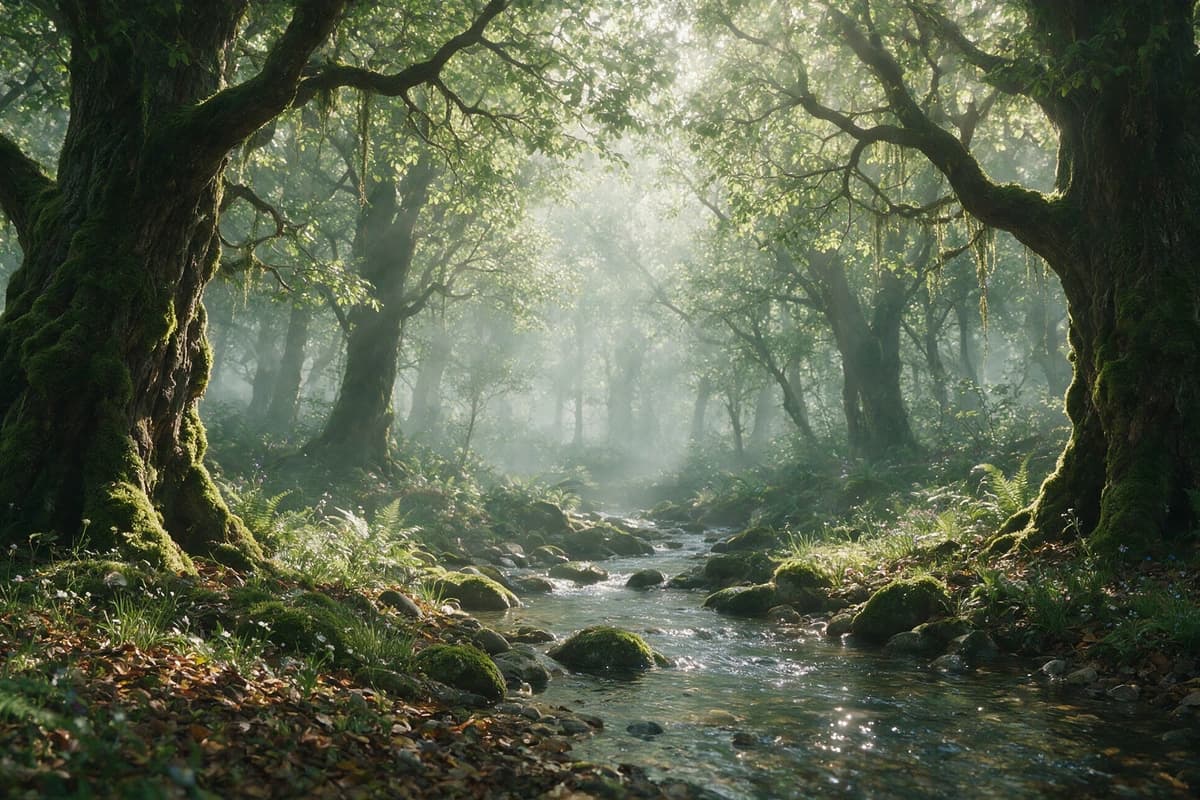
ByteDance

Seedream 5.0 Pro
Seedream 5.0 Pro is available on APIXO for Image. The model page brings examples, creation controls, pricing, and results into one focused workspace.
ImageNew
45 Credits/pic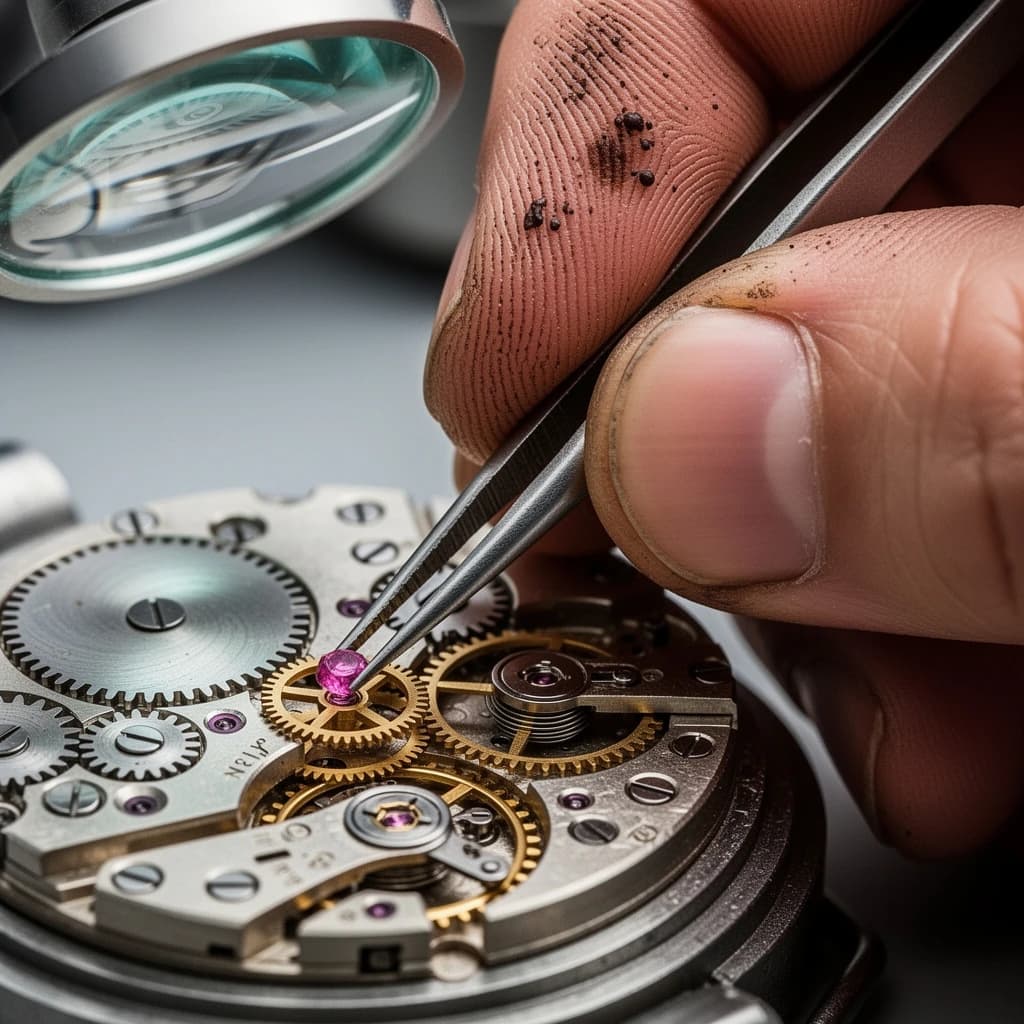
Black Forest Labs

Flux 2
Flux 2 is available on APIXO for Image. The model page brings examples, creation controls, pricing, and results into one focused workspace.
ImageNew
40 Credits/pic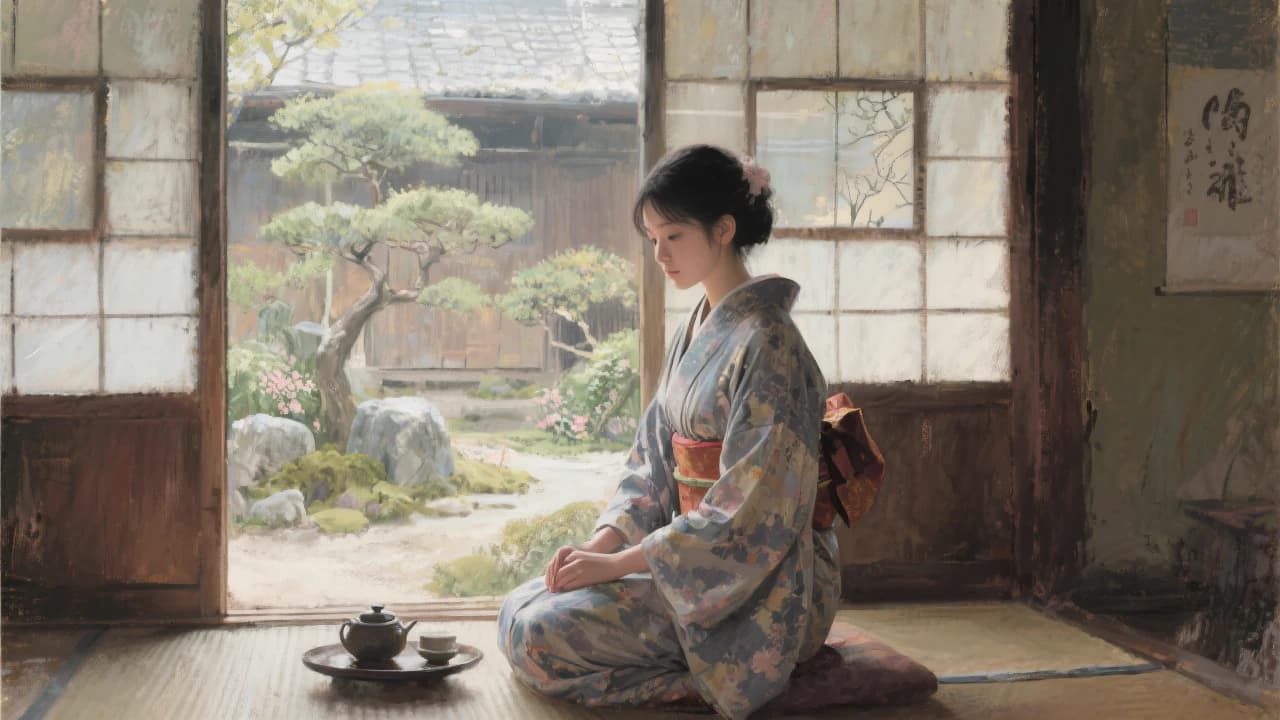
Black Forest Labs
Flux Kontext
Flux Kontext is available on APIXO for Image. The model page brings examples, creation controls, pricing, and results into one focused workspace.
Image
40 Credits/pic
OpenAI

GPT-Image-1
GPT-Image-1 is available on APIXO for Image. The model page brings examples, creation controls, pricing, and results into one focused workspace.
Image
350 Credits/pic
Midjourney

Midjourney
Midjourney is available on APIXO for Image. The model page brings examples, creation controls, pricing, and results into one focused workspace.
Image
100 Credits/request