

A collection is a curated page of existing APIXO tools and templates for one goal. It explains when to use each one and links straight to it.
AI Collections
Browse themed collections of APIXO tools. Each collection groups the image and video tools for one goal, such as product ads or seasonal content, so you can open the right tool in one click.
AI Ad Generator
AI Ad Generator collects the APIXO tools for e-commerce ads in one place. Upload a product photo, pick the result you need, from a white-background listing image to a styled scene or a short product clip, and open that tool to create it.
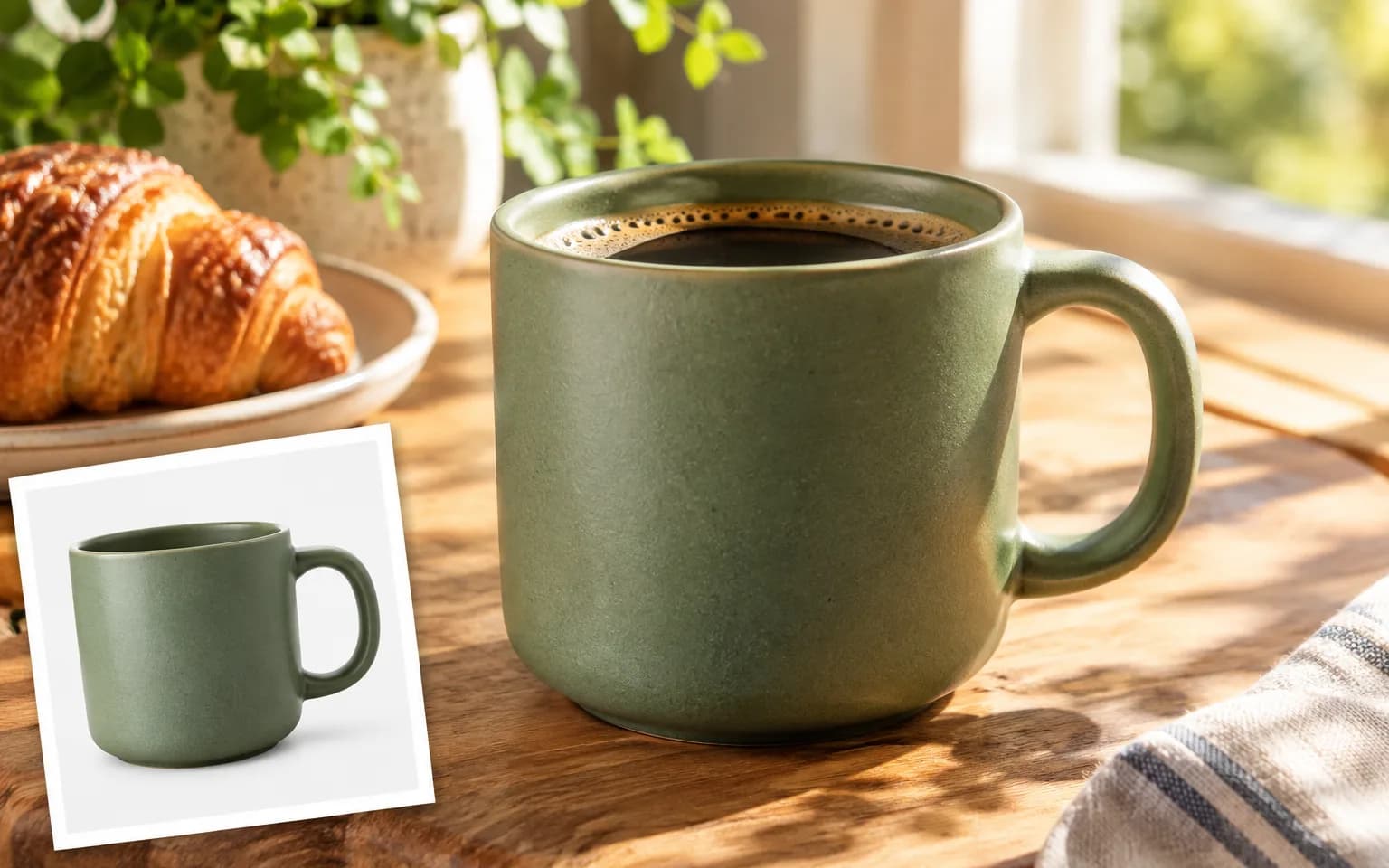
Product Photo Generator
Turn a basic product image into a directed commercial photo.
Try it now →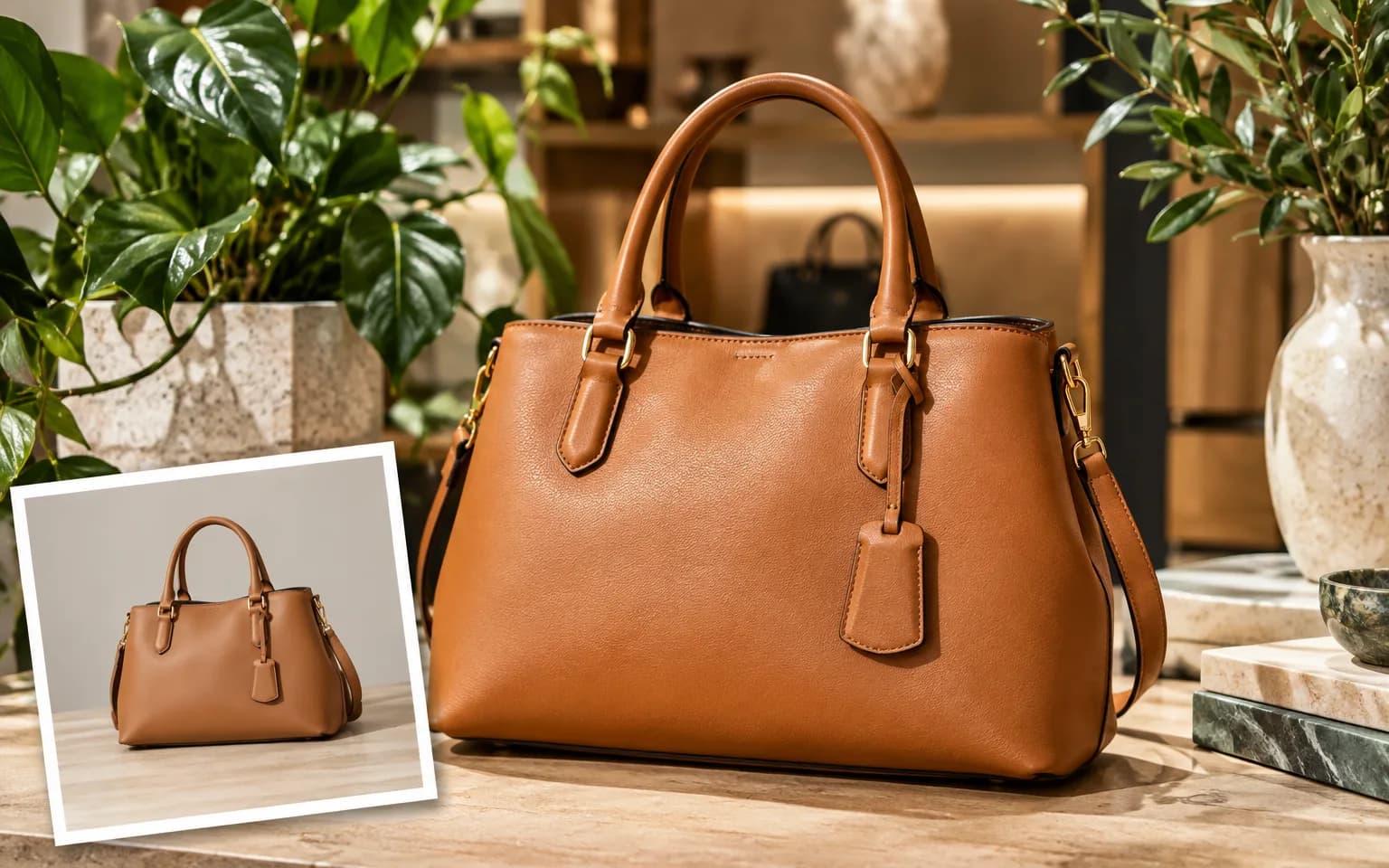
Product Staging
AI product staging: place your product in a styled scene built around its shape and purpose.
Try it now →
Clone Product Image
Copy the style of any product photo while keeping your item recognizable.
Try it now →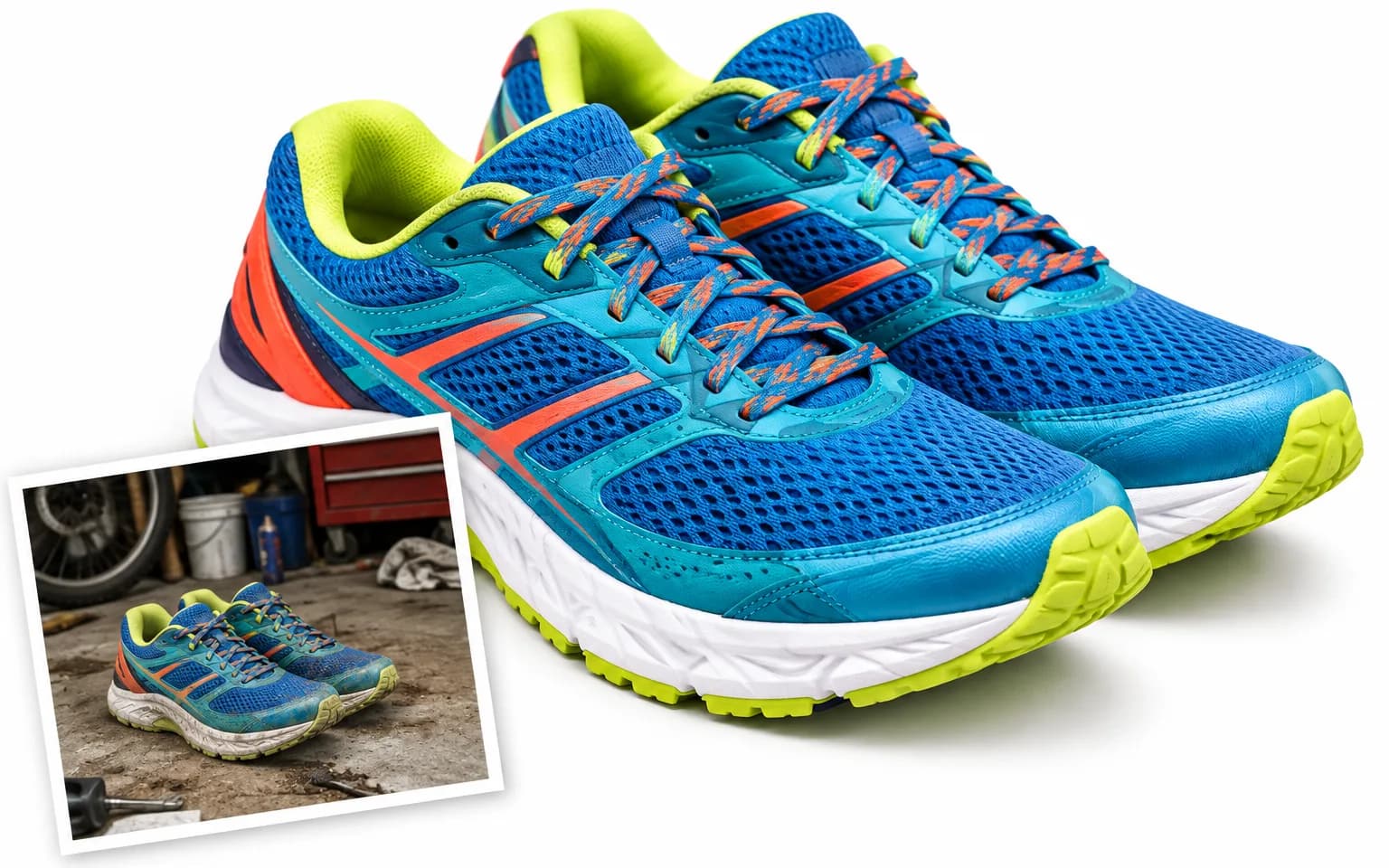
White Background
Give a product, portrait or object a clean white background.
Try it now →Halloween AI
Halloween AI brings together templates and tools for party posters, costume ideas, eerie pictures, short videos and character narration. Choose the result you want, then open its page to add your own text or materials.
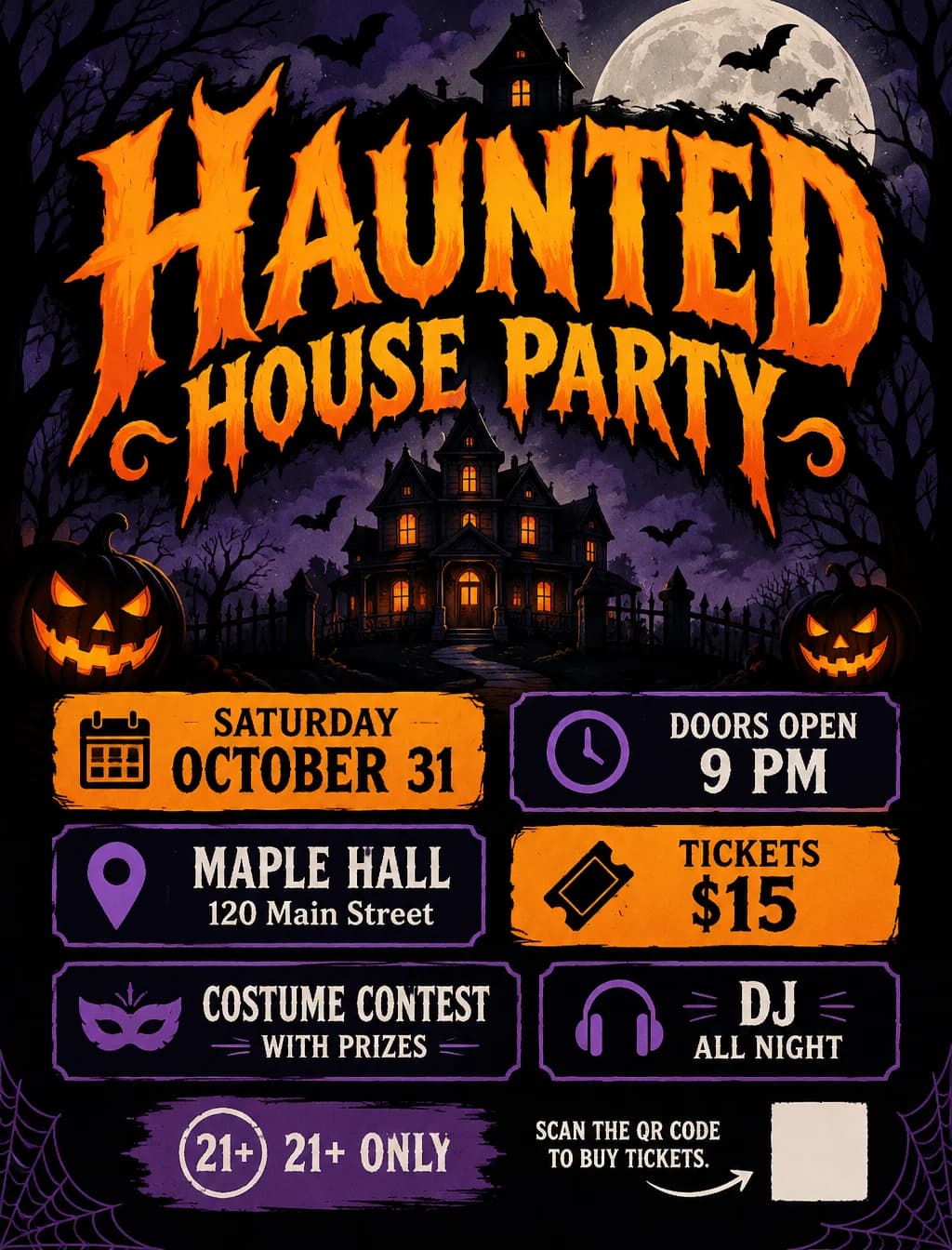
AI Halloween Poster Generator
Create a Halloween poster from your party, event or promotion details. Describe a cute, vintage, spooky or elegant style.
Try it now →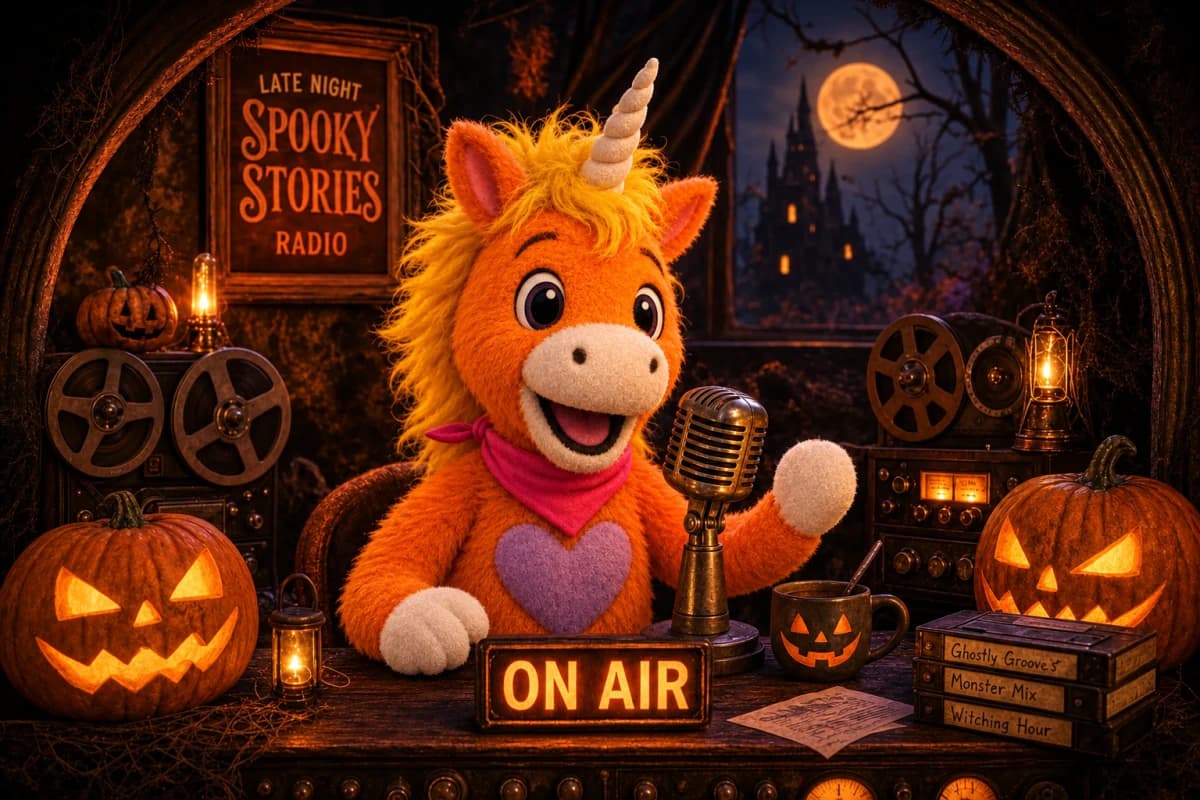
Buddy the Unicorn AI Voice Generator
Write original mascot dialogue and explore a retro television mood with a script and a selected voice.
Try it now →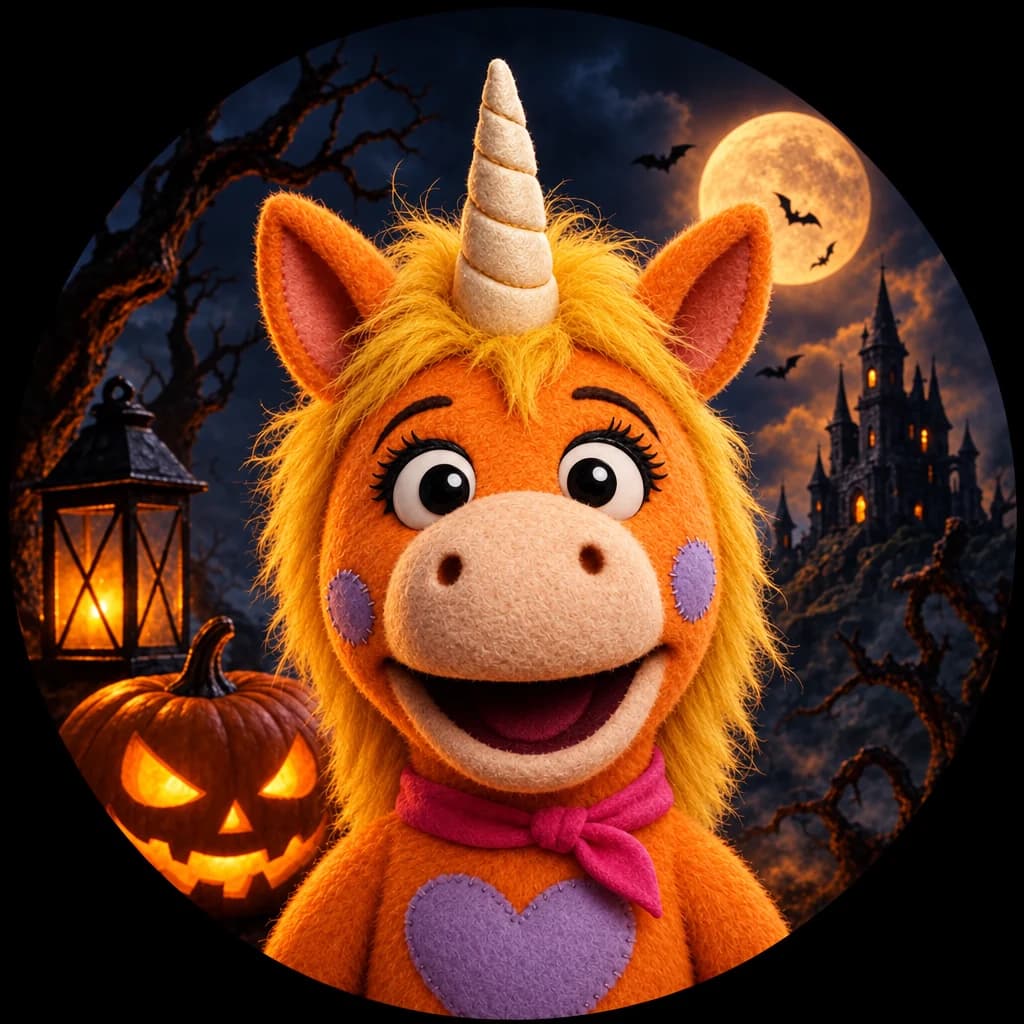
Buddy the Unicorn PFP Maker
Turn a selfie or pet photo into an eerie orange plush unicorn mascot PFP. Get a square portrait with a centered face and room for a round crop.
Try it now →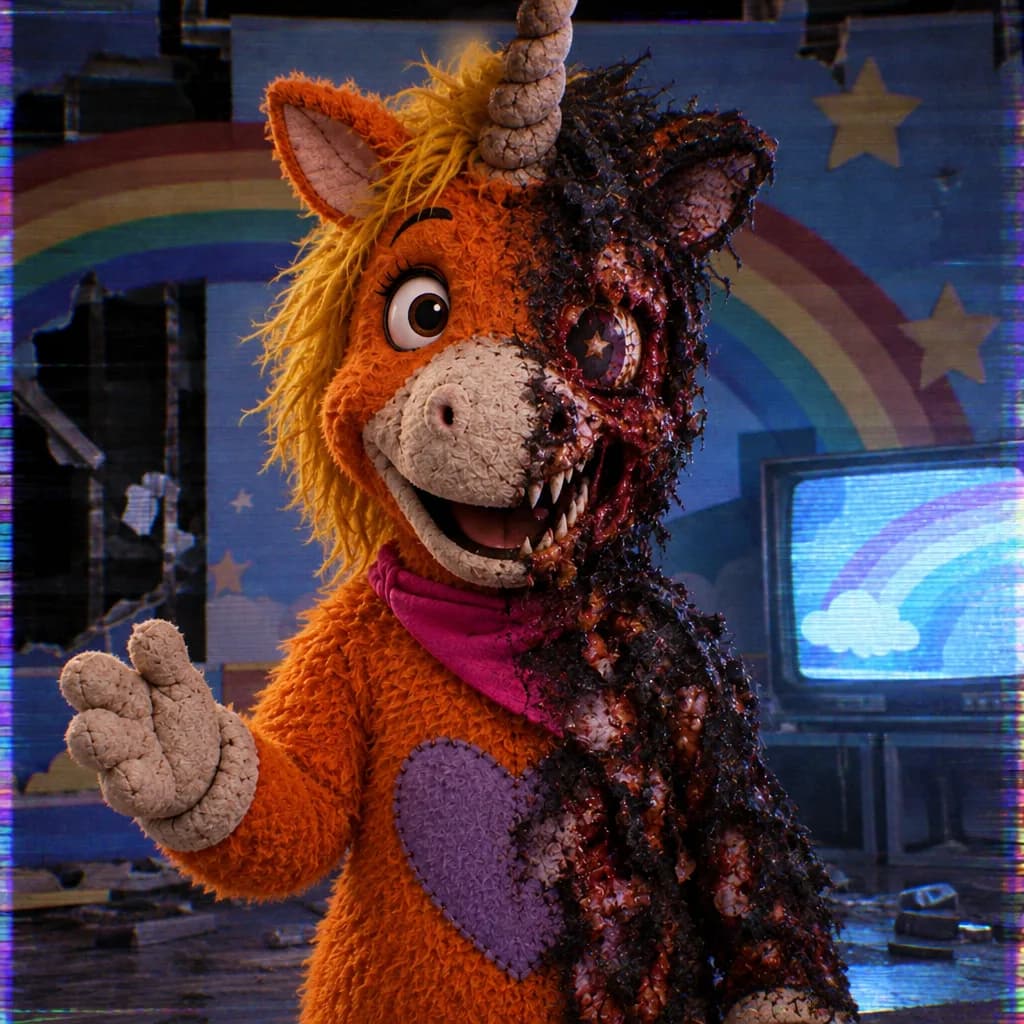
Dark Buddy AI Image Generator
Describe an original dark unicorn mascot with a twisted grin, fangs and a ruined TV studio. Create a VHS-lit horror illustration from text.
Try it now →Why use it
Pick a collection by goal
Product ads
Turn product photos into listing images, styled scenes, apparel shots and short product clips.
Seasonal themes
Find the templates and tools for a holiday or event, from posters and costumes to face swaps and voices.
What is an AI collection?
Tools grouped around one goal
APIXO has many single-purpose image and video tools. A collection picks the ones that serve the same goal, puts them on one page and explains which tool fits which result, so you do not have to search the full tool list.
Every card in a collection opens the existing tool page, with the same models, settings and pricing as when you reach that tool from anywhere else on APIXO.
Who it is for
Who uses collections
Online sellers and marketers
Start from the goal of a campaign instead of a tool name, and move between related tools without losing the thread.
Creators new to AI tools
See which tools belong together for one kind of project before trying them one by one.
01
Open a collection
Choose the collection that matches what you want to make.
02
Choose a tool
Read the group descriptions and open the tool for the result you need.
03
Create and review
Upload your input, check the displayed estimate, generate and download the version you like.
Tips & FAQ
Get better results
Frequently Asked Questions
No. Browsing a collection is free. When you generate, you pay the same credits as on the tool page, and each tool shows the estimate before you submit.
Yes. A tool such as Image to Video can serve several goals, so it may be listed in more than one collection.
Collections are added when a group of tools clearly serves one goal or season. New ones appear on this page as soon as they are published.
Start with a collection
Pick a collection above, or browse every image and video tool in the AI Tools directory.
Try it now