GPT Image 2.6 has not been released by OpenAI. No official model ID, price or release date has been announced.
我们注意到您可能偏好使用 简体中文. 要切换语言吗?
Il semble que vous préfériez Français. Souhaitez-vous changer de langue ?
Es scheint, Sie bevorzugen Deutsch. Möchten Sie die Sprache wechseln?
Parece que prefieres Español. ¿Te gustaría cambiar de idioma?
Sembra che tu preferisca Italiano. Vuoi cambiare lingua?
優先言語は次のようです 日本語. 言語を切り替えますか?
선호하시는 언어는 다음과 같습니다 한국어. 언어를 변경하시겠습니까?
Похоже, вы предпочитаете Русский. Хотите сменить язык?
Tercih ettiğiniz dil Türkçe. Dili değiştirmek ister misiniz?
Wygląda na to, że wolisz Polski. Czy chcesz zmienić język?


GPT Image 2.6
GPT Image 2.6 has not been released by OpenAI. No official model ID, price or release date has been announced.
Create with GPT Image 2.6
Coming Soon
GPT Image 2.6 is not open for generation yet
This page is live ahead of launch. Creation controls, parameter tiers, and pricing appear here the moment GPT Image 2.6 opens on APIXO — no other page to bookmark.
Release watch
A specification mention is a clue, not a launch
The interest in GPT Image 2.6 comes from a reference in OpenAI's public API specification history. A model name appearing in an editing description does not establish a released product, an accessible endpoint or a feature list. This page tracks that distinction while helping you keep image projects moving with GPT Image 2.5.
Create today
Keep working with GPT Image 2.5
These are starting points for the available model, not announced GPT Image 2.6 features.
Brief the entire composition
Describe the subject, crop, lighting and final placement together. For a product launch, leave deliberate space for the headline instead of trying to add it to a crowded image later.
Refine one decision at a time
Start from a reference image and separate a background change from a color change. State which product details or facial features should stay, then inspect those areas after each edit.
Check the details that matter
Review lettering, packaging edges, hands and reflections at full size. A convincing thumbnail is only the first check; keep a short list of defects to address in the next revision.
Creative briefs
Useful image projects to start before the next release
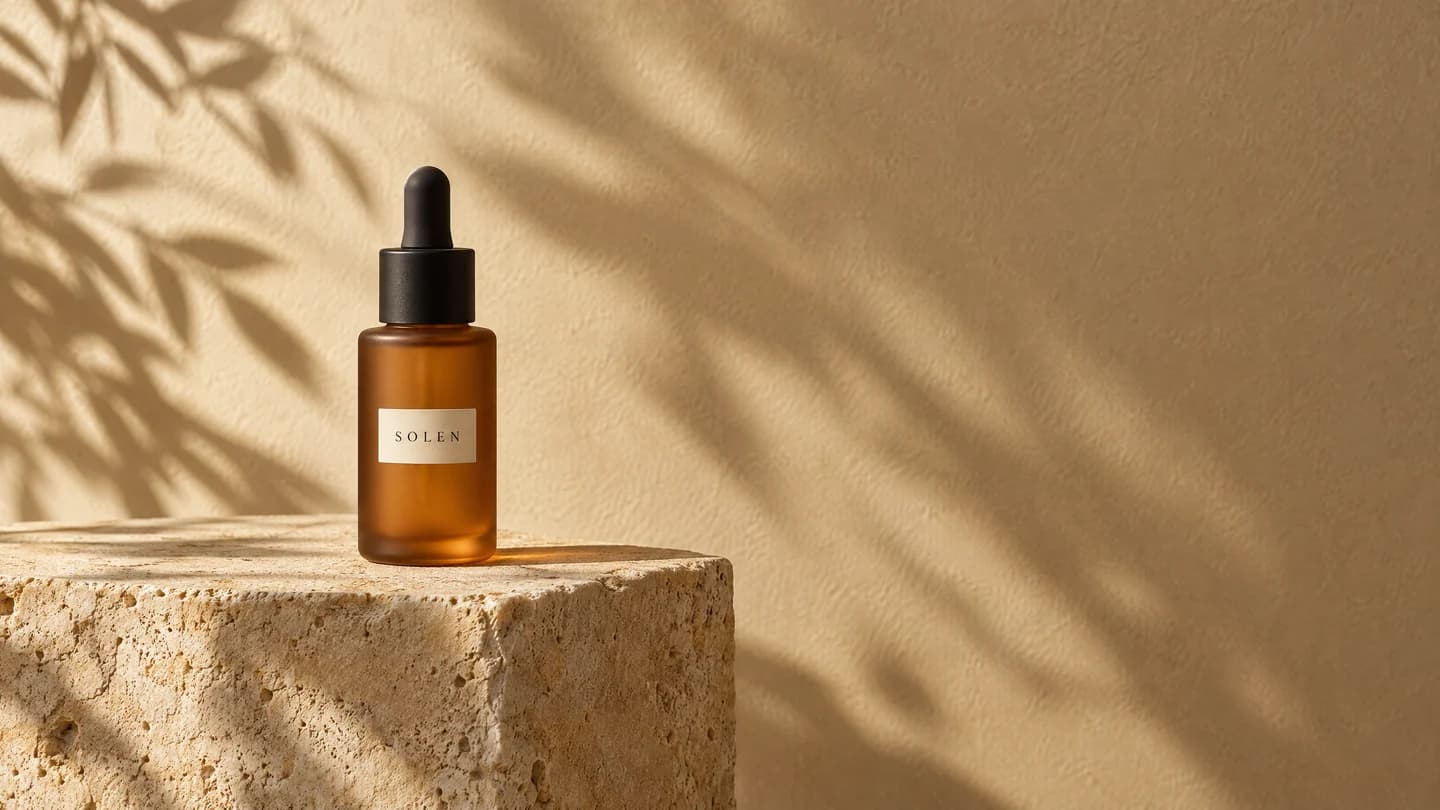
Concept illustration generated with GPT Image 2.5, not a GPT Image 2.6 output.
Build a product campaign around one recognizable object
Use GPT Image 2.5 with your product reference and describe the setting, surface and light. Keep the label, silhouette and brand colors on your review checklist. Save the original brief and approved image so any future model can be judged against the same creative direction.
Create with GPT Image 2.5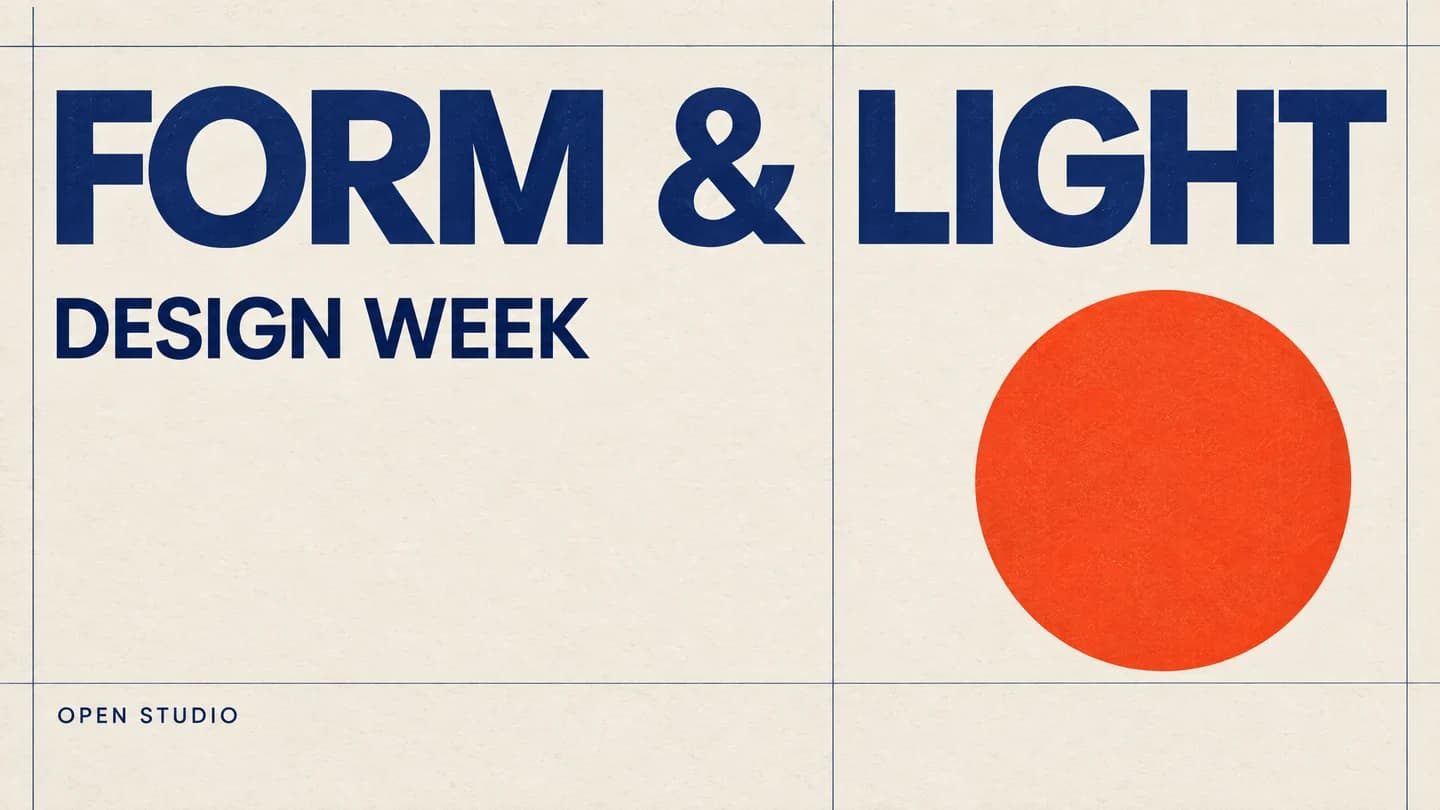
Concept illustration generated with GPT Image 2.5, not a GPT Image 2.6 output.
Plan a poster where the words are part of the design
Write the exact headline, supporting copy and reading order before generating with GPT Image 2.5. Decide what needs to be legible on a phone and what belongs in the final layout tool. Proofread every line; a future model name is not evidence of better text accuracy.
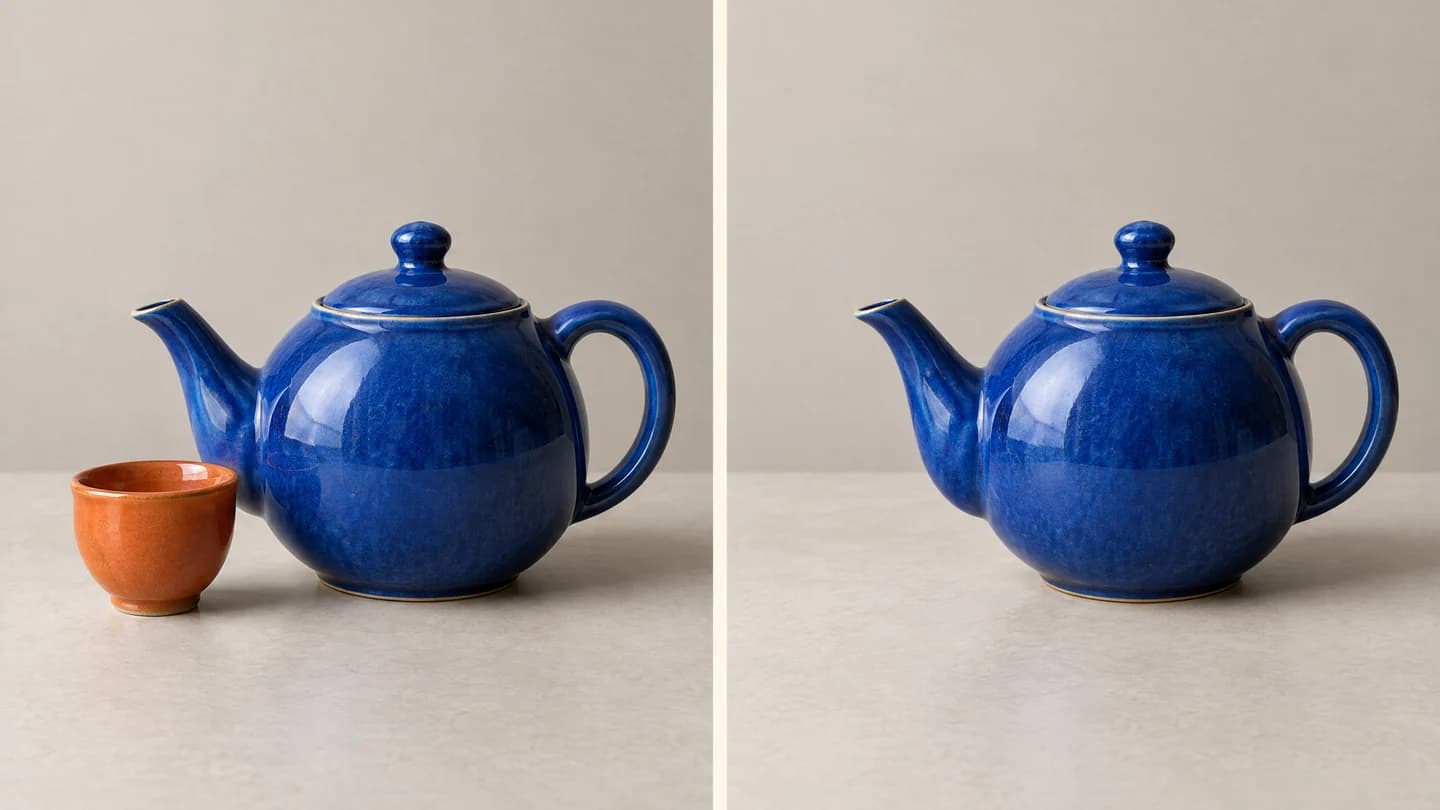
Concept illustration generated with GPT Image 2.5, not a GPT Image 2.6 output.
Turn an editing idea into a repeatable comparison
Choose an image with a clear subject and ask GPT Image 2.5 for a specific local change. Record the intended edit and the areas that must remain unchanged. This gives you a practical baseline if GPT Image 2.6 is later released, without assuming it will share the same editing controls.
Prepare your comparison
Make a future comparison useful, not just impressive
Keep your current workflow running while official information develops.
Save the brief and reference
Keep your prompt, source image and chosen GPT Image 2.5 result together. Note the settings you actually used rather than assuming a future model will accept them.
Define what a better result means
Choose criteria tied to the job: readable copy, a recognizable product, a clean edit boundary or fewer unwanted changes. Use the same criteria for every candidate.
Check release details before switching
If GPT Image 2.6 is announced, review the official model ID, supported inputs and access terms first. Compare real outputs and the available APIXO settings before moving a working project.
Launch status
What we know about GPT Image 2.6
What is confirmed
01
GPT Image 2.6 has not been released by OpenAI. No official model ID, price or release date has been announced.
02
OpenAI's public openai-openapi specification history mentioned GPT Image 2.6 on October 28, 2026, in a markup editing description for a transparent PNG overlay. A correction on October 31, 2026 removed that model reference. Neither revision is a GPT Image 2.6 launch announcement.
Frequently asked questions
No release date has been announced. This page will be updated when official information is available.
OpenAI has not announced the differences from GPT Image 2.5. The public specification reference does not establish the released model specifications.
Use GPT Image 2.5 on APIXO today. The workspace above links directly to the available model.
Use the launch notification button in the workspace when it is available. If the button is not shown yet, check this page for updates.
No. The October 28, 2026 specification change mentioned the name, but the October 31, 2026 correction removed it. This history does not confirm GPT Image 2.6 capabilities or access.
No official model ID or pricing has been announced for GPT Image 2.6. Do not use the page name as an API model ID. The settings and prices shown on the GPT Image 2.5 page apply to that model only.
No. This page does not present any image as a GPT Image 2.6 output. The creative briefs describe projects you can prepare with GPT Image 2.5; they are not evidence of an unreleased model's performance.
Explore Other Models
Discover more AI models for your next creative workflow
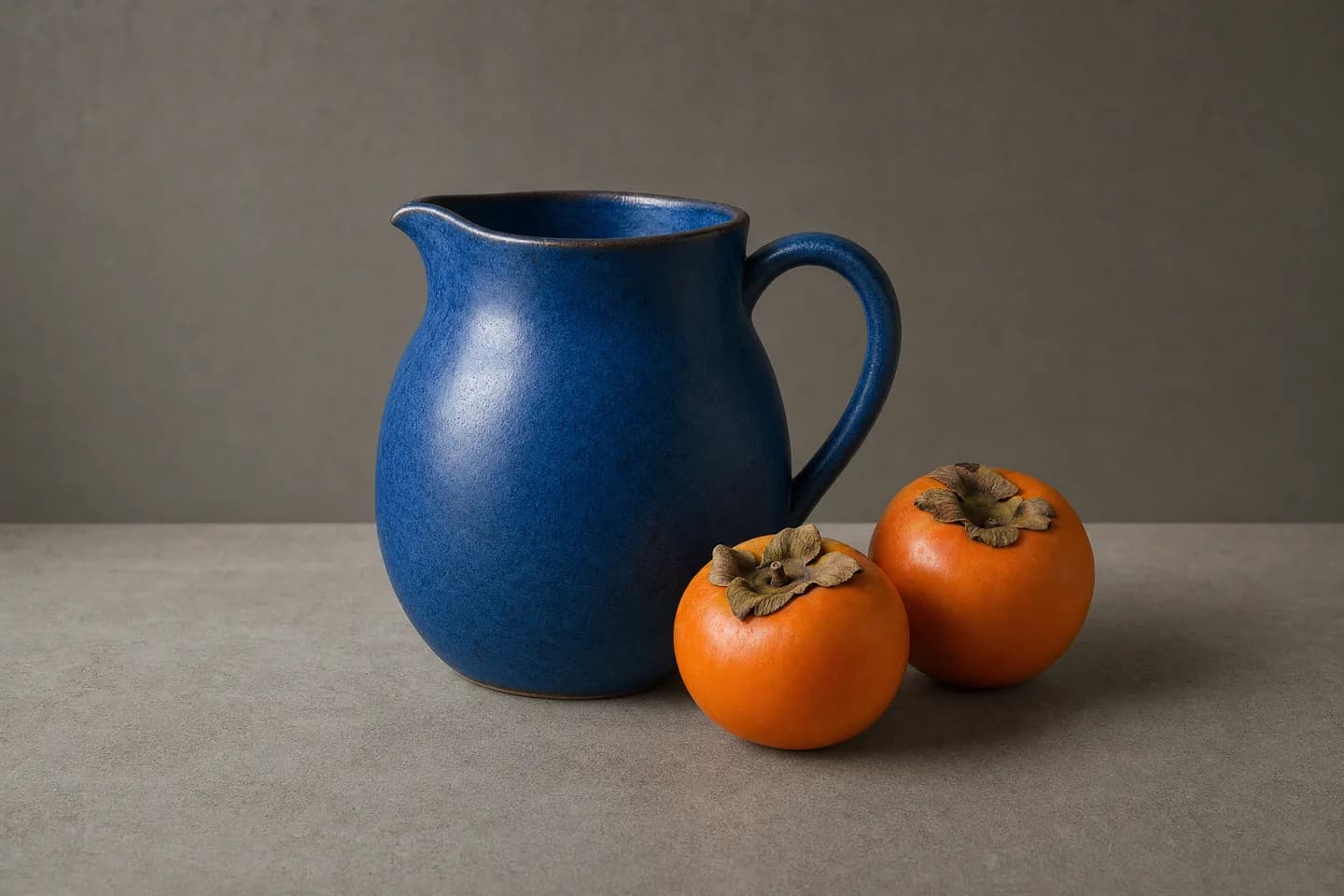
OpenAI


GPT-Image-2.5
Explore GPT Image 2.5 for AI image generation and editing. Compare Flare and Sunburst, discover creative use cases, and learn about image inputs and output options.
ImageNew
10 Credits/pic Image
OpenAI

GPT-Image-1
Use GPT Image 1 on APIXO for prompt-based generation and reference-guided image editing with up to five inputs and one, two, or four outputs.
Image
350 Credits/pic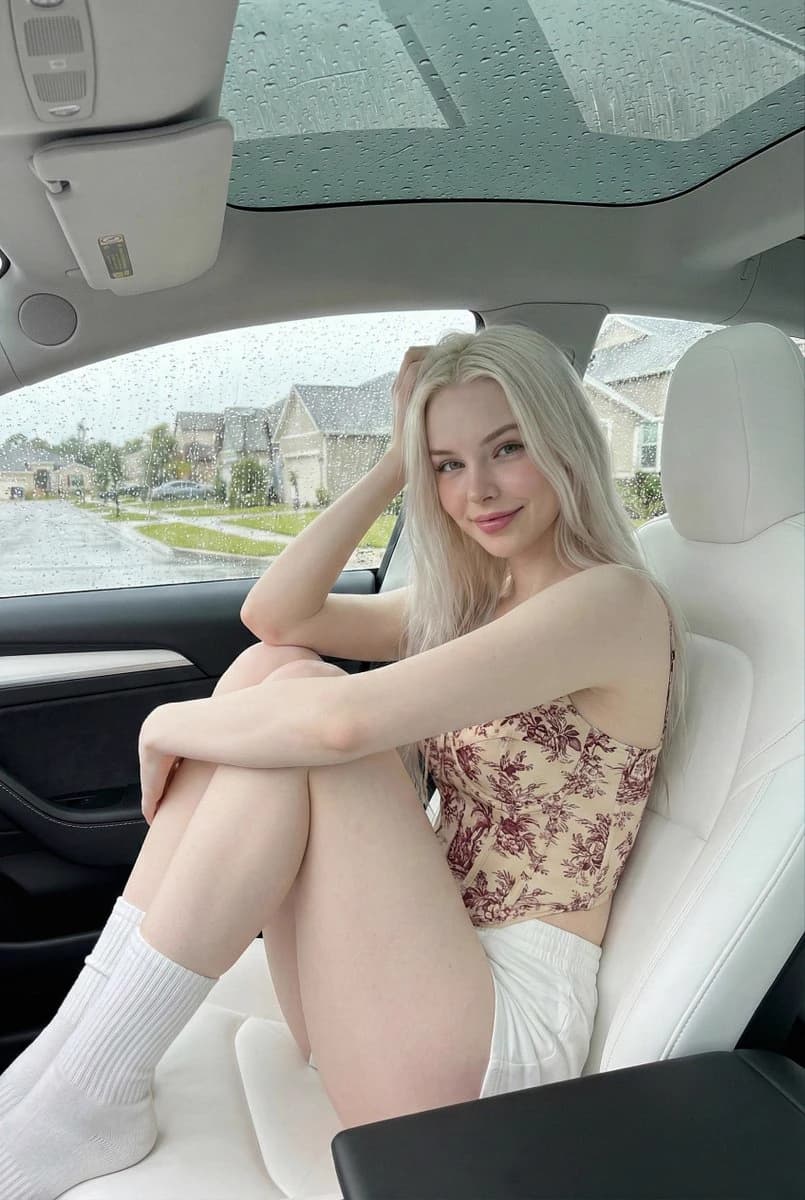
OpenAI
GPT-Image-2
Use OpenAI’s GPT Image 2 API through APIXO for image generation and reference-guided editing with 1K, 2K, 4K, quality, and ratio controls.
ImageNew
30 Credits/pic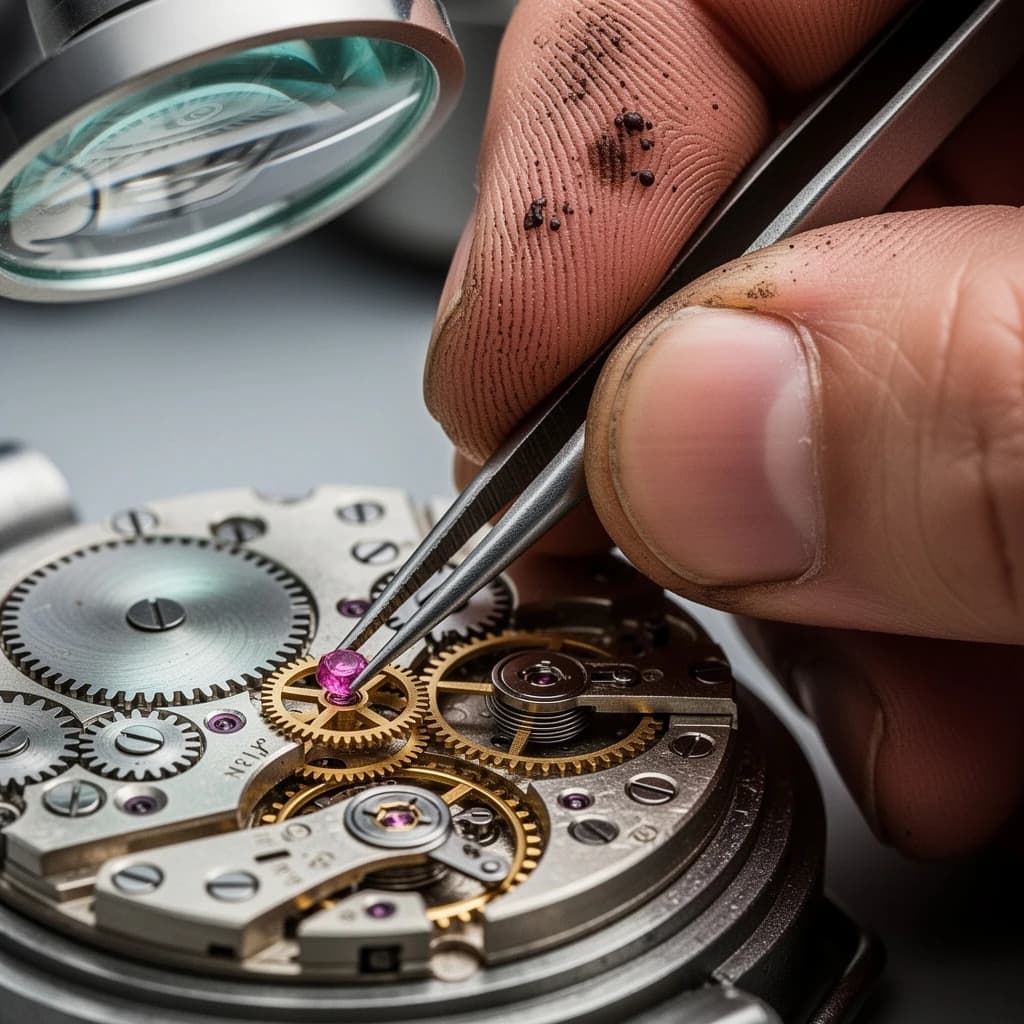
Black Forest Labs

Flux 2
Use FLUX.2 [pro] and [flex] on APIXO for text-to-image generation, multi-reference editing, typography, and consistent 1K or 2K creative assets.
ImageNew
40 Credits/pic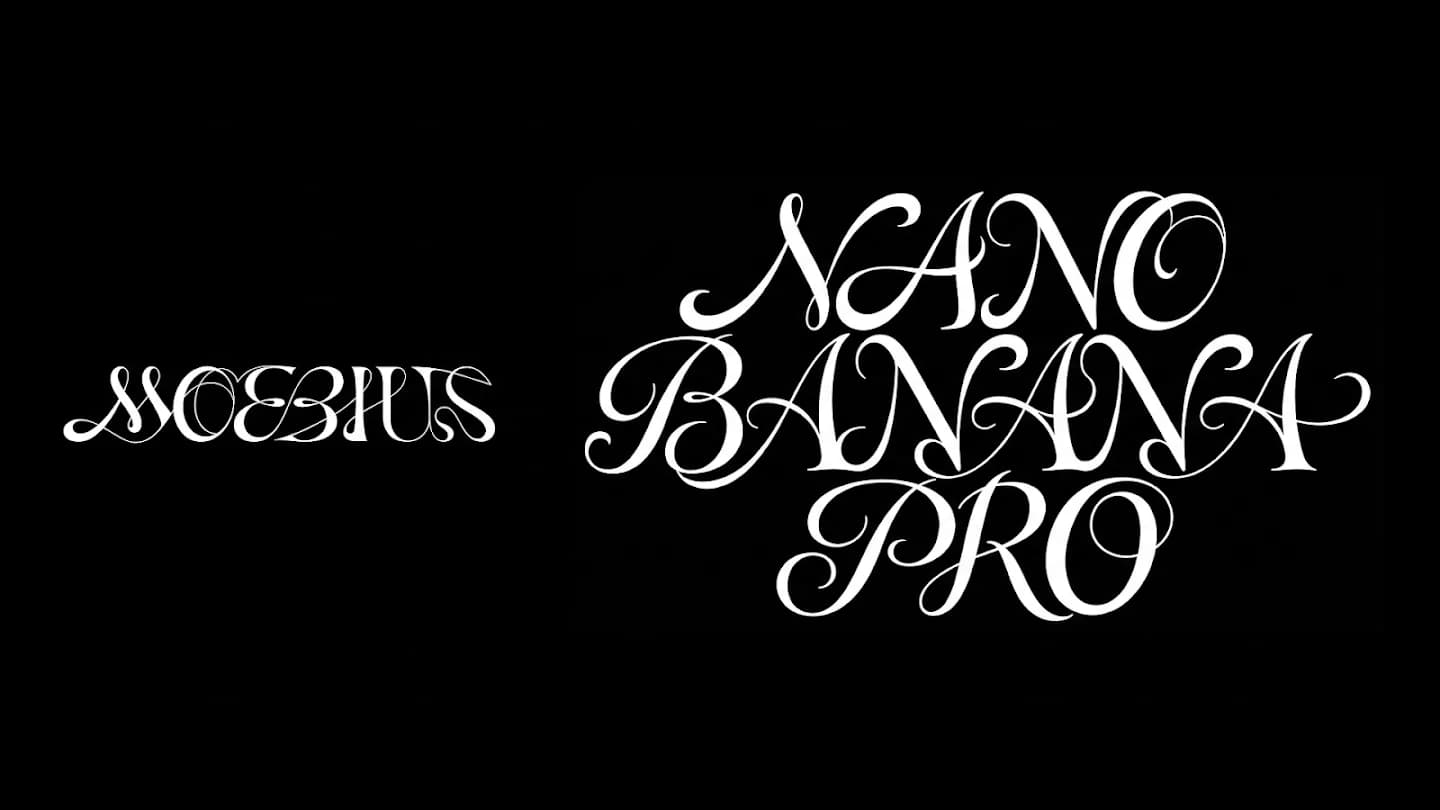
Google

Nano Banana Pro
Generate and edit 1K–4K images with Nano Banana Pro on APIXO using detailed prompts, up to ten references, multilingual text, and flexible ratios.
Image
80 Credits/pic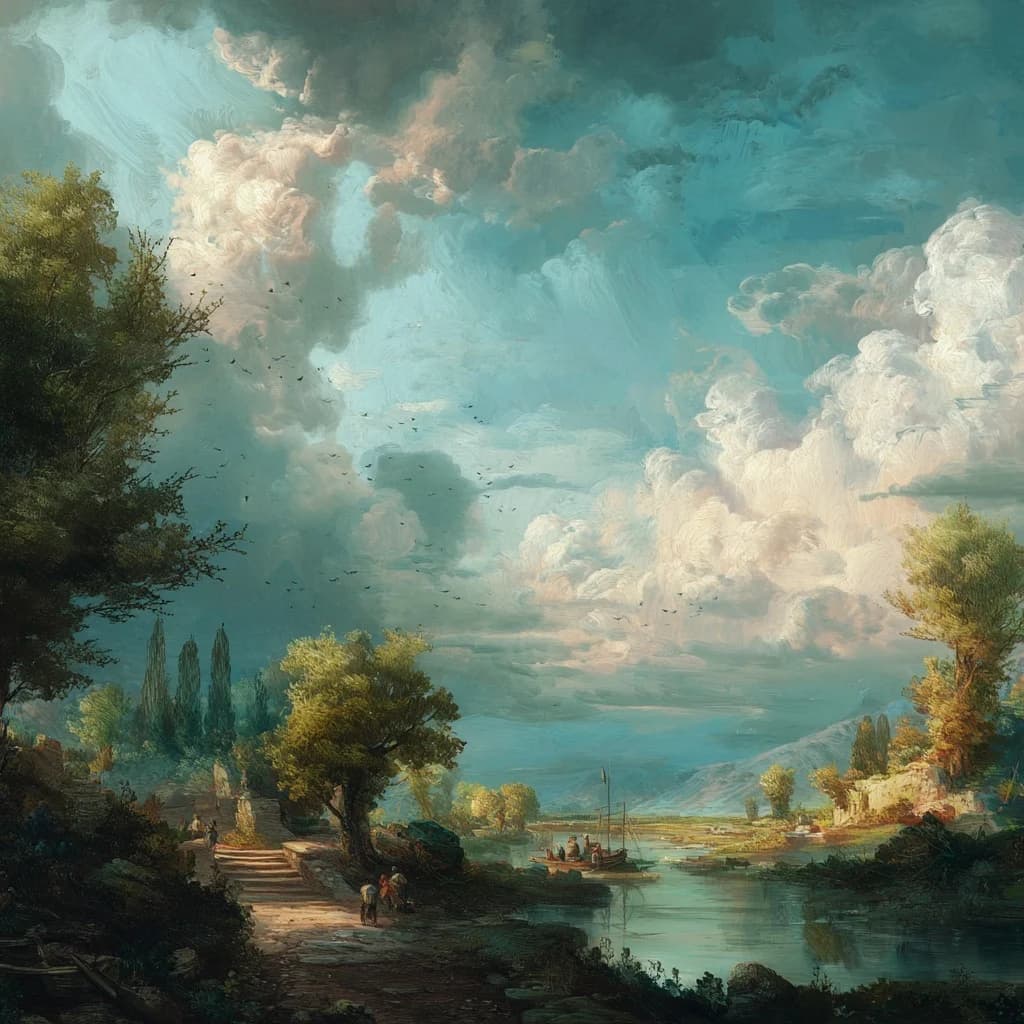
Midjourney

Midjourney
Generate and refine Midjourney images through APIXO with V8.1 HD, image guidance, reference controls, four variations, Vary, and Upscale.
Image
100 Credits/request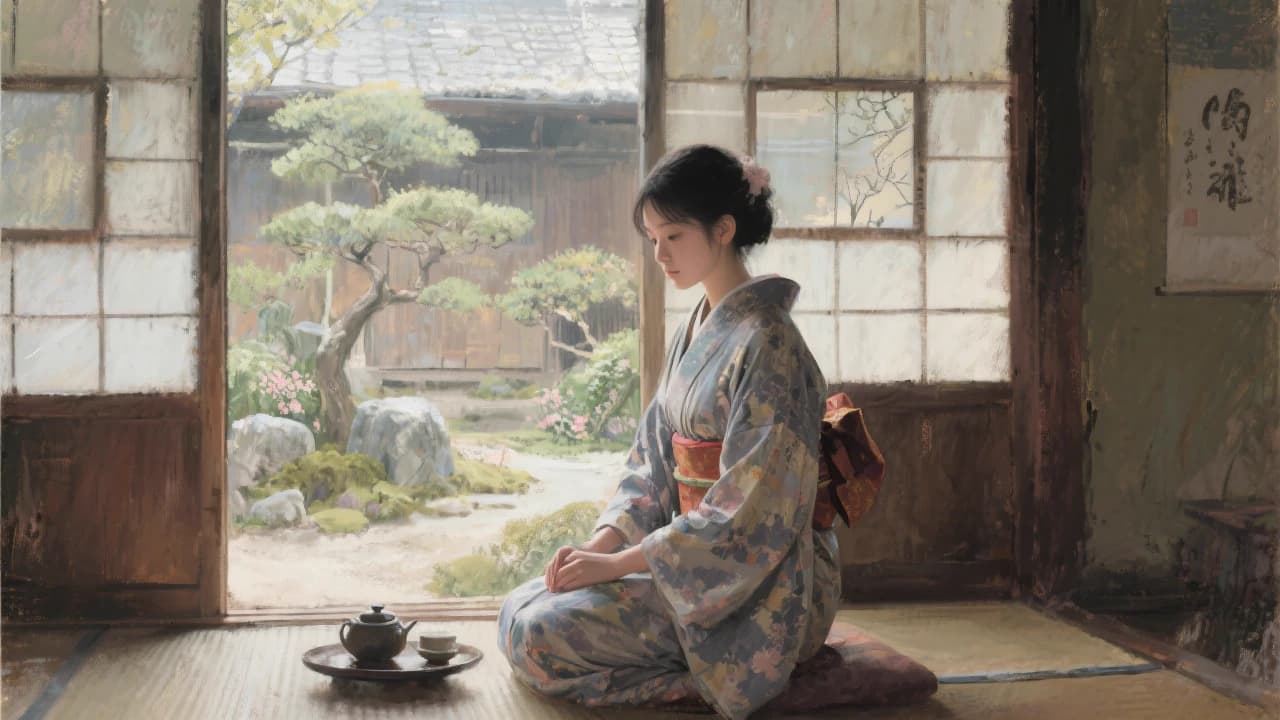
Black Forest Labs
Flux Kontext
Use FLUX.1 Kontext [pro] and [max] on APIXO for prompt-based generation, targeted image editing, character consistency, and iterative visual refinement.
Image
40 Credits/pic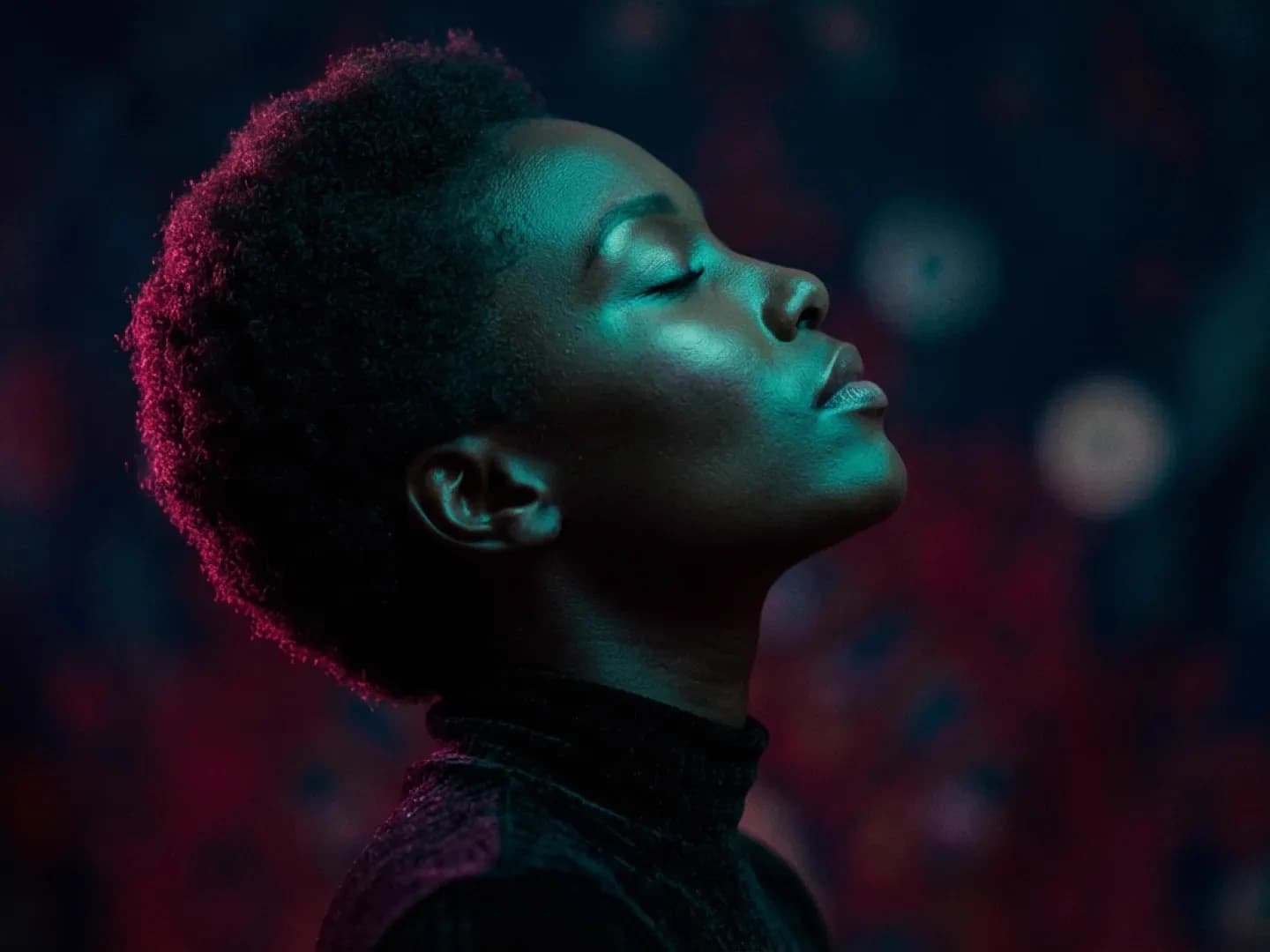
Google
Nano Banana
Generate and edit 1024px images with Google’s Gemini 2.5 Flash Image through APIXO. Use natural-language instructions, up to five image inputs, flexible aspect ratios, and JPEG or PNG output for 30 Credits per image.
Image
30 Credits/pic