APIXO exposes FLUX.1 Kontext [pro] and FLUX.1 Kontext [max] as pro and max modes on the same endpoint. This implementation does not include FLUX.1 Kontext [dev], FLUX.2, or unrelated FLUX image-editing tools.


Image EditingText to ImagePro and Max
FLUX.1 Kontext is Black Forest Labs’ context-aware image generation and editing family. APIXO groups the [pro] and [max] variants on one endpoint for text-to-image creation or single-reference editing. Use natural-language instructions to make targeted changes, preserve characters and styles across iterations, replace visible text, or transform an entire scene.
Input
Text + Optional Image
APIXO Price
40 Credits–80 Credits / ImagePro or Max mode
Variants
FLUX.1 Kontext [pro] / [max]
Aspect Ratios
9 Presets
Released
May 29, 2025
Create with Flux Kontext

Available Variants
Select FLUX.1 Kontext [pro] or [max] on APIXO
FLUX.1 Kontext [pro] for Iterative Editing
FLUX.1 Kontext [pro] combines text-to-image generation, local editing, and broader scene transformation in one model. Black Forest Labs positions it for fast, iterative work that maintains characters, identities, styles, and distinctive features across successive edits. APIXO prices [pro] at 40 Credits per generated image.
Kontext [pro]
FLUX.1 Kontext [max] for Higher-Fidelity Results
FLUX.1 Kontext [max] improves prompt adherence, typography generation, and editing consistency within the original Kontext family. APIXO exposes it for the same prompt-only and single-reference workflows when output quality matters more than unit cost, with billing of 80 Credits per generated image.
Kontext [max]
Editing Capabilities
Make Directed Changes Without Rebuilding the Image
Targeted Local Editing
Change a selected object, color, garment, expression, or scene element through a direct instruction while keeping unrelated regions comparatively stable. This supports focused revisions without masks, model fine-tuning, or a separate specialized editing endpoint.
Character Preservation
Carry a recognizable character, identity, object, or other distinctive feature into a different setting or viewpoint. The model is designed to retain important visual traits while applying the requested environmental, compositional, or behavioral change.
Sequential Refinement
Feed a generated result back as the next reference and apply another instruction to develop the image step by step. This makes FLUX.1 Kontext particularly useful for conversational creative iteration, although long edit chains can gradually introduce artifacts.
Style-Aware Transformation
Use a source image as context for its visual style, then request a new scene or broader transformation. FLUX.1 Kontext can preserve recognizable stylistic qualities while changing subject matter, setting, composition, or other instructed elements.
In-Image Text Editing
Replace words that already appear on signs, posters, packaging, or labels without recreating the complete composition. Quoting the original and replacement text helps identify the intended change, while final spelling and layout should still be reviewed.
Prompt-Only Generation
Omit the reference image to use either APIXO mode for conventional text-to-image generation. FLUX.1 Kontext combines this workflow with editing in the same model family, supporting ideation, drafting, concept design, photorealistic rendering, and typography-led compositions.
API Details
FLUX.1 Kontext Options on APIXO
Verified variant, input, framing, format, and moderation controls exposed by the APIXO endpoint.
[pro] / [max]
Variants
Text-to-Image / Image-to-Image
Workflows
1 Optional Image
Reference Input
1:1 / 3:2 / 2:3 / 4:3 / 3:4 / 9:16 / 16:9 / 21:9 / 9:21
Aspect Ratios
JPEG / PNG
Output Formats
Optional On / Off
Prompt Enhancement
Production Uses
Apply FLUX.1 Kontext to Focused Visual Revisions

Campaign Continuity
Character-Based Asset Variations
Begin with an approved character or subject image, then place it into new settings, seasons, poses, or campaign contexts. Sequential editing helps creative teams explore related concepts while retaining recognizable identity and stylistic traits.

Product Creative
Local Product Scene Updates
Change a product color, background, surrounding prop, lighting direction, or presentation context without requesting an entirely unrelated composition. This supports rapid merchandising concepts, campaign adaptation, and e-commerce experimentation from a single source image.

Content Maintenance
Poster and Label Revisions
Replace visible copy on signs, posters, labels, and simple promotional graphics while preserving the broader design. Use explicit quoted text in the instruction, then verify spelling, typography, spacing, and brand compliance before publishing the result.

Visual Development
Step-by-Step Concept Refinement
Develop an idea through a controlled sequence of edits: revise the environment, adjust a subject, change the mood, and refine individual details. Shorter edit chains work best because repeated transformations can eventually reduce fidelity or introduce visual artifacts.
Notes & FAQ
FLUX.1 Kontext Scope and Constraints
Operational Notes
01
APIXO’s flux-kontext endpoint groups FLUX.1 Kontext [pro] and [max]; it does not expose [dev] or any FLUX.2 variant.
02
Reference-guided requests accept exactly one public, reachable image URL; multi-reference composition is not available on this endpoint.
03
APIXO requires one of nine published aspect ratios and does not publicly expose a separate resolution parameter for this endpoint.
04
Excessive sequential editing can introduce artifacts and gradually reduce image quality, identity consistency, or preservation of earlier details.
05
Instructions may occasionally be missed, and limited world knowledge can affect the contextual accuracy of generated or edited content.
06
Prompts, references, and outputs remain subject to provider moderation; APIXO exposes safety-tolerance levels 0, 1, and 2.
Frequently Asked Questions
Yes. Submit a prompt without an image for text-to-image generation, or include one reference image for context-aware editing. Both [pro] and [max] support these workflows through APIXO; the presence of the reference determines whether the request is generation or editing.
No. APIXO’s FLUX.1 Kontext endpoint accepts exactly one reference image when image input is used. Workflows that require several simultaneous character, product, or style references need a model and endpoint with verified multi-reference support.
APIXO bills per generated image. FLUX.1 Kontext [pro] costs 40 Credits per image, while [max] costs 80 Credits per image. The selected mode determines the charge; APIXO does not publish a resolution-based price tier for this endpoint.
APIXO lists a typical generation time of 15–30 seconds, although actual latency may vary with prompt complexity, reference accessibility, provider routing, and queue load.
Explore Other Models
Discover more AI models for your next creative workflow

Black Forest Labs


Flux 2
Flux 2 is available on APIXO for Image. The model page brings examples, creation controls, pricing, and results into one focused workspace.
ImageNew
40 Credits/pic Image
Image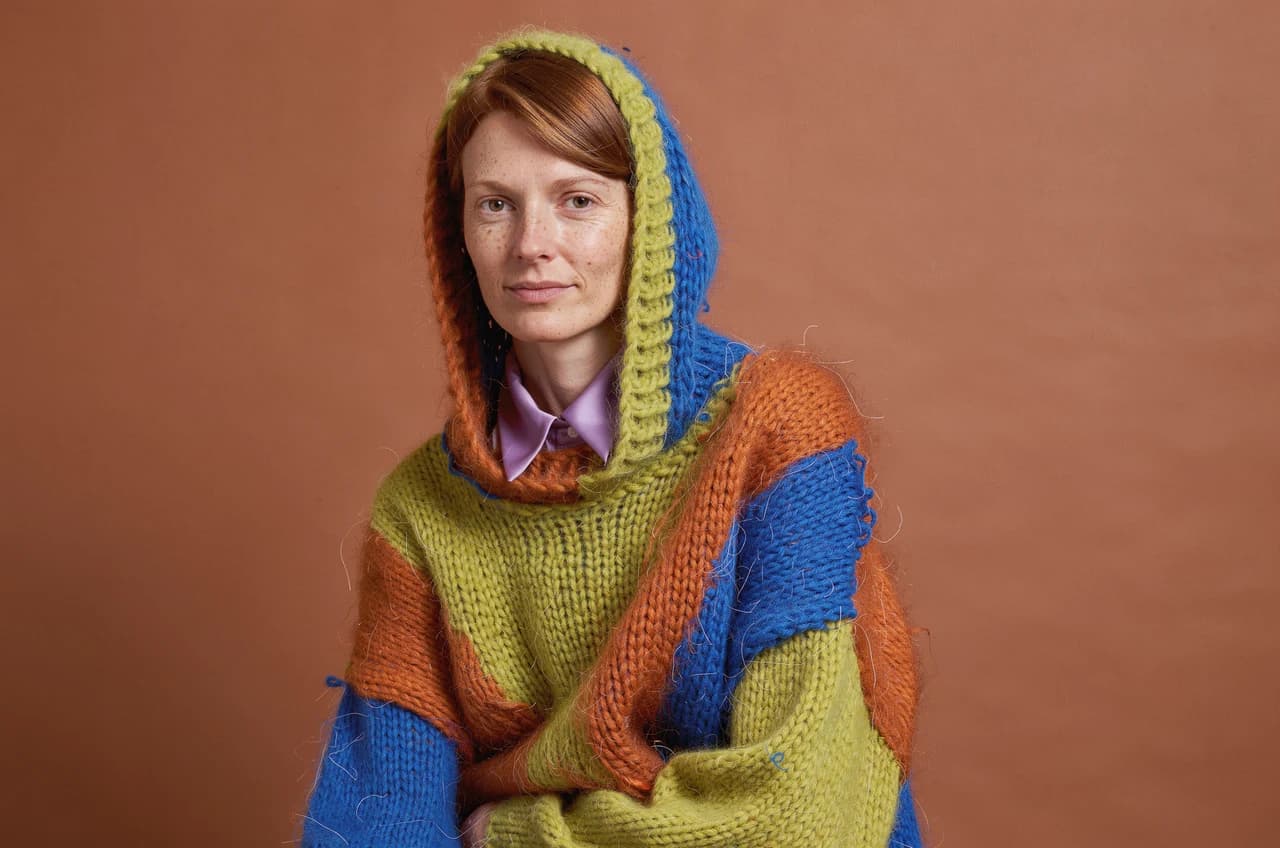
Black Forest Labs

FLUX 3 Image
FLUX 3 Image is available on APIXO for Image. The model page brings examples, creation controls, pricing, and results into one focused workspace.
ImageNew
50 Credits/pic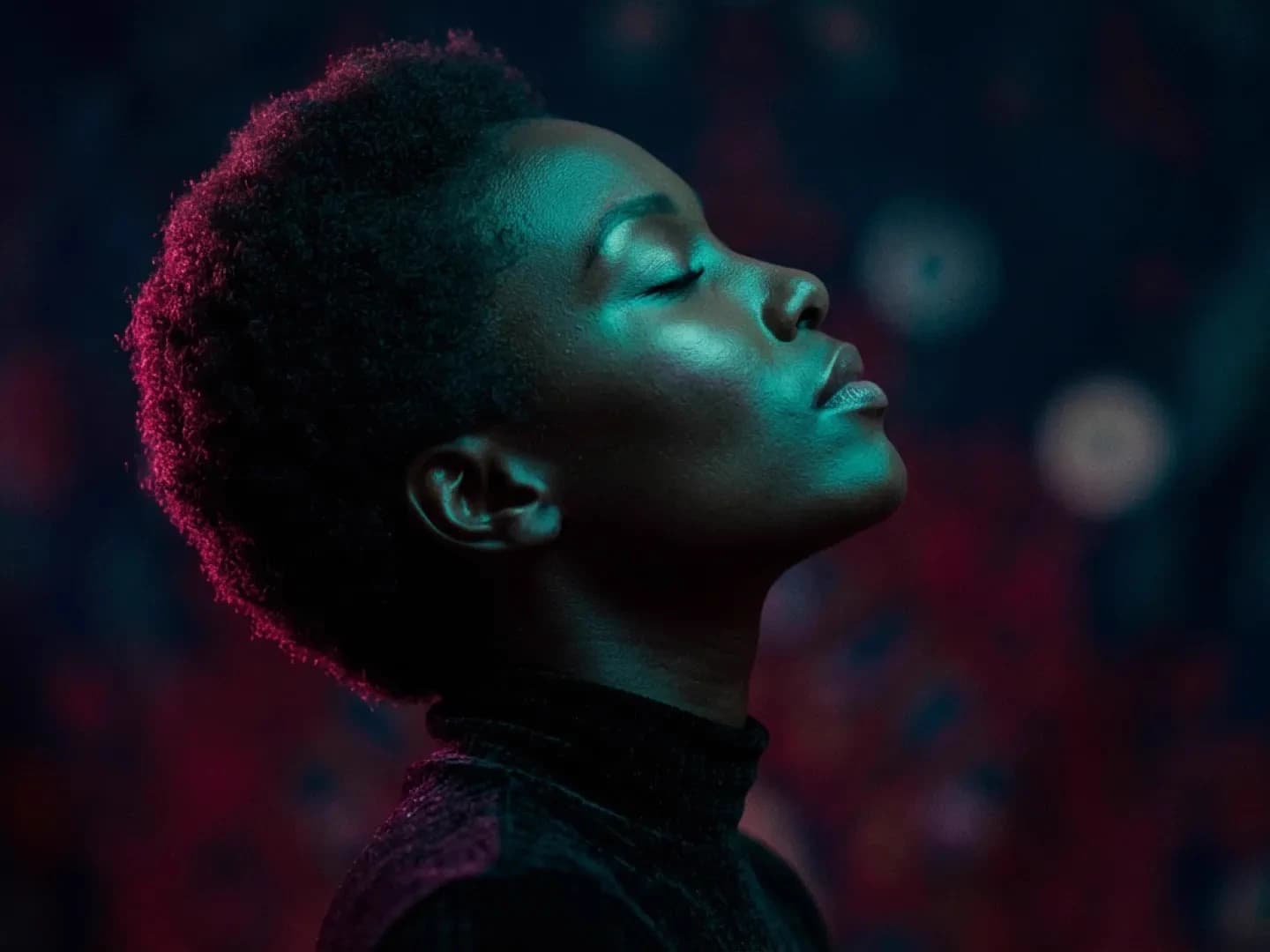
Google

Nano Banana
Nano Banana is available on APIXO for Image. The model page brings examples, creation controls, pricing, and results into one focused workspace.
Image
30 Credits/pic
OpenAI

GPT-Image-1
GPT-Image-1 is available on APIXO for Image. The model page brings examples, creation controls, pricing, and results into one focused workspace.
Image
350 Credits/pic
Midjourney

Midjourney
Midjourney is available on APIXO for Image. The model page brings examples, creation controls, pricing, and results into one focused workspace.
Image
100 Credits/request
ByteDance

Seedream 5.0
Seedream 5.0 is available on APIXO for Image. The model page brings examples, creation controls, pricing, and results into one focused workspace.
ImageNew
35 Credits/pic