Yes. APIXO labels and prices this route as Kling 3.0 Standard. It is separate from Kling 3.0 Turbo and Video 3.0 Omni, so their speed, reference features, editing controls, and pricing should not be applied here.

Standard QualityNative AudioMotion Transfer
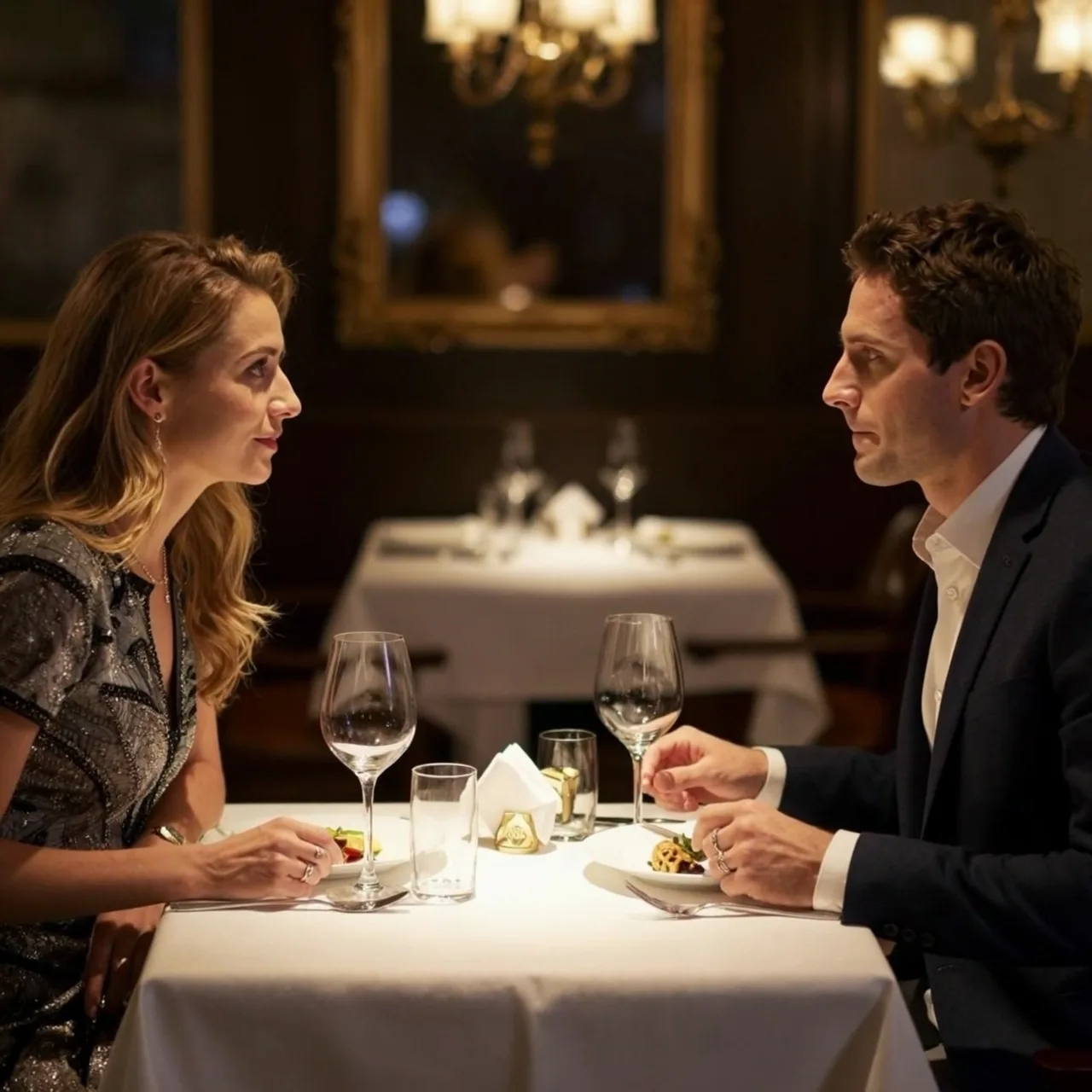
Kuaishou’s Kling Video 3.0 Standard combines text-to-video, image animation, and character motion transfer on APIXO. It extends generated clips to 15 seconds, supports optional native audio, and adds shot-level prompting for stronger narrative control, while motion-control pairs one character image with one reference performance video.
APIXO Modes
Generate / Animate / Transfer
Silent Price
$0.084/secText and image modes without generated sound
Generated Sound Price
$0.13/secText and image modes with generated audio
Generation Length
3–15 seconds
Released
Feb 5, 2026
Create with Kling 3.0 Std
Loading workspace...
Capabilities
Greater control over narrative and continuity
Extended Scene Duration
Kling Video 3.0 extends native generation to 15 seconds, giving actions, dialogue, camera changes, and scene development more room than Kling Video 2.6’s ten-second maximum.
Multi-Shot Storytelling
Kuaishou designed Video 3.0 to interpret multi-scene and multi-shot instructions, including changing camera angles, shot-reverse-shot dialogue, cross-cutting, and voice-over. APIXO exposes optional timed prompt segments for text- and image-led generation.
Stronger Element Consistency
Improved consistency helps characters, objects, environments, and branded elements remain more coherent across frames. Complex movement and longer sequences can still introduce visual drift and require review.
Multilingual Native Audio
Upstream Video 3.0 supports generated speech in English, Chinese, Japanese, Korean, and Spanish, alongside English accents and Chinese dialects. APIXO exposes generated audio through the sound control for text- and image-led modes.
Better Text Preservation
Kuaishou reports improved retention and generation of visible text such as signage, captions, logos, and branded clothing. Exact spelling and placement should still be checked before commercial use.
Photorealistic Performance
Video 3.0 improves photorealistic output for expressive characters and dynamic performances. Detailed prompts can coordinate subject behavior, camera direction, scene progression, and sound within one generated sequence.
APIXO Workflow Groups
Generate a new scene or transfer existing motion
Text and Image Generation
Create from a prompt or animate one to two images for 3–15 seconds. Choose generated sound or silent output, and optionally divide the clip into timed prompt segments for shot-level direction.
New Video
Character Motion Control
Combine exactly one character image with one reference motion video. Choose whether orientation follows the image or video; duration comes from the reference clip, and the sound setting determines whether its original audio is retained.
Motion Transfer
Production Specifications
Kling 3.0 Standard on APIXO
Workflow-specific controls for generation and motion transfer.
1:1 / 9:16 / 16:9
Text-to-Video Ratios
1–2 images
Image-to-Video
1 image + 1 video
Motion Control
Up to 30 seconds
Motion Reference
JPG / JPEG / PNG
Image Formats
1 MP4 URL
APIXO Output
Production Uses
Develop stories, performances, and branded motion
Narrative Content
Multi-Shot Scene Prototypes
Structure a longer generated clip with timed prompt segments for establishing shots, close-ups, reactions, and transitions. Use the result to test narrative rhythm, camera changes, dialogue flow, and scene logic before production.
Character Animation
Reference Performance Transfer
Apply movement from a short reference video to a character image for performance studies, choreography tests, or stylized animation. Select orientation according to whether body direction should follow the source image or motion footage.
Marketing
Branded Audio-Visual Campaigns
Create product showcases, narrated advertisements, and short social campaigns with optional native speech, music, ambience, and effects. Review product geometry, visible text, logos, vocal wording, and synchronization before publishing.
Dialogue
Multilingual Conversation Concepts
Prototype conversations, interviews, and cross-language scenes using Kling Video 3.0’s native voice capabilities. Clearly specify each speaker, language, order, tone, and action, then verify attribution, pronunciation, lip movement, and continuity.
Integration Notes
Apply the correct sound and duration rules
APIXO constraints
01
Text-to-video and image-to-video accept 3–15-second duration; motion-control ignores that field.
02
Image-to-video accepts one starting image and an optional second image that can guide the ending frame.
03
Motion-control requires exactly one character image and one public reference video no longer than 30 seconds.
04
Aspect-ratio selection applies only to text-to-video through APIXO.
05
APIXO exposes no separate uploaded-audio, video-extension, video-editing, or arbitrary multi-reference mode here.
06
Production integrations can retrieve asynchronous results through polling or a public HTTPS callback.
Kling 3.0 Standard questions
Text-to-video and image-to-video cost $0.084 per generated second with sound disabled or $0.13 per second with sound enabled. Their billable duration is the selected value from 3 through 15 seconds.
APIXO charges motion-control at $0.13 per detected reference-video second, with a minimum of three billable seconds. The submitted duration field is ignored, and reference videos longer than 30 seconds are rejected.
For text-to-video and image-to-video, sound: true requests model-generated audio and false produces silent output. In motion-control, the same field determines whether the reference video’s original audio is retained rather than requesting newly generated audio.
Check identity, anatomy, hands, object contact, embedded text, transition logic, rapid movement, speaker attribution, dialogue accuracy, pronunciation, and lip synchronization. Longer or multi-shot scenes create more opportunities for temporal and character drift.
Explore Other Models
Discover more AI models for your next creative workflow
Kuaishou


Kling 3.0 Turbo
Kling 3.0 Turbo is available on APIXO for Video. The model page brings examples, creation controls, pricing, and results into one focused workspace.
VideoNew
$0.112/sec Video
VideoKuaishou

Kling 2.6
Kling 2.6 is available on APIXO for Video. The model page brings examples, creation controls, pricing, and results into one focused workspace.
VideoNew
$0.33/videoKuaishou
Kling 2.5 Turbo Pro
Kling 2.5 Turbo Pro is available on APIXO for Video. The model page brings examples, creation controls, pricing, and results into one focused workspace.
VideoNew
$0.3/videoxai
Grok Video
Grok Video is available on APIXO for Video. The model page brings examples, creation controls, pricing, and results into one focused workspace.
VideoNew
$0.02/secByteDance

Seedance 2.0
Seedance 2.0 is available on APIXO for Video. The model page brings examples, creation controls, pricing, and results into one focused workspace.
VideoNew
$0.0573/sec