Guides
How to Write Motion Prompts for Image-to-Video
Describe subject movement, camera motion and timing, then revise one variable at a time while checking image-to-video results.
APIXO Team
Start creating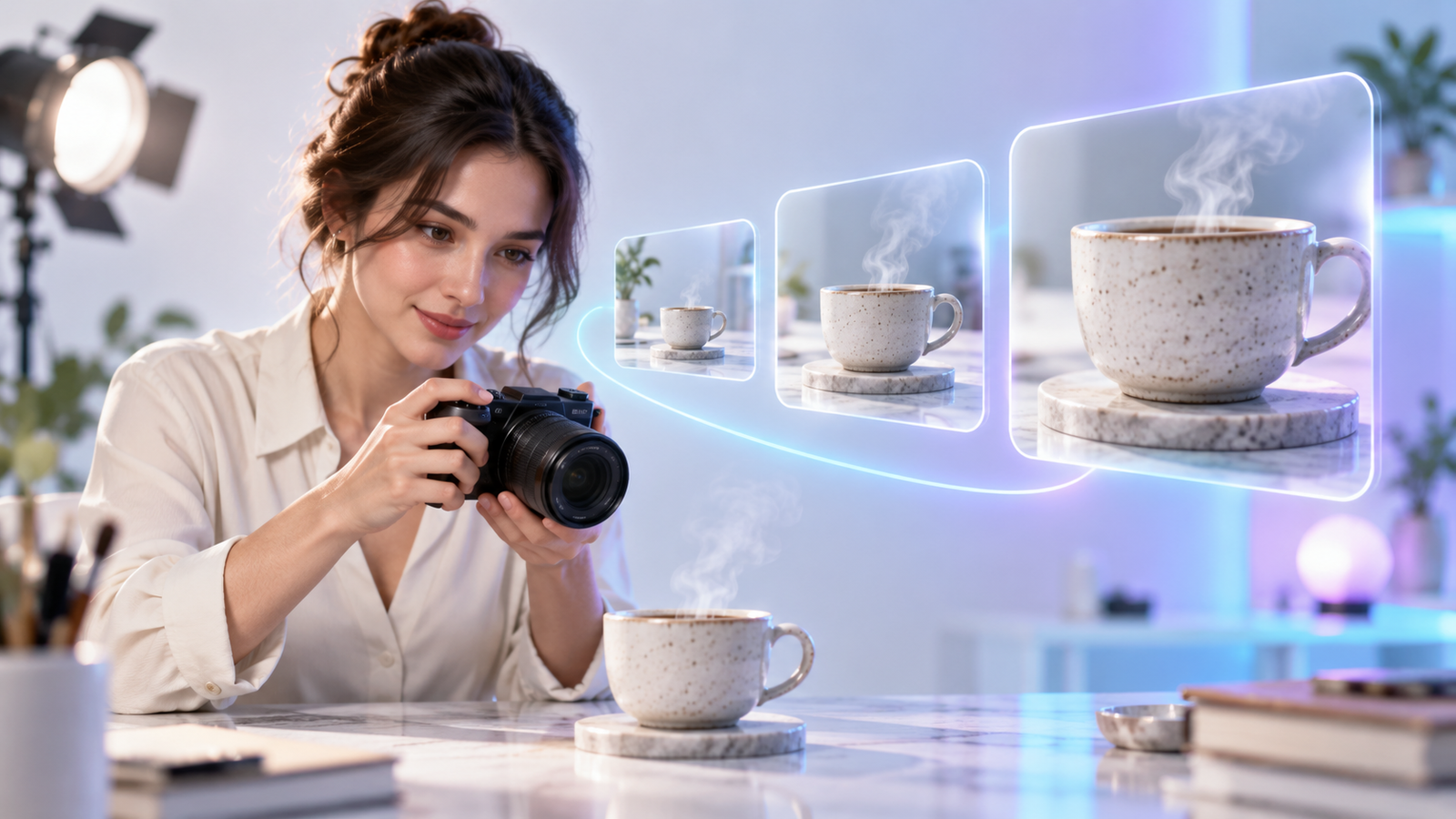


Guides
Describe subject movement, camera motion and timing, then revise one variable at a time while checking image-to-video results.
A starting image tells the model what the scene looks like. A motion prompt describes how that scene should change. Begin with a small, readable movement rather than trying to fit a complete story into one shot.
Inspect the image first. A cropped subject, blurred label or hidden hand gives the model little evidence to work with. Repair the source or choose a less demanding action before generating.
Use the following planning template. Replace the placeholders with visible details; the brackets are not a special model syntax. Important appearance comes from the source image, so avoid rewriting it into a different scene.
[Subject] performs [one action] while [camera movement or fixed view]. Over [shot duration], [timing or ending]. Keep [important visible details] consistent.
Illustrative prompt, not a tested generation:
Steam gently rises from the cup while the camera slowly moves closer. The steam becomes visible near the beginning, then settles into a steady flow. Keep the cup shape, handle and tabletop consistent.
Change one variable per attempt. If the source itself is unclear, repeatedly extending the prompt may not fix it.
Watch the entire clip, including its ending. An attractive first frame is not enough to judge a moving shot.
Set a spending limit before retrying. Keep only changes you can compare, and stop if further generations no longer answer a useful question.
No. Add information that resolves ambiguity. Extra actions and contradictory directions can make a shot harder to control.
No. Check the output yourself. If exact brand text is essential, use an appropriate editing workflow rather than relying on the generated lettering.
Open the APIXO creation workspace, choose a compatible model from the video model catalog, and check the current controls and estimate. For integration details, consult the documentation.
These examples are writing aids, not tested outputs. Controls and charges depend on the selected model; a prompt does not guarantee the result.
Further reading: Runway’s image-to-video prompting guide. Its model-specific advice is not a statement of capabilities available here.
Build with APIXO
Explore image, video, and audio models in one place.