Seedream 5.0 is APIXO’s product-facing route name. ByteDance’s corresponding publicly released upstream model is Seedream 5.0 Lite. Seedream 5.0 Pro remains a separate APIXO route and should not be treated as the same model.


Image GenerationImage EditingWeb Search
Seedream 5.0 on APIXO corresponds to ByteDance’s publicly released Seedream 5.0 Lite model. It supports text-to-image creation, natural-language editing, multi-image context, optional web search, and sequential generation, with 2K or 3K output for knowledge-aware visual creation and structured design workflows.
Upstream Model
Seedream 5.0 Lite
APIXO Price
35 Credits / Image
Resolution
2K / 3K
Image Inputs
Up to 14
Released
February 13, 2026
Create with Seedream 5.0
Capabilities
Interpret intent, references, knowledge, and visual structure
Intent-Aware Generation
Interpret ambiguous or layered instructions through stronger multimodal understanding, producing compositions that better reflect the requested purpose instead of following only surface-level prompt terms.
Visual Reasoning
Analyze relationships among subjects, objects, text, layout, and spatial constraints to construct more logically organized scenes and make context-sensitive edits.
Multi-Image Editing
Use several images as editable content and general multimodal context for composition, restoration, background changes, material adjustments, or object removal without dedicated reference-role fields.
World-Knowledge Application
Apply broader world knowledge to scientific, cultural, physical, and everyday concepts, helping prompts produce more contextually appropriate scenes and explanatory details. Factual content still requires independent verification.
Information Visualization
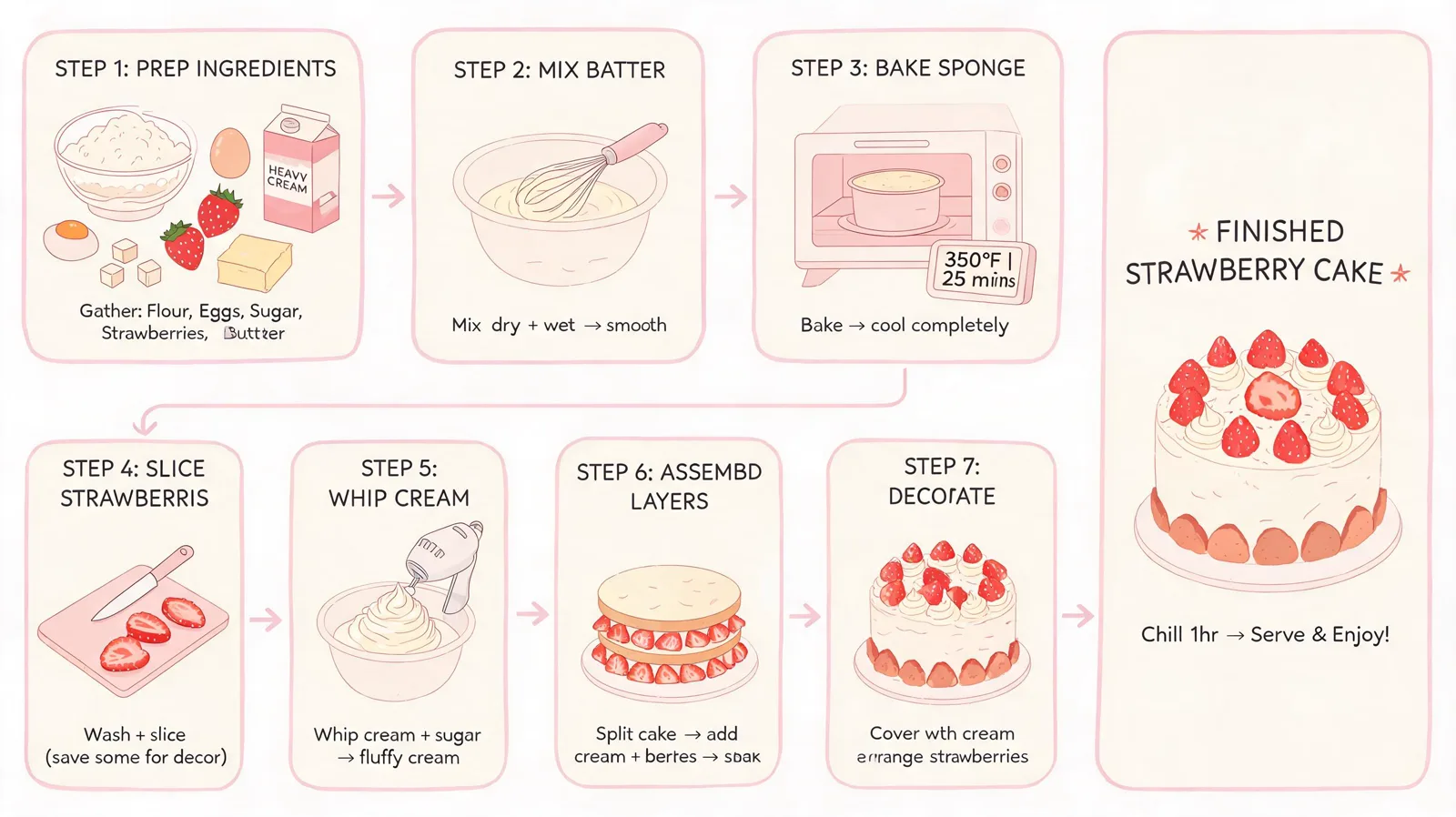
Transform supplied ideas and facts into diagrams, explainers, posters, and structured graphics where visual hierarchy and relationships matter alongside aesthetics.
Coherent Image Sequences
APIXO’s automatic sequential-generation mode requests related outputs for storyboards, campaigns, or visual series instead of treating every image as an unrelated variation.
APIXO Workflows
Create from text or reason across supplied imagery
Text-to-Image Creation
Submit a prompt of up to 5,000 characters and request one to ten images. Choose 2K or 3K output, framing, format, sequential behavior, and optional web search for new campaign assets, diagrams, illustrations, photographs, and layouts.
Create from text
Image-to-Image Editing
Provide one to 14 public image URLs with a required natural-language instruction. The images serve as editable sources and general visual context rather than formal character-, product-, subject-, style-, or layout-reference categories.
Edit with context
APIXO Configuration
Output and canvas controls
Verified options available through APIXO’s Seedream 5.0 route.
1–5,000 Characters
Prompt Length
1–10 Images
Output Count
8 Presets
Aspect Ratios
JPEG / PNG
Output Formats
Async / Callback
Delivery
Disabled / Auto
Sequential Mode
Production Uses
Build knowledge-aware visuals and adaptable creative systems
Information Design
Visualize Complex Subjects
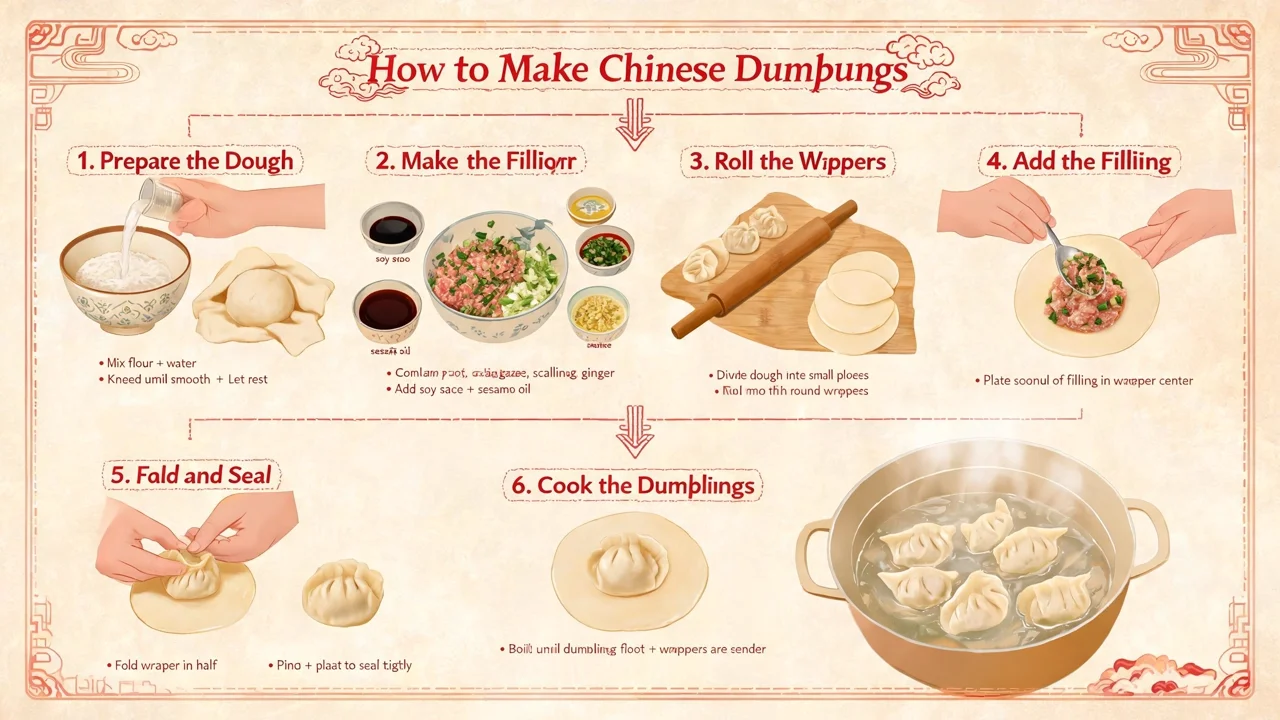
Turn technical, educational, or business concepts into diagrams, explainers, and structured graphics. Stronger reasoning helps organize the visual, but factual statements, labels, quantities, and causal relationships must still be independently verified.

Current Campaigns
Create Timely Visual Context
Enable APIXO’s web-search field when fresh public context should inform a campaign concept, cultural visual, or current-event illustration. Treat retrieved context as creative input rather than verified evidence, and review attribution-sensitive material.

Product Creative
Recompose Ecommerce Assets
Combine product photographs, environments, and art direction to explore campaign scenes or merchandising layouts. Review packaging, logos, proportions, materials, labels, and geometry against approved source files before commercial use.
Content Systems
Produce Coordinated Image Sets
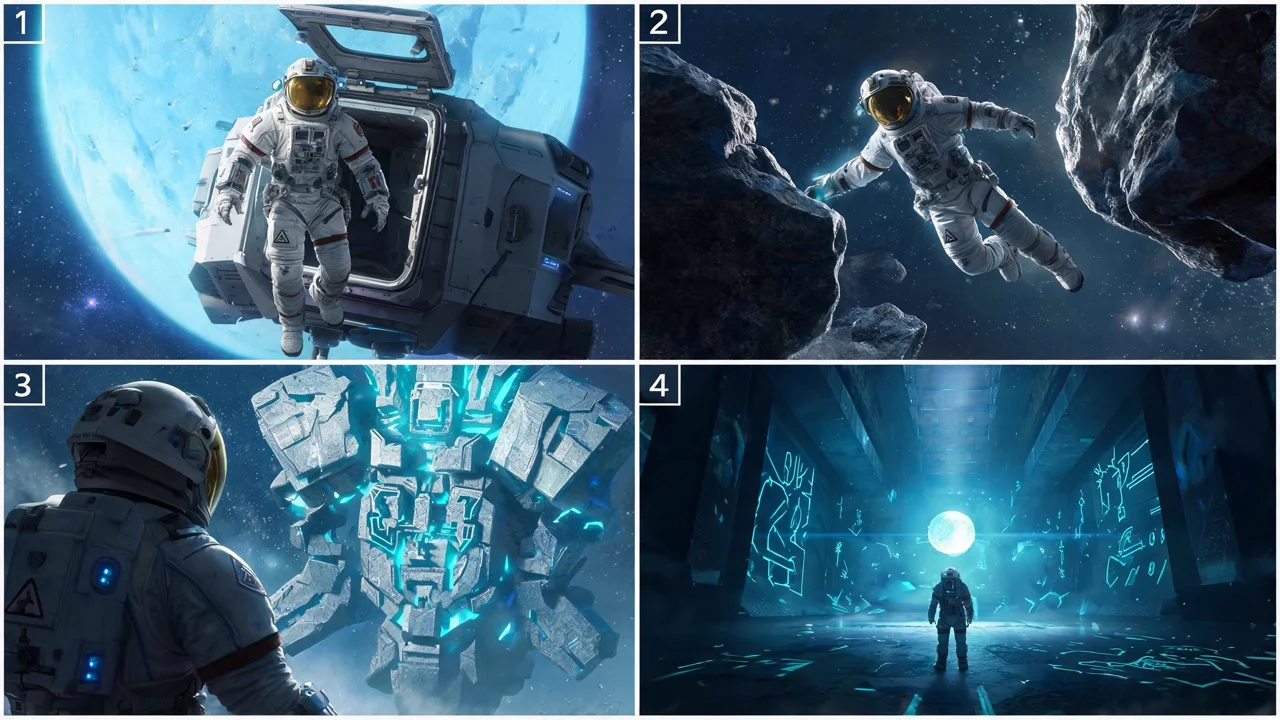
Use sequential generation and multiple outputs for storyboards, editorial series, social campaigns, or presentation assets. Recurring subjects and styling can remain more coherent, although identity and fine details may still drift.
Notes & FAQ
Model identity, search, and billing boundaries
Implementation Notes
01
APIXO names the route Seedream 5.0; the corresponding public ByteDance release is Seedream 5.0 Lite, distinct from APIXO’s Seedream 5.0 Pro route.
02
APIXO charges 35 Credits for each successfully generated image.
03
Web search is available as a boolean request field, but APIXO exposes no separate Image Search or returned search-attribution field.
04
APIXO exposes no configurable reasoning level, chain-of-thought, mask, seed, negative prompt, transparency, watermark, or safety-level field.
05
Typical APIXO processing is approximately 25–35 seconds at 2K and 35–50 seconds at 3K; actual completion time varies.
06
Requests are independent; APIXO does not document persistent conversational editing context for this route.
Frequently Asked Questions
APIXO exposes the same optional web-search field on the shared route used by text-to-image and image-to-image requests. No workflow-specific surcharge or separate search price is publicly documented.
APIXO reserves the requested image count multiplied by the current unit rate, then charges for successful outputs. If fewer images succeed, the final amount is adjusted to the number actually generated.
No mask parameter is exposed. Supply the source images and describe the target object, region, relationship, or desired change directly in the prompt.
Review anatomy, hands, identity, embedded text, translations, factual claims, logos, packaging, product geometry, reference fidelity, and web-derived context. Safety filtering can reject requests, and repeated prompts are not deterministic.
Explore Other Models
Discover more AI models for your next creative workflow
ByteDance


Seedream 5.0 Pro
Seedream 5.0 Pro is available on APIXO for Image. The model page brings examples, creation controls, pricing, and results into one focused workspace.
ImageNew
45 Credits/pic Image
Image
ByteDance

Seedream 4.5
Seedream 4.5 is available on APIXO for Image. The model page brings examples, creation controls, pricing, and results into one focused workspace.
Image
40 Credits/pic
Google

Nano Banana 2
Nano Banana 2 is available on APIXO for Image. The model page brings examples, creation controls, pricing, and results into one focused workspace.
ImageNew
50 Credits/pic
Black Forest Labs

Flux 2
Flux 2 is available on APIXO for Image. The model page brings examples, creation controls, pricing, and results into one focused workspace.
ImageNew
40 Credits/pic
OpenAI

GPT-Image-2
GPT-Image-2 is available on APIXO for Image. The model page brings examples, creation controls, pricing, and results into one focused workspace.
ImageNew
30 Credits/pic