Yes. APIXO publicly lists a dedicated GPT Image 1 endpoint and Playground workflow. GPT Image 2 is a separate model and endpoint, so existing GPT Image 1 integrations can continue to use the configuration documented on this page.


Image GenerationReference EditingMultimodal Image
GPT Image 1 is OpenAI’s previous-generation, natively multimodal image model for text-to-image creation and reference-guided editing. APIXO continues to expose a dedicated route with prompt input, up to five reference images, square or portrait/landscape framing, and one, two, or four outputs per task.
Inputs
Text + Up to 5 Images
APIXO Price
$0.35/ Image
APIXO Ratios
1:1 / 2:3 / 3:2
Output Count
1 / 2 / 4 Images
Released
Apr 23, 2025
Create with GPT-Image-1
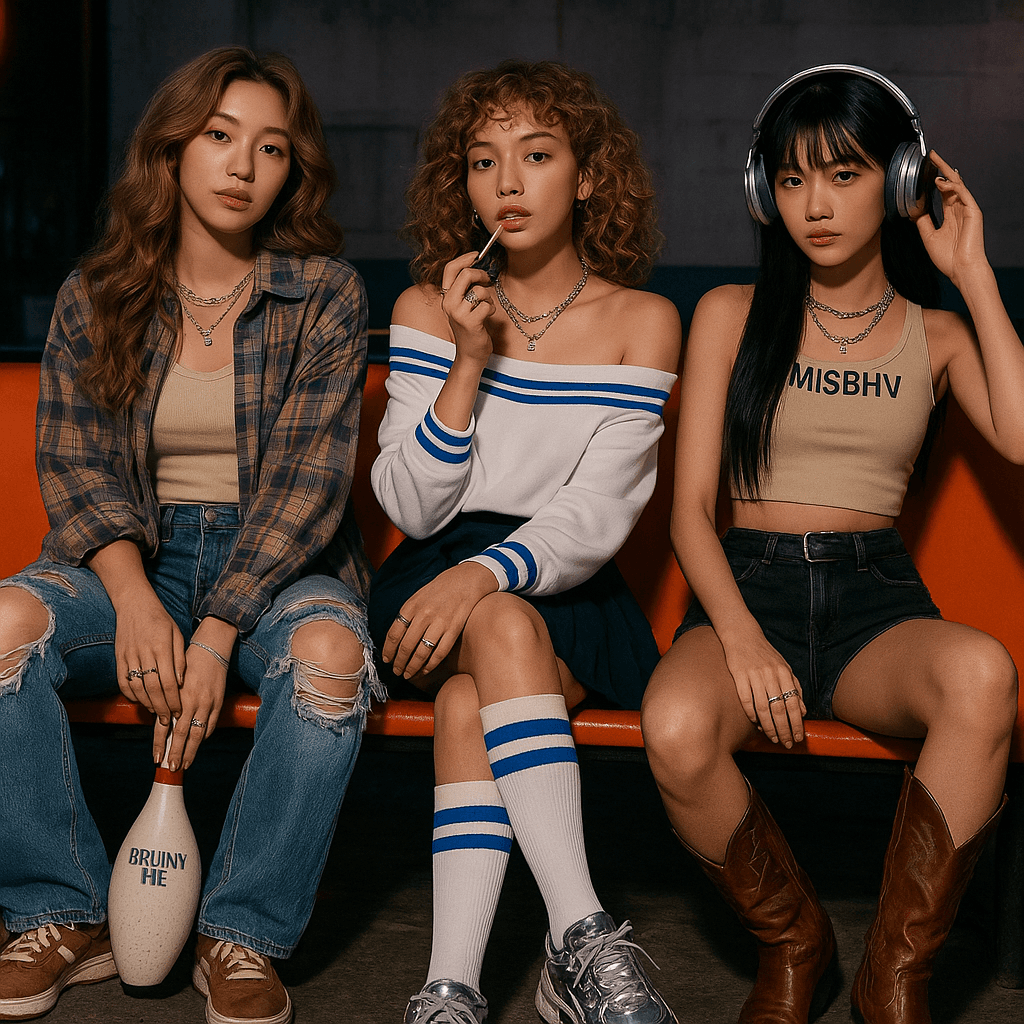
Capabilities
Create Images from Language and Visual Context
Prompt-Based Generation
Generate an image from natural-language direction covering subject, composition, style, lighting, camera treatment, and visible details. GPT Image 1 was designed to follow detailed creative instructions instead of depending on terse keyword-style prompts.
Multi-Image Guidance
APIXO accepts up to five public reference-image URLs in one task. Use them to provide visual context for subjects, products, materials, composition, or style while describing the intended relationship between the inputs in the prompt.
Instruction-Based Editing
Supply an existing image and describe the desired transformation in ordinary language. GPT Image 1 can alter visual elements, restyle material, or construct a new composition informed by the source without requiring a separate model family.
Typography Generation
GPT Image 1 improved the ability to place requested words inside generated visuals compared with earlier DALL·E workflows. It supports concepts for posters, labels, diagrams, and social graphics, though all rendered text still requires human review.
Broad Style Range
Create photography-like scenes, illustrations, graphic compositions, diagrams, and other visual treatments through one model. Reference images and detailed prompts can help align the output with an established art direction or campaign concept.
Batch Creative Variants
APIXO can return one, two, or four images from a task. Multiple outputs help teams compare interpretations of the same prompt or reference set before selecting a direction for refinement or downstream production.
API Details
GPT Image 1 Options on APIXO
Verified input, framing, quantity, and delivery limits for APIXO’s dedicated GPT Image 1 route.
1–10,000 Characters
Prompt Length
0–5 Images
Reference Count
JPG / PNG / WebP
Input Formats
Up to 10 MB Each
Reference Size
1 / 2 / 4 Images
Images per Task
Polling or Webhook
Delivery
Production Uses
Apply GPT Image 1 to Existing Creative Pipelines

Campaign Design
Marketing Asset Concepts
Generate hero-image directions, social graphics, editorial illustrations, and campaign concepts from detailed creative briefs. Request several variants when stakeholders need multiple interpretations before selecting an asset for refinement in conventional design software.
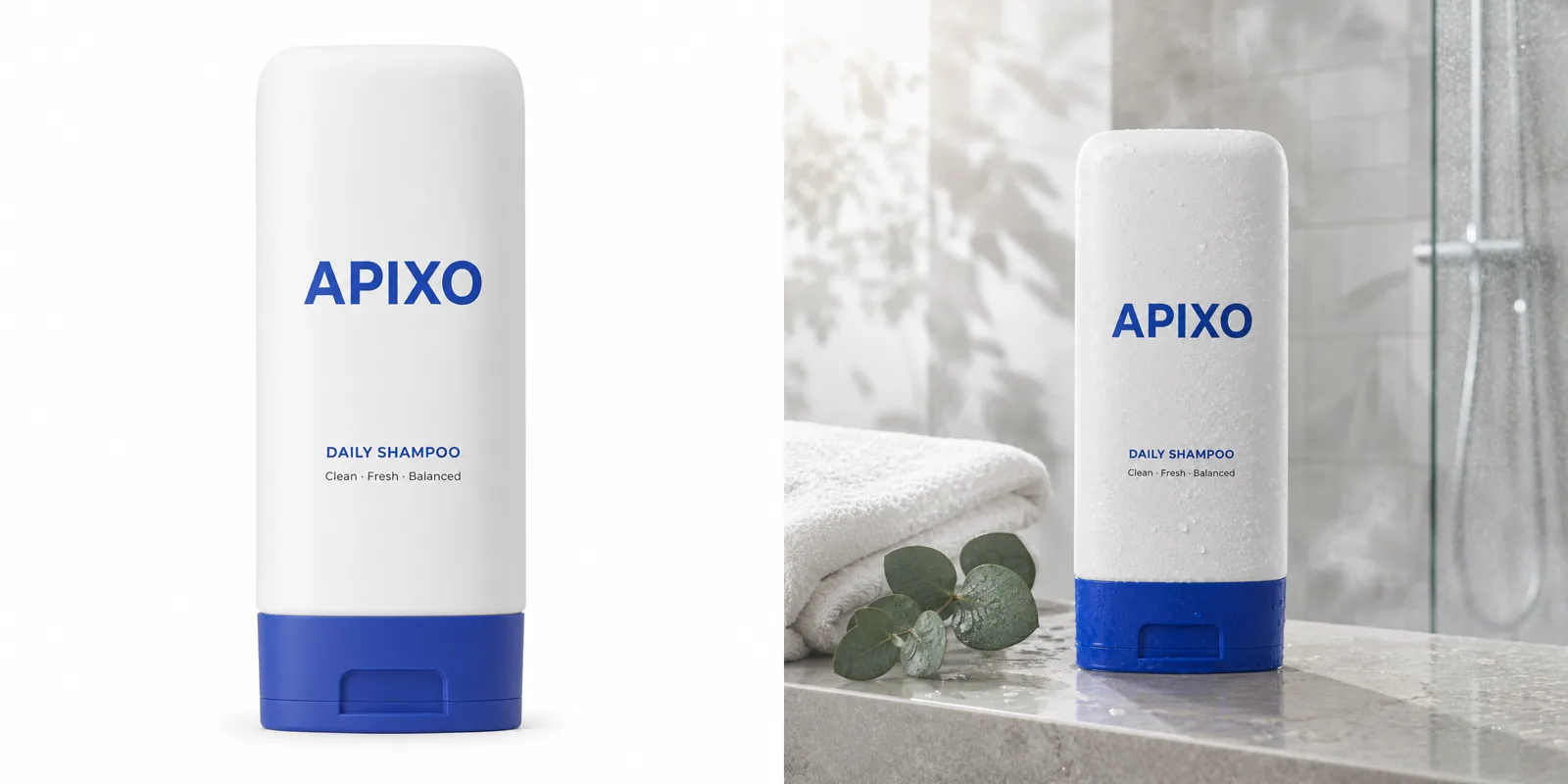
Product Content
Reference-Guided Product Scenes
Combine product photographs with contextual or stylistic references to explore new settings and presentation ideas. This supports e-commerce concepts, merchandising tests, and advertising drafts, while final outputs should be checked for accurate product geometry, branding, and labels.
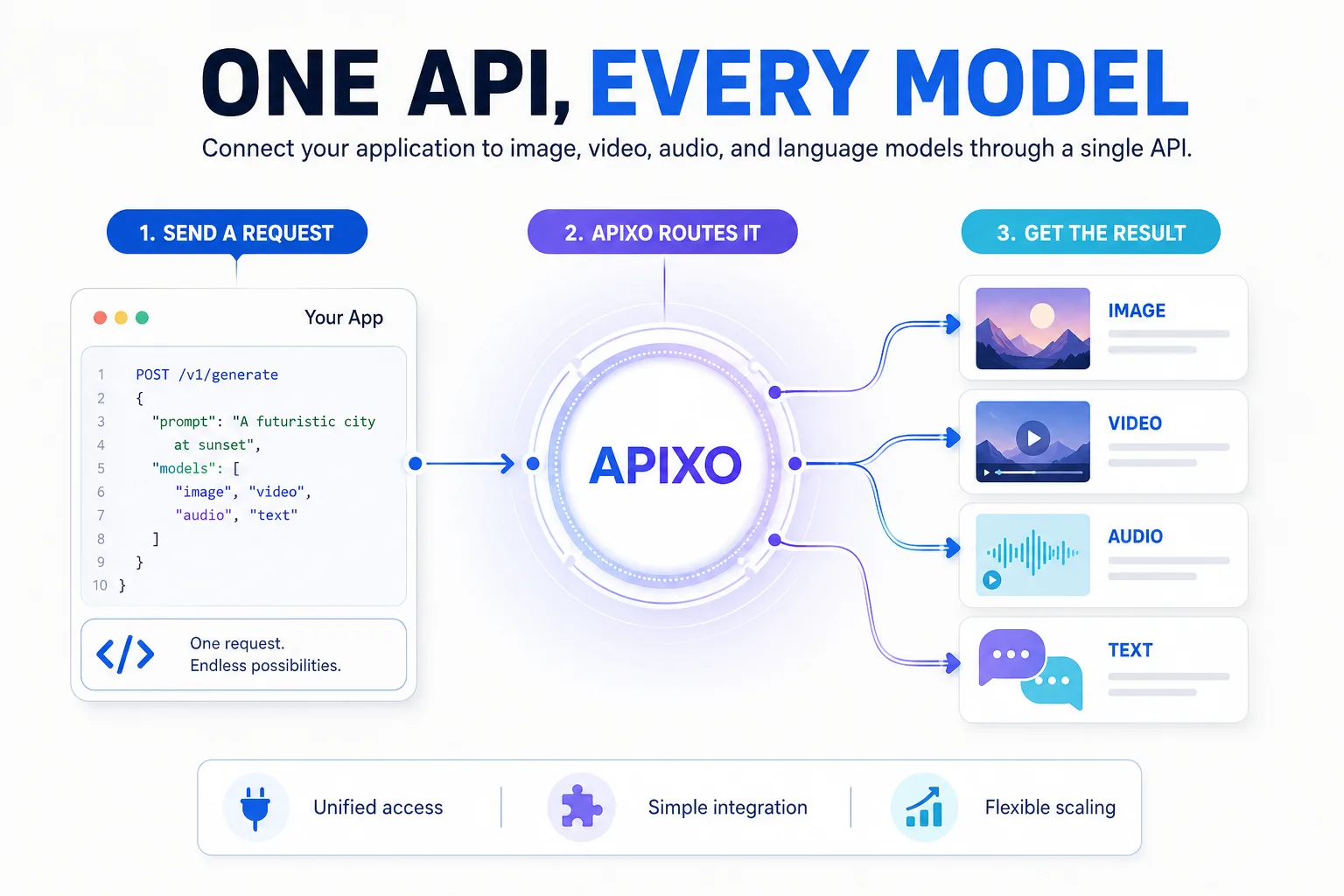
Visual Communication
Posters and Diagram Drafts
Create early layouts containing headlines, labels, symbols, and explanatory imagery. GPT Image 1’s typography capabilities make it useful for visual ideation, but generated words, figures, and factual content should be verified and typeset separately for final publication.
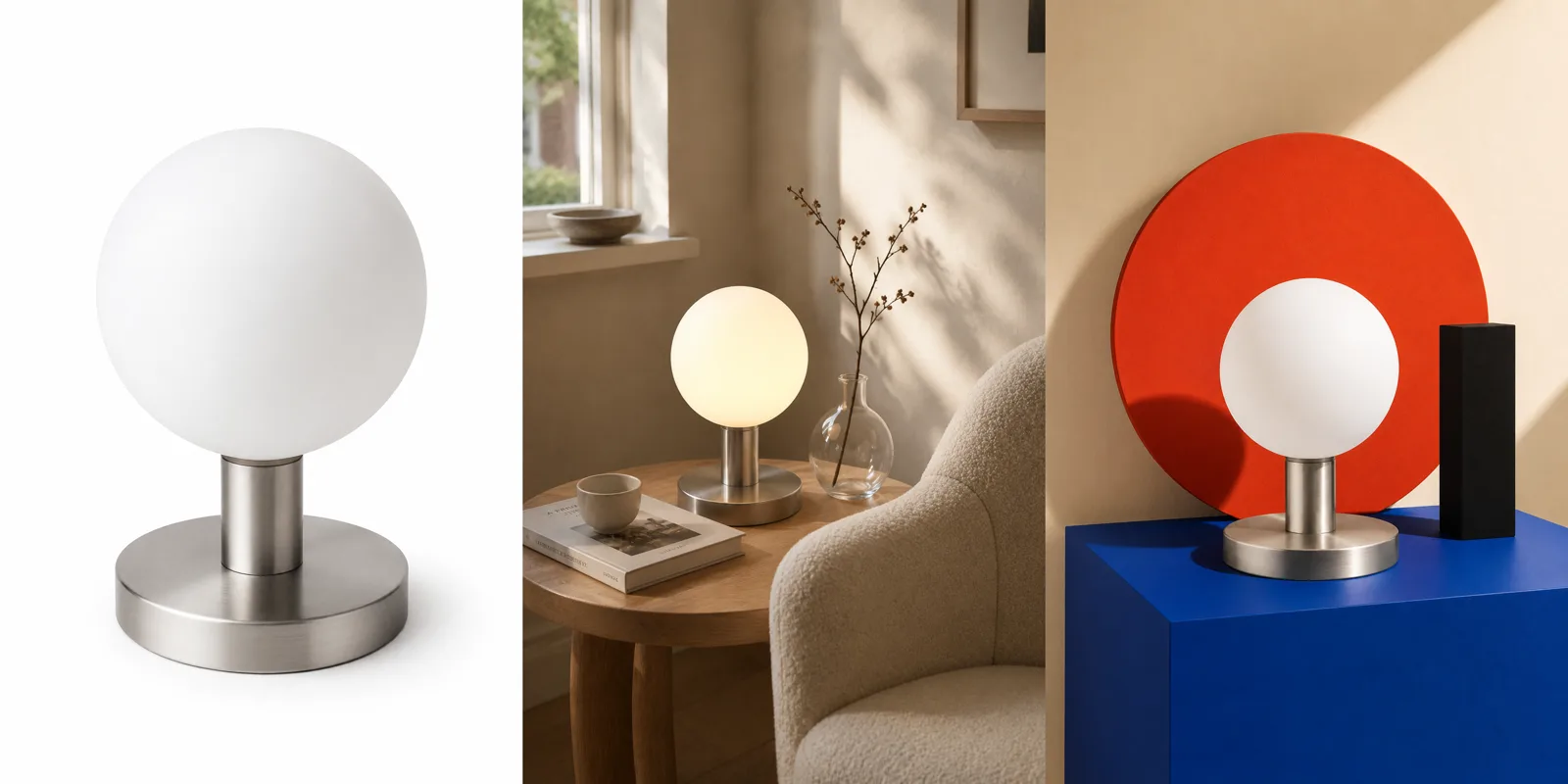
Creative Exploration
Multi-Reference Style Studies
Supply several visual references to explore how subjects, materials, palettes, and composition might work together. Designers can compare one, two, or four generated directions before developing the strongest concept into a production-ready asset.
Notes & FAQ
GPT Image 1 Availability and Constraints
Operational Notes
01
GPT Image 1 predates GPT Image 2 but remains available through APIXO’s dedicated route.
02
APIXO exposes one GPT Image 1 routing mode; it does not group GPT Image 1.5, GPT Image 2, or DALL·E models.
03
APIXO documents reference-guided creation but does not expose OpenAI mask input or explicit inpainting controls on this route.
04
APIXO does not publish controls for quality, transparency, output format, compression, moderation level, or input fidelity for this endpoint.
05
Reference inputs must be public, directly reachable JPG, PNG, or WebP files no larger than 10 MB each.
06
Generated text, faces, fine details, and reference identity may require additional attempts or manual correction before production use.
Frequently Asked Questions
APIXO supports reference-guided generation using up to five image URLs and a required prompt. This enables instruction-based transformations and visual guidance, but APIXO does not document the dedicated mask parameter available through OpenAI’s native image-editing interface.
Transparency is an upstream GPT Image 1 capability, but APIXO’s public schema for this endpoint does not expose a background or output-format parameter. Do not depend on transparent PNG output through APIXO unless the live schema explicitly adds that option.
APIXO does not publish OpenAI’s low, medium, high, or auto quality controls for this route. It exposes three aspect-ratio choices—1:1, 2:3, and 3:2—rather than the upstream API’s explicit pixel-size parameter.
APIXO charges $0.35 for each generated image. A task requesting two or four outputs is billed for the corresponding number of images. This APIXO unit price is separate from OpenAI’s native token- and quality-based pricing structure.
Explore Other Models
Discover more AI models for your next creative workflow
OpenAI


GPT-Image-2
GPT-Image-2 is available on APIXO for Image. The model page brings examples, creation controls, pricing, and results into one focused workspace.
ImageNew
$0.03/pic Image
Image
OpenAI

GPT-Image-2.5
GPT-Image-2.5 is available on APIXO for Image. The model page brings examples, creation controls, pricing, and results into one focused workspace.
ImageNew
$0.01/pic
Black Forest Labs

Flux 2
Flux 2 is available on APIXO for Image. The model page brings examples, creation controls, pricing, and results into one focused workspace.
ImageNew
$0.04/pic
Midjourney

Midjourney
Midjourney is available on APIXO for Image. The model page brings examples, creation controls, pricing, and results into one focused workspace.
Image
$0.1/request
ByteDance

Seedream 5.0
Seedream 5.0 is available on APIXO for Image. The model page brings examples, creation controls, pricing, and results into one focused workspace.
ImageNew
$0.035/pic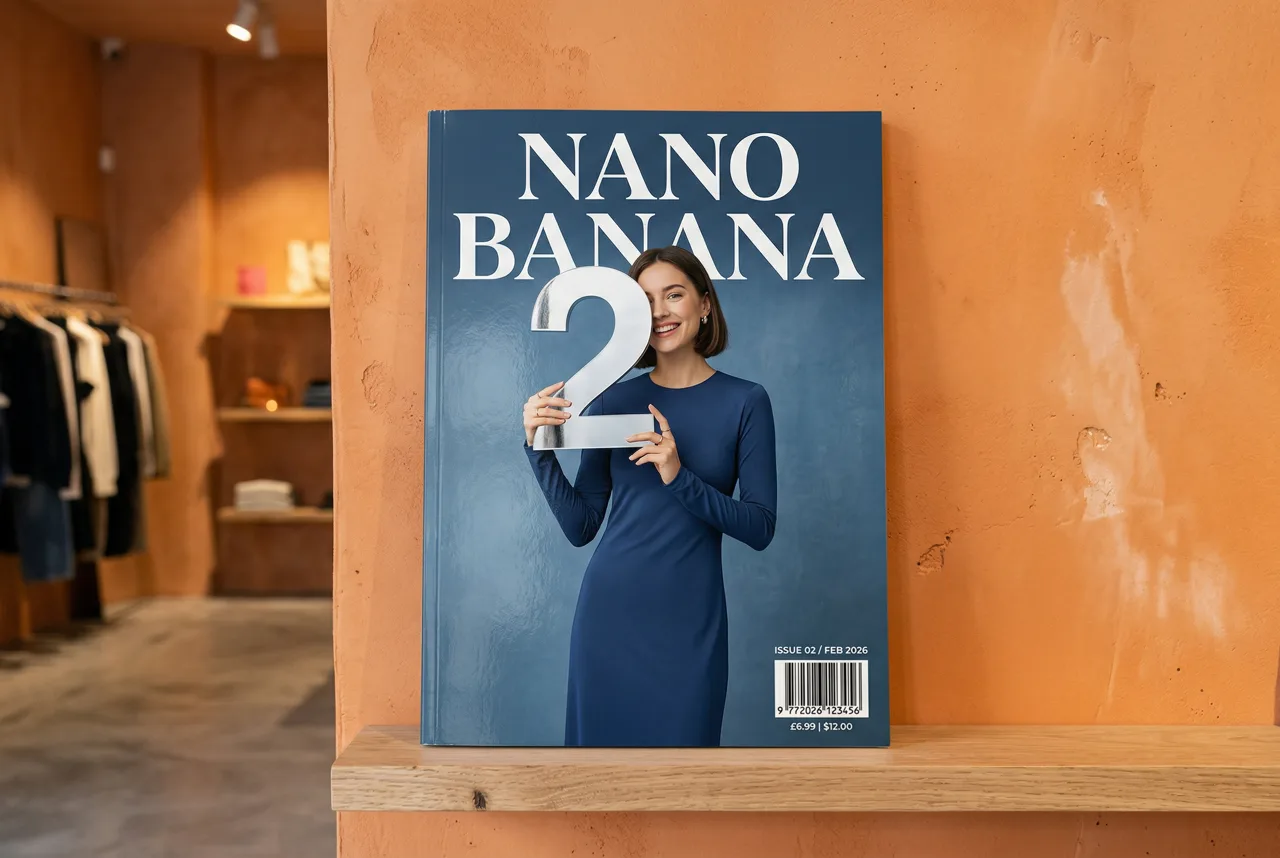
Google

Nano Banana 2
Nano Banana 2 is available on APIXO for Image. The model page brings examples, creation controls, pricing, and results into one focused workspace.
ImageNew
$0.05/pic