

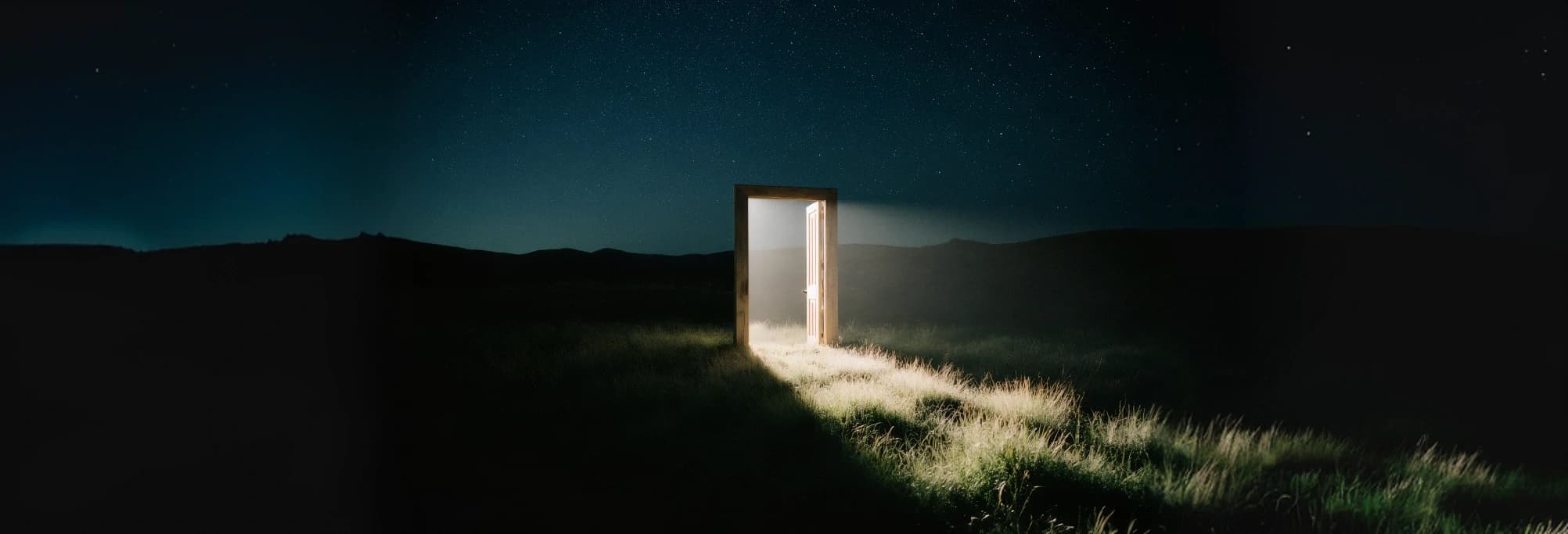
Image returns up to 9 independent pictures from one brief. Image Set returns 2 to 10 pictures designed to belong together, with consistent subject, framing, and style, which suits carousels, storyboards, and variations of one scene.
Generate single images, matching image sets, full webpage designs, and ecommerce detail pages with Kling Image 4.0. Keep a person or product consistent with named subjects, mix in up to 10 references, and export images and sets at up to 8K.
Create with Kling Image 4.0
Creative Capabilities
Consistency, layout, and detail in one model
The controls that matter when images have to work together.
Coherent image sets
Ask for a group of images and get pictures that share one subject, one camera setup, and one style instead of unrelated variations.
Named subjects
Turn a few angles of a person, product, or prop into a reusable subject and call it by name in the prompt to keep it recognizable.
Up to 8K output
Choose 2K / 4K / 8K for images and sets, so large prints, banners, and crops keep their detail.
Page-length layouts
Webpage Design and Product Detail Page modes compose an entire scrolling layout, with headings, sections, and imagery arranged in one tall image.
Reference-guided edits
Use ordinary references for composition, mood, or a location, and mention each one by its @ token so every image has a clear role.
Long, detailed briefs
Prompts can run up to 20,000 characters, enough to spell out every section of a page or every shot in a set.
APIXO Workflows
Four modes, one model
Image
Generate up to 9 images from a brief, with optional references and named subjects.
Single images
Image Set
Generate 2 to 10 images that read as one series.
Matching sets
Webpage Design
Lay out a complete webpage as one design image, optionally guided by style and subject references.
Page mockups
Product Detail Page
Build a long ecommerce detail page from your product photos in a short, medium, or long layout.
Ecommerce
APIXO Configuration
Controls available on this route
Four modes, up to 10 references or named subjects, and output up to 8K for images and image sets.
Image / Image Set / Webpage / Product Page
Modes
Up to 10 combined
References & Subjects
2K / 4K / 8K
Resolution
8 options + Auto
Aspect Ratios
Up to 10 images per task
Output
Async / Callback
Delivery
Production Uses
Built for work that needs more than one picture
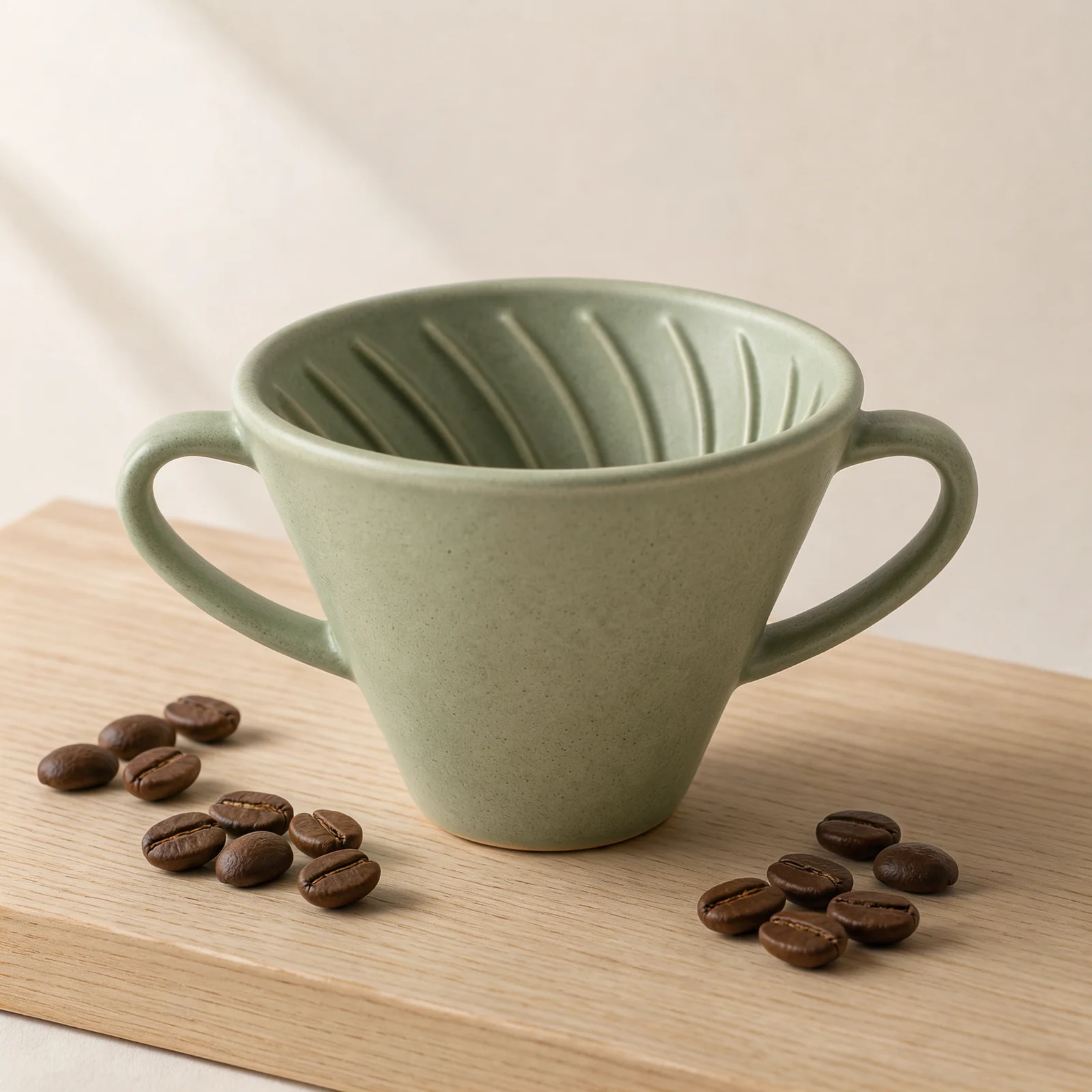
Product Photography
Clean product shots without a studio day
Describe the surface, the light direction, and the props around the product to get a catalog-ready image. Add the product as a named subject with a few angles when the shape and finish must match the real item.
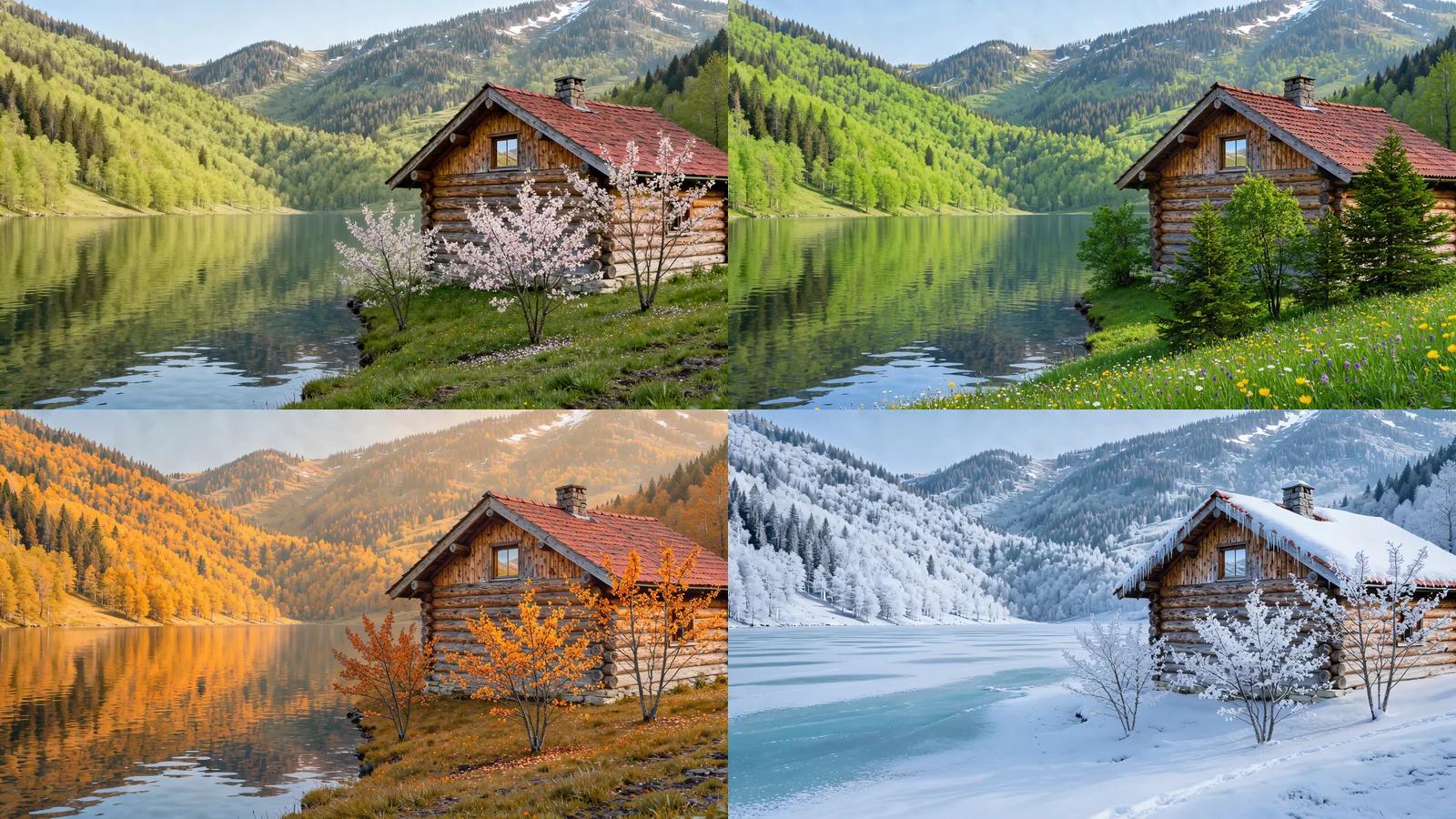
Image Sets
A matching set in one request
Image Set mode returns 2 to 10 images that share the same subject, camera angle, and style. Use it for seasonal variations, storyboard frames, carousel posts, or a lookbook that needs to feel like one shoot.
Webpage Design
A full landing page mockup from a brief
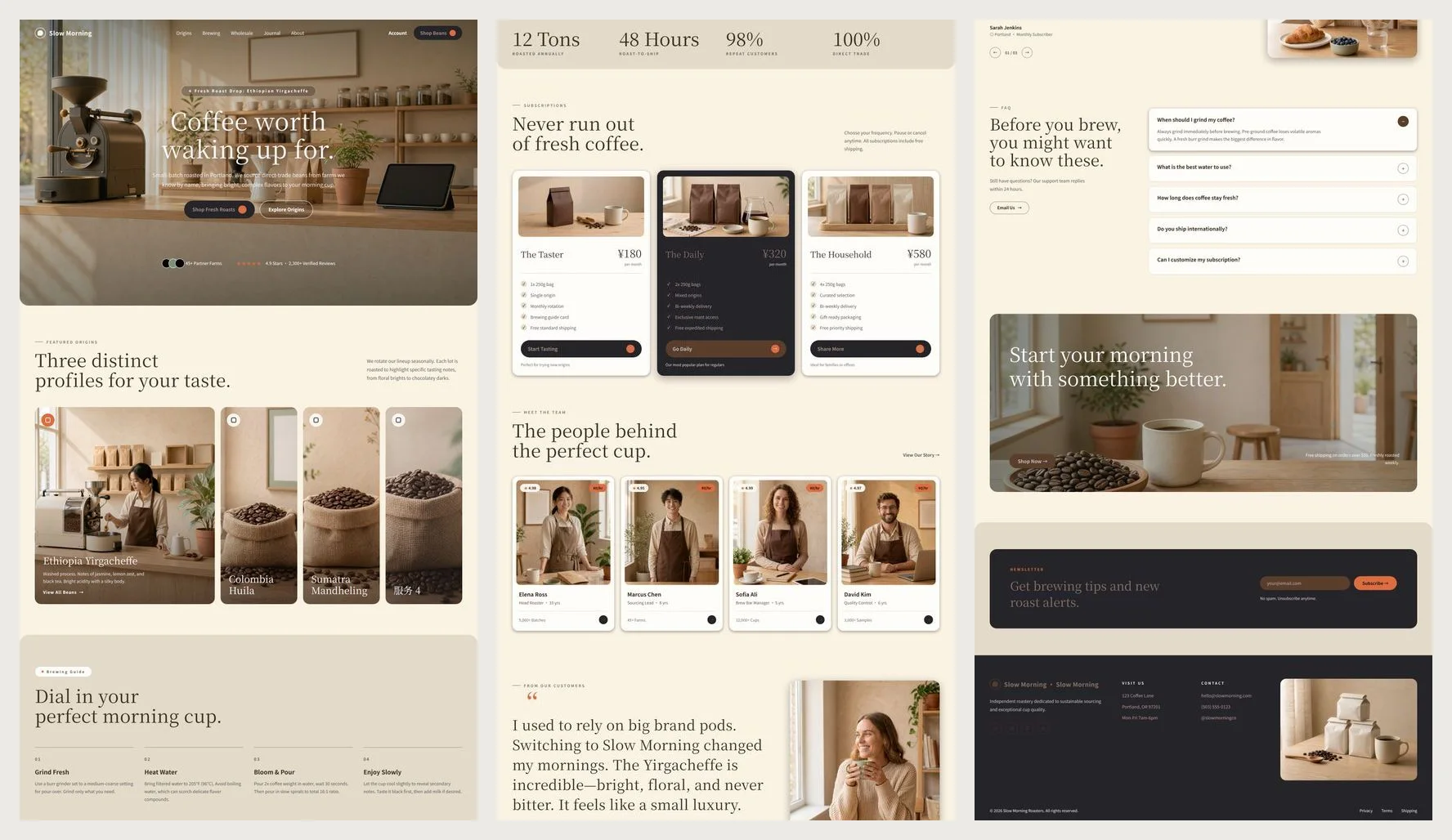
List the sections you want, the headline, and the palette, and the model lays out a complete page as one tall image. It is a design image for review and pitching, not HTML, so plan to rebuild the final page in your own stack.
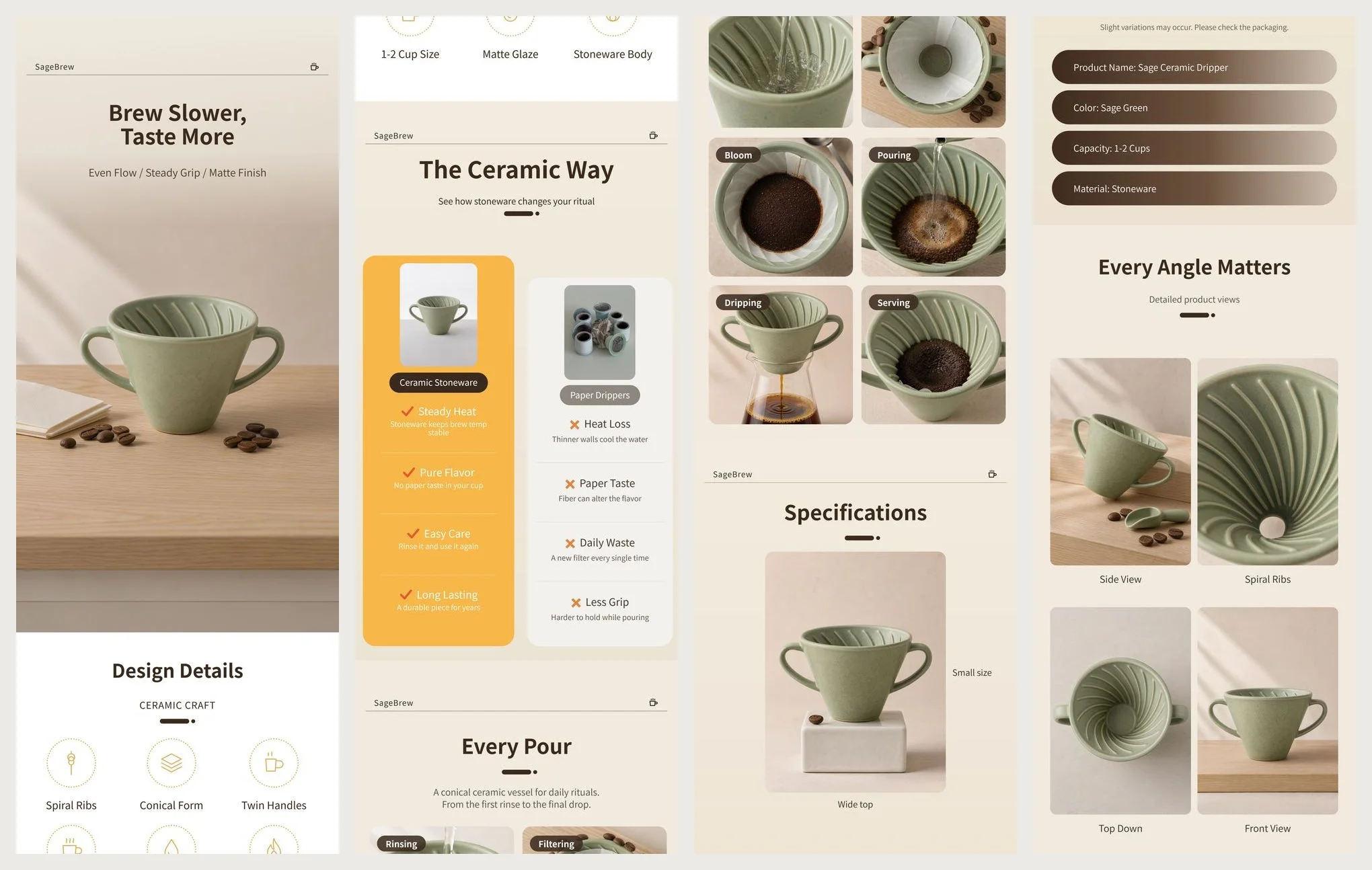
Ecommerce
Product detail pages from your own photos
Upload up to 3 product photos and describe the selling points. The model builds a long detail-page image with a hero shot, feature close-ups, and usage scenes. Check every claim and spec on the page before you publish it. Kling Image 4.0 Poster Guide: Bilingual Text and Product Page Layout
API Workflow
Choose a mode, add references, generate
Pick a mode
Image for single pictures, Image Set for a matching group, Webpage Design for a page mockup, and Product Detail Page for an ecommerce layout built from product photos.
Add references and subjects
Upload reference images, or create a named subject from a few views of the same person or product. Mention them in the prompt with @ followed by the reference or subject name so the model knows which is which. How to Create Product Image Sets with Kling Image 4.0
Review and iterate
Inspect each output at full size, then adjust the brief or swap a reference and run again. The API tab shows the exact request so the same setup can move into your application.
Notes & FAQ
Before you build with Kling Image 4.0
Practical notes
01
Reference and subject images must be public JPG or PNG files. Images at least a few hundred pixels on each side, without extreme proportions, give the most reliable results.
02
Only mention references you actually provide. To write a literal email address or handle in a page, use a full-width @ or add a space after @.
03
Proofread generated lettering, prices, and product claims, and review faces, hands, and product details before publication.
04
Download and store important outputs promptly.
Frequently Asked Questions
A named subject is one person, animal, product, or prop described by 2 to 4 images from different angles, with the first as the main view. Give it a short name and mention it in the prompt with @ and that name. Reference images and subjects together are limited to 10.
No. It returns one image of a complete webpage design. You can add an optional style reference, mentioned as @style, and a subject reference, mentioned as @subject, to steer the layout and the featured product or person.
Upload at least one and up to 3 product photos, mention them as @image_1 and so on, and pick a short, medium, or long page. The page length changes how many sections are generated and the price.
Image and Image Set support 2K / 4K / 8K and 8 aspect ratios plus Auto. Webpage Design and Product Detail Page support 1K / 2K; their tall layout is controlled by the mode and the prompt rather than an aspect ratio.
Images and image sets start at 63 Credits per image, Webpage Design at 549 Credits, and Product Detail Page at 235 Credits. Each reference image, named subject, webpage reference, or product photo adds 3 Credits once per task, regardless of how many images you request. Failed tasks are refunded.
Poll the task status about 20 seconds after submission and then every few seconds, or use a webhook callback. When the task succeeds, read every URL in resultJson. See the API documentation for request and response examples.
Explore Other Models
Discover more AI models for your next creative workflow
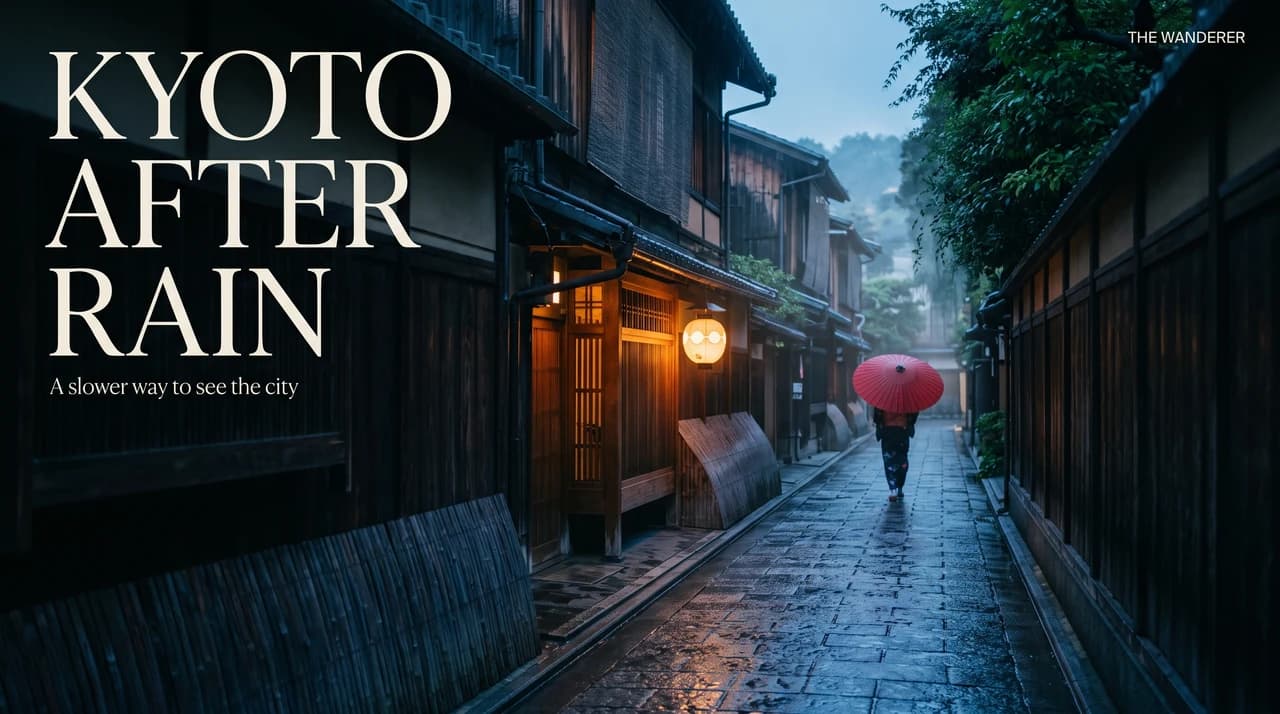
Google


Nano Banana 2.1
Create and edit with Nano Banana 2.1 on APIXO: 1K / 2K / 4K images, up to 10 references, flexible framing, and resolution-based pricing.
ImageNew
40 Credits/pic Image
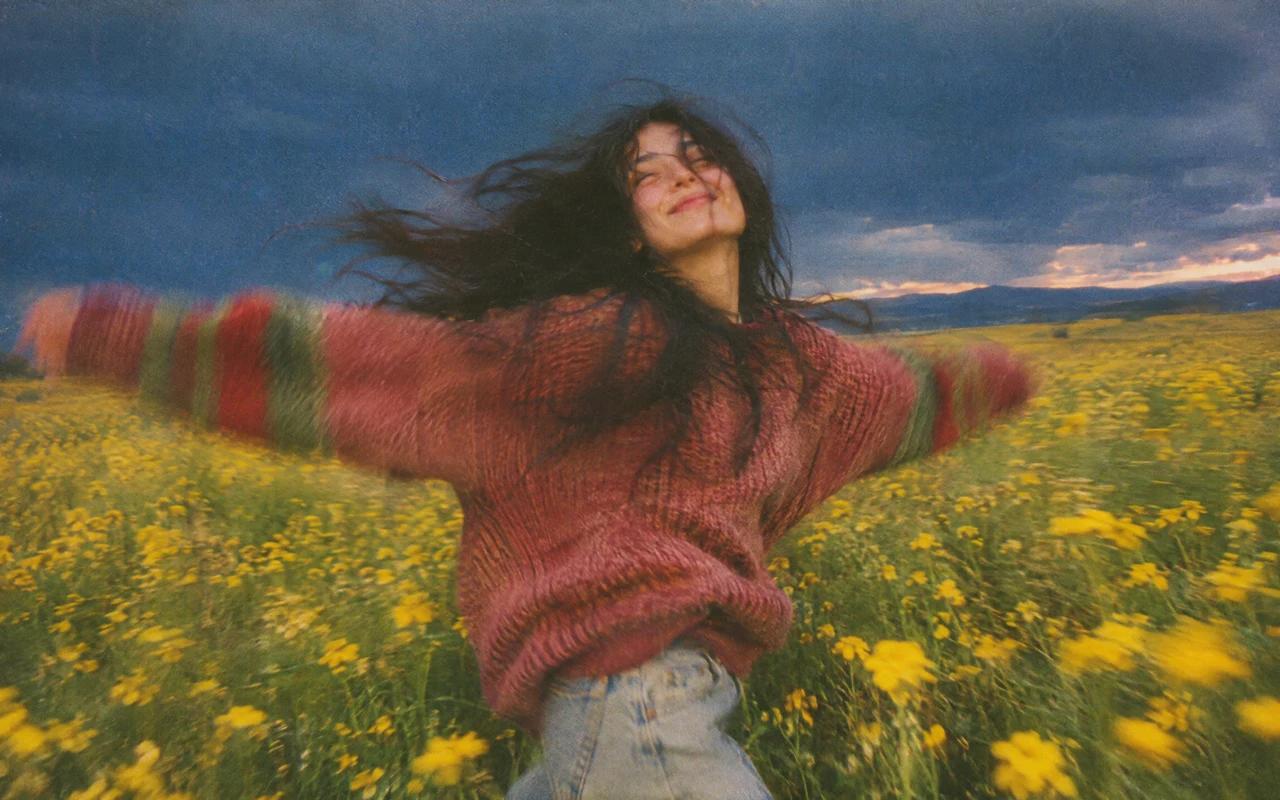
OpenAI


GPT Image 2.6
GPT Image 2.6 is now available on APIXO. Create images, animated GIFs and static SVGs, or edit with references, masks and markup. From 30 Credits per image.
ImageNew
30 Credits/pic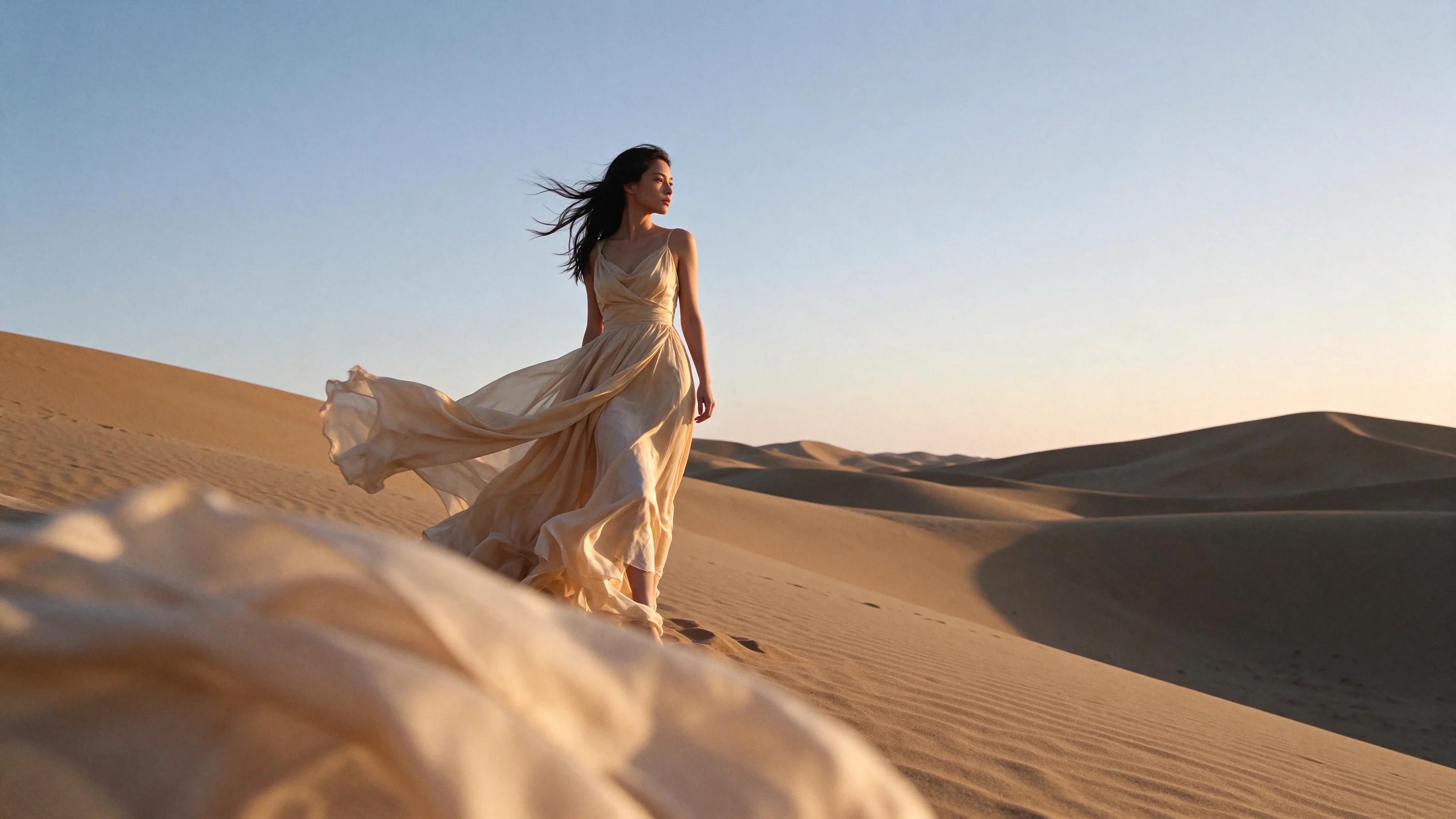
ByteDance

Seedream 5.5
Seedream 5.5 by ByteDance is now available on APIXO. Edit images consistently, render multilingual text, export transparent PNG and layers. Online or via API.
ImageNew
20 Credits/pic