
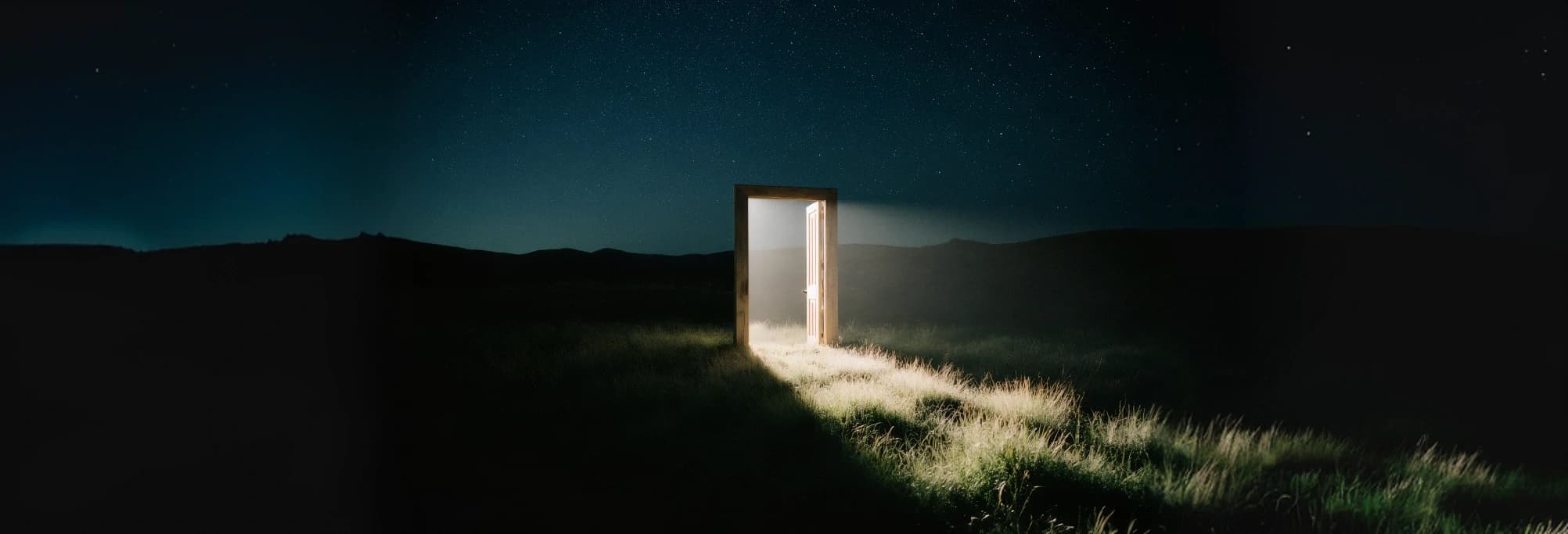
Use it to develop still images from a prompt or revise imagery with references. Relevant projects include campaign artwork, posters, product scenes, character concepts, editorial visuals, and architectural studies. The strongest brief describes a concrete image and the decisions that matter.
Nano Banana 2.1
Turn a written brief or a set of references into polished campaign artwork with Nano Banana 2.1. Explore product settings, editorial layouts, illustrated scenes, and image revisions while directing the words, framing, and visual details that matter to your project.
Create with Nano Banana 2.1
Creative Capabilities
Give your brief more visual precision
Bring the subject, layout, lighting, and message together in a single image workflow.
Detailed creative direction
Describe the focal subject, the setting, and the relationship between them. Add the mood, materials, and camera viewpoint to turn a broad concept into a more deliberate visual brief, whether you are building a campaign scene or an illustrated idea.
Text as part of the design
Plan poster headlines, packaging labels, menus, and signs alongside the image. Specify the exact wording and its placement, then inspect spelling and spacing in the result. This is useful when typography needs to belong to the composition rather than sit over an unrelated background.
References with a clear purpose
Use references to guide a product, a recurring subject, a setting, or a visual style. Explain the role of each image and the details that should stay recognizable. Clear reference instructions help you explore variations without losing the original creative direction. See the image-to-image request guide for supplying reference images.
Revisions in natural language
Explain what should change and what should remain. You can ask for a different environment, a new color palette, or a revised visual treatment by submitting the image again with an editing instruction. Review the untouched areas as well as the requested edit.
Scenes with readable structure
Develop architectural concepts, illustrated processes, and information-led visuals with a defined hierarchy. Spell out how objects and labels relate so that the scene is easier to understand. Treat any scientific, geographic, or numerical detail as something to verify before publishing.
Framing for the destination
Plan the image for its final placement: a portrait cover, a product card, a presentation, or a wide campaign banner. Choose framing before generation and give the subject enough room for titles, interface overlays, or a later crop.
APIXO Workflows
Start with an idea or build on an image
Text-to-Image Generation
Start from a written idea when you need a new scene, poster, or concept. Describe the subject first, then add the composition, lighting, style, and any exact text. Use a clear visual hierarchy so the model knows what deserves the viewer's attention.
Create from text
Image-to-Image Editing
Start with reference images when a product, person, or existing composition should guide the result. Identify what belongs to each reference and describe the change. Reattach the current image when continuing an edit so the next request has the context it needs.
Edit with images
APIXO Configuration
Verified output controls
Choose 1K / 2K / 4K output and a frame that fits the final placement.
1K / 2K / 4K
Resolution
Up to 10 images
Reference Images
15 options
Aspect Ratios
Async / Callback
Delivery
Up to 20000 characters
Prompt Length
Production Uses
Build images around a real creative job
Campaign Design
Travel stories and editorial posters
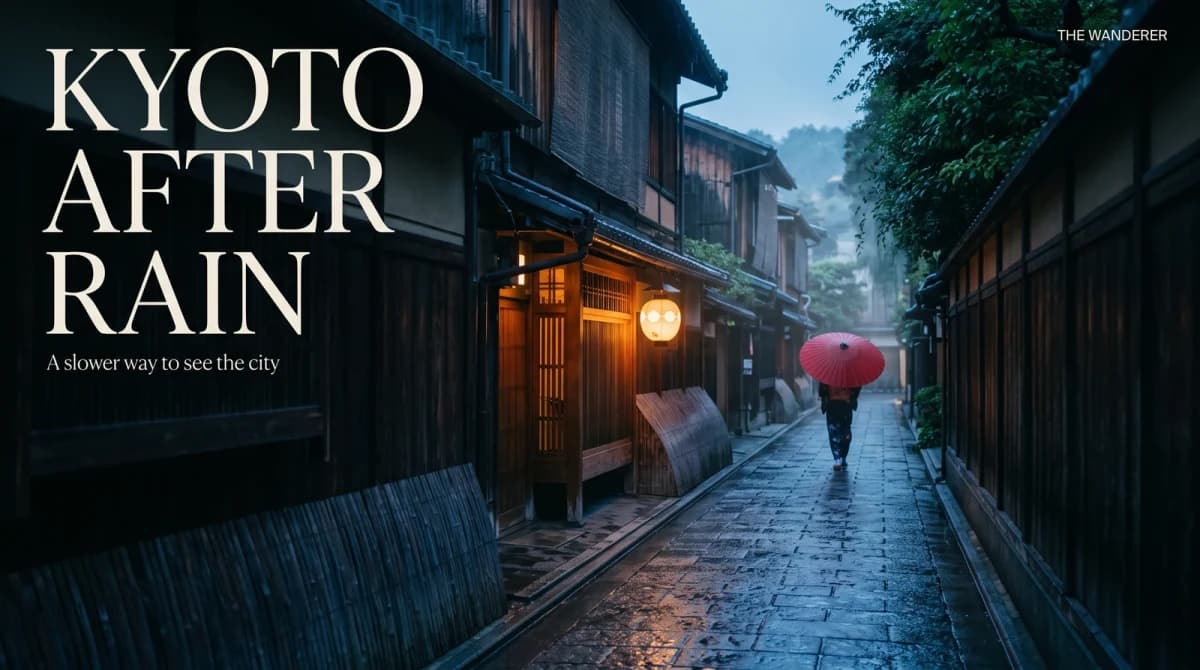
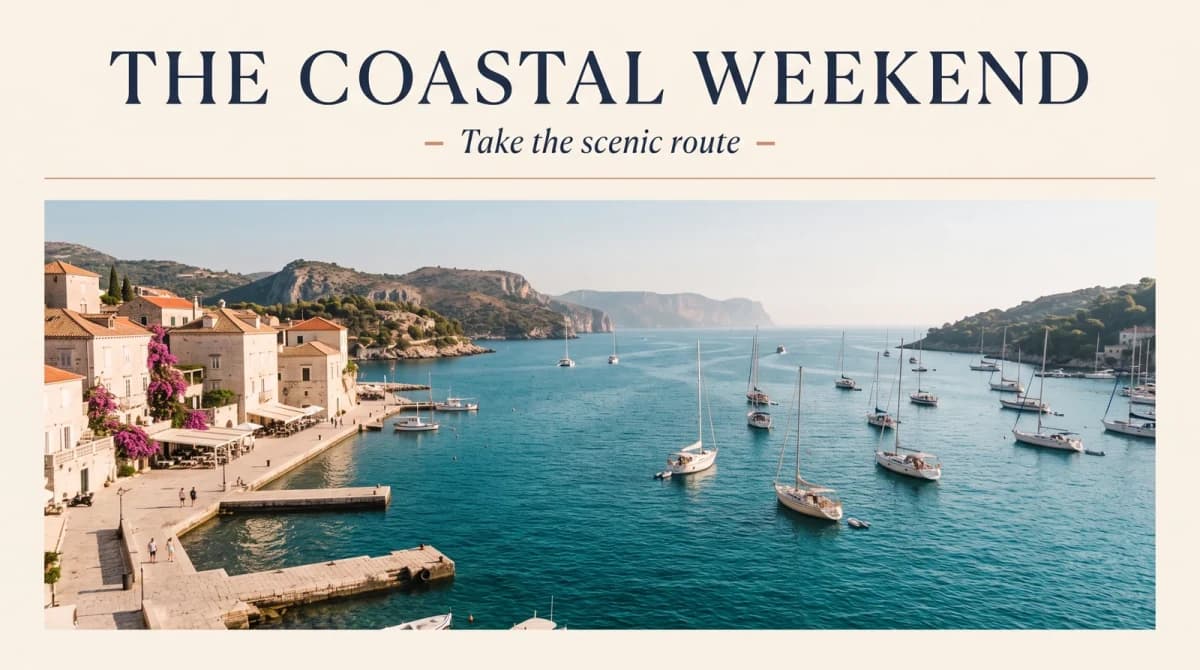
Create a visual mood and a headline that work together. Direct the scene, leave intentional space for text, and inspect the final lettering before adapting the artwork into a poster, cover, or social campaign.
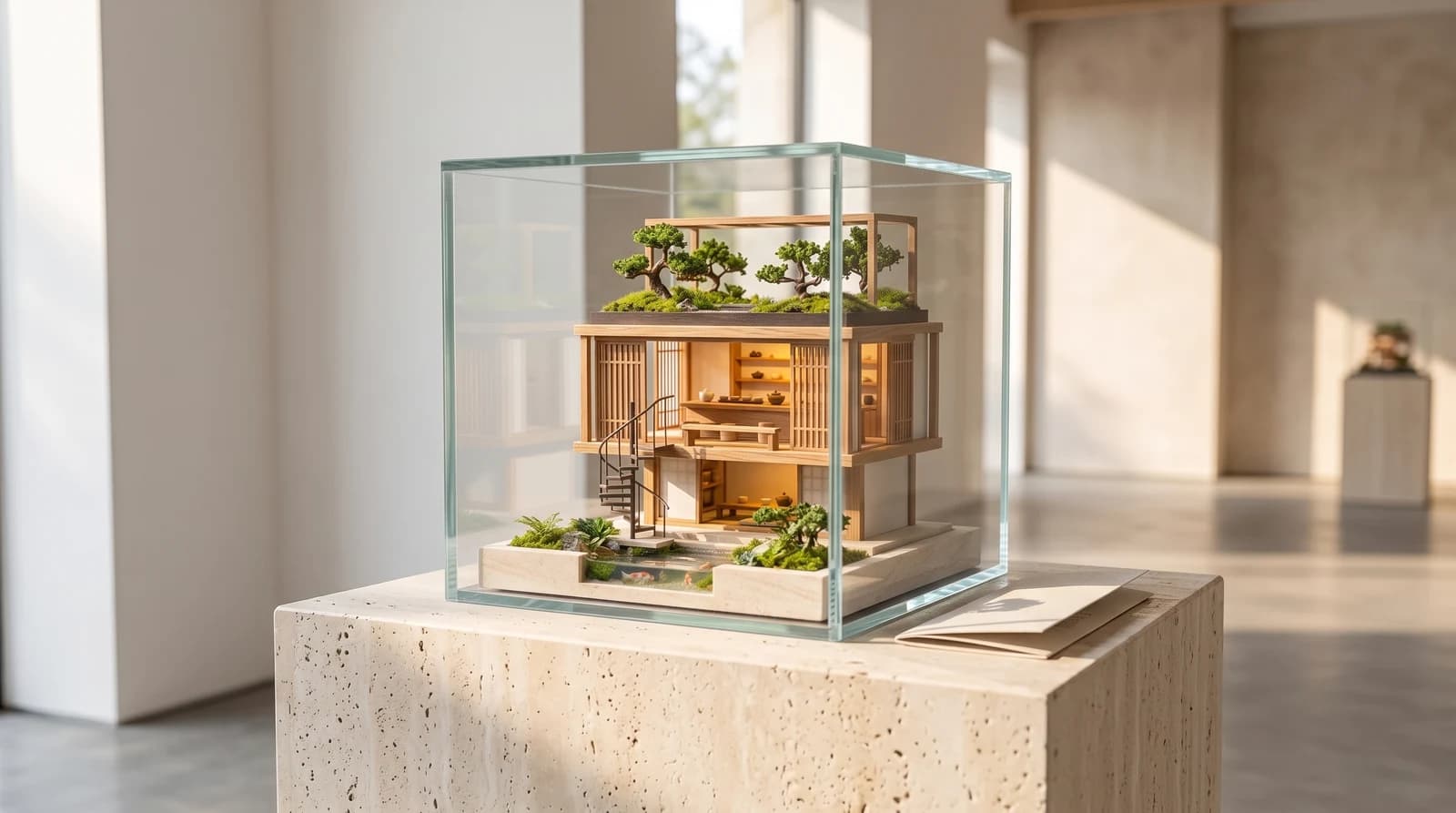
Concept Visualization
Architectural and miniature worlds
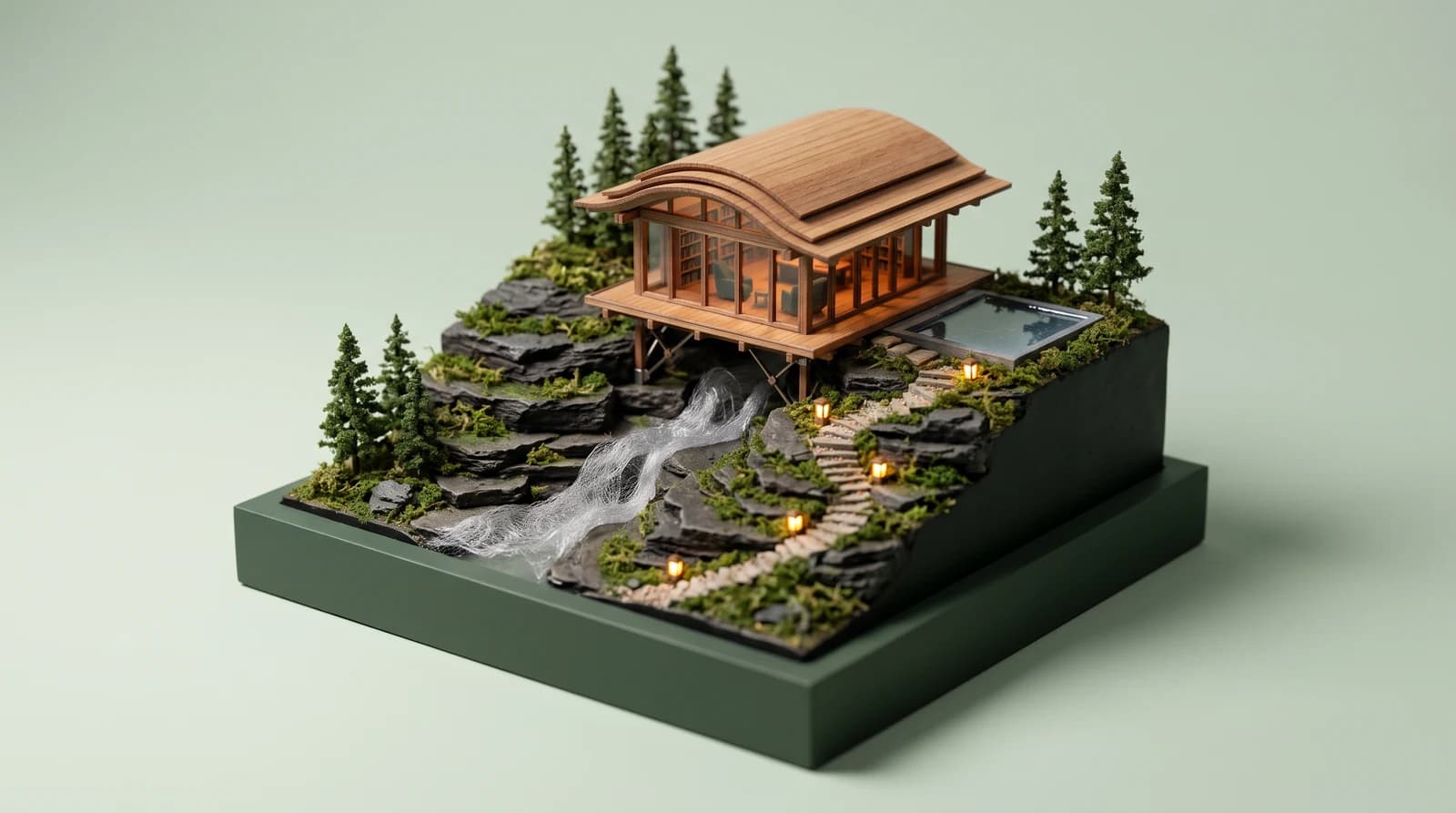
Explore a spatial idea through a carefully described environment. Specify the levels, materials, lighting, and viewpoint to communicate the concept, then check the result against the intended geometry before using it as a design reference.
Product Content
Product scenes without a new shoot
Bring a product reference into a new setting and explain the surface, lighting, scale, and background. Use the outputs to explore campaign directions while checking the packaging, shape, and brand details against your approved reference.
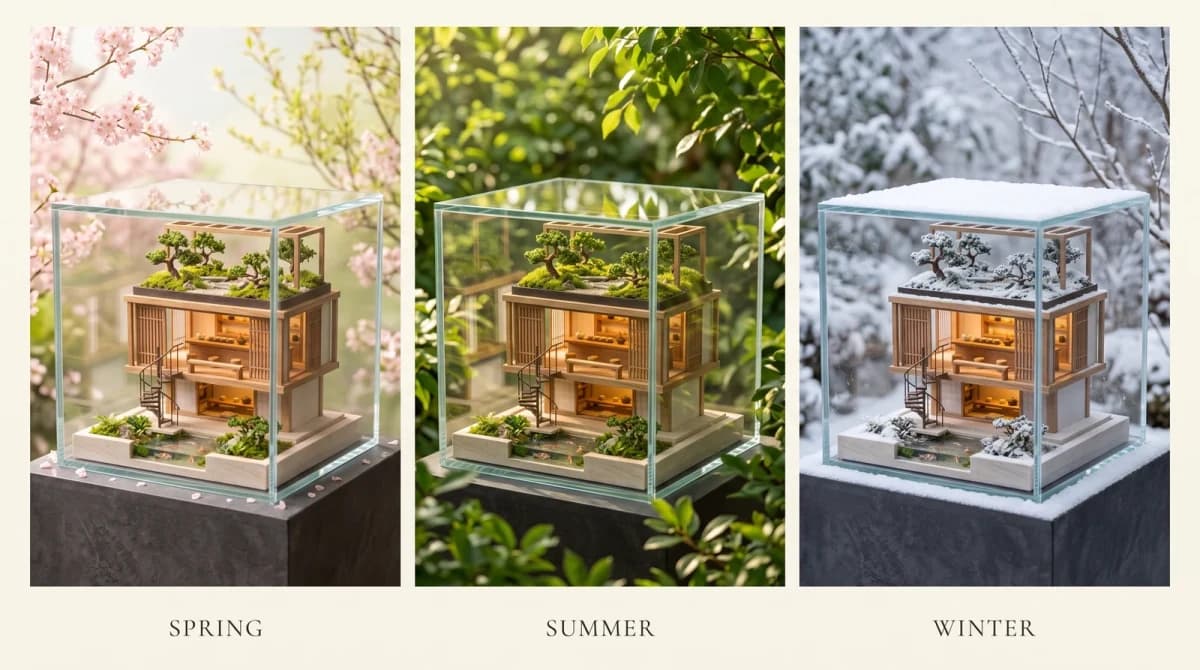
Brand Systems
Coordinated campaign variations
Keep the creative brief consistent while changing a small number of decisions, such as season, setting, palette, or framing. Reuse relevant references in each request and compare the results as a set before selecting the visuals to publish.
API Workflow
A practical path from idea to final image
Choose a mode
Choose text-to-image for a new scene or image-to-image when a reference should guide the result. Set the framing for the destination before committing to a composition.
Write the visual brief
Lead with the subject and scene, then add style, light, composition, and exact lettering. For edits, explain the requested change and the details that should remain. Keep the reference roles clear.
Review your result
Inspect the image at useful zoom levels, checking text, faces, geometry, and small details. Download the result you want to keep; for another revision, submit that image with a new instruction. Use the API tab to carry the workflow into your application.
Notes & FAQ
Getting more from Nano Banana 2.1
Practical boundaries
01
Use a prompt of up to 20000 characters and up to 10 reference images.
02
Treat each task as a new brief. Reattach your references and relevant instructions when continuing a previous edit.
03
Review generated lettering, identity-sensitive features, product geometry, and factual details before publication.
04
Download and store important outputs promptly.
Frequently Asked Questions
Describe the main subject and what it is doing, then add the setting, composition, lighting, and style. Put important wording in quotation marks and say where it belongs. For an edit, explain both the requested change and the details you want to retain.
You can request lettering and labels in your chosen language. Include the exact text instead of asking the model to invent it, and review accents, line breaks, translations, and brand names before publishing. Longer text deserves especially careful checking.
Yes. Download the result and use it as a reference for a new image-to-image request with your next instruction. APIXO tasks are independent, so provide the image and the relevant context again rather than assuming the model remembers the earlier conversation.
References guide appearance and visual continuity, but they do not guarantee exact reproduction. Inspect identity-sensitive features, hands, packaging, logos, dimensions, and materials. For a product catalog, compare each candidate with the approved source image.
Choose a tier and aspect ratio that suit the intended placement. Begin with a clear composition, then use a higher resolution for selected candidates that need more detail. Higher resolution changes the image price; it does not replace checking the design and text.
The published APIXO request exposes prompts, image references, framing, and resolution. It does not expose dedicated mask or web-search controls. Shape your workflow around the fields in the API tab rather than options shown on another platform.
Review the applicable provider terms and the rights to every uploaded reference. Generated output can still contain visual mistakes or resemblance to protected material. For client work, check permissions, brand accuracy, and the final artwork before distribution.
Nano Banana 2.1 is billed per generated image based on the selected resolution tier. The current starting price is 40 Credits per image; see the Pricing tab for every tier.
Poll the task status or use a webhook callback. Parse resultJson after the task succeeds. See the task polling example for retrieving the generated image.
Explore Other Models
Discover more AI models for your next creative workflow
Google


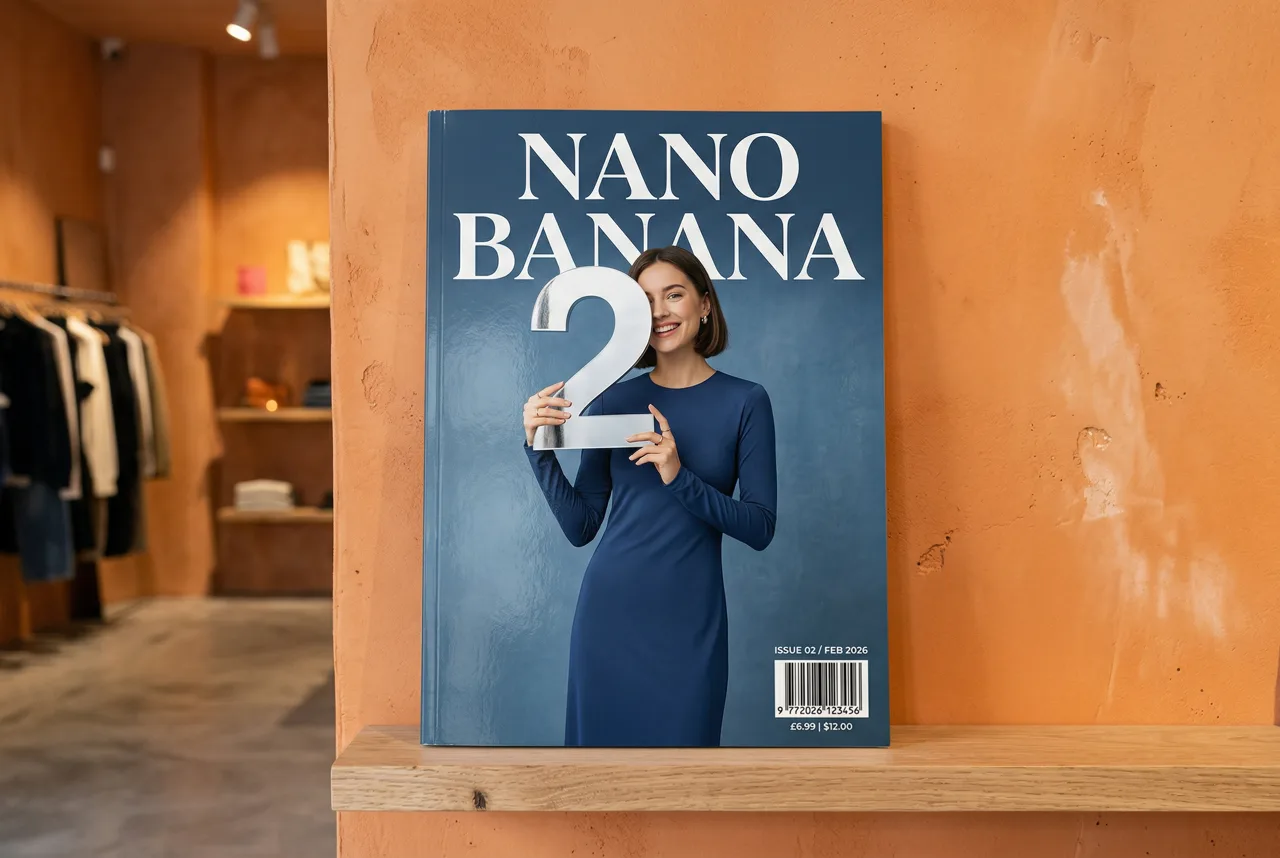
Nano Banana 2
Generate and edit 1K–4K images with Nano Banana 2 on APIXO using 20,000-character prompts, up to 14 image inputs, and flexible ratios.
ImageNew
50 Credits/pic Image
Google

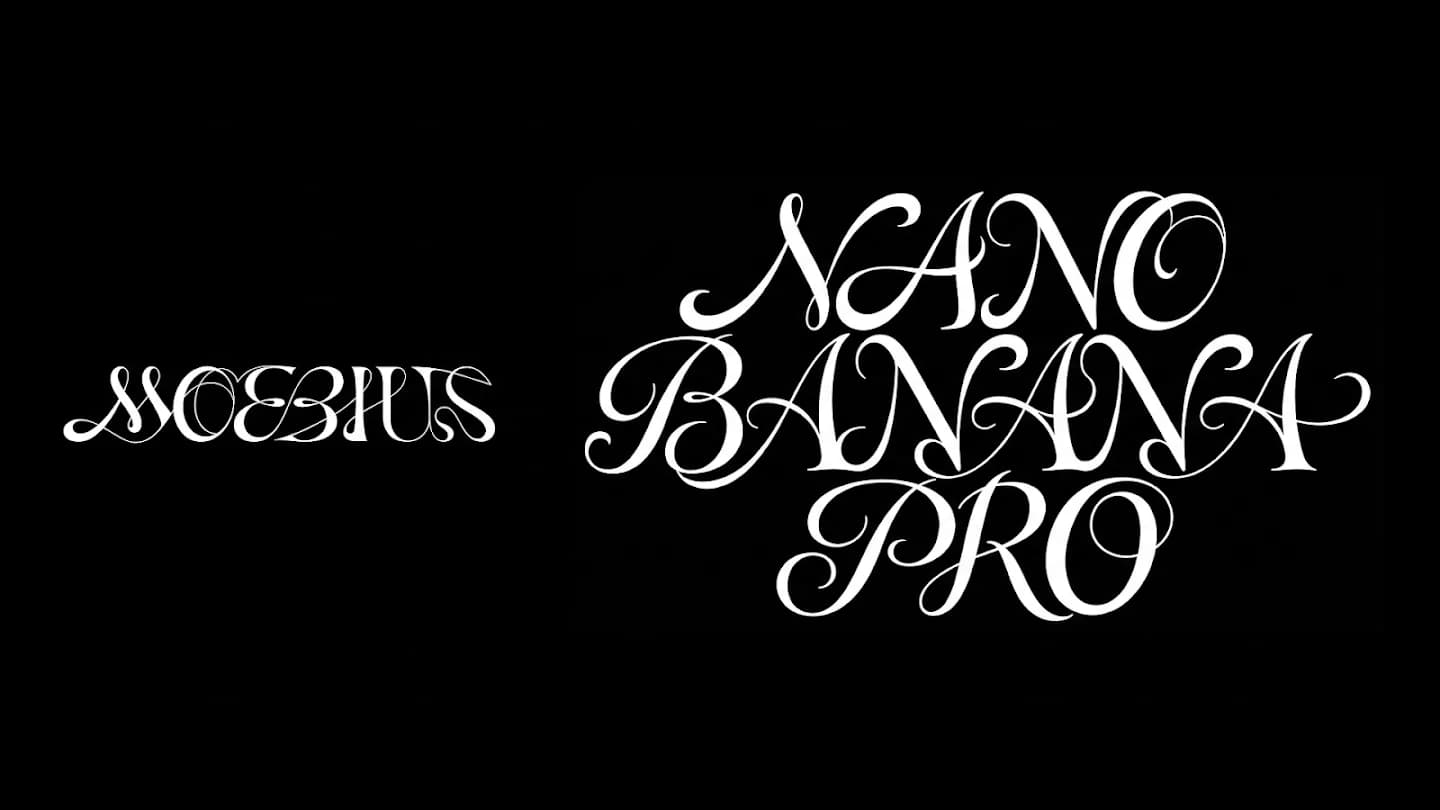
Nano Banana Pro
Generate and edit 1K–4K images with Nano Banana Pro on APIXO using detailed prompts, up to ten references, multilingual text, and flexible ratios.
Image
80 Credits/pic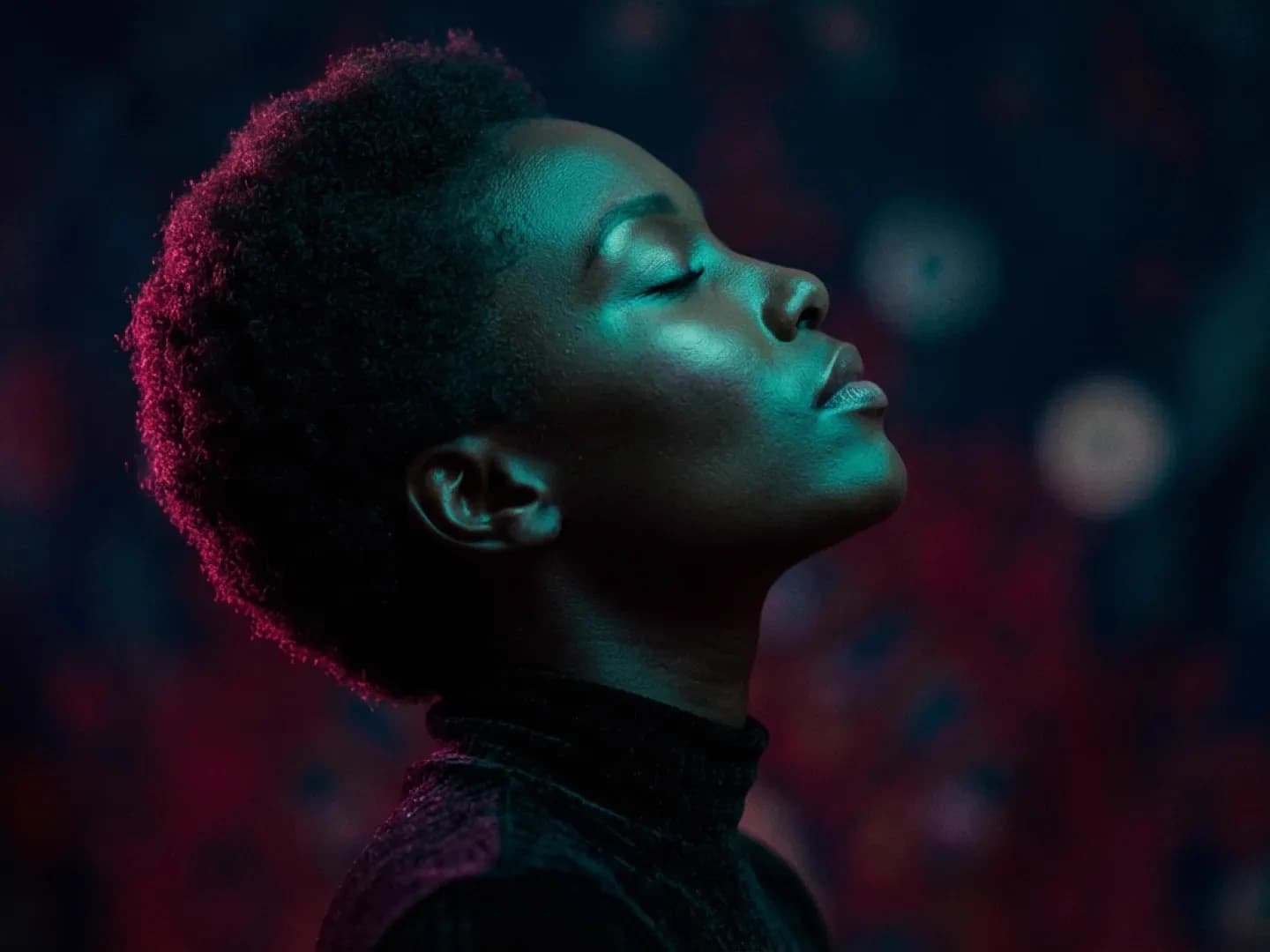
Google
Nano Banana
Generate and edit 1024px images with Google’s Gemini 2.5 Flash Image through APIXO. Use natural-language instructions, up to five image inputs, flexible aspect ratios, and JPEG or PNG output for 30 Credits per image.
Image
30 Credits/pic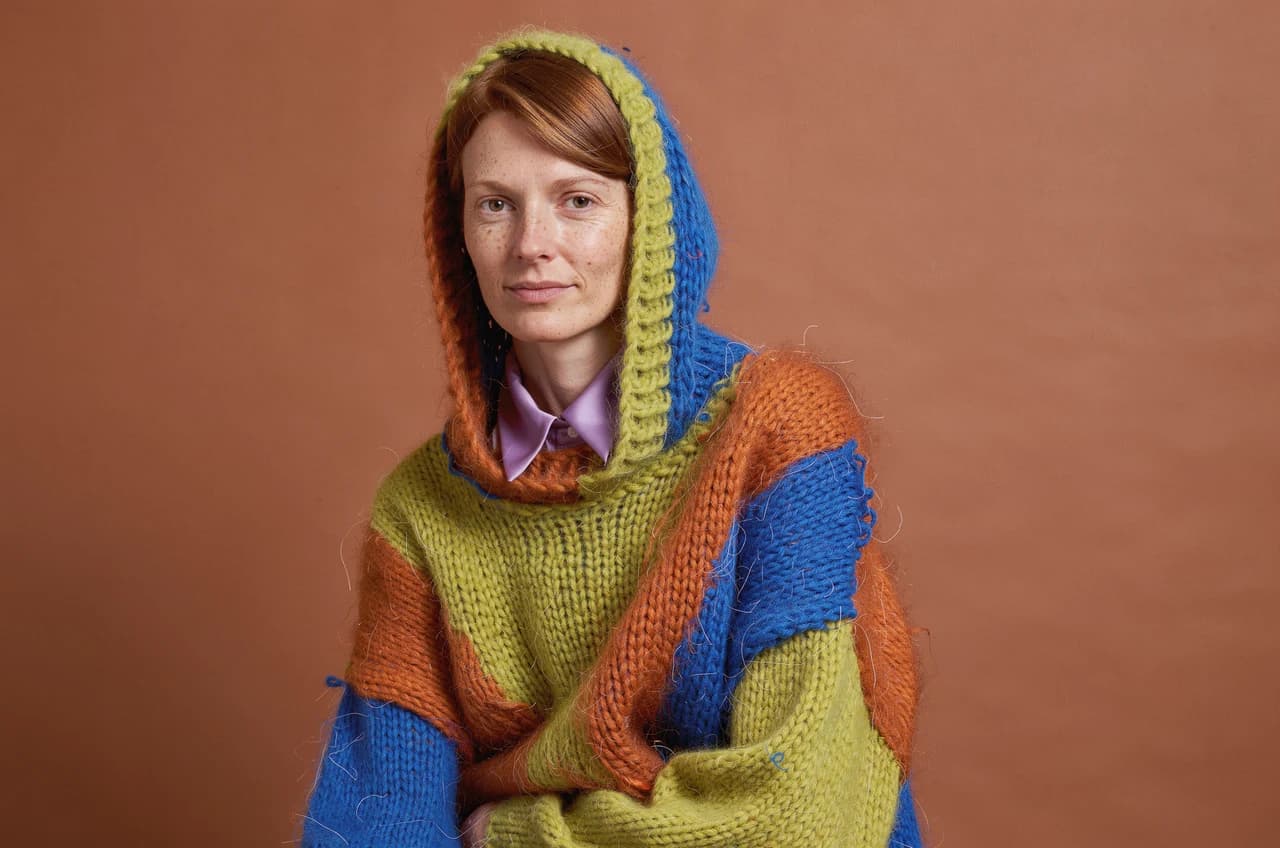
Black Forest Labs

FLUX 3 Image
Create and edit with FLUX 3 Image on APIXO: 1K / 2K / 4K images, up to 10 references, flexible framing, and resolution-based pricing.
ImageNew
50 Credits/pic