

Yes. You can test prompts, upload reference images, adjust generation settings, and review results in the browser. For API workflows, submit a generation task and retrieve the result through polling or a callback.


Image GenerationCommercial use
Seedream 5.0 Pro is a versatile image generation model for creating and refining 1K/2K product visuals, campaign assets, posters, and infographics from text prompts or reference images.
Modalities
Text-to-Image · Image-to-Image
Price
45 Credits/ request
Resolution
1K · 2K
References
Up to 10
Released
Jul 13, 2026
Create with Seedream 5.0 Pro
Loading workspace...
Details
Seedream 5.0 Pro Model Specifications
Core generation, editing, and output options available on APIXO
Text + Reference Images
Input
Generate / Edit / Multi-Image Fusion
Models
1 Image per Request
Output
20–50 Seconds
Generation Time
1K / 2K
Resolution
From 45 Credits / Image
Price
Use Cases
What Can You Build with Seedream 5.0 Pro on APIXO?

Product Visualization
Seedream 5.0 Pro Product Campaigns
Turn simple product references into polished hero images, lifestyle scenes, launch visuals, and seasonal campaign variations. Explore different backgrounds and creative directions while keeping the product recognizable.
Try Seedream 5.0 Pro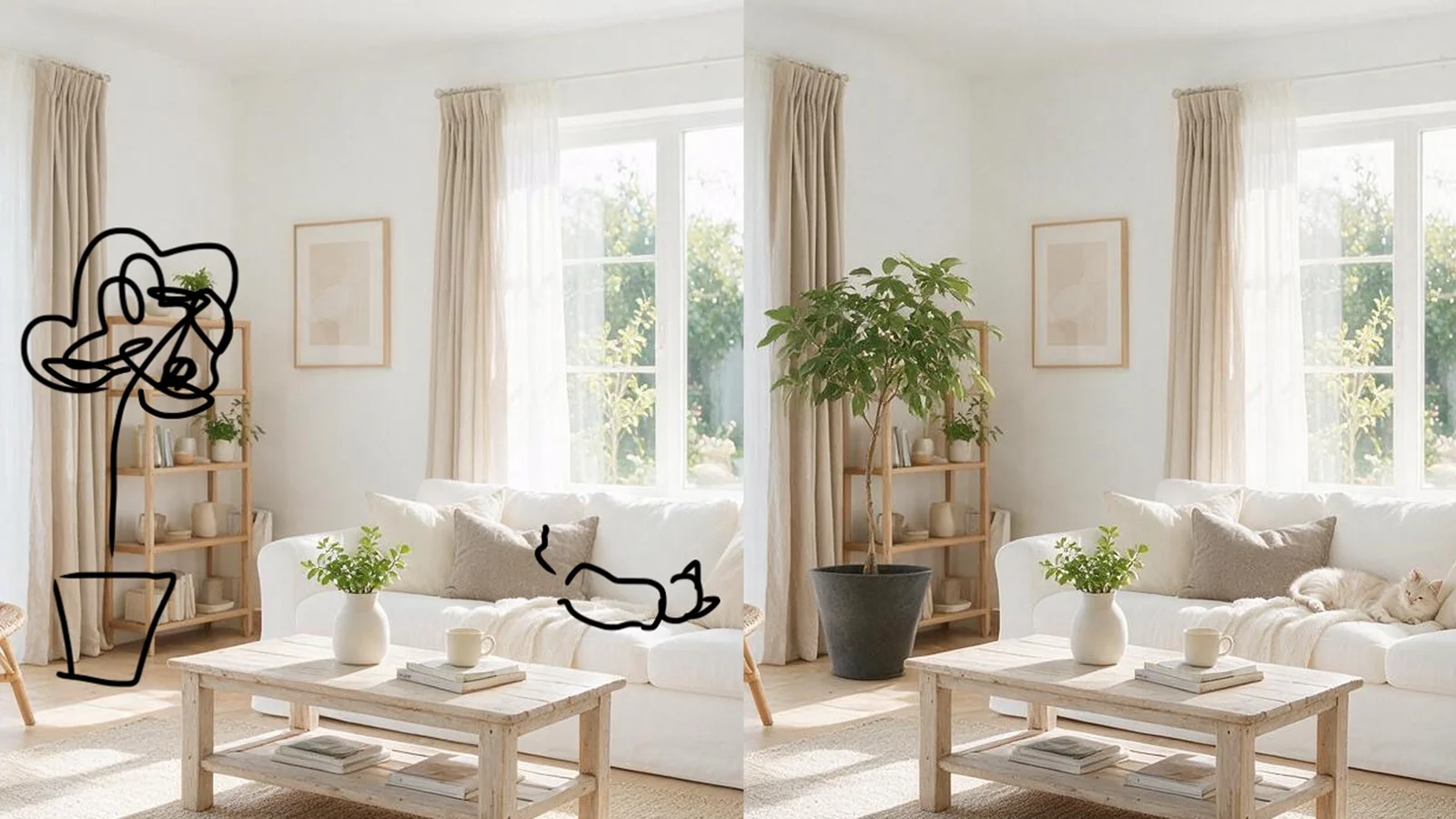
Guided Image Editing
Seedream 5.0 Pro Scene Transformation
Place the same subject in new environments, lighting conditions, seasons, and visual styles. Use clear regional instructions, sketches, color cues, or material references to control what changes and what stays consistent.
Try Seedream 5.0 Pro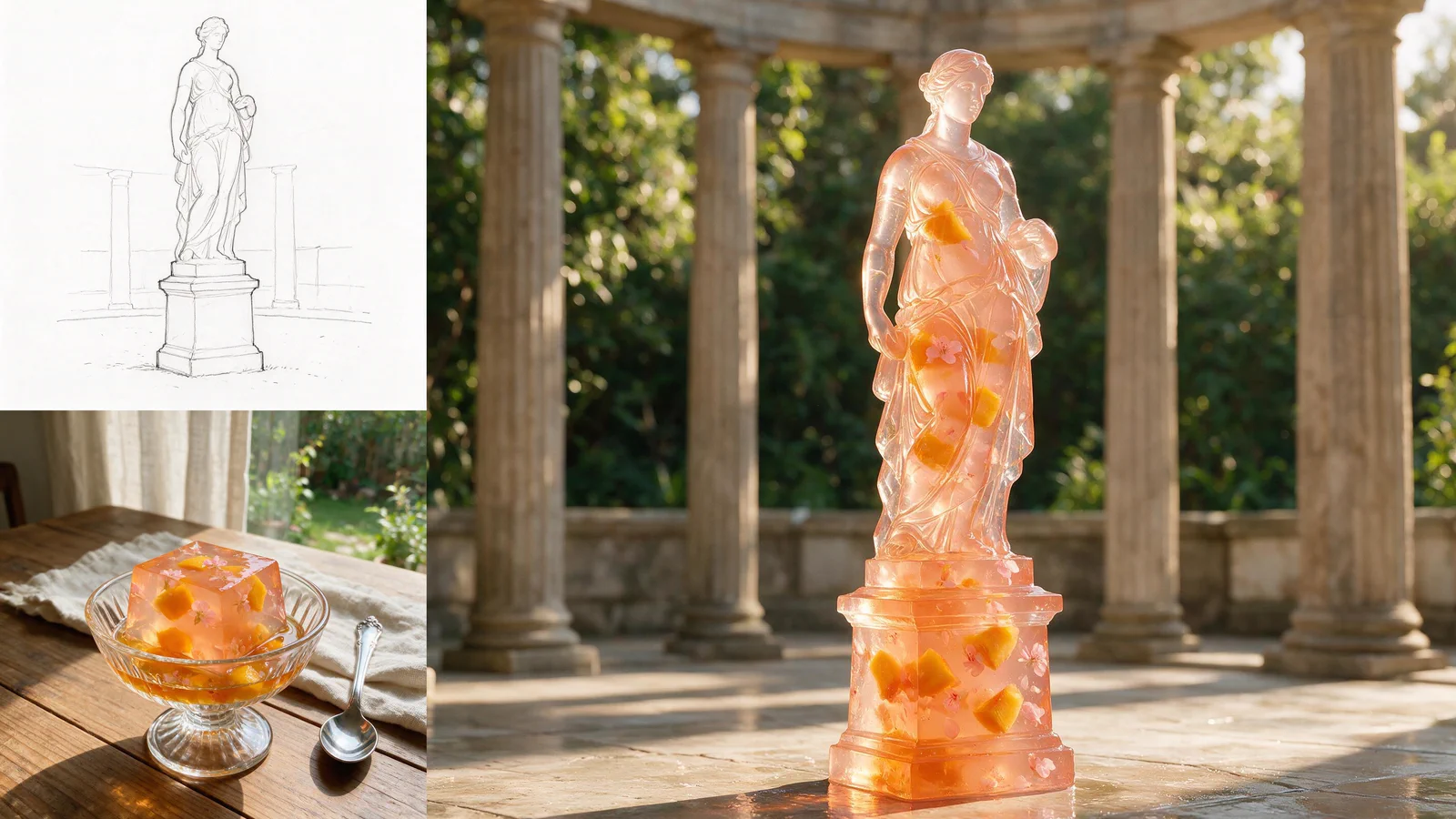
Multi-Reference Creation
Seedream 5.0 Pro Visual Series
Combine references for subjects, composition, materials, and style to create a connected set of visuals. Build consistent product variations, character scenes, editorial imagery, and branded content from one creative direction.
Try Seedream 5.0 Pro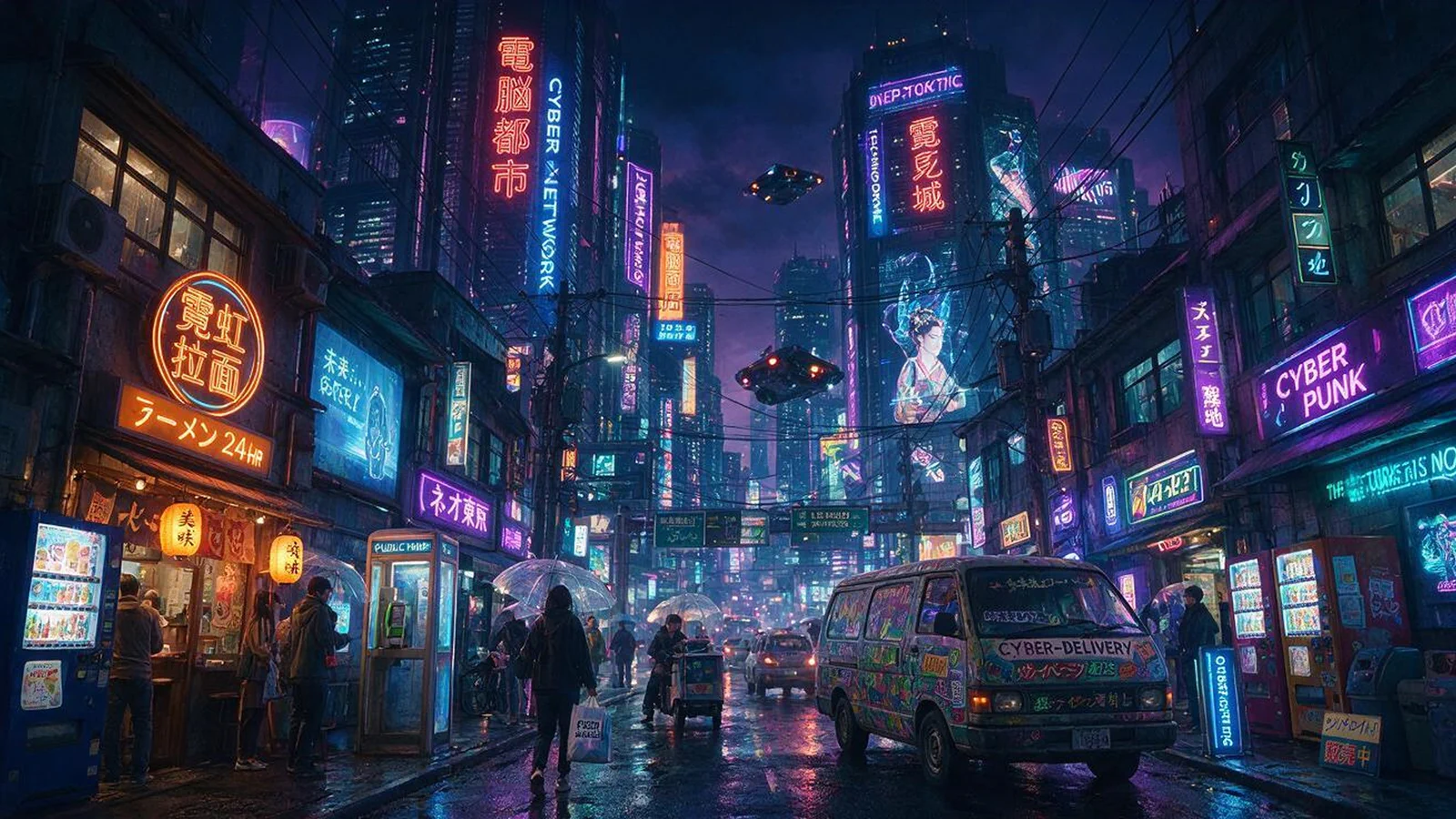
Information Design
Seedream 5.0 Pro Posters & Infographics
Create text-rich posters, product comparisons, tutorials, diagrams, and multilingual campaign assets. Organize complex content into clear layouts with stronger visual hierarchy and more structured typography.
Try Seedream 5.0 ProQuick Start
How to Try Seedream 5.0 Pro Free on APIXO
Generate and refine high-quality images with text prompts, reference images, and flexible API integration.
Try Seedream 5.0 Pro in APIXO Playground
Test Seedream 5.0 Pro directly in your browser. Enter a prompt, upload reference images, choose 1K or 2K output, and explore image generation and editing without writing code.
Create Your Seedream 5.0 Pro API Key
Generate an API key in the APIXO console, then review the Seedream 5.0 Pro documentation for request parameters, image inputs, output settings, and authentication.
Send Your First Seedream 5.0 Pro API Request
Submit a text-to-image or image-to-image request, track the task status, and retrieve the finished image for your product, design, or content workflow.
Notes & FAQ
Seedream 5.0 Pro notes and questions
Usage Notes
01
Seedream 5.0 Pro text-to-image requests require a prompt, while image-to-image workflows support 1-10 valid reference-image URLs.
02
Seedream 5.0 Pro currently supports 1K and 2K output, with eight preset aspect ratios or explicit image dimensions.
03
Each Seedream 5.0 Pro request returns a single image. Higher resolutions and extra reference images may increase processing time and cost.
04
Optional custom sizes override the resolution preset: width and height must be multiples of 16, with total pixels between 921,600 and 4,194,304. Invalid values are rejected, not auto-adjusted.
05
Seedream 5.0 Pro runs asynchronously on APIXO: submit a task, receive a task ID, then poll for completion or use a webhook callback.
06
Reference images guide identity, composition, or style, but exact text, facial details, product features, and small visual elements should be reviewed before production use.
Frequently Asked Questions
Seedream 5.0 Pro works well for detailed image editing, product and campaign visuals, scene variations, multilingual posters, infographics, and other layouts that require stronger visual control.
Start with the main subject, then add the environment, composition, lighting, materials, and exact text. For image editing, clearly identify the target area and specify which parts of the original image should stay unchanged.
Use a small set of relevant references and give each one a clear function—for example, one for the subject, one for the composition, and one for the visual style. Avoid combining references with conflicting directions.
Explore Other Models
Discover more AI models for your next creative workflow

OpenAI


GPT-Image-2
GPT-Image-2 is available on APIXO for Image. The model page brings examples, creation controls, pricing, and results into one focused workspace.
ImageNew
30 Credits/pic Image
Image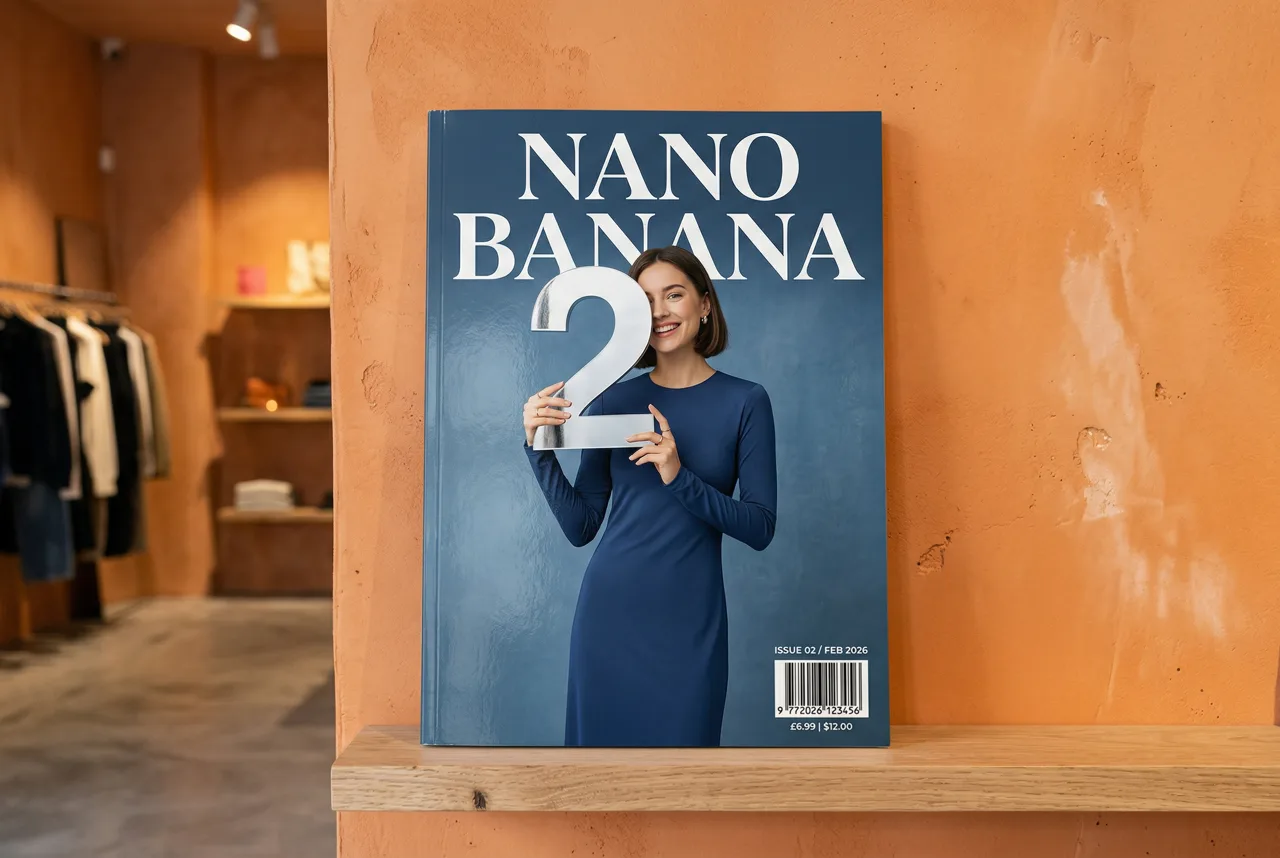
Google


Nano Banana 2
Nano Banana 2 is available on APIXO for Image. The model page brings examples, creation controls, pricing, and results into one focused workspace.
ImageNew
50 Credits/pic
ByteDance

Seedream 5.0
Seedream 5.0 is available on APIXO for Image. The model page brings examples, creation controls, pricing, and results into one focused workspace.
ImageNew
35 Credits/pic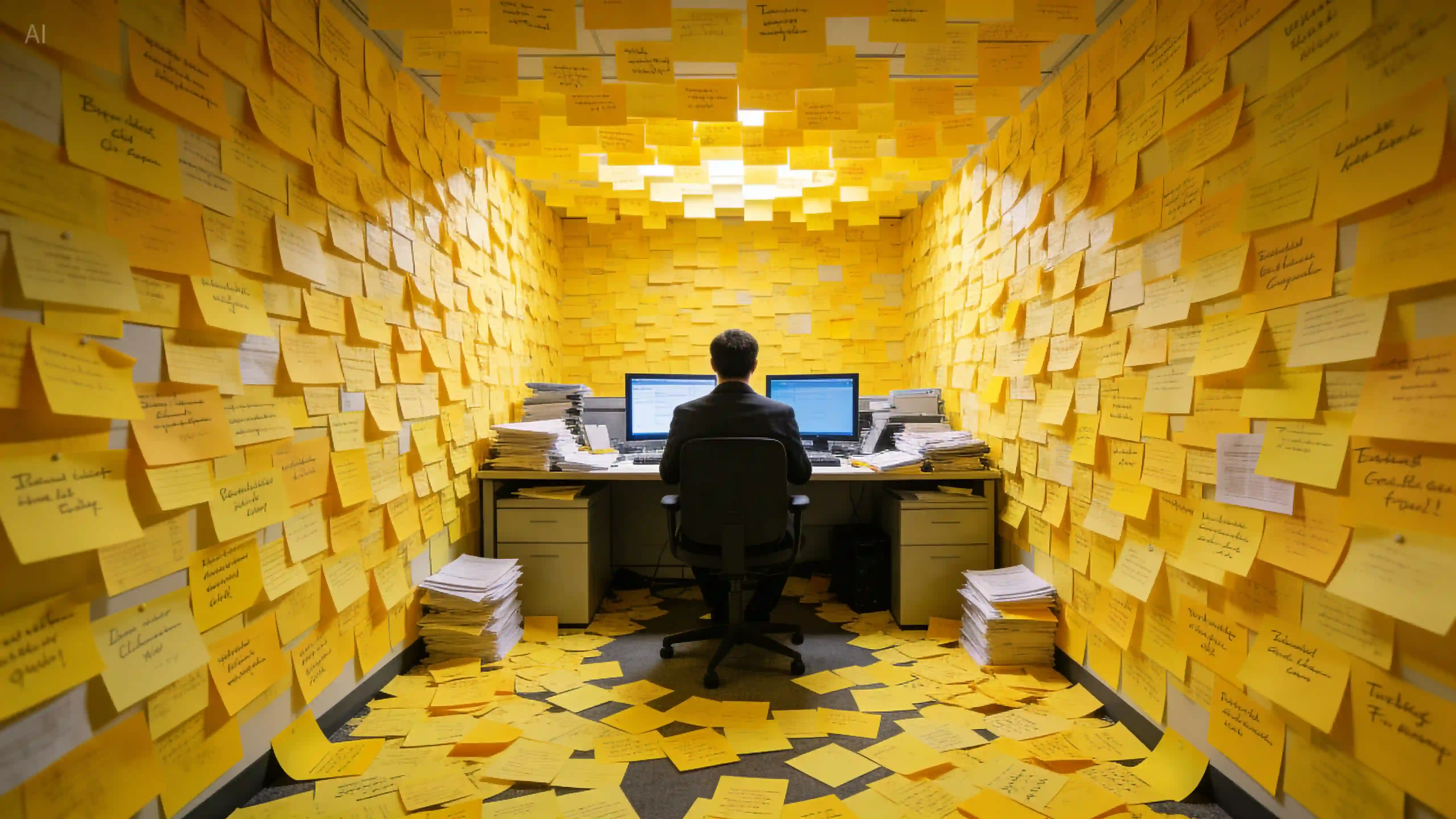
ByteDance
Seedream 4.5
Seedream 4.5 is available on APIXO for Image. The model page brings examples, creation controls, pricing, and results into one focused workspace.
Image
40 Credits/pic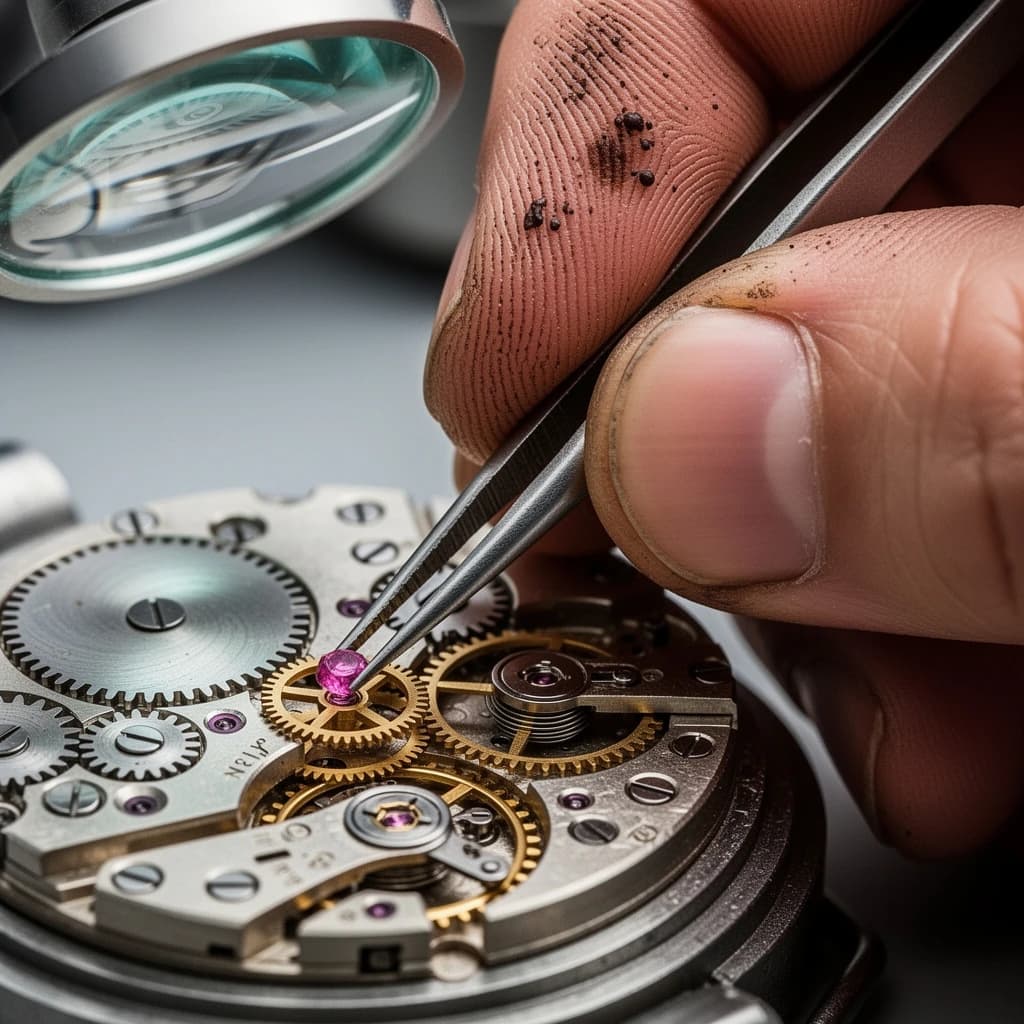
Black Forest Labs

Flux 2
Flux 2 is available on APIXO for Image. The model page brings examples, creation controls, pricing, and results into one focused workspace.
ImageNew
40 Credits/pic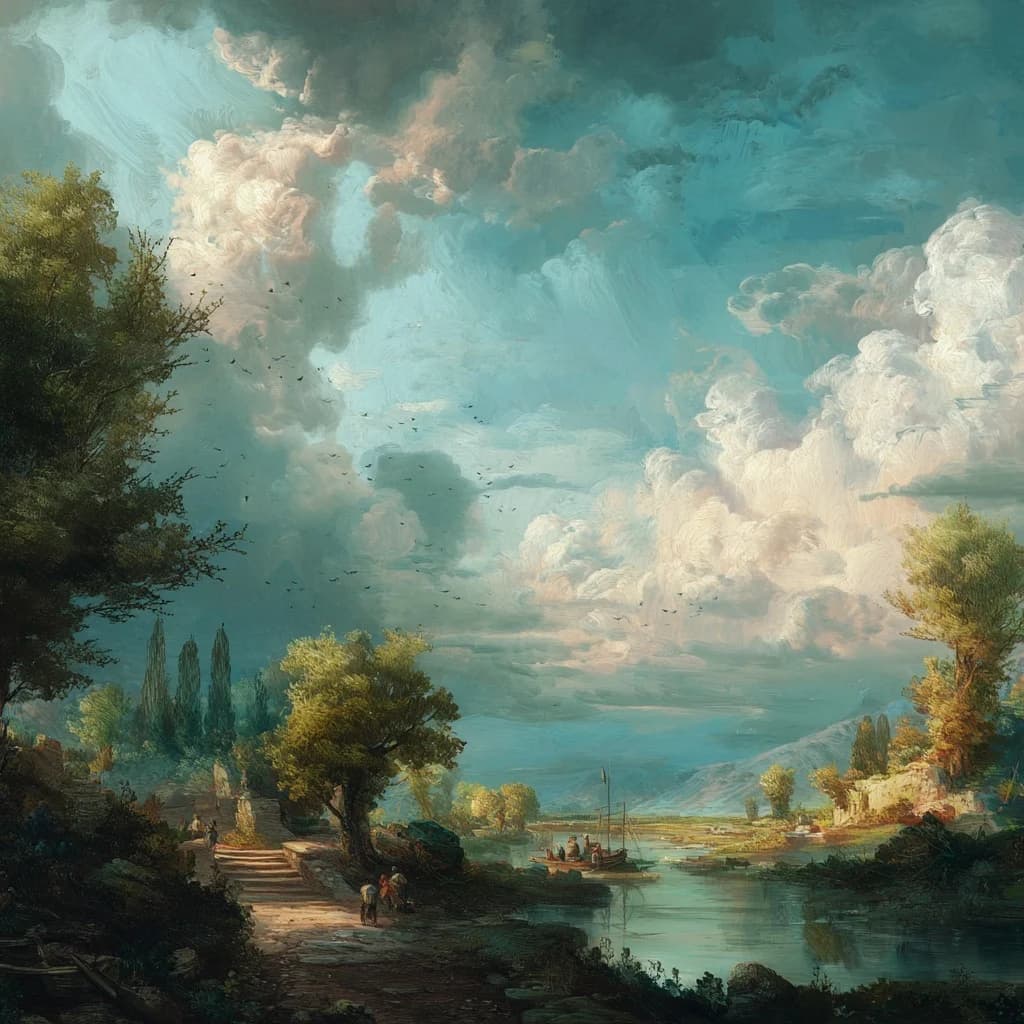
Midjourney

Midjourney
Midjourney is available on APIXO for Image. The model page brings examples, creation controls, pricing, and results into one focused workspace.
Image
100 Credits/request