Yes. The model is live on the APIXO asynchronous task endpoint and can be called with the same API key as every other model in the catalog. Generation is also available in the Playground on this page.
我们注意到您可能偏好使用 简体中文. 要切换语言吗?
Il semble que vous préfériez Français. Souhaitez-vous changer de langue ?
Es scheint, Sie bevorzugen Deutsch. Möchten Sie die Sprache wechseln?
Parece que prefieres Español. ¿Te gustaría cambiar de idioma?
Sembra che tu preferisca Italiano. Vuoi cambiare lingua?
優先言語は次のようです 日本語. 言語を切り替えますか?
선호하시는 언어는 다음과 같습니다 한국어. 언어를 변경하시겠습니까?
Похоже, вы предпочитаете Русский. Хотите сменить язык?
Tercih ettiğiniz dil Türkçe. Dili değiştirmek ister misiniz?
Wygląda na to, że wolisz Polski. Czy chcesz zmienić język?


MiniMax H3
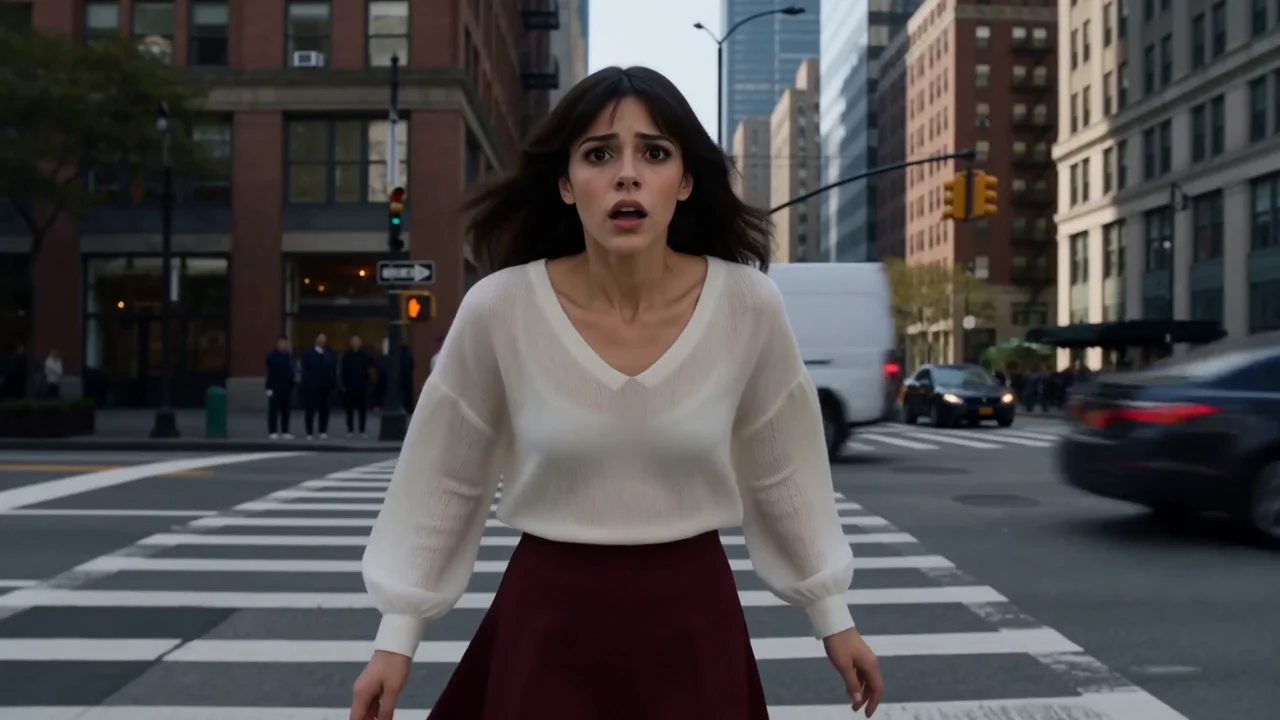
MiniMax H3 is a general-purpose multimodal video model that combines text, image, video, and audio context in one generation workflow. It creates videos up to 2K and 15 seconds with native stereo sound, while supporting first-and-last-frame control, mixed-media references, motion transfer, multi-shot storytelling, and instruction-guided video editing.
Create with MiniMax H3
Capabilities
MiniMax H3 Capabilities
Unified Context
Combine written direction with image, video, and audio references in one request. Assign each source a role such as appearance, motion, camera, voice, rhythm, environment, or style.
First & Last Frames
Define an opening frame, an ending frame, or both to guide transformations, transitions, product reveals, and storyboard beats while preserving a clearer visual trajectory.
Mixed-Media References
Use reference images, videos, and audio together to communicate character identity, product cues, movement, camera language, vocal performance, music, or ambience.
Native Stereo Sound
Generate voice, sound effects, ambience, and music together with the video as native stereo audio rather than assembling isolated audio tracks after generation.
Native Multi-Shot
Build short sequences with coordinated shot changes, scene progression, action continuity, and audiovisual pacing from one prompt-led or reference-guided workflow.
Editing & Motion Transfer
Transform existing visual material through natural-language direction or transfer motion from video references while reviewing identity, composition, occlusion, and source-detail fidelity.
Use Cases
Production concepts suited to MiniMax H3
Campaign Production
Audiovisual Product Stories
Combine product imagery, written direction, motion references, and sound intent to develop campaign concepts. Review labels, logos, materials, dimensions, and product geometry before approving generated commercial assets.
Character Direction
Reference-Led Performances
Establish a recurring subject with visual references, then guide movement, camera behavior, voice, or scene context through additional media. Evaluate identity continuity, anatomy, expression, and performance timing across the complete result.
Creative Development
Narrative Previsualization
Translate a treatment into short scenes that combine action, camera language, ambience, and audiovisual pacing. Use generated footage to evaluate ideas before committing to physical production or detailed post-production.
Guided Revision
Footage Transformation
Explore style, environment, subject, or scene changes through natural-language instructions and optional references. Inspect temporal boundaries, occlusion, unintended modifications, and source-detail preservation frame by frame.
Specifications
MiniMax H3 Model Specifications
Confirmed against the live APIXO deployment.
Text / Image / Video / Audio
Input
T2V / I2V / Reference
Workflows
768P / 2K
Resolution
5–15 Seconds
Duration
Native Stereo
Audio
6 Ratios + Adaptive
Framing
Notes & FAQ
MiniMax H3 availability and integration guidance
Notes
01
MiniMax H3 runs on the APIXO asynchronous task endpoint. Submit to generateTask and poll statusTask, or supply a callback URL for webhook delivery.
02
Three modes are exposed: text-to-video, image-to-video, and reference-to-video. Image-to-video takes 1-2 images as the first and optional last frame; reference-to-video needs at least one image or video reference.
03
Output is 768p or 2K at 5-15 seconds, whole seconds only. Resolution sets the per-second rate. Prompts are limited to 4,000 characters. Reference video and audio are each capped at 3 files, 2-15 seconds per file and 15 seconds in total.
04
“MiniMax H3” is the APIXO model ID. Do not carry over parameter values, quality tiers, or billing behavior from Hailuo 2.3 or Hailuo 2.3 Fast — they are separate routes with different contracts.
05
References guide generation but do not guarantee exact identity, typography, logos, materials, or product geometry.
06
Review anatomy, hands, object contact, rapid motion, occlusion, camera transitions, speech, and audiovisual synchronization before release.
Frequently Asked Questions
Text-to-video, image-to-video, and reference-to-video. Reference-to-video accepts up to 9 images, 3 videos, and 3 audio files as combined creative context; audio cannot be supplied on its own.
768p or 2K output at 5 to 15 seconds, in whole seconds. 2K is the default and the highest tier the route exposes; 768p bills at a lower per-second rate. Aspect ratio can be set to 21:9, 16:9, 4:3, 1:1, 3:4, or 9:16 for text-to-video and reference-to-video; image-to-video takes its framing from the supplied first frame.
Output video is billed per second in every mode, at the rate that matches your chosen resolution — 768p is cheaper per second than 2K. In reference-to-video, the actual seconds of your reference videos are billed at the same per-second rate, and the first 5 reference images are free with each additional image charged separately. Reference audio is not billed. See the pricing tab for the current rates.
Yes. Audio is produced in the same pass as the picture as native stereo, with speech, sound effects, ambience, and music modelled jointly rather than as separate tracks.
No. Mixed-media references communicate creative intent but do not guarantee exact identity, motion, voice, product structure, or frame-level reproduction. Production use requires visual and audio review.
Explore Other Models
Discover more AI models for your next creative workflow
MiniMax

MiniMax H3 LoRA
Create style-guided AI videos with MiniMax H3 LoRA. Supports multi-image reference, 768p quality, and custom styles. Try online or integrate via APIXO.
VideoNew
40 Credits/sec Video
Videohailuo

Hailuo 2.3
Use MiniMax Hailuo 2.3 through APIXO for expressive text-to-video and image-to-video generation with standard 768p and pro 1080p modes.
VideoNew
56 Credits/sechailuo
Hailuo 2.3 Fast
Animate one image with MiniMax Hailuo 2.3 Fast through APIXO using lower-cost 768p standard or fixed six-second 1080p pro generation.
VideoNew
32 Credits/secAlibaba

HappyHorse
Use Alibaba HappyHorse through APIXO for text, first-frame, multi-reference, and video-edit workflows with audio and 720p or 1080p output.
VideoNew
125 Credits/secByteDance

Seedance 2.5
Explore Seedance 2.5 for longer audiovisual storytelling, timeline direction, multimodal references, multilingual scenes, and selective video revision.
VideoNew
85 Credits/secGoogle

Gemini Omni
Use Gemini Omni on APIXO for multimodal video generation with image, source-video, reusable audio, and character references plus output up to 4K.
VideoNew
100 Credits/secAlibaba
Wan 2.7
Edit and generate videos with Wan 2.7 on APIXO. Supports video-to-video editing, multimodal reference, 1080p resolution, and synchronized audio.
VideoNew
100 Credits/secKuaishou

Kling 3.0 Std
Use Kling 3.0 Standard through APIXO for 3–15-second video generation, optional native audio, multi-shot prompts, and character motion transfer.
VideoNew
84 Credits/sec