
Same request shape and the same required input, with these published differences: Pro is described as optimized for vivid detail, it accepts custom sizes up to 2560 pixels per side, and the two models ship different defaults for prompt extension and aspect ratio. Pro's default aspect ratio is 1:1.
我们注意到您可能偏好使用 简体中文. 要切换语言吗?
Il semble que vous préfériez Français. Souhaitez-vous changer de langue ?
Es scheint, Sie bevorzugen Deutsch. Möchten Sie die Sprache wechseln?
Parece que prefieres Español. ¿Te gustaría cambiar de idioma?
Sembra che tu preferisca Italiano. Vuoi cambiare lingua?
優先言語は次のようです 日本語. 言語を切り替えますか?
선호하시는 언어는 다음과 같습니다 한국어. 언어를 변경하시겠습니까?
Похоже, вы предпочитаете Русский. Хотите сменить язык?
Tercih ettiğiniz dil Türkçe. Dili değiştirmek ister misiniz?
Wygląda na to, że wolisz Polski. Czy chcesz zmienić język?


Z-Image LoRA Pro
Z-Image LoRA Pro is an asynchronous text-to-image endpoint on APIXO, tuned for vivid detail, that returns 1 image per request. Describe the picture in a prompt, choose from 7 aspect-ratio presets or type an exact pixel size up to 2560 per side, and optionally fix a seed so repeat runs stay close to each other.
Create with Z-Image LoRA Pro
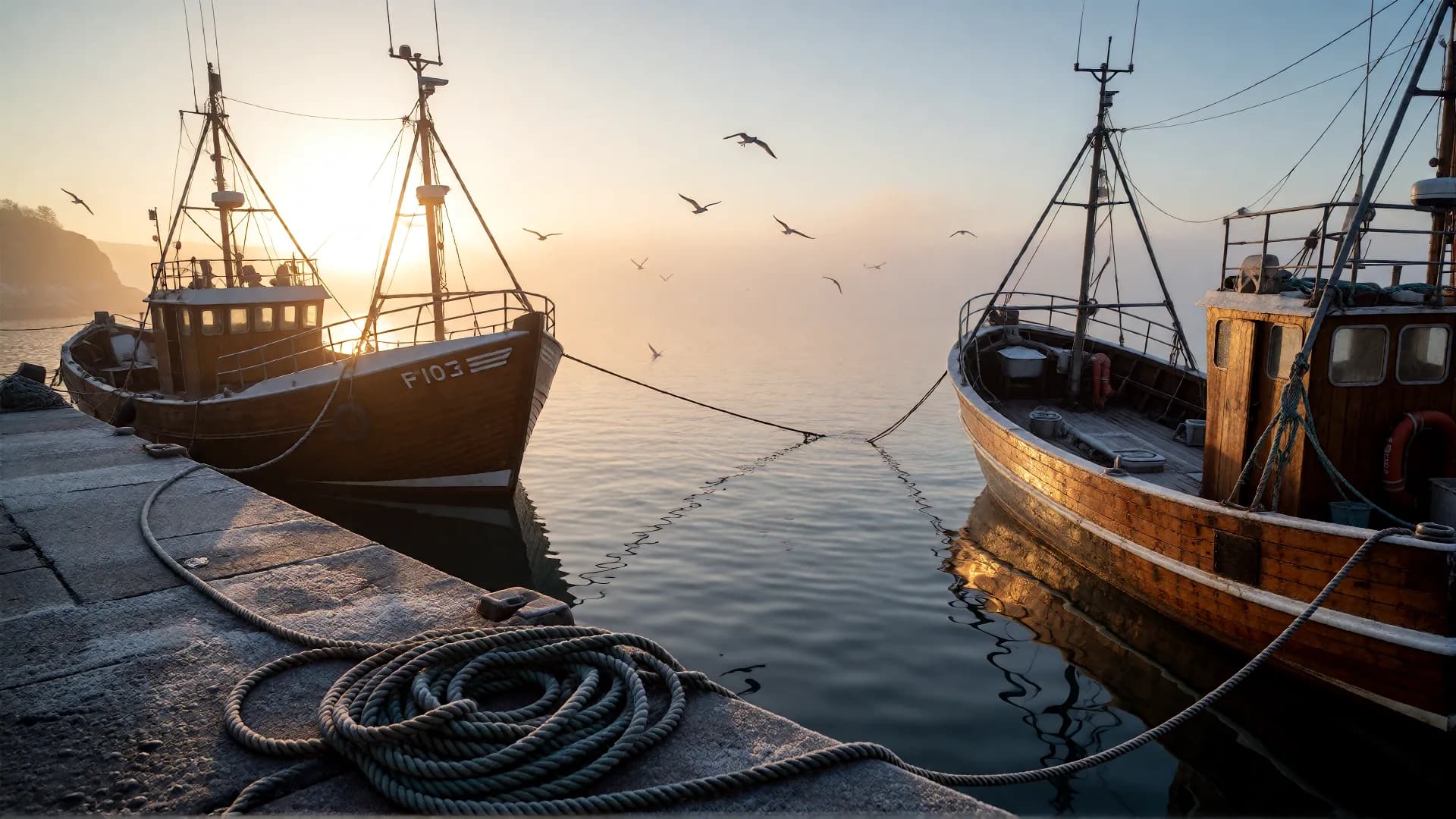
Details
Z-Image LoRA Pro Model Specifications
The generation controls and delivery behaviour published for this APIXO endpoint
Text-to-Image
Workflow
1 Image per Request
Output
1:1 / 2:3 / 3:2 / 3:4 / 4:3 / 9:16 / 16:9
Aspect Ratios
256–2560 px per Side
Custom Size
Async Task + Polling
Delivery
25 Credits / Image
Price
Use Cases
What can you build with Z-Image LoRA Pro on APIXO?
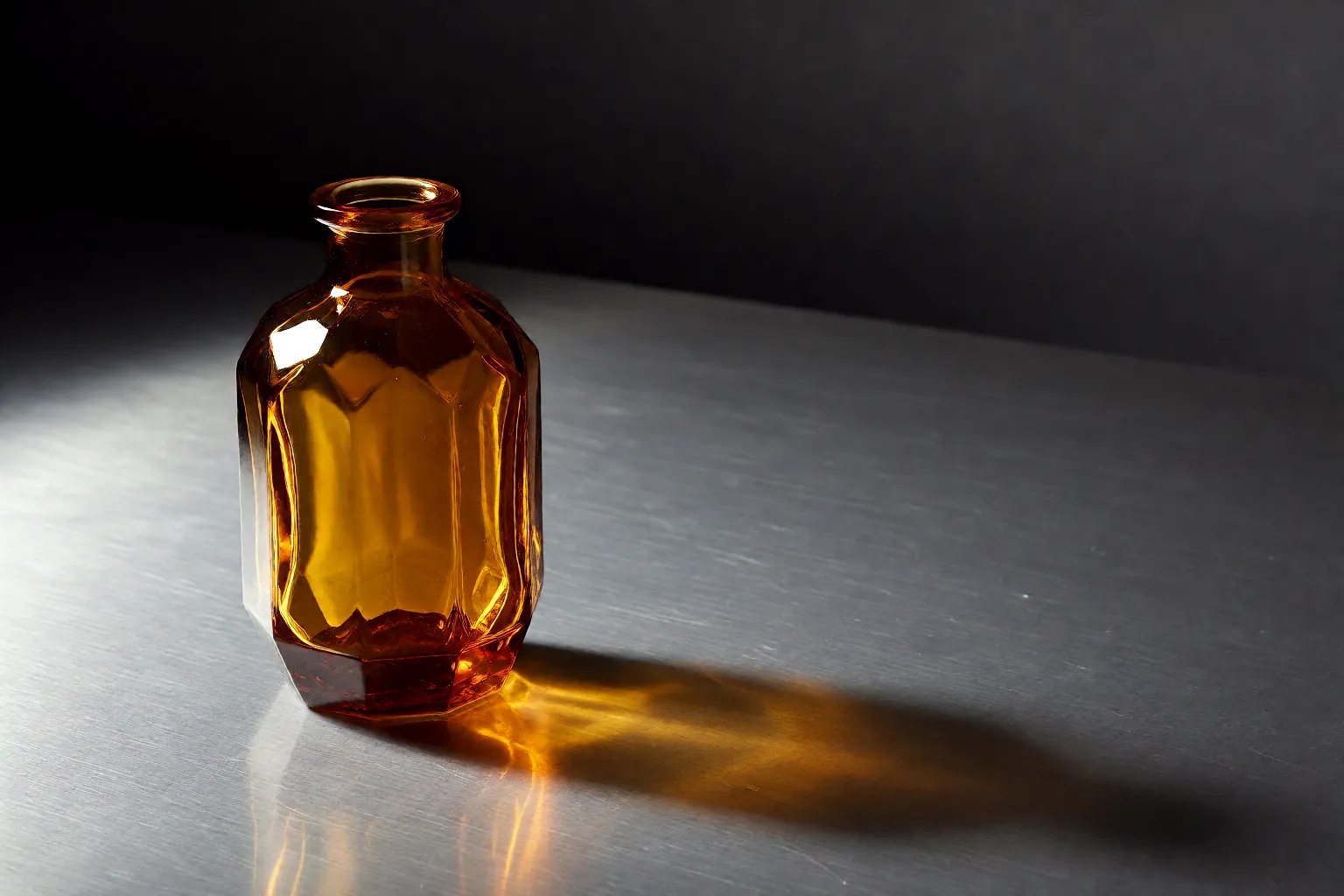
Product Imagery
Detail-Heavy Product and Packaging Shots
Generate product scenes where the material does the selling — brushed metal, cut glass, condensation, woven fabric. Name the surface, the light direction, and the empty area reserved for copy, then request the exact pixel size the storefront template expects so nothing is resampled later.
Try Z-Image LoRA Pro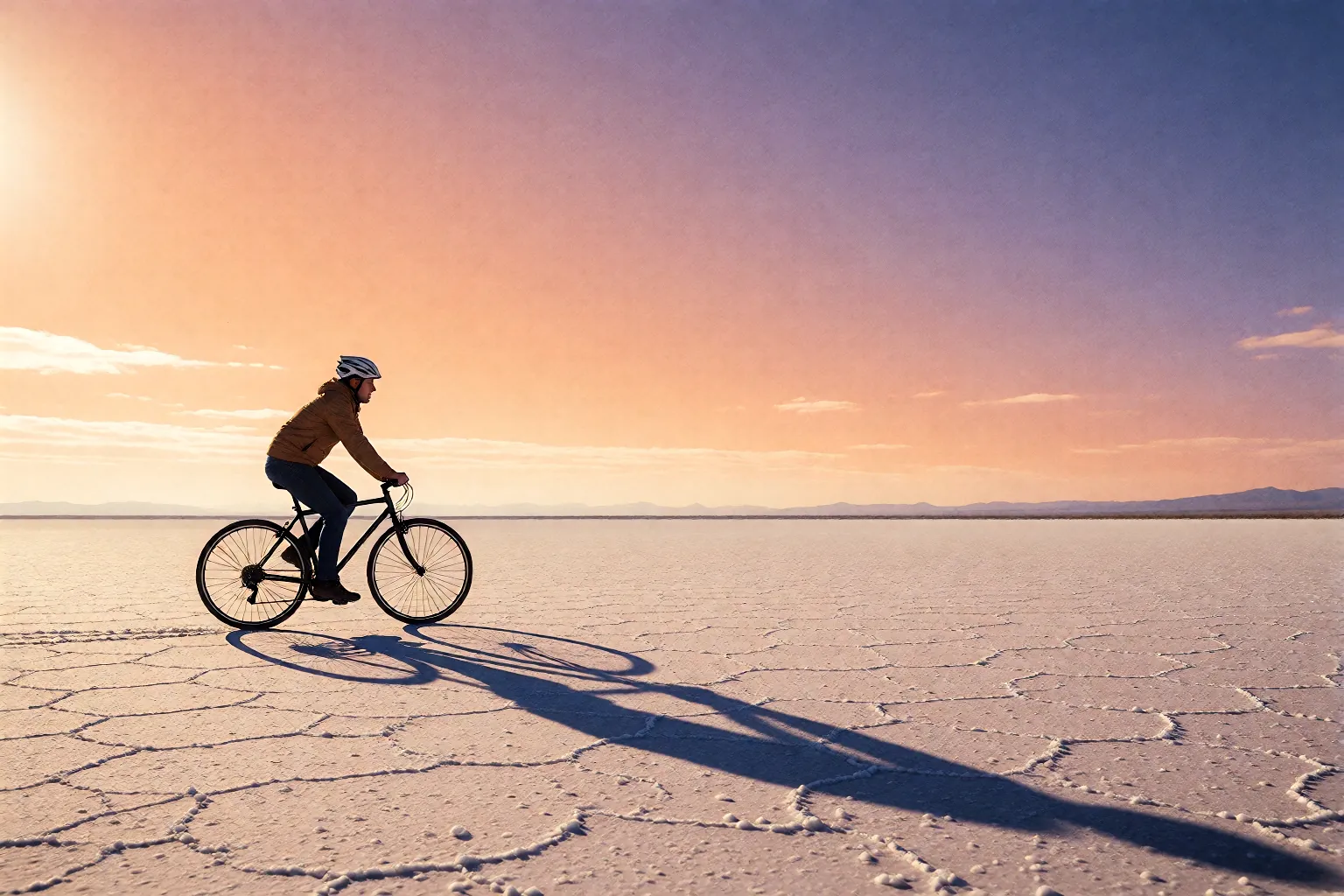
Posters and Print
Artwork Rendered at Its Final Dimensions
Posters, covers, and banners can be requested at the dimensions they will actually be used at — up to 2560 pixels on a side — instead of being enlarged after the fact. Ask for generous margins in the prompt and the headline still has somewhere to sit.
Try Z-Image LoRA Pro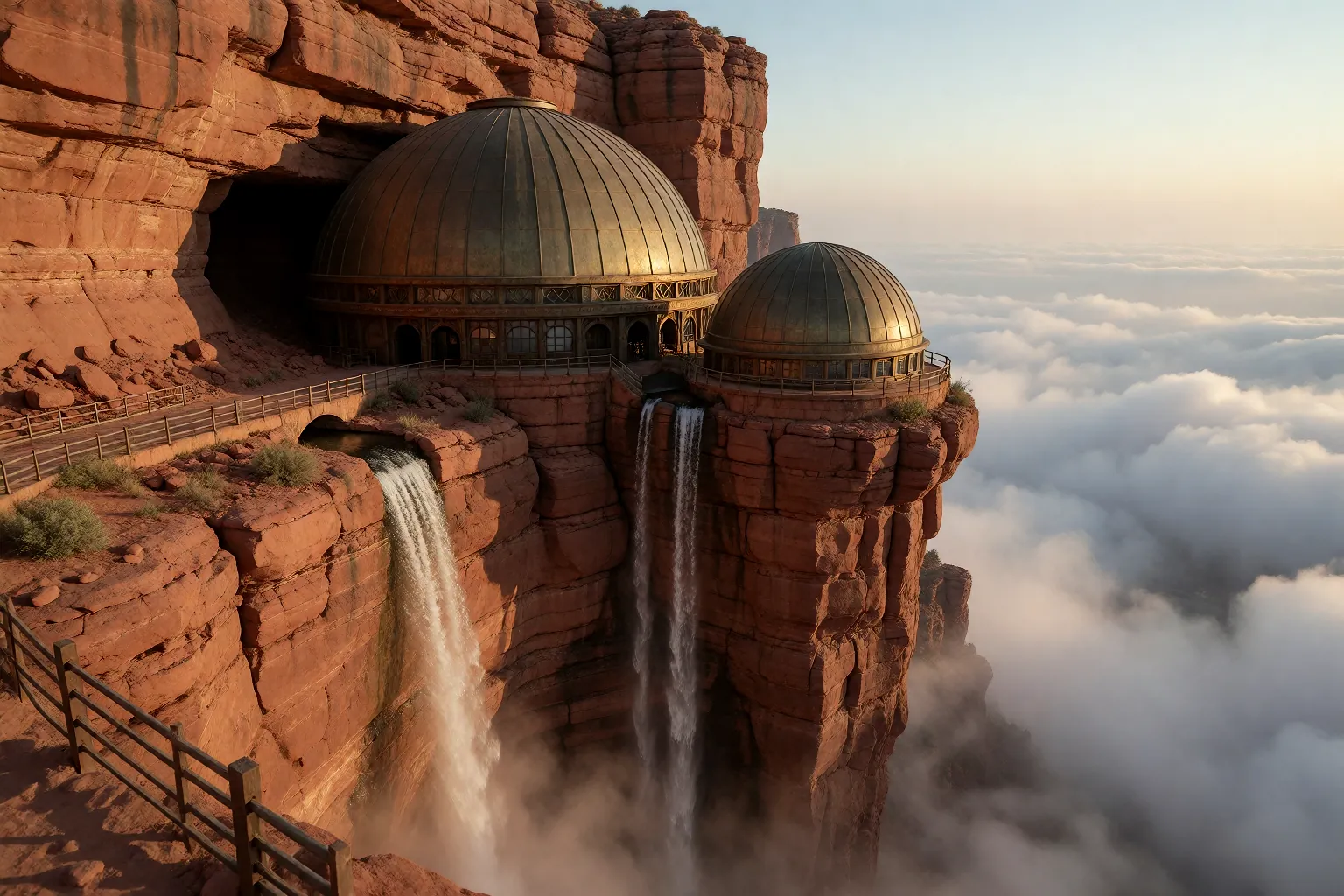
Concept Art
Environments and Mood Exploration
Explore environments, lighting, and atmosphere before you commit. Start wide and loose, then tighten the wording once the look is right; prompt extension is available when a sparse prompt needs filling out, and it costs nothing extra.
Try Z-Image LoRA Pro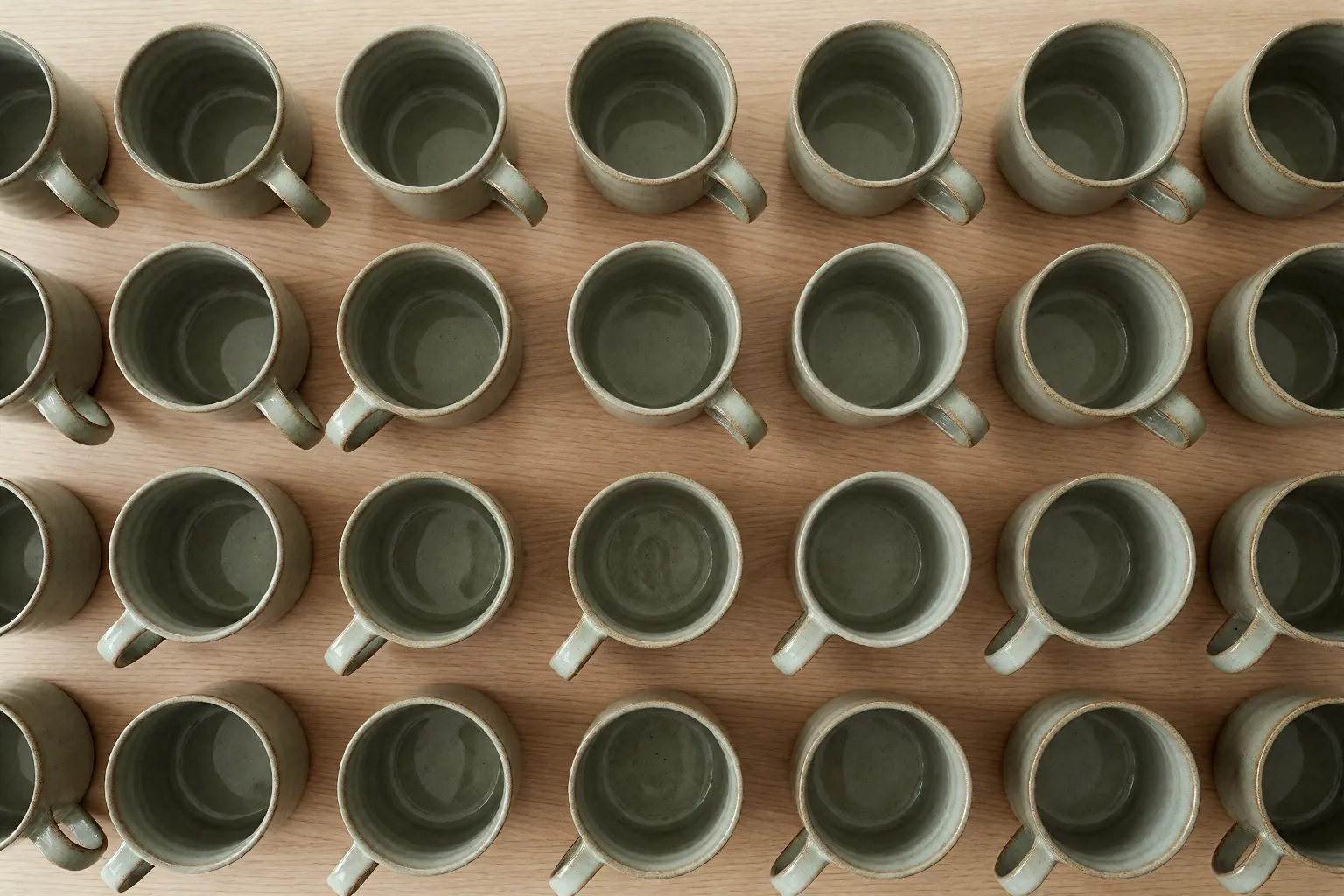
Repeatable Batches
Consistent Sets from a Fixed Seed
Hold a seed of 0 or greater and vary only the wording you care about, so a set of images keeps a shared look. Leave prompt extension off while you compare runs — it rewrites the prompt before generating, which is exactly the variable you are trying to hold still.
Try Z-Image LoRA ProQuick Start
How to run Z-Image LoRA Pro on APIXO
Try it in the browser first, then move the same request into your own code.
Generate in the APIXO Playground
Write a prompt, choose an aspect ratio or type an exact size, and generate without writing any code. The estimated cost shown next to the button is the amount actually charged for the request.
Create your API key
Create a key in the APIXO console, then open the Z-Image LoRA Pro reference for the request body, parameter bounds, and error codes.
Submit a task and poll its status for the image
Post the request to receive a task ID, make the first status call about 10 seconds later, then keep polling every 5–10 seconds until the state turns successful and the result URLs appear.
Notes & FAQ
Z-Image LoRA Pro notes and questions
Usage Notes
01
Z-Image LoRA Pro supports text-to-image only. A non-empty prompt is the only required input; everything else has a documented default, and each request returns 1 image.
02
Supported aspect ratios are 1:1, 2:3, 3:2, 3:4, 4:3, 9:16, 16:9, and the default is 1:1. Each preset renders at a platform-managed size; when the exact pixels matter, send a size instead of relying on the preset.
03
An explicit size overrides the aspect ratio. Width and height must each fall between 256 and 2560 pixels, written with any of these separators: * x X.
04
Seeds must be whole numbers of 0 or greater; a negative seed is rejected. Omit the field entirely for a random seed.
05
Prompt extension is off by default and adds no extra charge when you turn it on. Leave it off when a prompt already specifies everything, or when you are comparing runs.
06
Generation is asynchronous: a request returns a task ID, and the image URLs arrive in the status response once the task succeeds.
Frequently Asked Questions
No. The published endpoint accepts a prompt and generation settings only — there is no reference-image, mask, or inpainting field. For reference-driven editing, use an image-to-image model instead.
Send a size instead of an aspect ratio, for example 1024*1024 or 1024x1024. Each side has to stay between 256 and 2560 pixels, and the value takes precedence over any preset in the same request.
Reusing a seed with an identical prompt and identical settings keeps results much closer together, which is what makes seeds useful for comparing prompt edits. Treat it as a consistency aid rather than a byte-for-byte guarantee, and keep prompt extension off while comparing, since it rewrites your prompt before generation.
No. 25 Credits per generated image, with no parameter-based surcharges — size, aspect ratio, seed, and prompt extension all leave the price unchanged. Since a request returns 1 image, the per-request and per-image cost are the same.
Explore Other Models
Discover more AI models for your next creative workflow
APIXO

Z-Image LoRA
Z-Image LoRA is available on APIXO for Image. The model page brings examples, creation controls, pricing, and results into one focused workspace.
ImageNew
15.6 Credits/pic Image
Image
Alibaba


Qwen Image 3.0 Pro
Qwen Image 3.0 Pro is available on APIXO for Image. The model page brings examples, creation controls, pricing, and results into one focused workspace.
ImageNew
40 Credits/pic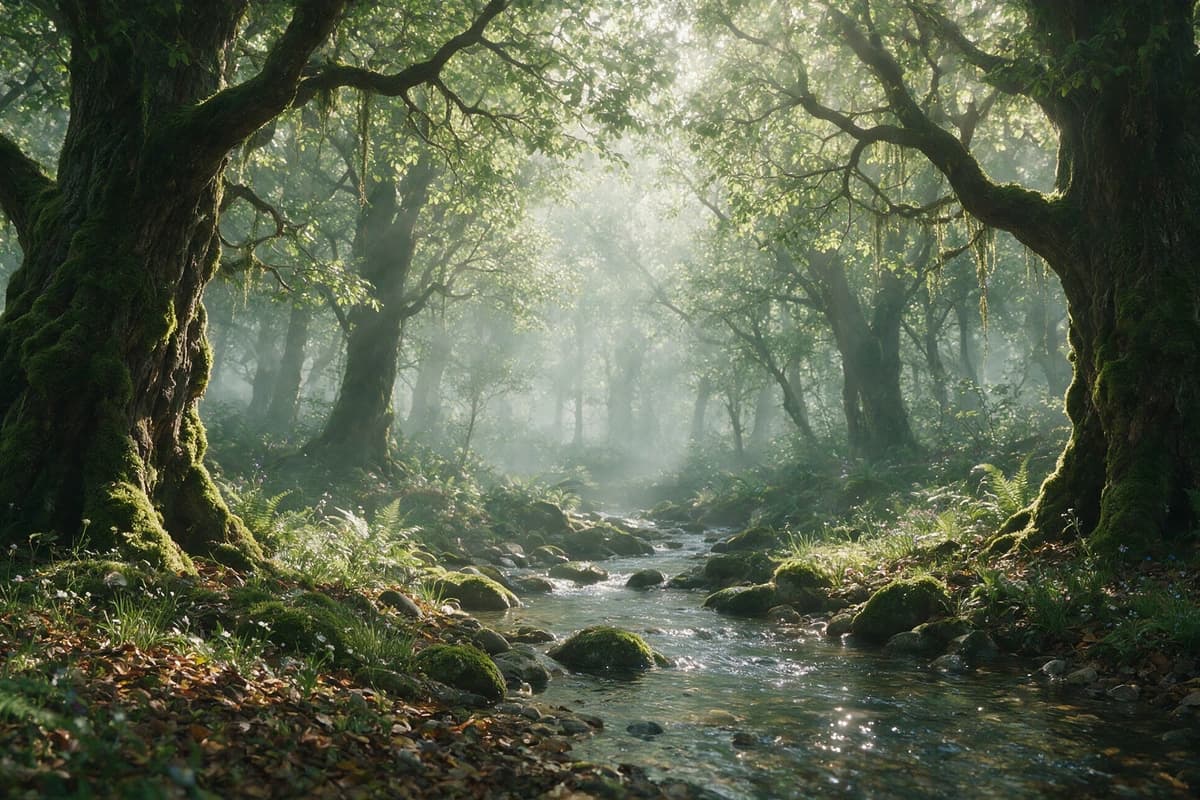
ByteDance

Seedream 5.0 Pro
Seedream 5.0 Pro is available on APIXO for Image. The model page brings examples, creation controls, pricing, and results into one focused workspace.
ImageNew
45 Credits/pic
Google

Nano Banana Pro
Nano Banana Pro is available on APIXO for Image. The model page brings examples, creation controls, pricing, and results into one focused workspace.
Image
80 Credits/pic
Black Forest Labs

Flux 2
Flux 2 is available on APIXO for Image. The model page brings examples, creation controls, pricing, and results into one focused workspace.
ImageNew
40 Credits/pic