APIXO bills both modes at $0.04 per generated image. One completed image costs $0.04, while three completed images cost $0.12. The selected mode, reference count, and aspect ratio do not have separately listed surcharges.


Image GenerationText / Image InputUp to 3 Outputs
Wan 2.6 Image is APIXO’s still-image route for prompt-based generation and reference-guided transformation. Create new visuals from text or guide an edit with one to three public images, then request up to three outputs with negative-prompt and optional seed controls for iterative creative workflows.
Workflows
Text / Image to Image
APIXO Price
$0.04 / Image
References
1–3 Images
Output Count
1–3 Images
Editing Output
Fixed 2K
Create with Wan 2.6 Image
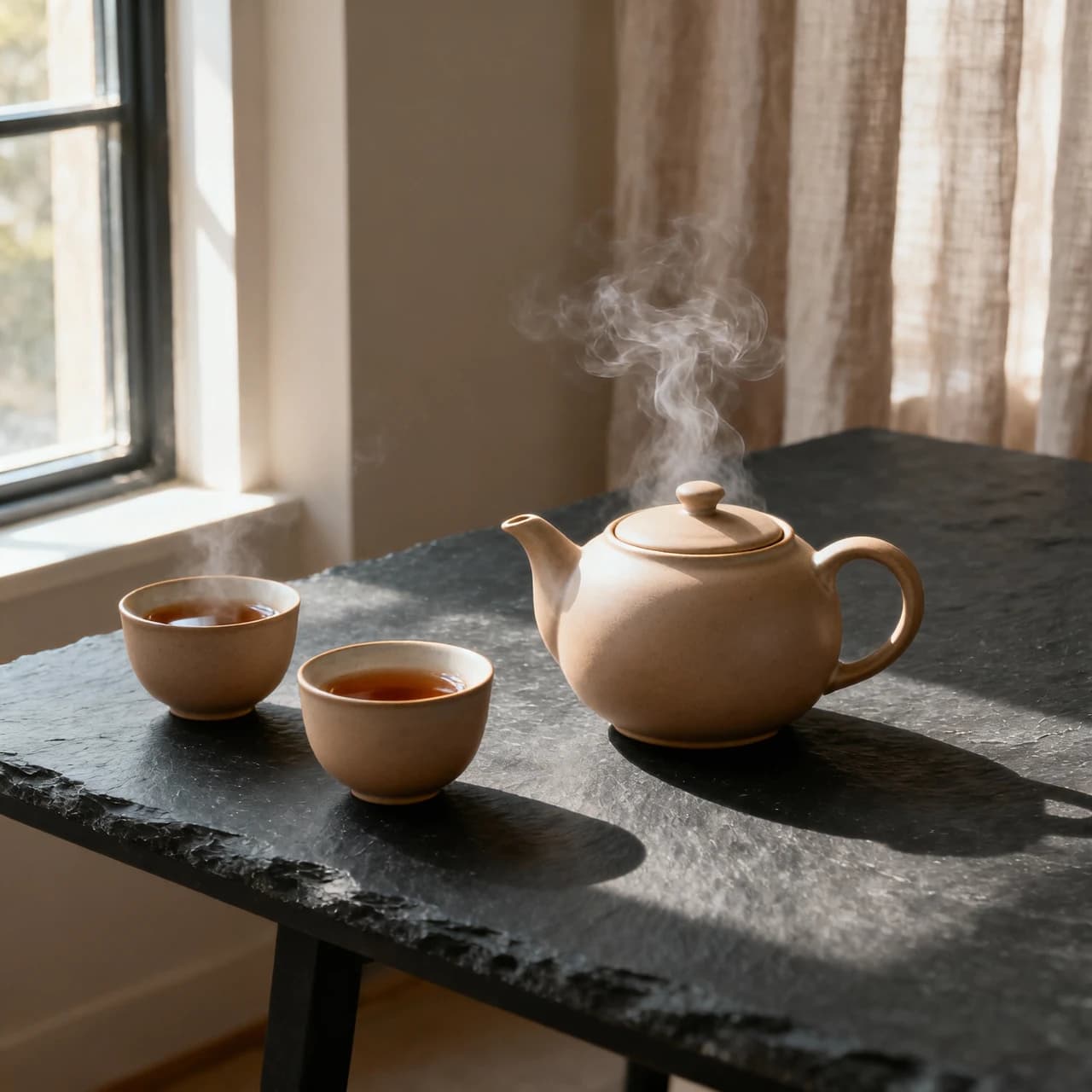
Capabilities
Develop still images from prompts and references
Prompt-Based Creation
Generate a new image from a required Chinese or English prompt describing subjects, environments, composition, lighting, materials, and visual treatment.
Reference-Guided Editing
Transform existing imagery through natural-language instructions and one to three public references, while allowing for variation in composition, details, and source fidelity.
Multi-Image Fusion
Combine visual information from several references for subject, scene, color, or style exploration. Clearly describe each image’s intended role in the prompt.
Negative Prompting
Add a negative prompt of up to 500 characters to discourage unwanted content, visual defects, objects, or stylistic characteristics.
Multi-Output Exploration
Request one, two, or three outputs per task to compare different interpretations without assuming that every requested image will complete successfully.
Seed-Based Iteration
Supply an optional numeric seed to improve repeatability across experiments. Because generation remains probabilistic, identical seeds do not guarantee identical images.
Generation modes
Choose open-ended generation or reference-led transformation
Text-to-Image
Start with a required, non-empty prompt and no source images. APIXO exposes 1:1, 3:4, 4:3, 9:16, and 16:9 aspect ratios, one to three requested outputs, an optional negative prompt, and an optional seed.
Prompt to Images
Image-to-Image
Submit one to three public source images with a required instruction for editing or fusion. Output is fixed at 2K through APIXO, and aspect ratio should be omitted because that control applies only to text-to-image.
References to Images
Route specifications
Current APIXO image controls
Verified still-image inputs and output settings for Wan 2.6 Image.
2 Modes
Workflows
2,000 Characters
Prompt Limit
500 Characters
Negative Prompt
1–3 URLs
References
1–3
Requested Outputs
0–2,147,483,647
Seed Range
Production uses
Explore visual directions across practical workflows
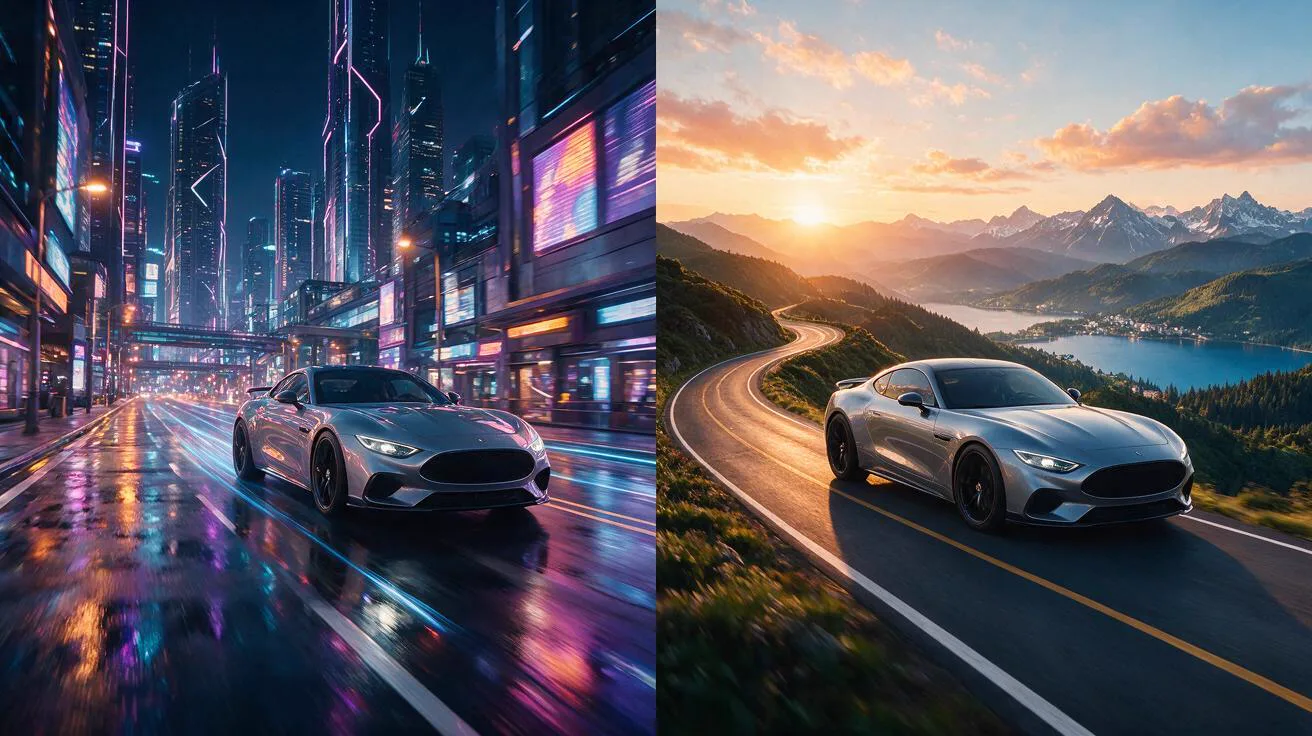
Campaign ideation
Generate Concept Variants
Turn creative briefs into several campaign directions for mood boards, presentations, and early art development. Compare composition, lighting, and visual tone before moving selected concepts into a conventional production pipeline.
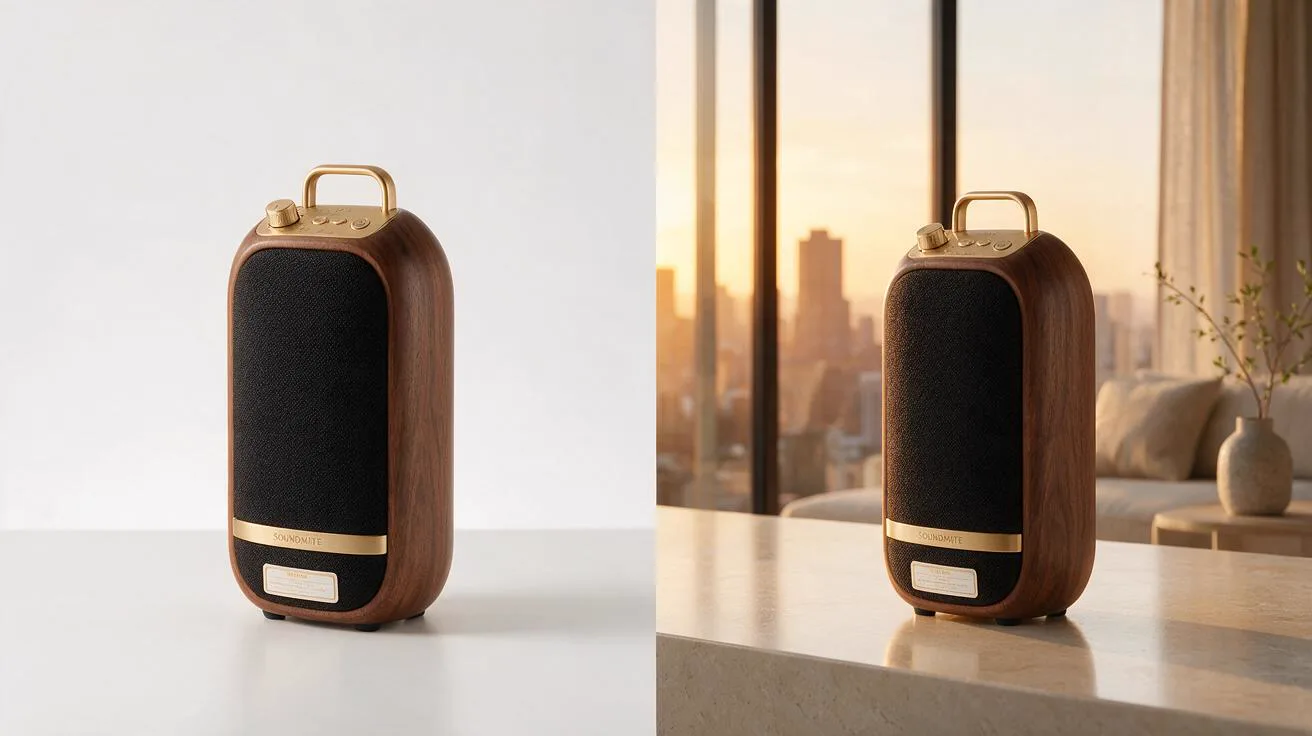
Product development
Reframe Product Imagery
Use approved product references to explore alternate settings, materials, lighting, and promotional treatments. Review proportions, construction details, labels, logos, and brand colors against the original assets.
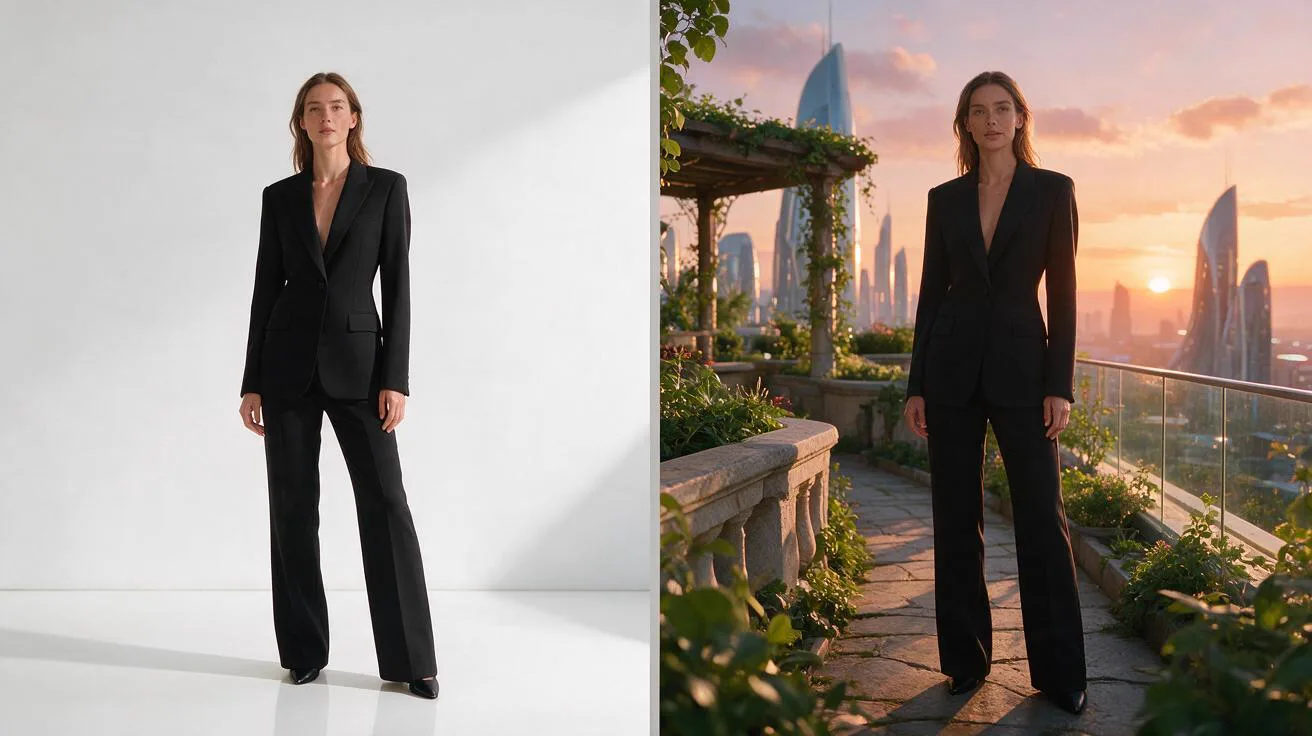
Reference synthesis
Combine Visual Directions
Bring subject, scene, or stylistic cues from multiple references into one exploratory result. Specify the role of each source and expect some variation in identity, layout, and reference relationships.
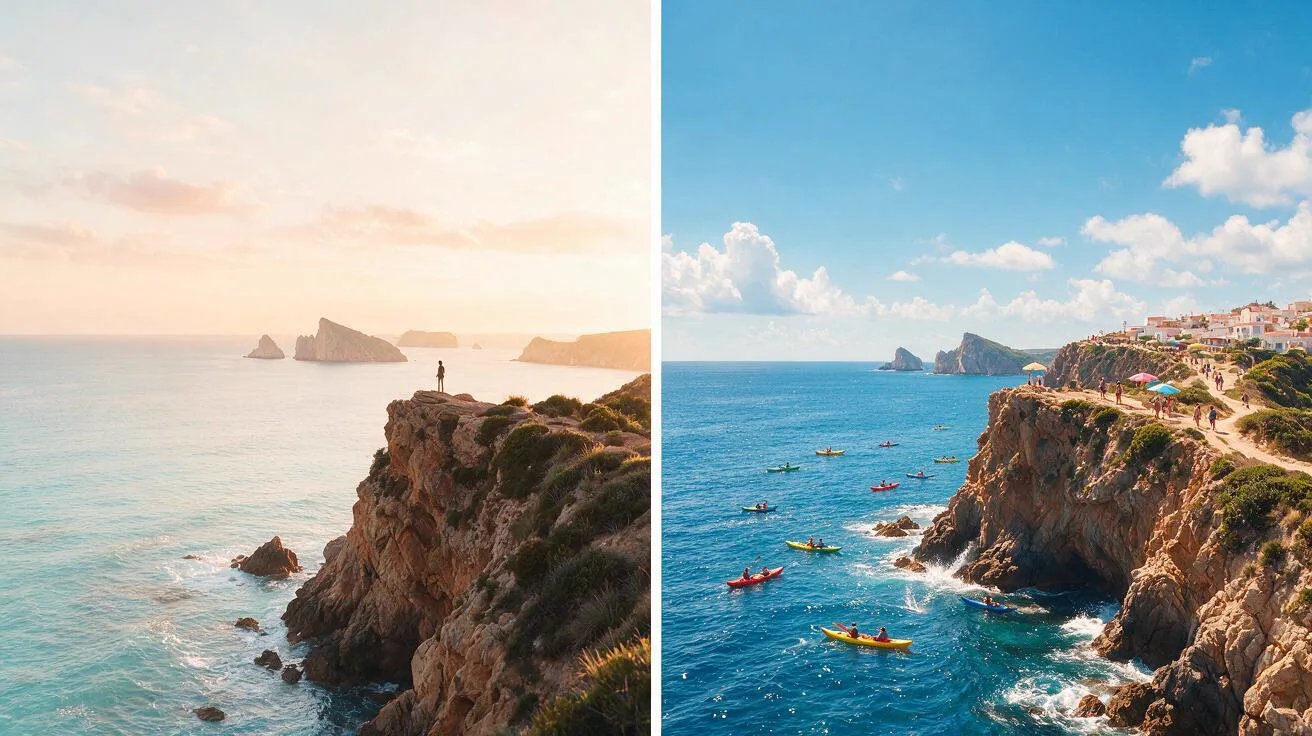
Design exploration
Develop Key Art
Create poster concepts, social visuals, illustrations, and editorial treatments from text or source imagery. Add exact typography, logos, and final layout elements with dedicated design tools after generation.
Notes and FAQ
Input requirements and review boundaries
Before you generate
01
This route produces still images only and includes no video, animation, audio, motion, or duration controls.
02
APIXO does not publicly confirm the precise upstream model or checkpoint mapped behind each product-facing mode.
03
Both modes require a non-empty Chinese or English prompt of up to 2,000 characters. Keep requests within the documented limit.
04
Each reference must be a public JPEG, JPG, non-alpha PNG, BMP, or WebP URL, with width and height between 240 and 8,000 pixels. Keep the URLs directly accessible while the task runs.
05
APIXO does not expose streaming, Base64 input, custom dimensions, interleaved text-image output, transparent output, or 4K generation on this route.
06
Review anatomy, hands, identity, product geometry, logos, typography, unwanted objects, composition, and reference fidelity before using an output.
Frequently asked questions
No. One image is the default, and num_images accepts one, two, or three. A task can succeed with fewer images than requested; only completed image URLs appear in resultJson.resultUrls.
No. APIXO documents aspect ratio as a text-to-image-only control. Image-to-image uses a fixed 2K output configuration, so developers should omit the aspect-ratio field in that mode.
No. References can guide editing and fusion, but exact faces, product proportions, typography, logos, layout, and stylistic relationships are not guaranteed. Multiple generations and downstream correction may be necessary.
Wan 2.6 Image runs asynchronously through APIXO. Developers can poll for completion or use callback delivery, which requires a reachable callback endpoint. Successful image URLs are returned in resultJson.resultUrls.
Explore Other Models
Discover more AI models for your next creative workflow
Alibaba


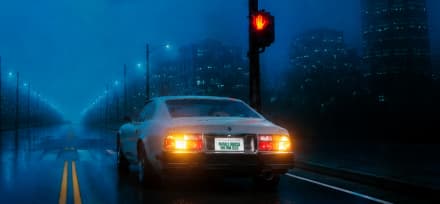
Wan 2.7 Image
Wan 2.7 Image is available on APIXO for Image. The model page brings examples, creation controls, pricing, and results into one focused workspace.
ImageNew
$0.03/pic Image
Image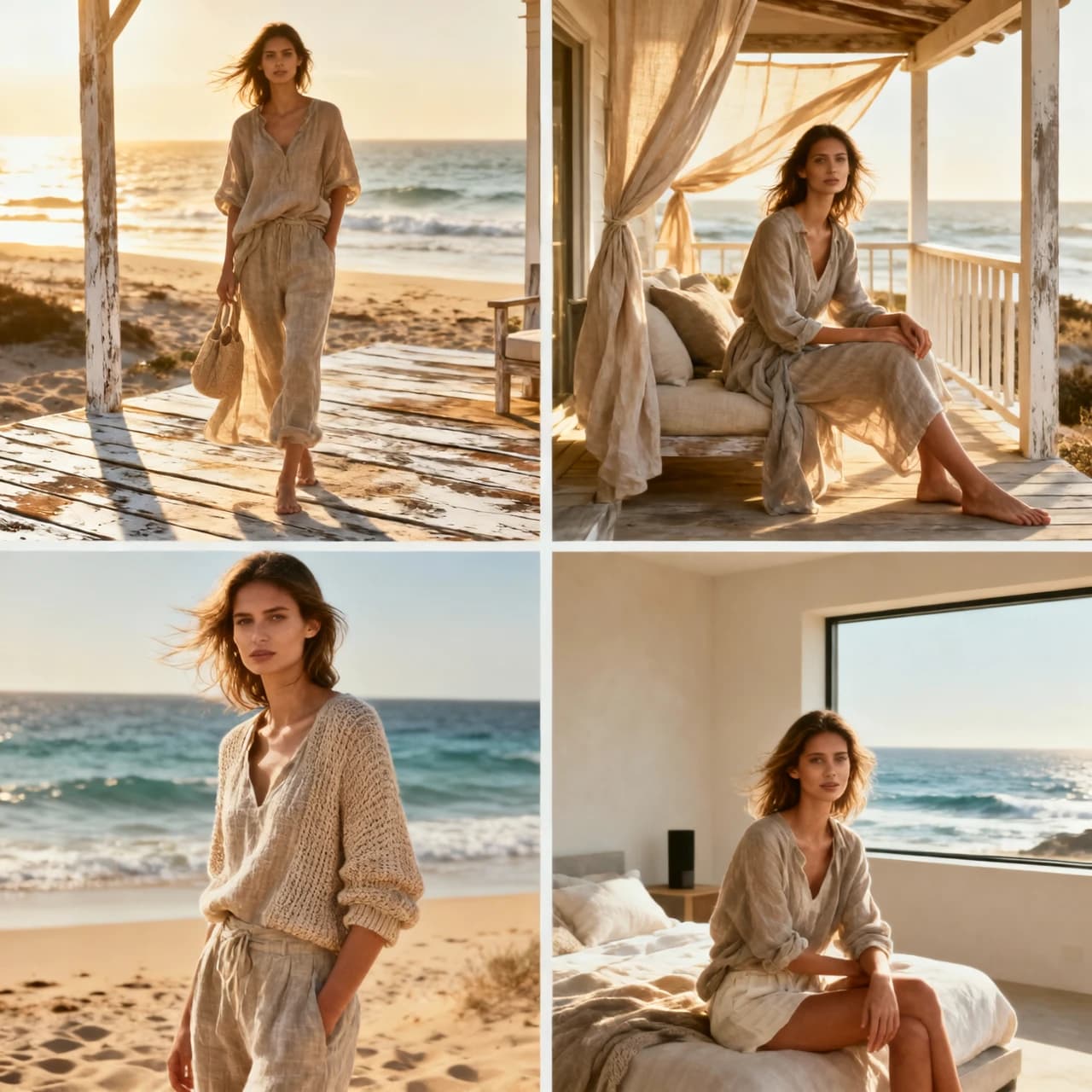
Alibaba

Wan 2.5 Image
Wan 2.5 Image is available on APIXO for Image. The model page brings examples, creation controls, pricing, and results into one focused workspace.
ImageNew
$0.03/pic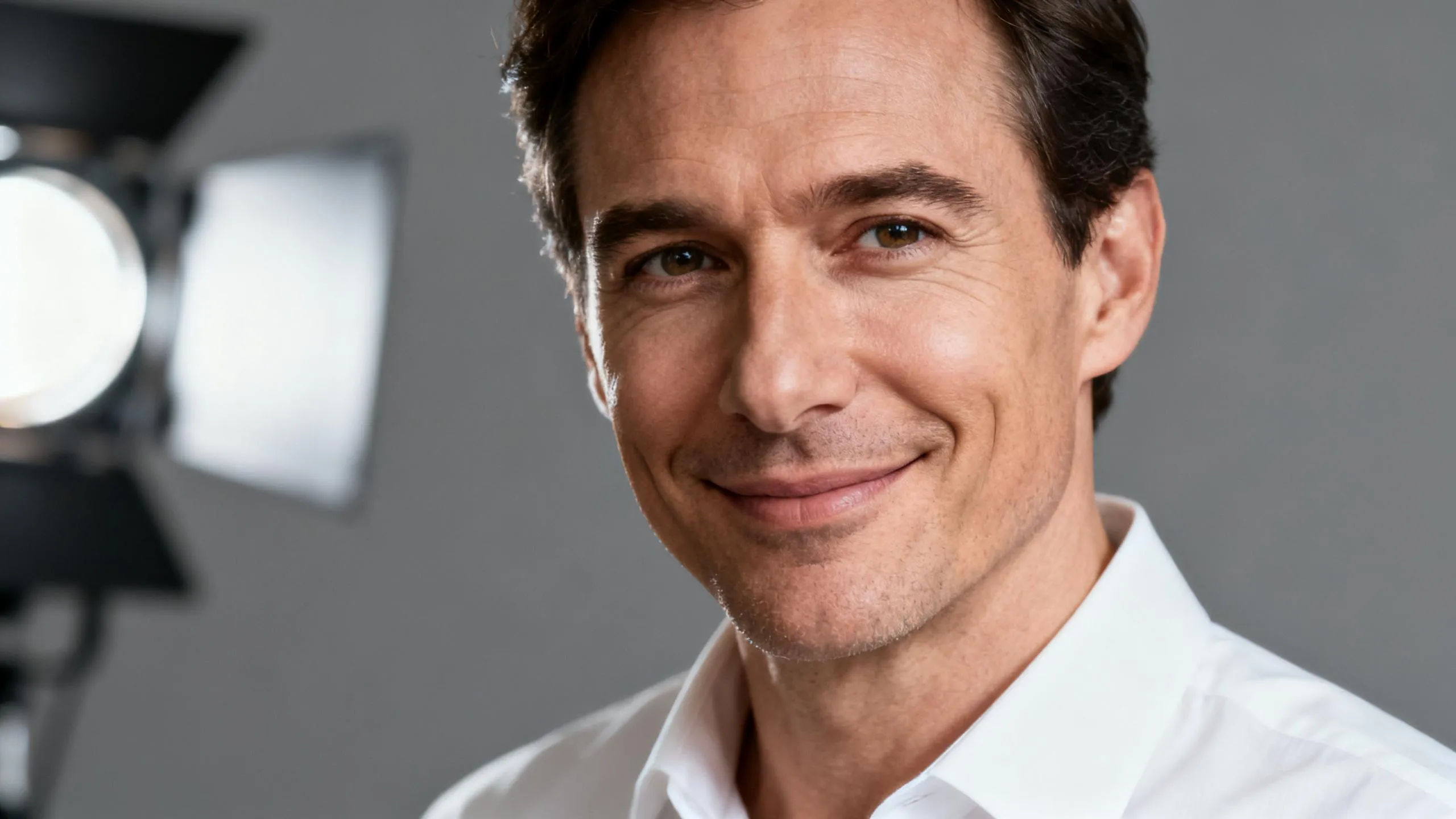
ByteDance

Seedream 5.0
Seedream 5.0 is available on APIXO for Image. The model page brings examples, creation controls, pricing, and results into one focused workspace.
ImageNew
$0.035/pic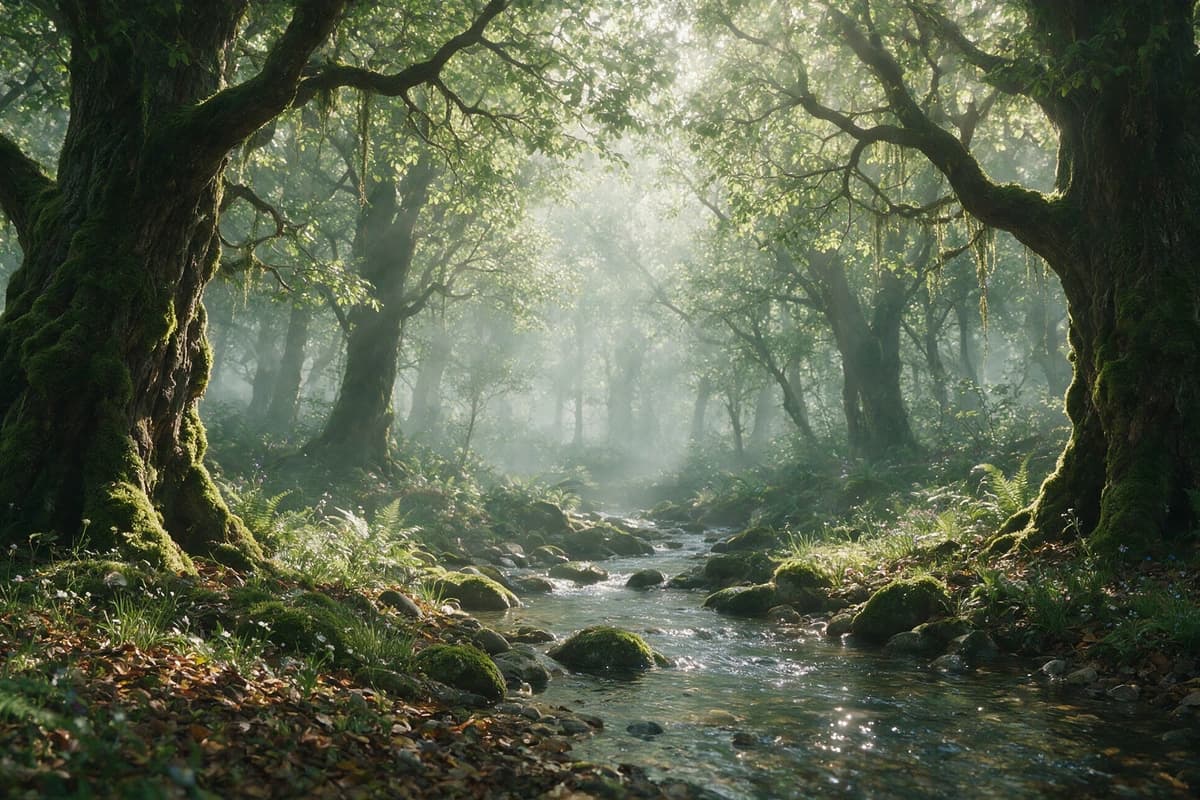
ByteDance
Seedream 5.0 Pro
Seedream 5.0 Pro is available on APIXO for Image. The model page brings examples, creation controls, pricing, and results into one focused workspace.
ImageNew
$0.045/pic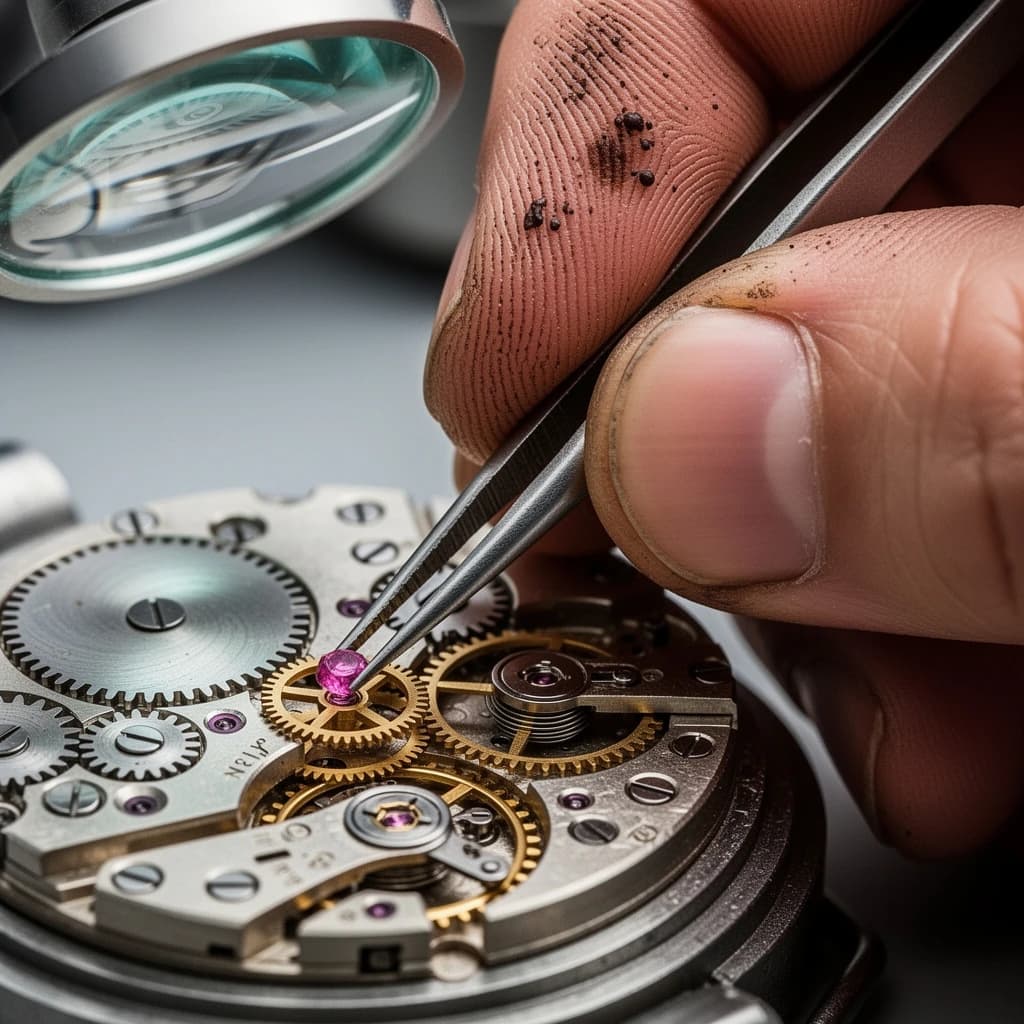
Black Forest Labs

Flux 2
Flux 2 is available on APIXO for Image. The model page brings examples, creation controls, pricing, and results into one focused workspace.
ImageNew
$0.04/pic