
APIXO exposes text-to-image and image-to-image workflows for the qwen-image-3-0 endpoint.
我们注意到您可能偏好使用 简体中文. 要切换语言吗?
Il semble que vous préfériez Français. Souhaitez-vous changer de langue ?
Es scheint, Sie bevorzugen Deutsch. Möchten Sie die Sprache wechseln?
Parece que prefieres Español. ¿Te gustaría cambiar de idioma?
Sembra che tu preferisca Italiano. Vuoi cambiare lingua?
優先言語は次のようです 日本語. 言語を切り替えますか?
선호하시는 언어는 다음과 같습니다 한국어. 언어를 변경하시겠습니까?
Похоже, вы предпочитаете Русский. Хотите сменить язык?
Tercih ettiğiniz dil Türkçe. Dili değiştirmek ister misiniz?
Wygląda na to, że wolisz Polski. Czy chcesz zmienić język?
Black Friday: Up to 66% off most AI models.
Explore the deals

Qwen Image 3.0 is Alibaba’s latest image generation and editing model with exceptional typography, multilingual text rendering, and instruction following. On APIXO, it supports both text-to-image and image-to-image workflows for posters, product visuals, editorial layouts, UI concepts, and reference-guided creative production.
Create with Qwen Image 3.0
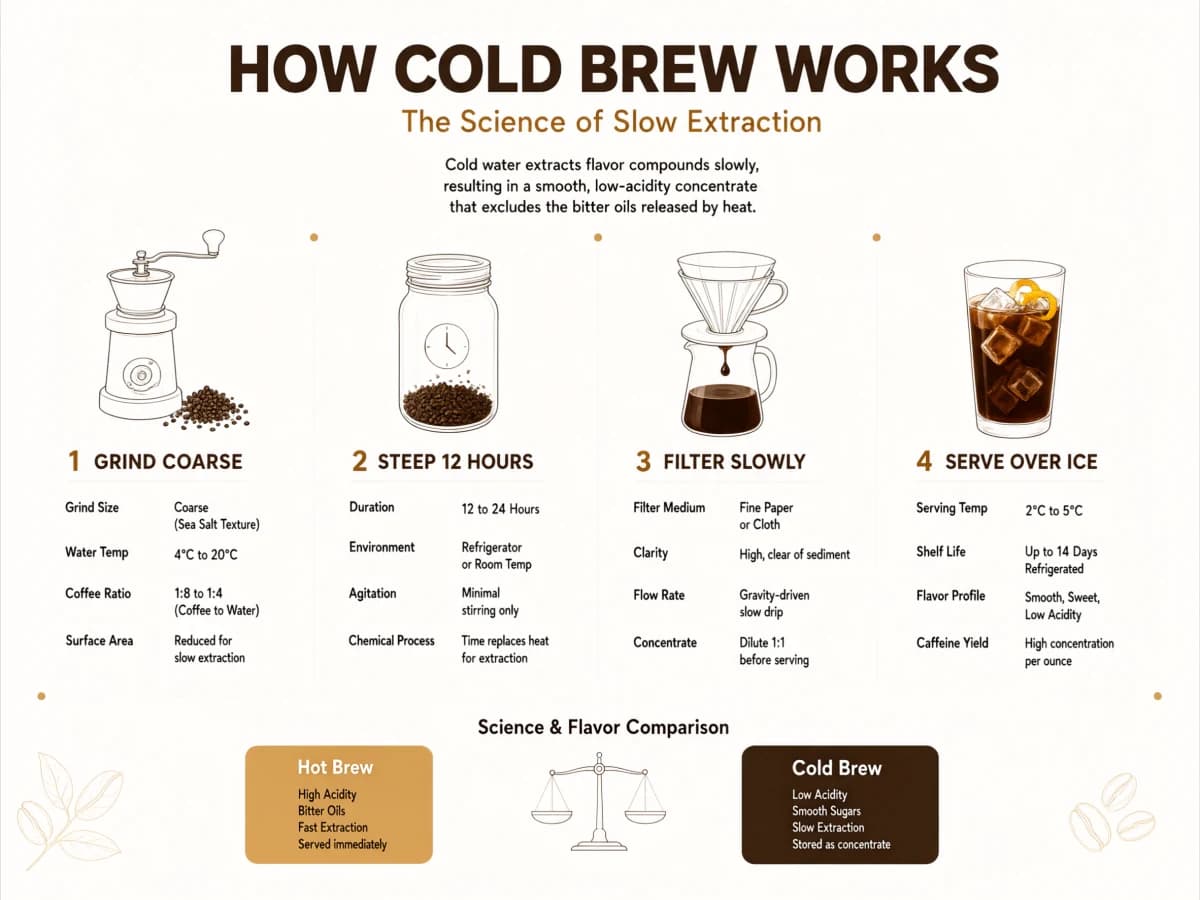
Capabilities
What Qwen Image 3.0 does well
Typography
The upstream model is built around strong text rendering, with particular strength in Chinese. That makes it practical for posters, infographics, cover art, and product labels with visible typography.
Reference-guided editing
APIXO exposes image-to-image mode with 1–3 public reference images. Use it to steer composition, background, style, and product presentation from a source image.
Prompt-based generation
Text-to-image mode lets teams create new images from a prompt with configurable aspect ratio and resolution. It fits concepting, mockups, and fast iteration across ad formats.
Compositional control
The model is aimed at layout-heavy visuals, so it is useful for editorial frames, poster compositions, and advertising scenes where structure matters as much as style.
Identity and style preservation
Upstream editing updates specifically call out stronger identity preservation and instruction following, making image-to-image workflows better for product and character-focused revisions.
Multilingual Prompting
Accept both Chinese and English prompts while preserving layout intent and visible typography.
APIXO Workflows
Create from a prompt or edit from your own images
Text-to-Image
Send a prompt and pick framing and resolution. Aspect ratio defaults to 1:1 and resolution defaults to 1K. Both resolutions cost 30 Credits per image, so the tier is a quality choice rather than a pricing one.
Create from text
Image-to-Image
Supply one to three public image URLs plus an instruction of up to 800 characters. Each reference raises the rate by 3 Credits per image. Leave the aspect ratio unset and the result follows the first input image.
Edit with references
Details
Qwen Image 3.0 implementation details
APIXO-exposed parameters for the current image endpoint.
Prompt / 1–3 reference images
Input
Text-to-Image / Image-to-Image
Modes
Result image URLs
Output
1-3
Reference Images
1:1 to 21:9
Aspect Ratio
1k / 2k
Resolution
Use Cases
Where Qwen Image 3.0 fits
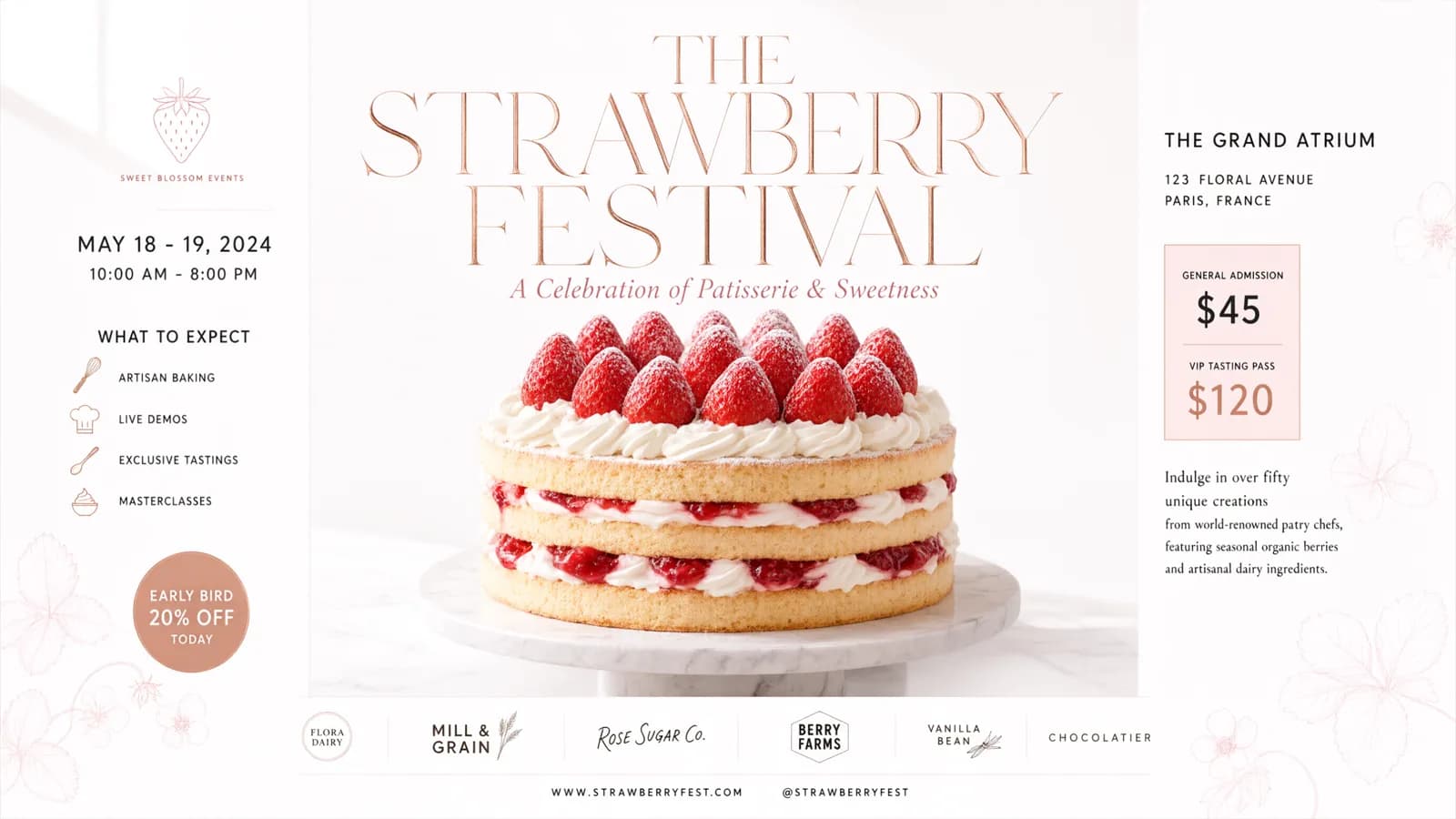
Poster design
Editorial and poster assets
Create poster, flyer, and editorial layouts with readable text and controlled composition. The upstream model’s text-rendering strength is especially useful when visuals need both layout discipline and typography.
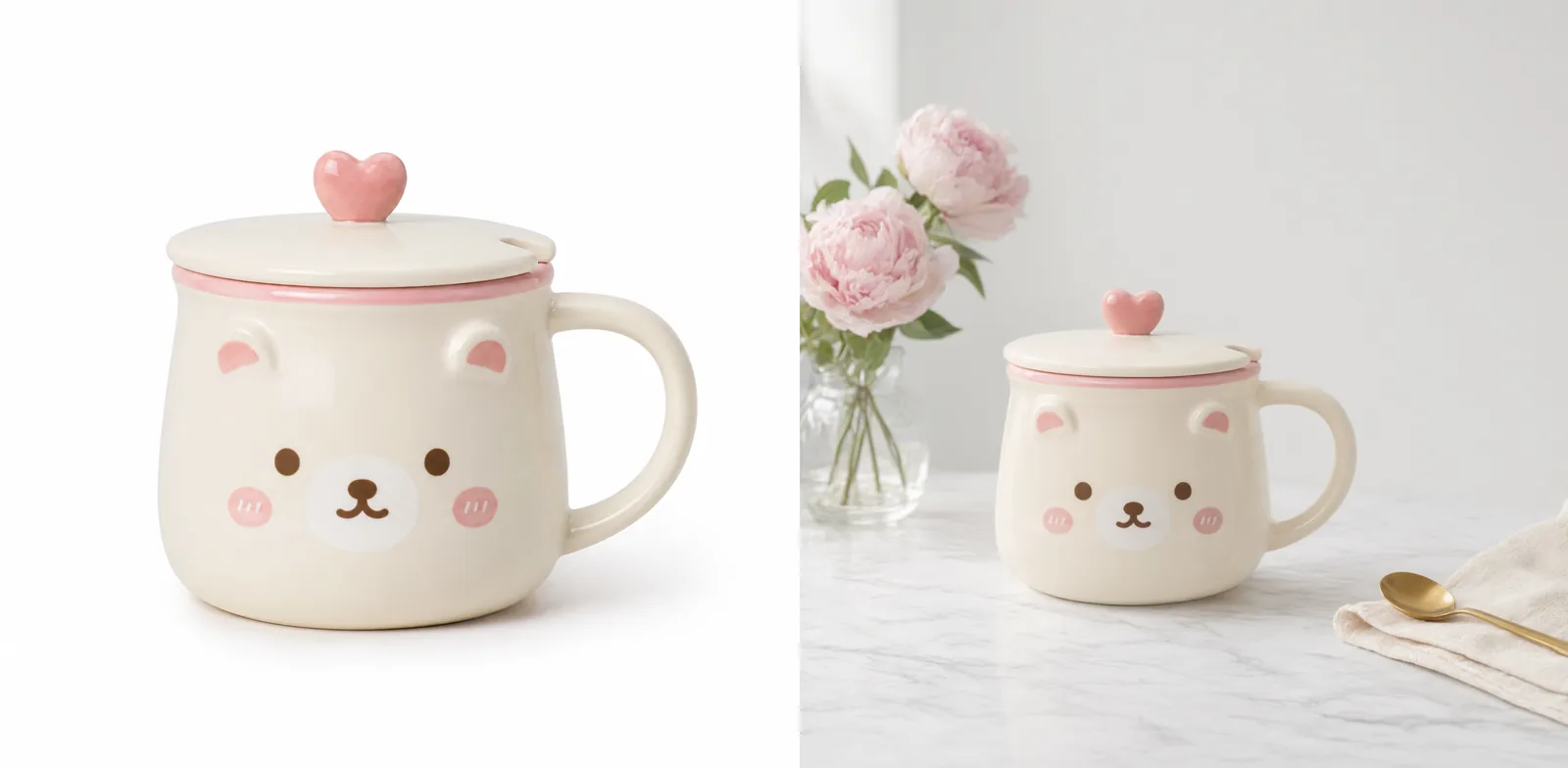
Product marketing
Product and ad visuals
Generate polished product images or refine existing ones with reference images for e-commerce launches, paid social campaigns, and landing-page hero assets.
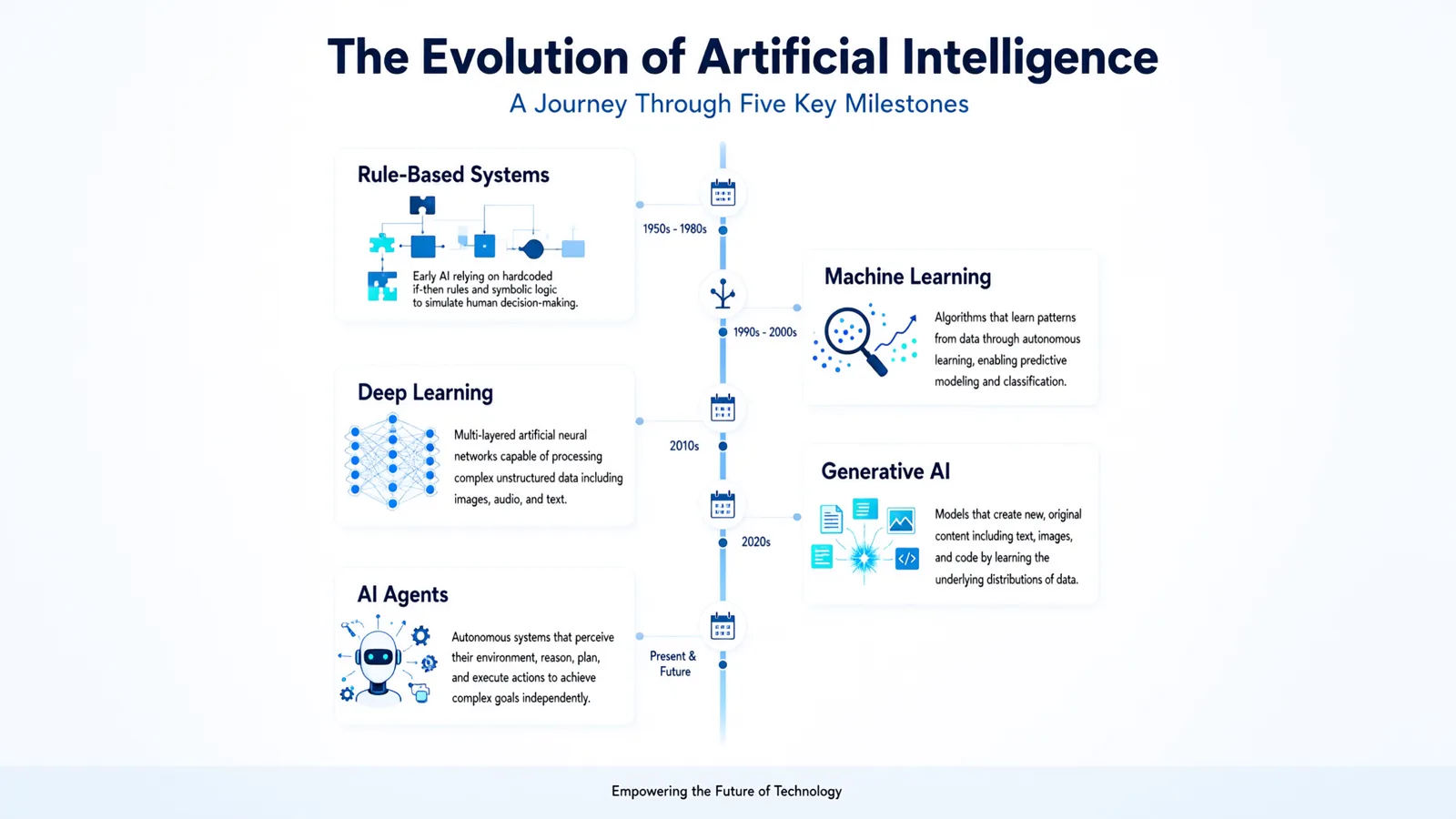
Marketing Graphics
Infographic and diagram concepts
Turn briefs into chart-like, presentation-ready visuals where labels, structure, and clear composition matter more than photographic realism alone.
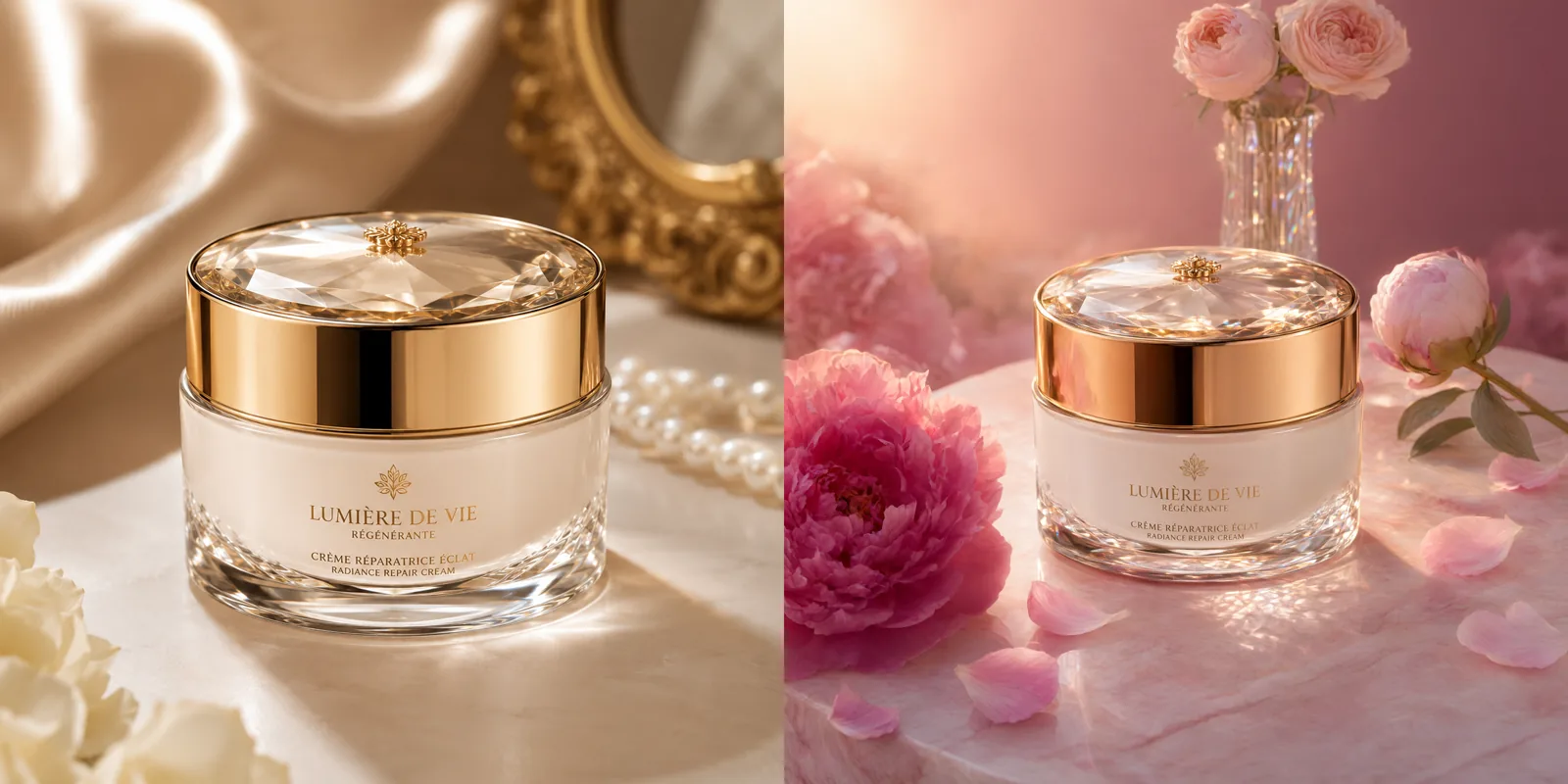
Reference editing
Brand-safe image refresh
Use the image-to-image path to preserve an existing look while changing lighting, background, framing, or product presentation. It is a practical fit for iterative creative production.
Quick Start
How to get started with Qwen Image 3.0 on APIXO
Move from prompt testing to reference-guided image delivery.
01
Prototype a prompt
Start in the playground with a text prompt, aspect ratio, and resolution to confirm the visual direction before you integrate the endpoint.
02
Submit a generation task
Choose text-to-image for prompt-only creation or image-to-image for a reference-guided edit with 1–3 public image URLs.
03
Poll for the result
Use the status endpoint to retrieve the generated image URLs once the task reaches success.
Notes & FAQ
Qwen Image 3.0 notes and implementation questions
Notes
01
APIXO documents text-to-image and image-to-image modes only.
02
Image-to-image requires 1–3 public, directly fetchable image URLs.
03
For image-to-image, the prompt limit is 800 characters.
04
Text-to-image defaults to a 1:1 aspect ratio when none is supplied; image-to-image follows the first input image ratio when omitted.
05
Text-to-image is 30 Credits per image at 1K and at 2K. Image-to-image ranges up to 39 Credits per image, driven by how many reference images the request carries.
06
Each reference image adds 3 Credits per generated image, and the route accepts at most 3. References must be publicly fetchable URLs.
07
Prompt expansion defaults to on. The seed field accepts -1 for random or a whole number from 0 to 2147483647; matching seeds bring runs closer together but do not guarantee identical output.
08
APIXO reserves the rate for the selected configuration when a task is accepted and settles it on success. Failed tasks are refunded.
Frequently Asked Questions
The documented APIXO implementation accepts 1–3 public image URLs for image-to-image.
A completed task returns one generated image URL per requested image in the result payload.
Text-to-image is 30 Credits per generated image. Image-to-image starts higher and rises with the number of reference images, up to 39 Credits per image with three references. Billing is per successfully generated image.
Not on this route. Both resolutions are billed at the same rate in text-to-image and in image-to-image, so the tier is purely a quality decision. Published rates can change, and the pricing table above always reflects the current catalog.
The result keeps the ratio of the first input image. That is documented behaviour rather than a missing value, so omit the field when you want the edit to preserve the source framing, and set it explicitly when you want to reframe.
Pro is a separate APIXO route with its own request endpoint and its own rates, where 2K costs noticeably more than 1K. This route keeps one rate across both resolutions, which suits iteration and volume work. Compare the two pricing tables before committing a pipeline.
Explore Other Models
Discover more AI models for your next creative workflow
Alibaba


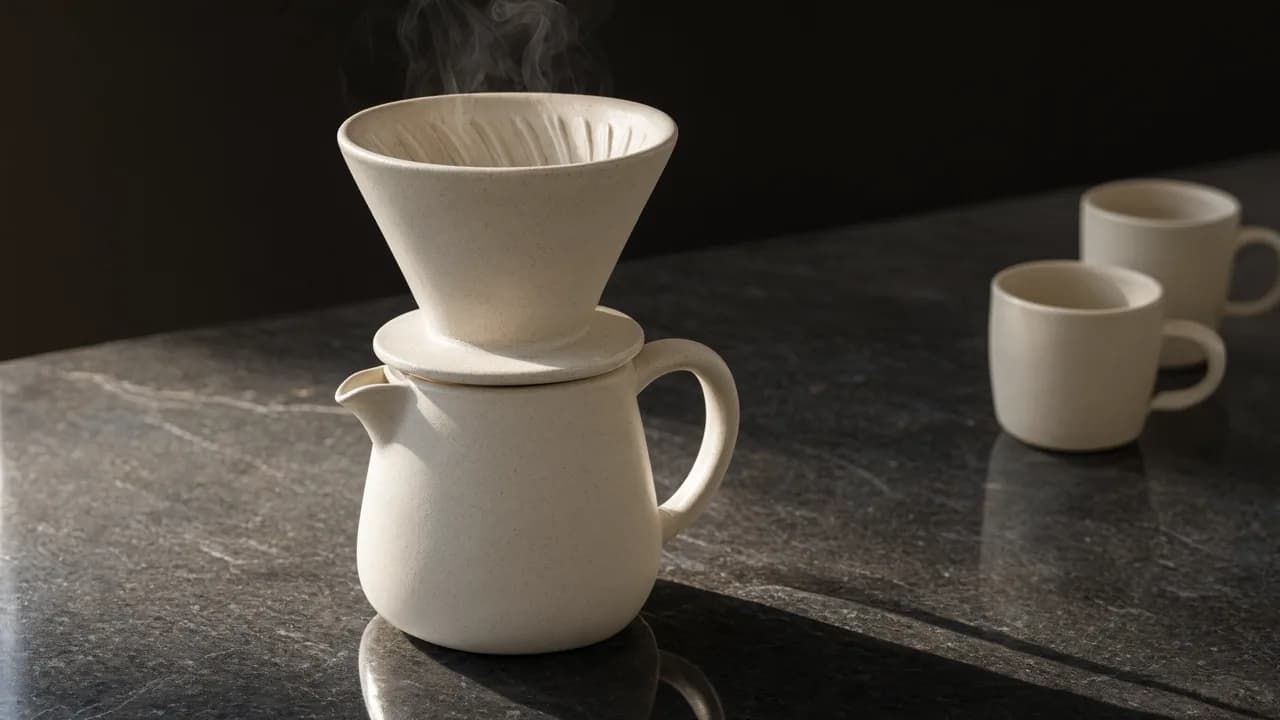
Qwen Image 3.0 Pro
Qwen Image 3.0 Pro on APIXO exposes text-to-image and image-to-image workflows with one-to-three reference images and 1k or 2k output.
ImageNew
40 Credits/pic Image
Image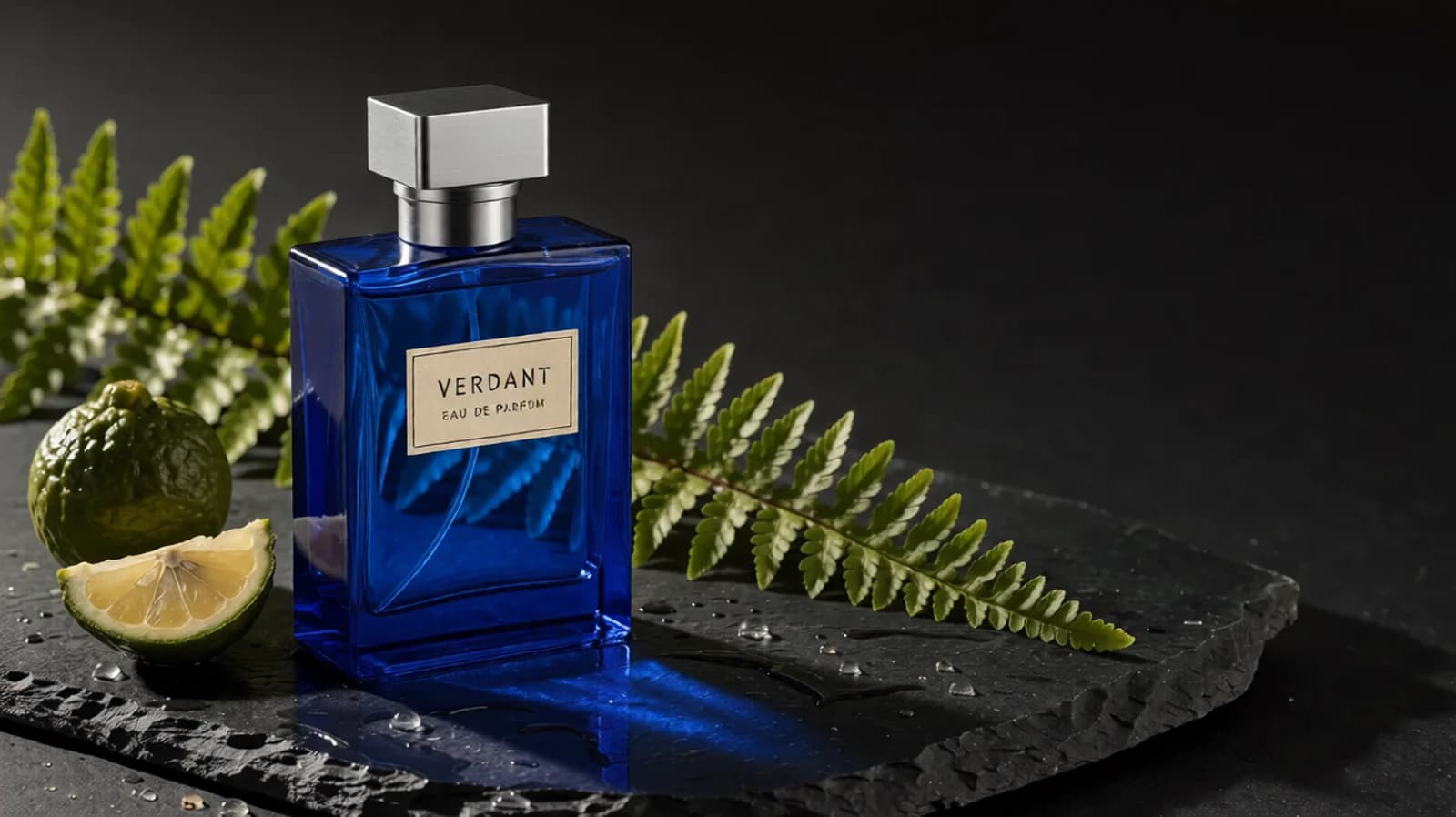
APIXO

Qwen Image Edit LoRA
Edit a primary image with Qwen Image Edit LoRA and up to 2 optional references. Preserve its framing, compare revisions, and see reference-based pricing.
ImageNew
48 Credits/pic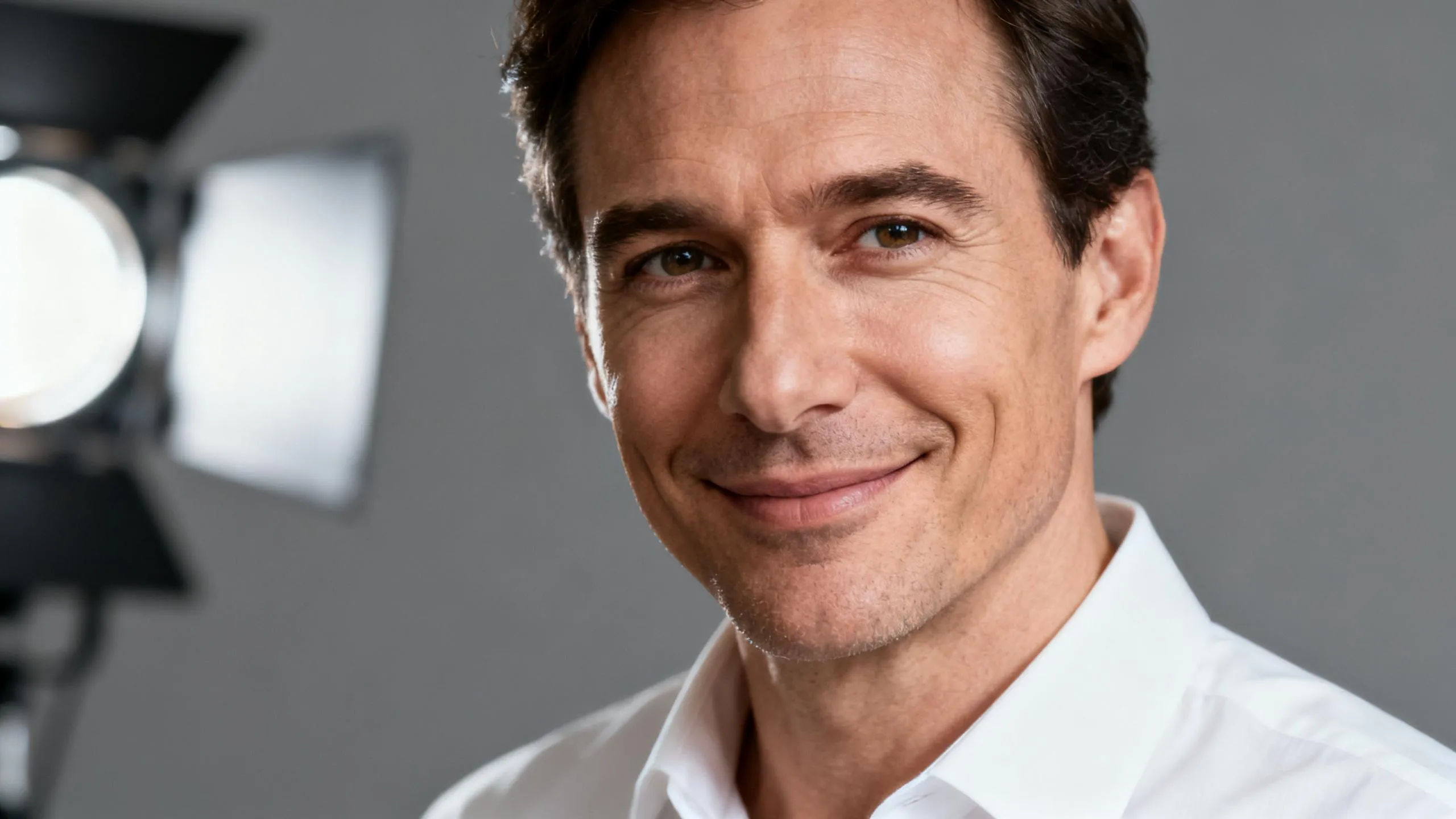
ByteDance

Seedream 5.0
Generate and edit 2K or 3K images with Seedream 5.0 Lite through APIXO using web search, up to 14 inputs, and ten-image sequences.
ImageNew
35 Credits/pic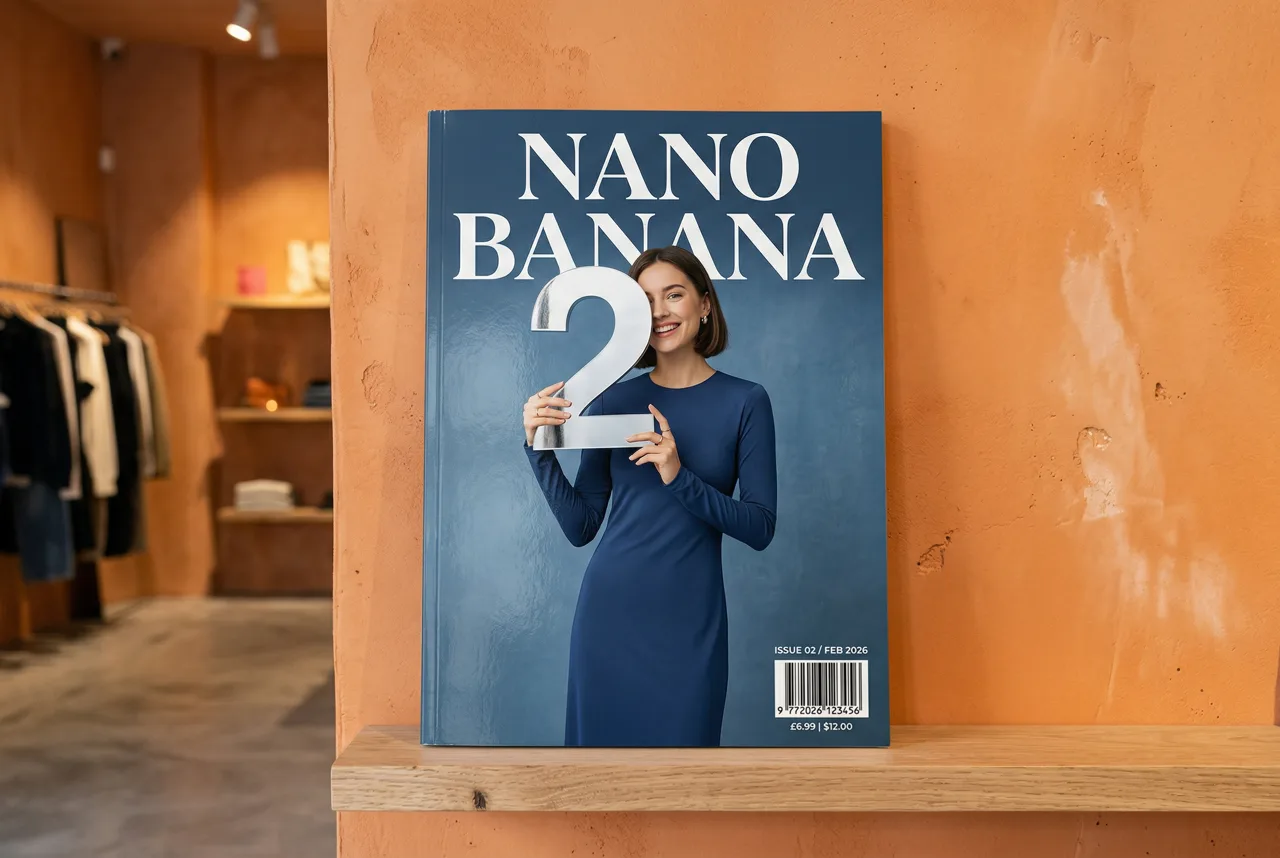
Google

Nano Banana 2
Generate and edit 1K–4K images with Nano Banana 2 on APIXO using 20,000-character prompts, up to 14 image inputs, and flexible ratios.
ImageNew
50 Credits/pic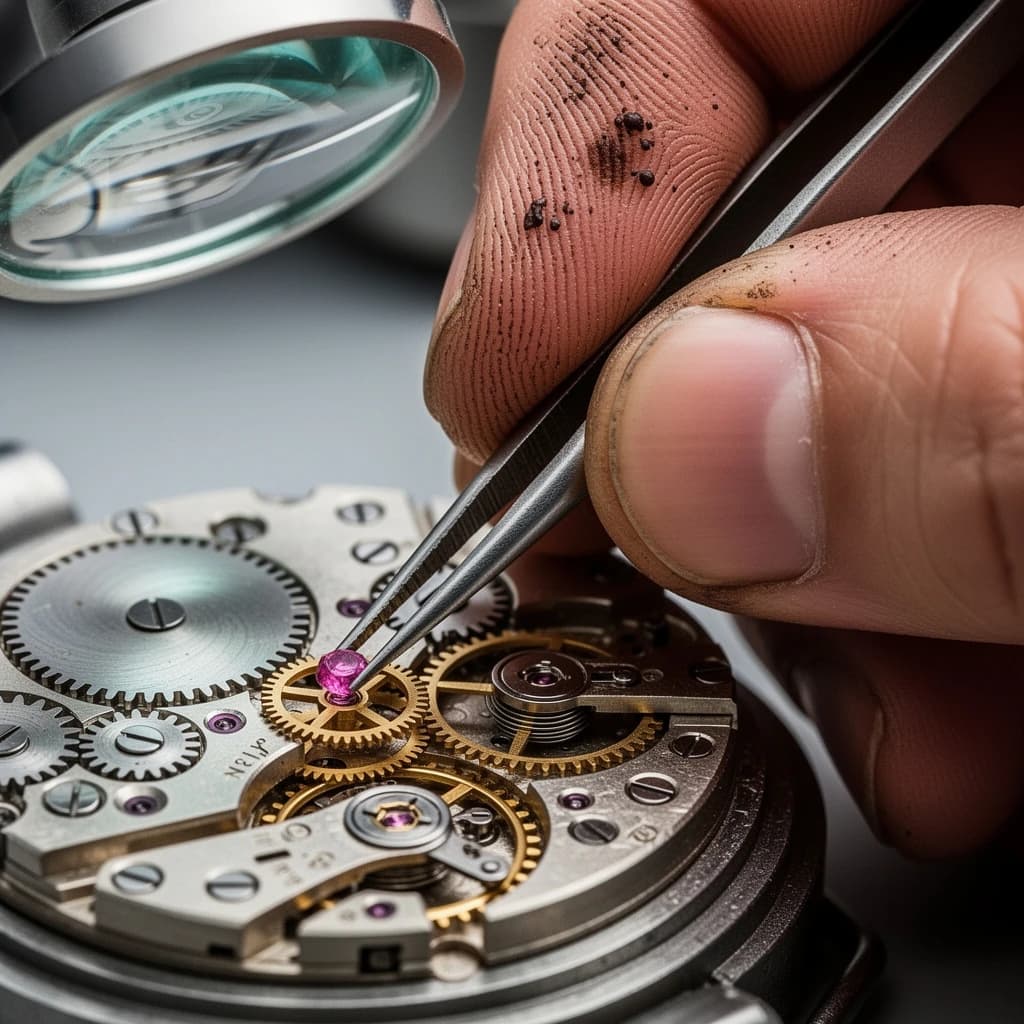
Black Forest Labs

Flux 2
Use FLUX.2 [pro] and [flex] on APIXO for text-to-image generation, multi-reference editing, typography, and consistent 1K or 2K creative assets.
ImageNew
40 Credits/pic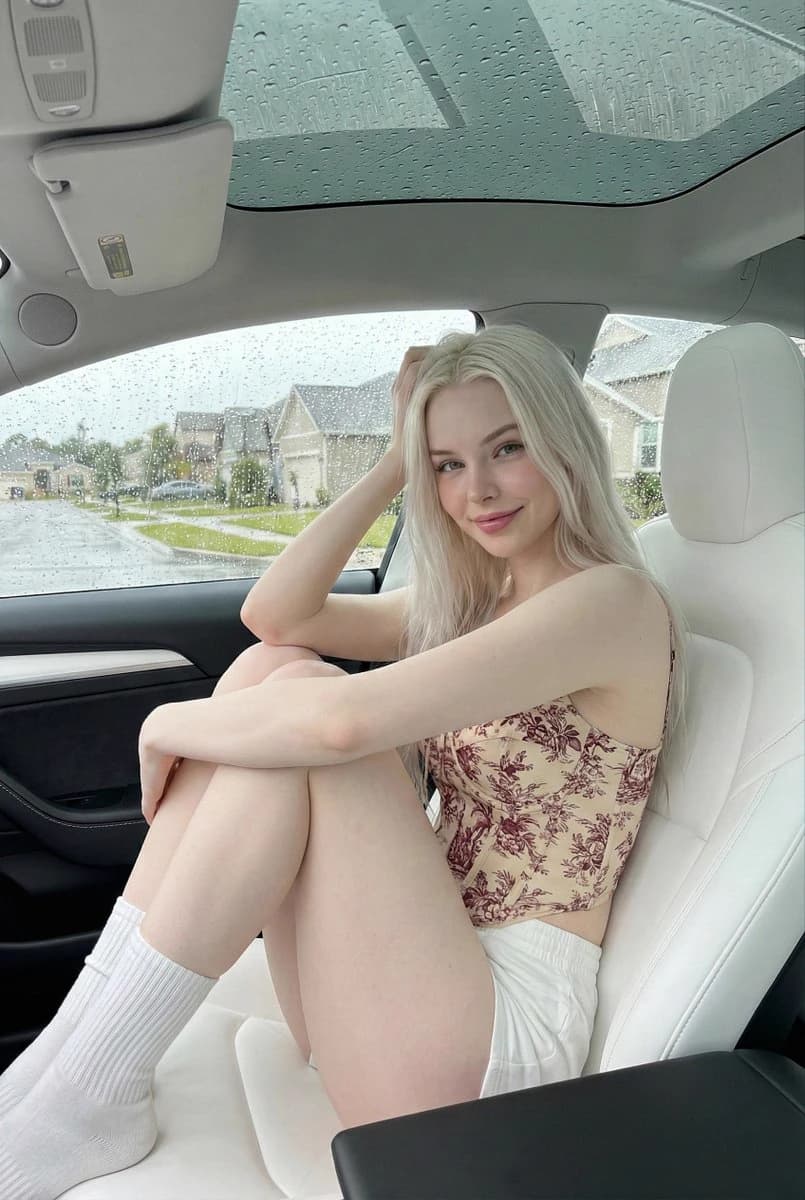
OpenAI

GPT-Image-2
Use OpenAI’s GPT Image 2 API through APIXO for image generation and reference-guided editing with 1K, 2K, 4K, quality, and ratio controls.
ImageNew
30 Credits/pic