APIXO identifies the provider as xAI, and the corresponding standard upstream model is grok-imagine-image, with the official dated alias grok-imagine-image-2026-03-02. This page does not cover Grok Imagine Quality Mode, Grok video models, or Grok language models.


Image GenerationReference EditingxAI API
Grok Image provides xAI’s grok-imagine-image model through APIXO for prompt-based generation and single-reference image transformation. It combines natural-language creative direction with photorealistic and stylized output, while APIXO adds three framing options, six outputs for text-to-image requests, asynchronous delivery, and straightforward per-request pricing.
APIXO Modes
Text-to-image / Image-to-image
APIXO Price
$0.02 / image
APIXO Framing
1:1 / 3:2 / 2:3
Text-to-image Output
6 imagesPer APIXO request
Official Snapshot
Mar 2, 2026
Create with Grok Image
Loading workspace...
Capabilities
Focused controls for fast creative exploration
Prompt-Based Creation
Generate original images by describing the desired subject, environment, composition, lighting, color, and mood. This supports both concise requests and more detailed creative briefs without requiring separate style presets.
Single-Image Guidance
APIXO’s image-to-image mode combines a prompt with one reference image. Use the source to guide a transformation while explaining the new appearance, setting, composition, or creative treatment in natural language.
Photorealistic Scenes
Use prompts to explore photographic, illustrative, abstract, and concept-driven visual directions. Review fine details and production accuracy before publishing.
Broad Style Range
Prompt for illustration, abstract artwork, concept art, polished renders, or photographic treatments. Style, lighting, palette, and atmosphere can be combined in the brief to establish a specific visual direction.
Placement-Ready Framing
APIXO exposes square 1:1, landscape 3:2, and portrait 2:3 aspect ratios. These options cover common product tiles, editorial images, social placements, presentations, and campaign compositions.
Multi-Option Ideation
Each APIXO text-to-image request returns six generated images. Compare different interpretations of one prompt without configuring an output-count parameter or submitting six separate tasks.
API Specifications
Grok Image through APIXO
Verified identity, controls, and delivery behavior for this dedicated endpoint.
Text-to-Image / Image-to-Image
Workflows
1 Image
Reference Limit
1:1 / 3:2 / 2:3
Aspect Ratios
6 Images
Text-to-Image Output
Required
Prompt
Async / Callback
APIXO Delivery
Production Uses
Move quickly from brief to visual options
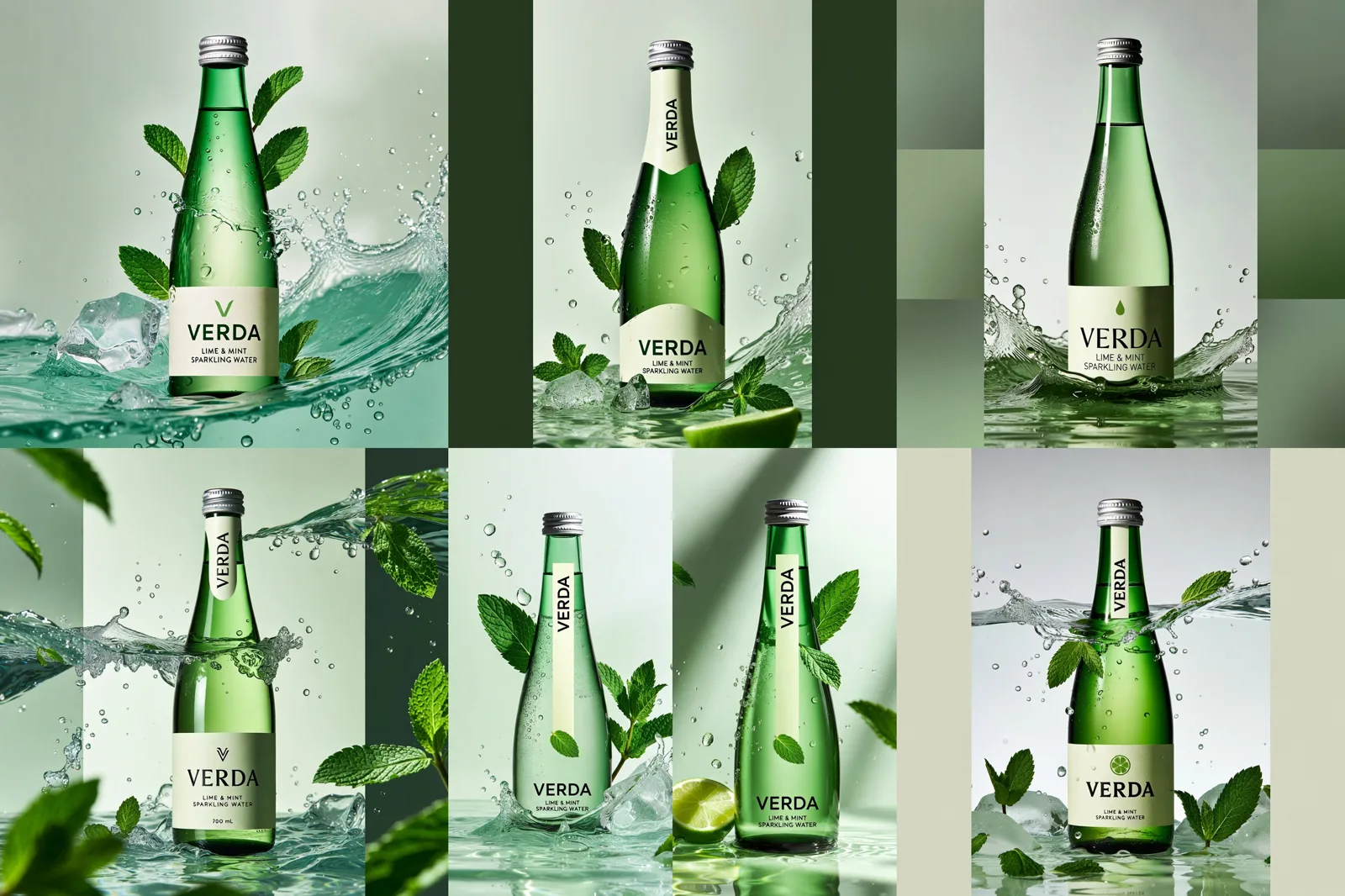
Campaign Ideation
Compare Creative Directions
Turn a campaign brief into six visual interpretations per APIXO text-to-image request. Teams can compare composition, subject treatment, lighting, and atmosphere before investing time in detailed art direction or downstream design.
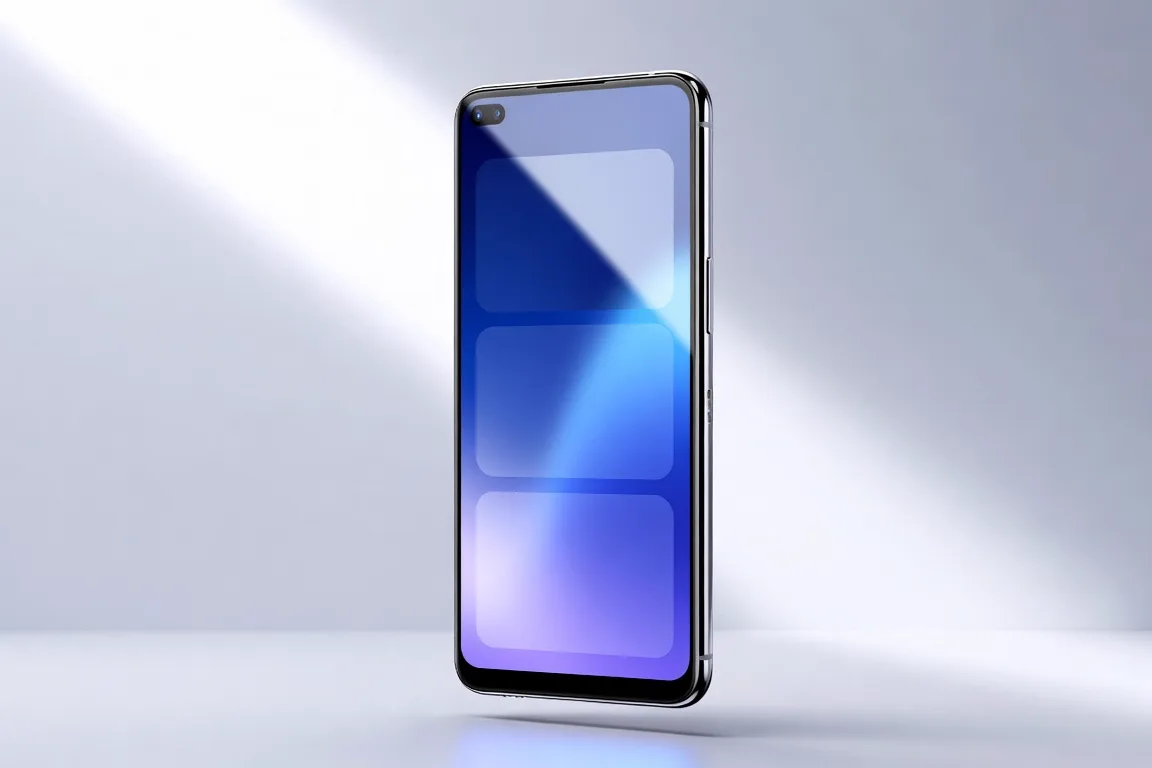
Product Marketing
Product and Lifestyle Concepts
Create product mockups, promotional scenes, landing-page imagery, and lifestyle concepts in square, landscape, or portrait framing. Explicitly describe materials, environment, camera treatment, palette, and intended audience for more useful variations.
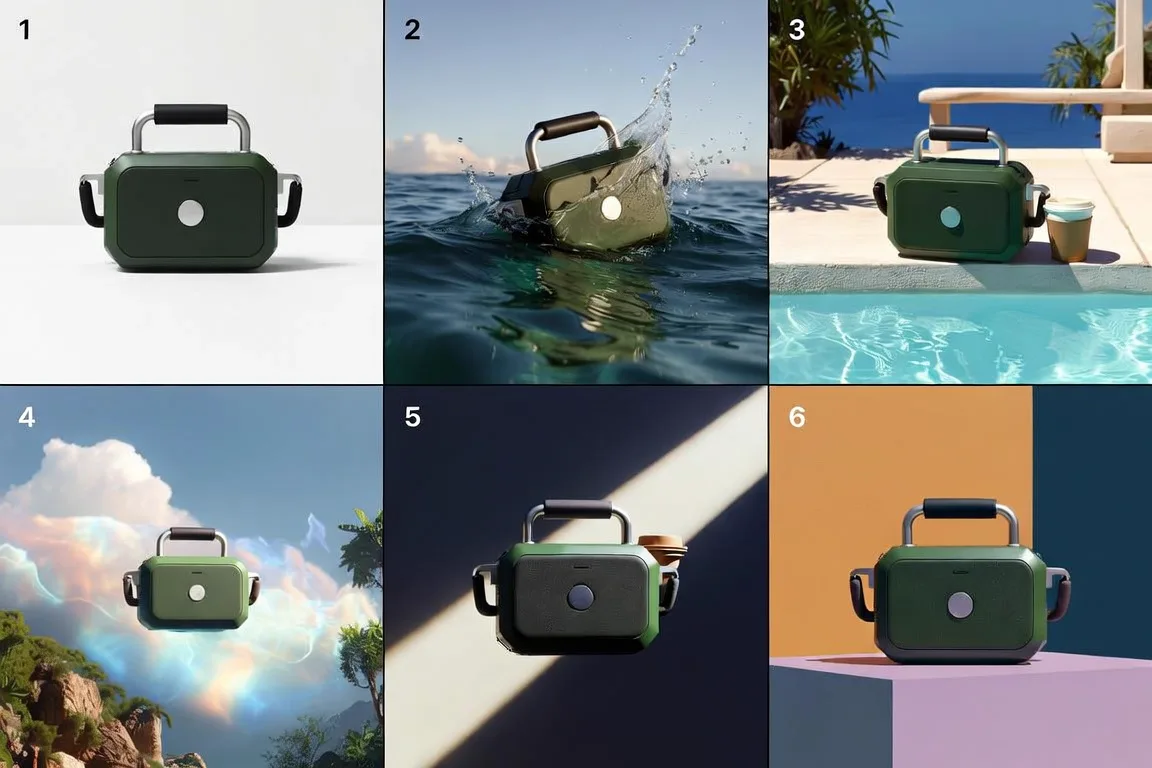
Editorial Design
Illustrations and Story Concepts
Explore stylized editorial images, narrative scenes, abstract artwork, and concept art. Grok Image’s natural-language direction supports varied aesthetics, although critical text and recurring character details should be reviewed before publication.
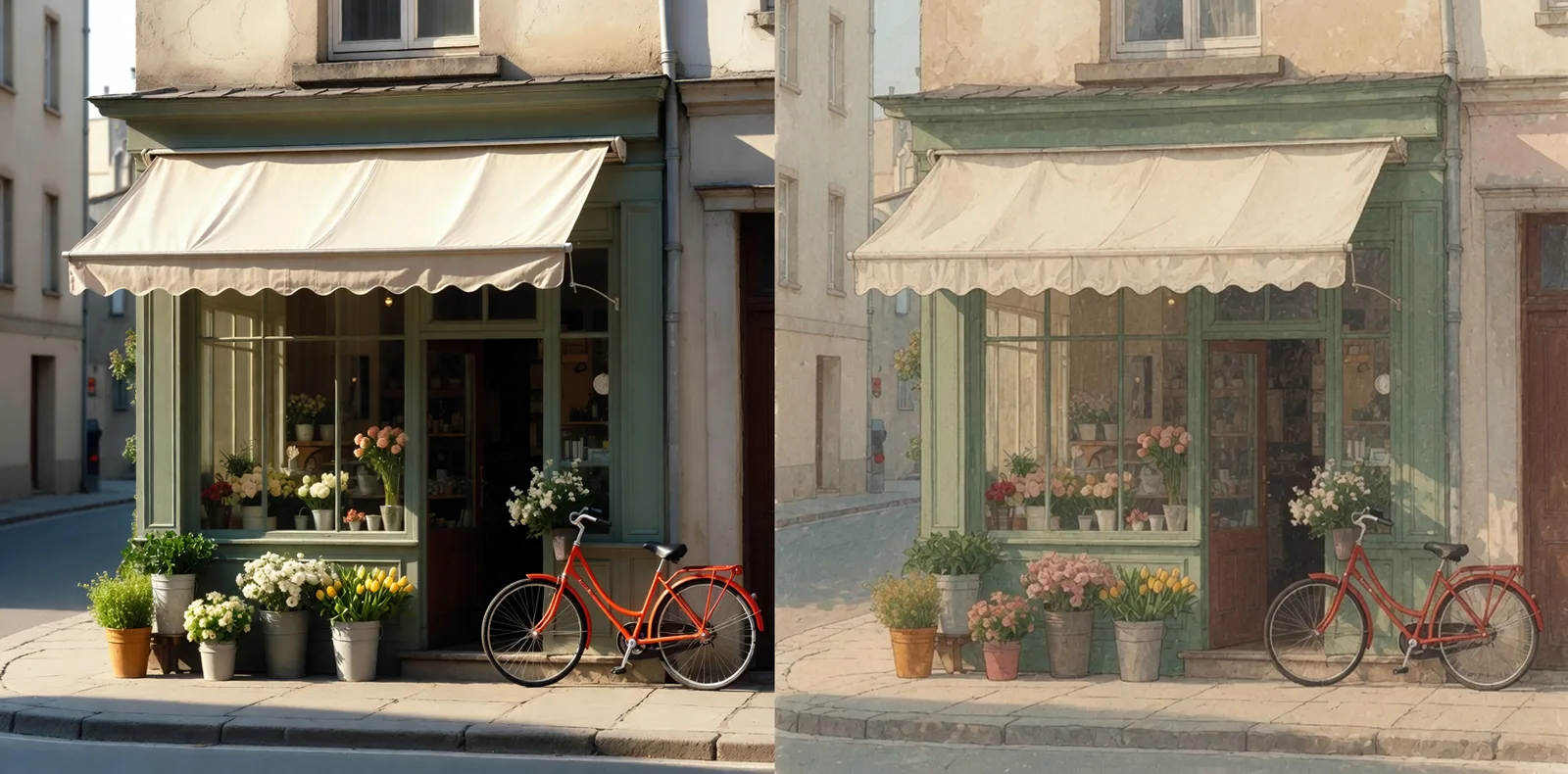
Asset Iteration
Reference-Led Restyling
Use one existing image as the starting point for a new style, mood, environment, or composition. This is suited to directional iteration; APIXO’s public schema does not expose masks or multi-reference compositing on this endpoint.
Integration Notes
Understand the endpoint before production
APIXO constraints
01
A prompt and one of the three supported aspect ratios are required for every request.
02
APIXO text-to-image requests return six images and are billed once per request.
03
APIXO image-to-image mode requires one reference image URL and is also billed per request.
04
The public APIXO schema does not expose masks, seeds, style presets, resolution selection, or output-format controls.
05
APIXO delivers results asynchronously through status polling or a callback to a public HTTPS URL.
06
Prompts, reference images, and generated results remain subject to provider safety, moderation, and access requirements.
Grok Image questions
APIXO exposes an image-to-image workflow that accepts one reference image and a text instruction. It supports reference-guided transformation, but the documented endpoint does not provide a separate mask field, multi-image input, or dedicated region-selection control.
APIXO documents six outputs for text-to-image requests. No output-count control is exposed in its public schema. APIXO does not publicly specify the same six-image behavior for image-to-image requests, so that output quantity should not be assumed.
Not through the publicly documented APIXO controls for grok-image. The endpoint exposes mode, prompt, aspect ratio, delivery type, and a conditional reference-image field, but no resolution or output-format selector.
Check embedded text, anatomy, object relationships, brand details, and consistency across independently generated images. Character continuity and exact typography are not documented guarantees for this endpoint and may require prompt refinement or downstream editing.
Explore Other Models
Discover more AI models for your next creative workflow
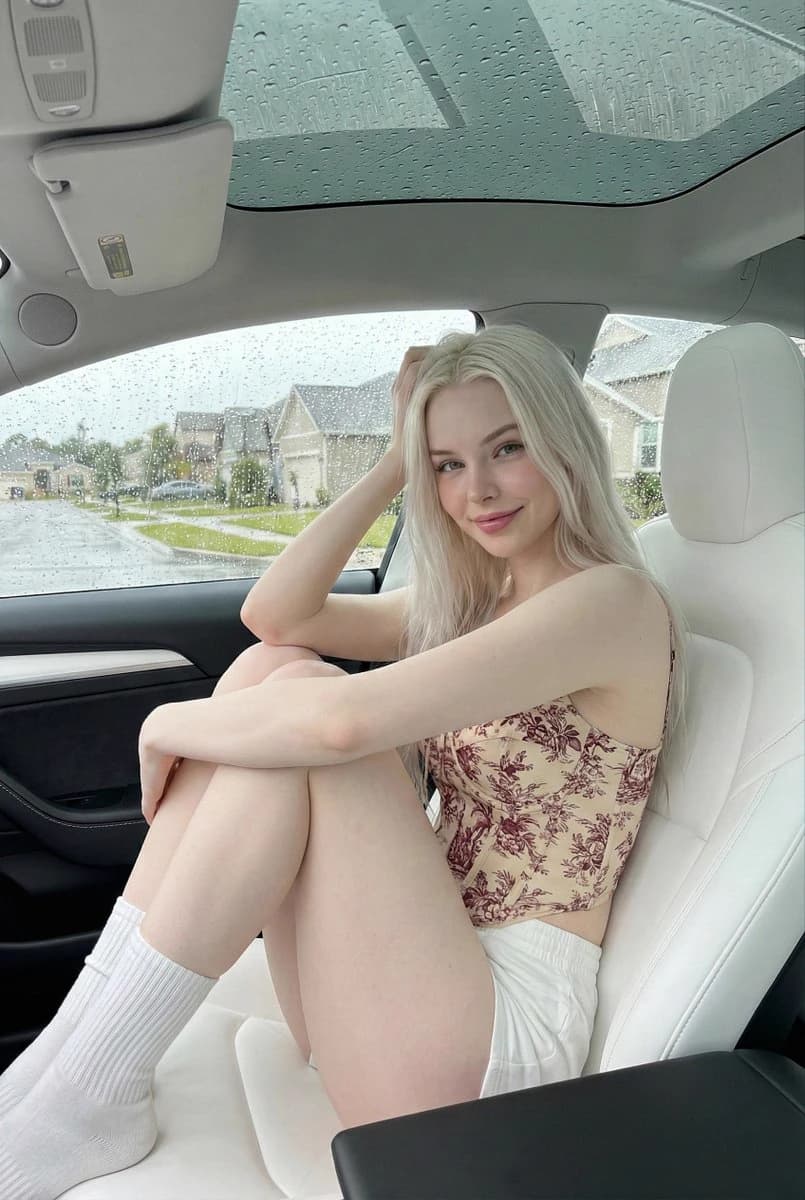
OpenAI


GPT-Image-2
GPT-Image-2 is available on APIXO for Image. The model page brings examples, creation controls, pricing, and results into one focused workspace.
ImageNew
$0.03/pic Image
Image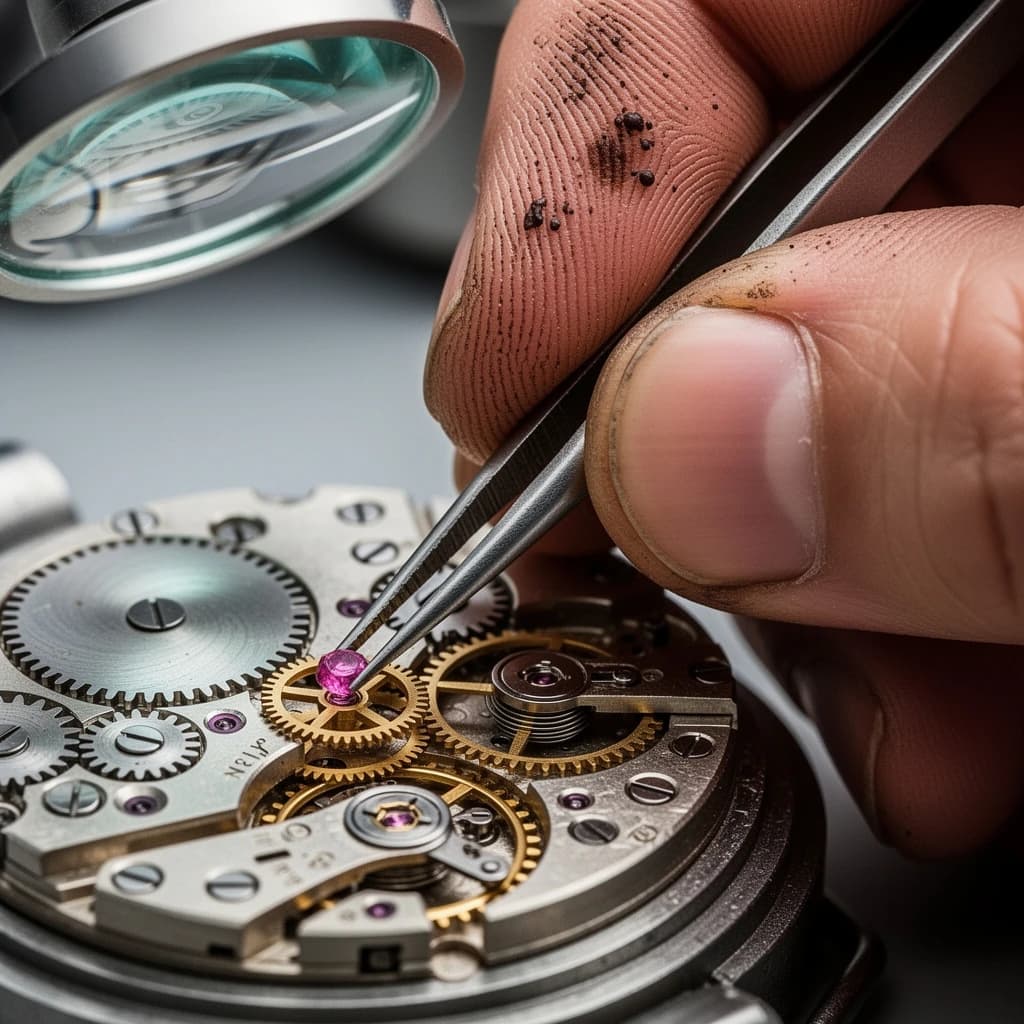
Black Forest Labs


Flux 2
Flux 2 is available on APIXO for Image. The model page brings examples, creation controls, pricing, and results into one focused workspace.
ImageNew
$0.04/pic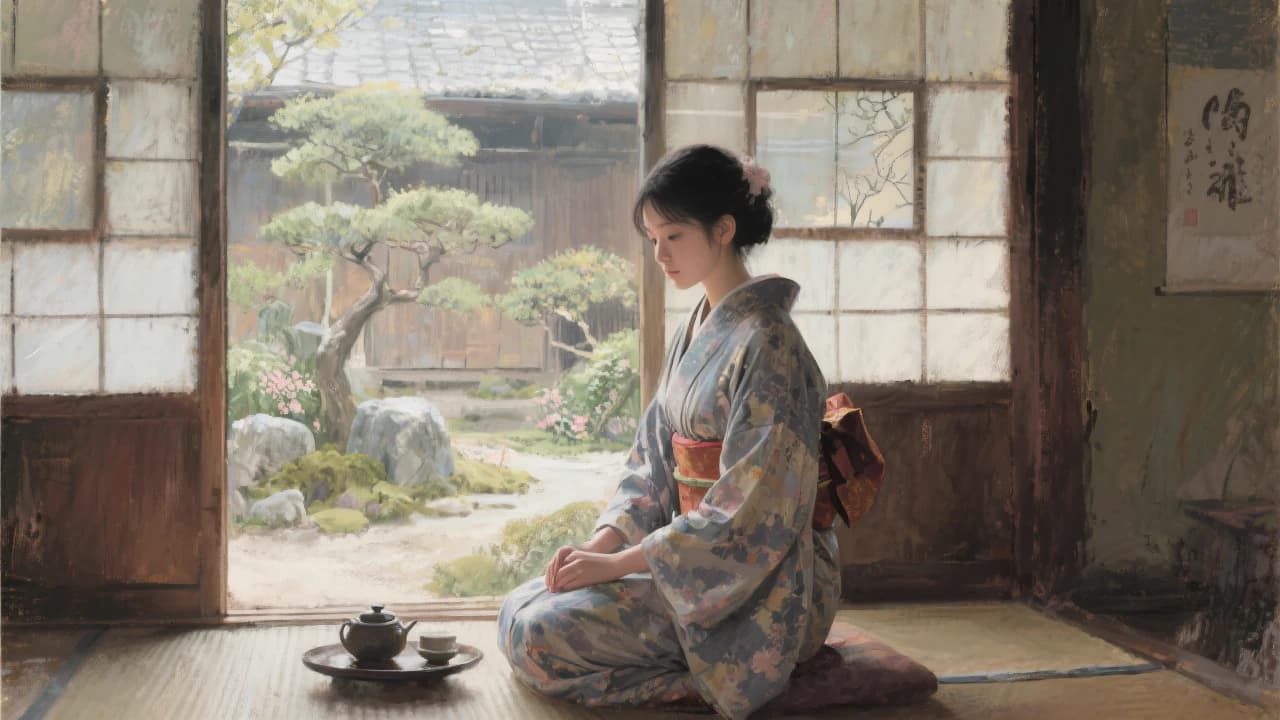
Black Forest Labs
Flux Kontext
Flux Kontext is available on APIXO for Image. The model page brings examples, creation controls, pricing, and results into one focused workspace.
Image
$0.04/pic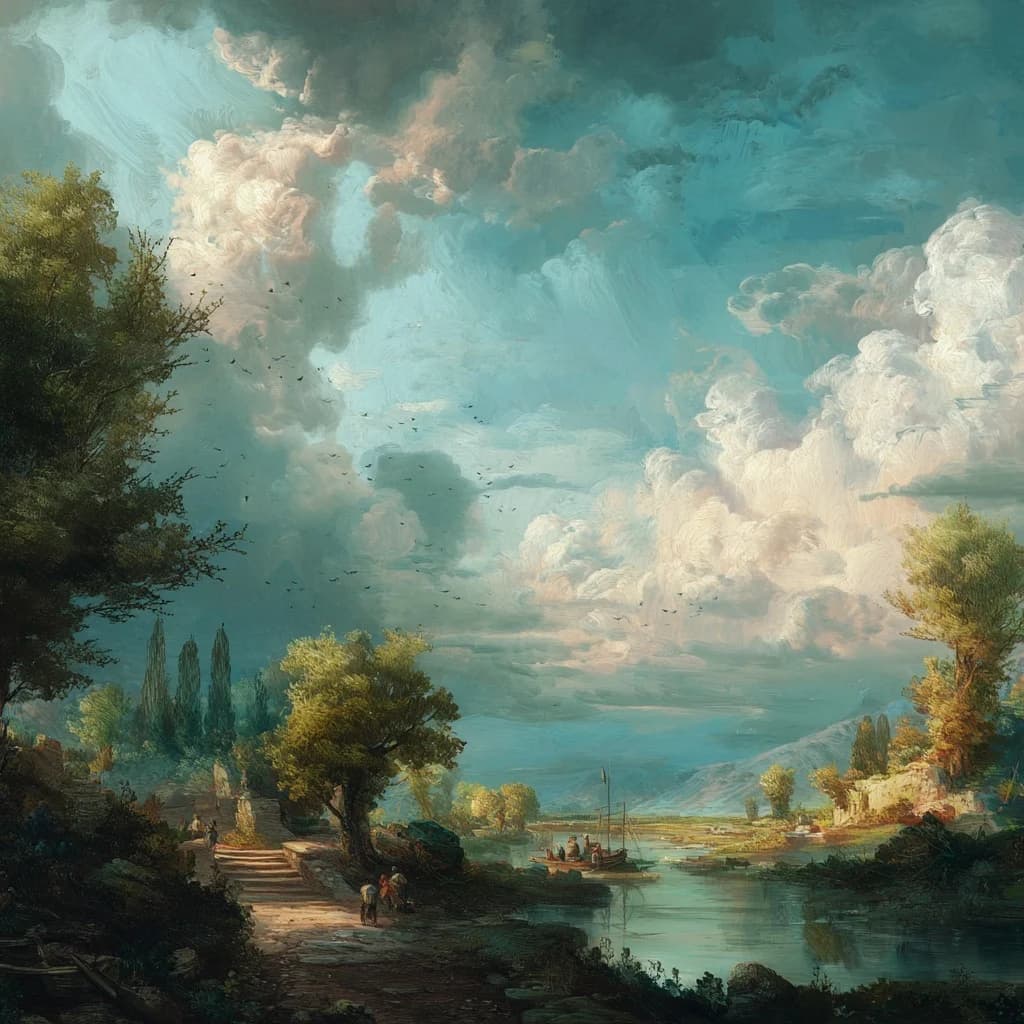
Midjourney

Midjourney
Midjourney is available on APIXO for Image. The model page brings examples, creation controls, pricing, and results into one focused workspace.
Image
$0.1/request
ByteDance

Seedream 5.0
Seedream 5.0 is available on APIXO for Image. The model page brings examples, creation controls, pricing, and results into one focused workspace.
ImageNew
$0.035/pic