The route is multi-version rather than fixed to one checkpoint. APIXO exposes V8.1, V7, V6.1, V6, Niji 7, and Niji 6. V8.1 was released on April 30, 2026 and became Midjourney’s upstream default on June 10, 2026.


Image GenerationReference GuidedImage Editing
Midjourney through APIXO is a multi-version image-generation route centered on the current V8.1 model. It supports prompt-based creation, image guidance, dedicated image editing, compatible character, style, and object references, plus follow-up Vary and Upscale actions for production-oriented visual exploration.
APIXO Versions
V8.1 / V7 / V6.1 / V6 / Niji
Price
From $0.10 / UseDraft to Turbo
V8.1 HD
2K
Output
4 Variations
V8.1 Released
Apr 30, 2026
Create with Midjourney
Loading workspace...
Capabilities
Creative Direction Beyond a Single Text Prompt
V8.1 Prompt Interpretation
Midjourney V8.1 improves prompt reading and retention of small visual details compared with earlier versions. This benefits scenes containing specific materials, lighting relationships, accessories, background elements, and carefully described compositions.
Native 2K HD
APIXO exposes V8.1’s HD option for text-to-image and image-to-image generation. It creates a higher-resolution 2K result directly rather than requiring the separate Upscale action used for selected grid outputs.
Faster V8.1 Rendering
Midjourney reports that standard V8.1 jobs render approximately four to five times faster than earlier versions. Actual APIXO completion time still varies with the selected mode, output settings, and provider conditions.
Style References
Compatible versions can use Style References to transfer visual qualities such as color, medium, texture, lighting, and overall treatment. Style weight adjusts influence without treating the reference as a source-object copy.
Version-Specific References
APIXO exposes character, style, and object reference fields on compatible versions. Character Reference behavior belongs to earlier Midjourney versions, while V7 uses Omni-style subject guidance. V8.1 does not natively support either subject-reference system, so reference availability must be matched to the selected version.
Aesthetic Range Controls
Adjust stylization, variety, weirdness, and supported experimental behavior to move between literal prompt interpretation and more exploratory results. Negative prompting can reduce unwanted concepts in text-to-image and image-to-image workflows.
Workflows
Generate New Directions or Refine an Existing Result
Prompt and Reference Generation
Use text-to-image for prompt-led creation or image-to-image for general visual guidance. Compatible versions can add image prompts, Style References, character references, or one object reference, while aspect ratio and aesthetic controls shape the new four-image result.
Create
Editing and Result Actions
Image-edit accepts one source image and a prompt for dedicated modification. Vary and Upscale instead require a successful prior APIXO task and a selected image index, keeping follow-up work tied to one result from the original four-image grid.
Refine
Specifications
Midjourney Options Available on APIXO
Version compatibility determines which references and controls can be combined.
V8.1 / 7 / 6.1 / 6 / Niji 7 / Niji 6
Versions
Text / Image / Edit
Creation Modes
Vary / Upscale
Result Actions
11 Presets
Aspect Ratios
Draft / Fast / Turbo
Speed Options
2K
V8.1 HD
Use Cases
Production Workflows for Midjourney on APIXO
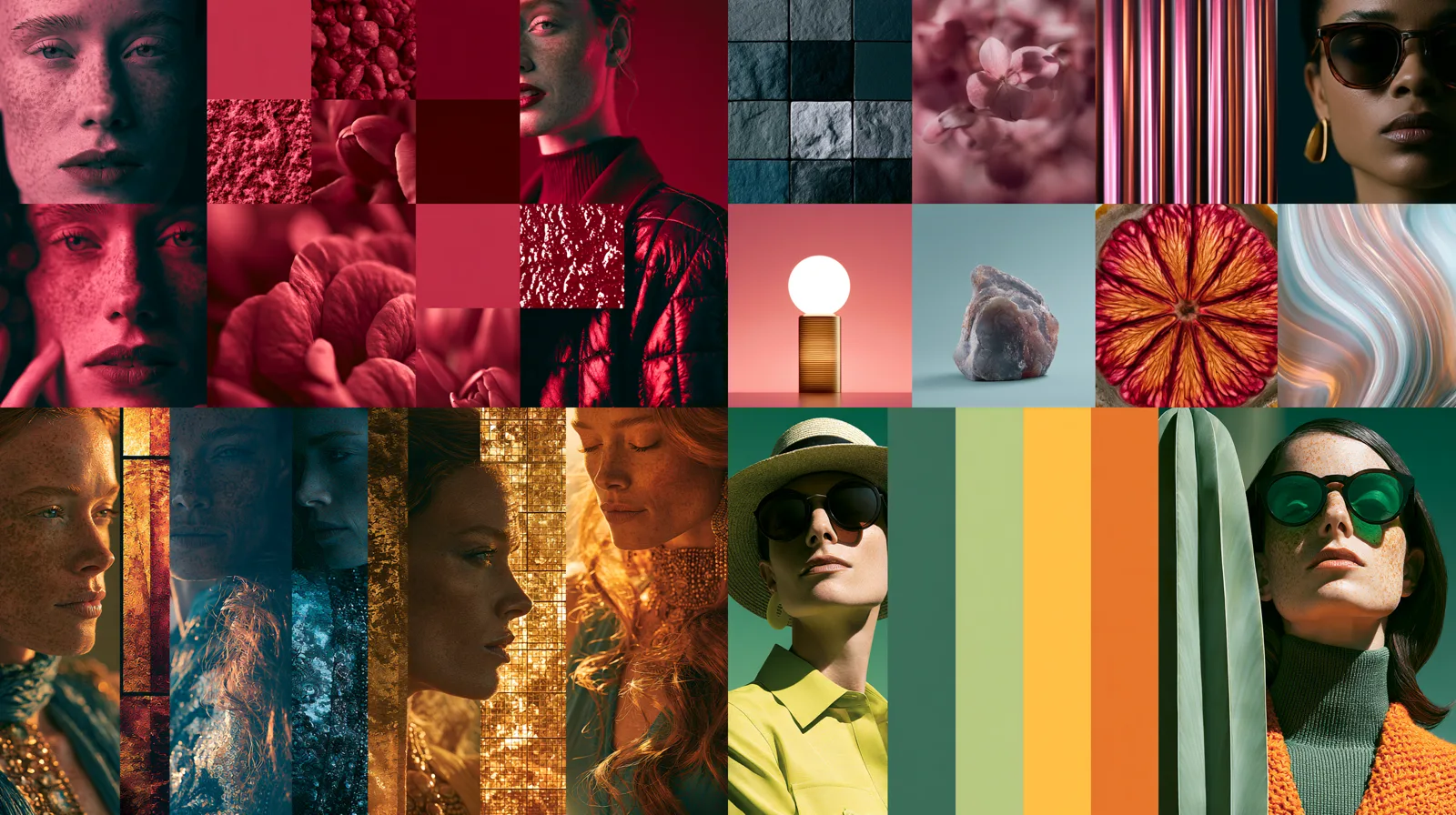
Campaign Development
Visual Direction Boards
Explore four interpretations of a campaign brief in each initial generation. Style References and adjustable stylization help creative teams compare photographic, illustrative, editorial, and surreal directions before choosing a visual language for further production.
Brand Exploration
Cohesive Content Series
Reuse an approved Style Reference across related concepts to guide palette, texture, lighting, and medium. This supports visually connected campaign assets while leaving room for different subjects and compositions across the series.
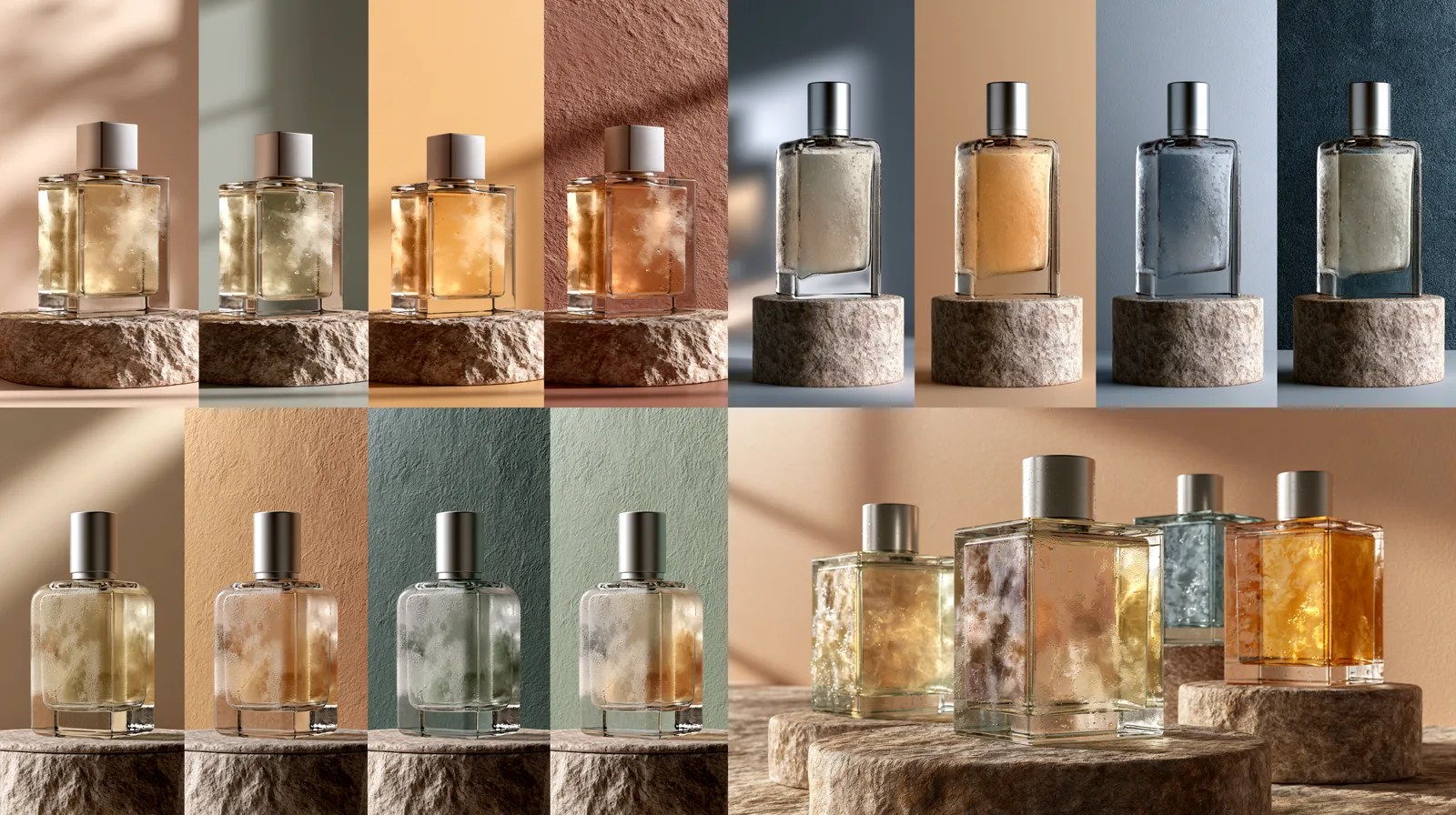
Product Concepts
Art-Directed Product Scenes
Combine a product or object reference with a descriptive environment, composition, and lighting brief to explore advertising concepts. Final geometry, packaging text, logos, and regulated product details still require comparison with approved source assets.
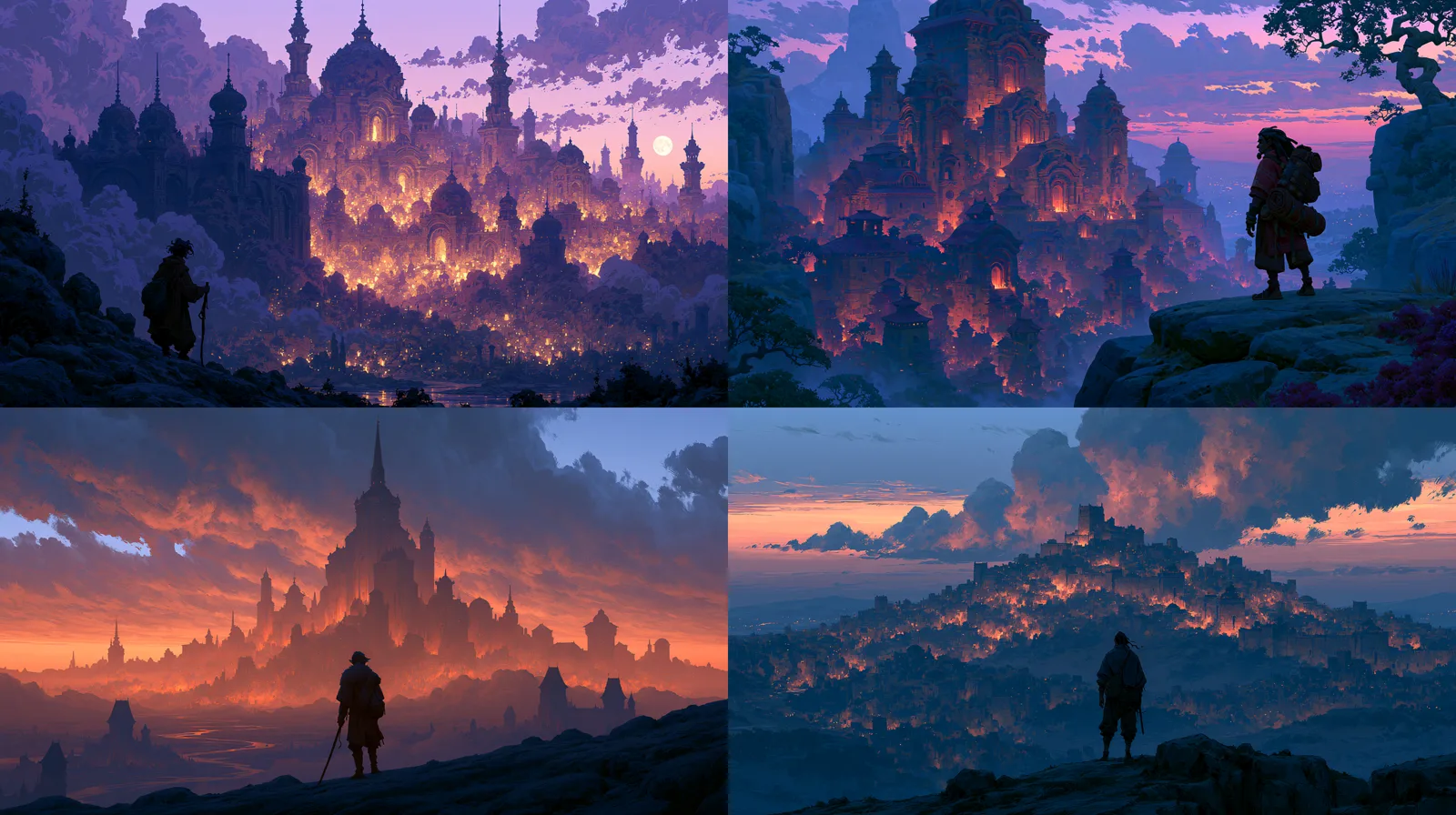
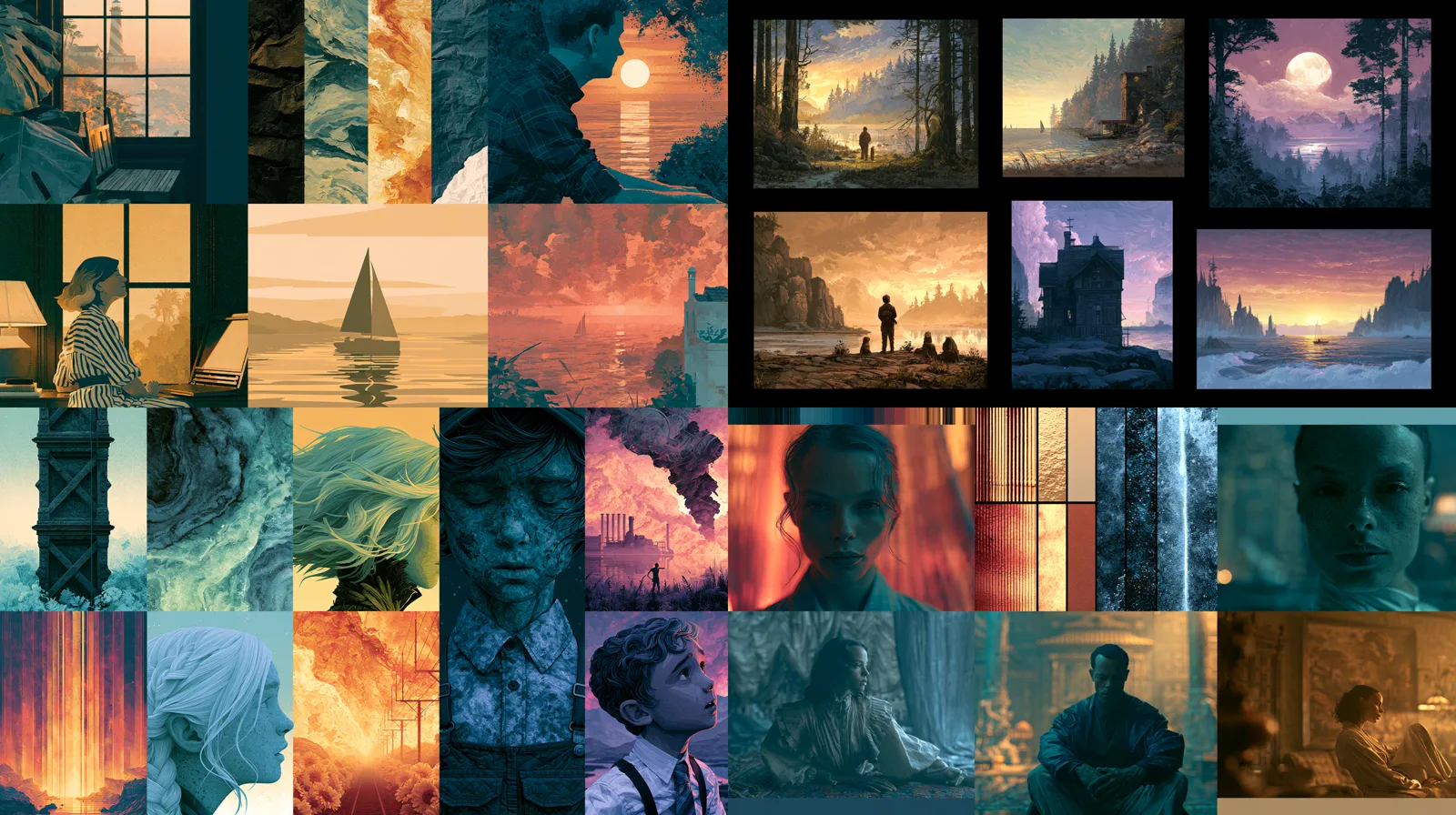
Illustration
Editorial and Narrative Artwork
Use Midjourney or a compatible Niji version to explore covers, key art, character concepts, environments, and editorial illustrations. Version selection keeps general visual generation separate from Niji’s anime- and illustration-oriented model family.
Notes & FAQ
Midjourney Version and Workflow Guidance
Important Notes
01
APIXO’s route exposes multiple Midjourney versions; V8.1 is the current upstream default, not the only selectable model.
02
V8.1 does not natively support Character Reference or Omni Reference. Character, object, and style-reference availability depends on the selected Midjourney version.
03
Image-edit requires exactly one source image and should not be described as mask-based inpainting or outpainting.
04
APIXO reports typical generation times of 30–60 seconds, but completion time can vary with mode, output, and provider conditions.
05
References guide a generation rather than guaranteeing exact identity, typography, object geometry, or deterministic reproduction.
06
APIXO does not publicly expose transparent backgrounds, vector files, layers, pan, zoom-out, or standalone mask controls on this route.
Frequently Asked Questions
A new text-to-image, image-to-image, or image-edit use returns four variations. Vary and Upscale operate on one selected image from a prior successful task and are billed as separate follow-up uses.
Text and image generation cost $0.10 in Draft, $0.20 in Fast, $0.30 for V8.1 HD Fast, or $0.40 in Turbo. Image-edit costs $0.30 in Fast or $0.60 in Turbo; Vary and Upscale each cost $0.30 per use.
No. APIXO exposes Draft, Fast, and Turbo as route-level options, but not every speed is compatible with every version. Midjourney currently does not support Turbo generation with V8.1. Select only combinations supported by the chosen version.
Short Latin-alphabet text can be prompted by placing the requested wording in double quotation marks, but exact spelling and layout are not guaranteed. Logos, packaging, identity-sensitive subjects, hands, and commercial claims should receive human review before publication.
Explore Other Models
Discover more AI models for your next creative workflow
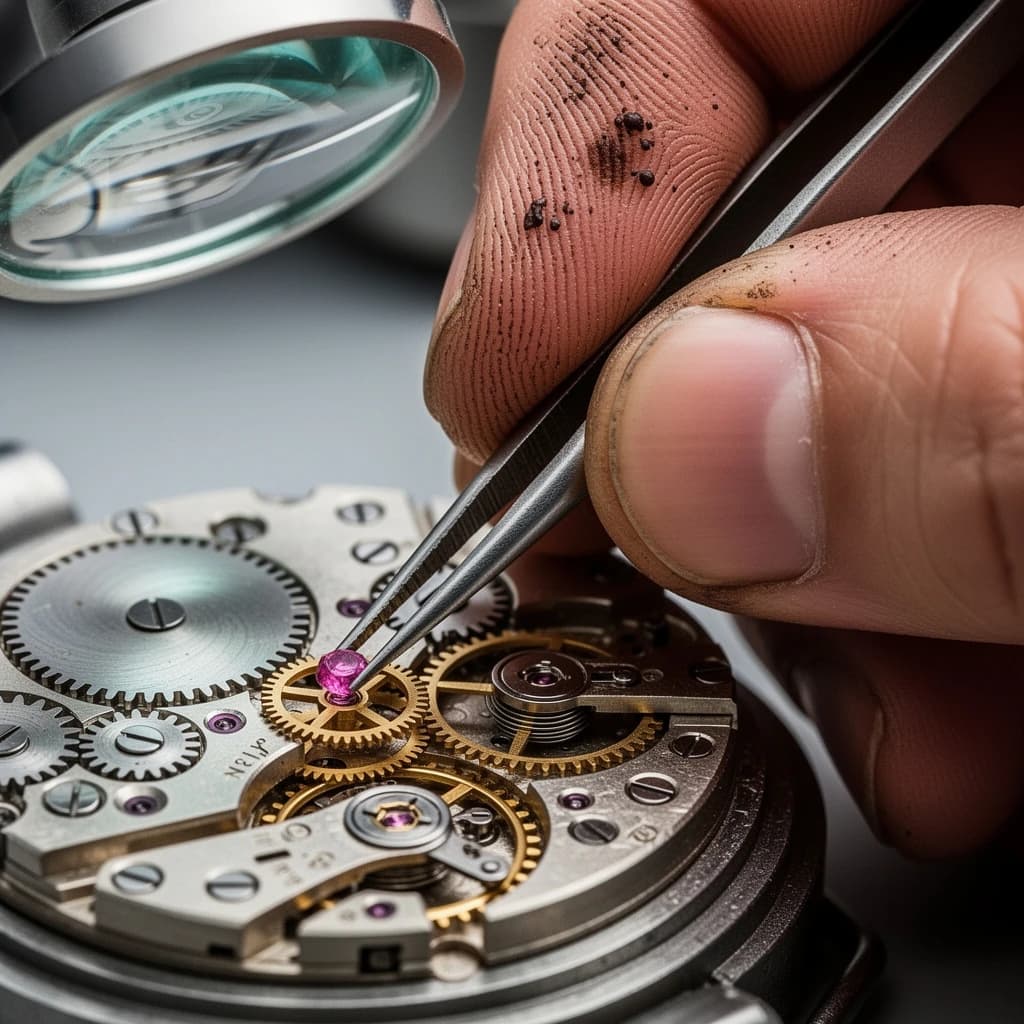
Black Forest Labs


Flux 2
Flux 2 is available on APIXO for Image. The model page brings examples, creation controls, pricing, and results into one focused workspace.
ImageNew
$0.04/pic Image
Image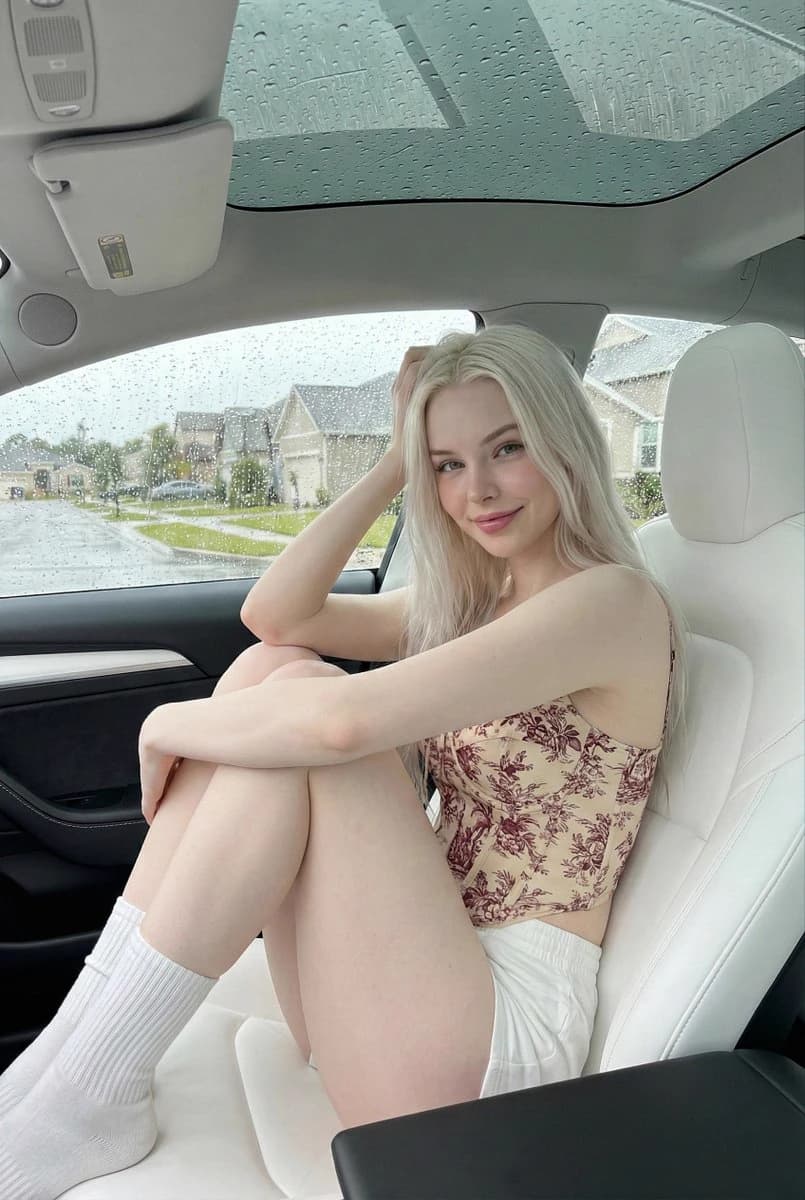
OpenAI


GPT-Image-2
GPT-Image-2 is available on APIXO for Image. The model page brings examples, creation controls, pricing, and results into one focused workspace.
ImageNew
$0.03/pic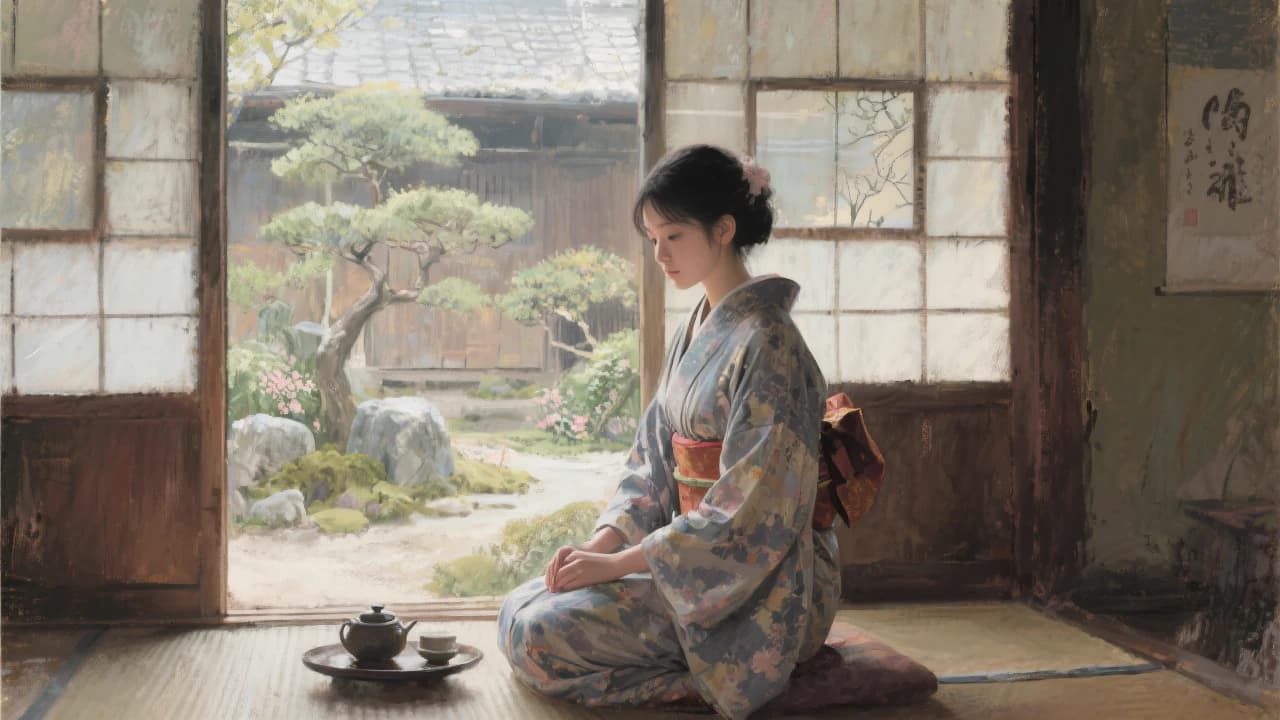
Black Forest Labs
Flux Kontext
Flux Kontext is available on APIXO for Image. The model page brings examples, creation controls, pricing, and results into one focused workspace.
Image
$0.04/pic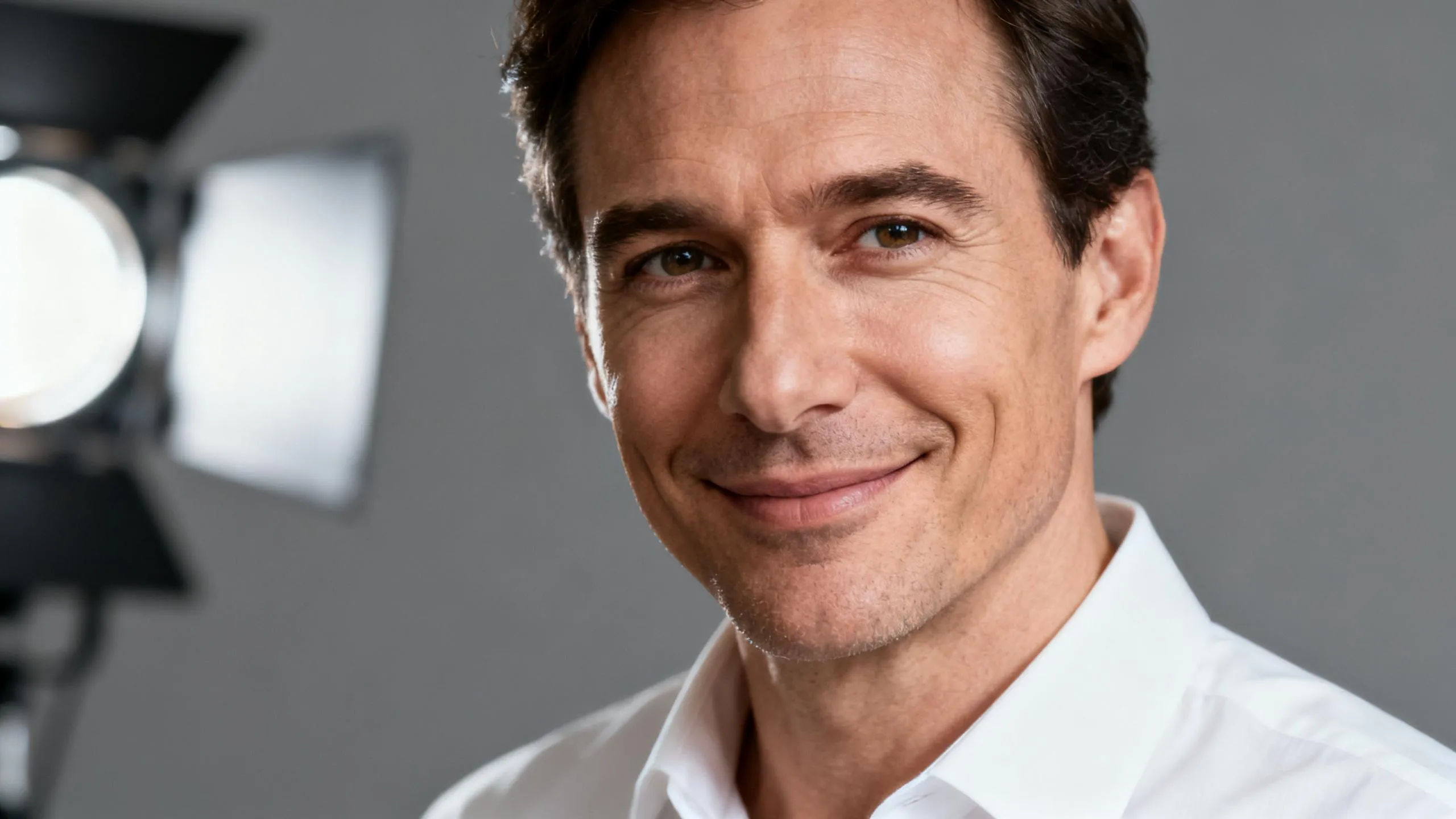
ByteDance

Seedream 5.0
Seedream 5.0 is available on APIXO for Image. The model page brings examples, creation controls, pricing, and results into one focused workspace.
ImageNew
$0.035/pic
Google

Nano Banana
Nano Banana is available on APIXO for Image. The model page brings examples, creation controls, pricing, and results into one focused workspace.
Image
$0.03/pic