

Choose among the available cards for holiday photos, greeting cards, posters, profile pictures and short videos. Each card opens a dedicated page with the inputs and settings for that task.
Black Friday: Up to 66% off most AI models.
Explore the dealsChristmas AI brings together templates for holiday photos, greeting cards, posters, profile pictures and short festive videos. Pick the result you want, then open its page to upload your own photo or write your own message.
Turn a photo into a holiday portrait, design a greeting card or party poster, or make a festive profile picture. Put the people, setting, colors and any words you need into your brief.

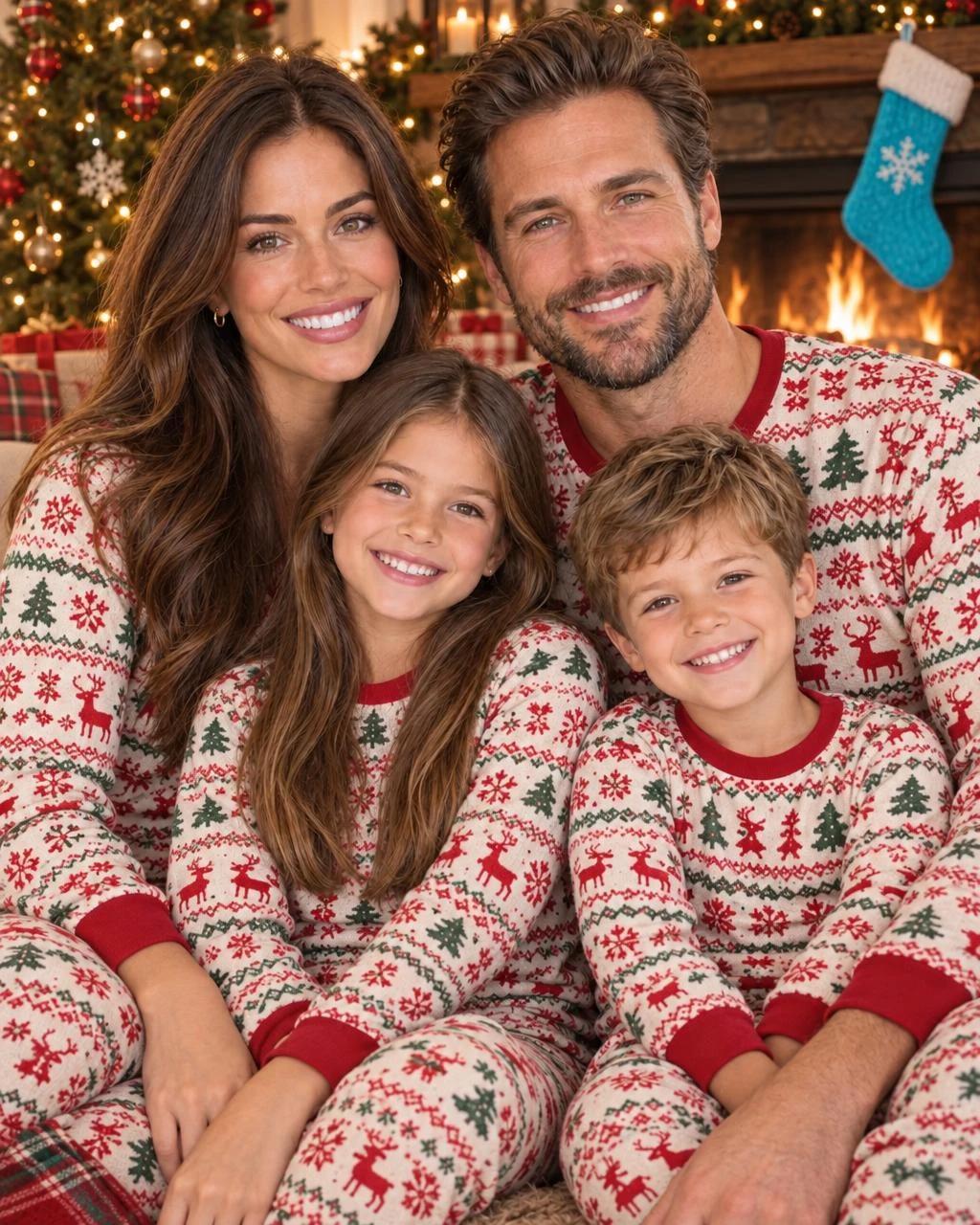
Upload a photo of yourself, your family or your pet and turn it into a Christmas picture in a vintage, 80s, 90s or candy cane style.
Try it now →
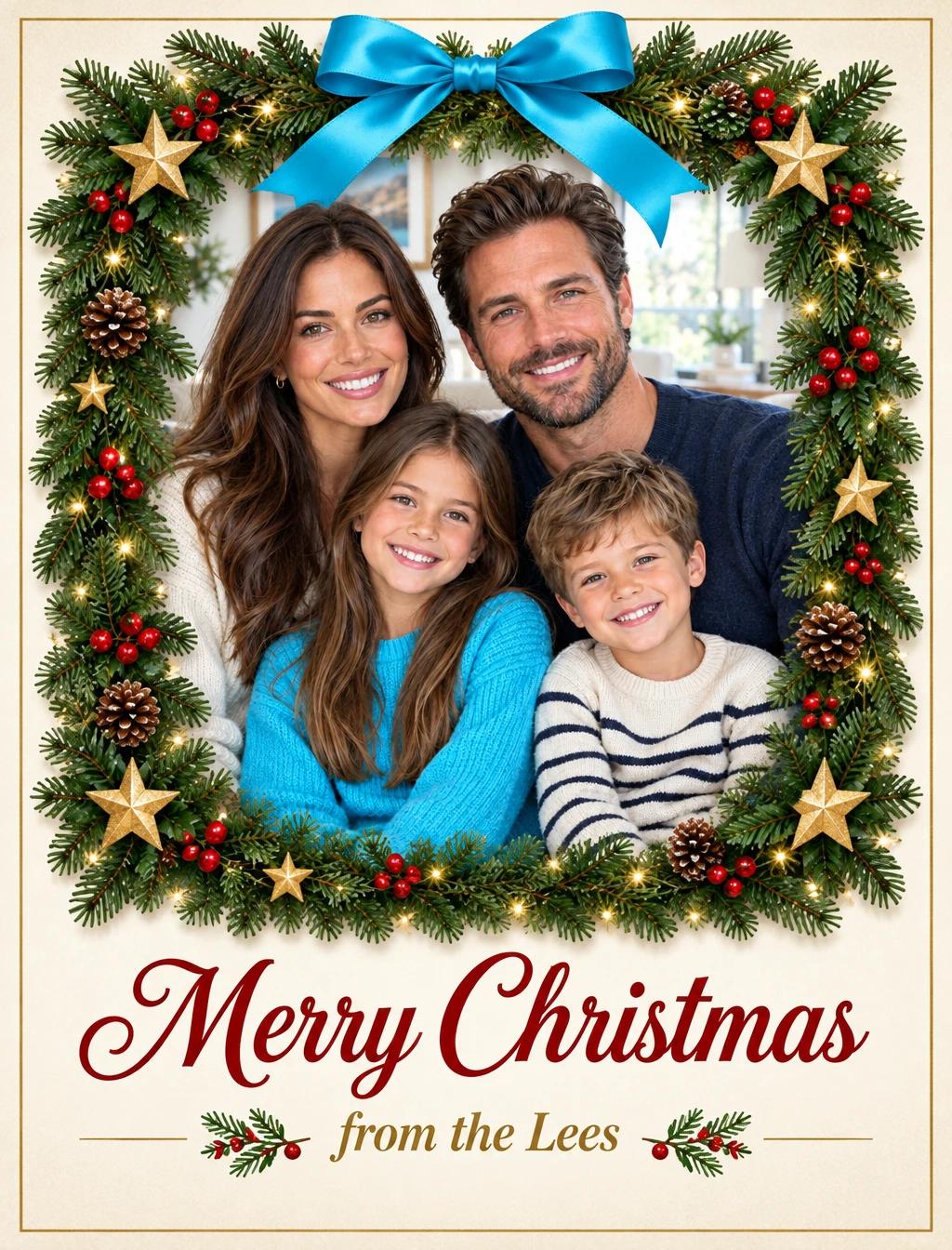
Write who the card is for, a short greeting and a style, and add a family or pet photo if you like, to get a Christmas card front.
Try it now →
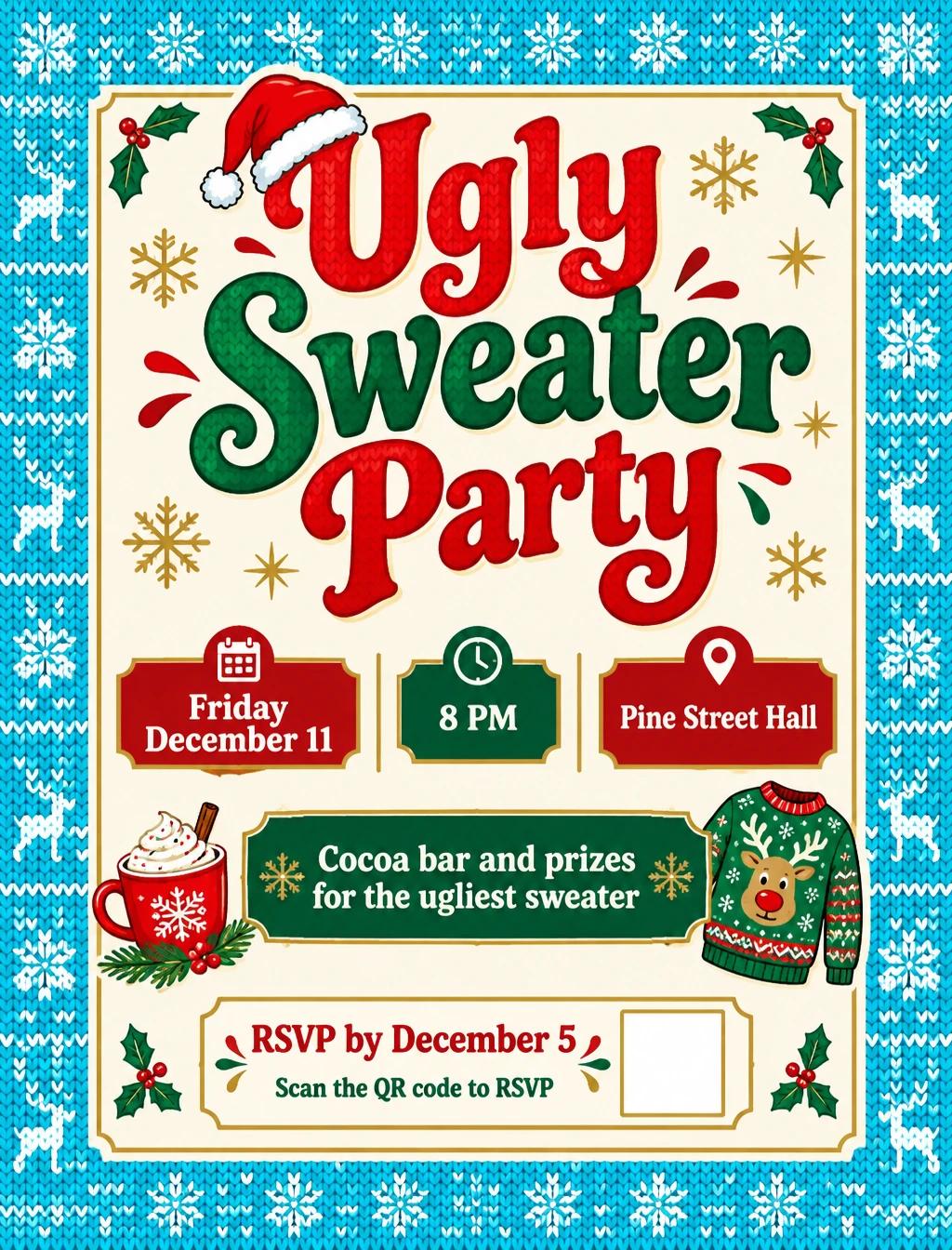
Create a Christmas poster from your party, sale, school or church event details. Describe a classic, cozy, vintage or minimal style.
Try it now →
Turn a selfie or pet photo into a square Christmas profile picture with a Santa hat, sweater and snow, or a cartoon or 3D holiday avatar.
Try it now →Make a short festive clip or a Santa message for children from a photo or a written scene. Watch the full clip and check faces, hands and any lettering before you share it.
Upload a photo of your family, kids or pet and turn it into a Christmas clip: snow, fireplace, gifts, tree or a pajama dance.
Try it now →Upload your child's photo, add their name and a message, and Santa says it to them by the fireplace in his workshop.
Try it now →Have a portrait or a pet photo? Open a photo or profile picture template and upload a clear, well-lit image. Have a greeting or party details? Start with a card or a poster. Each page lists the inputs it needs before you generate.
Decide on the mood before you write: a cozy fireplace scene, a snowy street at night, a vintage card look or bright candy cane colors. Naming a specific setting, palette and era gives you a result that fits your family album, feed or event.
Christmas AI is a set of ready-made starting points for seasonal pictures and clips. A photo template starts from a portrait or a pet picture, a card or poster starts from your greeting and event details, and a video template starts from a photo or a short description of the scene.
December requests tend to repeat: a family portrait with a snowy background, a card to send to relatives, an invitation for an office party, a festive profile picture and a short clip for social media. Each card below covers one of these jobs, so you only fill in the details that make the result yours.
Turn a photo into a holiday portrait, design a greeting card or party poster, or make a festive profile picture. Put the people, setting, colors and any words you need into your brief.
Make a short festive clip or a Santa message for children from a photo or a written scene. Watch the full clip and check faces, hands and any lettering before you share it.
Choose the photos you want to use and write the names and greeting first. Use the same palette across a card, a profile picture and a short clip so your holiday message looks consistent.
Collect the event name, date, place and offer before opening the poster template. Check every word in the result and leave space for details you plan to add after downloading.
Pick the card that matches the result you want and read its input guidance. Open the template that fits the photo or text you have prepared.
Upload the requested picture or type your greeting on the template page. Review the settings and the displayed estimate, then submit your generation.
Check the whole image or watch the complete clip, including faces and small text. Adjust your input if needed and download the version you want to send or post.
Keep one clear goal in each brief, and compare the result with the photo and details you supplied before sharing it.
Choose among the available cards for holiday photos, greeting cards, posters, profile pictures and short videos. Each card opens a dedicated page with the inputs and settings for that task.
Open a photo or profile picture template and upload a clear image where faces are fully visible, then describe the setting or style you want. Check the complete result, including faces and hands, before sharing.
Yes. Type the exact names and message you want on the card page and keep the wording short. Read every letter in the result and generate again if any word needs fixing.
Use the Santa video template to write a short, friendly message with the child’s name and a detail from their year. Watch the full clip before sharing it with your family.
Choose a template above and bring your own photo, greeting or event details to the next page.
Try it now