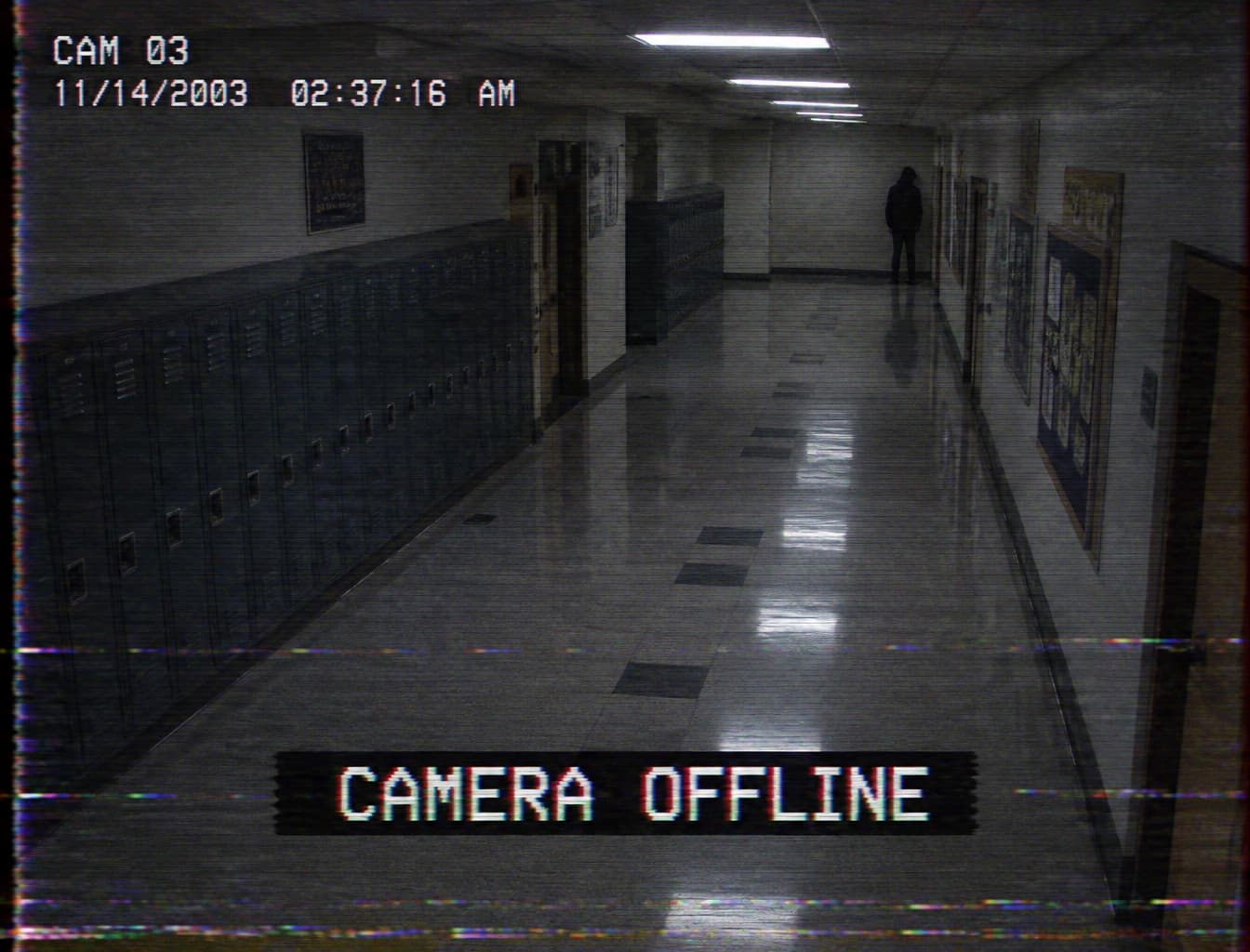

It generates static images from your scene description or your own reference photo. Choose a VHS, surveillance or fictional broadcast look for the frame.


Analog Horror AI Generator creates still images with damaged-tape textures, fictional broadcast screens and eerie surveillance detail. Describe your scene and screen text, or switch to image-to-image to transform your own photo.
Examples
Ask for a worn home videotape, a security camera capture or a fictional emergency broadcast. Match the lighting, framing and texture to that medium so the atmosphere comes from the whole scene.
Write a short message such as PLEASE STAND BY and describe where it belongs. Review every letter after generation and simplify the wording if distortion makes it hard to read.
Switch to image-to-image and upload your own corridor, living room or stage photo. State which objects should remain recognizable and where the strange detail should appear.
Analog horror builds unease from familiar recording formats: worn videotapes, late-night broadcasts and low-detail security cameras. A quiet room, an unexplained figure or a cheerful set left empty can carry the story while scan lines and color bleed suggest an old recording.
For Halloween 2026, Buddy connects the orange unicorn mascot and retro children’s television with horror. That combination offers a seasonal starting point for original broadcast sets and mascot scenes; give your own character a distinct silhouette, costume and expression.
Explore Halloween AI templatesUse soft detail, tracking bands and faded color to suggest a frame recovered from an aging tape.
Combine sparse warning typography, a simple symbol and a short invented station message for your story.
Request a fixed high camera angle, flat light and an anomaly at the edge of the frame.
Create a faded children’s studio, empty puppet stage or original mascot set with a quietly uncanny mood.
Develop a storyboard still that establishes the recording source, location and clue before you plan motion or sound separately.
Make a story illustration, screening background or thumbnail. Keep the main subject clear enough to recognize when the image is displayed small.
Enter your scene, recording medium and exact screen text. For a photo transformation, choose image-to-image and upload your own image.
Choose an available aspect ratio, resolution and quality. Review the credit estimate in the workbench, then submit your image generation.
Inspect the entire image, especially letters, perspective and the unsettling detail. Adjust your description and regenerate as needed, then download the still for your project.
Name one recording medium so the image has a coherent visual source.
Place one clear anomaly in an otherwise ordinary scene.
Keep screen messages short and check their spelling at full size.
Describe where tape damage belongs so the main subject remains readable.
It generates static images from your scene description or your own reference photo. Choose a VHS, surveillance or fictional broadcast look for the frame.
Yes, switch to image-to-image and upload your photo. Describe the atmosphere to add and the subjects or layout you want to preserve.
Put the exact phrase in quotation marks and describe its placement. Check the generated lettering and request a cleaner background or shorter message if needed.
Ask for restrained noise, a visible focal subject and tape damage near the edges. Compare the full image with a thumbnail before choosing your final result.
Describe the frame you found, add its screen message and create an image for your Halloween story.
Try it now