





APIXOAPIXO

Create

AI Video
AI Image
AI Audio

Library

GenerationsAssets

Explore

ModelsAI ToolsPricing
APIXOAPIXO
APIXO
APIXO

Create any content you can imagine. Trusted by millions of creators.

Support@apixo.ai

Models

Claude Sonnet 4.6
Face Swap
Flux 2
FLUX 3
Flux Kontext
Gemini 3.1 Pro Preview
Gemini Omni
GPT-5.5
GPT-Image-1
GPT-Image-2
GPT-Image-2.5
Grok Image
Grok Imagine Video 1.5
Grok Video
Hailuo 2.3
Hailuo 2.3 Fast
HappyHorse
Head Swap
Image Upscaler
Image Watermark Remover
InfiniteTalk
Kling 2.1
Kling 2.5 Turbo Pro
Kling 2.6
Kling 3.0 Omni
Kling 3.0 Std
Kling 3.0 Turbo
LTX-2 19B
Midjourney
MiniMax H3
MiniMax H3 LoRA
MiniMax Image 01
MiniMax Speech 2.8
MiniMax Voice
Nano Banana
Nano Banana 2
Nano Banana Pro
Qwen Image 3.0
Qwen Image 3.0 Pro
Seedance 1.5 Pro
Seedance 2.0
Seedance 2.0 Fast
Seedance 2.0 Mini
Seedance 2.5
Seedream 4.5
Seedream 5.0
Seedream 5.0 Pro
Sora 2
Sora 2 Pro
Suno V6
Veo 3.1
Video Upscaler
Video Watermark Remover
Vidu Q3
Wan 2.2 Animate
Wan 2.5
Wan 2.5 Image
Wan 2.6
Wan 2.6 Image
Wan 2.7
Wan 2.7 Image
Wan 3.0 Video
Wan 3.0 Video LoRA
Wan 3.0 Video Pro LoRA
Z-Image LoRA
Z-Image LoRA Pro

Product

FeaturedImage ModelsVideo ModelsAudio ModelsText Models

Resources

AffiliateCompany InformationTerms of ServicePrivacy PolicyRefund PolicyShipping / Digital Delivery Policy

Other

PricingAPI Docs

© 2026 APIXO. All rights reserved.

MODEL AVAILABILITY, PRICING, AND ROUTING CAN VARY BY PROVIDER AND REGION.

CreateGenerationsAssets
  1. Home
  2. Image Tools
  3. Unblur Image

AI Image Unblurrer

When camera shake, a moving subject or missed focus ruins a shot, AI Image Unblurrer brings back sharper edges and readable detail. Everything else in the frame, from the people to the background, is kept as it was.

  • Image Upscaler
  • Image Enhancer
  • Unblur Image
  • Denoise Image
  • Face Swap
  • Camera Angle Changer
  • Image Relight
  • Background Changer
  • Watermark Remover
  • Object Remover
  • All Tools
Unblur Image
Why use it

Rescue the shot that came out blurry

Motion and shake blur

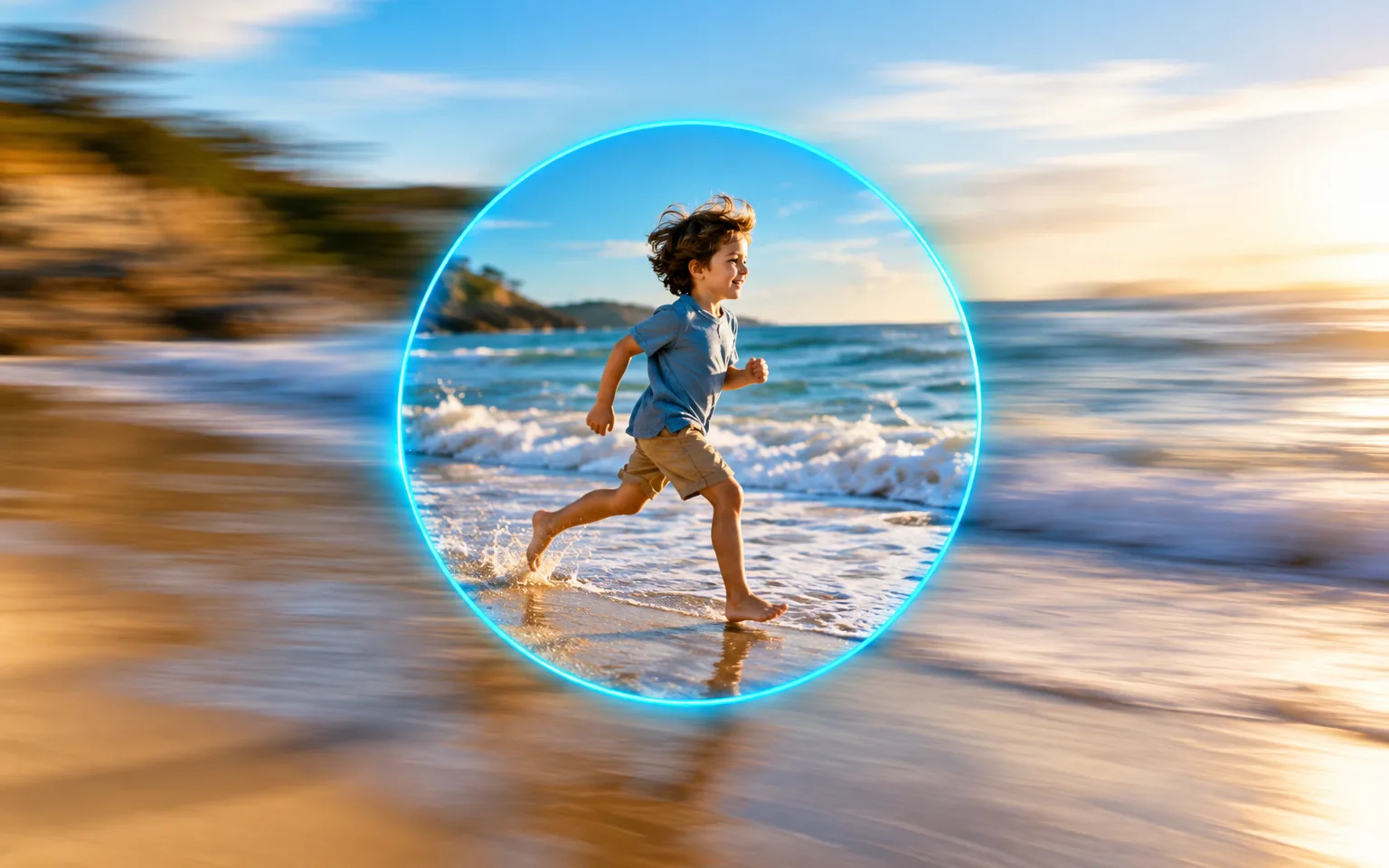
Reduce the smear left by a moving hand, a running child or a pet that would not sit still. Doubled outlines and directional streaks are pulled back toward a single, clean edge instead of simply being made more contrasty.

Try it now

Missed focus

Bring back definition when the camera locked onto the background instead of the person in front of it. The AI Image Unblurrer rebuilds the soft contours of the intended subject so the eye knows where to look again.

Try it now

Content stays the same

People, objects and composition are kept as they are; only the quality improves.

Try it now

Intentional blur can stay

A softly blurred backdrop from a portrait lens is part of the picture, not a mistake. Mention it in the details box and the fix can concentrate on the subject while the background keeps its depth and separation.

Try it now
Capabilities

Blur that AI Image Unblurrer can fix

Sharpen blurry faces

Recover eyes, lashes, hair and jawlines in portraits that came out soft, so the face reads clearly at normal viewing size.

Fix action shots

Clean up pets, kids and sports photos where the subject moved faster than the shutter could freeze it.

Readable text and labels

Make signs, menus and product labels easier to read when the letters are soft but their shapes are still visible.

Low-light handheld shots

Improve indoor and evening photos that blurred because a slow shutter recorded every small movement of your hands.

Whiteboards and slides

Tidy a quick handheld snapshot of a whiteboard, slide or poster so the writing and diagrams are easier to follow.

Stills from your own videos

Reduce the motion softness typical of a frame grabbed from a clip, where each frame was exposed for smooth movement rather than crisp detail.

For photos you cannot take again
Who it is for

For photos you cannot take again

Families

Save once-only moments that came out a little blurry, such as a first step, blowing out candles or a hug at the airport.

E-commerce sellers

Fix soft product shots without a reshoot when the item has already been shipped, returned or sold out.

Social media creators

Rescue candid shots before posting, especially spontaneous ones that never happen the same way twice.

Event photographers

Recover near-miss frames from fast-moving events such as a first dance, a goal celebration or a speech full of gestures.

Models

Models behind this tool

  • OpenAI logoGPT-Image-2.5OpenAI
  • OpenAI logoGPT-Image-2OpenAI
  • ByteDance logoSeedream 5.0 ProByteDance
  • ByteDance logoSeedream 5.0ByteDance
  • ByteDance logoSeedream 4.5ByteDance
  • Google logoNano Banana ProGoogle
  • Google logoNano Banana 2Google
  • Google logoNano BananaGoogle
  • Alibaba logoQwen Image 3.0 ProAlibaba
  • Alibaba logoQwen Image 3.0Alibaba
  • Black Forest Labs logoFlux 2Black Forest Labs
  • Black Forest Labs logoFlux KontextBlack Forest Labs
  • Midjourney logoMidjourneyMidjourney
  • MiniMax logoMiniMax Image 01MiniMax
  • Alibaba logoWan 2.6 ImageAlibaba
  • Alibaba logoWan 2.5 ImageAlibaba
  • xAI logoGrok ImagexAI
How it works

Sharpen a blurry shot in AI Image Unblurrer

Try it now
01

Upload your photo

Add the blurry photo you want to fix.

02

Add details if you like

Optionally say what to focus on, or leave the box empty.

03

Generate and download

Start the task and download the sharper photo.

Tips & FAQ

Get better results

Tips

01

Mild blur recovers best; a photo where the subject is unrecognizable cannot be fully restored.

02

Upload the original file, not a screenshot or a resized copy; every extra round of compression hides the edge information the fix depends on.

03

Use the details box to say what matters most, such as the face or the text on a sign.

04

Inspect fine repeating detail such as brickwork, fabric weave or strands of hair at full size, because reconstructed texture can look plausible while being partly invented.

05

From a burst of similar shots, pick the frame with the shortest streaks; a cleaner starting point beats a better pose that is badly smeared.

Frequently Asked Questions

It works best on mild to moderate blur. When a face or a line of text is completely smeared, the missing detail has to be reconstructed rather than recovered, so check those areas before relying on them. Haze from a smudged lens or fog is a different problem, because it lowers contrast across the whole frame instead of smearing individual edges.

Yes. It treats both the streaks of a moving camera or subject and the general softness of missed focus. Heavy streaking may still leave some softness behind, so start from the least blurry frame you have. Curved trails left when the camera rotated during a long exposure are the hardest case and usually improve only partly.

Choose by how visible the problem is. Image Sharpener refines frames that are nearly in focus and only need crisper edges and texture. This tool is meant for obvious blur, such as doubled outlines from shake or a subject that is clearly out of focus, and it reconstructs more of the missing structure. If you cannot decide, run the same photo through both and compare.

No. Detail that was smeared beyond recognition is reconstructed, not recovered, so a sharpened letter, number or face can look convincing and still be wrong. Do not treat the output as evidence or as proof of identity, and keep the original file alongside any edited version.

It is designed to improve quality only; people, objects and composition stay the same.

It uses pay-as-you-go credits. The price is shown next to the Generate button before you start.

You can explore the page without signing in. Sign in when you are ready to generate.

More tools

  • Text to Image
  • Image to Image
  • Image Upscaler
  • Image Enhancer
  • Photo Restoration
  • Image Sharpener
  • Denoise Image
  • Face Enhancer
  • Photo Retouching
  • Unpixelate Image
  • Face Swap
  • Head Swap
  • Colorize Photo
  • Camera Angle Changer
  • Image Relight
  • Change Color of Image
  • Face Editor
  • Edit Text in Image
  • Image Translator
  • Background Changer
  • Background Remover
  • Image Layer Decomposition
  • White Background
  • Blur Background
  • Change Background Color
  • Product Staging
  • Product Beautifier
  • Flat Lay Generator
  • Ghost Mannequin
  • Product Photo Generator
  • Clone Product Image
  • Watermark Remover
  • Object Remover
  • Remove Text from Image
  • People Remover
  • Photo to Anime
  • Photo to Sketch
  • Photo to Cartoon
  • Photo to Painting
  • AI Filter
  • Vintage Filter
  • Black and White Filter
  • Glitch Effect
  • Photo to 3D Cartoon
  • Cartoon Avatar Maker

Get a sharper shot from AI Image Unblurrer

Upload a photo above and bring back sharp detail, then compare it with the original before you share or print it.

Try it now
  • Image Upscaler
  • Image Enhancer
  • Unblur Image
  • Denoise Image
  • Face Swap
  • Camera Angle Changer
  • Image Relight
  • Background Changer
  • Watermark Remover
  • Object Remover
  • All Tools