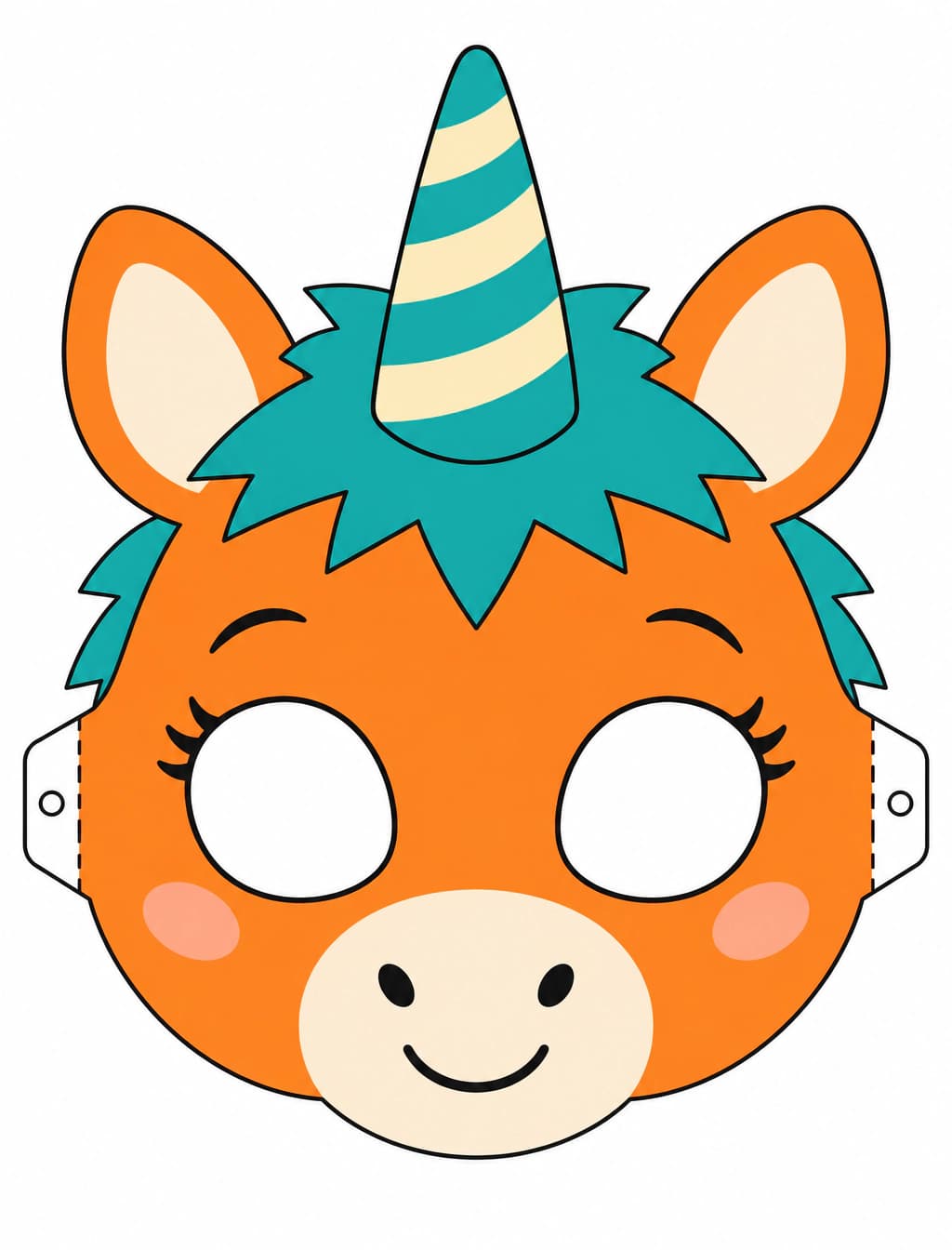

It creates a flat raster image of an original unicorn mascot mask. Download it and arrange it on A4 or Letter paper in your printing workflow.


Use Buddy the Unicorn Mask Generator to upload a reference image and turn your own unicorn sketch, toy or mascot idea into an original flat paper mask: print, cut and wear. Describe a cute or horror style, then check the symmetrical front view, eye holes and cut lines before printing.
Examples
Use your own sketch or toy photo as a starting point. Describe the details to retain while turning it into an original, centered, symmetrical front view on white with the complete horn and ears inside the print margins.
Describe child or adult sizing in your prompt. Set the physical size in your print dialog, make a plain-paper test and adjust eye spacing and the outer edge for the person wearing it.
Choose a friendly craft look or an eerie mascot mood. Add a distinct mane, horn pattern and expression while keeping cut lines and eye openings easy to distinguish from decorative marks.
The Buddy search theme connects an orange unicorn children’s television host with retro tape horror. For Halloween 2026, that contrast between a friendly mascot and an eerie old broadcast gives crafters a recognizable mood to explore through their own original designs.
This template turns that mood into a front-facing paper mask image with a horn, ears, mane and visible craft guides. Develop your own silhouette and expression, then use the downloaded image in your printing workflow and check the fit on plain paper first.
Find more Halloween AI projectsAsk for rounded features, broad color areas and a cheerful expression for a friendly Halloween activity.
Use faded colors, worn toy textures and a subtly unsettling expression for a costume or staged photo.
Request solid cut lines, dashed fold lines and outlined eye openings, then inspect every guide before using scissors.
Describe your paper format and keep a white margin around the design; place the downloaded image on the matching sheet when printing.
Prepare an original mascot design for coloring and cutting with adult help. Test the paper fit and keep the wearer’s view clear before adding ties.
Develop a lightweight paper accessory for a costume idea or party photograph. Coordinate the mane and colors with clothing and hand-made props.
Upload your own unicorn sketch, toy photo or mascot concept. Describe the details to keep, cute or horror style, child or adult sizing direction, and A4 or Letter paper. You can also switch to text-to-image to start from a description.
Review the available generation settings and credit estimate, then generate. Check the front view, complete outline and separation between craft guides and decoration; regenerate where needed.
Download and place the image on your chosen paper format, then test-print and adjust the scale and eye openings. Cut the outline and eye holes with adult help, fold marked tabs and attach ties after checking visibility and fit.
Keep the horn and ears inside the white page margins.
Use solid outlines for cutting and dashed marks for folds in your description.
Test-print on plain paper before using your final craft material.
Check eye spacing, visibility and ties on the intended wearer before the event.
It creates a flat raster image of an original unicorn mascot mask. Download it and arrange it on A4 or Letter paper in your printing workflow.
Choose child or adult as the design direction, then set physical scale when printing. Test on plain paper and adjust the eye openings and outline for the intended wearer.
Choose cute and describe rounded shapes, simple color areas and a friendly expression. An adult can help check the fit, cut the eye holes and attach the ties.
Inspect the full image for a continuous outer cut line, separate eye holes and dashed fold guides. Adjust unclear marks in your image editor or regenerate, then check them again on a test print.
Upload your reference, describe your original mascot look and generate a flat mask image to print and cut for Halloween.
Try it now