
Upload a clear pet photo in the default image to image mode. Describe how its markings, colors or expression should inform your original unicorn mascot.


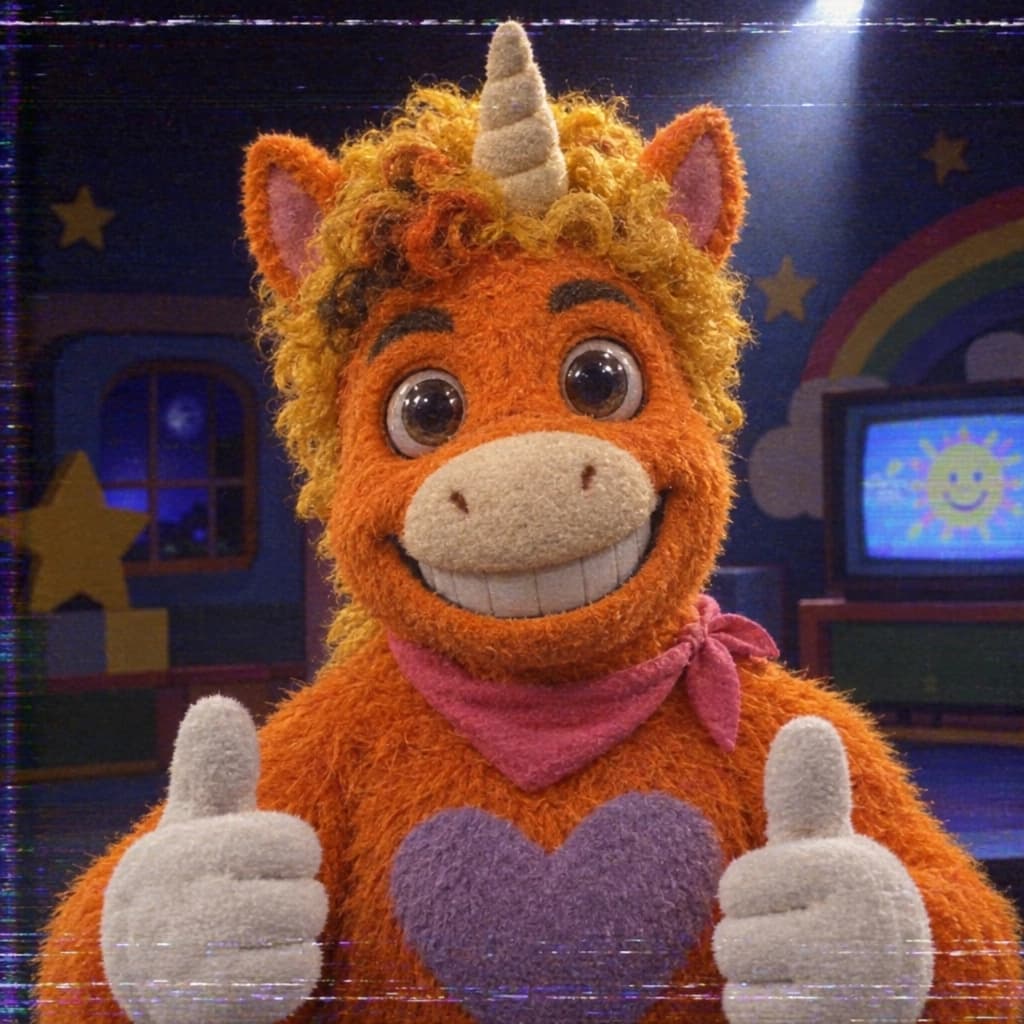
Buddy the Unicorn PFP Maker turns your selfie or pet photo into an orange plush unicorn mascot avatar from a kids’ TV show gone wrong. Upload a clear photo for an eerie retro-studio portrait, or switch to text to image and describe a new character.
Examples
Upload a well-lit selfie or a clear pet photo. Describe which colors, markings or expression should influence the new mascot cartoon, then compare the interpretation with your reference.
Ask for a bold mane, clear eyes and a simple background. The square composition concentrates attention on the face while leaving space around the horn and ears for a round display.
Choose felt, fuzzy wool or a painted puppet finish, then add a slightly fixed smile or dreamy stare. These details give the avatar an uncanny mood while keeping the cartoon easy to recognize.
A PFP is a profile picture that needs to read at a glance. This template guides your photo or written idea into an original unicorn mascot cartoon with a centered face and room around its ears and horn.
Explore the Halloween AI collectionThe 2026 film Buddy brings an orange unicorn children’s-show host into horror, making the contrast between cute costumes and uncanny expressions a timely Halloween theme. Give your avatar its own colors, accessories and personality within that retro television mood.
Create a dark original unicorn illustrationUse your hairstyle, glasses or expression as design cues for an original unicorn mascot portrait.
Translate fur markings and a familiar expression into a colorful cartoon unicorn with its own accessories.
Request soft felt, a handmade mane and a studio costume for a nostalgic entertainer look.
Switch to text to image and describe a new face, horn, mane and background without uploading a photo.
Create a seasonal profile image with your own preferred colors and expression, then check it at the size it will appear.
Turn a clear pet photo into an imaginative mascot portrait that uses its markings as visual inspiration.
Build a Halloween avatar with a shared color theme while choosing a personal horn, mane or costume accessory.
Explore an original unicorn’s face and expression in a compact portrait before developing a larger character design.
Choose a clear reference with the face visible and describe the cartoon look you want. For an invented character, switch to text to image.
Add your mane, horn, palette and expression. The template uses square framing; review quality and the credit estimate, then generate the portrait.
Inspect the eyes, ears and horn, and preview the image in your intended round profile display. Regenerate with more surrounding space if needed, then download your chosen portrait.
Use one clear face or pet head with even light as your reference.
Ask for a short horn and generous space above the ears when round cropping matters.
Choose a simple contrasting background and inspect the portrait as a small thumbnail.
Upload a clear pet photo in the default image to image mode. Describe how its markings, colors or expression should inform your original unicorn mascot.
Switch to text to image and describe your unicorn’s horn, mane, expression and accessories. The template keeps the same square avatar composition.
Ask for a short horn, centered face and generous space around the head. Preview the downloaded square image in your intended round display and adjust the prompt if details are cropped.
Use an oddly cheerful stare, handmade costume textures and a simple nostalgic studio palette. Choose a distinctive accessory to give your original mascot its own personality.
Upload your photo above or describe a new mascot, choose its expression, and generate your original unicorn profile picture.
Try it now