Guides
Create an Original Spooky Mascot Voice for Halloween
Build an original mascot voice around a welcoming line and one unsettling detail.
APIXO Team
Start creating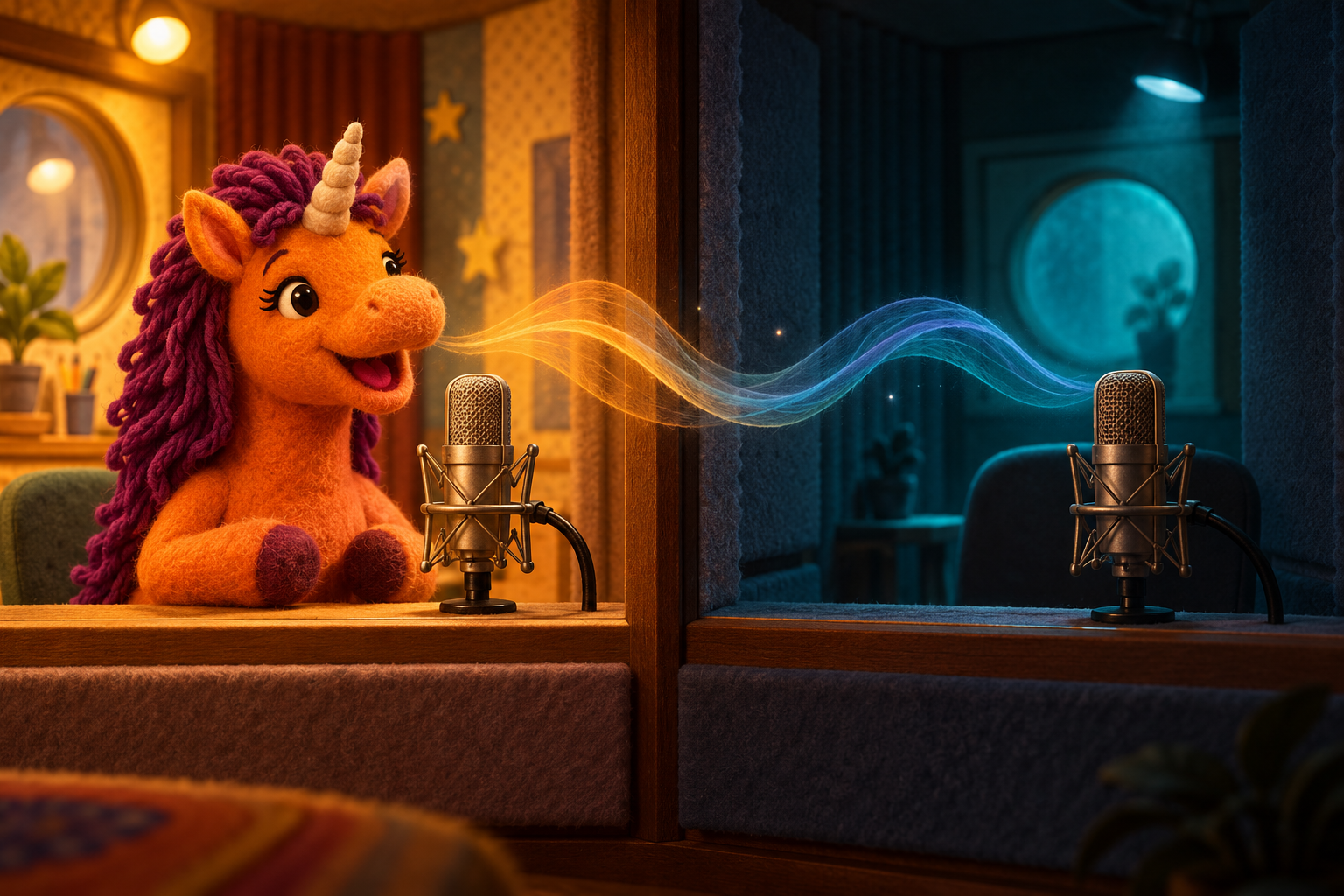


Guides
Build an original mascot voice around a welcoming line and one unsettling detail.
A spooky mascot voice works best when the line sounds welcoming before one detail feels wrong. Write a short original script, choose a voice you like and compare different readings of the same words. Give your character a familiar greeting and a rhythm that suits its role.
Open the Buddy the Unicorn AI Voice Generator for original mascot dialogue
Use MiniMax Speech 2.8 to choose a voice and adjust emotion, speed and pitch. Select a listed voice or enter the voice ID of a voice you created with MiniMax Voice. Keep the same voice while comparing scripts and delivery.
Give the mascot a role: a polite usher, an eager game-show host or a sleepy caretaker. Then write one ordinary welcome and one unexpected detail. A specific chair, curtain or doorway usually gives the listener more to imagine than a long list of frightening adjectives.
Read the first two sentences as a normal invitation, then let the final sentence reveal the unsettling detail. Keep the opening welcoming rather than turning the whole greeting into a growl.
Welcome to the little midnight theater. Your seat is ready, just beside the curtain. If the empty chair turns toward you, please let me know before the show begins.
Keep the opening energetic and the final instruction simple. Compare a lively reading with a calmer one before deciding whether the joke needs a longer pause. The words should still be easy to understand over party background sound.
Hello, brilliant contestants! Tonight’s prize is waiting behind the blue door. Please count everyone in your team before we start. If the door counts back, choose the green one instead.
A quiet line can feel more unsettling than a shout. Give the caretaker a practical job and let a small contradiction carry the story. Keep important names or directions in short sentences so you can check their pronunciation.
The lights go out after the last guest leaves. I have checked every room except the one at the end of the hall. Someone keeps switching its lamp on. If it is you, please bring back the key.
Start with its role, then choose an available or self-designed voice and test one short line. Save the voice ID and delivery choices once the greeting sounds right for your story.
Use the same available voice ID and save the delivery choices for each clip. Listen to the clips as a sequence to catch changes in names, pacing and volume.
Put only the words you want spoken in the script unless the current tool explicitly supports a separate instruction field. Use the expression controls and punctuation to explore the delivery.
Yes: plan the character’s role and expression alongside the dialogue, then prepare the visual separately. A spoken clip and an image do not by themselves create an animated or lip-synced performance.
Plan an original mascot character before choosing its voice
Explore the Halloween AI collection for related visual projects
Build with APIXO
Explore image, video, and audio models in one place.