
AI Generator
Make it visible.
Start with a spark. Make it yours.
Make it move.
Turn an image or an idea into your next video.
Make it heard.
Create music for your stories, moments, and moods.
Latest Models
 KuaishouKling Image 4.0
 ByteDanceSeedream 5.5
 OpenAIGPT-Image-2.5
 GoogleNano Banana 2
 Black Forest LabsFlux 2
 OpenAIGPT Image 2.6
 xAIGrok Imagine Image 2.0
 GoogleNano Banana 2.1
 Black Forest LabsFLUX 3 Image
 AlibabaQwen Image 3.0
 AlibabaQwen Image 3.0 Pro
 ByteDanceSeedream 5.0 Pro
 AlibabaWan 2.6 Image
 AlibabaWan 2.5 Image
 OpenAIGPT-Image-2
 MiniMaxMiniMax Image 01
 AlibabaWan 2.7 Image
 ByteDanceSeedream 5.0
 GoogleNano Banana
 GoogleNano Banana Pro
 ByteDanceSeedream 4.5
 MidjourneyMidjourney
 Black Forest LabsFlux Kontext
 OpenAIGPT-Image-1
AI Tools
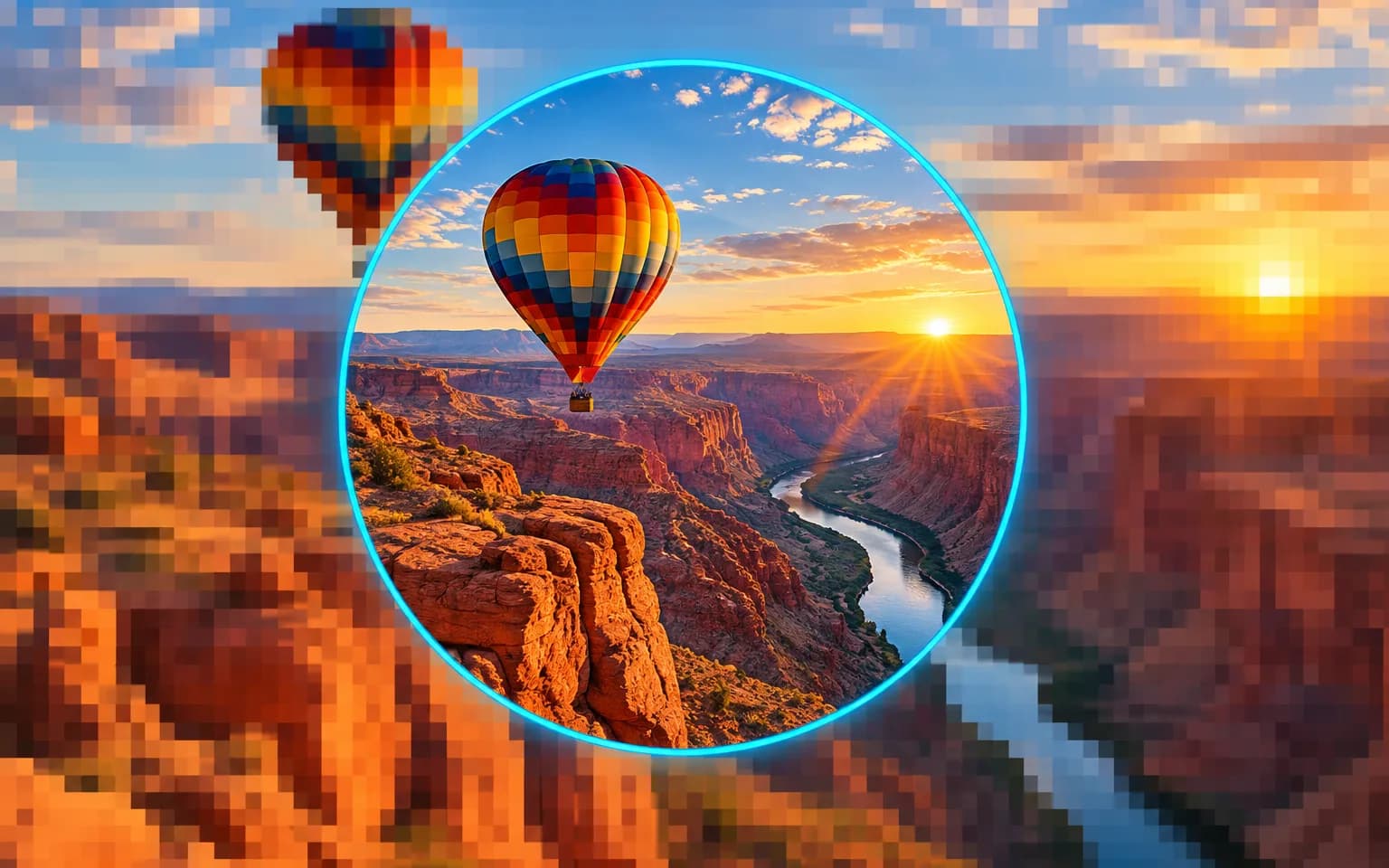 Image Upscaler
 Background Changer
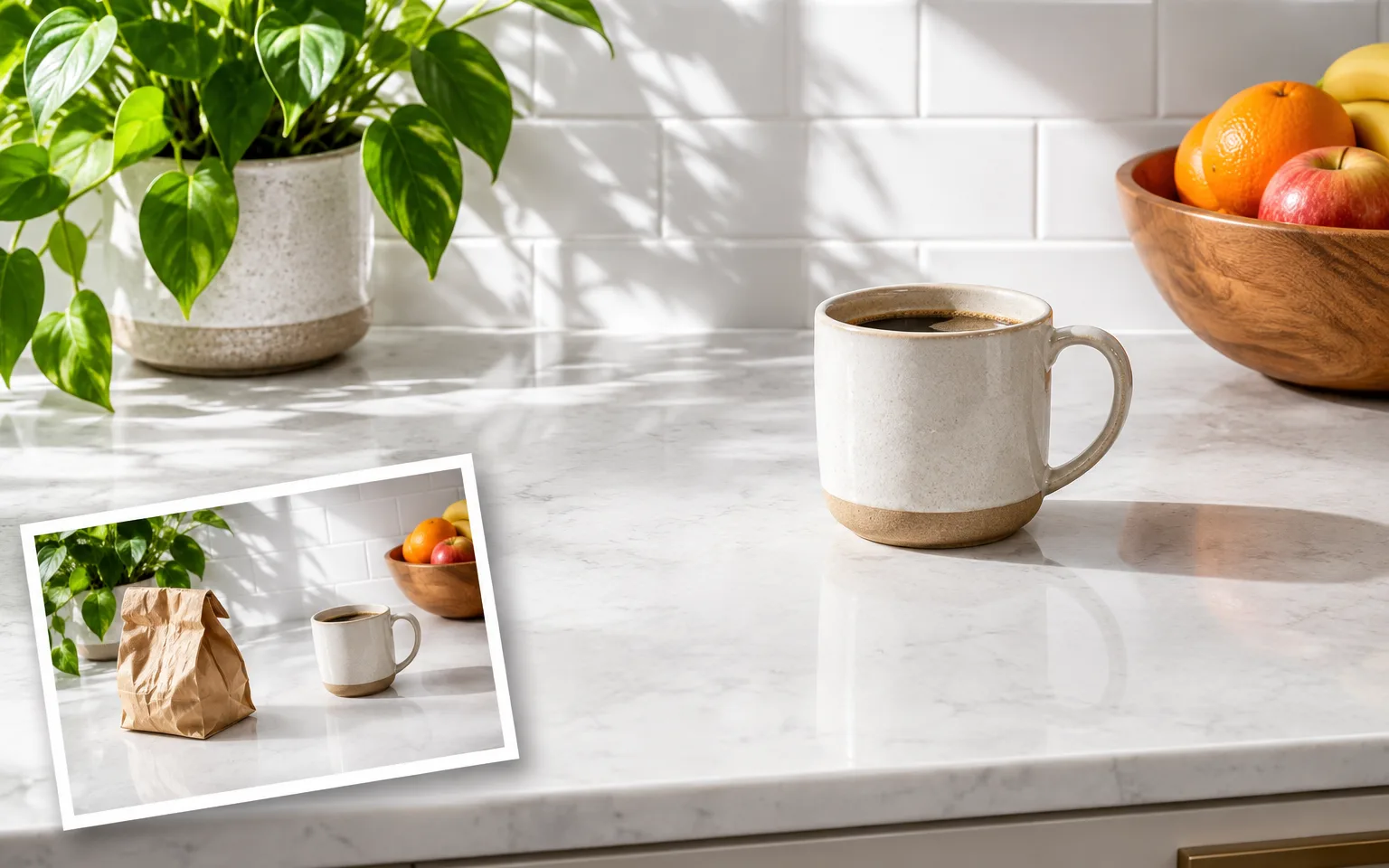 Object Remover
 Watermark Remover
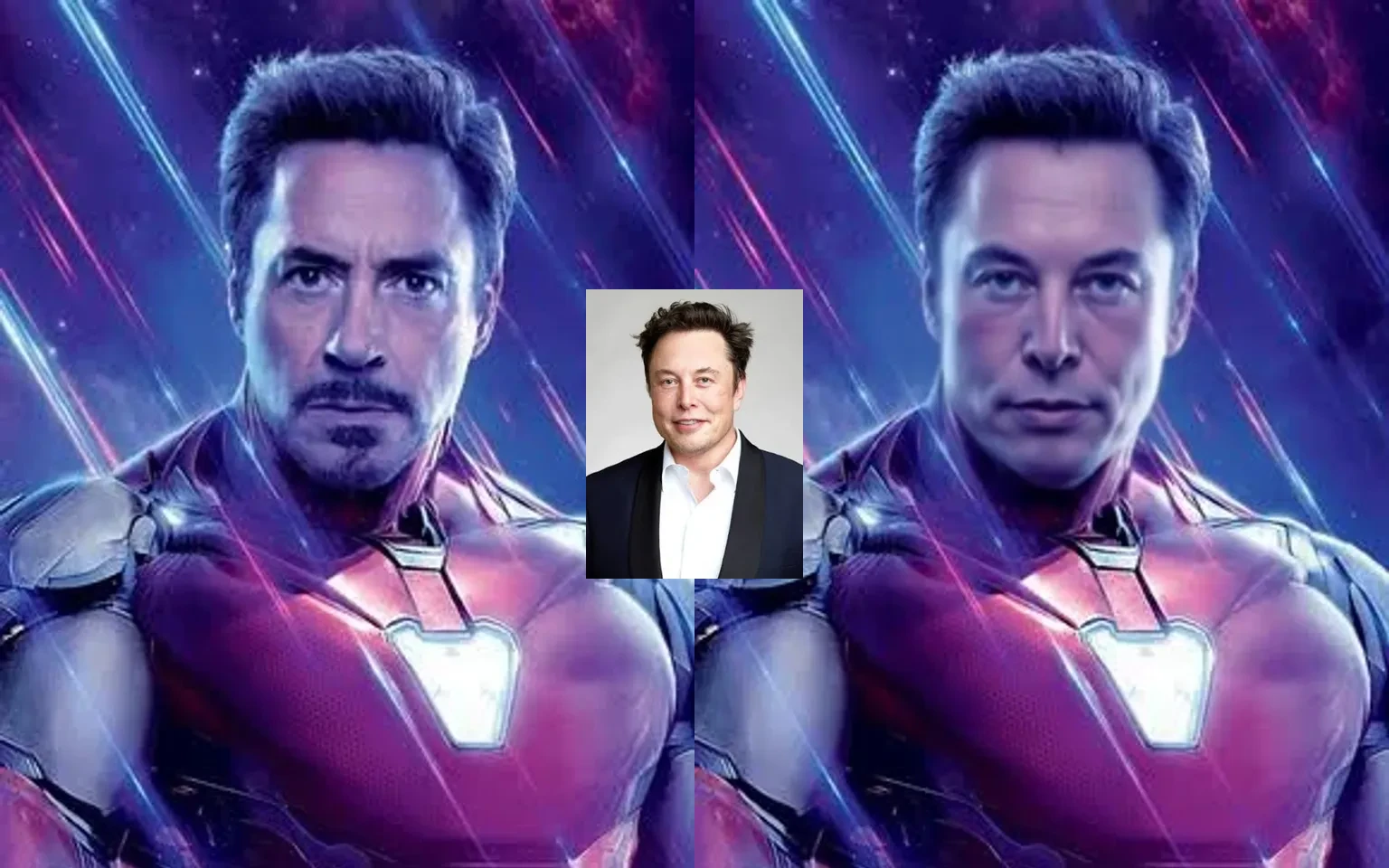 Face Swap
 Camera Angle Changer
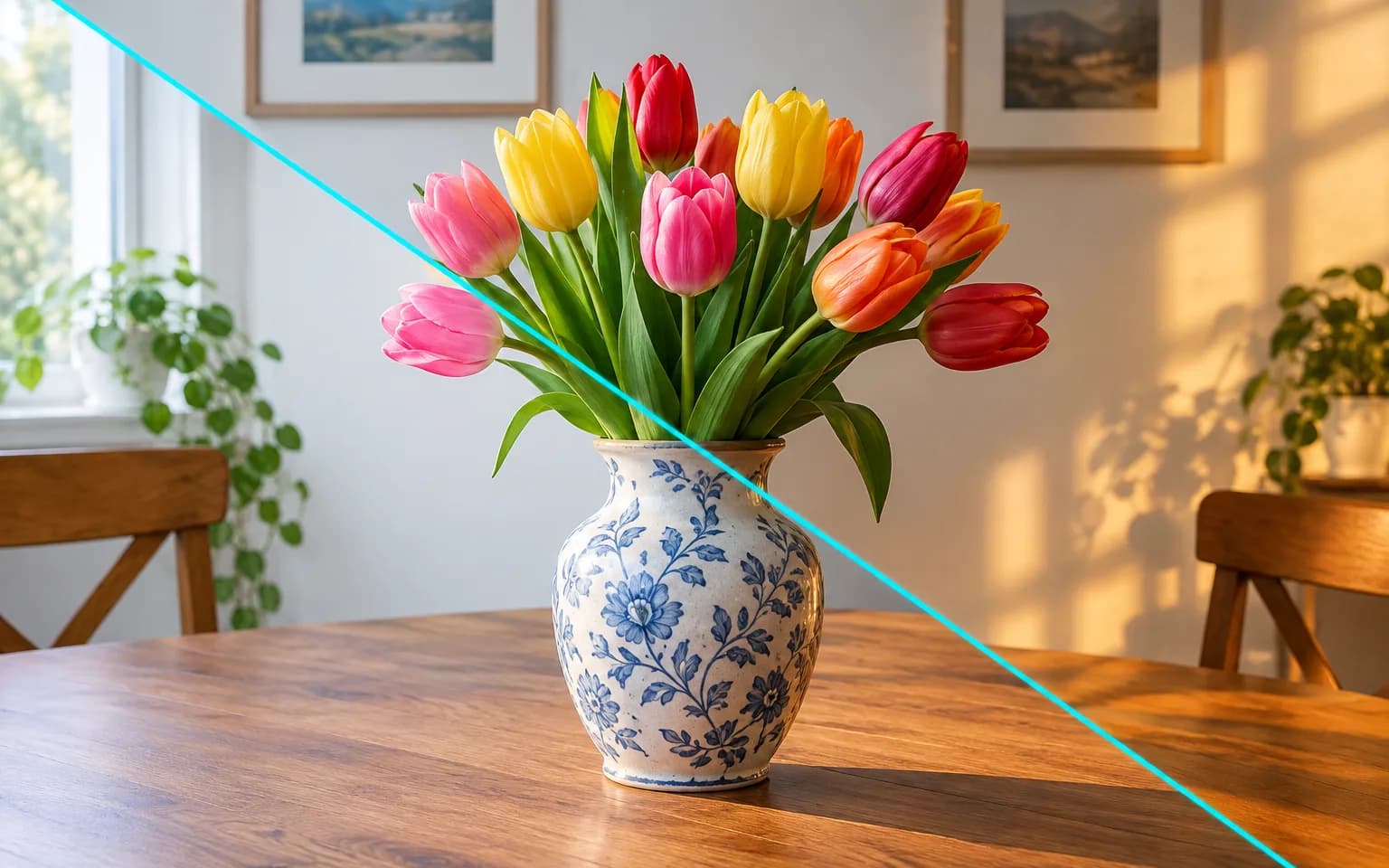 Image Relight
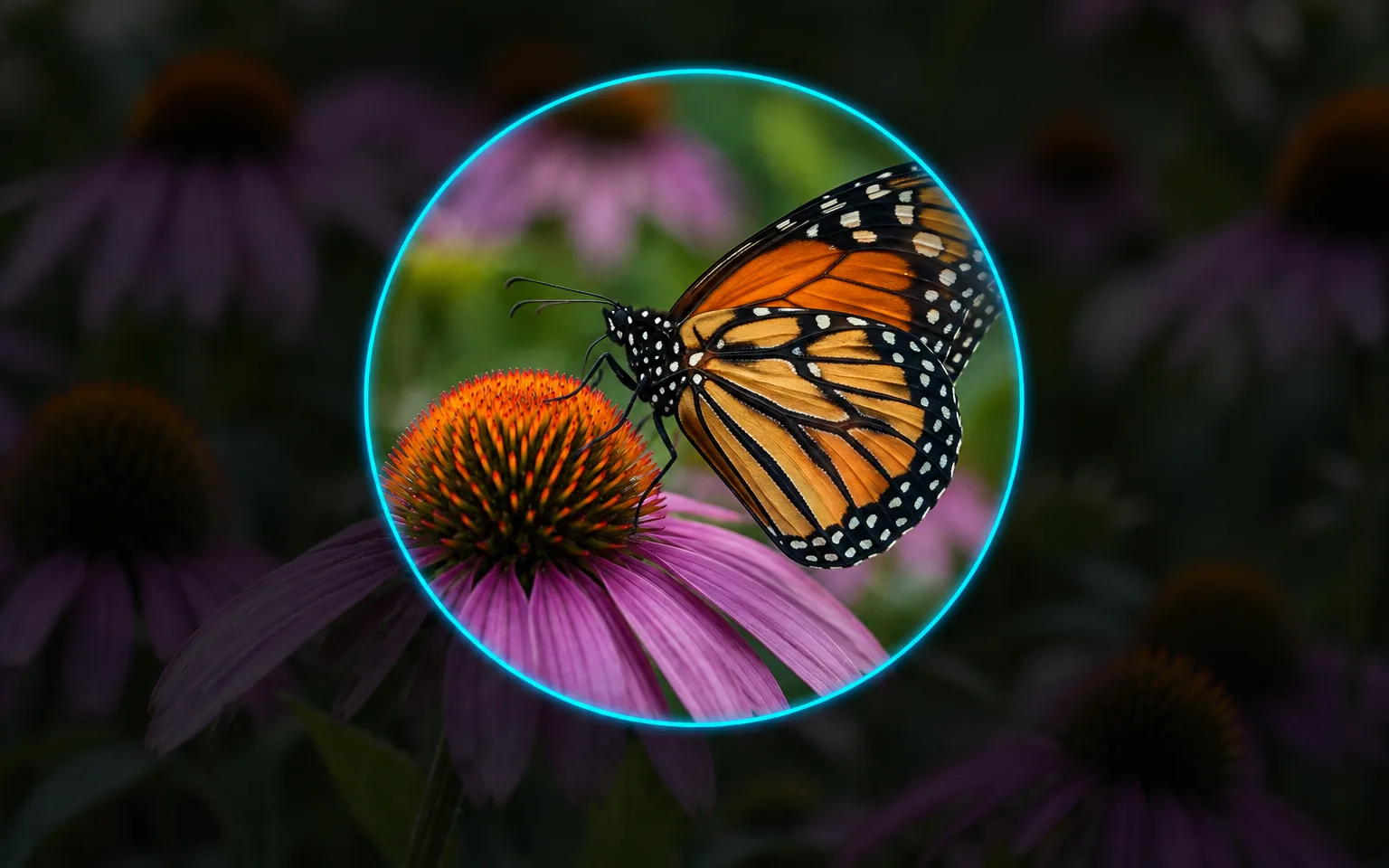 Image Enhancer
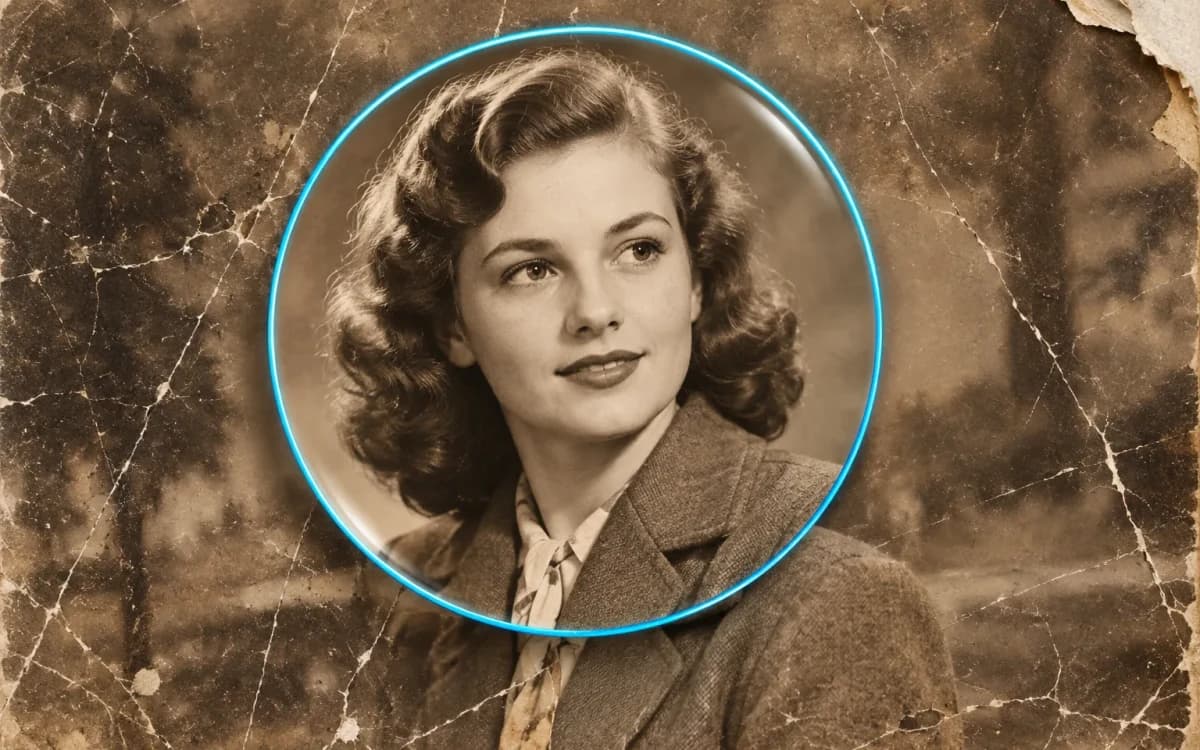 Photo Restoration
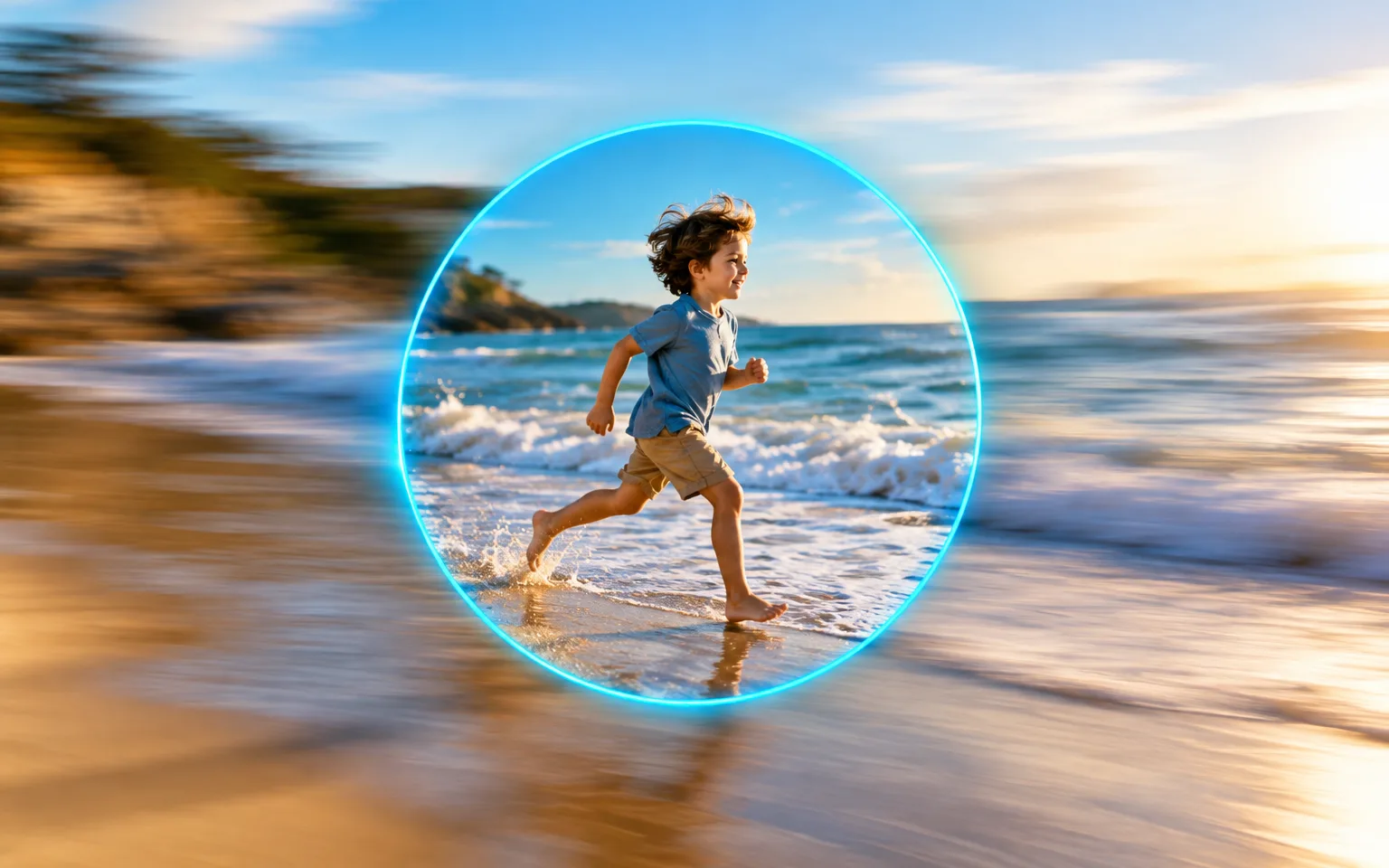 Unblur Image
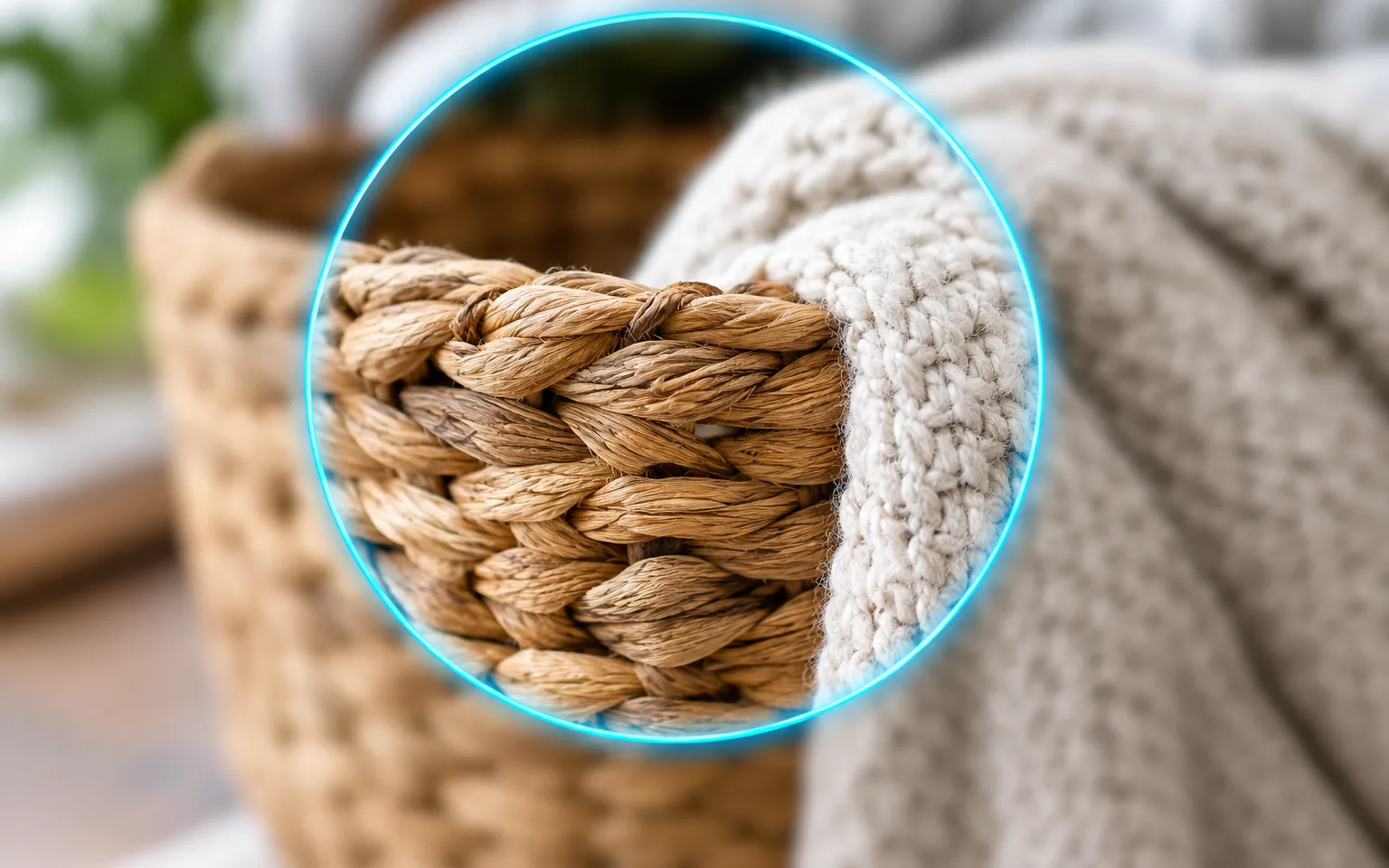 Image Sharpener
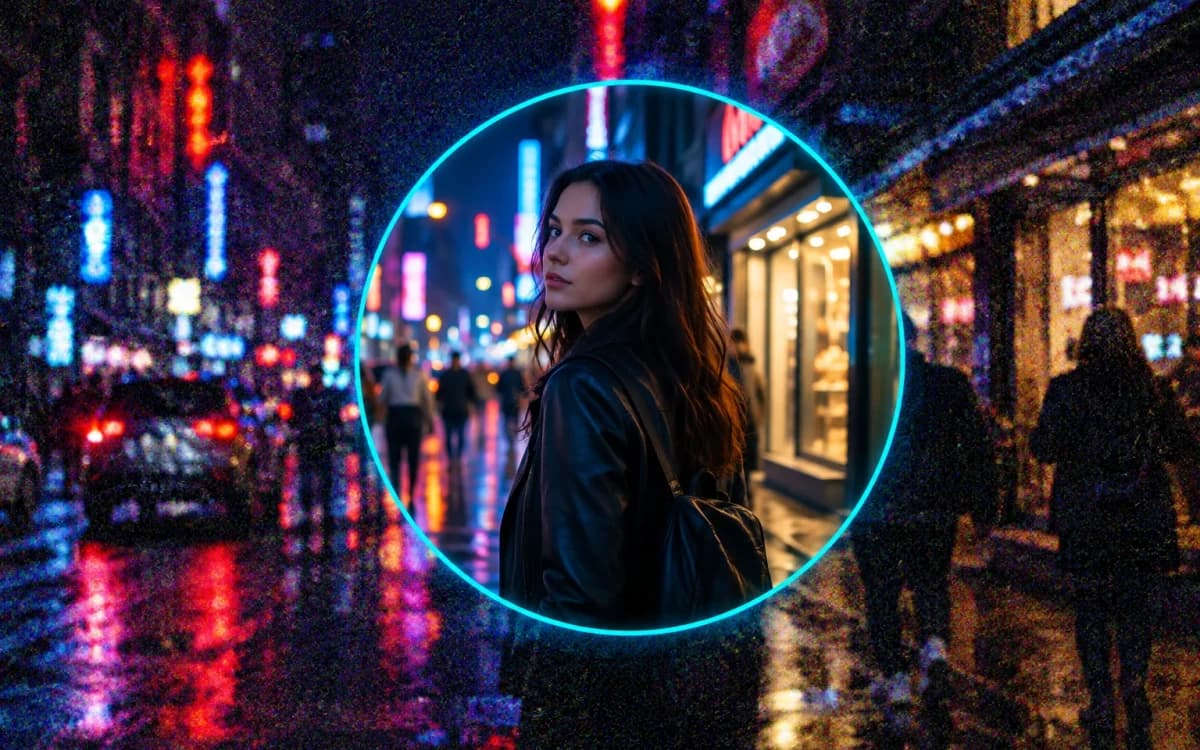 Denoise Image
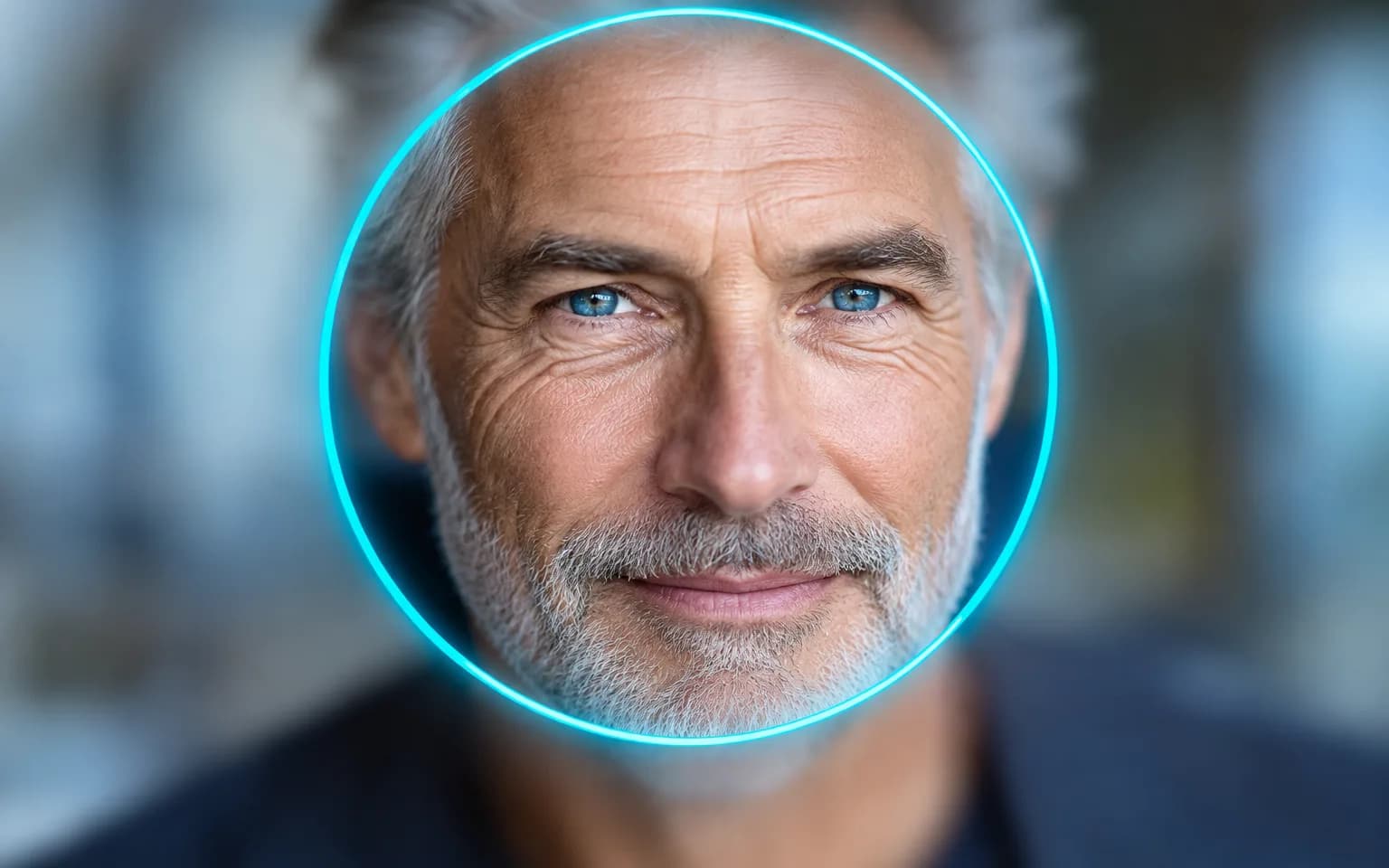 Face Enhancer
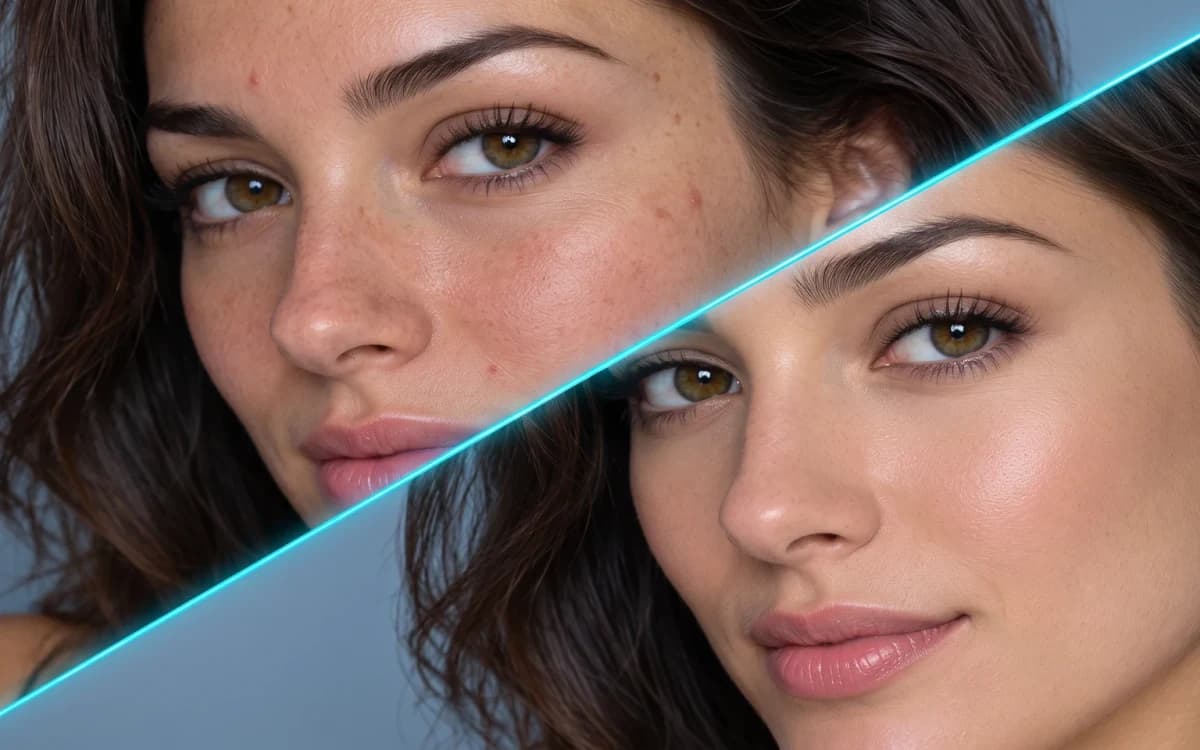 Photo Retouching
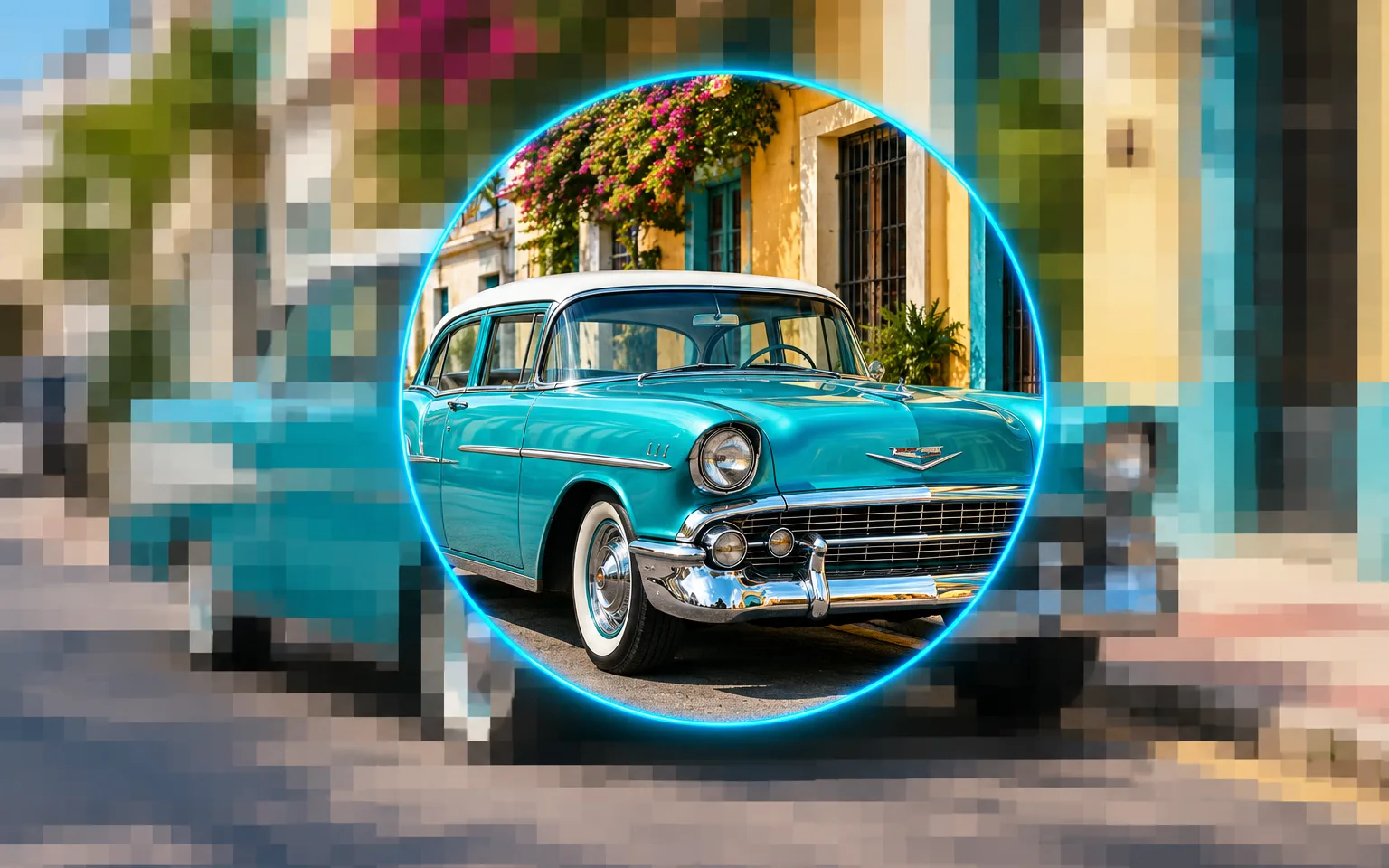 Unpixelate Image
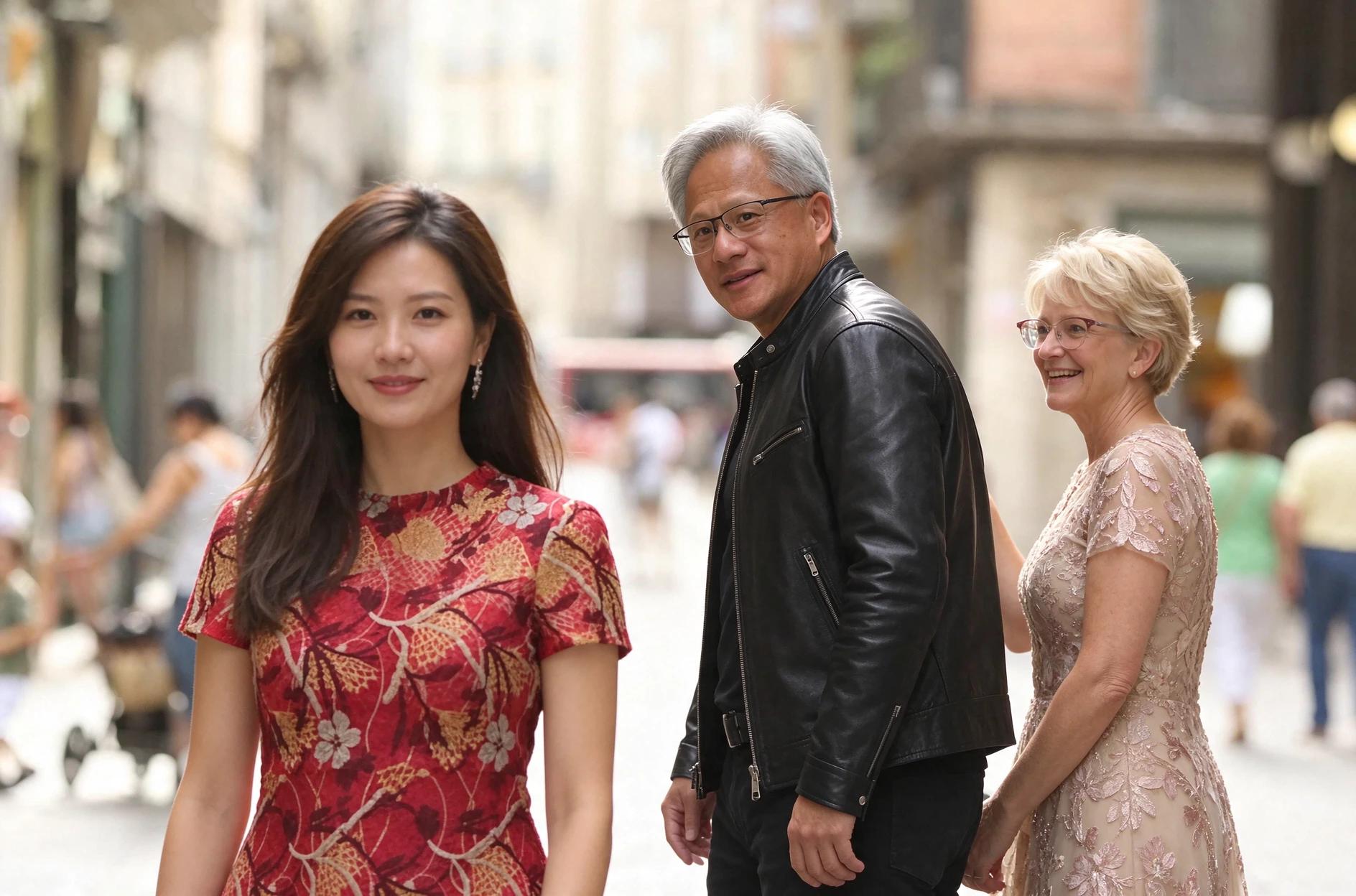 Head Swap
 Colorize Photo
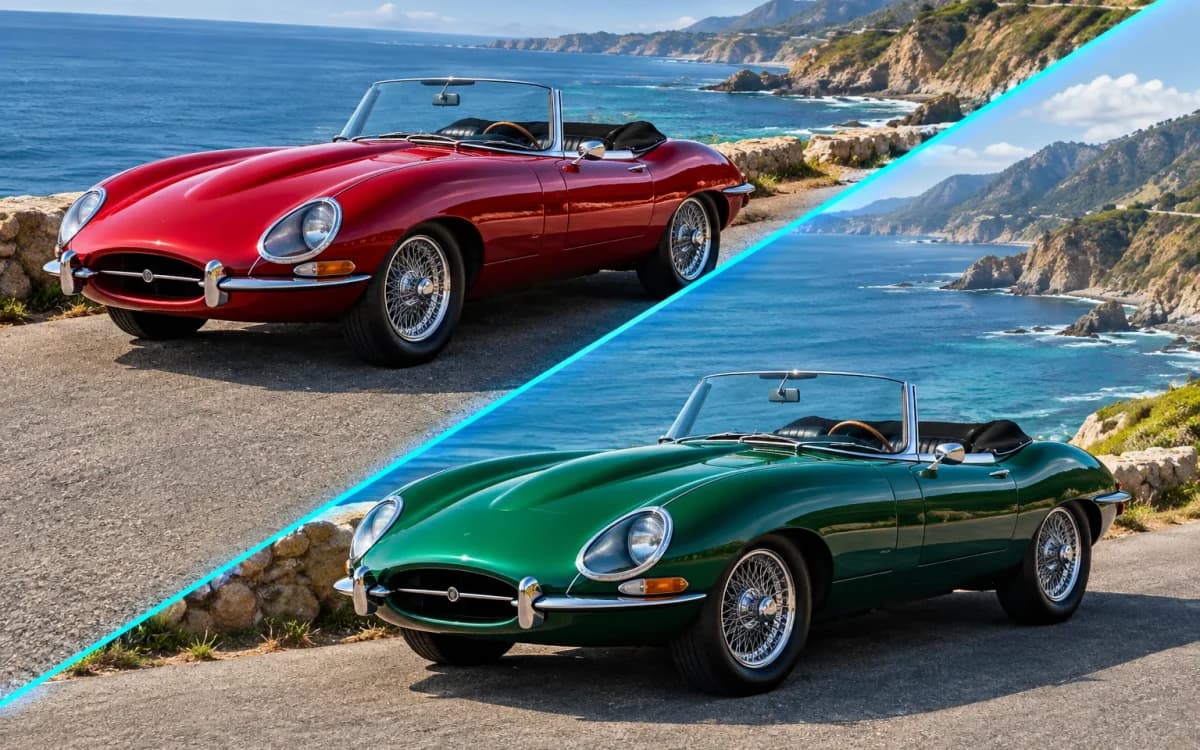 Change Color of Image
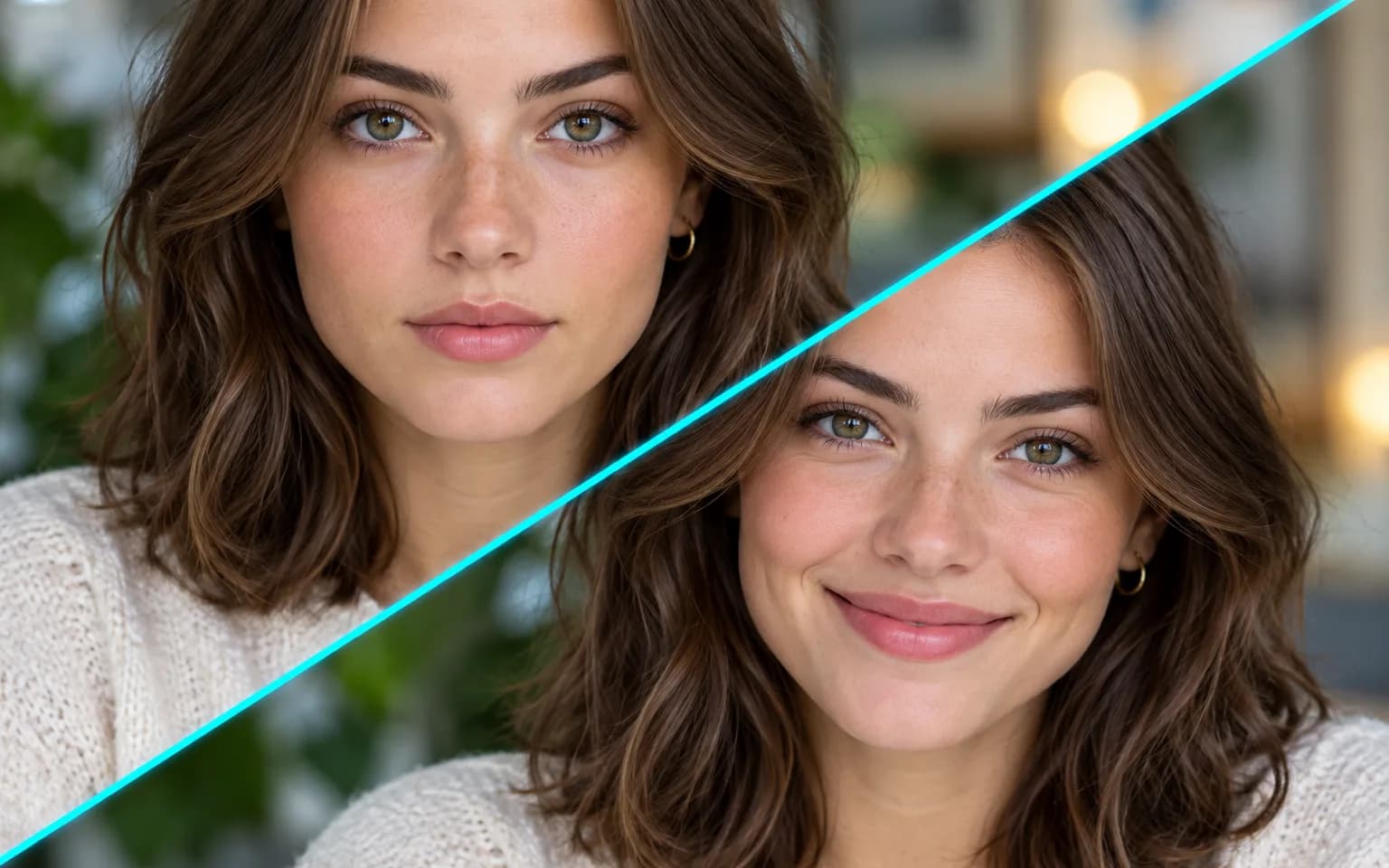 Face Editor
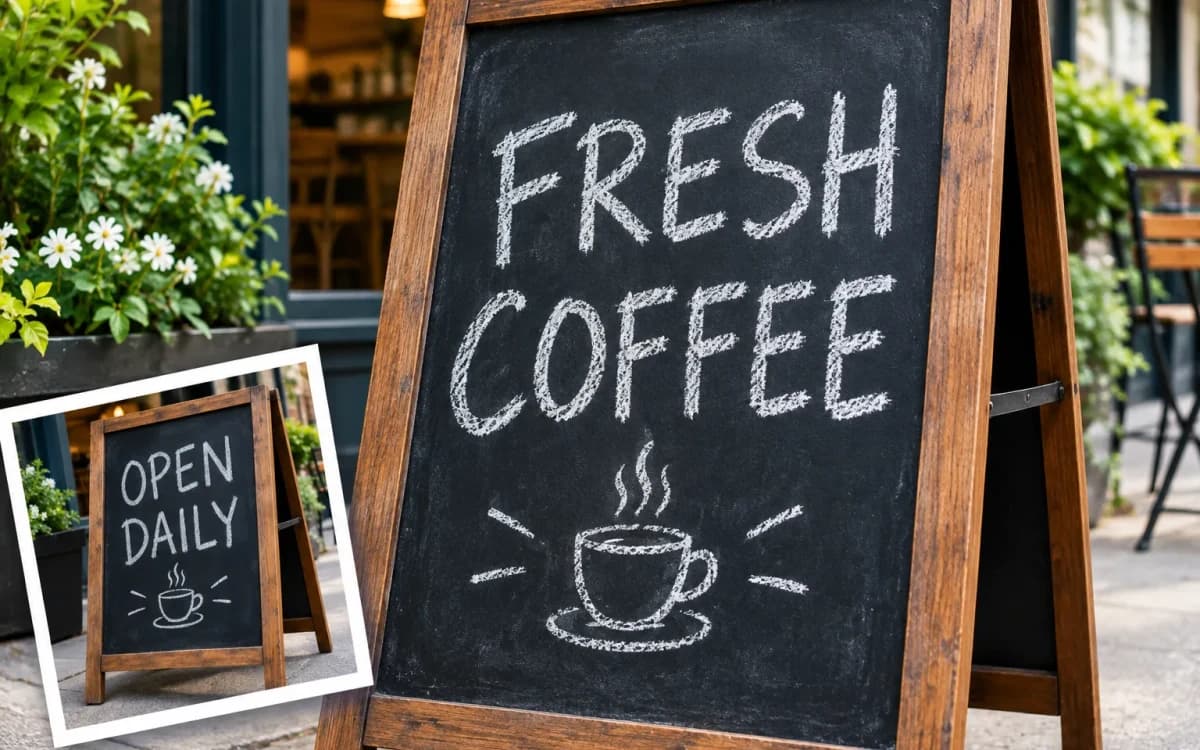 Edit Text in Image
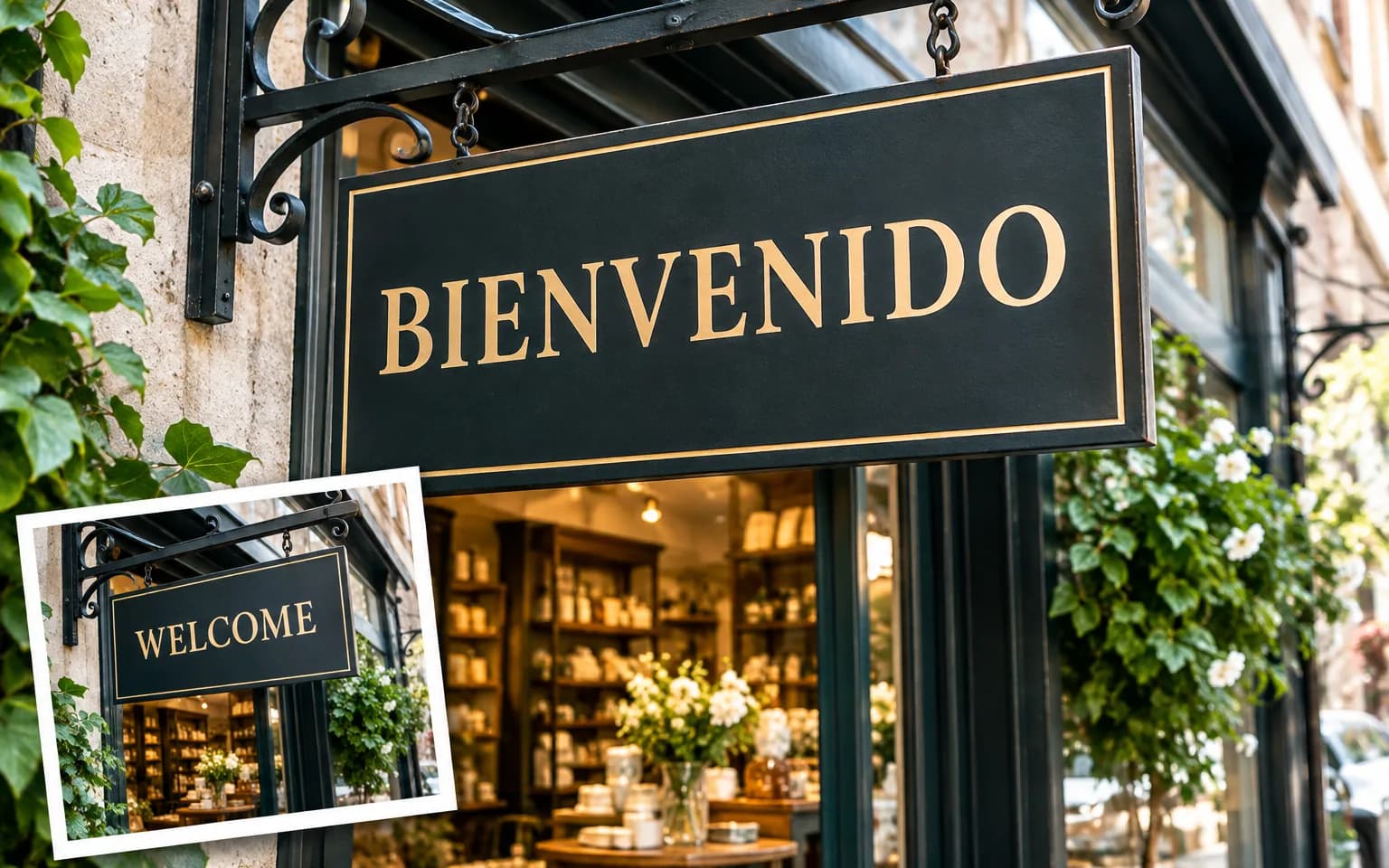 Image Translator
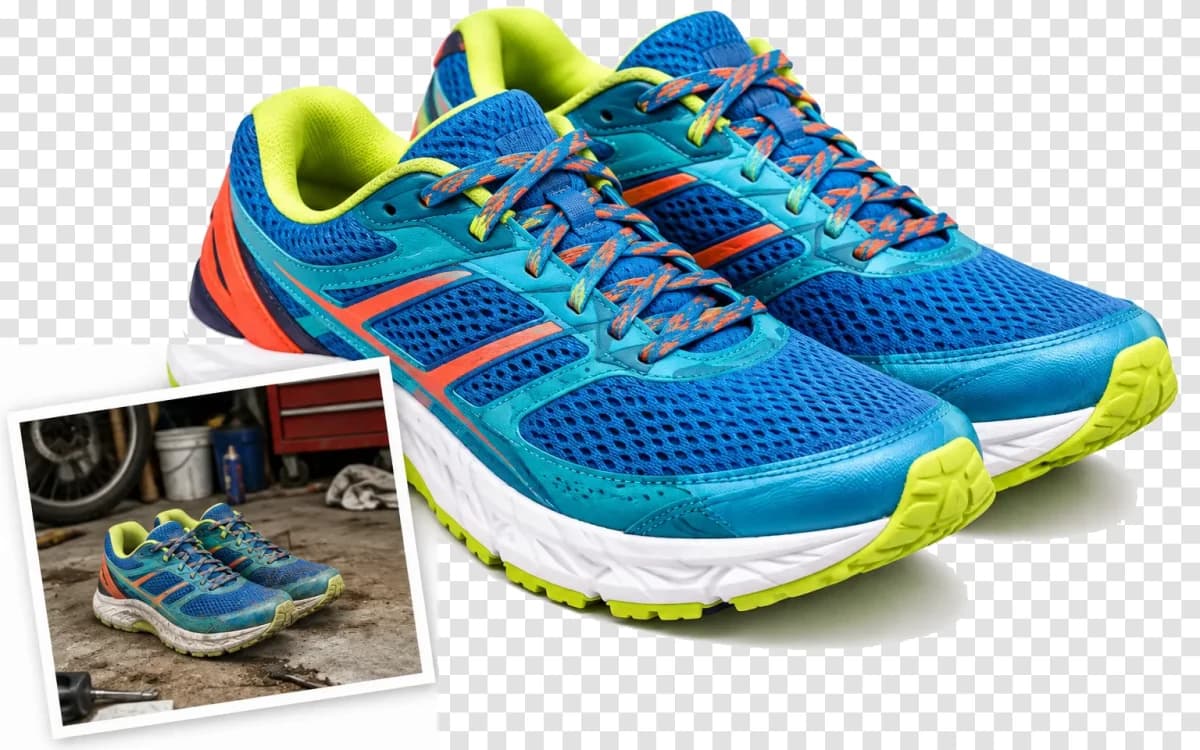 Background Remover
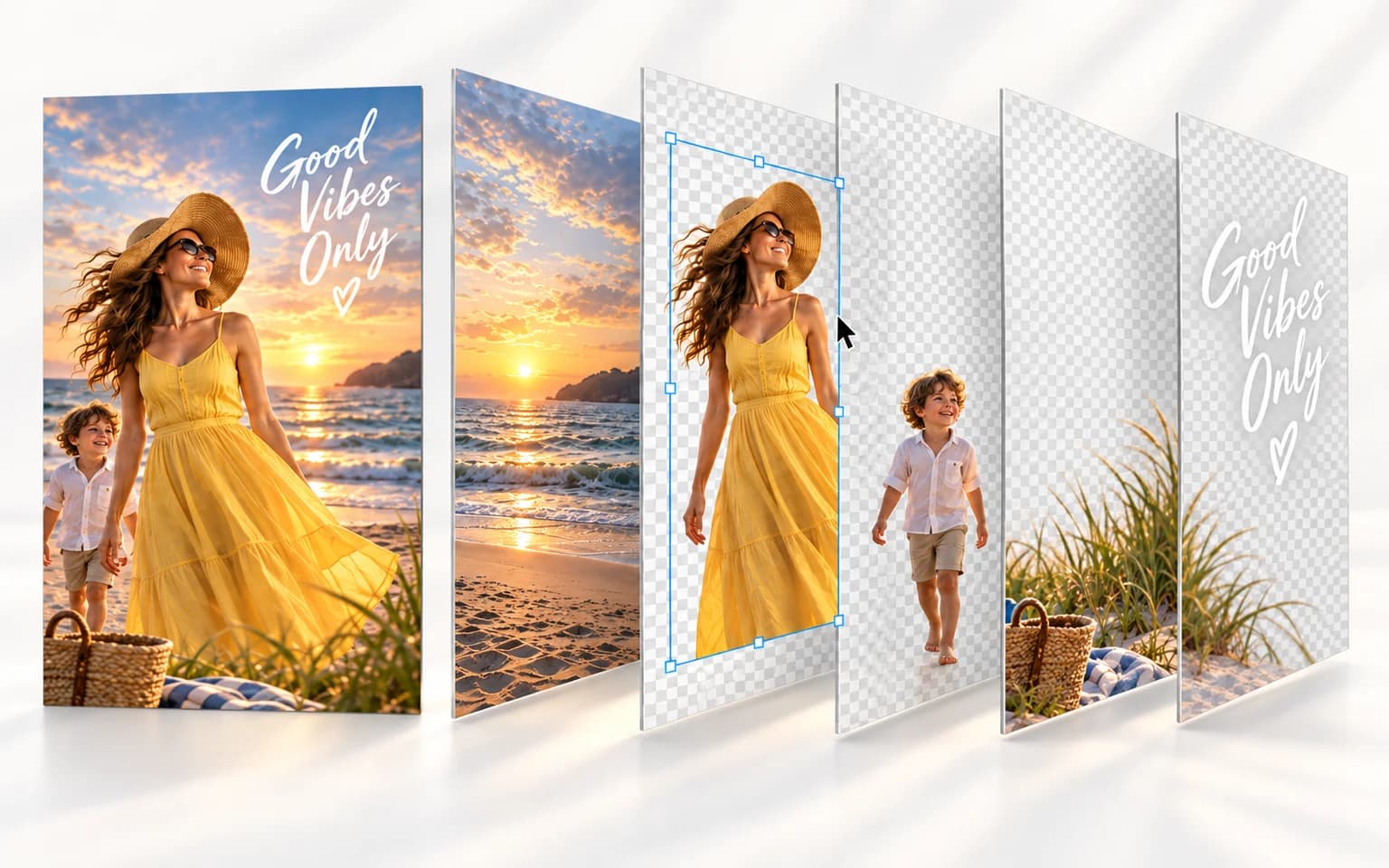 Image Layer Decomposition
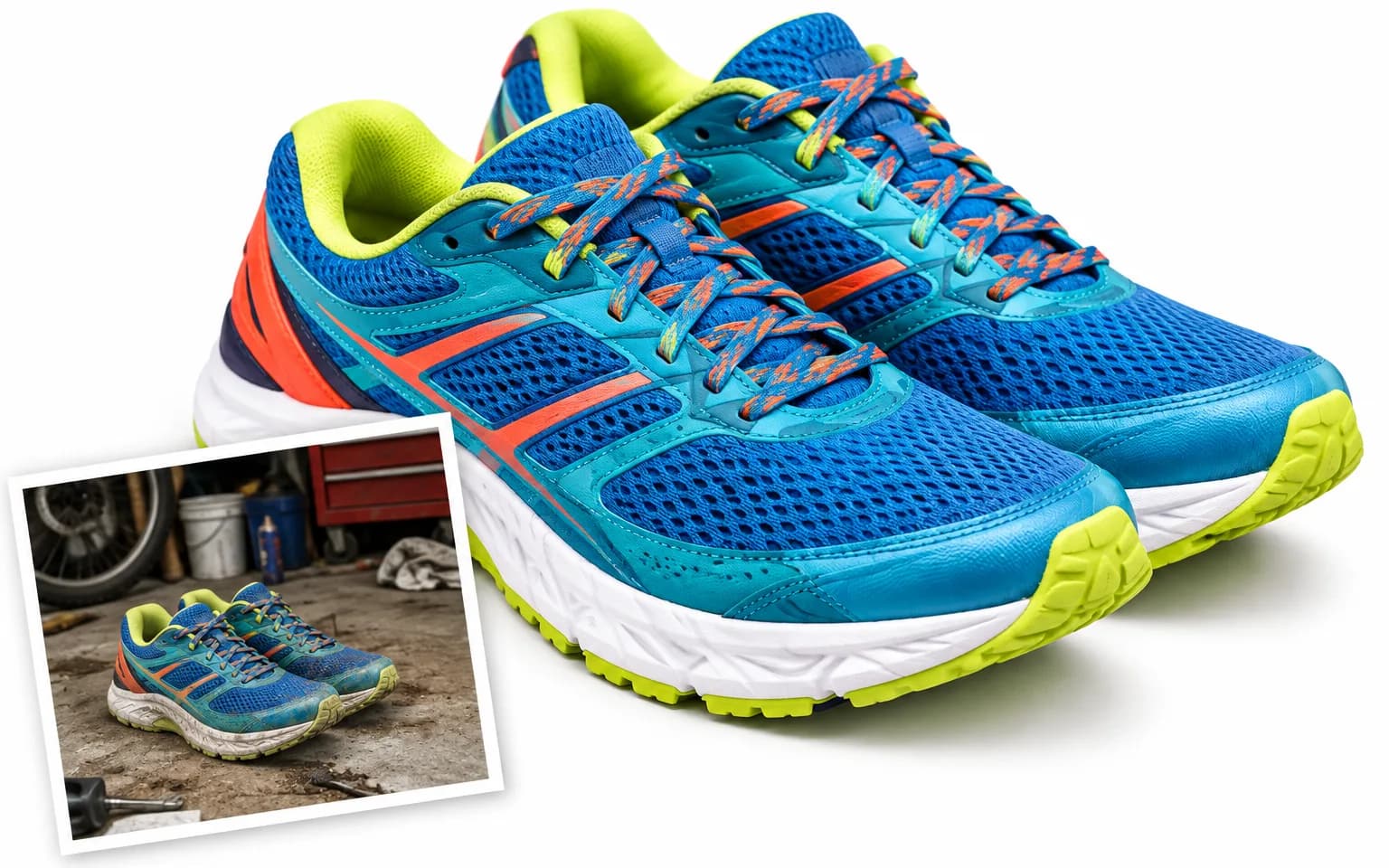 White Background
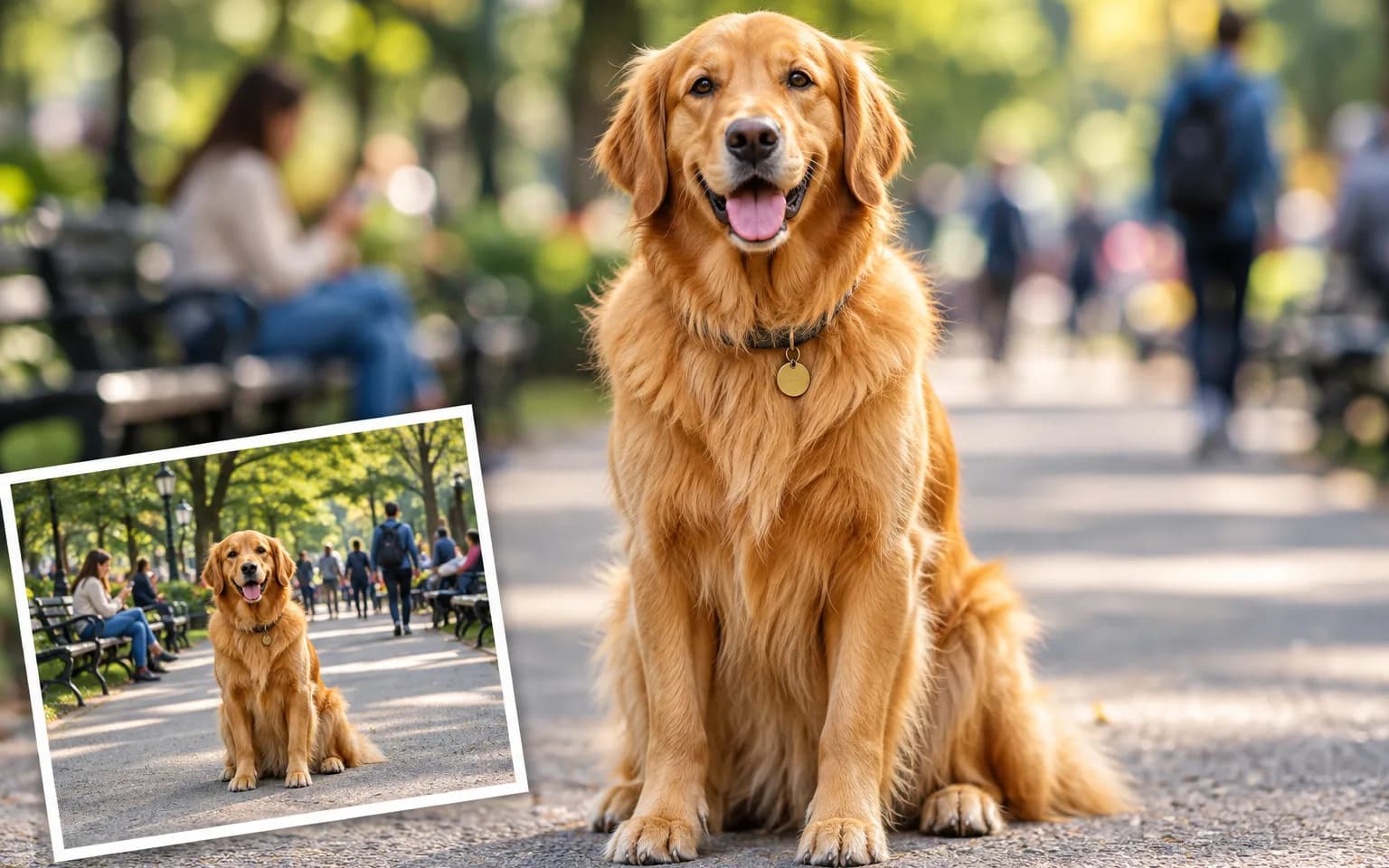 Blur Background
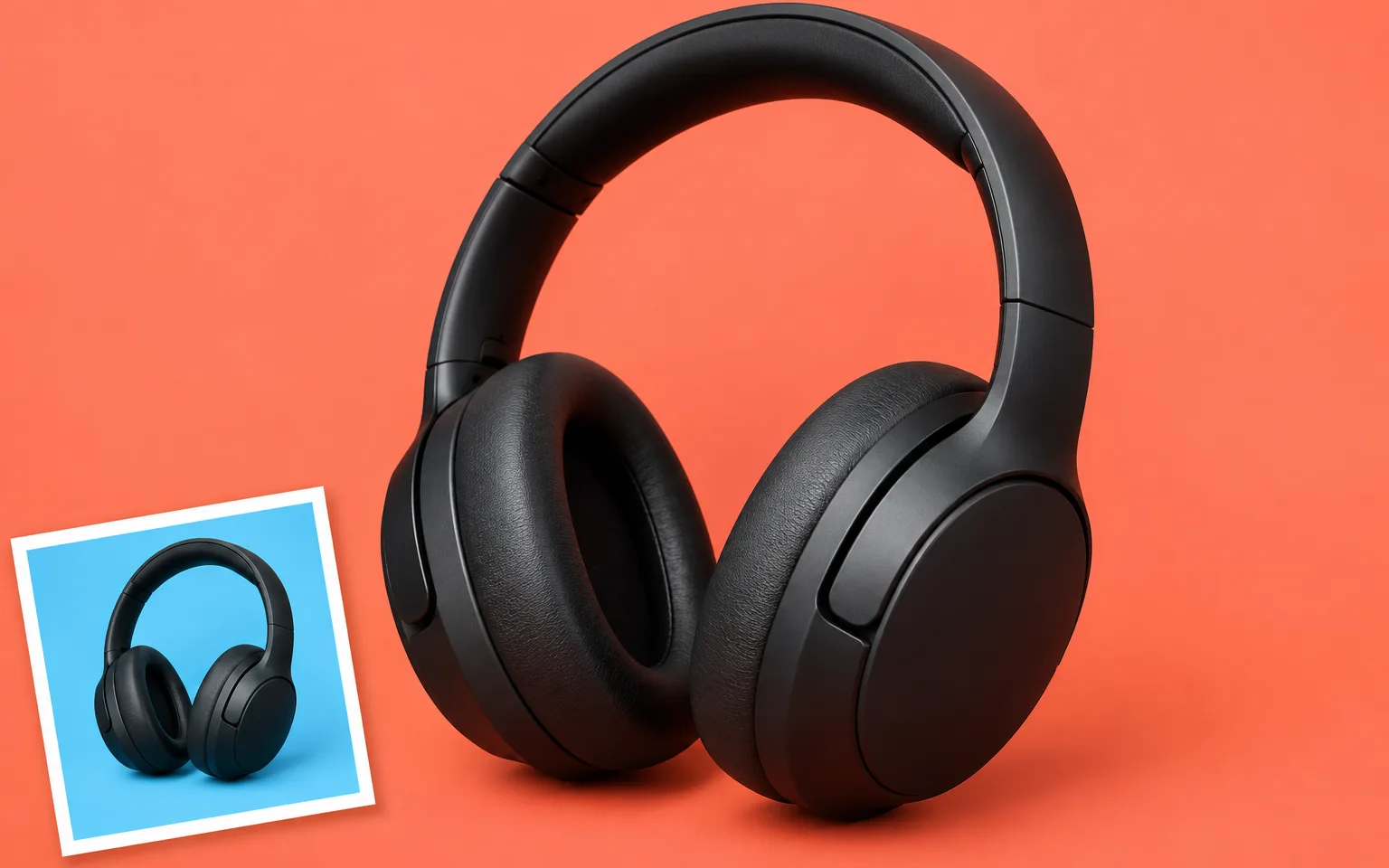 Change Background Color
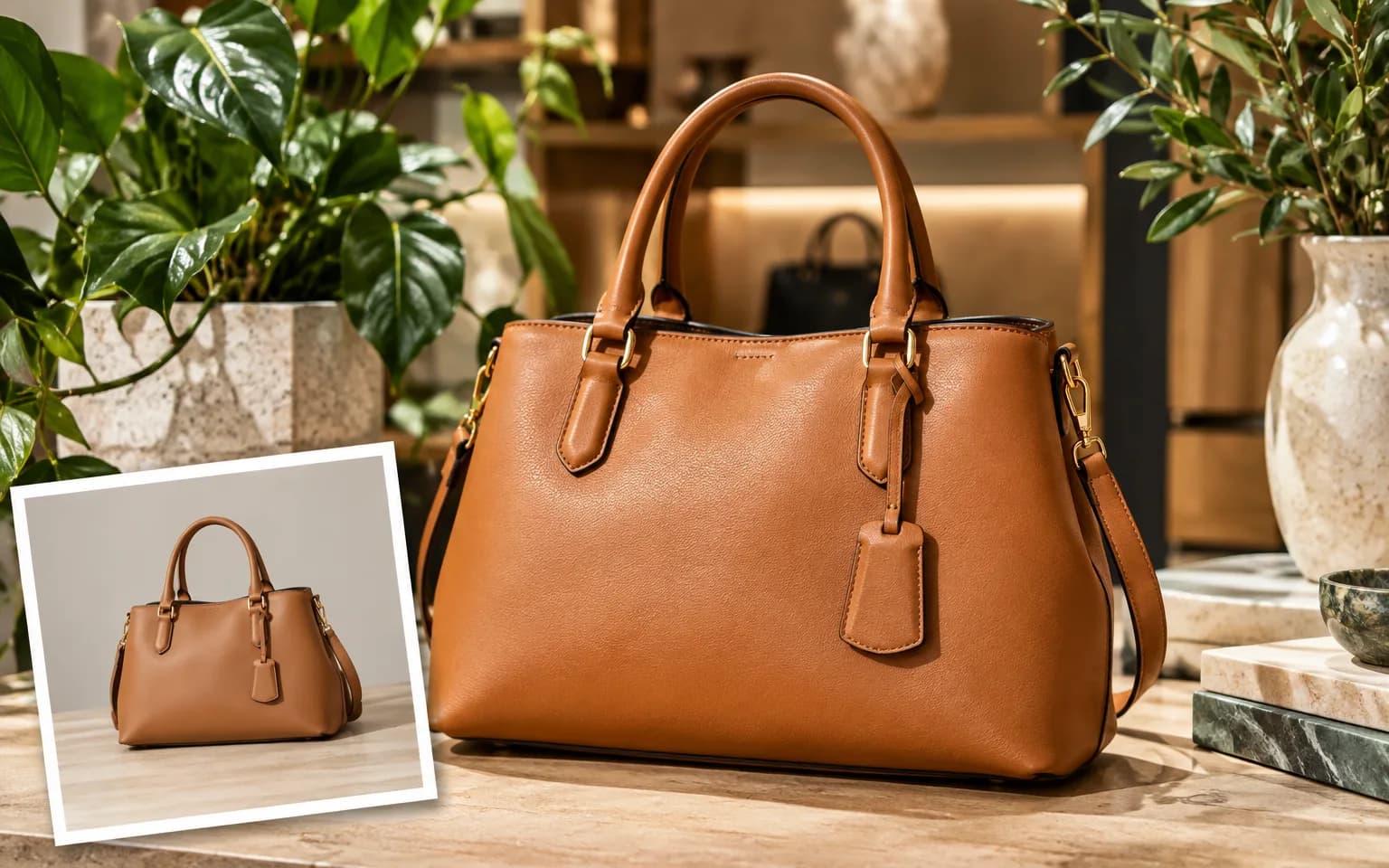 Product Staging
 Product Beautifier
 Flat Lay Generator
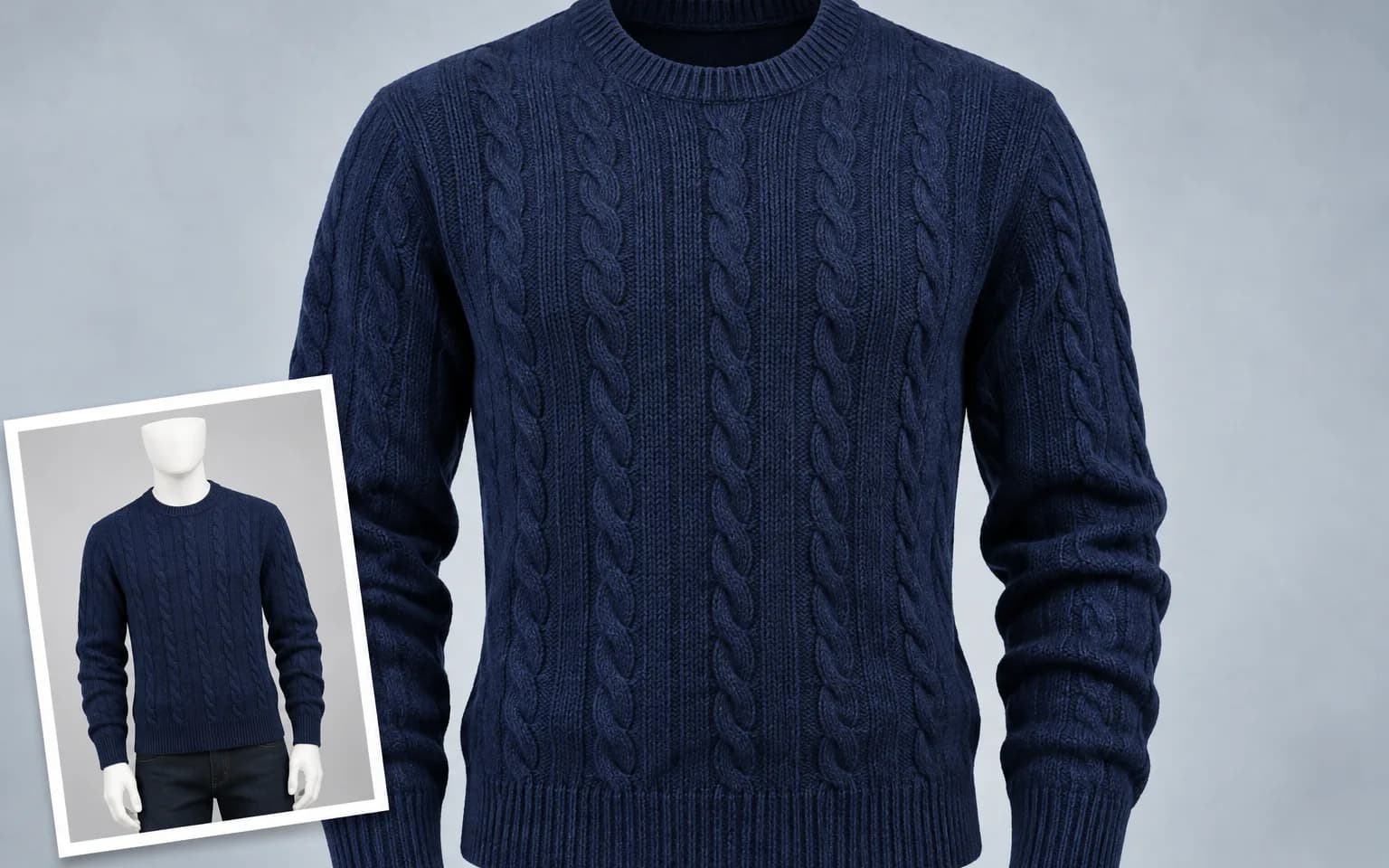 Ghost Mannequin
 Product Photo Generator
 Clone Product Image
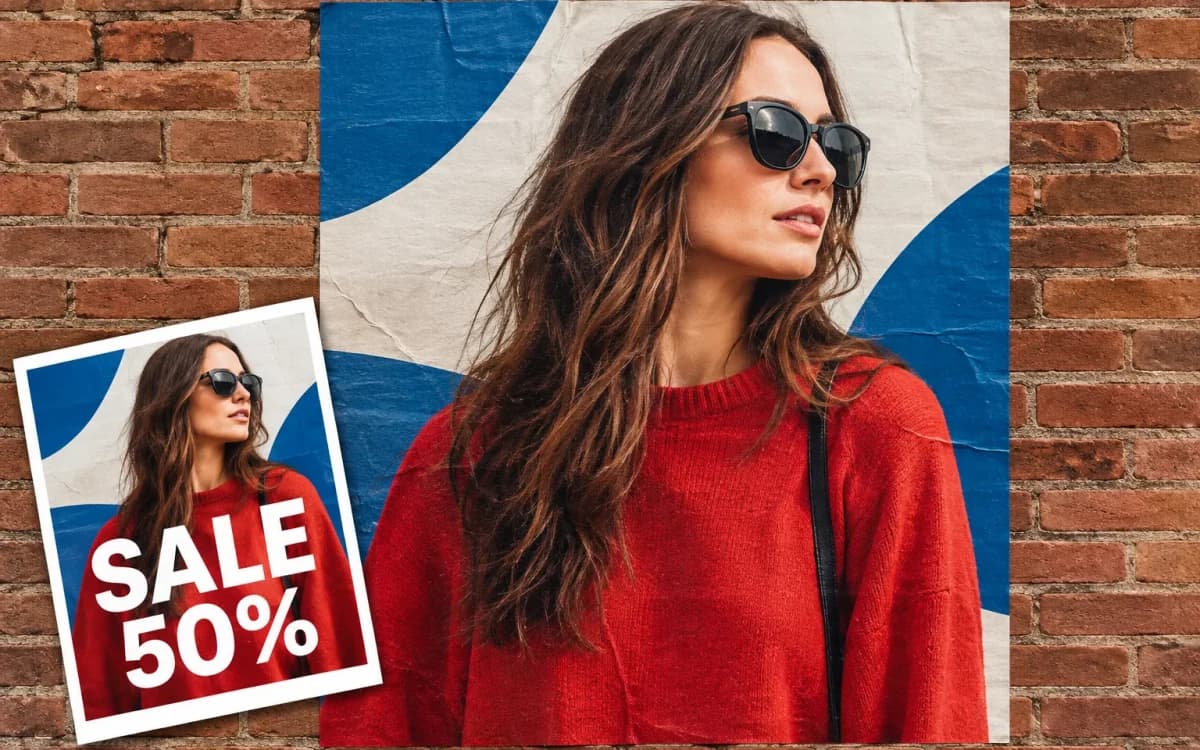 Remove Text from Image
 People Remover
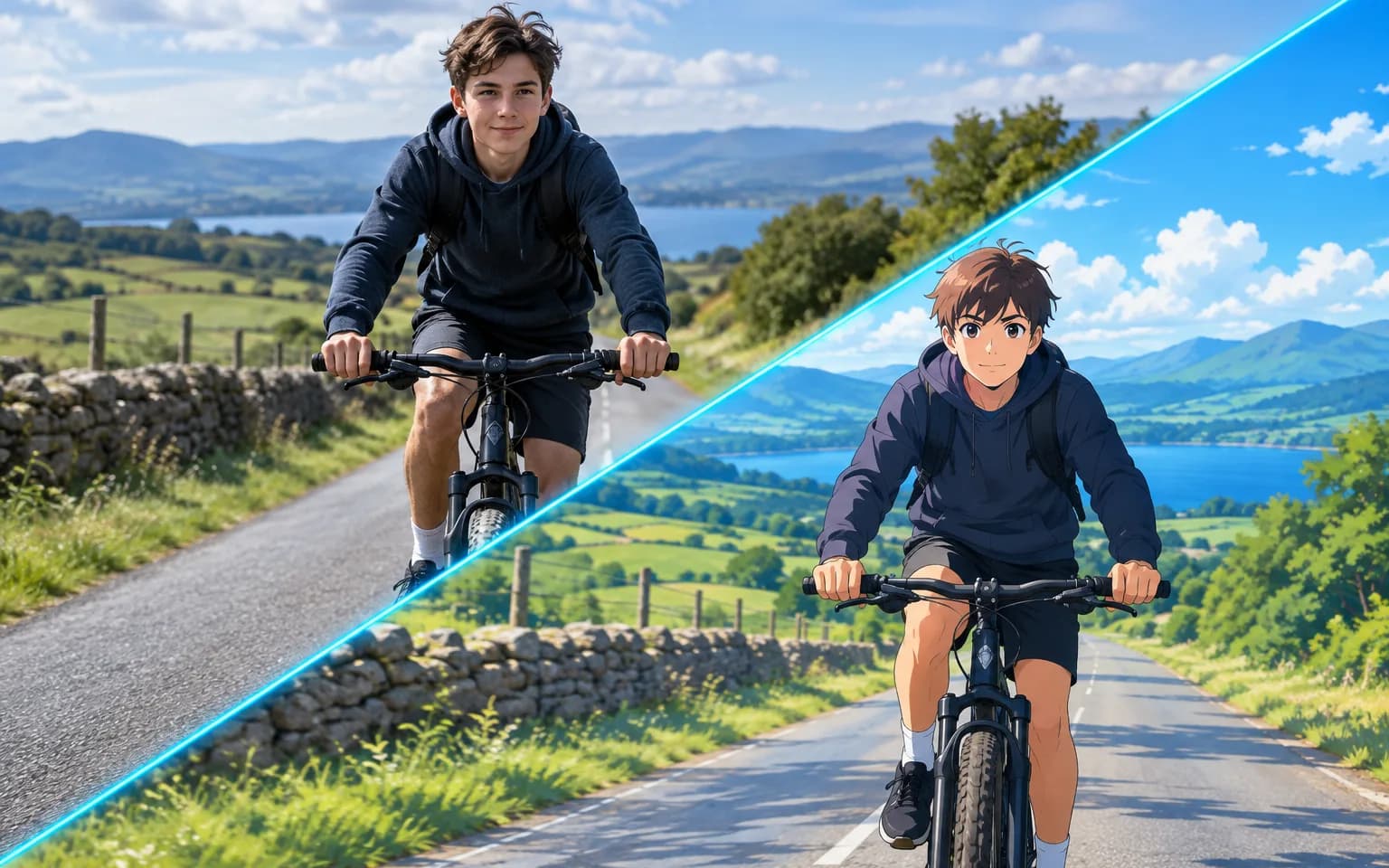 Photo to Anime
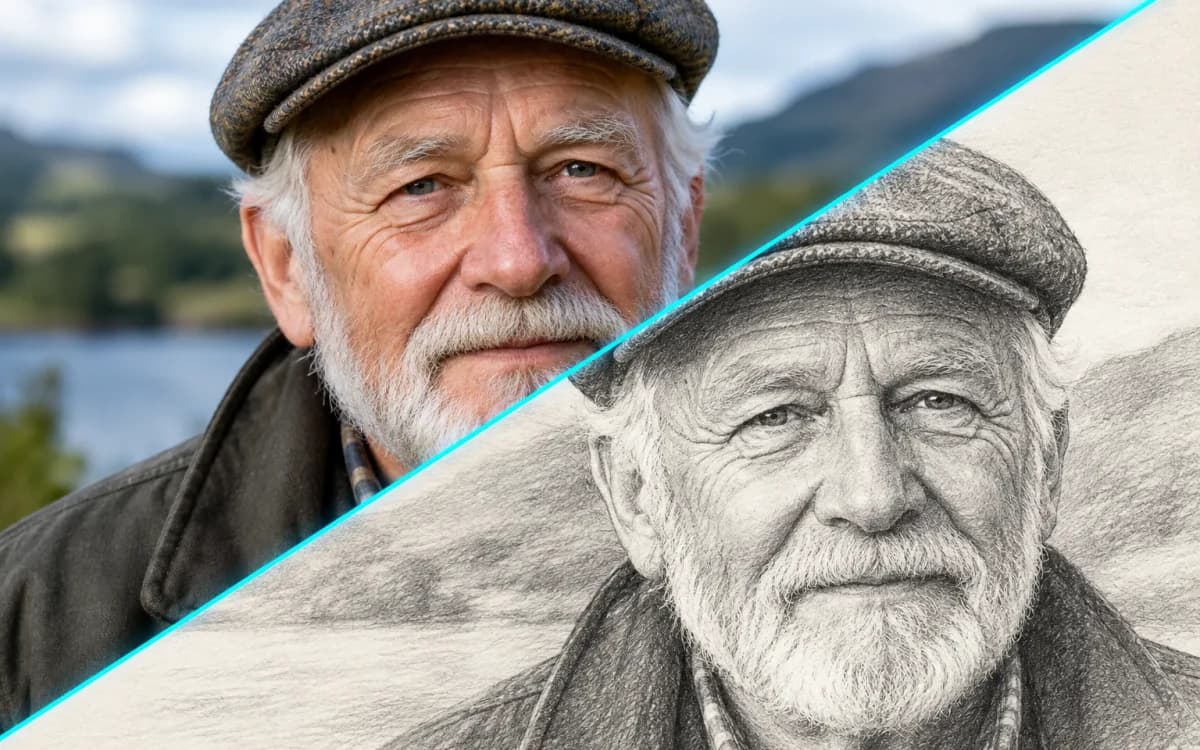 Photo to Sketch
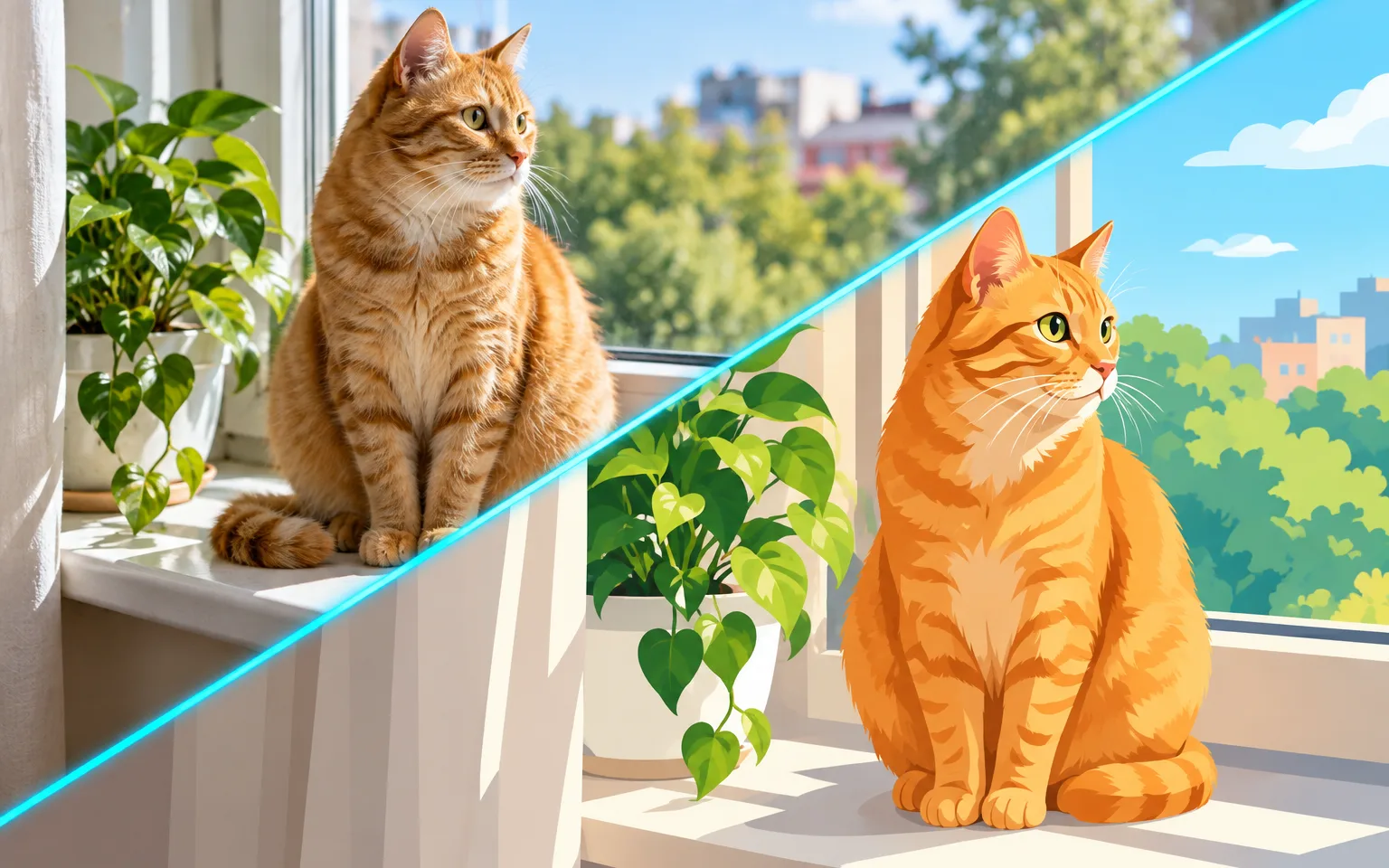 Photo to Cartoon
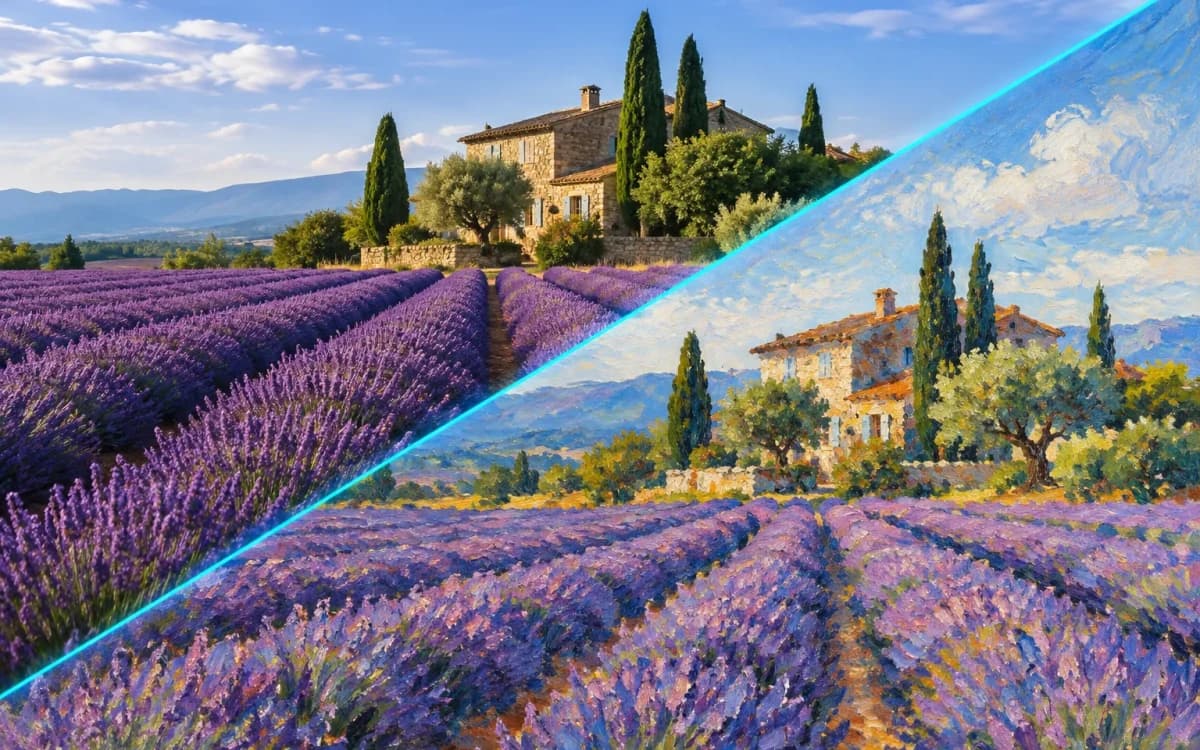 Photo to Painting
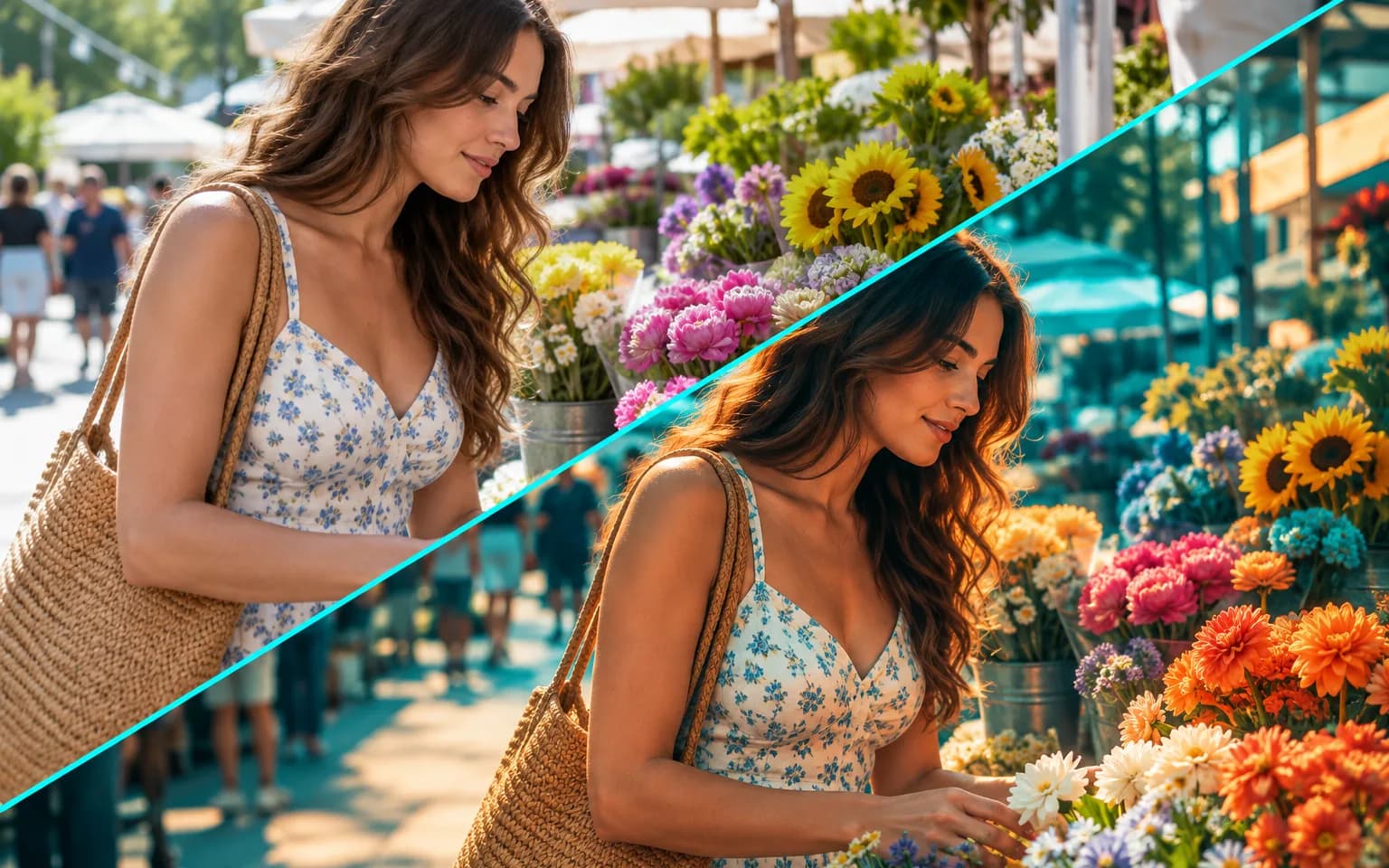 AI Filter
 Vintage Filter
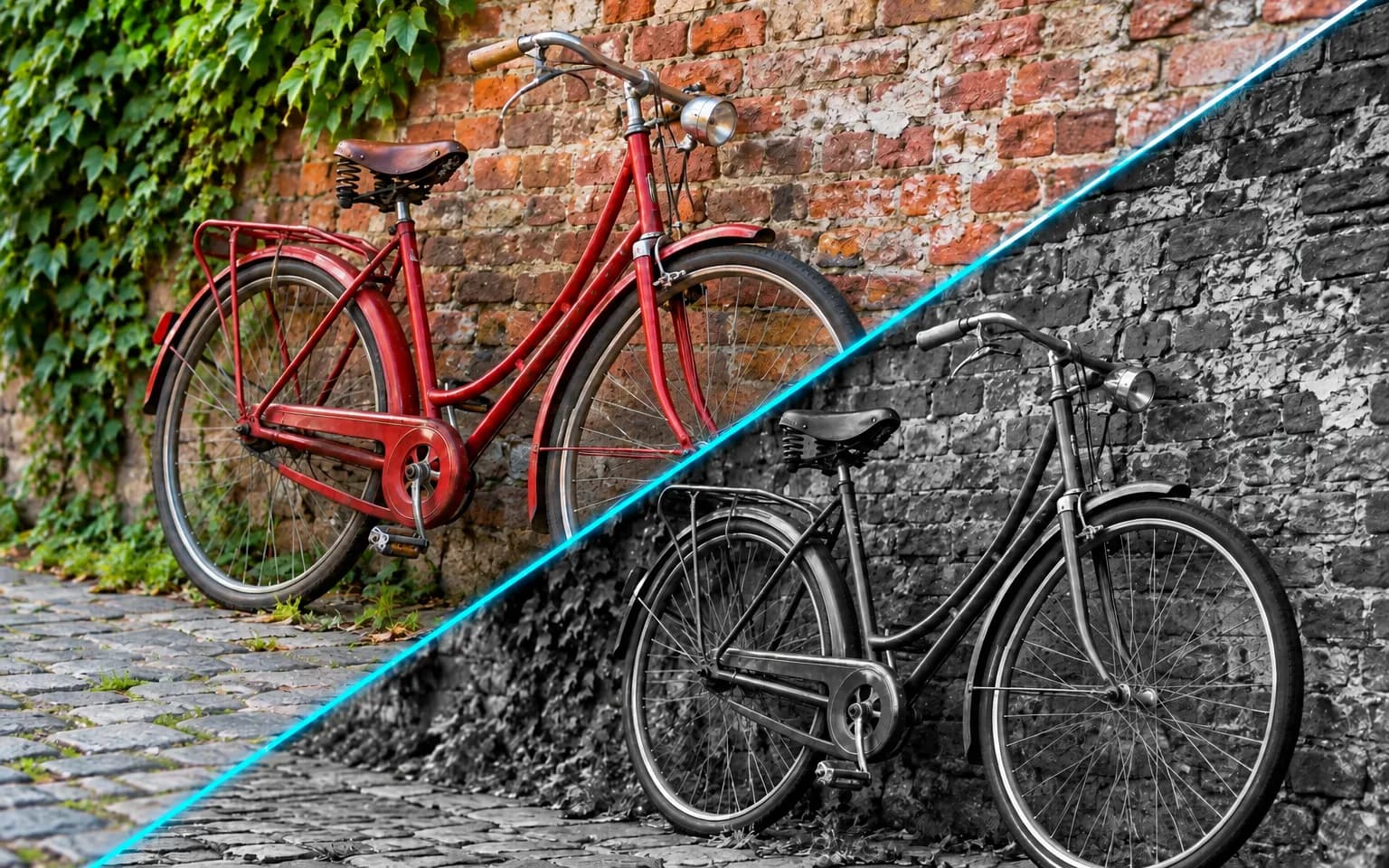 Black and White Filter
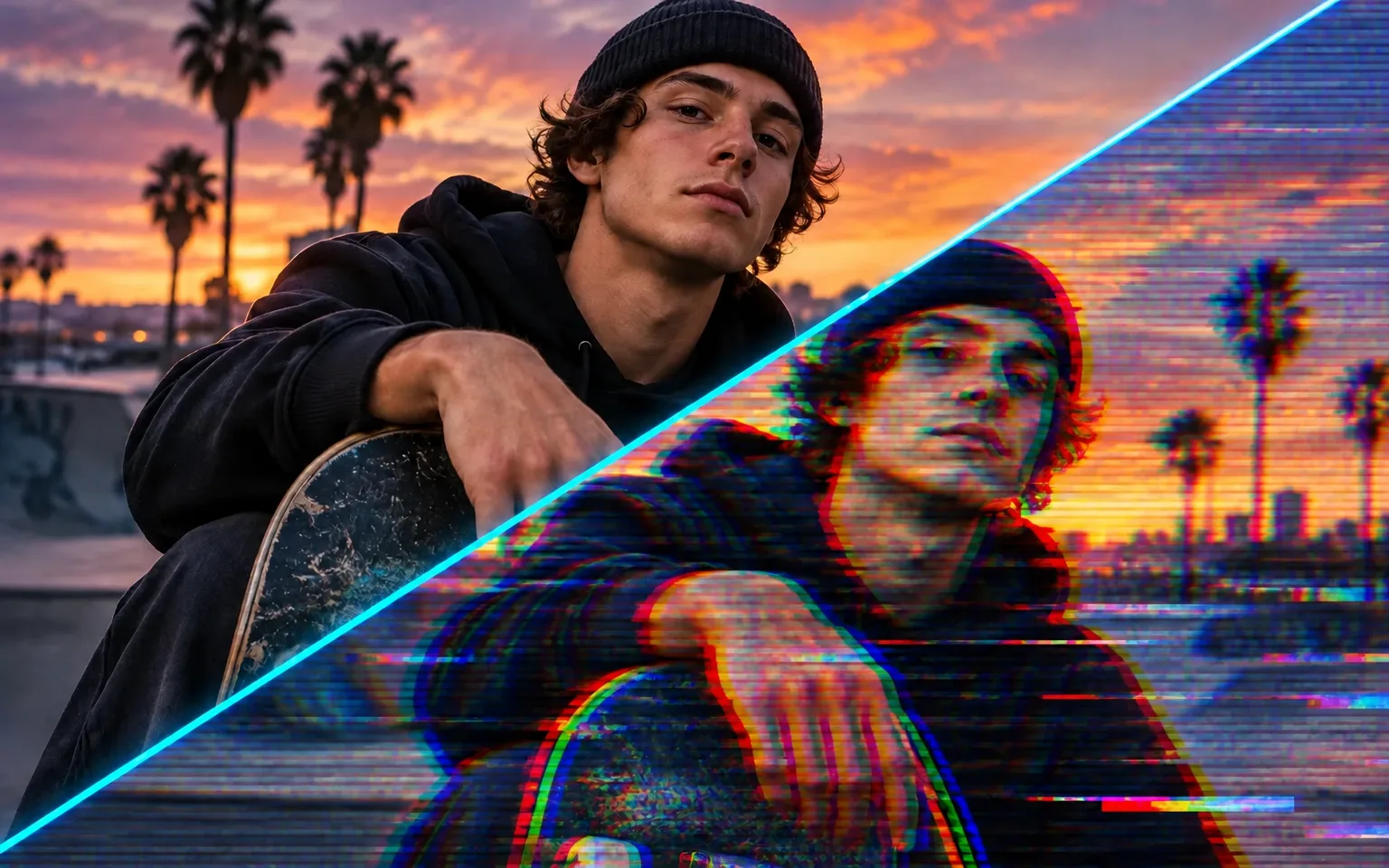 Glitch Effect
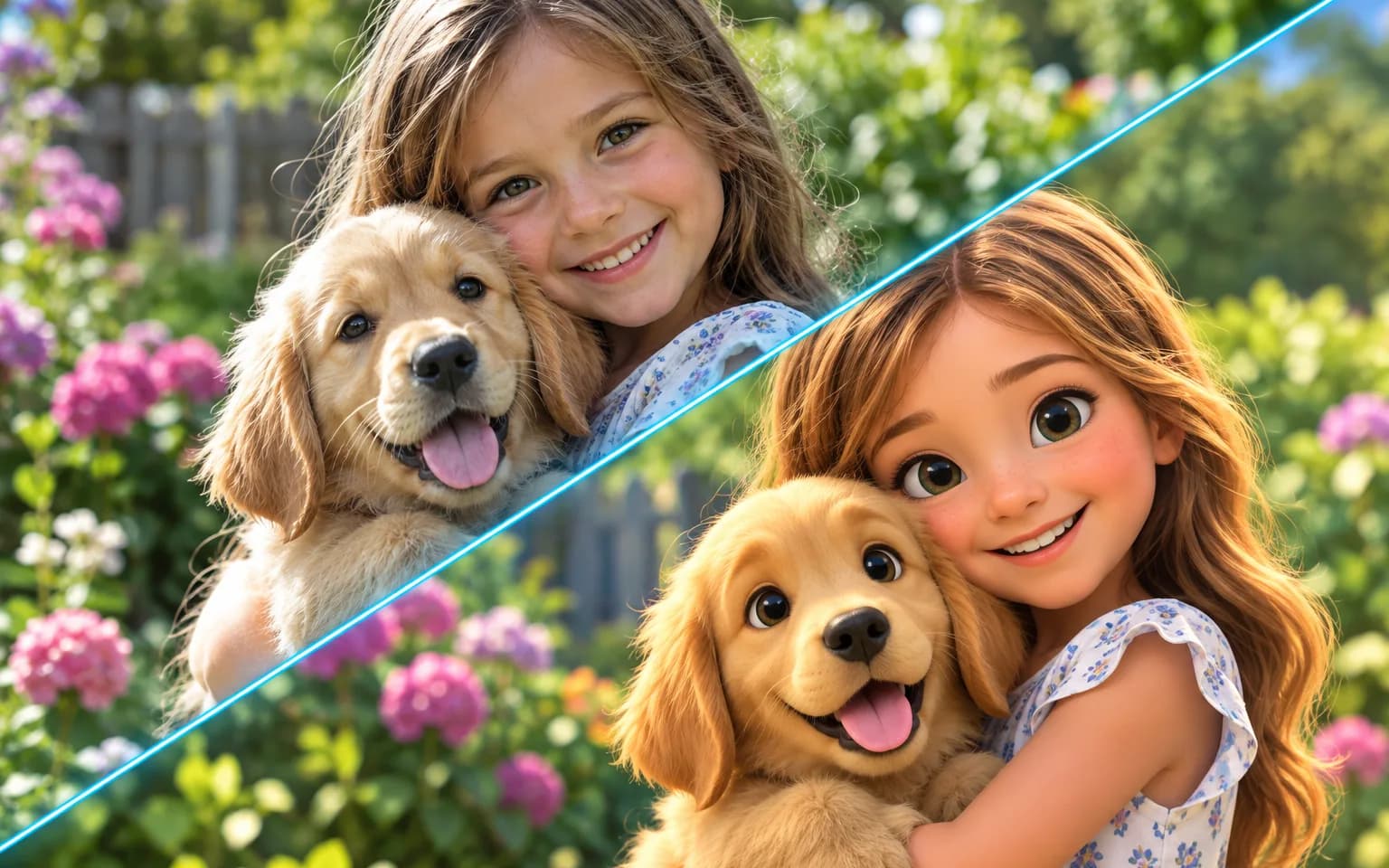 Photo to 3D Cartoon
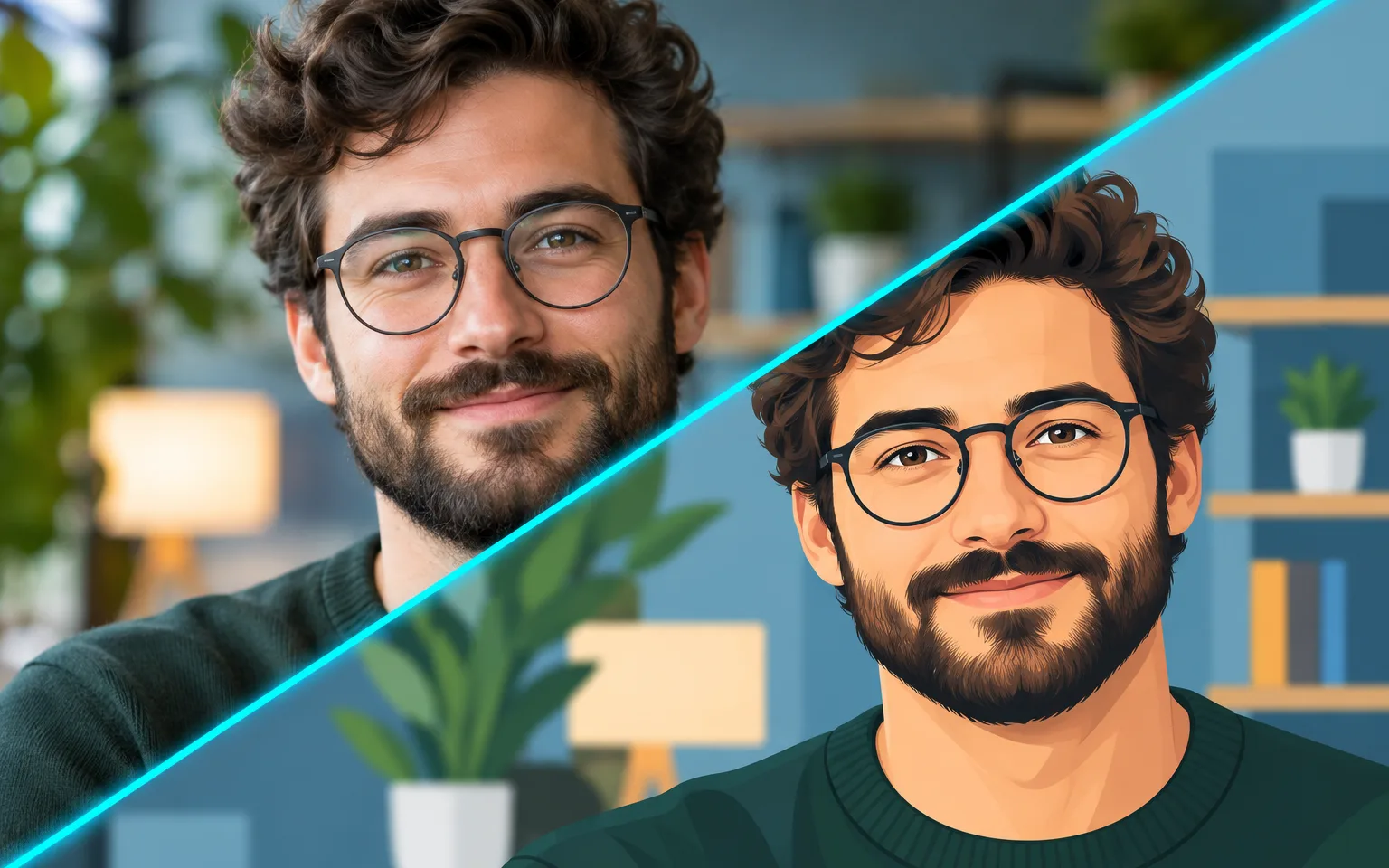 Cartoon Avatar Maker
Latest Models
 ByteDanceSeedance 2.5 Flash
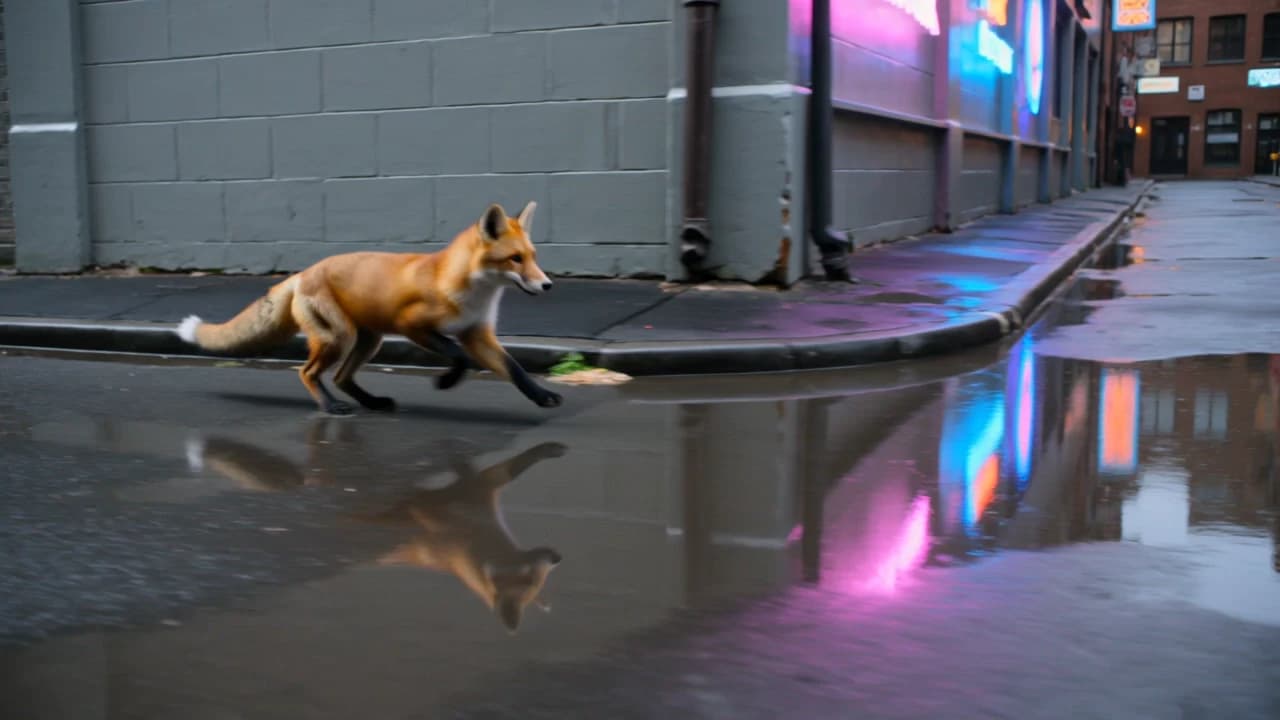 KuaishouKling 3.0 Omni
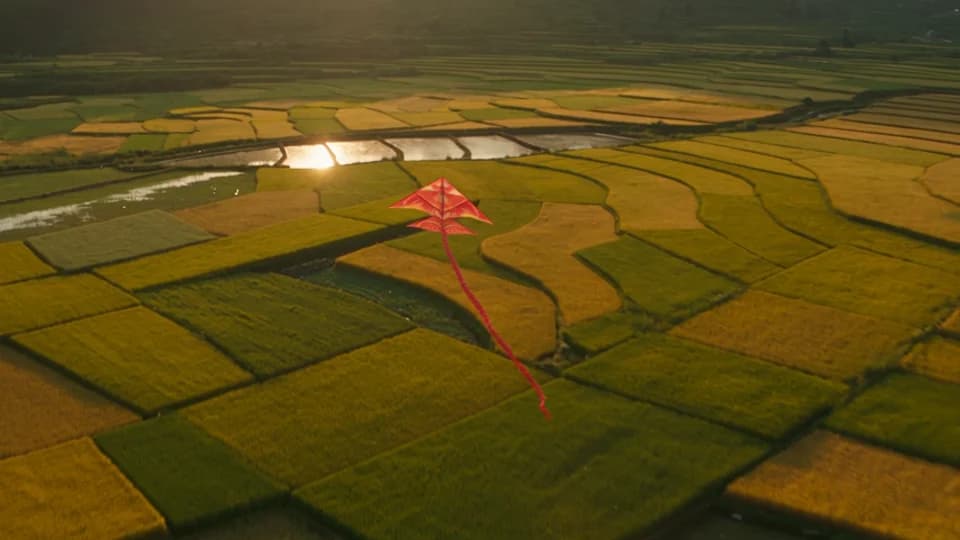 ByteDanceSeedance 2.5
 GoogleVeo 3.1
 AlibabaWan 3.0 Video
 KuaishouKling 4.0
 AlibabaWan 3.0 Video LoRA
 AlibabaWan 3.0 Video Pro LoRA
 Black Forest LabsFLUX 3
 xAIGrok Imagine Video 1.5
 MiniMaxMiniMax H3 LoRA
 MiniMaxMiniMax H3
 ByteDanceSeedance 2.0
 ByteDanceSeedance 2.0 Fast
 ByteDanceSeedance 2.0 Mini
 ByteDanceSeedance 1.5 Pro
 KuaishouKling 3.0 Turbo
 GoogleGemini Omni
 AlibabaWan 2.7
 AlibabaWan 2.5
 AlibabaWan 2.6
 AlibabaHappyHorse
 MiniMaxHailuo 2.3
 MiniMaxHailuo 2.3 Fast
 AlibabaWan 2.2 Animate
 KuaishouKling 3.0 Std
 MeiGenInfiniteTalk
 ViduVidu Q3
 KuaishouKling 2.5 Turbo Pro
 LightricksLTX-2 19B
 KuaishouKling 2.1
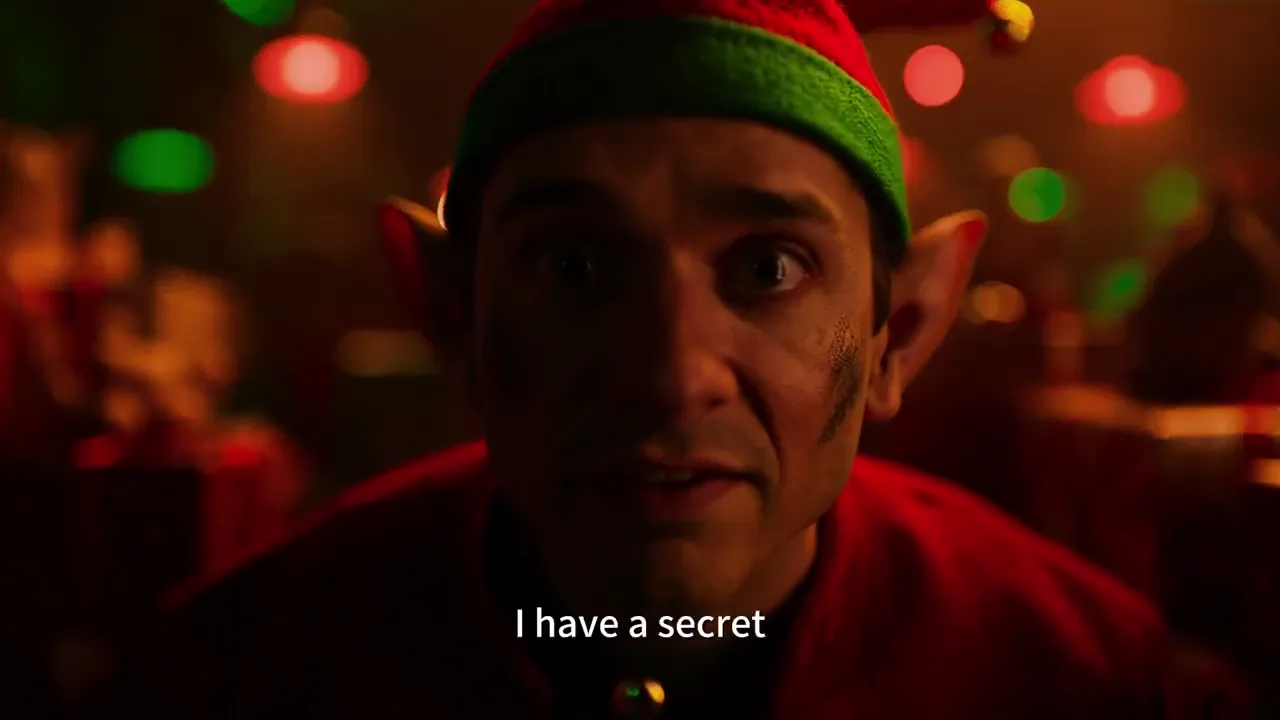 KuaishouKling 2.6
AI Tools
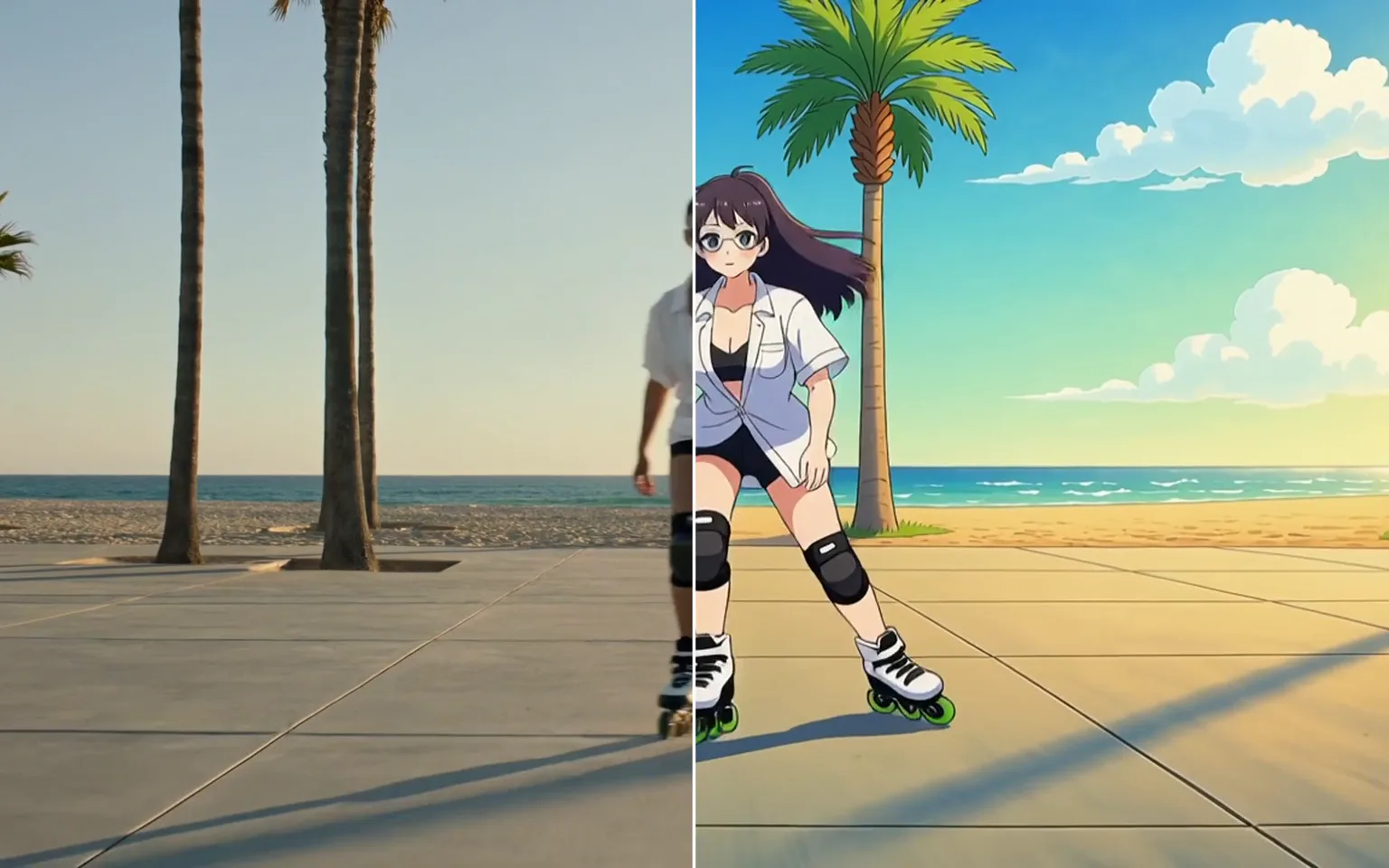
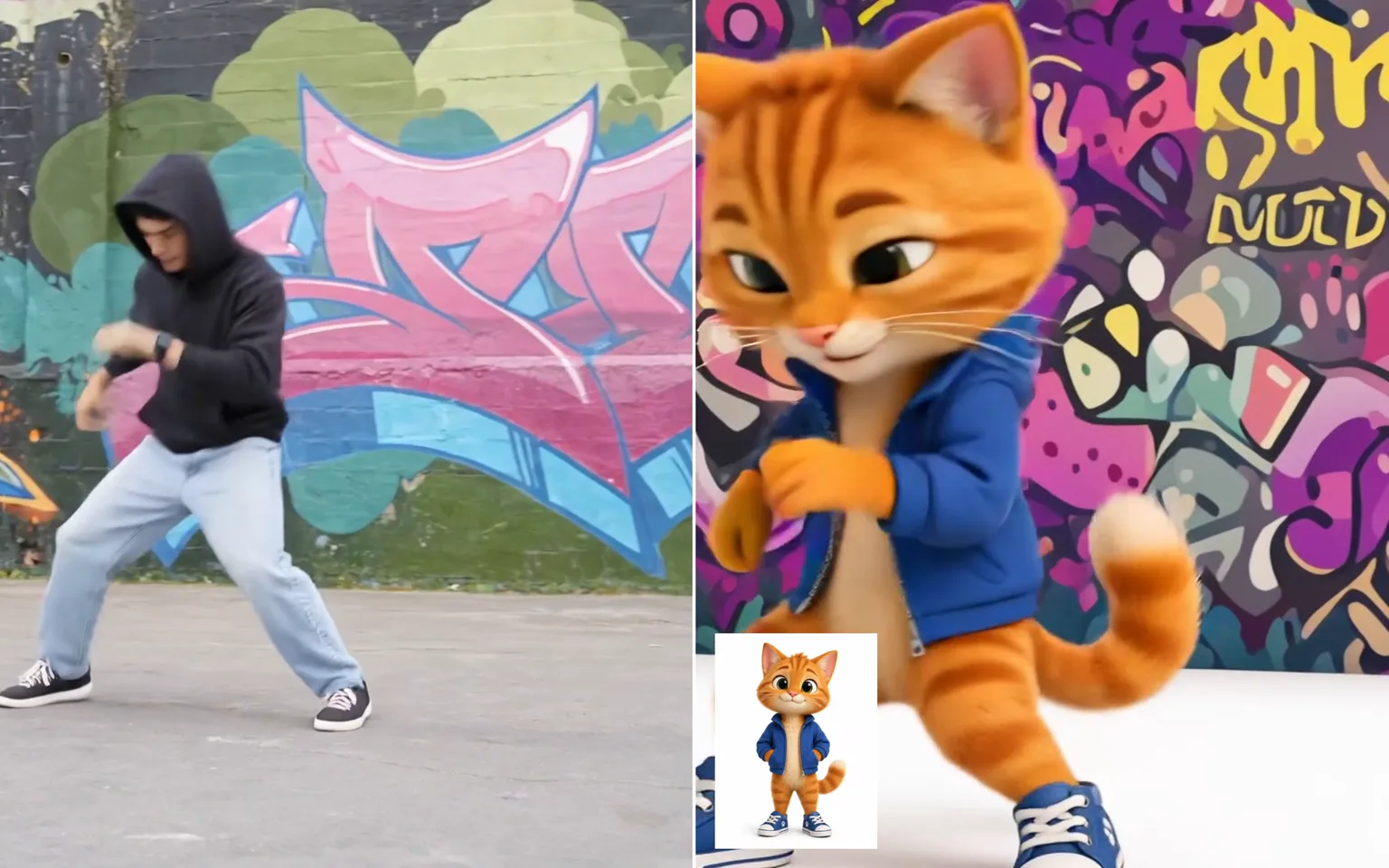
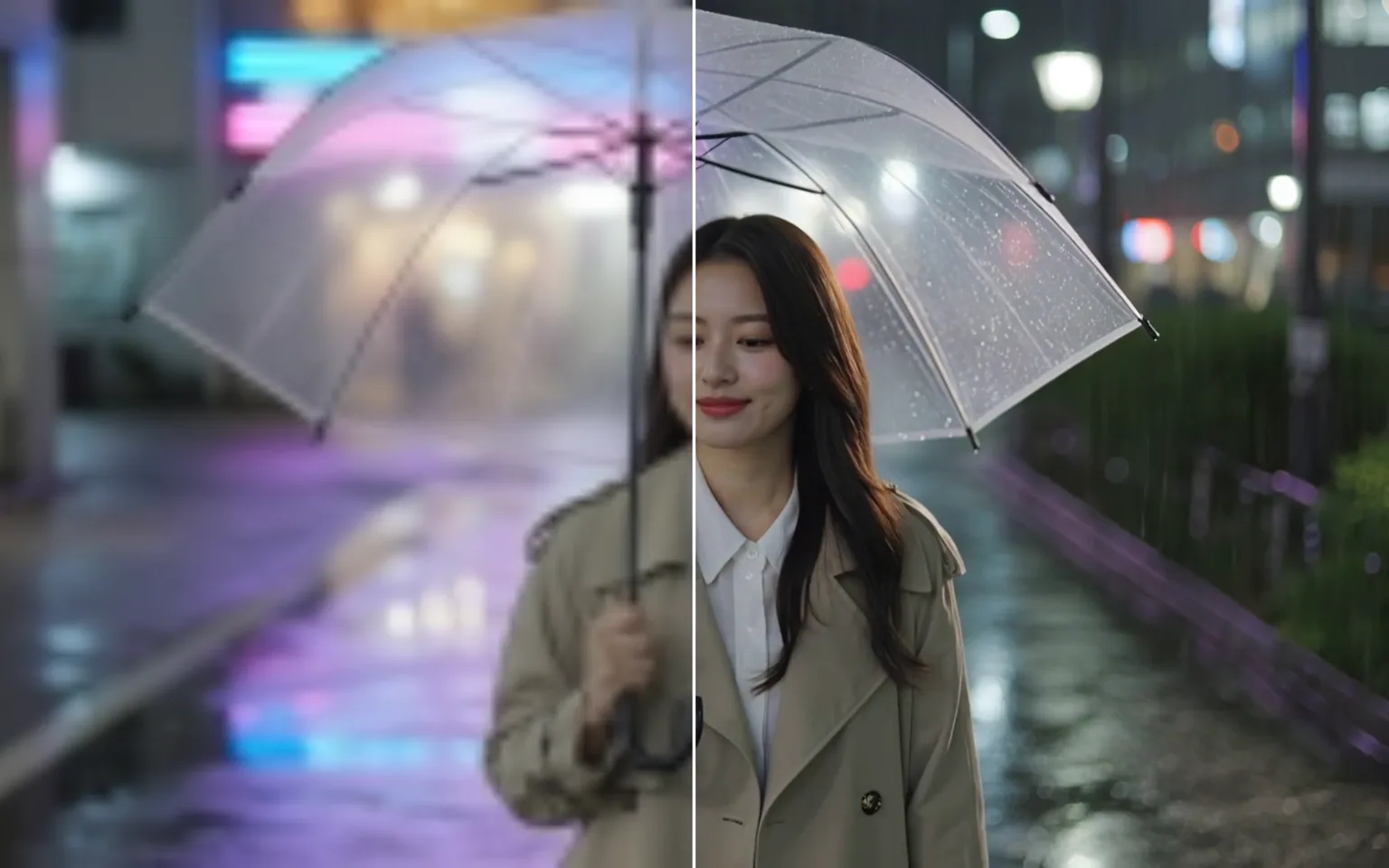
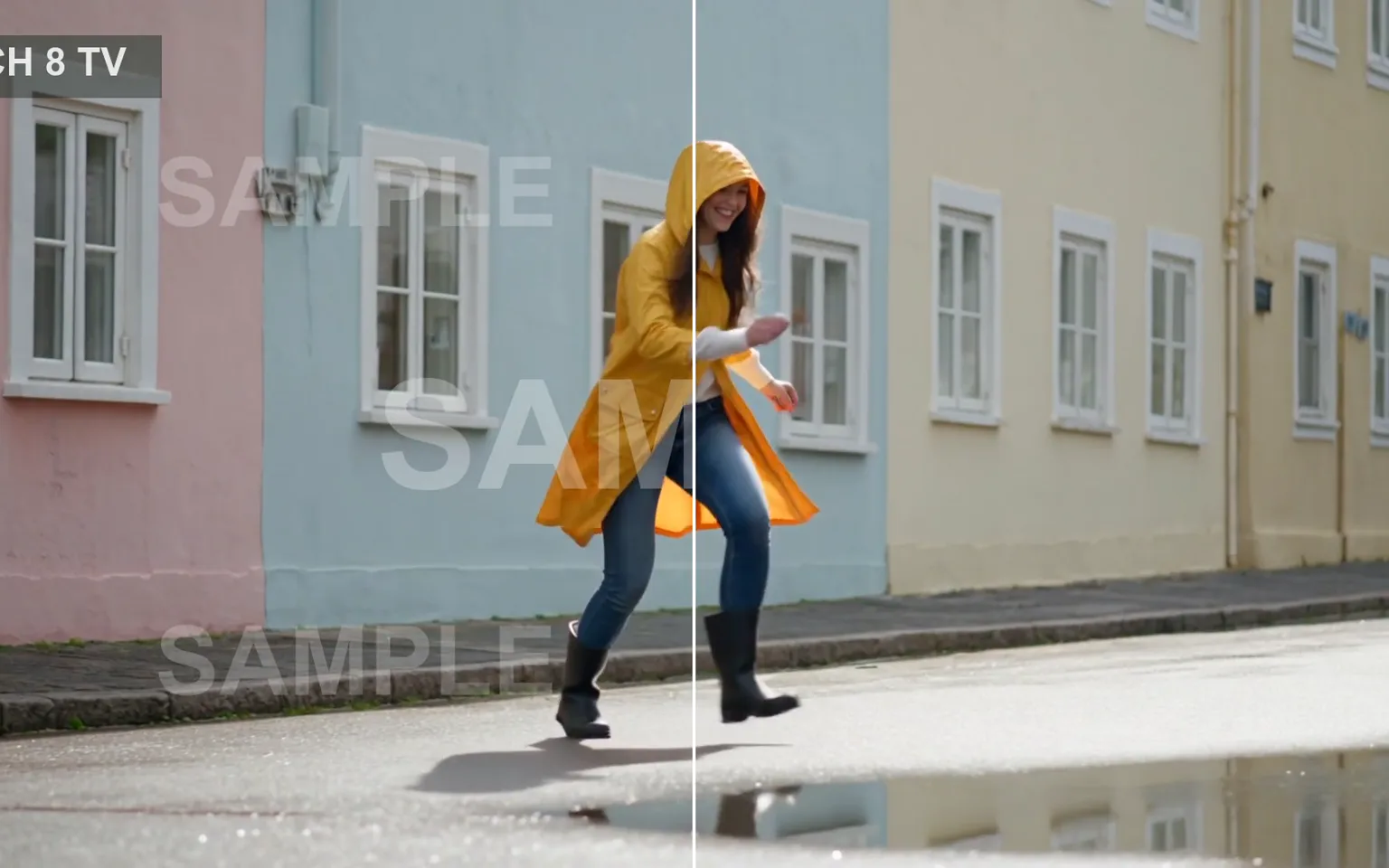
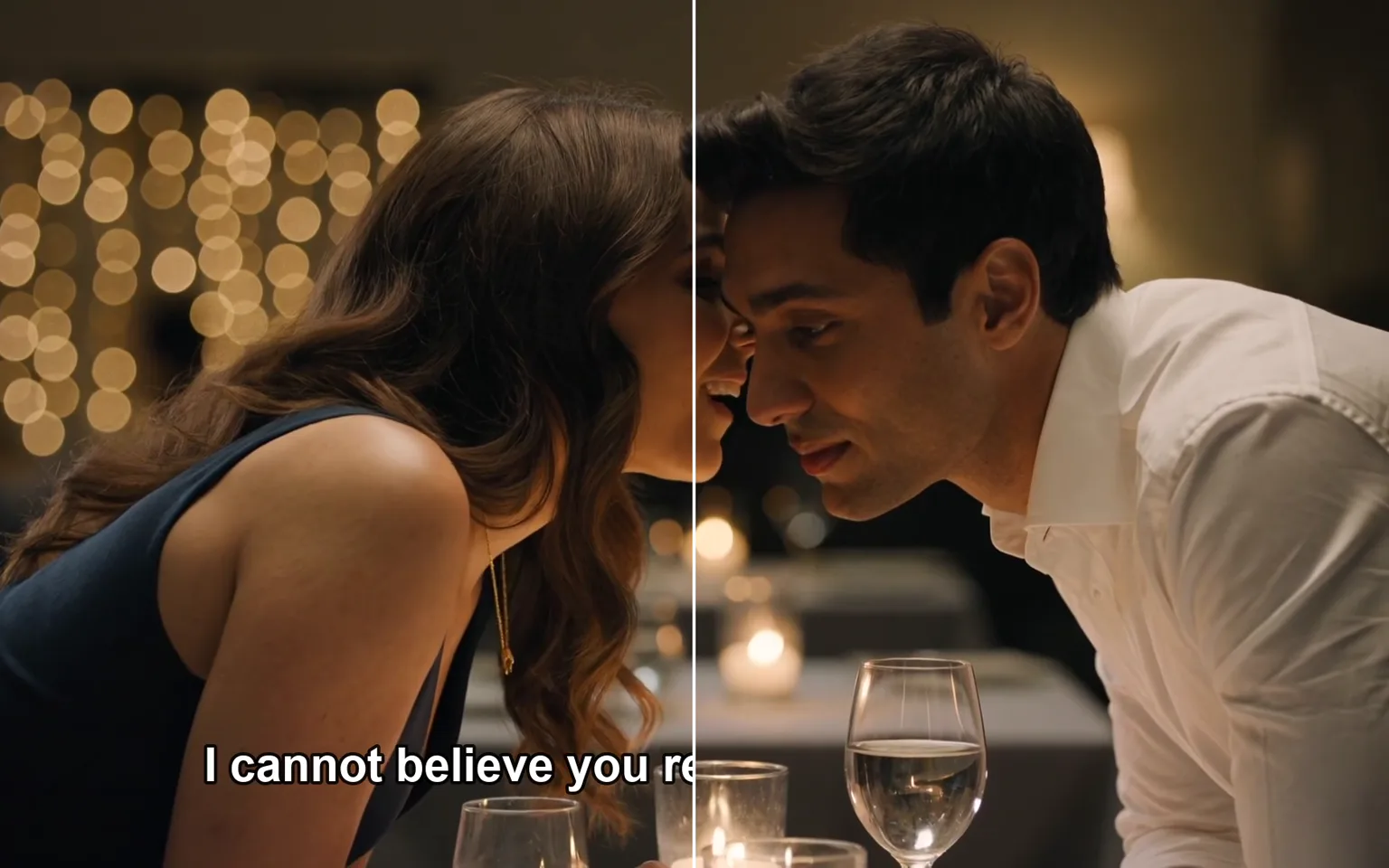
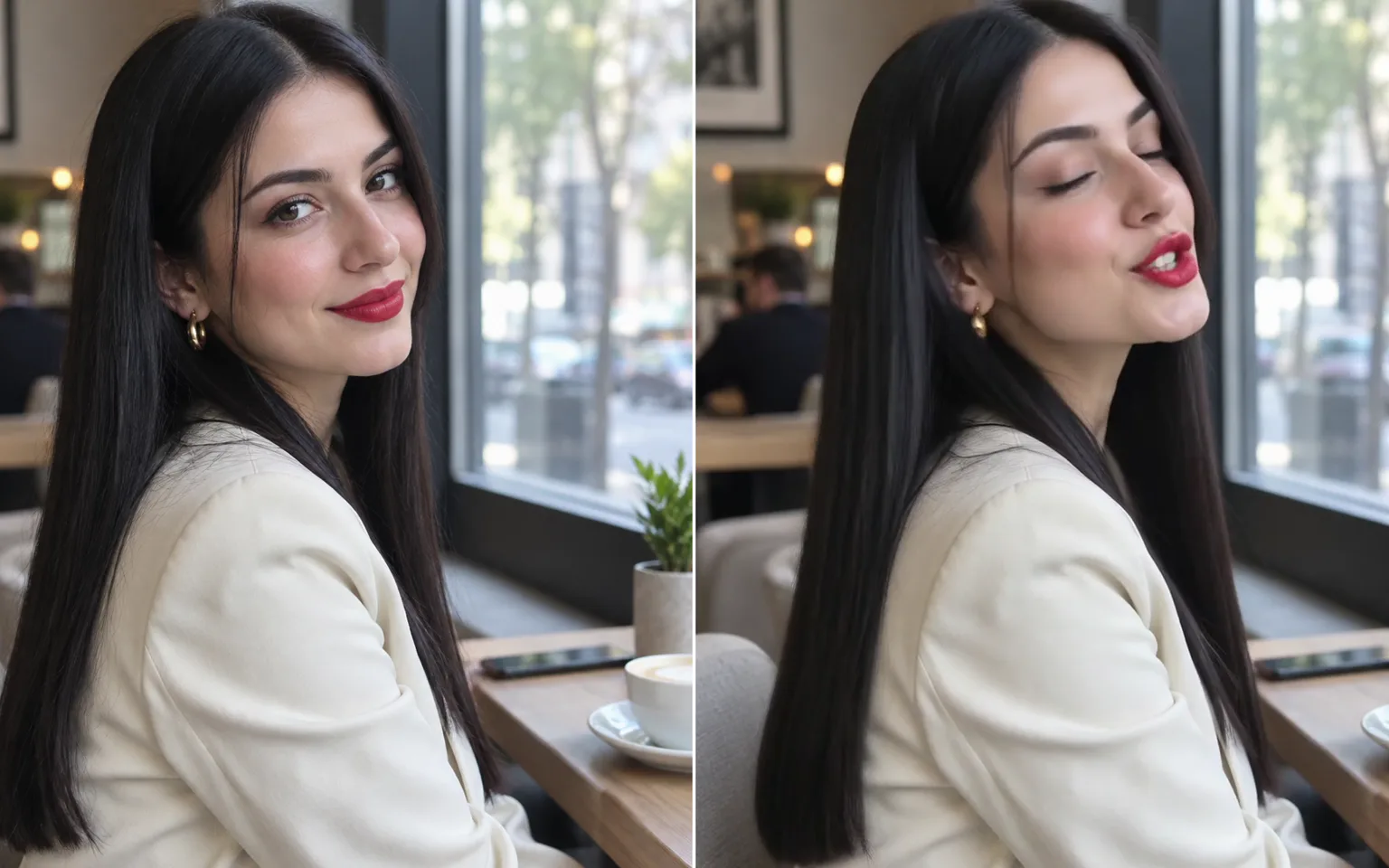
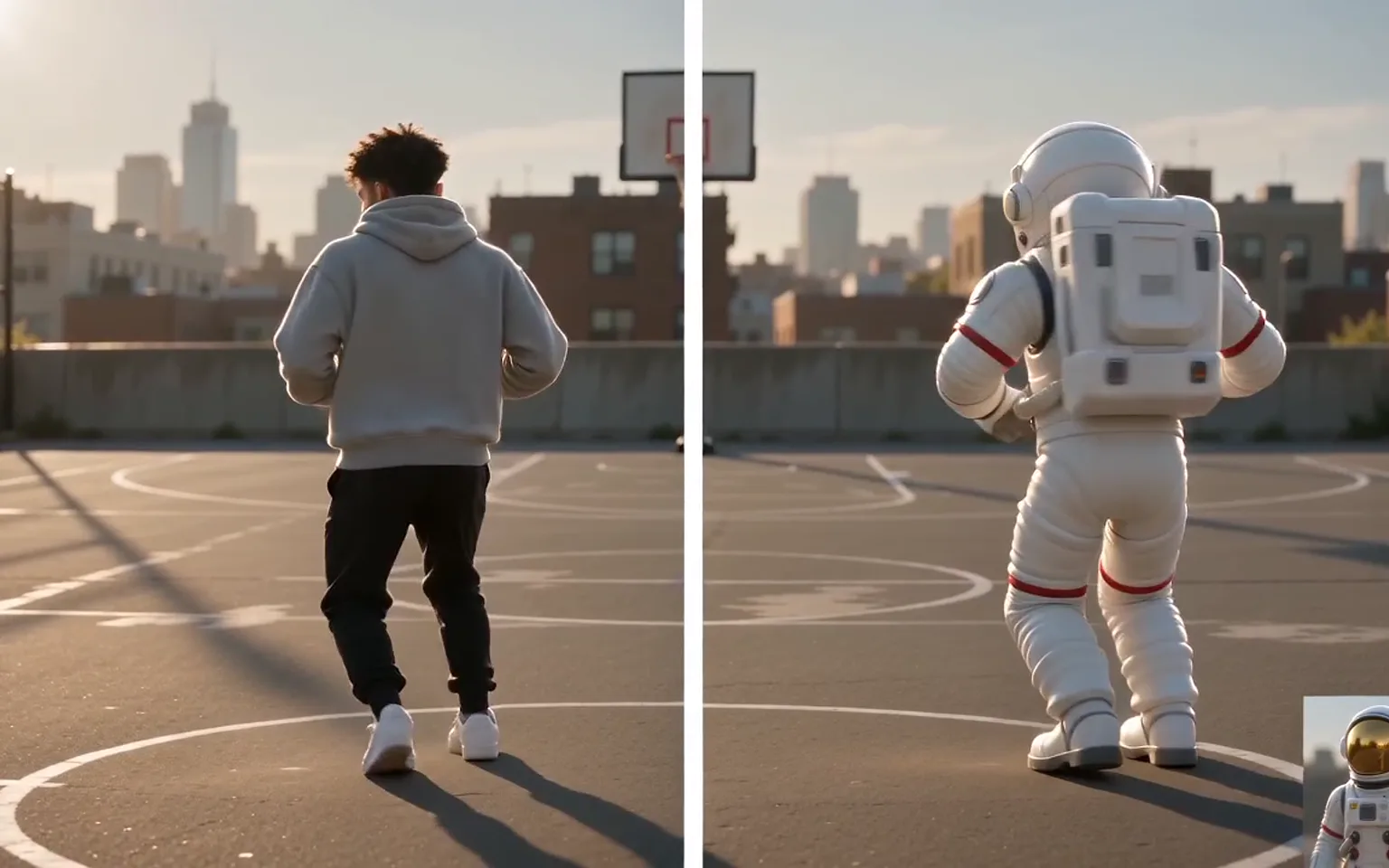
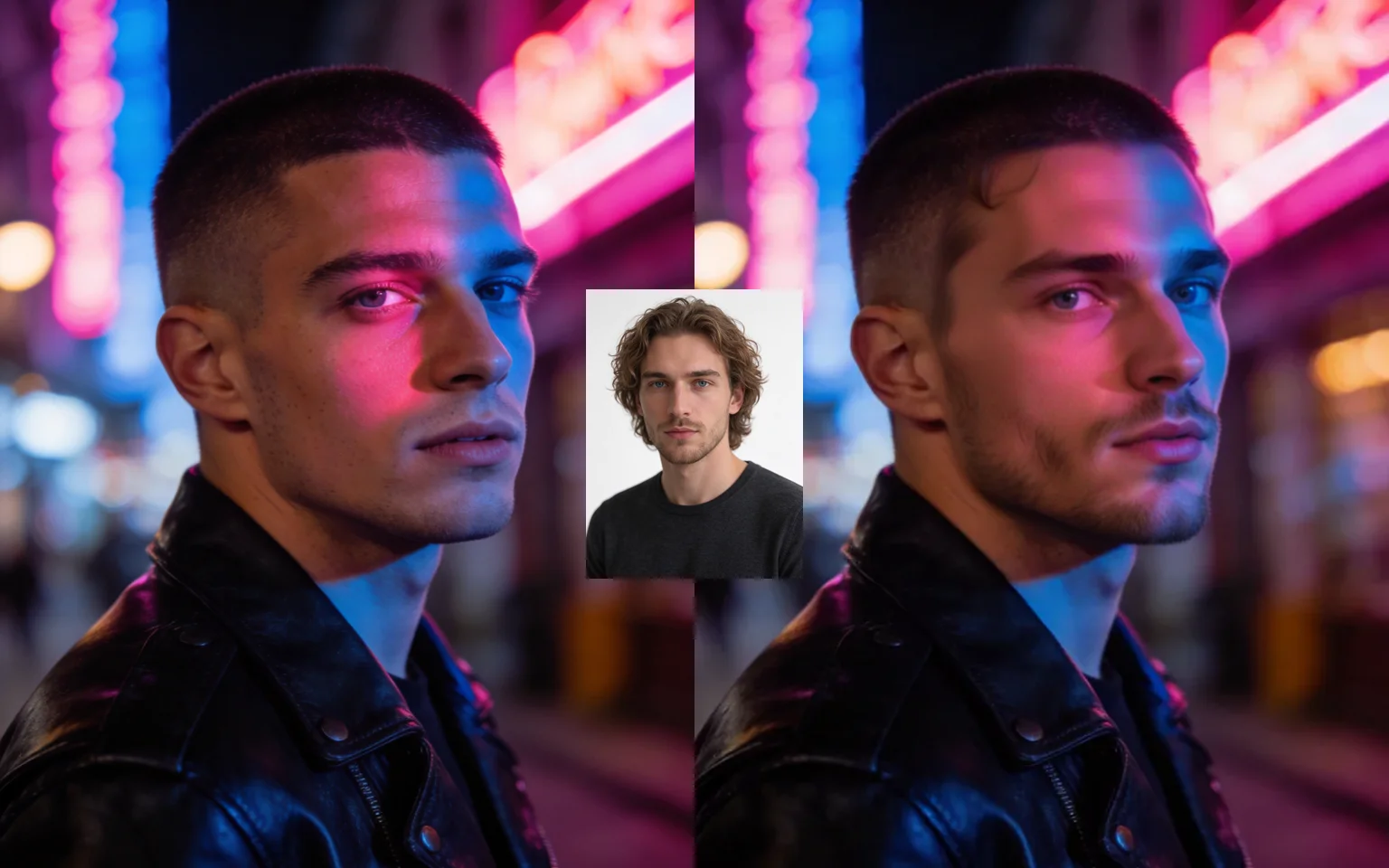
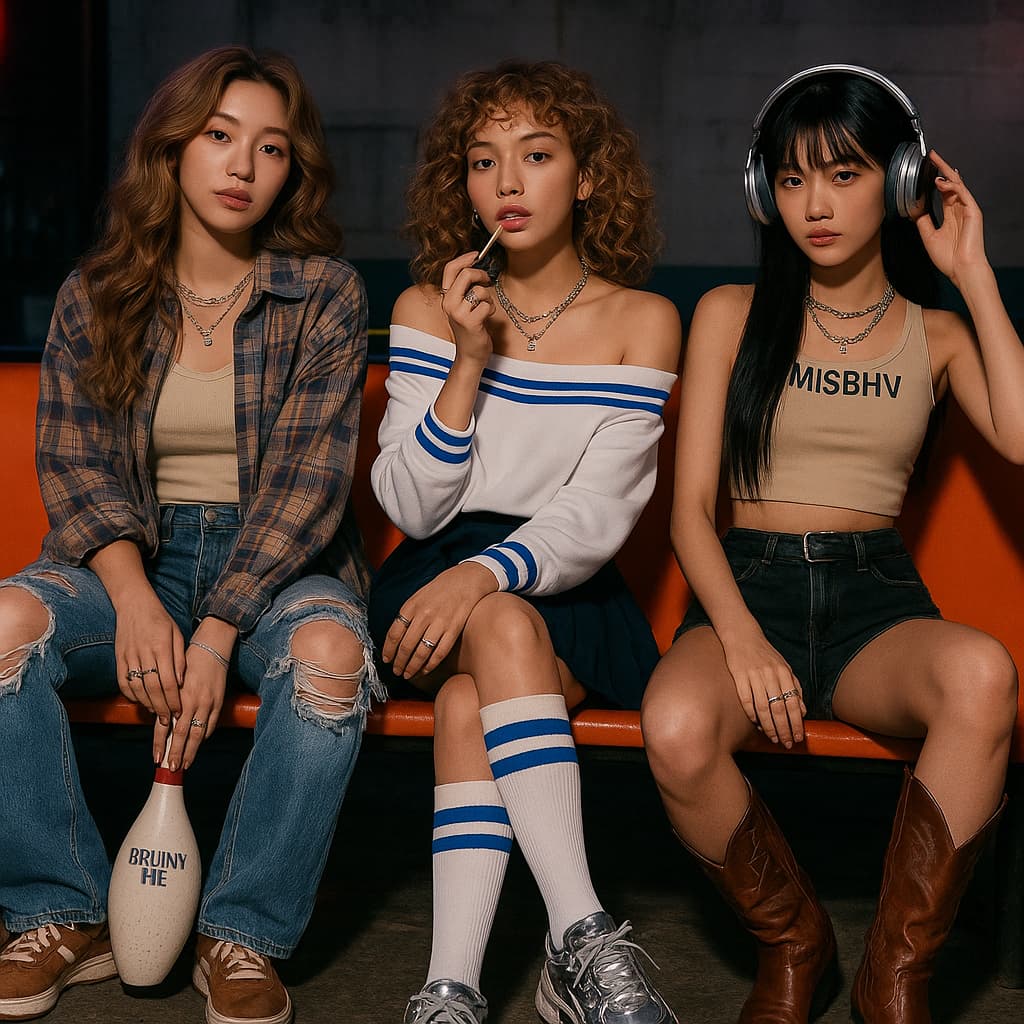


Inspiration
Inspiration
How it works
Choose what to create
Switch between video, image, and music, then pick a model from the menu in the prompt box.
Describe it and add references
Write a prompt, attach reference images or clips when the model supports them, and adjust settings like aspect ratio or duration.
Generate and refine
Check the credit cost, generate, and review results in your session. Edit the prompt, switch models, or reuse a result to make the next version.
AI Generator questions, answered
You can create videos, images, and music from one prompt box. Pick an output type, choose a model, describe what you want, and every result stays in the same session so you can compare versions and keep refining.
The model menu in the prompt box always lists the video, image, and music models you can use right now, from established names to newly released ones. Each model also has its own page that explains what it does best, which inputs it accepts, and how it is priced.
Generations are paid with credits. Before you submit, the prompt box shows the credit cost for the model and settings you picked, so there are no surprises. Changing the resolution, duration, or number of outputs updates the cost right away.
Yes. Many models accept reference images, start and end frames, or source videos. Upload files into the slots shown in the prompt box or pick them from your asset library. The available slots change with the model and mode you choose.
No. The AI Generator runs in your web browser on desktop and mobile. Sign in to generate, and your sessions and uploaded assets stay together in your account.
Results appear in the conversation where you created them and in your asset library. From there you can download a file, reuse it as a reference for the next generation, or turn an image into a video. Download anything you want to keep long term.
Usage rights depend on the model you use and its provider terms. Review the model page and the APIXO terms of service before you publish or sell generated content.
The AI Generator is the no-code way to try models and create content. Developers can call the same models through the APIXO API to build generation into their own apps and workflows.