



APIXOAPIXO

Create

AI Video
AI Image
AI Audio

Library

GenerationsAssets

Explore

ModelsAI ToolsPricing
APIXOAPIXO
APIXO
APIXO

Create any content you can imagine. Trusted by millions of creators.

Support@apixo.ai

Models

Claude Sonnet 4.6
Face Swap
Flux 2
FLUX 3
Flux Kontext
Gemini 3.1 Pro Preview
Gemini Omni
GPT-5.5
GPT-Image-1
GPT-Image-2
GPT-Image-2.5
Grok Image
Grok Imagine Video 1.5
Grok Video
Hailuo 2.3
Hailuo 2.3 Fast
HappyHorse
Head Swap
Image Upscaler
Image Watermark Remover
InfiniteTalk
Kling 2.1
Kling 2.5 Turbo Pro
Kling 2.6
Kling 3.0 Omni
Kling 3.0 Std
Kling 3.0 Turbo
LTX-2 19B
Midjourney
MiniMax H3
MiniMax H3 LoRA
MiniMax Image 01
MiniMax Speech 2.8
MiniMax Voice
Nano Banana
Nano Banana 2
Nano Banana Pro
Qwen Image 3.0
Qwen Image 3.0 Pro
Seedance 1.5 Pro
Seedance 2.0
Seedance 2.0 Fast
Seedance 2.0 Mini
Seedance 2.5
Seedream 4.5
Seedream 5.0
Seedream 5.0 Pro
Sora 2
Sora 2 Pro
Suno V6
Veo 3.1
Video Upscaler
Video Watermark Remover
Vidu Q3
Wan 2.2 Animate
Wan 2.5
Wan 2.5 Image
Wan 2.6
Wan 2.6 Image
Wan 2.7
Wan 2.7 Image
Wan 3.0 Video
Wan 3.0 Video LoRA
Wan 3.0 Video Pro LoRA
Z-Image LoRA
Z-Image LoRA Pro

Product

FeaturedImage ModelsVideo ModelsAudio ModelsText Models

Resources

AffiliateCompany InformationTerms of ServicePrivacy PolicyRefund PolicyShipping / Digital Delivery Policy

Other

PricingAPI Docs

© 2026 APIXO. All rights reserved.

MODEL AVAILABILITY, PRICING, AND ROUTING CAN VARY BY PROVIDER AND REGION.

CreateGenerationsAssets
  1. Home
  2. AI Video
  3. Reference to Video

Reference to Video AI Generator

Reference to Video AI uses approved images to guide a recognizable character, object, product, or visual identity into a new moving scene. Add clear references, describe the setting and action, then compare models that support reference-led generation.

APIXOAPIXO

Create

AI Video
AI Image
AI Audio

Library

GenerationsAssets

Explore

ModelsAI ToolsPricing

Turn an idea into a story in motion.

Turn an idea into a story in motion.

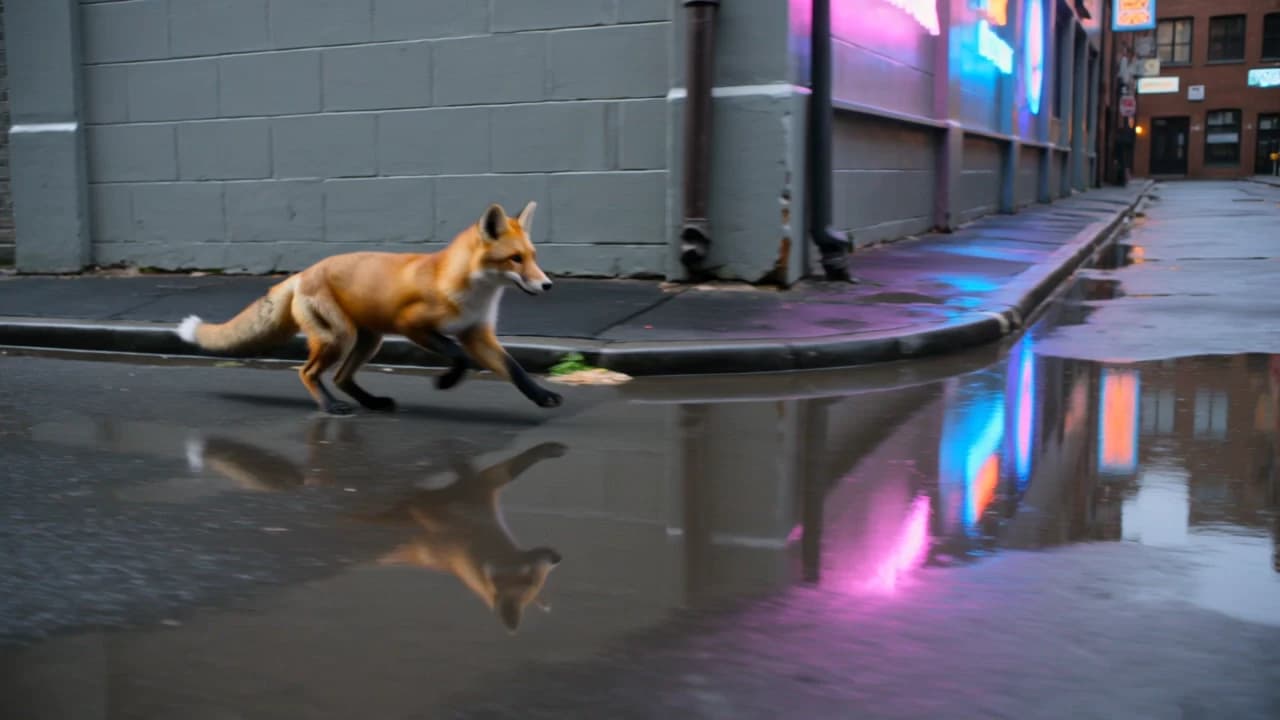
Preset result from Seedance 2.0
Seedance 2.0
from $0.0573/sec
Story in Motion5s · Cinematic movement
CreateGenerationsAssets
Why use it

Why use Reference to Video AI

Guide identity and appearance

Reference images give the model visual context for the character, object or product in your prompt.

Try it now

Create a new scene

Describe a fresh setting and action while the references guide what should remain recognizable.

Try it now

Use models built for references

The model picker is filtered to modes that accept reference-led video generation.

Try it now

Choose the right related workflow

Reference guidance is designed for recognizable subjects in newly described scenes. Use Image to Video AI when one prepared frame should anchor the composition, or Motion Control when a recorded performance should supply the movement.

Try it now
Capabilities

What Reference to Video AI can guide

Keep a subject recognizable

Use clear reference images to guide a character, object, mascot, or product appearance while generating a scene that did not exist in the source material.

Place products in new contexts

Develop lifestyle and campaign concepts around product imagery you own, while the prompt defines the setting, action, atmosphere, and camera treatment.

Combine supported references

Where the chosen model provides multiple reference slots, add compatible views or subjects and let the visible composer define the current limit.

Compare reference-aware models

Test the same approved assets and scene brief with compatible models to compare subject continuity, movement, composition, and prompt interpretation.

Develop recurring character scenes

Carry defining visual traits into separate scene concepts for story planning, campaign exploration, mascot content, or character design reviews.

Connect to other video workflows

Use Image to Video AI when one exact frame should lead the motion, or Video to Video AI when existing footage should guide timing and movement.

For consistent subjects across videos
Who it is for

For consistent subjects across videos

Brands and marketing teams

Use approved product, mascot, or campaign references to explore connected scenes without describing every visual trait again in each brief.

Storytellers

Carry a recurring character into new environments and actions while preserving recognizable features that help separate shots feel related.

E-commerce sellers

Build lifestyle motion concepts around product photographs you are authorized to use, then review whether important product details remain accurate.

Character designers

Test how an original character reads in different scenes, poses, and moods before investing in a longer animation or production sequence.

Models

Models behind this tool

  • ByteDance logoSeedance 2.5ByteDance
  • ByteDance logoSeedance 2.0ByteDance
  • ByteDance logoSeedance 2.0 FastByteDance
  • ByteDance logoSeedance 2.0 MiniByteDance
  • Kling logoKling 3.0 OmniKling
  • Alibaba logoWan 3.0 VideoAlibaba
  • Alibaba logoWan 3.0 Video LoRAAlibaba
  • Alibaba logoWan 3.0 Video Pro LoRAAlibaba
  • MiniMax logoMiniMax H3MiniMax
  • MiniMax logoMiniMax H3 LoRAMiniMax
  • Alibaba logoHappyHorseAlibaba
  • Google logoVeo 3.1Google
  • Alibaba logoWan 2.7Alibaba
  • Alibaba logoWan 2.6Alibaba
How it works

How to use Reference to Video AI

Try it now
01

Add your references

Upload clear views of the subject you want the model to follow.

02

Describe the new scene

Write the action, setting and camera direction for the video.

03

Choose a model and generate

Select a compatible model, review its inputs and create the result.

Tips & FAQ

Get better results

Tips

01

Use clean references with the subject clearly visible against a simple background.

02

Refer to the subject the same way in your prompt every time you generate.

03

Only use references you own or are allowed to use.

04

Choose complementary views with consistent styling and avoid references that contradict each other on defining colors, shapes, or clothing.

05

Review faces, logos, text, and product geometry in the output because reference guidance improves continuity but does not guarantee exact reproduction.

Frequently Asked Questions

Reference to Video AI generates a new scene while using supplied images as visual guidance for a subject. It is useful when a character, product, object, or mascot should remain recognizable even though the action and environment come from a new prompt.

Use clear images of a character, object, or product that you own or are allowed to use. The number and type of reference slots depend on the selected model, and the composer shows the exact inputs available for the current mode.

No. Reference to Video AI provides visual guidance, but pose changes, occlusion, fast action, and complex scenes can alter fine details. Review faces, text, logos, clothing, and product geometry in every result, especially when accurate brand or character representation matters.

Generation uses pay-as-you-go credits rather than a fixed price for every task. The estimate beside the Generate button updates for the model and parameters you select, so you can review the expected charge before submitting. Changing the model, quality, format, or other available controls can change that estimate.

You can explore the page, compare the available models, and inspect their controls without signing in. An account is required when you are ready to submit a generation task, monitor its progress, and access the completed result in your workspace.

Requirements depend on the selected model and workflow. The composer displays the inputs, accepted upload types, and controls that apply to your current selection. If you switch models, review those fields again because supported assets and settings may differ.

Commercial use depends on your rights to every input, the selected model terms, and the rules that apply where you publish. Use only prompts and source assets you are authorized to use, review the applicable terms, and check the final clip before distributing it.

More tools

  • Text to Video
  • Image to Video
  • Video to Video
  • AI Talking Photo
  • Motion Control
  • Video Upscaler
  • Video Watermark Remover
  • Remove Subtitles from Video
  • AI Video Extender
  • Video Character Swap

Build a new scene with Reference to Video AI

Add reference images you are authorized to use, describe the new action and setting, review the model estimate, and generate above.

Try it now

Describe the scene, motion, camera, and mood…

$0.076