Guides
Hotel Lobby AI Video: References, Prompts, and a Two-Person Workflow
Plan a two-person Hotel Lobby-style video with identity and motion references, an illustrative prompt, and checks for faces, gestures, and audio.
APIXO Team
Start creating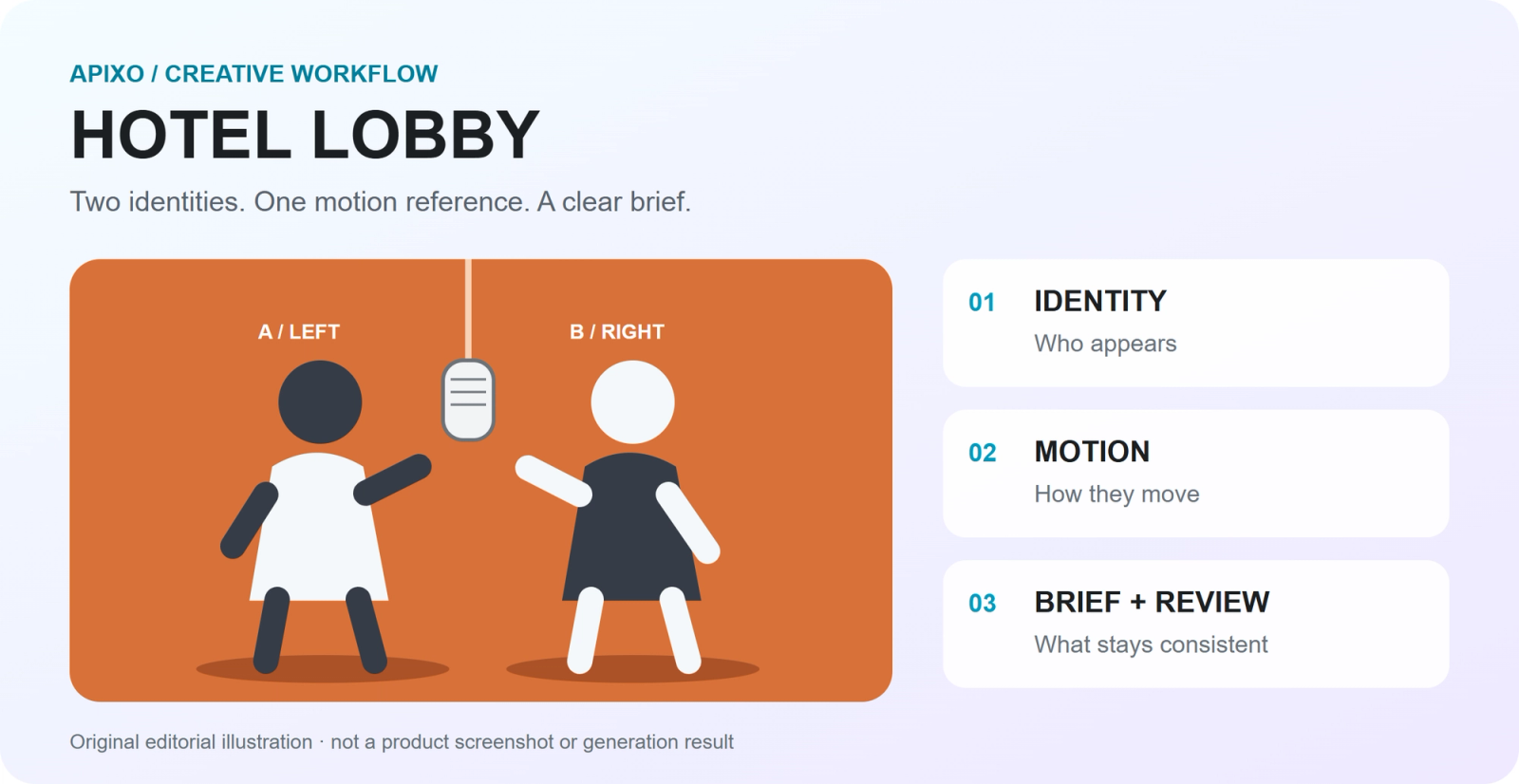


Guides
Plan a two-person Hotel Lobby-style video with identity and motion references, an illustrative prompt, and checks for faces, gestures, and audio.
To plan a Hotel Lobby AI video, give each source a job: two image references define the performers, a motion reference guides the performance, and your prompt describes the scene and what should stay consistent. Review the video before adding or approving the final audio.
This guide uses original editorial diagrams and external examples. The prompt is illustrative and has not been tested in a paid APIXO generation; the embedded remixes are other creators’ work.
The format borrows the orange set, shared hanging microphone, and two-person performance from Quavo and Takeoff’s “HOTEL LOBBY” on A COLORS SHOW. The song gives the trend its name. Start with the official COLORS performance to understand the framing.
official COLORS performance
https://www.youtube.com/watch?v=x9yop0nYR9gOriginal performance by Quavo & Takeoff, shared by Quavo on X. Observe the performers’ positions, shared microphone, and camera framing. This is the source performance, not an AI result. View the original post on X · Full performance on YouTube
View the original post on X
https://x.com/QuavoStuntin/status/2102798534173233453Changing the cast creates the remix. When watching a version, separate what you can observe in the output from the creator’s production method. A polished clip alone does not reveal which model, prompt, or number of attempts produced it.
External remix by @ogfeitoza. Compare the two character positions and the recognizable orange-stage composition. This post is an example of the format, not evidence of APIXO output quality. View the remix on X
View the remix on X
https://x.com/ogfeitoza/status/2100991271695192335A prompt can describe the scene and intended action. When the exact sequence of gestures matters, provide motion information instead of asking prose to carry the entire choreography. A reference still guides generation; it does not guarantee a frame-by-frame match.
Use material you can use for this project. Watching or embedding the official performance does not make its footage or music an automatically licensed generation input. The embeds in this article are viewing references.
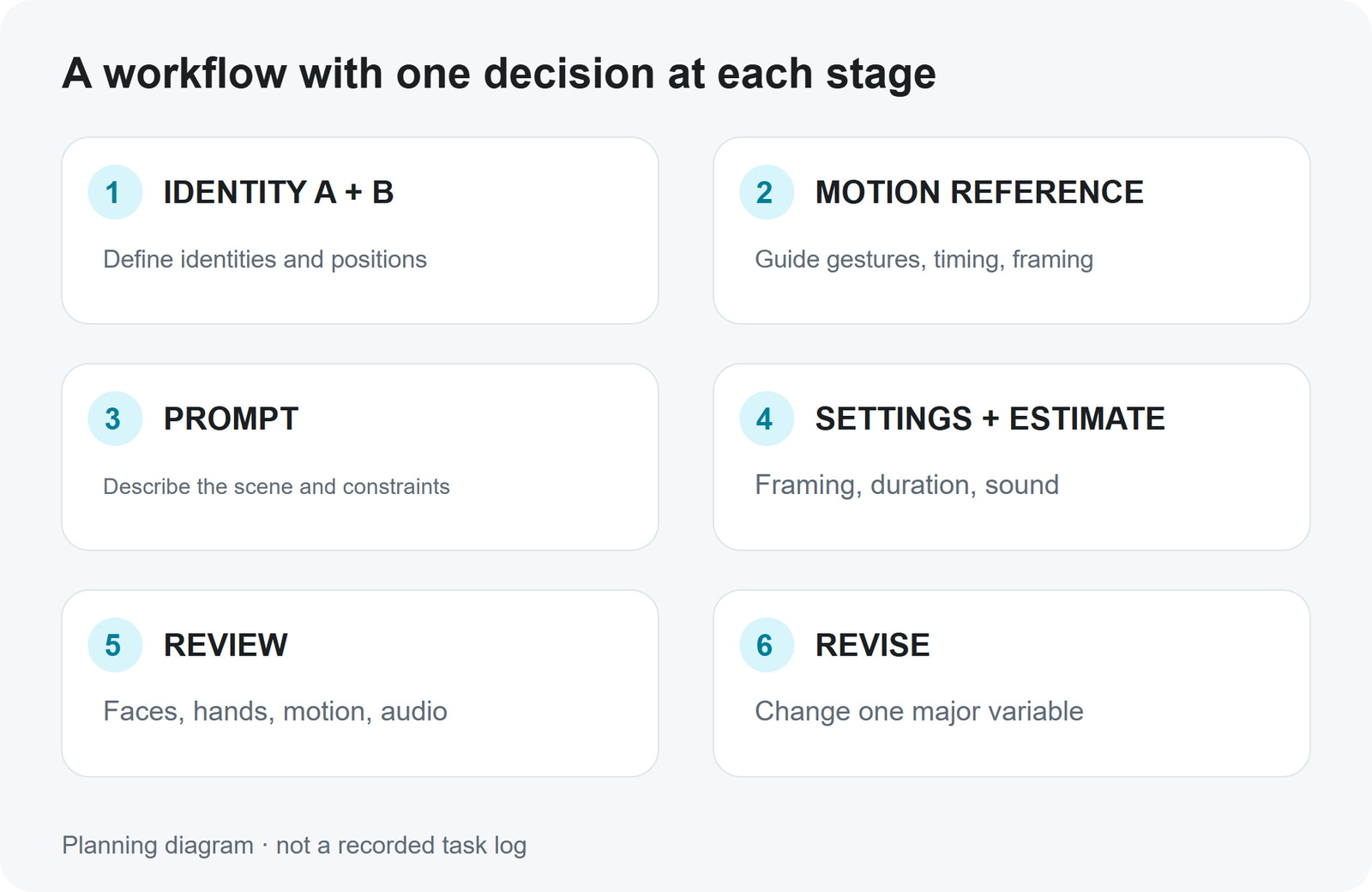
Open Seedance 2.5 on APIXO. In the Playground, set Mode to Omni Reference when you need character images and a motion clip together. This reveals Reference Images, Reference Videos, and Reference Audio. The API documentation calls this mode omni_reference. Sign in if the page requests it.
The public controls include Mode, Prompt, Draft, Resolution, Duration, Aspect Ratio, and Generate Sound. Available reference controls depend on the selected mode. The instructions here describe setup; they do not report a successful Hotel Lobby run.
Treat this example as a brief to adapt to your assets. A and B are labels in the explanation, not special API fields. Match them to the actual references you supplied.
Shared English prompt example
Create one continuous two-person performance using the supplied references.
Identity reference A defines the performer on the LEFT.
Identity reference B defines the performer on the RIGHT.
Use the motion reference to guide each position's gestures, body rhythm,
head turns, timing, and camera framing.
Preserve each reference person's facial features, hairstyle, and outfit.
Keep the two identities separate throughout the shot.
Set the performance in a plain burnt-orange studio with one silver
microphone hanging between the performers.
Keep both people visible. Keep the camera steady and the shot continuous.
Use natural body movement and consistent studio lighting.
No extra performers, no captions, no logos, and no scene cuts.
The first lines establish identity and position. The next lines assign movement to the video reference. The final lines define the environment, camera, and exclusions. Describe a coherent performance first; do not add several unrelated camera moves or scene changes to the same short shot.
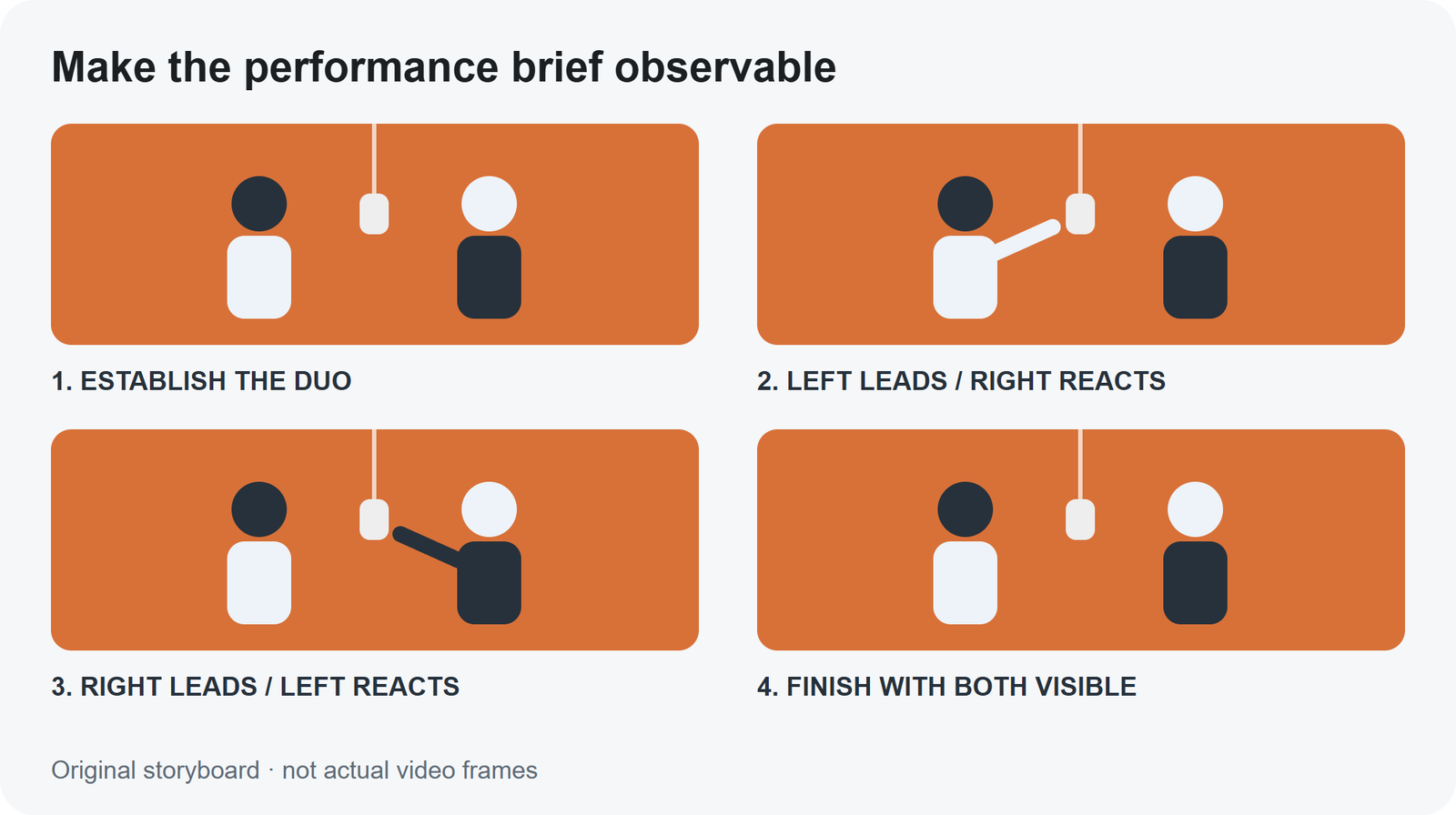
APIXO’s Seedance 2.5 model notes say references do not guarantee exact identity or motion preservation. Watch the complete clip once, then inspect the moments where the brief places the most demands on the model.
These are checks and possible next tests, not validated fixes. Save the previous prompt and output, change one major instruction or reference, and compare against the same acceptance criteria. If the problem persists, reconsider the motion or composition rather than assuming more prompt text will solve it.
If you will add a separate track, review the visual performance on its own first. In your editor, align the intended starting moment, then check head turns, gestures, and mouth movements across the full clip. A matching first frame does not establish synchronization for the entire video.
If you need to compare directions before delivery, read Seedance 2.5 Draft to Final. Drafts and Finals are charged separately, and a Final still needs review. For budgeting, use the video budget guide and check current Pricing for your selected setup.
Two photos can communicate who appears. For an original duet, combine them with an action brief or prepare a composed scene. If you want a specific performance’s gestures and timing, a motion reference gives the model information the photos do not contain.
No. This example describes the visual performance. Choose your audio source separately and confirm its suitability for the intended use.
Kapwing’s Hotel Lobby YouTube tutorial (English) explains its character-sheet, simplified motion-reference, and editing approach. Those are Kapwing’s steps; APIXO’s available inputs and controls should be checked on its own page. For basic movement prompting, see APIXO’s motion-prompt guide.
Kapwing’s Hotel Lobby YouTube tutorial (English)
https://www.youtube.com/watch?v=MWurz-UUCH0Choose the two identities, define the left and right roles, and decide how closely the action needs to follow a reference. Open Seedance 2.5 with that brief, review the estimate, and evaluate the output against identity, motion, framing, and sound.
Product capabilities and public controls checked October 9, 2026. External examples do not represent APIXO tests.
Build with APIXO
Explore image, video, and audio models in one place.