Guides
Grok Imagine Video 1.5: First and Last Frames, Timed Keyframes and Loops
Plan Grok Imagine Video 1.5 first and last frames, timed keyframes and loop images. Learn when to use 720p controls or a single first frame at 1080p.
APIXO Team


Guides
Plan Grok Imagine Video 1.5 first and last frames, timed keyframes and loop images. Learn when to use 720p controls or a single first frame at 1080p.
APIXO Team
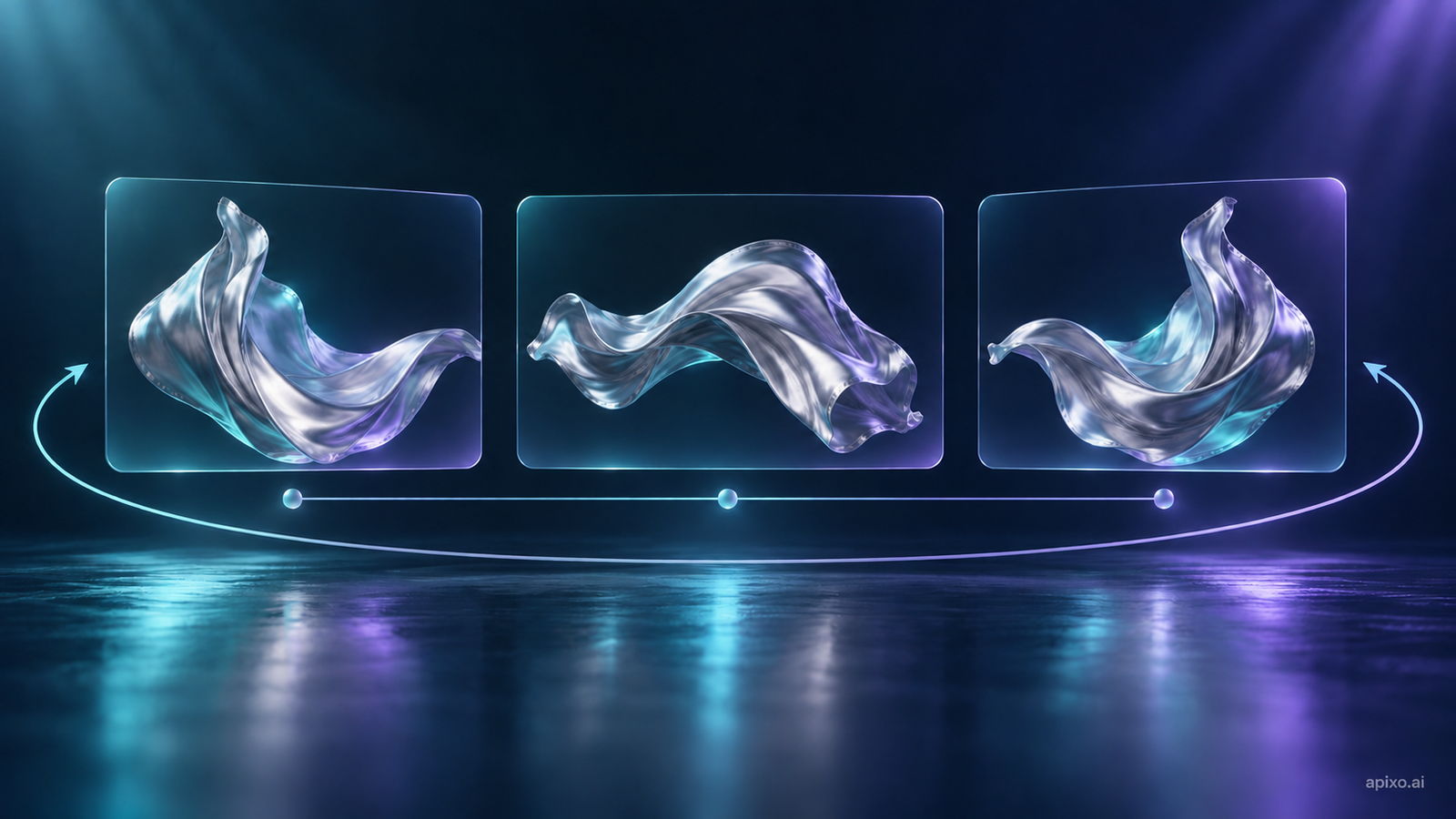
A reference image can explain appearance without explaining where a video starts, when an action changes, or where it ends. First and last frames, timed keyframes and loop images guide these different creative decisions in Grok Imagine Video 1.5. Explore these video-generation approaches on the model page.
Either endpoint can be used on its own. A loop image replaces separate first and last frames, while references and timed keyframes may remain. Ordinary reference images are not an ordered endpoint pair.
This model generates video from images: provide a prompt and at least one image source. Choose 1–15 whole seconds, with a prompt of up to 5,000 characters. Give one image a clear purpose before adding more controls.
Prepare a closed package, a partly opened package and the revealed product. Keep product shape, lighting and camera angle compatible. Then arrange the opening, a middle milestone at three seconds, and the ending.
Open the package slowly, use the partly opened composition around the third second, reveal the watch, and hold the final view with the dial visible. Keep the camera steady.
Example note This is an untested creative brief. Timing guides generation; it does not guarantee exact frame-level action.
Review continuity between milestones.
Use at most four middle keyframes. Decimal seconds are supported; times must fall strictly inside the clip and be at least one third of a second apart. Shortening a video means revisiting those times so a former closing milestone does not sit outside the clip.
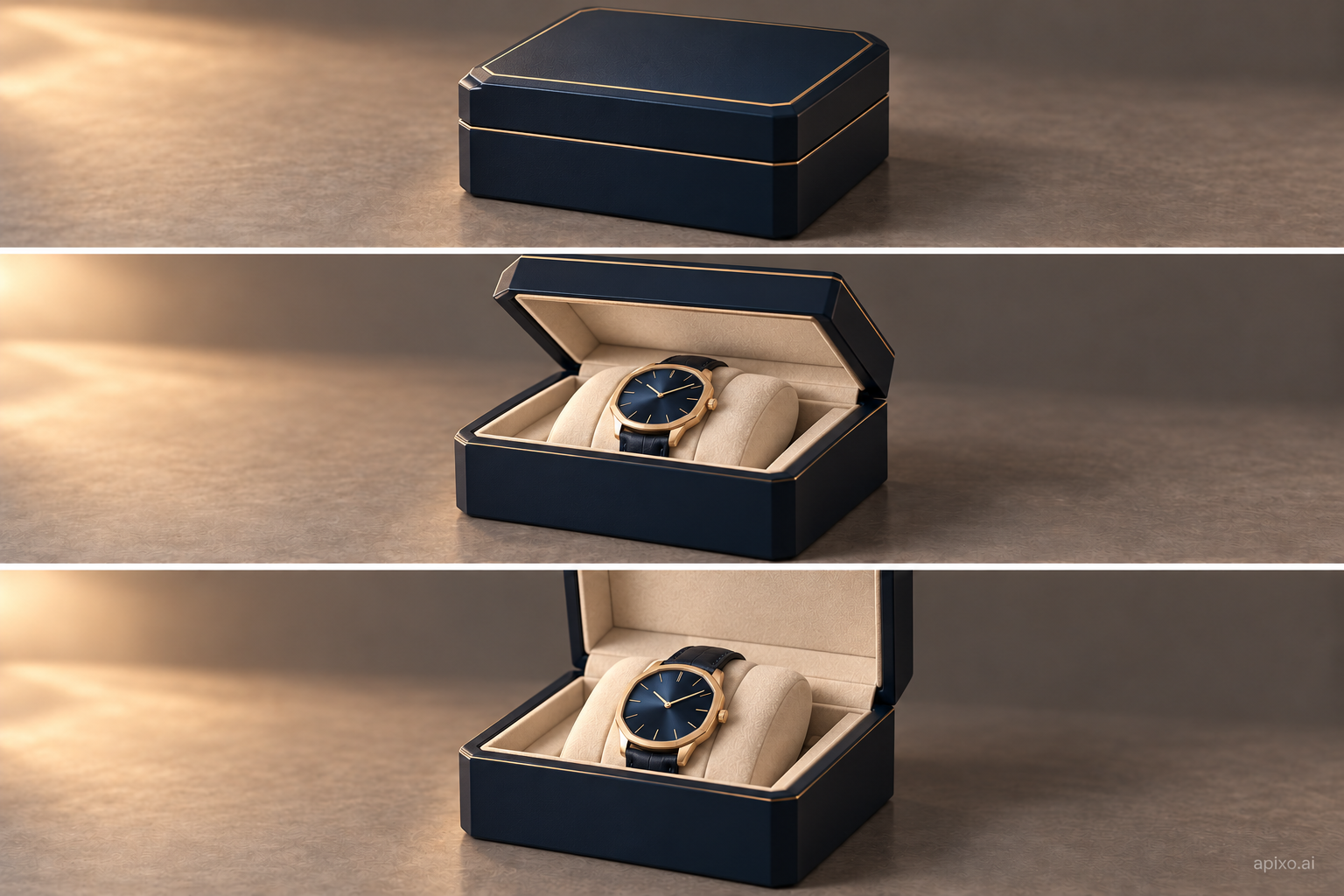
When the shot needs an opening, ending and timed middle images together, prefer 720p. Use a single first-frame image at 1080p; combined first, last and timed middle frames are currently unavailable at that resolution.
If higher resolution matters more, describe motion from one starting image. If the scene depends on several compositions, keep a compatible combined-control plan. Changing resolution alone does not preserve the same controls or establish the same result.
Ordinary references allow up to seven images at 480p or 720p and one at 1080p. That reference count does not establish compatibility for every frame combination.
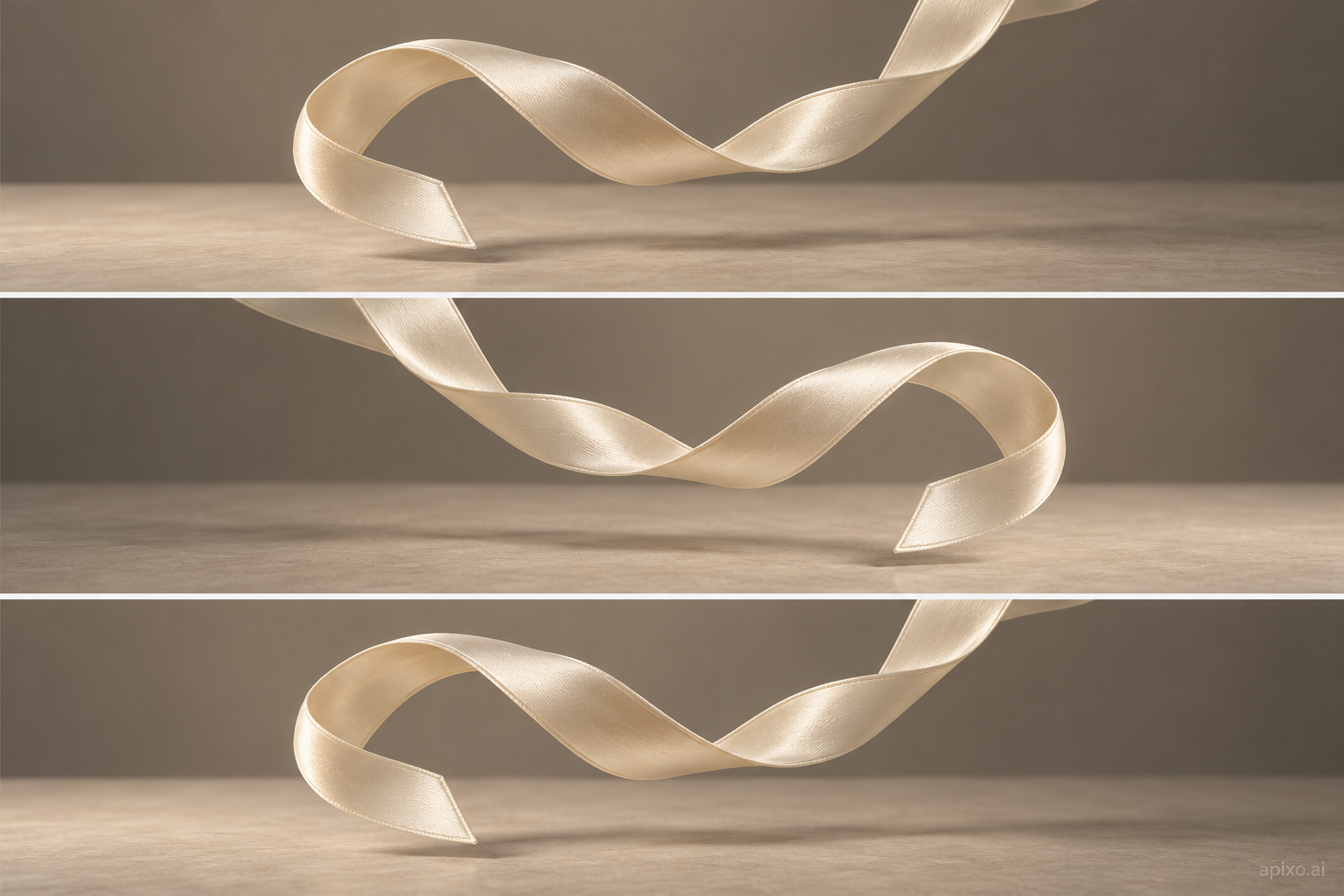
Try a gentle sway, a lighting change or movement in fabric. Choose a shared opening and closing image, then describe a repeatable action:
Let the fabric sway gently and gradually return to its opening pose. Keep the camera fixed and the lighting steady.
Example note This is an untested loop concept. A shared endpoint image does not guarantee a seamless loop.
Prefer 720p for loops and begin without elaborate camera travel or large actions. Play the result repeatedly and inspect the join for changes in position, brightness, object size or motion direction.
After generation completes, inspect hands, product details, occlusion and the final pose throughout the action. Keep materials, prompt, settings and the chosen video together. Change one major creative decision in the next attempt. For an ordered-image storyboard, explore Kling 4.0.
Start with endpoint images when the opening and ending matter, and add timed keyframes only when a middle action needs guidance. For a repeating shot, build restrained movement around a loop image. Then choose resolution around the controls: prefer 720p for combinations and one first frame for 1080p.
Developers can use the Grok Imagine Video 1.5 API documentation for frame fields, resolution restrictions and result retrieval. Check current API pricing before making calls.
Build with APIXO
Explore image, video, and audio models in one place.