
Updates
Seedance 2.5 Flash Is Now Available on APIXO AI
Seedance 2.5 Flash is now available on APIXO AI for 480p and 720p video creation. Use it to explore shot ideas, prepare moving storyboards, or make social clips when those resolutions fit your delivery needs.
Ethan Wang
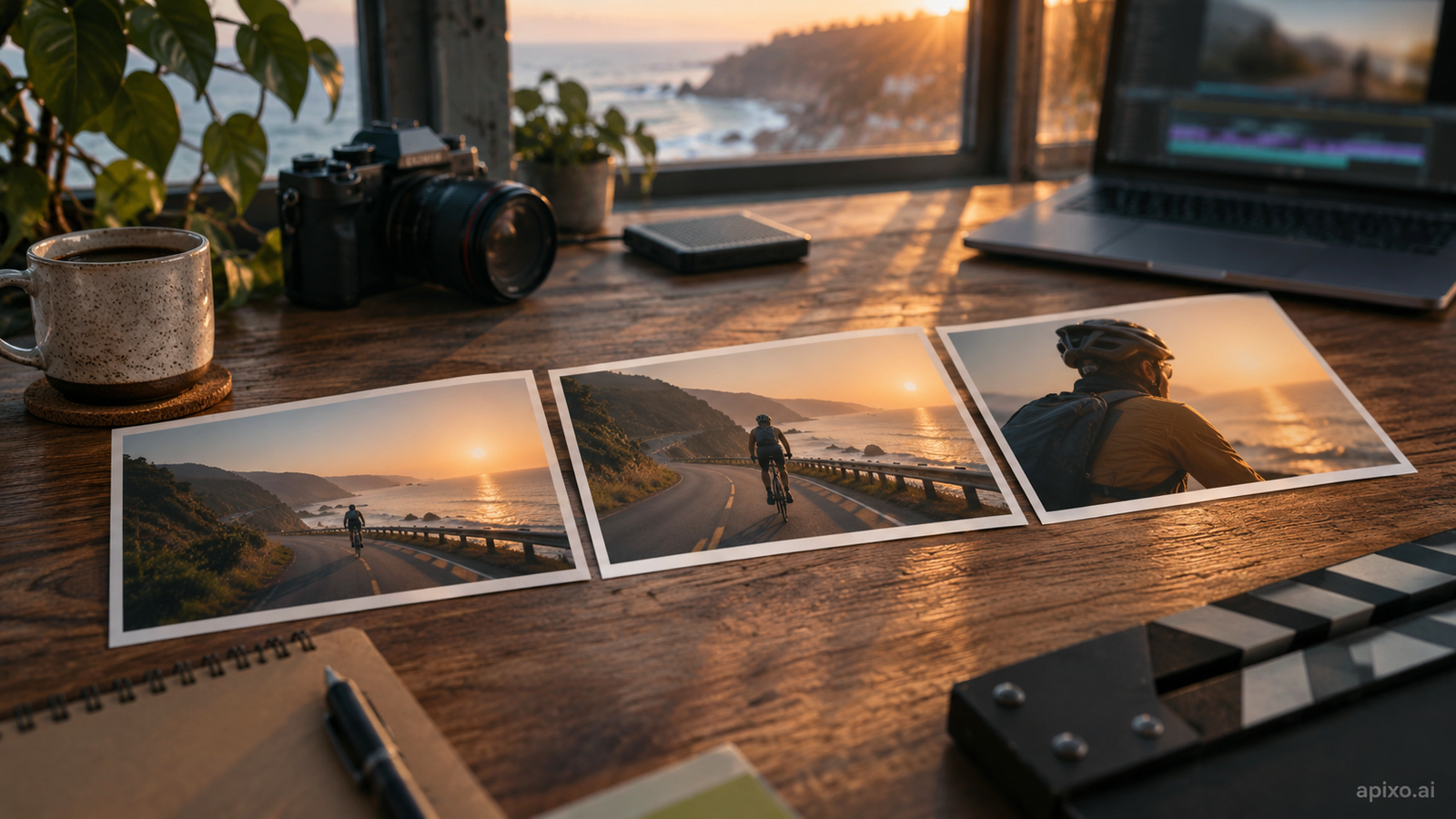
Three ways to start a shot
Start with a text prompt, anchor a shot with a first frame and an optional last frame, or combine image, video and audio references in omni-reference mode. Flash accepts up to 10 image, five video and five audio references in that mode. Synchronized sound is enabled by default and can be switched off.
Open the Playground and choose your inputs
Open the Seedance 2.5 Flash model page and use the Playground. Choose the mode that matches your material, describe the subject, action, camera movement and sound, then set the resolution and duration. Check the estimated charge before generating.
For a first experiment, keep the shot simple: one subject, one action and one camera move. Review the result before changing the next variable.
Output and billing conditions
Flash supports 480p or 720p output and fixed durations from four to 30 seconds. For higher-resolution delivery, consider Seedance 2.5; a new generation is a separate request.
Charges depend on resolution and whether you include reference video. Reference video adds billable seconds, so compare the complete request estimate rather than the per-second rate alone. See current API pricing for rates and offers. Use reference files you have the rights to and review generated clips before publishing.
Developers can use model ID seedance-2-5-flash through the asynchronous API. See the API documentation for input limits, polling and callbacks.
Build with APIXO
Explore image, video, and audio models in one place.